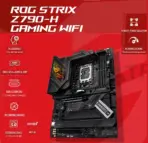
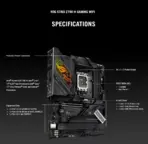
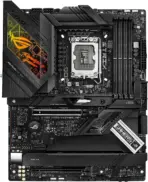

ASUS ROG STRIX Z790-H Gaming WiFi  LGA 1700 Intel14th &13th&12th Gen ATX gaming motherboard (DDR5 up to 7800 MT/s, PCIe 5.0 x16 SafeSlot with Q-Release, 4xPCIe 4.0 M.2 slots ,USB 3.2 Gen 2×2 Type-C, AI Motherboard) – OPEN BOX

276 $

ROG STRIX Z790-H Gaming WiFi Motherboard DDR5

Expert Features

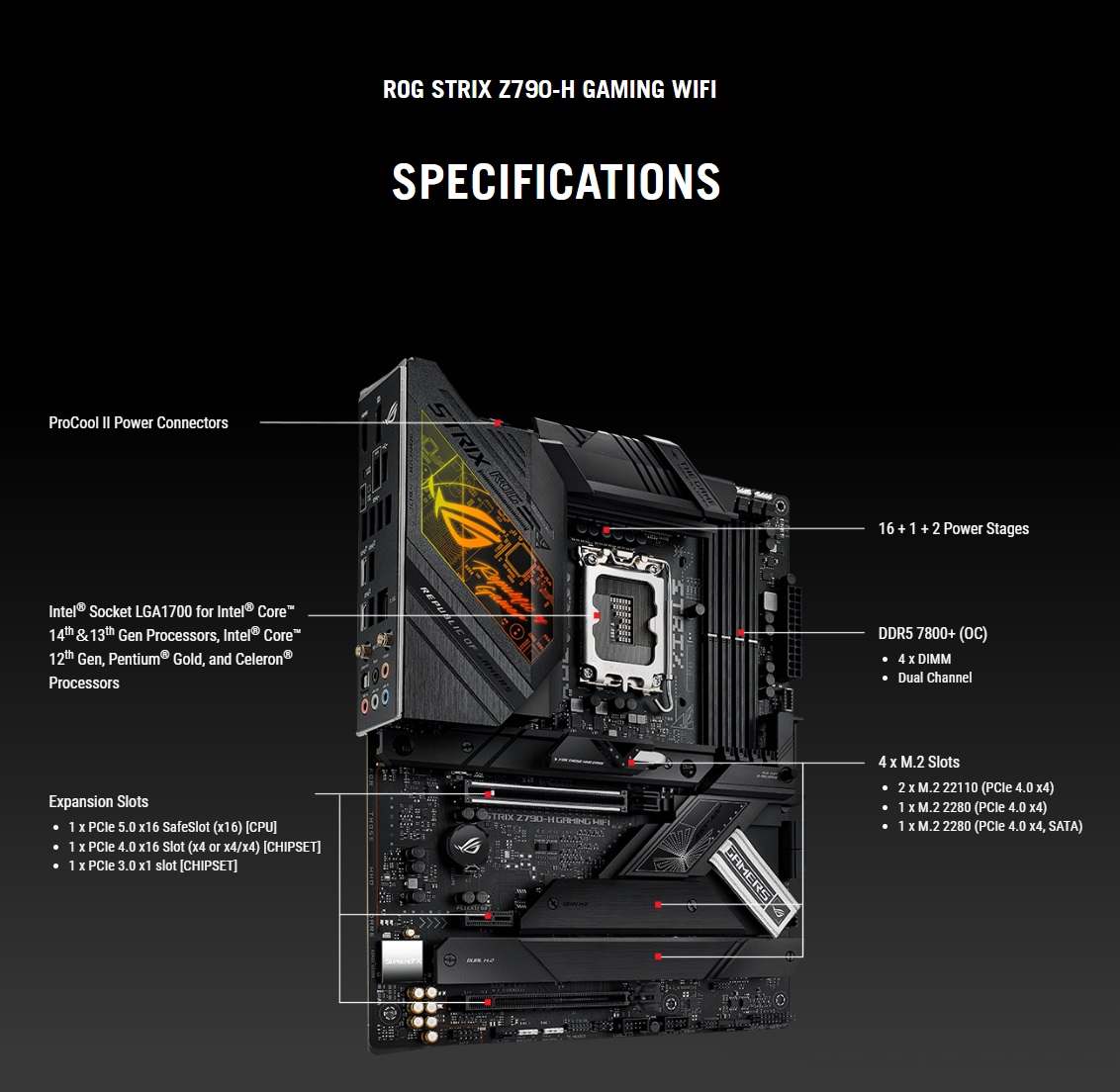
  • Intel LGA1700 Platform : Supports compatible 14th, 13th, and 12th Gen Intel Core processors, plus selected Pentium Gold and Celeron CPUs, giving builders a wide upgrade path across multiple Intel generations.
  • Power-Hungry CPU Ready : A robust 16+1+2 power-stage design, dual 8-pin CPU power connectors, ProCool II connectors, alloy chokes, and durable capacitors help feed demanding processors with stable power.
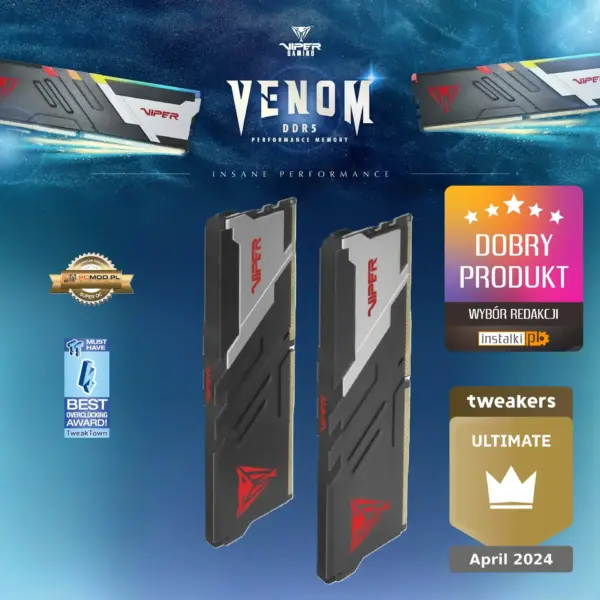
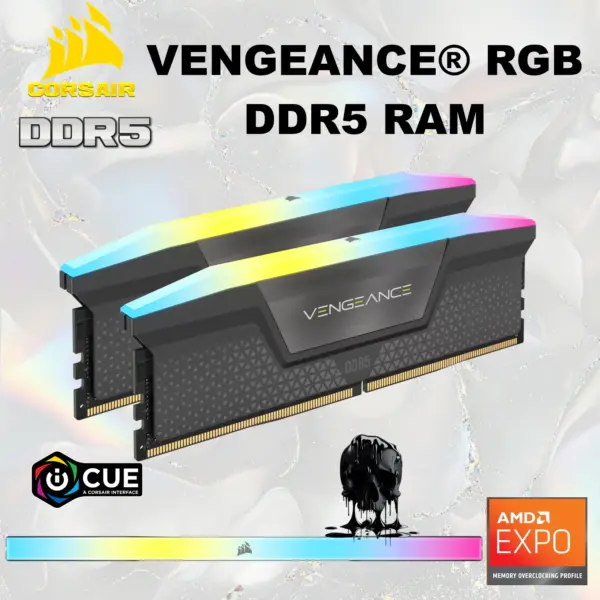
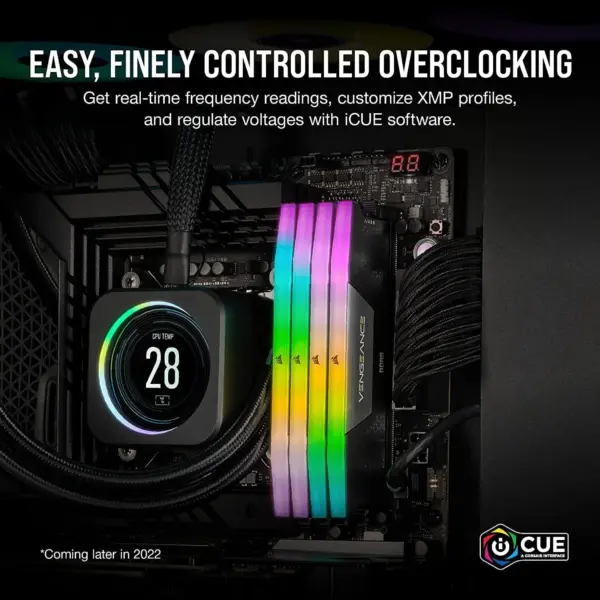
  • DDR5 Performance Platform : Four DIMM slots support up to 192GB DDR5, dual-channel operation, Intel XMP, OptiMem II, and memory speeds reaching 7800+ MT/s when overclocked with a compatible CPU and kit.
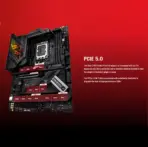
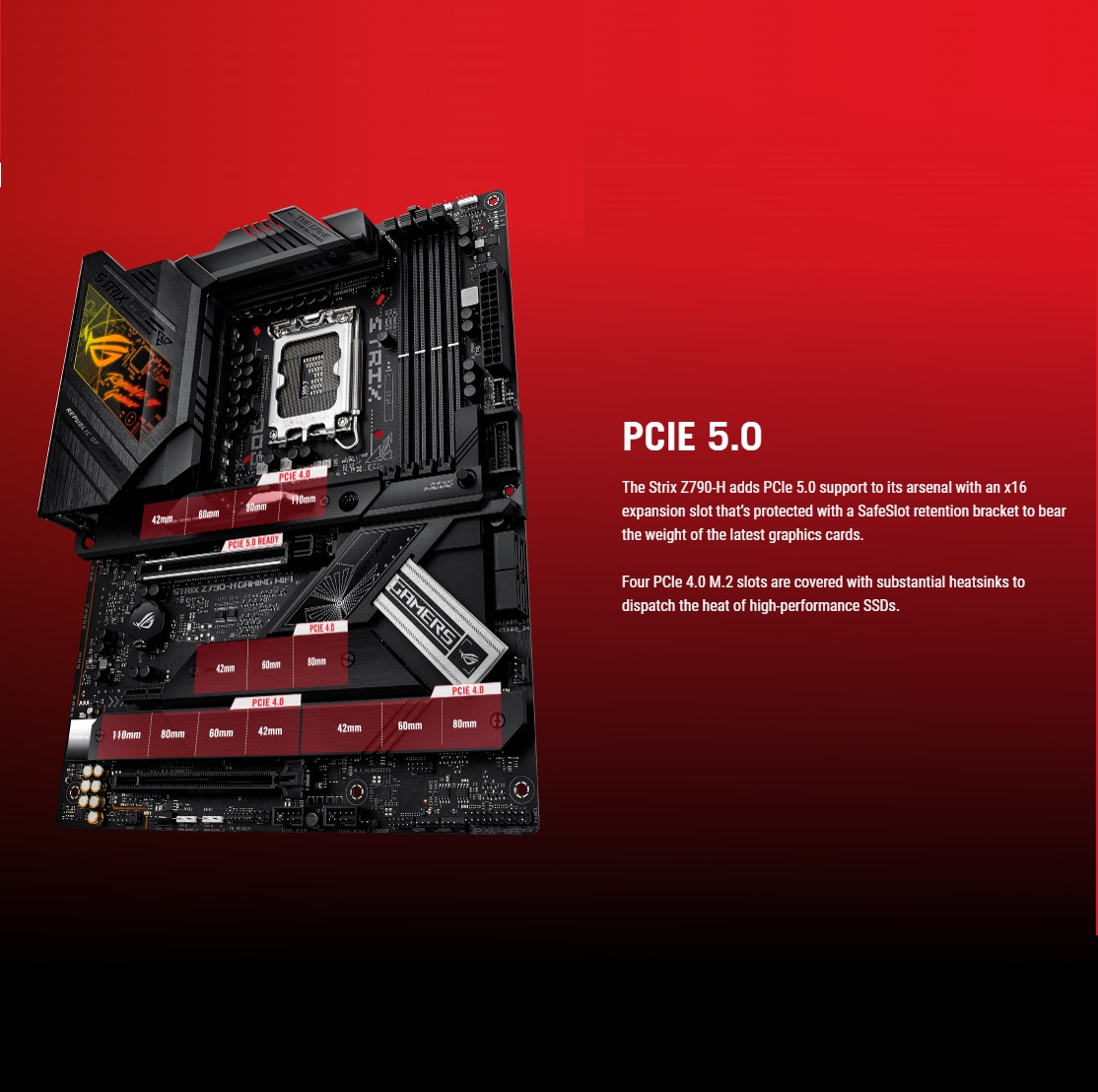
  • PCIe 5.0 Graphics Support : The reinforced primary x16 slot supports PCIe 5.0, preparing the board for powerful current and future graphics cards without starving them for bandwidth.
  • Four M.2 Storage Slots : Install up to four M.2 SSDs through PCIe 4.0-capable slots, with motherboard heatsinks helping keep high-performance storage under thermal control.
  • Flexible SATA Expansion : Four SATA 6Gb/s ports support traditional SSDs and hard drives, while Intel Rapid Storage Technology enables supported PCIe and SATA RAID configurations.
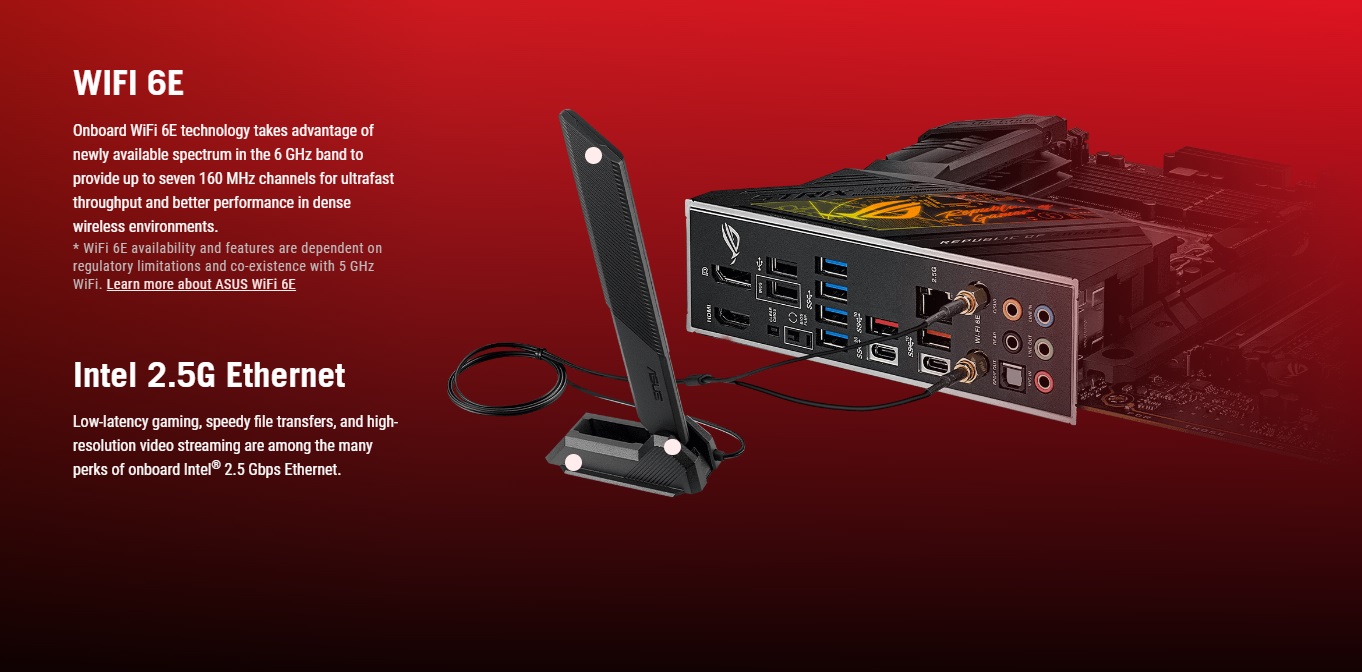
  • Wi-Fi 6E and Bluetooth 5.3 : Integrated 2×2 Wi-Fi 6E supports 2.4GHz, 5GHz, and region-dependent 6GHz connectivity, while Bluetooth 5.3 handles compatible wireless peripherals.
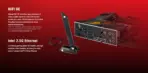
  • Intel 2.5Gb Ethernet : Fast wired networking with ASUS LANGuard gives gaming, downloads, streaming, and local file transfers much more muscle than ordinary Gigabit LAN.
  • Dual 20Gbps USB-C Connectivity : Includes one rear and one front-panel USB 3.2 Gen 2×2 Type-C connection, each designed for transfer rates up to 20Gbps with compatible devices.
  • SupremeFX Gaming Audio : The S1220A codec, Savitech amplifier, premium capacitors, shielding, optical output, and up to 32-bit/192kHz playback support create a serious onboard-audio package.
  • Builder-Friendly Q-Design : PCIe Slot Q-Release, M.2 Q-Latch, Q-LED diagnostics, BIOS FlashBack, Clear CMOS, and a pre-mounted I/O shield make upgrades and troubleshooting far less rage-inducing.
  • Advanced Cooling Control : Dedicated CPU, optional CPU, AIO pump, and five chassis-fan headers combine with Fan Xpert 4 and AI Cooling II for flexible airflow management.

Expert Specs

Model

Brand ASUS
Series ROG
Model ROG STRIX Z790-H GAMING WIFI
Part Number 90MB1E10-M0AAY0

Supported CPU

CPU Socket Type LGA 1700
CPU Type Intel® Socket LGA1700 for 14th &13th&12th Gen Intel® Core™ & 12th Gen Intel® Core™, Pentium® Gold and Celeron® Processors
Supports Intel® Turbo Boost Technology 2.0 and Intel® Turbo Boost Max Technology 3.0**
* Refer to www.asus.com for CPU support list.** Intel® Turbo Boost Max Technology 3.0 support depends on the CPU types.

Chipsets

Chipset Intel Z790

Memory

Number of Memory Slots 4x288pin (DDR5)
Memory Standard DDR5 : 7800+(OC)/7600(OC)/7400(OC)/7200(OC)/7000(OC)/6800(OC)/6600(OC)/6400(OC)/ 6200(OC)/6000(OC)/5800(OC)/5600/5400/5200/5000/4800 Non-ECC, Un-buffered Memory*
Dual Channel Memory Architecture
Supports Intel® Extreme Memory Profile (XMP)
OptiMem II
* Supported memory types, data rate (speed), and number of DRAM modules vary depending on the CPU and memory configuration, for more information please refer to CPU/Memory Support under the Support tab or visit https://www.asus.com/support/** Non-ECC, Un-buffered DDR5 Memory supports On-Die ECC function.
Maximum Memory Supported 256GB
Channel Supported Dual Channel
Memory Feature Supports Intel Extreme Memory Profile (XMP)
OptiMem II
* Supported memory types, data rate (speed), and number of DRAM modules vary depending on the CPU and memory configuration, for more information please refer to CPU/Memory Support under the Support tab or visit https://www.asus.com/support/
* Non-ECC, un-buffered DDR5 memory supports On-Die ECC function.

Expansion Slots

PCI Express 5.0 x16 Intel® 14th &13th&12th Gen Processors*
1 x PCIe 5.0 x16 slot* Please check the PCIe bifurcation table on the support site (https://www.asus.com/support/FAQ/1037507/).** To ensure compatibility of the device installed, please refer to https://www.asus.com/support/ for the list of supported peripherals.
PCI Express 4.0 x16 1 x PCI Express 4.0 x16
PCI Express x1 1 x PCI Express 3.0 x1

Storage Devices

SATA 6Gb/s 4 x SATA 6Gb/s
M.2 Intel® 14th &13th&12th Gen Processors

  • M.2_1 slot (Key M), type 2242/2260/2280/22110 (supports PCIe 4.0 x4 mode)

Intel® Z790 Chipset

  • M.2_2 slot (Key M), type 2242/2260/2280 (supports PCIe 4.0 x4 mode)
  • M.2_3 slot (Key M), type 2242/2260/2280/22110 (supports PCIe 4.0 x4 mode)
  • M.2_4 slot (Key M), type 2242/2260/2280 (supports PCIe 4.0 x4 & SATA mode)

4 x SATA 6Gb/s ports
* Intel® Rapid Storage Technology supports PCIe RAID 0/1/5/10, SATA RAID 0/1/5/10.

SATA RAID 0/1/5/10

Onboard Audio

Audio Chipset ROG SupremeFX 7.1 Surround Sound High Definition Audio CODEC ALC4080
– Impedance sense for front and rear headphone outputs
– Supports: Jack-detection, Multi-streaming, Front Panel Jack-retasking
– High quality 120 dB SNR stereo playback output and 113 dB SNR recording input
– Supports up to 32-Bit/384 kHz playback
Audio Features
– SupremeFX Shielding Technology
– Savitech SV3H712 AMP
– Rear optical S/PDIF out port
– Premium audio capacitors
– Audio cover
Audio Channels 7.1 Channels

Onboard LAN

Max LAN Speed 2.5Gbps
Wireless LAN Wi-Fi 6E
2×2 Wi-Fi 6E (802.11 a/b/g/n/ac/ax)
Supports 2.4/5/6GHz frequency band*
* WiFi 6E 6GHz regulatory may vary between countries.
** The Bluetooth version may vary, please refer to the Wi-Fi module manufacturer’s website for the latest specifications.
Bluetooth Bluetooth v5.3

Rear Panel Ports

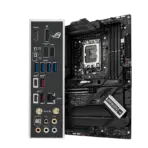
Back I/O Ports
  • 1 x USB 3.2 Gen 2×2 port (1 x USB Type-C)
  • 3 x USB 3.2 Gen 2 ports (2 x Type-A + 1 x USB Type-C)
  • 4 x USB 3.2 Gen 1 ports (4 x Type-A)
  • 2 x USB 2.0 ports (2 x Type-A)
  • 1 x DisplayPort
  • 1 x HDMI port
  • 1 x Wi-Fi Module
  • 1 x Intel 2.5Gb Ethernet port
  • 5 x Gold-plated audio jacks
  • 1 x Optical S/PDIF out port
  • 1 x BIOS FlashBack button
  • 1 x Clear CMOS button

Internal I/O Connectors

Onboard USB 1 x USB 3.2 Gen 2×2 connector (supports USB Type-C)
1 x USB 3.2 Gen 1 header supports additional 2 USB 3.2 Gen 1 ports
2 x USB 2.0 headers support additional 4 USB 2.0 ports
Other Connectors
  • Fan and Cooling related
  • 1 x 4-pin CPU Fan header
  • 1 x 4-pin CPU OPT Fan header
  • 1 x 4-pin AIO Pump header
  • 5 x 4-pin Chassis Fan headers
  • Storage related
  • 4 x M.2 slots (Key M)
  • 4 x SATA 6Gb/s ports
  • Miscellaneous
  • 3 x Addressable Gen 2 headers
  • 1 x AURA RGB header
  • 1 x CPU Over Voltage jumper
  • 1 x Front Panel Audio header (AAFP)
  • 1 x 20-3 pin System Panel header with Chassis intrude function
  • 1 x Thermal Sensor header
  • 1 x Thunderbolt header

Physical Spec

Form Factor ATX
Dimensions (W x L) 12.0″ x 9.6″
Power Pin 1 x 24-pin Main Power connector
2 x 8-pin +12V Power connector

Windows Compatibility

Windows 11 Supported

Features

Features Extreme Engine Digi+
– 5K Black Metallic Capacitors
ASUS Q-Design
– M.2 Q-Latch
– PCIe Slot Q-Release
– Q-DIMM
– Q-LED (CPU [red], DRAM [yellow], VGA [white], Boot Device [yellow green])
– Q-Slot
ASUS Thermal Solution
– M.2 heatsink backplate
– M.2 heatsink
– VRM heatsink design
ASUS EZ DIY
– BIOS FlashBack button
– BIOS FlashBack LED
– Clear CMOS button
– CPU Socket lever protector
– ProCool II
– Pre-mounted I/O shield
– SafeSlot
– SafeDIMM
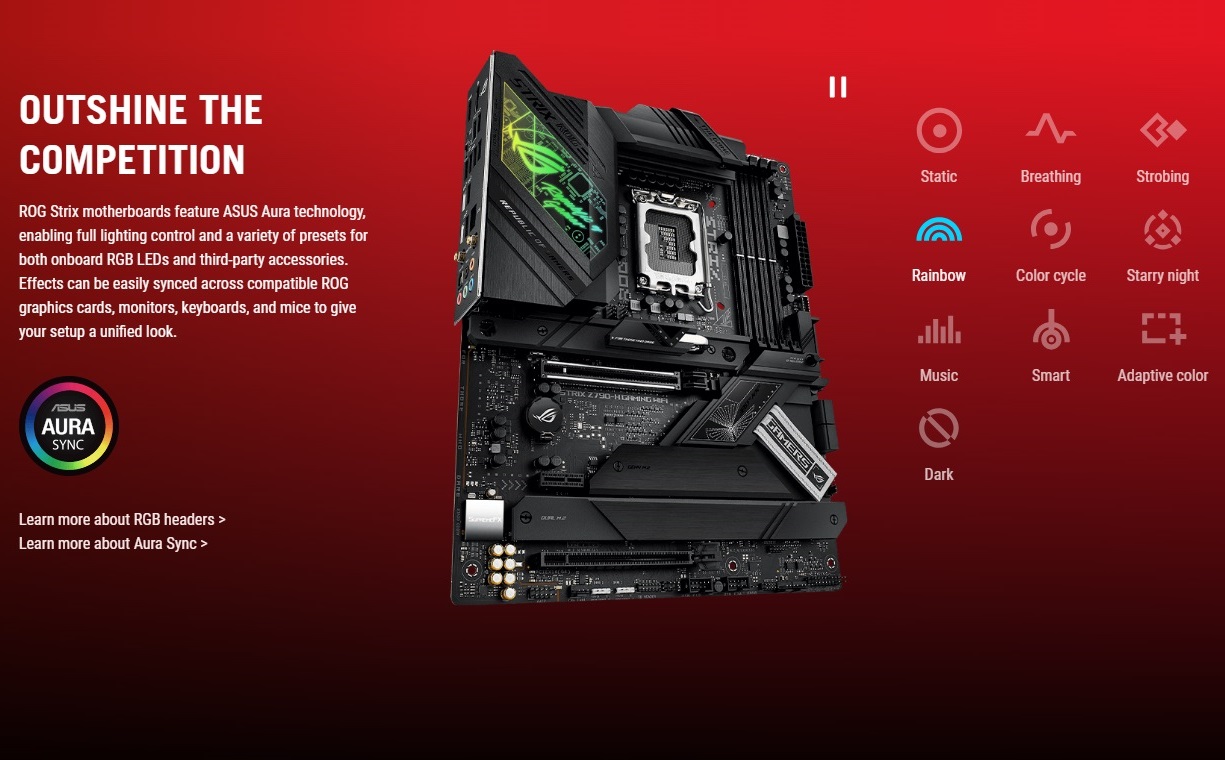
Aura Sync
– Aura RGB header
– Addressable Gen 2 headers

Packaging

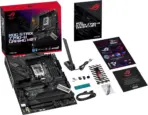
Package Contents Cables
2 x SATA 6Gb/s cables
Additional Cooling Kit
1 x Thermal pad for M.2
Miscellaneous
1 x ASUS Wi-Fi moving antennas
1 x Cable ties package
1 x M.2 backplate Q-Latch package
1 x M.2 Q-Latch package
1 x ROG key chain
1 x ROG Strix stickers
1 x ROG Strix thank you card
2 x M.2 Rubber Packages
1 x M.2 backplate Rubber Package
Documentation
1 x User guide

Features & Compatibility

90MB1E10-M0CAY0-OB

ROG STRIX Z790-H Gaming WiFi Motherboard DDR5

ASUS ROG STRIX Z790-H Gaming WiFi  LGA 1700 Intel 14th-13th-12th Gen ATX gaming motherboard (DDR5 up to 7800 MT/s, PCIe 5.0 x16 SafeSlot with Q-Release, 4xPCIe 4.0 M.2 slots ,USB 3.2 Gen 2×2 Type-C, AI Motherboard)


ROG STRIX Z790-H Gaming WiFi Motherboard DDR5 ROG STRIX Z790-H Gaming WiFi Motherboard DDR5  ROG STRIX Z790-H Gaming WiFi Motherboard DDR5 ROG STRIX Z790-H Gaming WiFi Motherboard DDR5 ROG STRIX Z790-H Gaming WiFi Motherboard DDR5 ROG STRIX Z790-H Gaming WiFi Motherboard DDR5 ROG STRIX Z790-H Gaming WiFi Motherboard DDR5ROG STRIX Z790-H Gaming WiFi Motherboard DDR5ROG STRIX Z790-H Gaming WiFi Motherboard DDR5ROG STRIX Z790-H Gaming WiFi Motherboard DDR5


Generate an AI Image

  • Layout
    • Create an exact 2048 × 2048-pixel, perfect 1:1 square website product-profile composition.
    • Separate the foreground motherboard, midground open gaming-PC build, and background surreal high-performance data environment.
    • Make the motherboard occupy approximately 56–64% of the canvas width.
    • Place the ROG logo at the top-left within generous safe margins.
    • Center “STRIX Z790-H GAMING WIFI” at the top using sharp, sophisticated 3D extruded typography.
    • Add the subtitle “DDR5 • PCIe 5.0 • Wi-Fi 6E”.
    • Keep the complete motherboard, socket, DIMM slots, heatsinks, I/O ports, antennas, title, icons, and footer fully inside the frame.
    • Never create a banner, vertical composition, wide layout, stage, pedestal, or cropped preview.
  • Product Presentation
    • Use only the exact official ASUS ROG Strix Z790-H Gaming WiFi  (motherboard & antenna )product reference.
    • Preserve the authentic black ATX PCB, oversized VRM heatsinks, silver-gray detailing, ROG graphics, LGA1700 socket, four DDR5 slots, four M.2 areas, PCIe SafeSlot, integrated I/O shield, and connector placement.
    • accentuate the RGB effect on the motherboard.
    • Show one extremely sharp three-quarter large hero view resting naturally inside a refined open gaming-PC chassis.
    • Include the authentic external Wi-Fi antenna as a small secondary element.
    • Keep all printed motherboard markings and component geometry realistic.
    • Do not invent an OLED display, white PCB, PCIe 5.0 M.2 slot, Thunderbolt rear port, extra DIMM slots, or unsupported accessories.
  • Artistically Distinct and Detailed Background
    • Background Story : Create a surreal tactical data-foundry where processor power, DDR5 memory streams, networking signals, and PCIe bandwidth flow through sculptural channels toward the motherboard.
    • Background Color Palette : Use mandatory dominant extreme high-luster pearlescent white, supported oily iridescent silver-metallic surfaces and restrained red , violet, and icy-cyan reflections.
    • Background Texture : Use only deep rich opalescent conch-pearl textures and light-colored liquid iridescent chrome.
    • Apply global illumination, dielectric reflections, precise caustics, and bright separation around the dark motherboard.
    • Avoid dirty smog, muddy gray fog, excessive darkness, or flat empty white space.
  • Icons — Bullet Listed
    • CRITICAL DIRECTIVE [STRICT] The Icons MUST Have different shapes depending on the specific content of the icon
    • 14th-13th-12th Gen
    • Z790
    • DDR5 7800+ OC
    • PCIe 5.0 x16
    • 4× M.2
    • Wi-Fi 6E
    • 2.5Gb Ethernet
    • USB-C 20Gbps
    • SupremeFX Audio
    • 16+1+2 Power
    • Align the unique futuristic 3D icons vertically along the side.
    • Add “Infographics Created by the Expert Zone Team” in discreet footer text.
  • Output Requirements
    • Exact 2048 × 2048 output with extreme resolution and generous safe margins.
    • Keep all hardware, text, icons, and ports visible and sharply readable.
  • Constraints
    • Do not alter the motherboard layout, color, chipset, socket, slot quantity, or connectivity.
    • Do not advertise DDR4, PCIe 5.0 M.2 storage, 5Gb LAN, Wi-Fi 7, or rear Thunderbolt.
    • Avoid cheap plastic, generic chrome, excessive matte materials, visual clutter, or misleading RGB.
    • NEVER make it look like a premium ad poster.
    • Before finalizing, evaluate: “How does this image fare as a product-profile image?” Correct every discovered flaw automatically.