
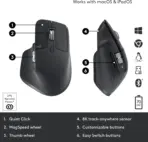







Logitech MX Master 3S for Business Wireless Mouse – MagSpeed Scrolling, Ergo, 8K DPI, Track on Glass, Quiet Clicks, USB-C, Logi Bolt & Bluetooth, For Windows-macOS-Linux6-Chrome OS- iOS®-Android | Graphite  

84 $

Expert Features

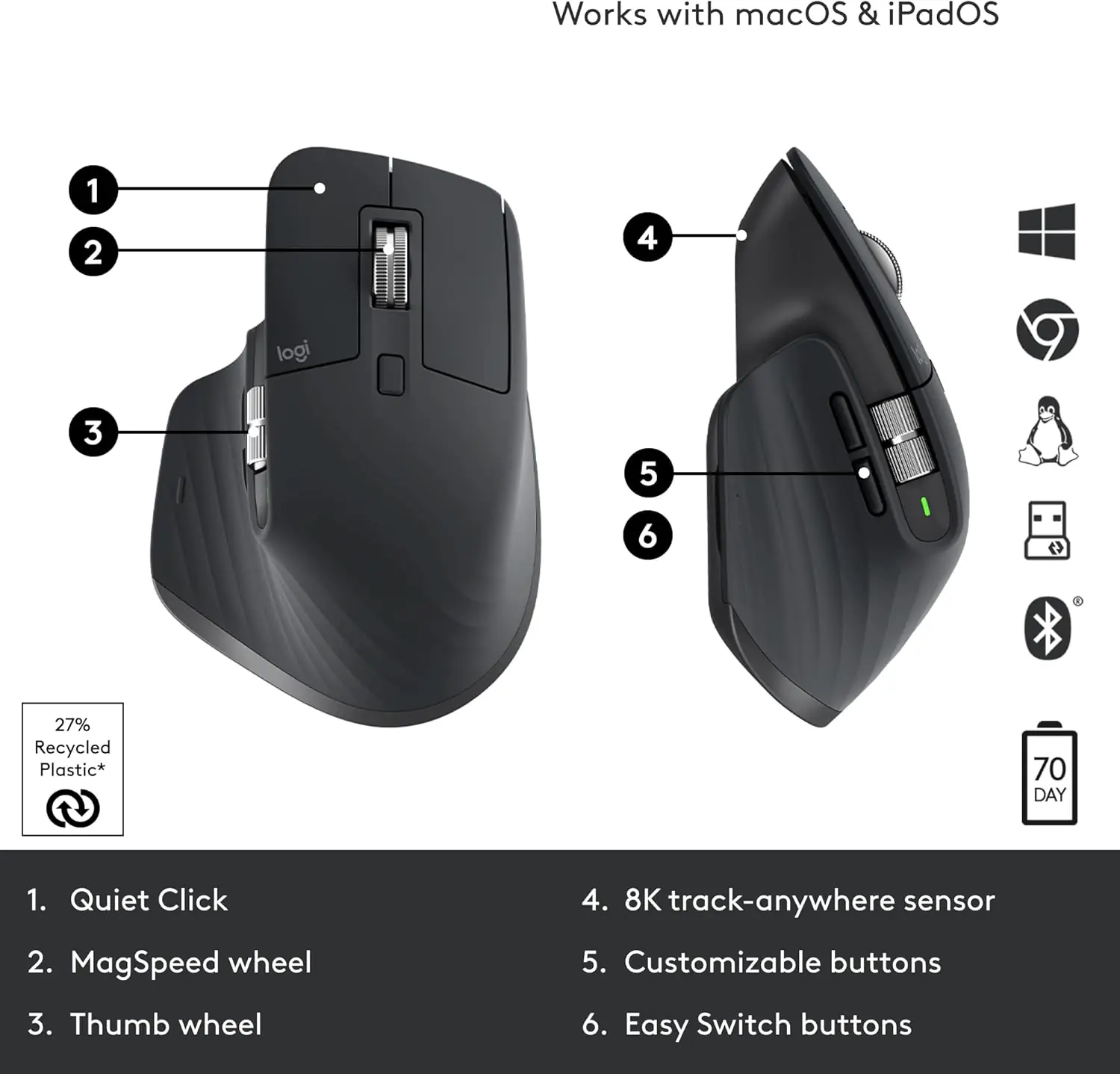
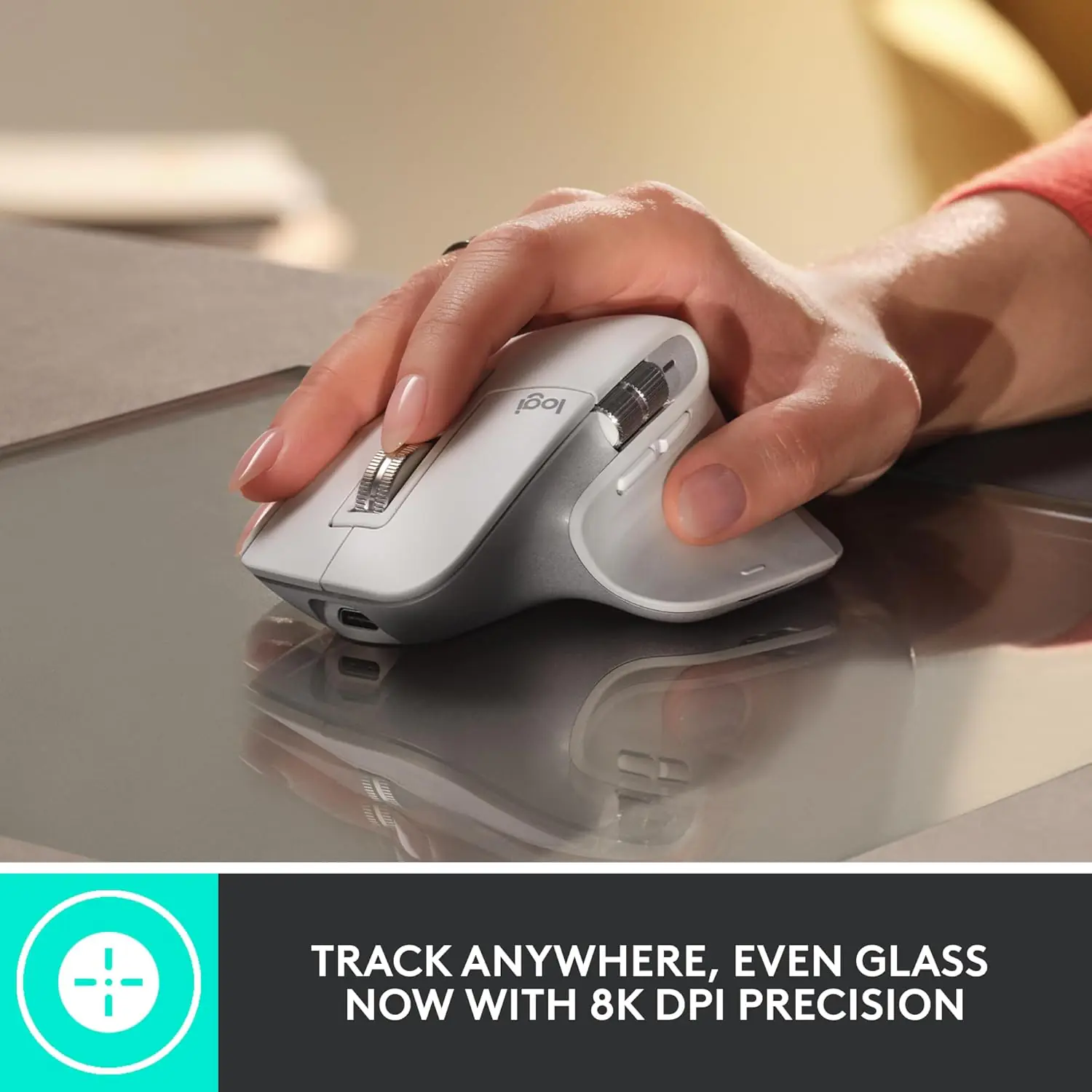
  • 8,000 DPI Darkfield Precision : Navigate high-resolution displays with exceptional tracking accuracy. The Darkfield sensor even works on glass surfaces at least 4mm thick.
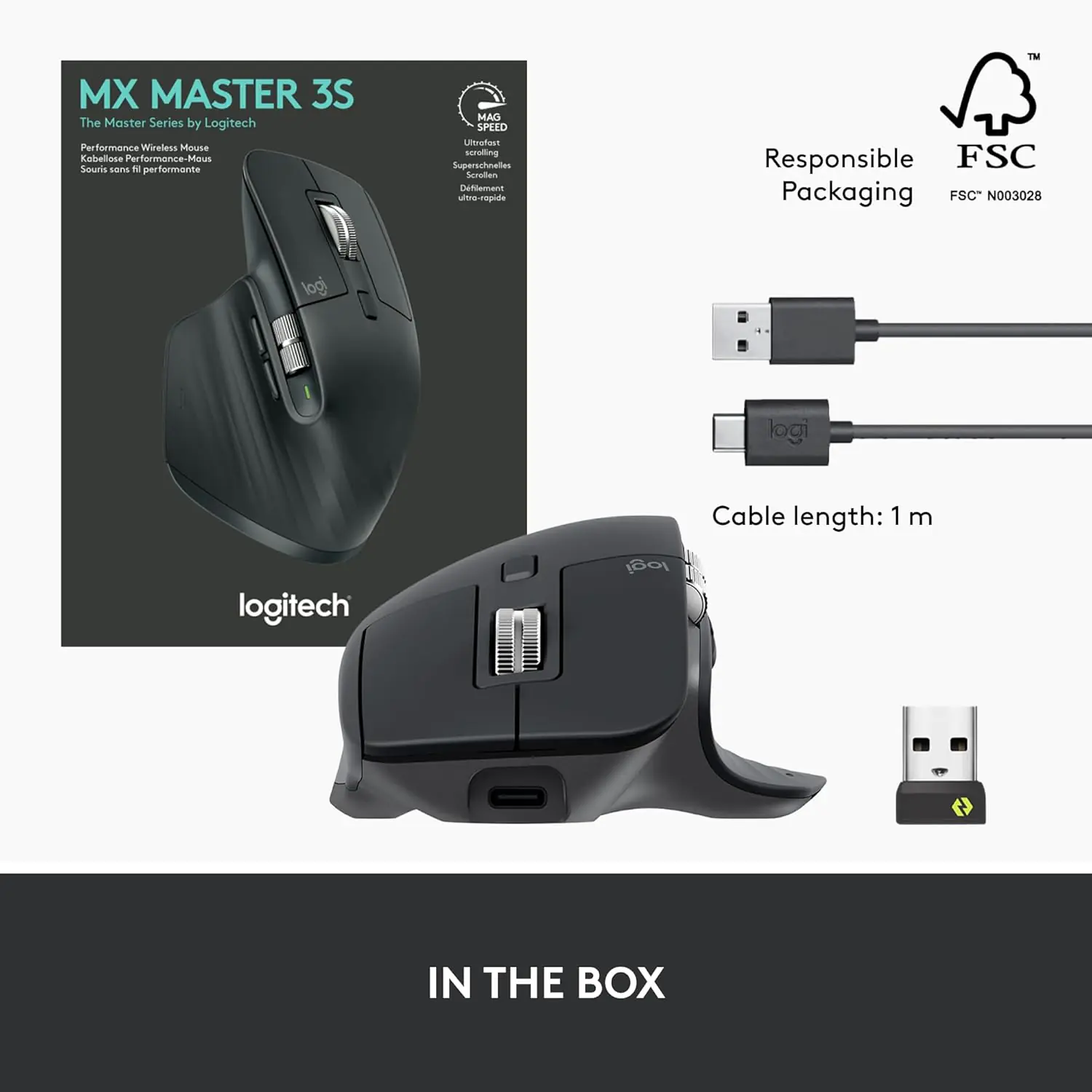
  • Logi Bolt Wireless Security : Enjoy encrypted wireless connectivity using the included Logi Bolt USB receiver, featuring a FIPS-compliant Secured Connections Only mode designed for professional environments.
  • Bluetooth Low Energy : Connect directly to compatible Bluetooth-enabled devices without occupying a USB port.
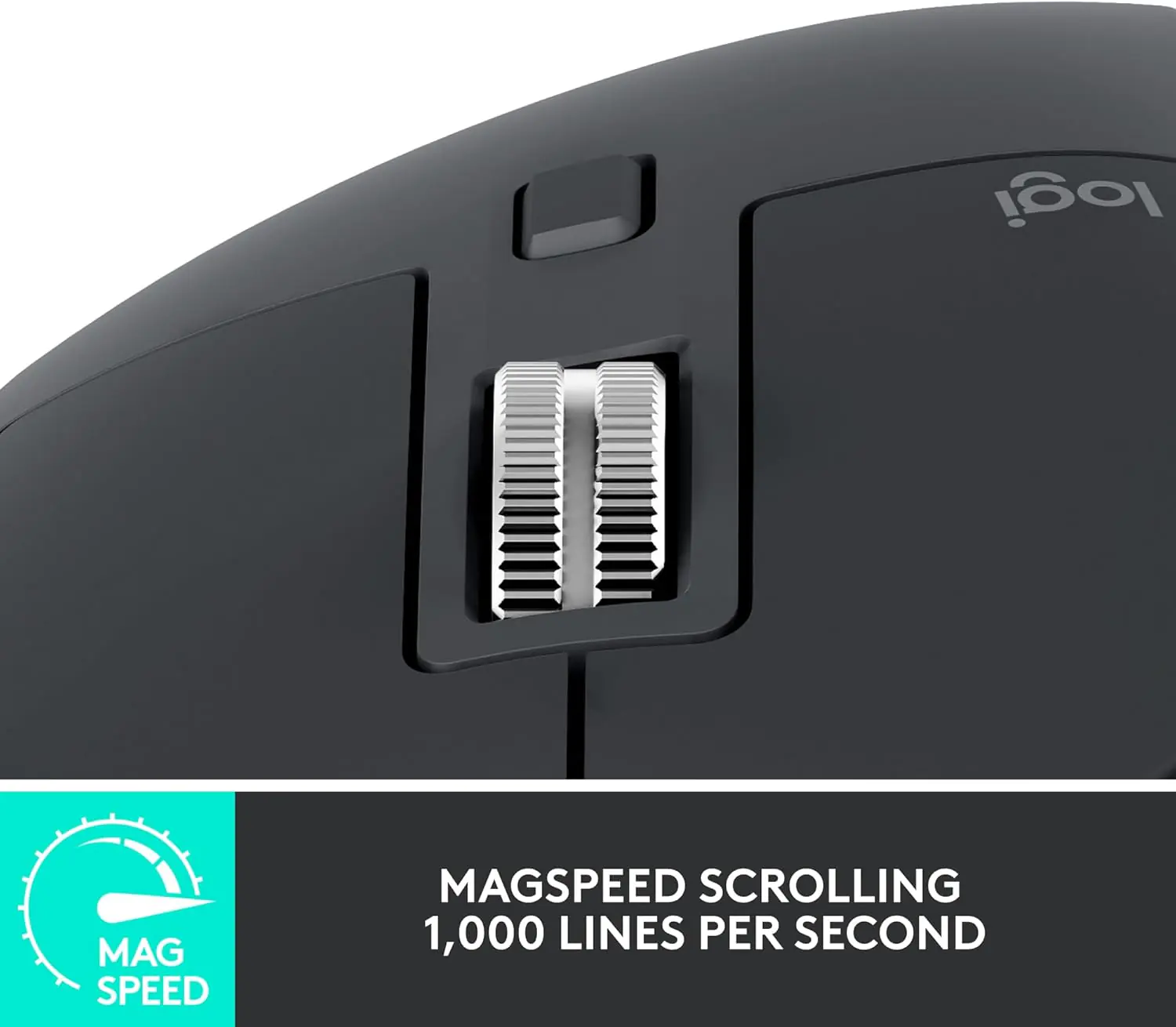
  • MagSpeed Electromagnetic Scrolling : Fly through up to 1,000 lines per second or switch to precise line-by-line scrolling. Massive spreadsheets? No problem, habibi!
  • Quiet Click Technology : Experience clicks that are 90% quieter than the original MX Master 3, helping maintain concentration in shared workspaces.
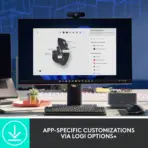
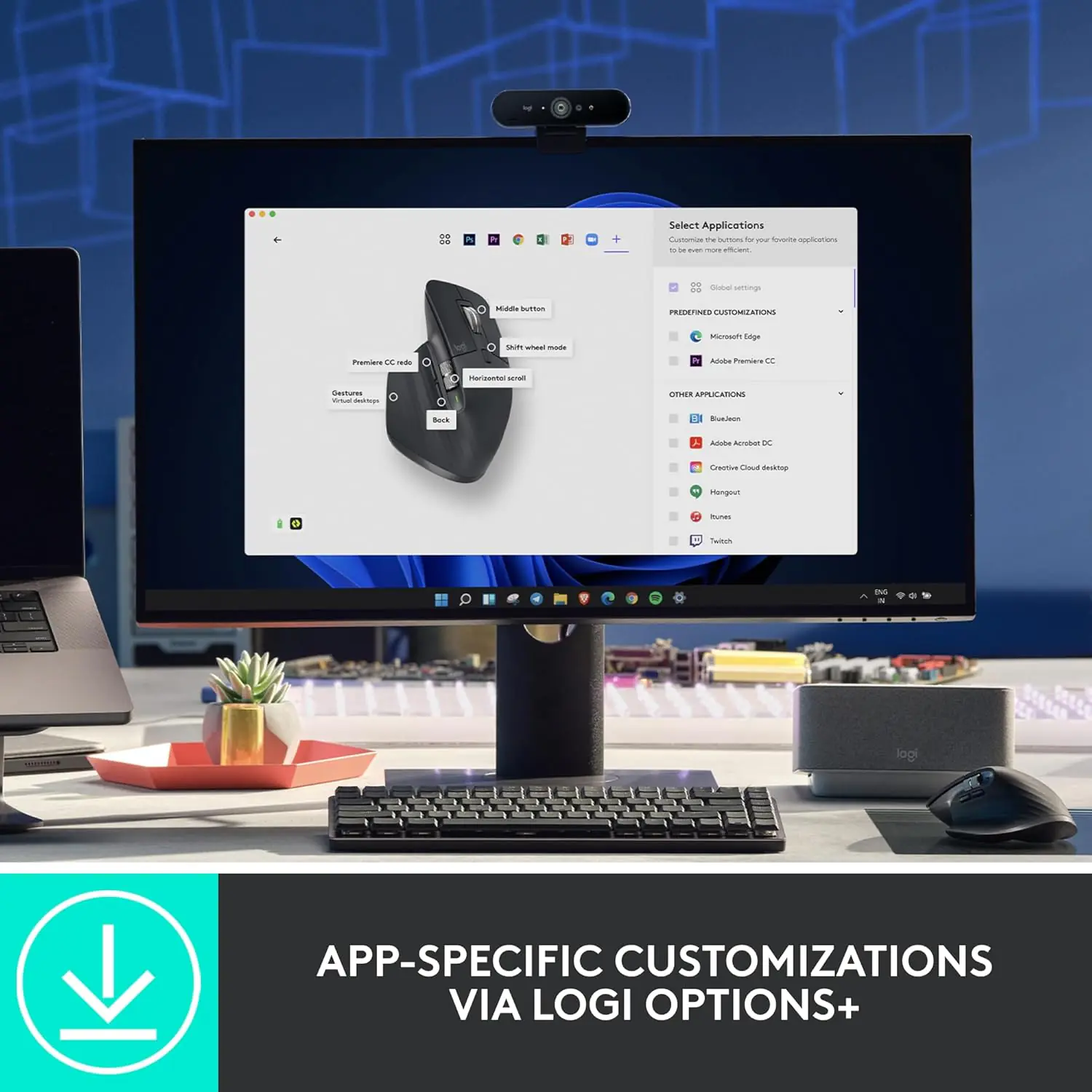
  • 7 Customizable Buttons : Personalize commands and access predefined profiles for popular business applications using Logi Options+ software.
  • Easy-Switch: 3 Devices : Switch between three paired devices using dedicated connection channels.
  • Up to 70 Days of Battery Life : The rechargeable 500mAh lithium-polymer battery delivers up to 70 days of operation on a full charge, depending on usage.
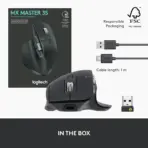
  • USB-C Rechargeable : Recharge using the USB-C charging interface, eliminating disposable batteries.
  • Ergonomic Right-Hand Design : The sculpted body supports a natural hand position, providing comfort throughout demanding workdays.
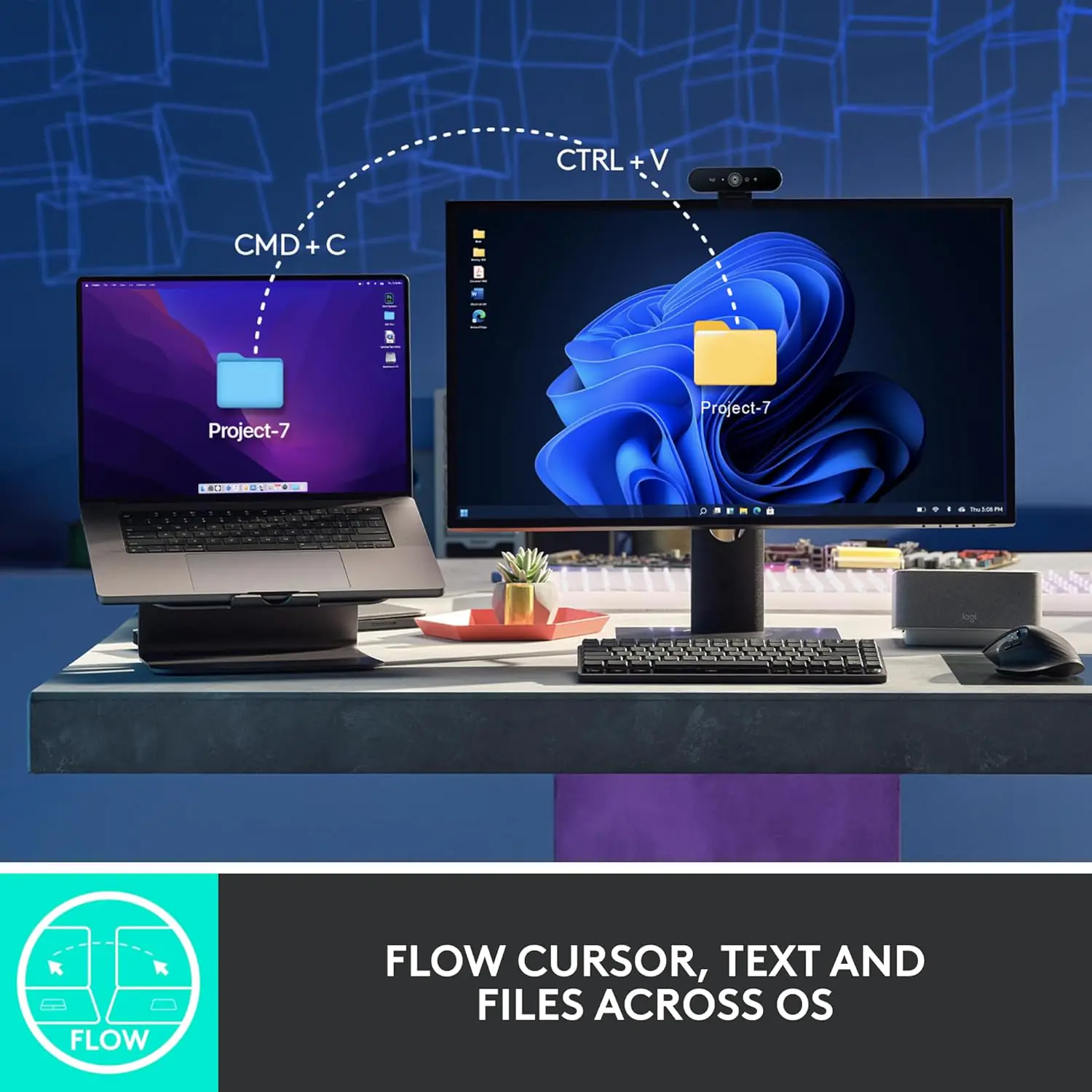
  • Logitech Flow Productivity : Use optional Logi Options+ software to enable Logitech Flow functionality on supported Windows and macOS systems.
  • Enterprise IT Management : IT administrators can remotely deploy device firmware updates and centrally manage Logi Options+ settings across Windows and macOS systems.
  • 10 Million Click Service Life : Engineered for demanding professional use, with a specified electrical-component mean time to failure exceeding 150,000 hours.
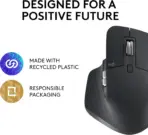
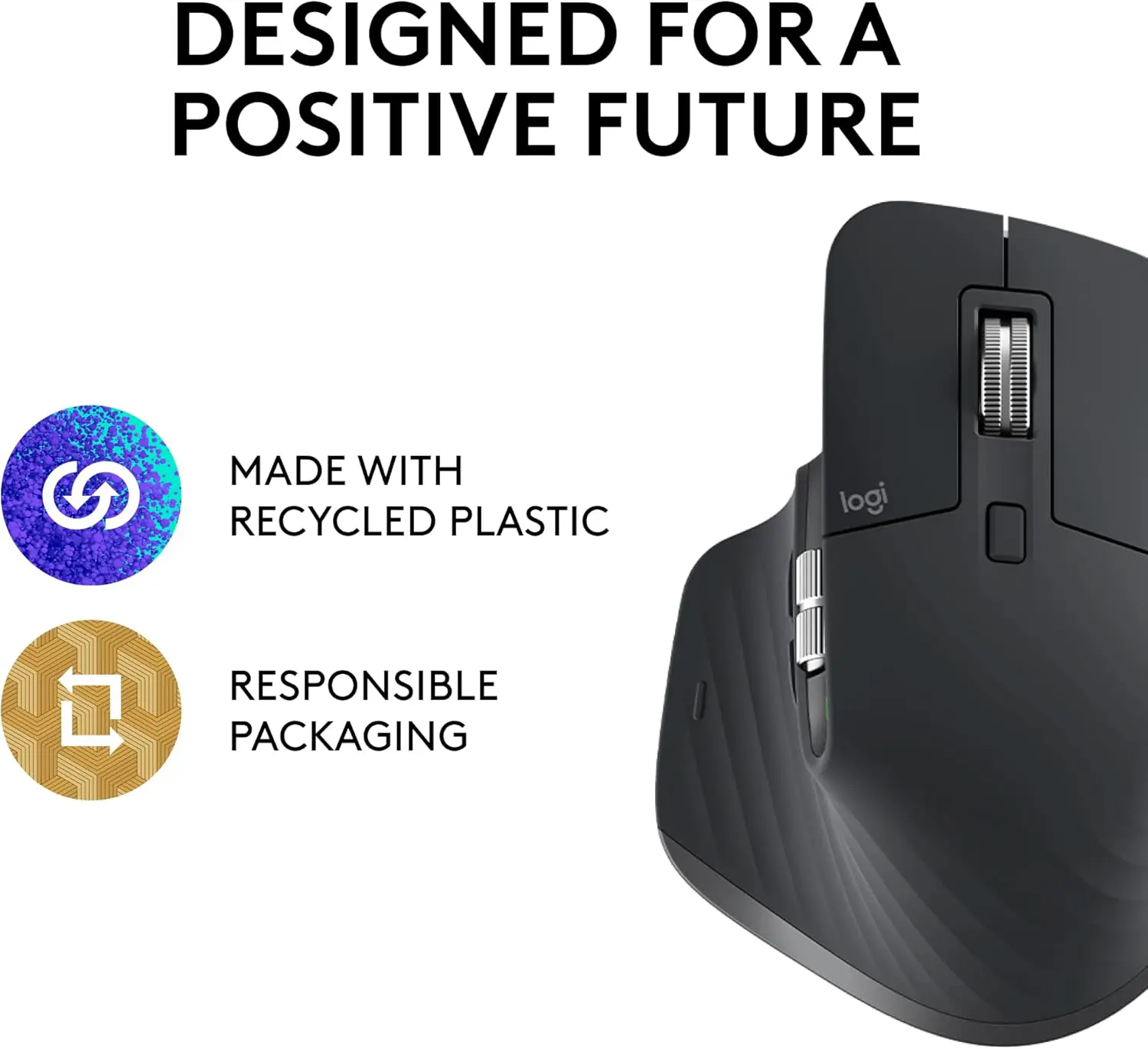
  • Sustainability-Focused Construction : Contains 27% post-consumer recycled material and comes in FSC-certified paper packaging.

Expert Specs

Logitech MX Master 3S for Business

Product Type

Performance wireless mouse

Color

Graphite

Hand Orientation

Right-handed

Sensor

Darkfield

Tracking Resolution

8,000 DPI

Glass Tracking

Supported on glass at least 4mm thick

Scrolling

MagSpeed; up to 1,000 lines/second, with line-by-line precision

Buttons

7 customizable buttons

Click Technology

Quiet Click; 90% quieter than MX Master 3

Wireless Connectivity

Logi Bolt USB receiver; Bluetooth Low Energy

Wireless Security

Logi Bolt encrypted Secured Connections Only mode; FIPS-compliant mode

Wireless Range

10m

Easy-Switch

3 channels

Battery

Rechargeable lithium-polymer, 500mAh

Battery Life

Up to 70 days per full charge; varies with use

Charging

USB-C

Battery Indicator

Yes

Dimensions (H × W × D)

124.9 × 84.3 × 51mm

Product Weight

141g

Packaged Weight

320g

Packaging Dimensions (H × W × L)

17.35 × 5.8 × 13.85cm

Service Life

10 million clicks

Reliability

Electrical-component MTTF greater than 150,000 hours

Operating Temperature

0°C to 40°C

Storage Temperature

−5°C to 45°C

Software

Optional Logi Options+, including Logitech Flow, for Windows and macOS

IT Administration

Mass-deployment device firmware updates; Logi Options+ management

Operating Instructions

Quick-start guide sticker on the mouse underside

Sustainability

27% post-consumer recycled material; FSC-certified paper packaging

Certification

Global; certification list available upon request

Master Shipper

4 units

Warranty

1-year limited hardware warranty

Connectivity & OS Compatibility

Logi Bolt USB

Requires an available USB port. Windows 10/11 or later, macOS 11 or later, Linux, Chrome OS.

Bluetooth LE

Windows 10/11 or later, macOS 11 or later, Linux, Chrome OS, iPadOS 14+, iOS 14+, Android 9.0+.

Software Support

Logi Options+ for Windows and macOS. Other listed systems support basic mouse functions without the software.

Receiver Limitation

Logi Bolt products cannot pair with other Logitech USB receiver families.

Features & Compatibility

910-006585

LOGITECH MX MASTER 3 FOR BUSINESS

Logitech MX Master 3S for Business Wireless Mouse – MagSpeed Scrolling, Ergo, 8K DPI, Track on Glass, Quiet Clicks, USB-C, Logi Bolt & Bluetooth, For Windows-macOS-Linux6-Chrome OS- iOS®-Android | Graphite  

Logitech MX Master 3S for Business Wireless Mouse, 8,000 DPI Darkfield Tracking, Quiet Click, MagSpeed Scrolling, Logi Bolt & Bluetooth, 7 Customizable Buttons, USB-C, Graphite


**Layout**
– Create an exact 2048 × 2048, 1:1 square e-commerce product-profile image. The graphite Logitech MX Master 3S for Business occupies 70% of the useful composition.
– Foreground: show the complete mouse in a low three-quarter view, with its scrolling wheels, thumb controls and sculpted grip visible. Midground: a refined workstation surface. Background: a surreal productivity atelier.
– Keep every element inside generous safe margins.

**Product Presentation**
– Use the mouse depicted in Logitech mouse as the strict physical reference. Preserve its graphite finish, authentic geometry, controls, proportions and branding.
– Render with extreme-resolution, razor-sharp 3D detail, realistic materials and precisely defined contours.
– Place the Logitech logo top-left and the centered extruded title “MX MASTER 3S FOR BUSINESS” above the mouse in contrasting luminous titanium lettering.

**Artistically Distinct and Detailed Background**
– Story: a silent midnight design studio transformed into a miniature architectural universe. The mouse rests up-right on a seamless desk while one translucent ribbon of spreadsheet cells curls past its MagSpeed wheel. A second delicate ribbon travels between three tiny workstation silhouettes, suggesting device switching and productivity. These are sculptural visual metaphors, not additional product hardware.
– Express luxury through an overwhelmingly high-luster pearlescent-white environment, with deep opalescent conch-shell contours and restrained transparent iridescent-oil accents.
– Limit the material families to mother-of-pearl and transparent iridescent oil. Use dielectric refractions, controlled caustics and beautiful global illumination.
– Keep the surrounding desk architecture sparse and functional; allow the graphite mouse to provide the primary dark contrast. No villains, battle scenes or gaming imagery: this is professional productivity equipment.

** Gaming hardware aesthetic Icons —
– 8,000 DPI: hollow precision-reticle sculpture.
– LOGI BOLT: angular encrypted-signal sculpture.
– QUIET CLICK: hollow soundwave sculpture.
– 1,000 LINES/S: sculpted scrolling vortex.
– 3 DEVICES: three interconnected orbital shapes.
– 70 DAYS: luminous battery-ring sculpture.
– CRITICAL DIRECTIVE [STRICT] The Icons MUST Have different shapes depending on the specific content of the icon
– Each icon is a DIFFERENT 3D Freeform badge The style is futuristic, industrial, and high-tech. Use realistic rendering with ray-traced reflections and lens flares. The icons must include specific technical text. Sharp typography, volumetric lighting, 8k resolution, cinematic composition. Lighting: “Chiaroscuro” (high contrast between white background and bright icons) and “anamorphic lens flares.”. Text to occupy maximum area of each icon, enhance readability and clarity of text. Text should be of maximum contrasting colors with respect to the badge, text is incorporated inside the icon.

**Output Requirements**
– Exactly 2048 × 2048 pixels; perfect square. Keep every product edge, logo, title and icon fully visible.
– Add the tiny footer “Infographics Made with ❤️ by the Expert Zone Team”.
– Prioritize accurate product identification and readability at thumbnail size.

**Constraints**
– No invented ports, sensors or specifications; no product redesign, pedestal, poster typography, generic chrome, graphite smog, clutter or excessive matte surfaces.
– Ensure the product dominates the image. Inspect its silhouette, text accuracy, spacing and icon readability; correct every flaw before final output.