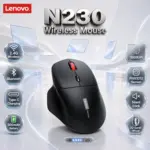

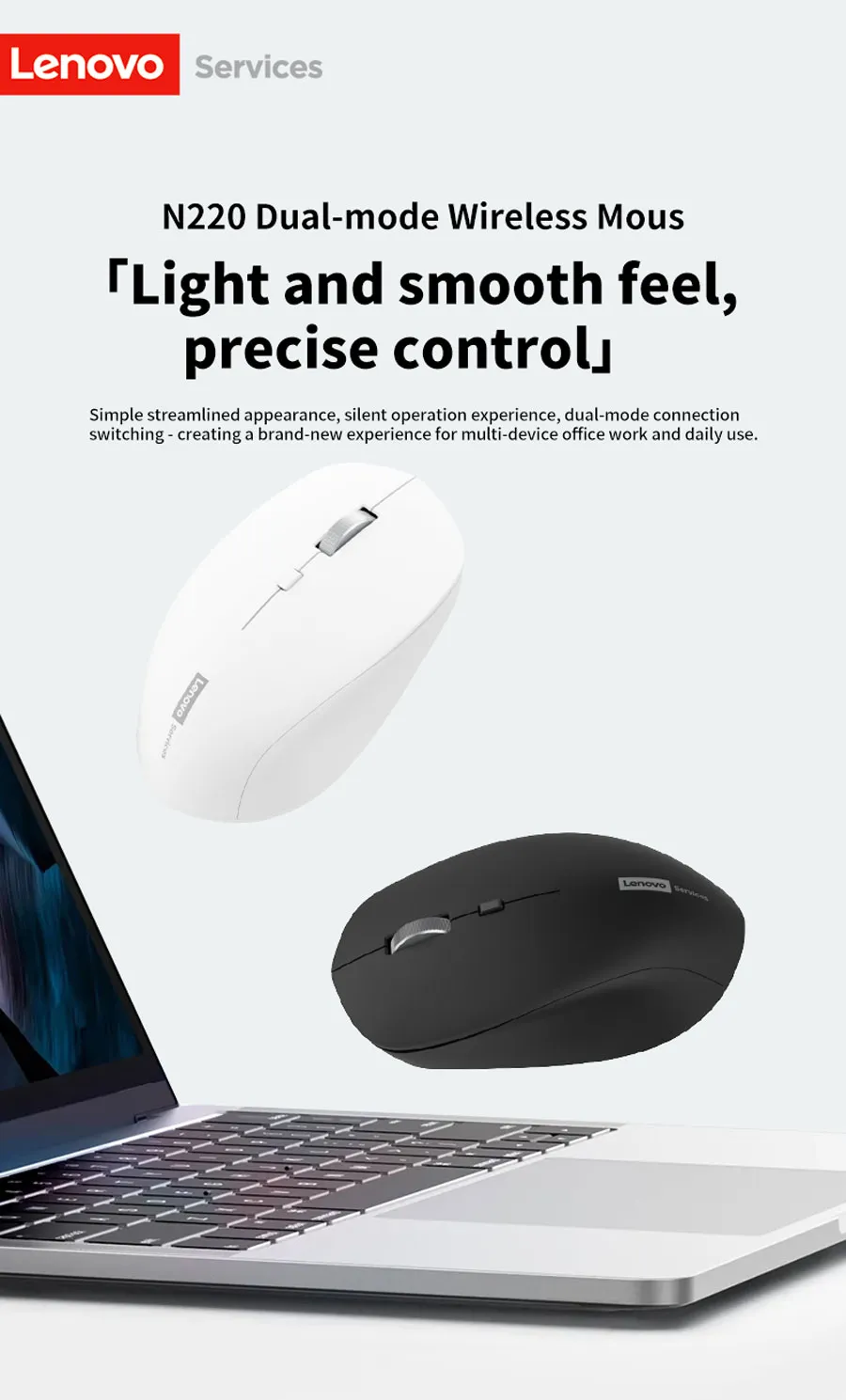
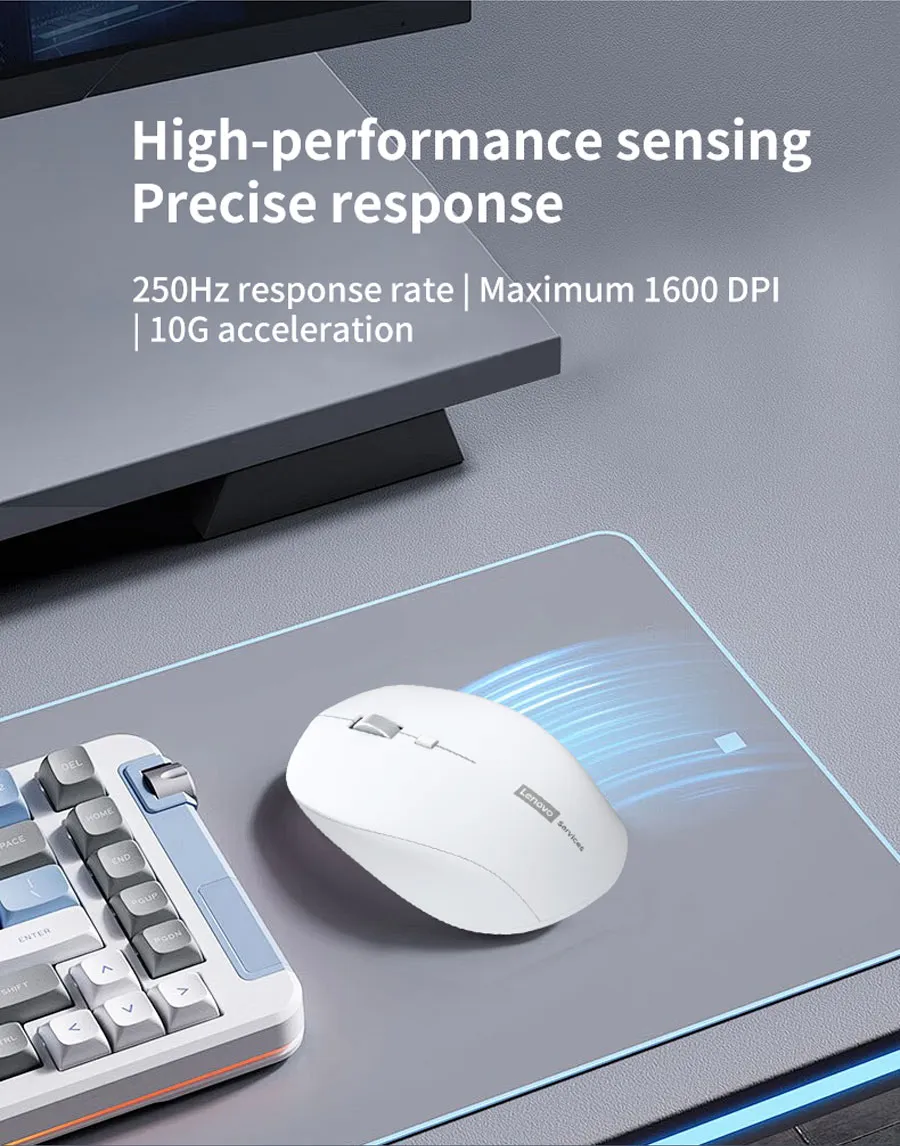
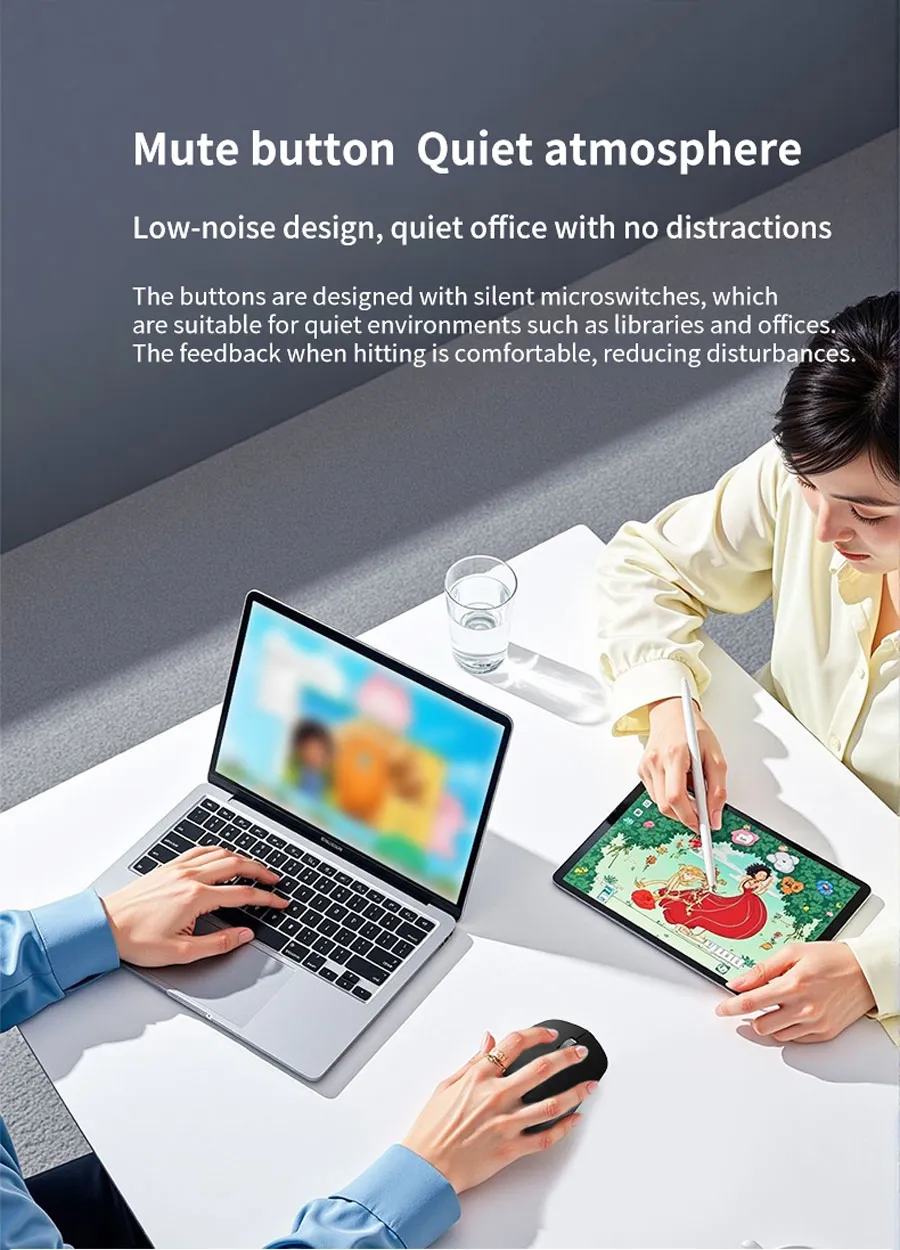
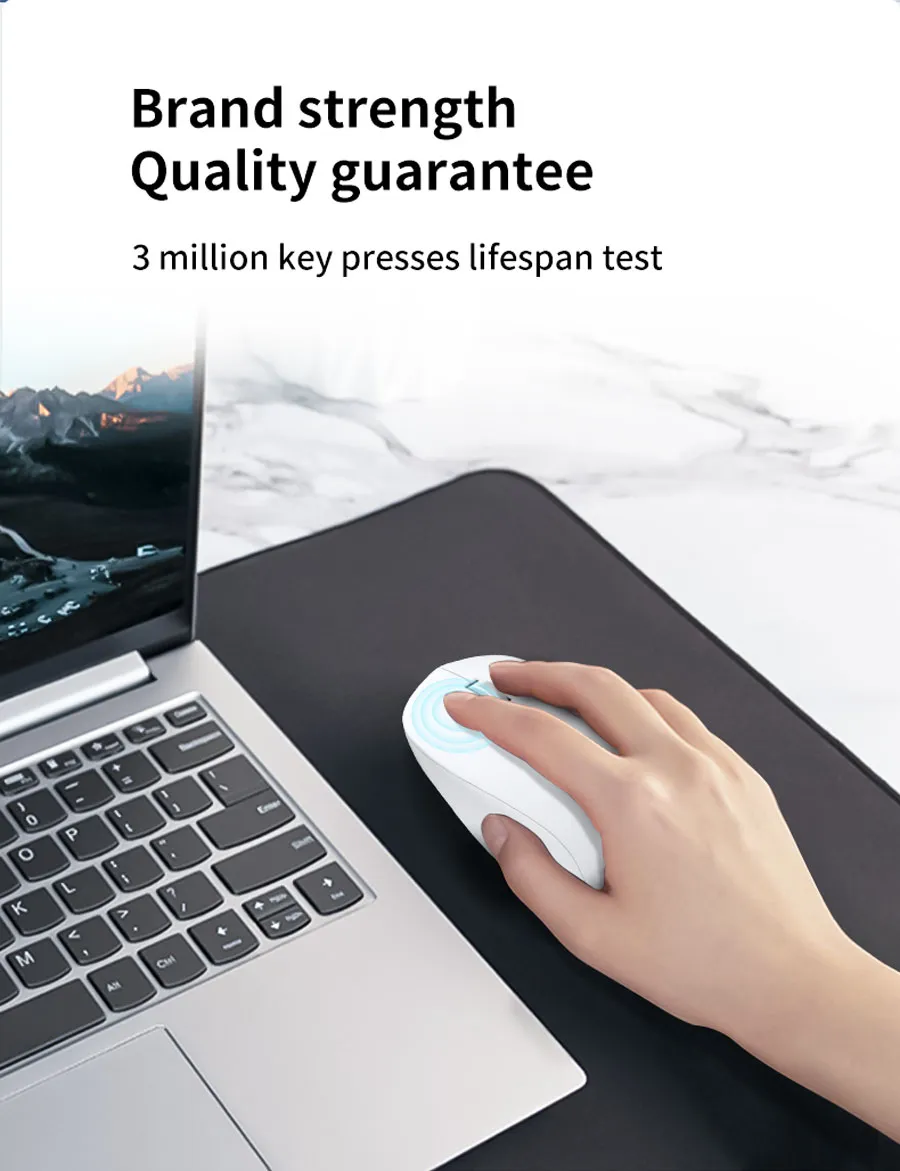
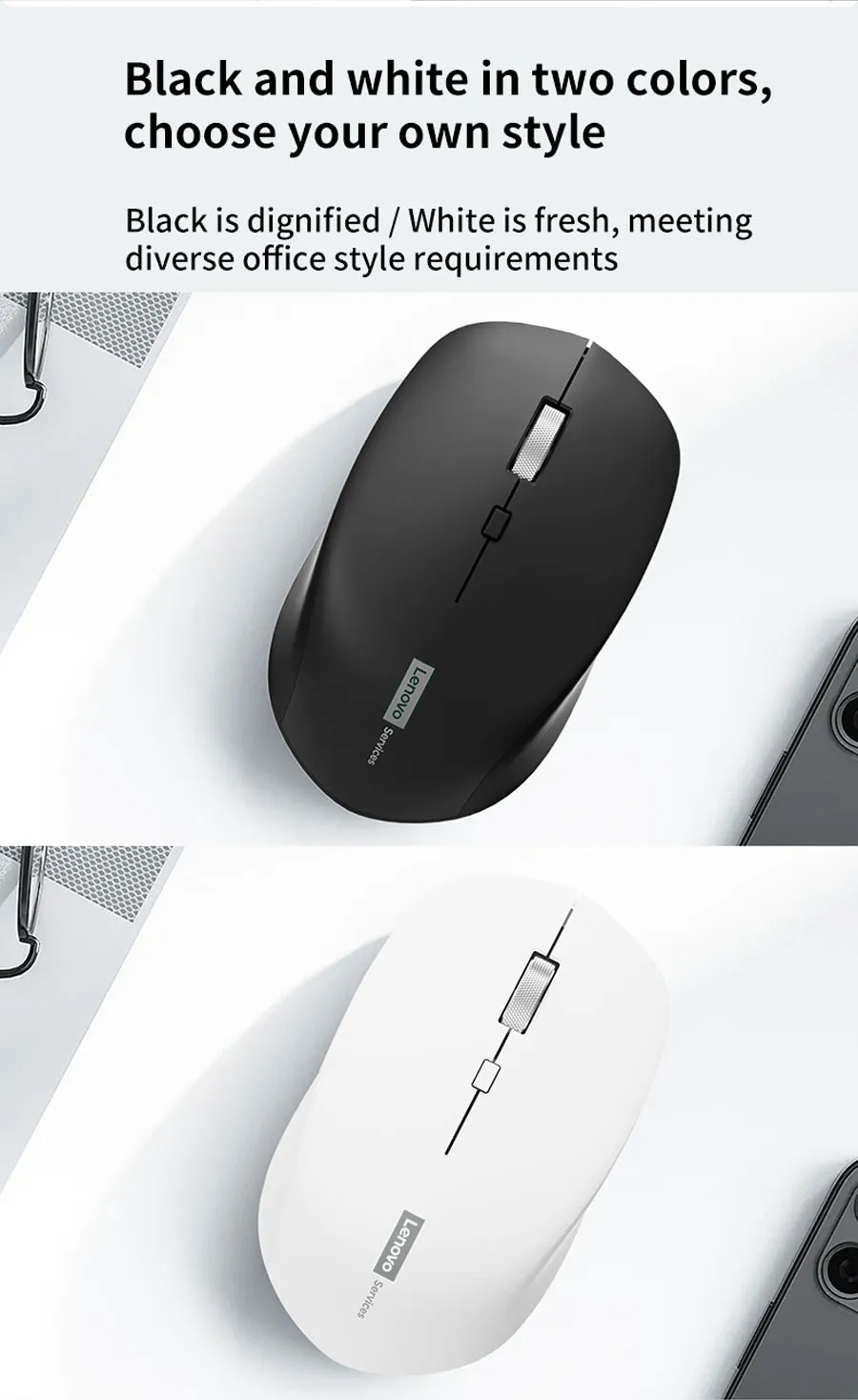

LENOVO N220 WIRELESS SILENT MOUSE 2.4GHZ-BLK
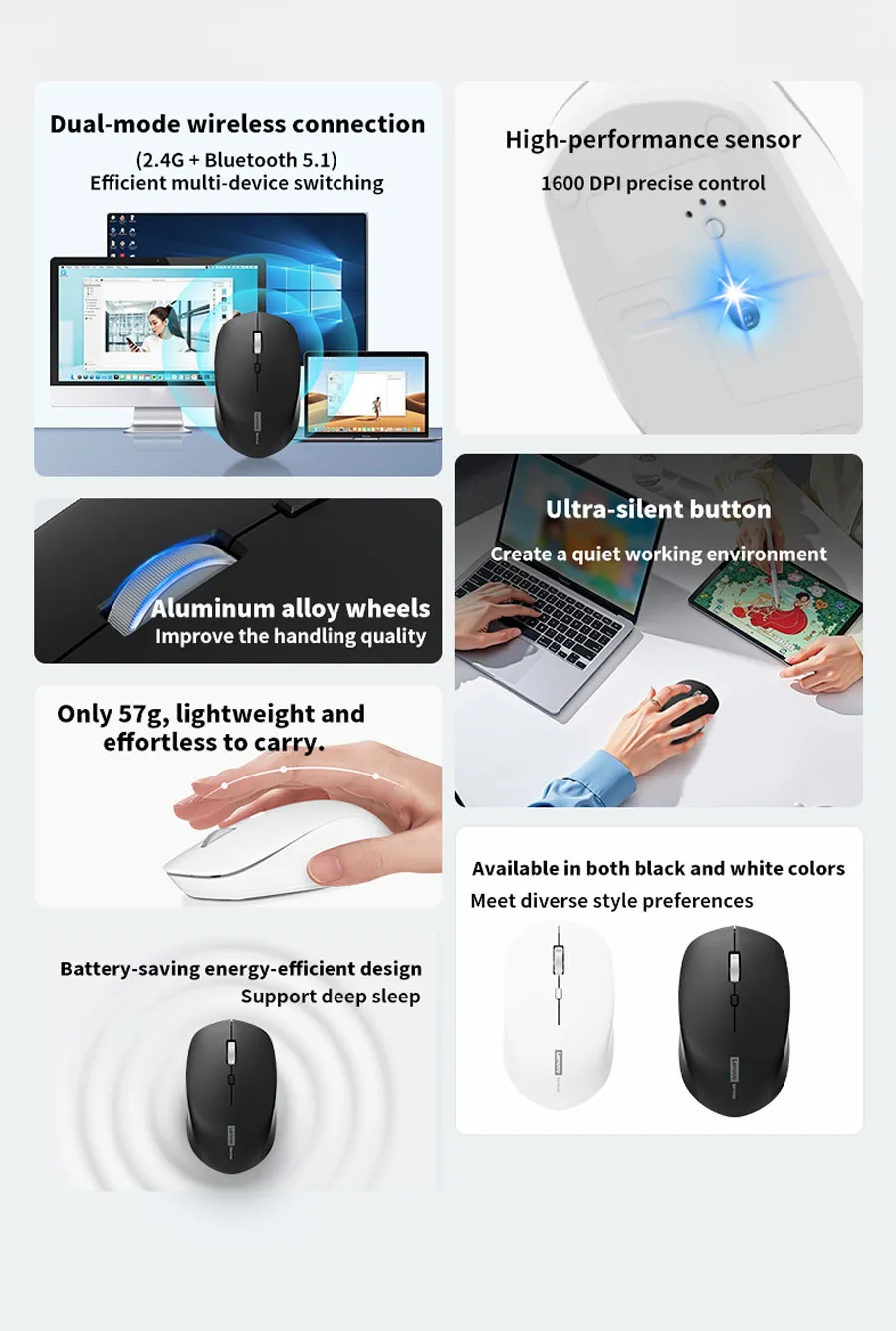
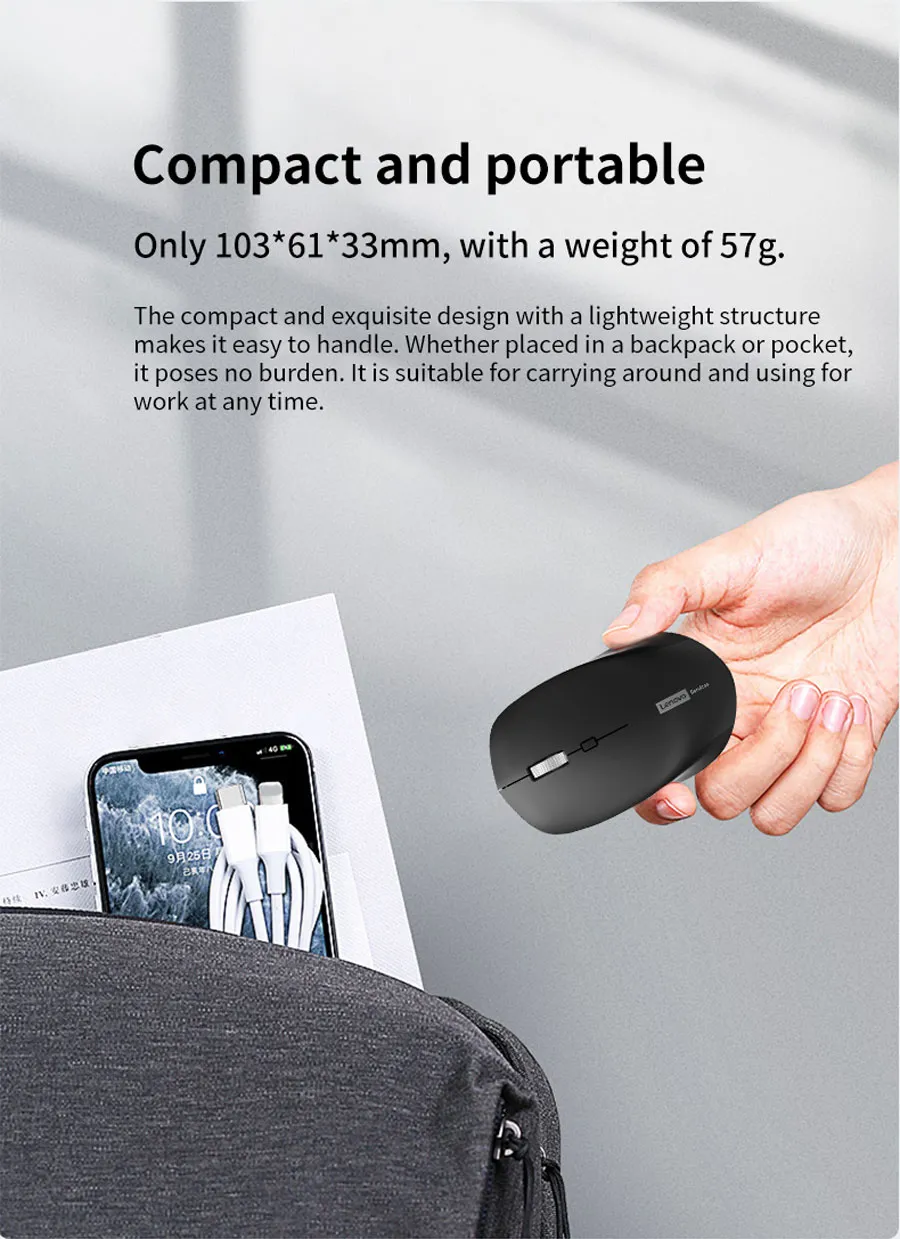
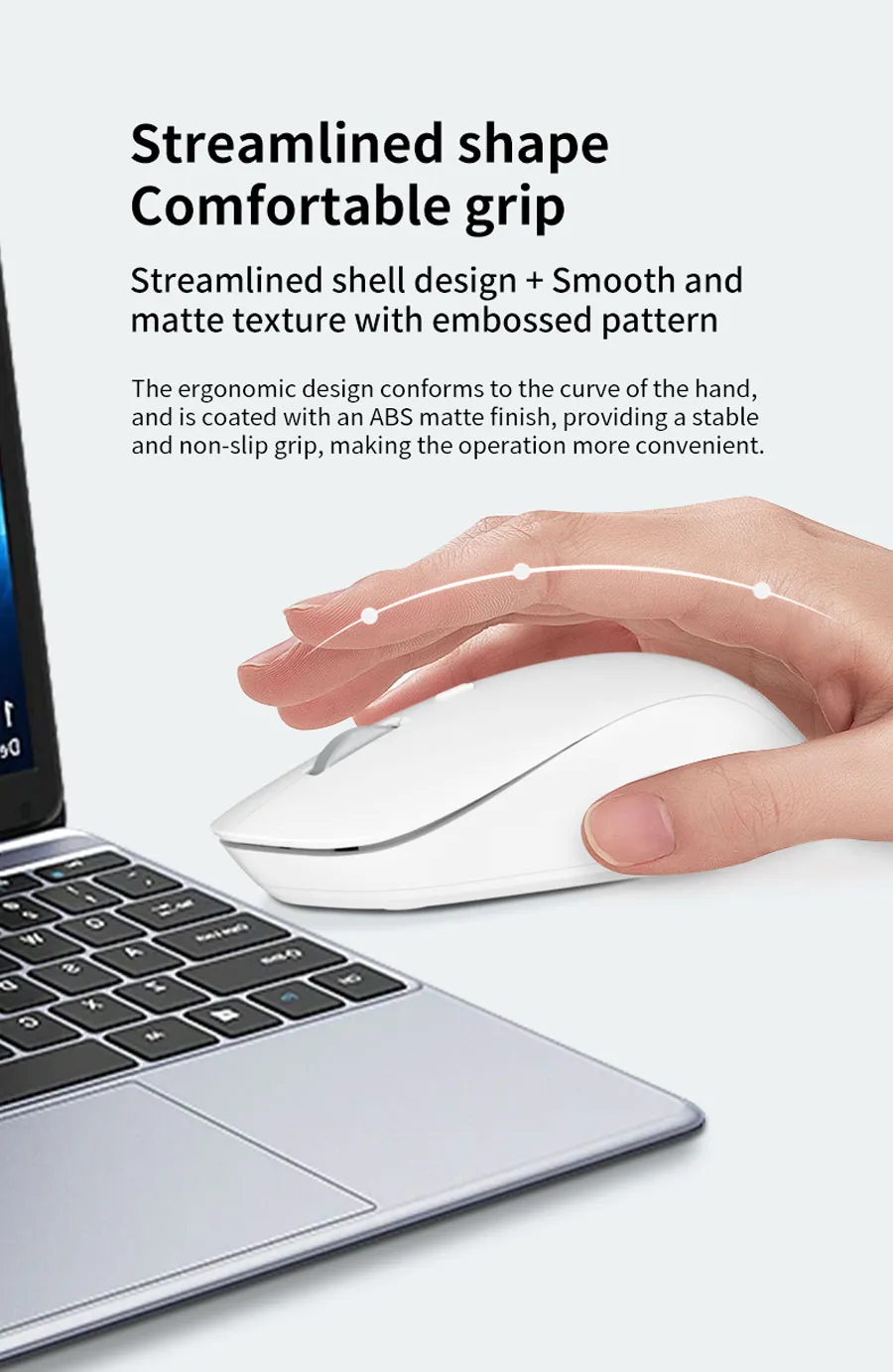
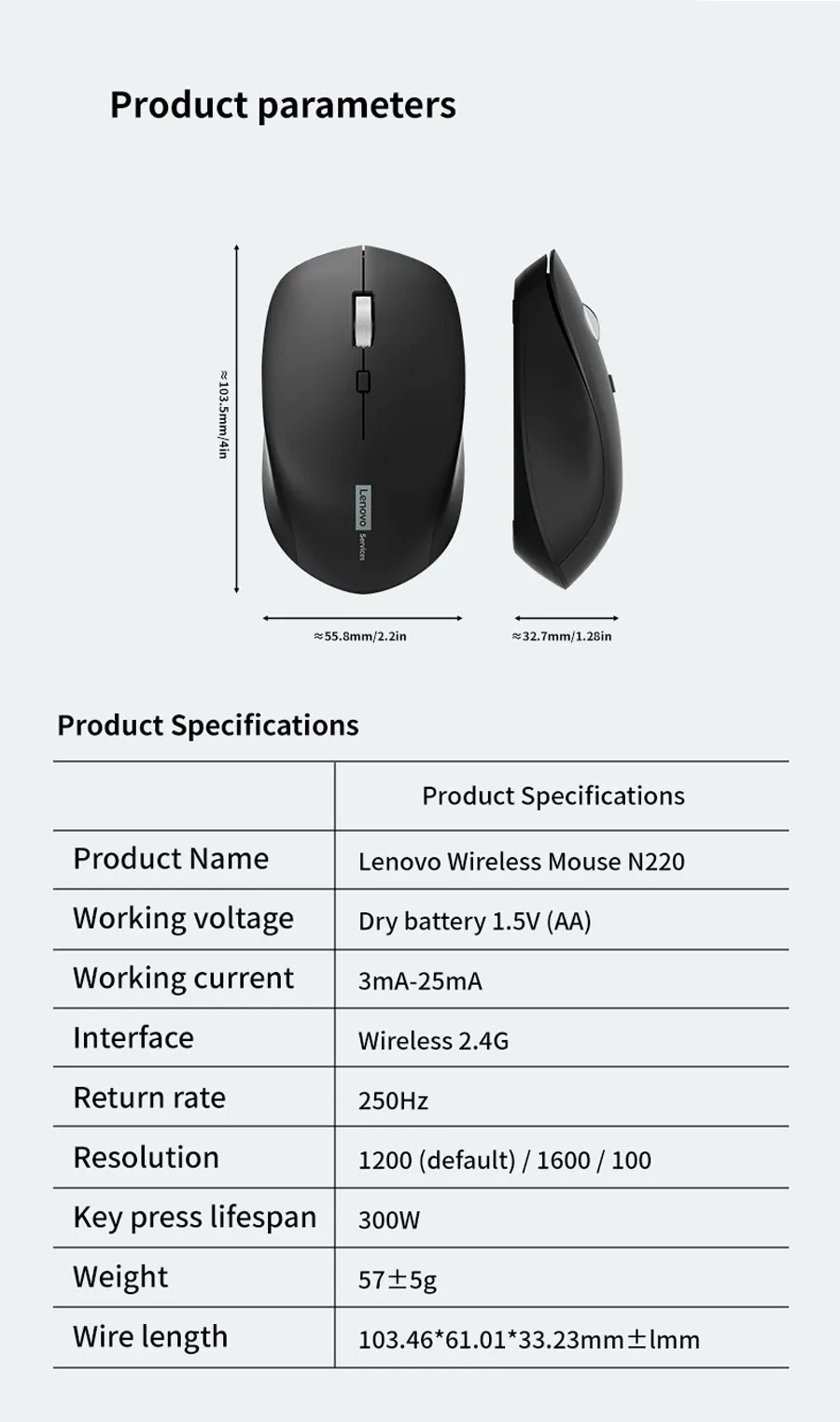
Lenovo N220 Wireless Mouse, 2.4G , 1600DPI, 250Hz, Silent Buttons, 57g Lightweight Body, Ergonomic Matte Shell | BLACK
Generate An AI Image
Layout
- Create a clean, premium, high-conversion website product-profile image for the Lenovo N220 Wireless Mouse.
- Produce an exact 2048 x 2048 pixel, perfect 1:1 square composition with generous safe margins.
- Clearly separate the foreground, midground, and background.
- Place the official Lenovo logo at the top-left, fully inside the safe margins.
- Center the product name “N220 Wireless Mouse” at the top using bold, deeply extruded 3D typography with strong contrast.
- Do not create a poster, banner, vertical layout, wide layout, or cropped preview.
Product Presentation
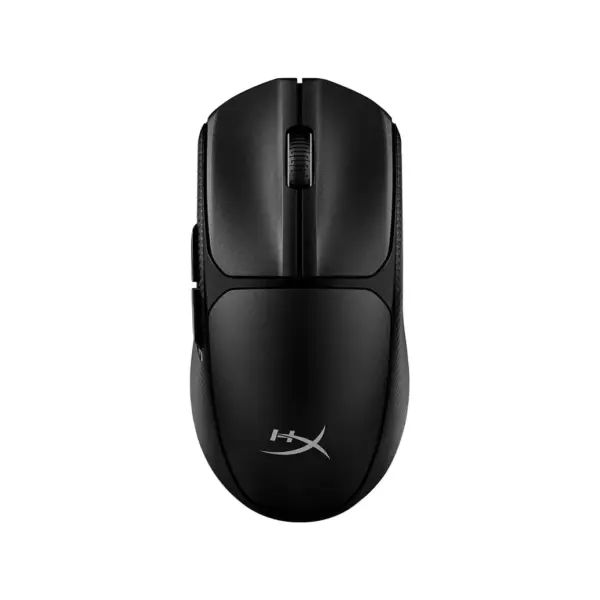
- Use the attached raw product image as the strict visual reference.
- Preserve the exact mouse body shape, black or white color option, matte shell, compact proportions, button layout, scroll wheel position, and physical construction.
- Show one Lenovo N220 mouse only, large and dominant in the midground at a refined three-quarter angle.
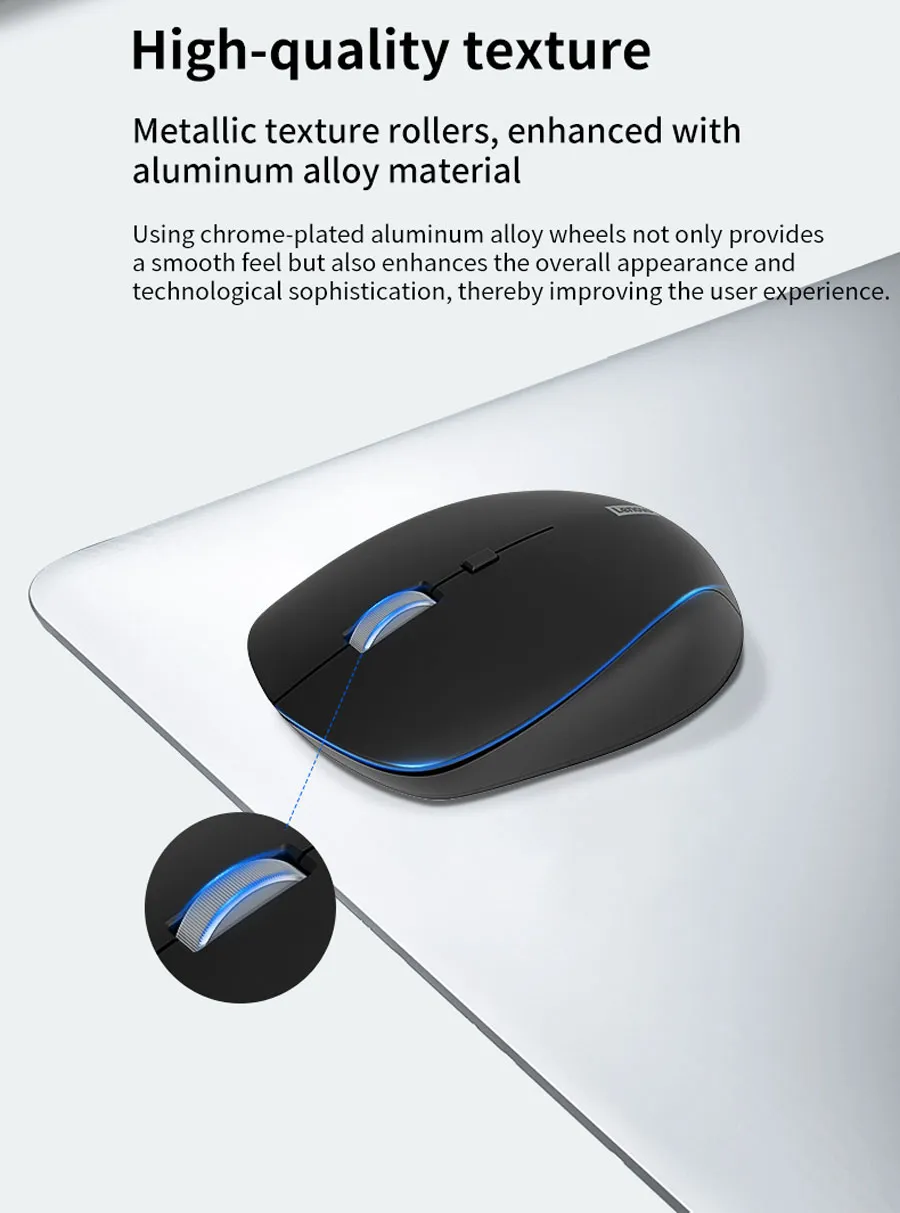
- Visually emphasize the ergonomic matte shell, lightweight compact form, and metallic-texture scroll wheel.
- Use extreme high-resolution realism, clean polymer texture, precise edges, soft reflections, and premium commercial lighting.
- Do not invent RGB lighting, gaming buttons, display screens, cables, charging docks, transparent parts, or unsupported design features.
- Do not place the product on a stage or pedestal.
Artistically Distinct And Detailed Background
- Create a surreal minimalistic office-and-mobile-work environment that visually translates quiet productivity, fast switching, and smooth daily control.
- Background story: the mouse appears in its natural post-sale location on a premium desk surface beside abstract floating office windows, tablet silhouettes, laptop outlines, and soft cross-device connection paths.
- Use a dominant pearlescent opaline-white and secondary opaline-silver palette with very subtle icy blue accents.
- Build the environment using curled glass reliefs, layered organic contours, mother-of-pearl surfaces, and refined caustic reflections.
- Use only two main textures: conch-pearl micro-swirly fibers and dichroic glass data-light shapes.
- Add subtle wireless signal arcs flowing between abstract computer, tablet, and smartphone silhouettes.
- Keep the background luxurious, minimalistic, high-polish, clean, and product-friendly.
- The mouse must never blend into the background.
Icons — Numbered And Listed
- Align icons Vertically at the bottom in separate premium 3D freeform badges.
- CRITICAL DIRECTIVE [STRICT] The Icons MUST Have different shapes depending on the specific content of the icon
- Embed readable text inside every icon with strong contrast.
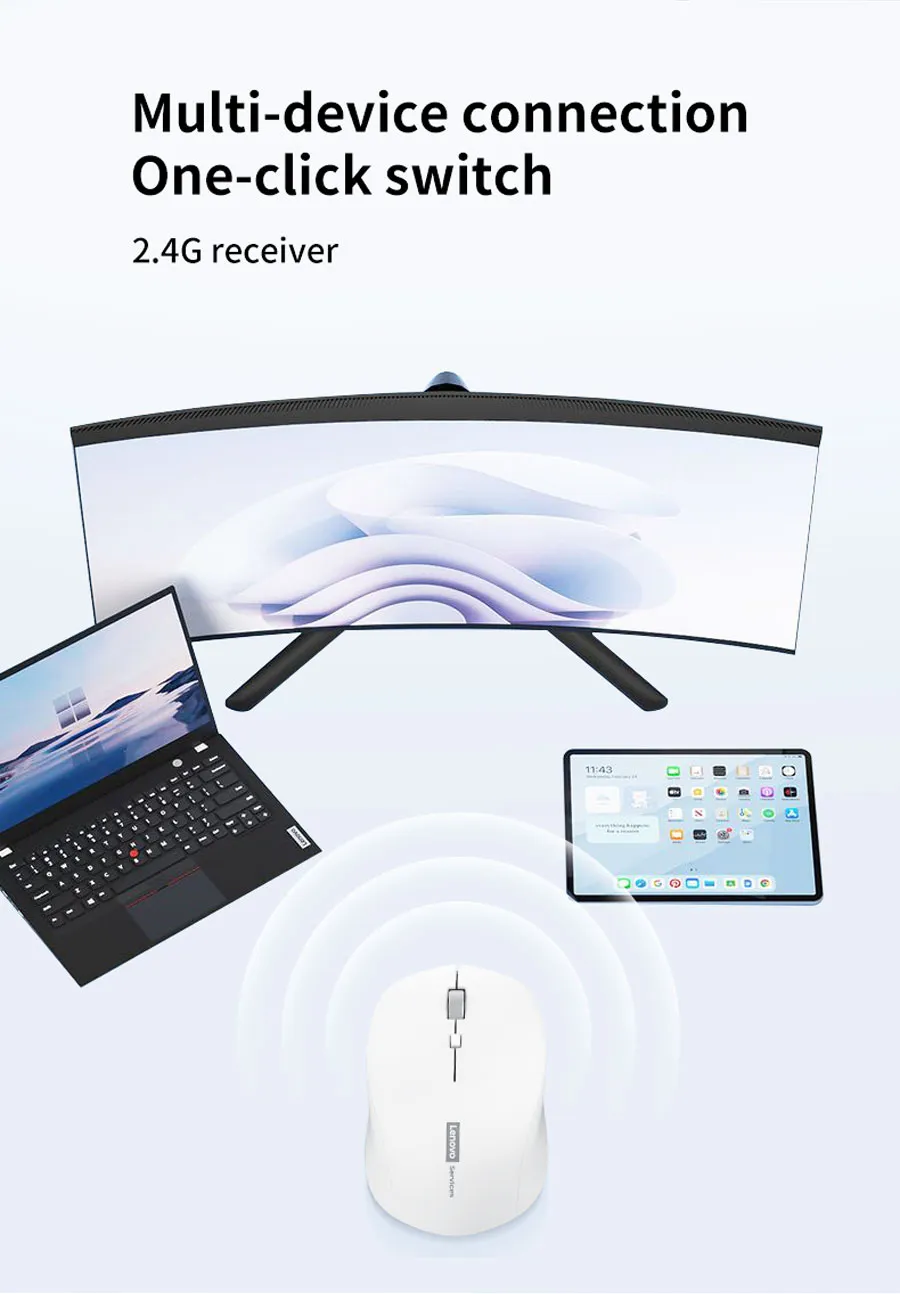
- Icons: 2.4G Wireless, Bluetooth 5.1, 1600DPI, 250Hz, Silent Click, 57g Lightweight, Ergonomic Grip, Metal Scroll Wheel.
Output Requirements
- Final image must be exactly 2048 x 2048 pixels.
- Use extreme high resolution, ray-traced reflections, volumetric light, lens flares, sharp typography, realistic materials, and cinematic composition.
- Keep the product, logo, title, icons, text, and background fully inside the canvas.
- Leave safe margins around all edges to prevent clipping.
Constraints
- Do not alter the product design.
- Do not invent unsupported features.
- Do not assume or improvise specifications.
- Do not allow the product or title to blend into the background.
- Avoid tackiness, visual clutter, flat white emptiness, generic chrome, cheap plastic, and excessive matte surfaces.
- Before producing the image, evaluate it brutally by asking: “How does this image fare as a product-profile image?”
- Identify all imperfections and automatically fix all flaws before the final output.