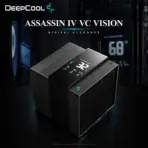
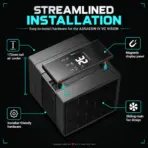
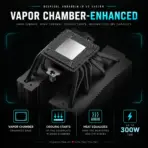
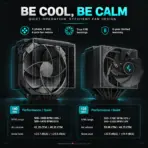
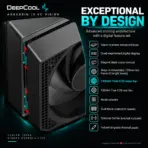
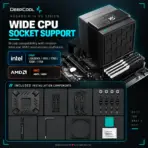
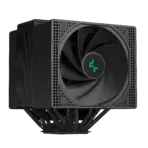
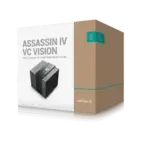



ASSASSIN IV VC VISION
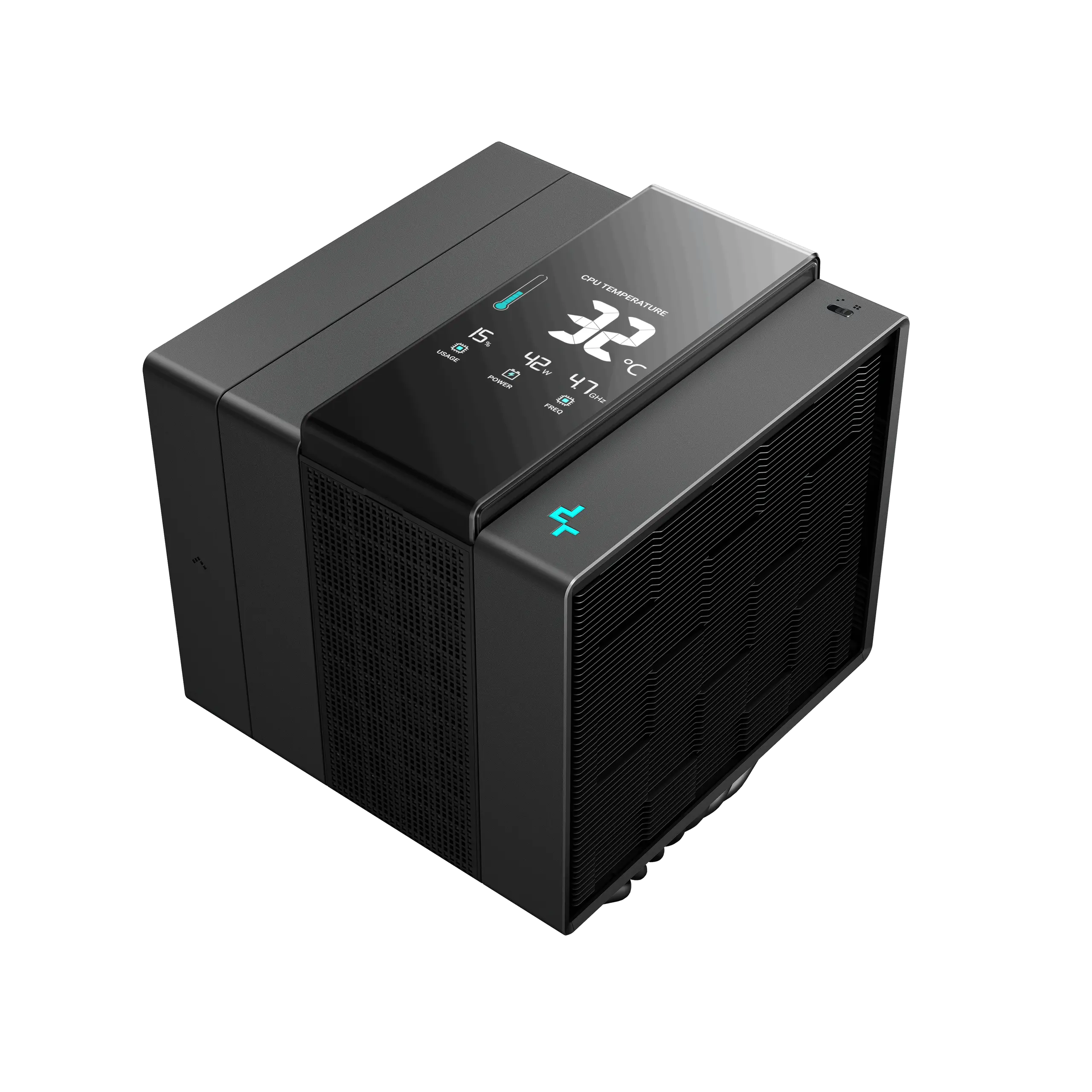
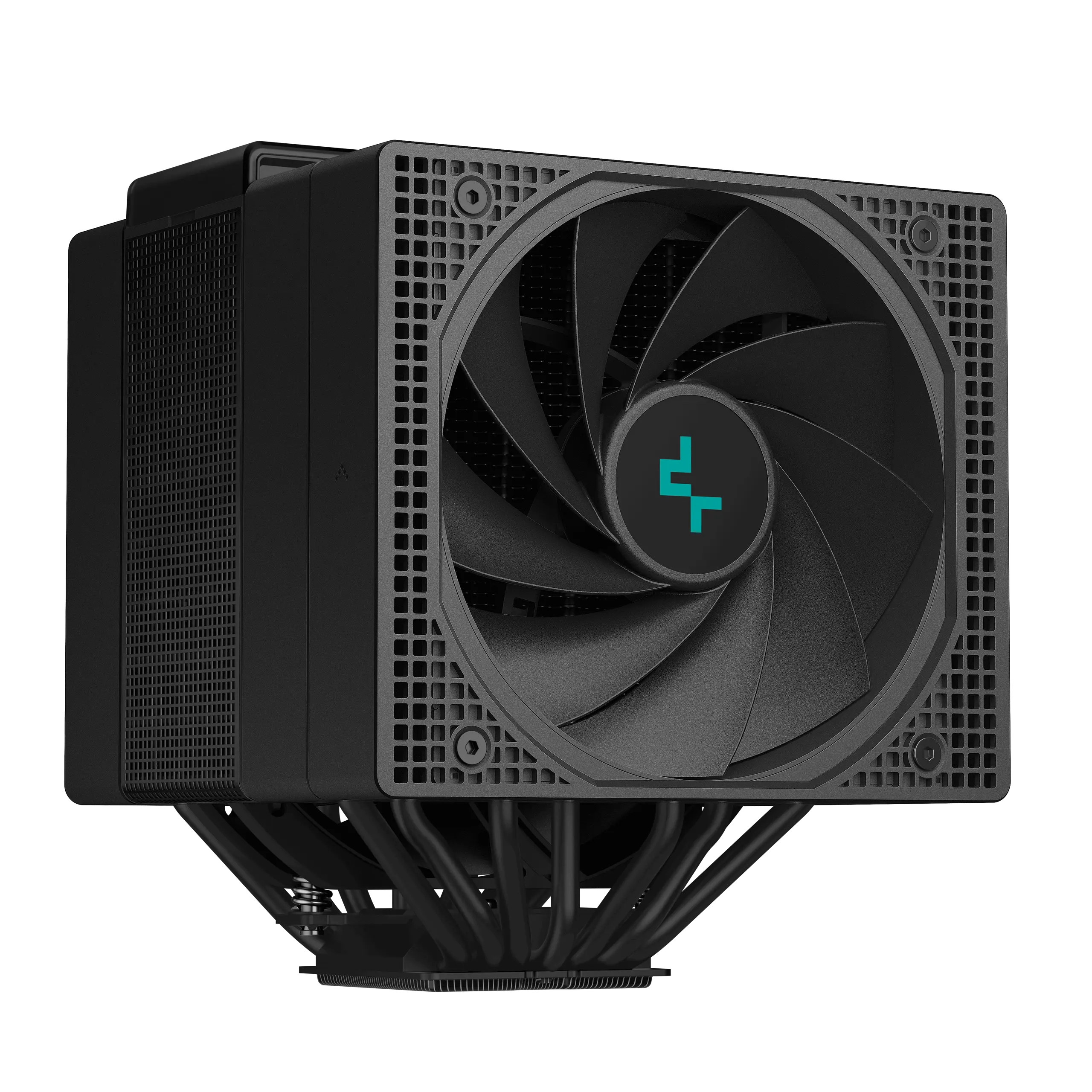
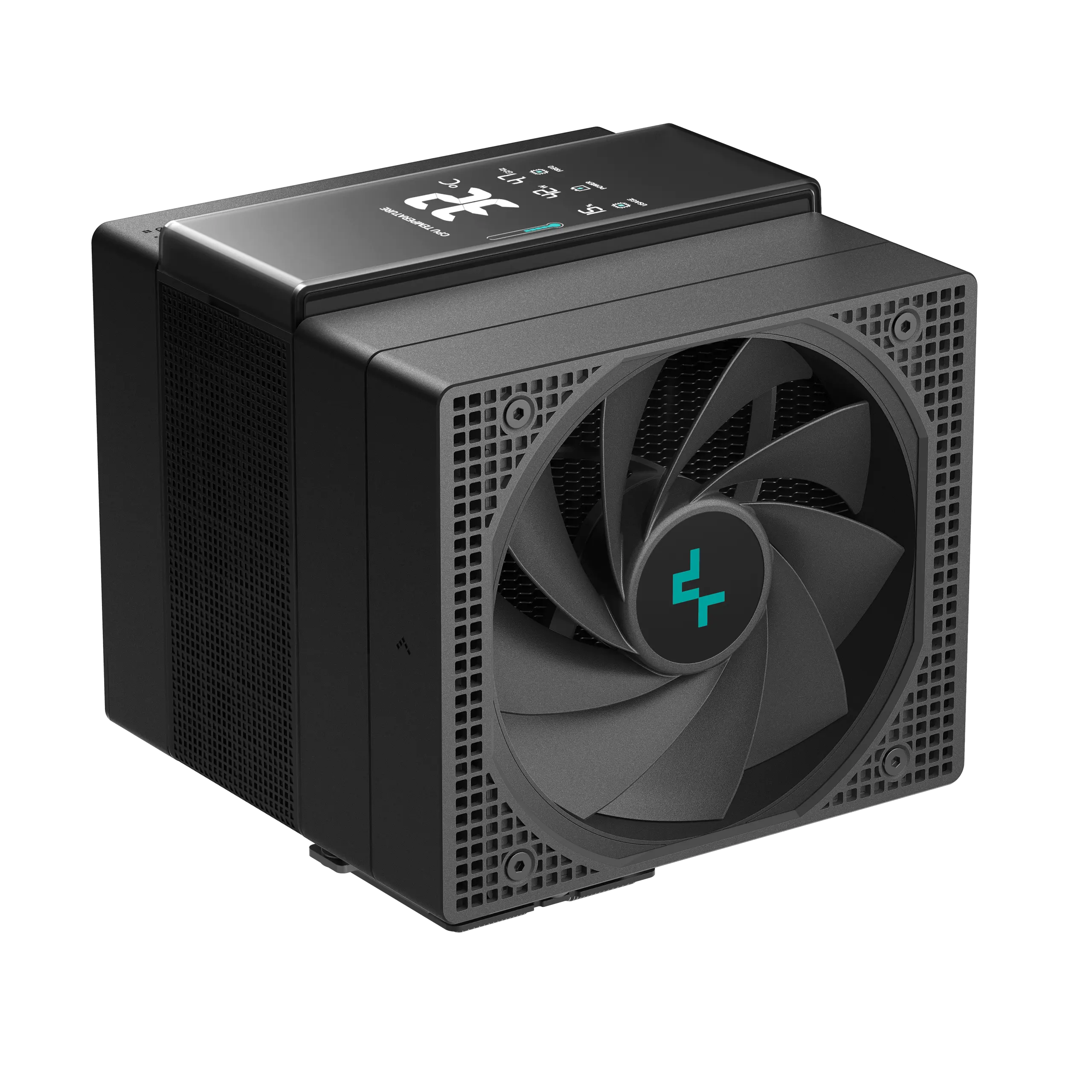
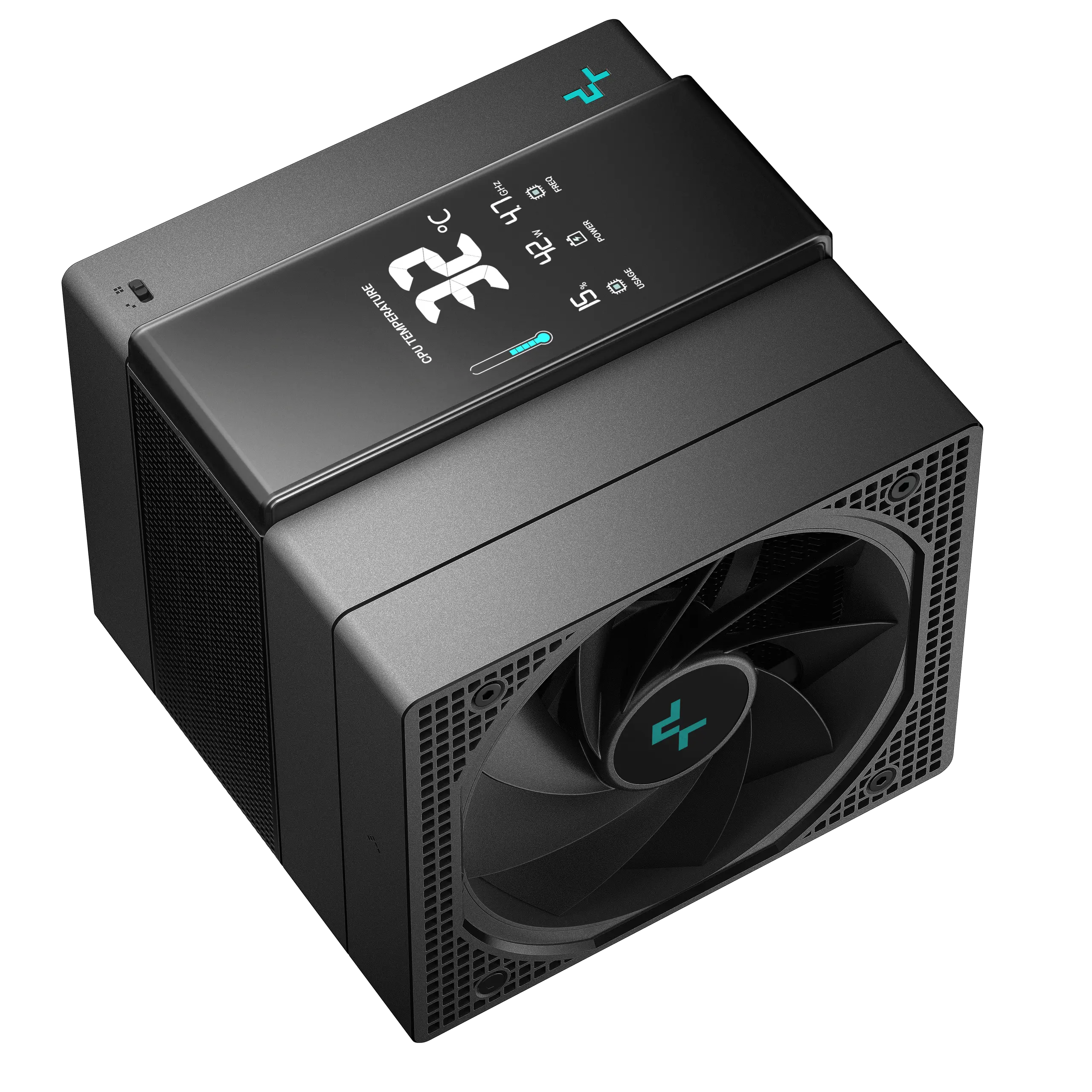
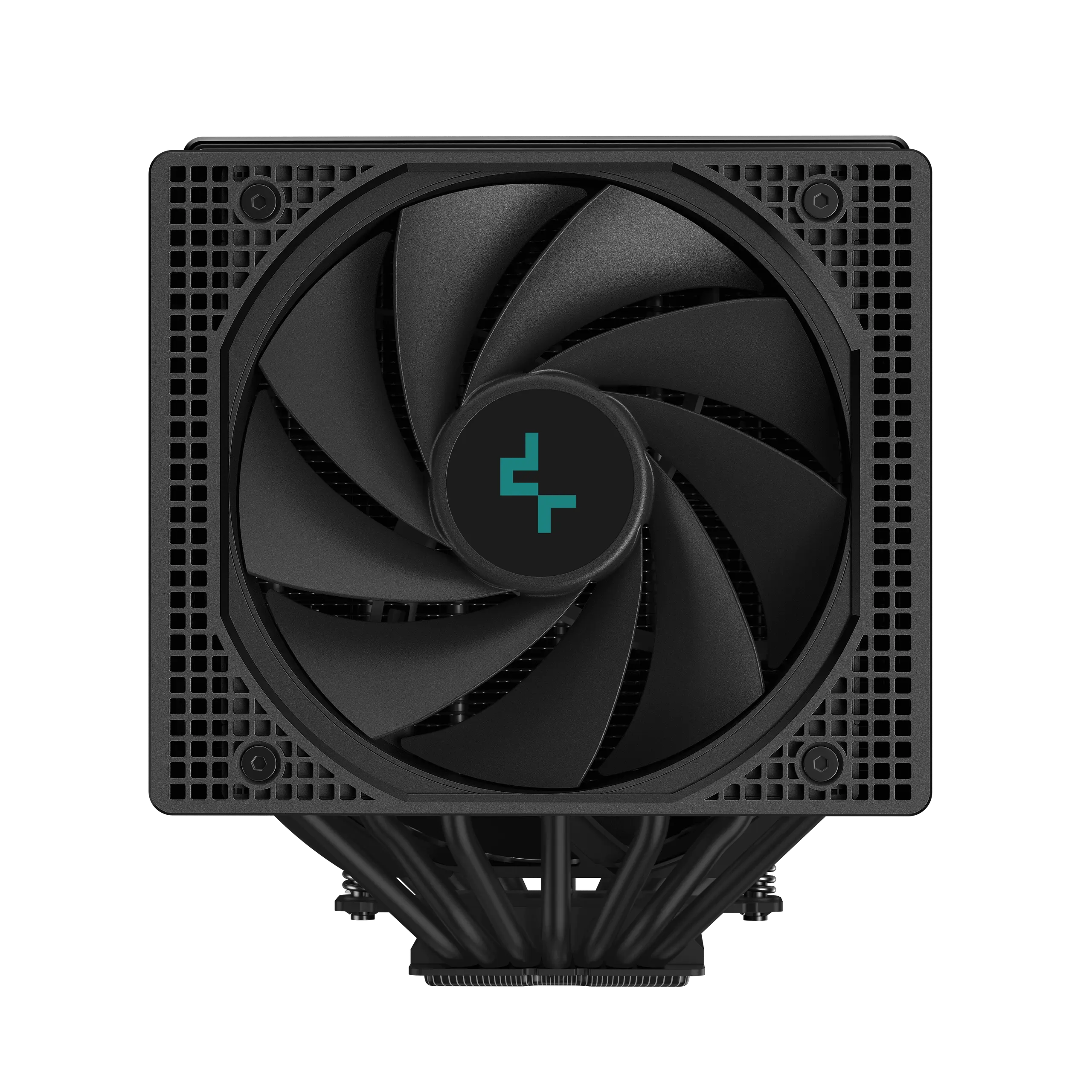
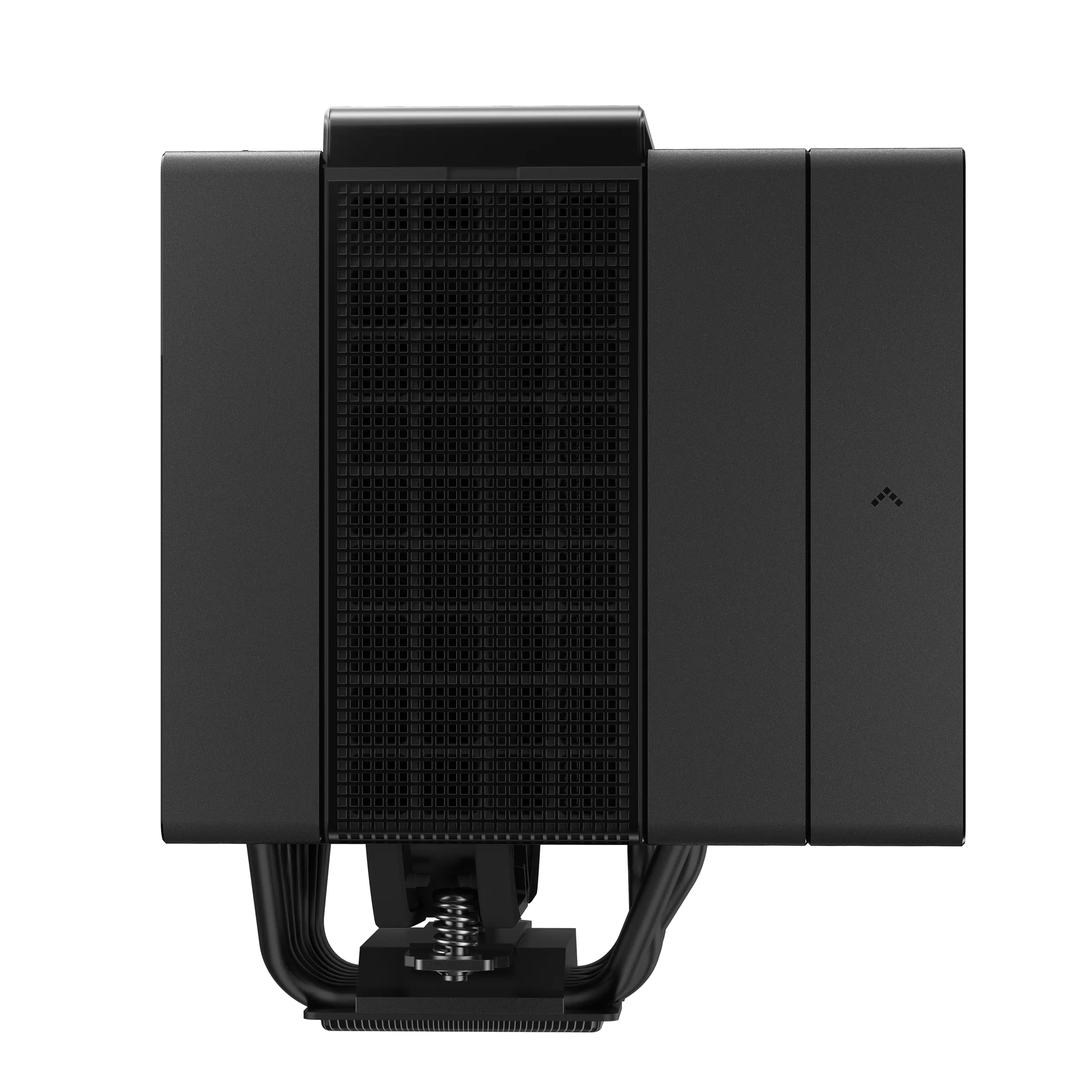
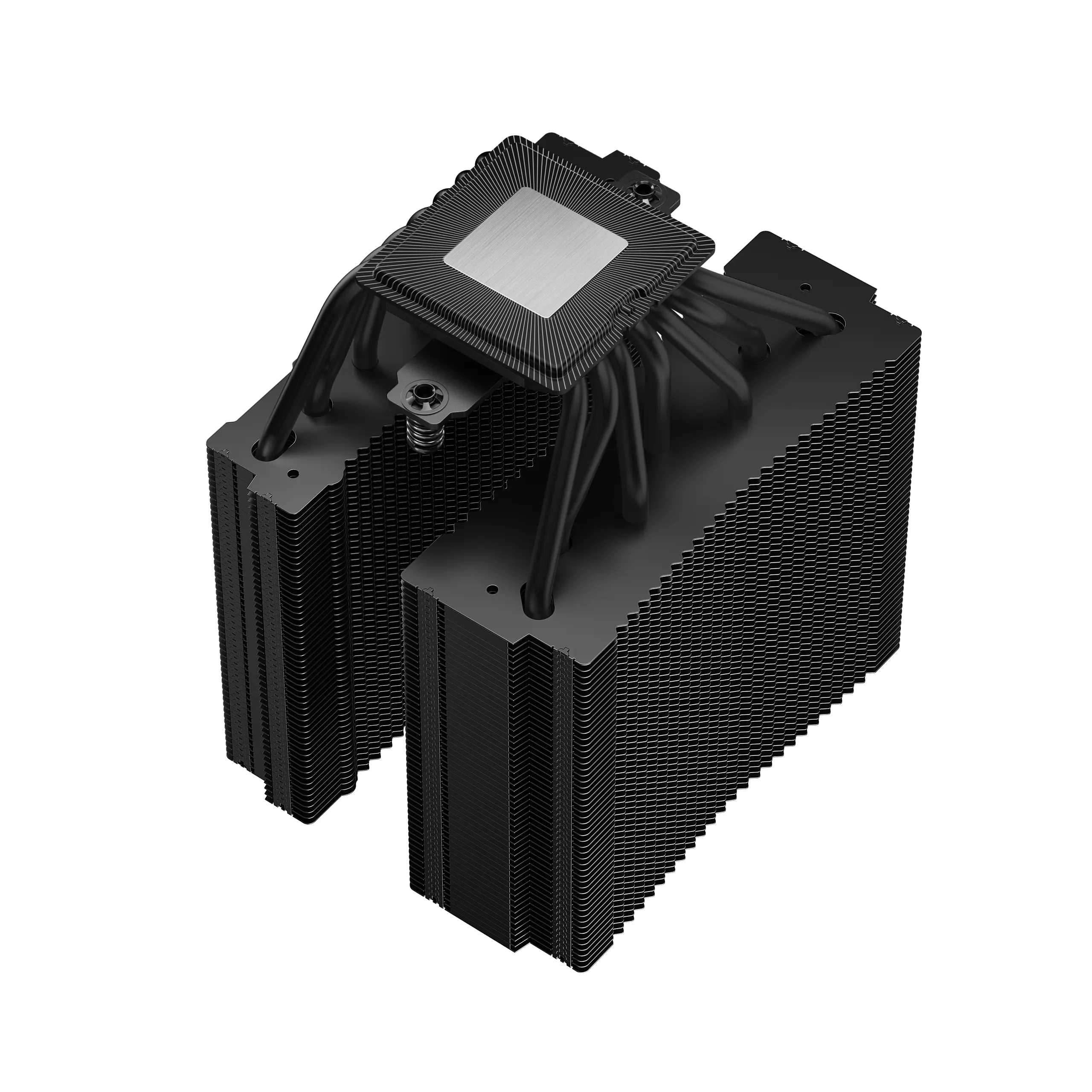
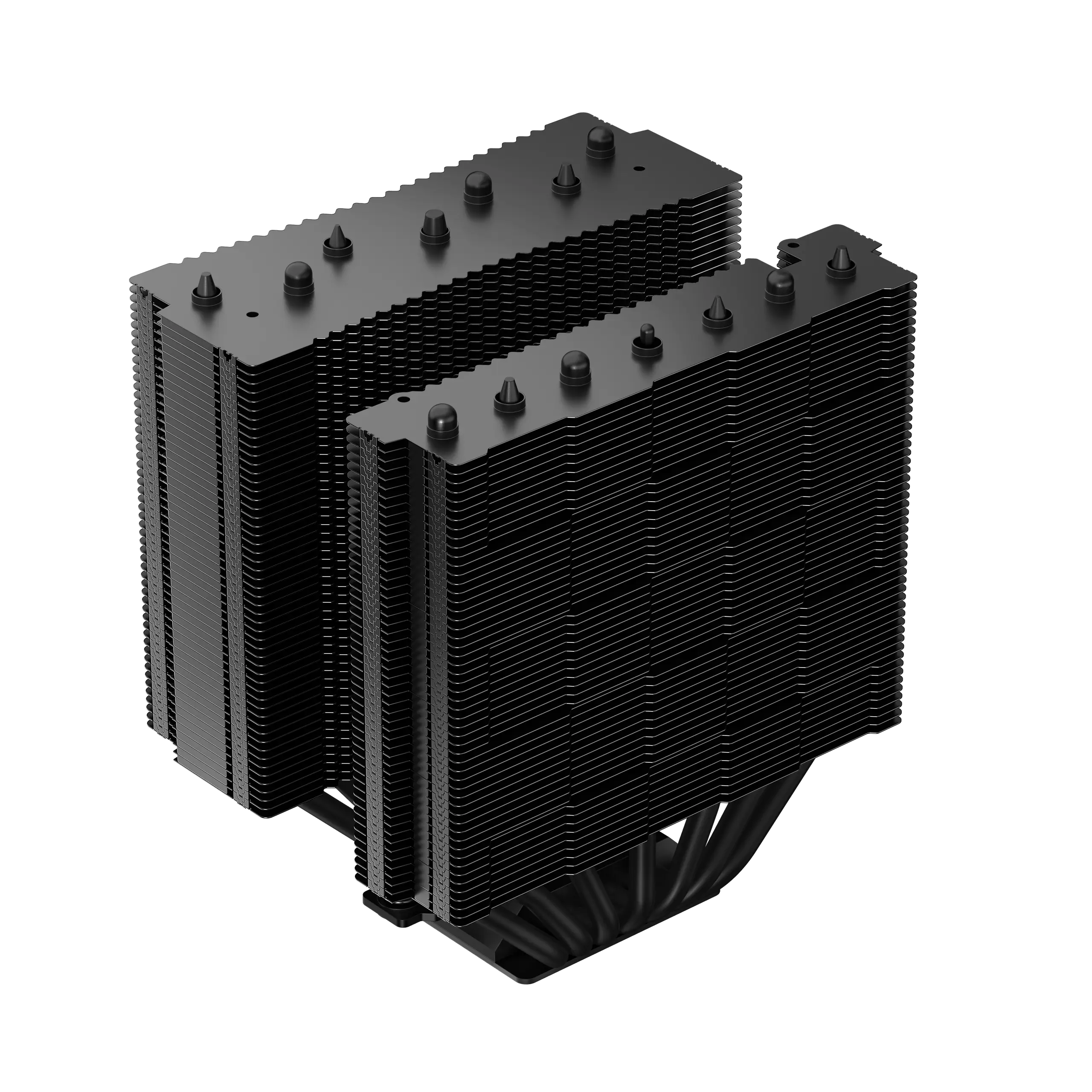
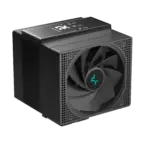
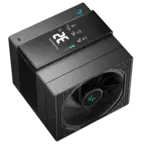
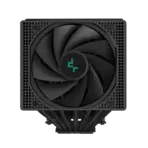
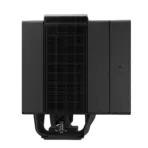
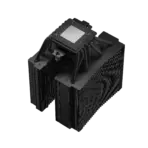
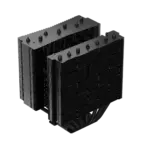
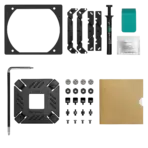
DeepCool ASSASSIN IV VC VISION 300W Dual-Tower Digital CPU Cooler, Vapor Chamber, 7 Heatpipes, Digital Display, 140mm + 120mm FDB PWM Fans, LGA1851/AM5 | BLACK
Generate an AI Image
- Layout
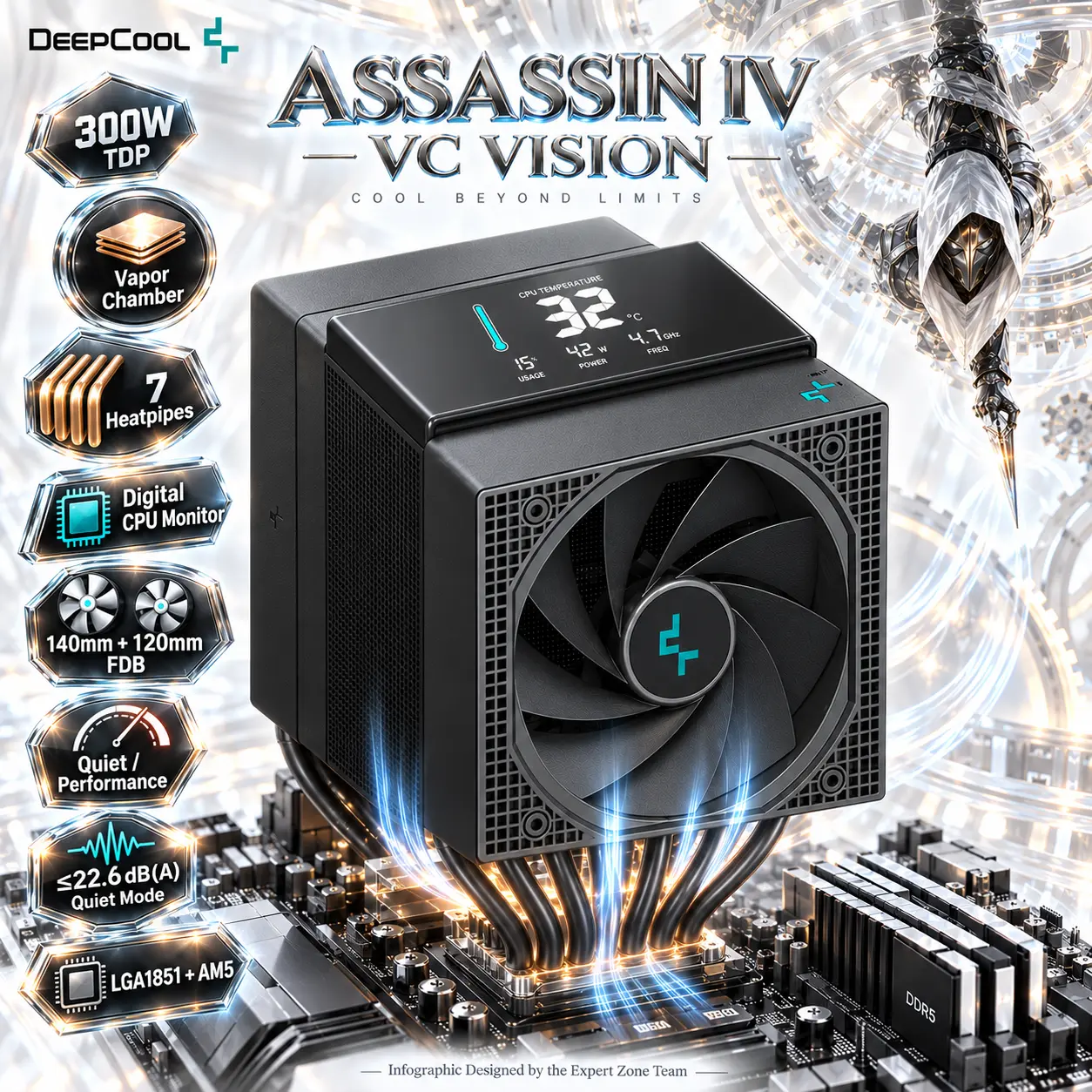
- Create an exact 2048 × 2048, perfect 1:1 square website product-profile composition for the DeepCool ASSASSIN IV VC VISION.
- Make the complete cooler the dominant hero, occupying approximately 68–72% of the useful canvas.
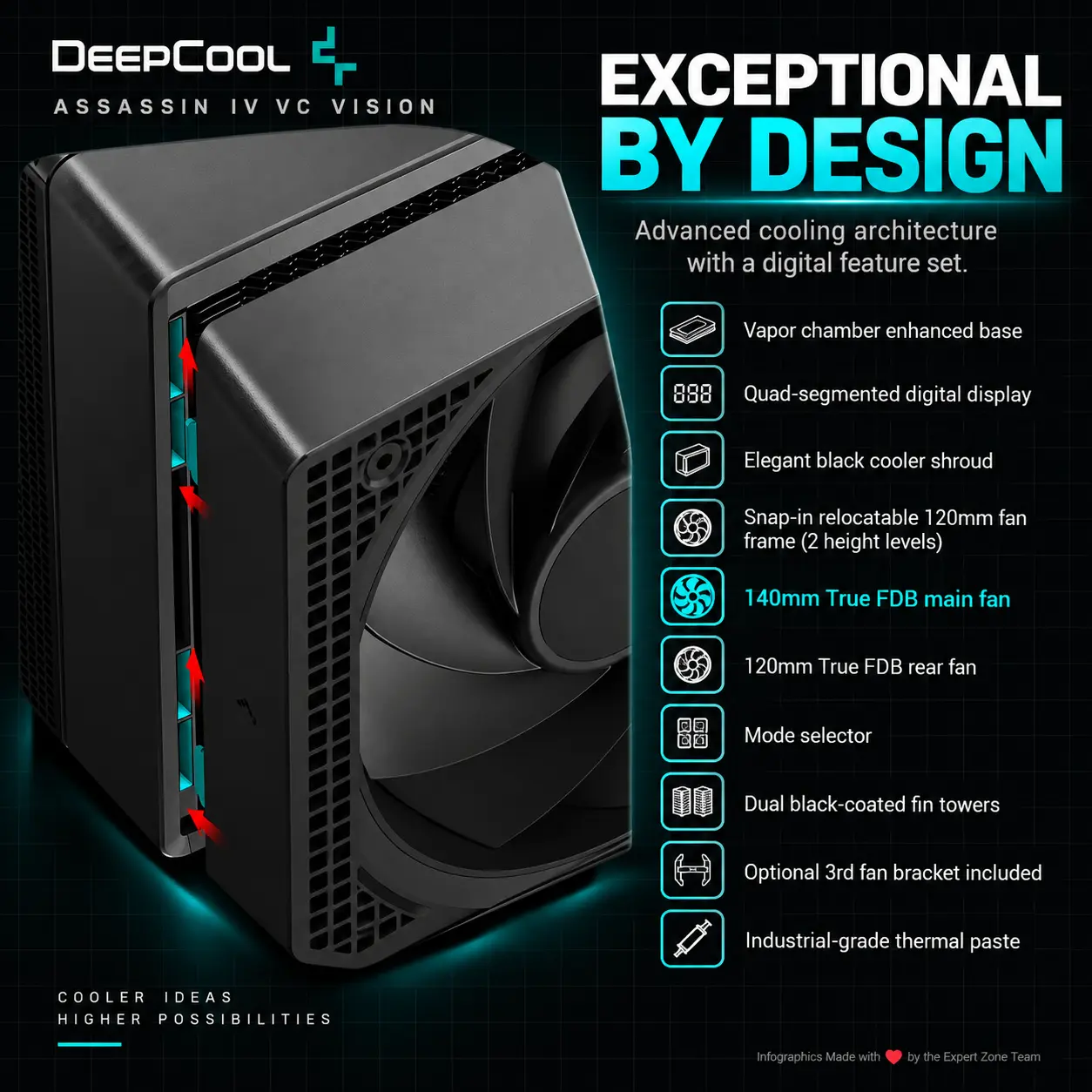
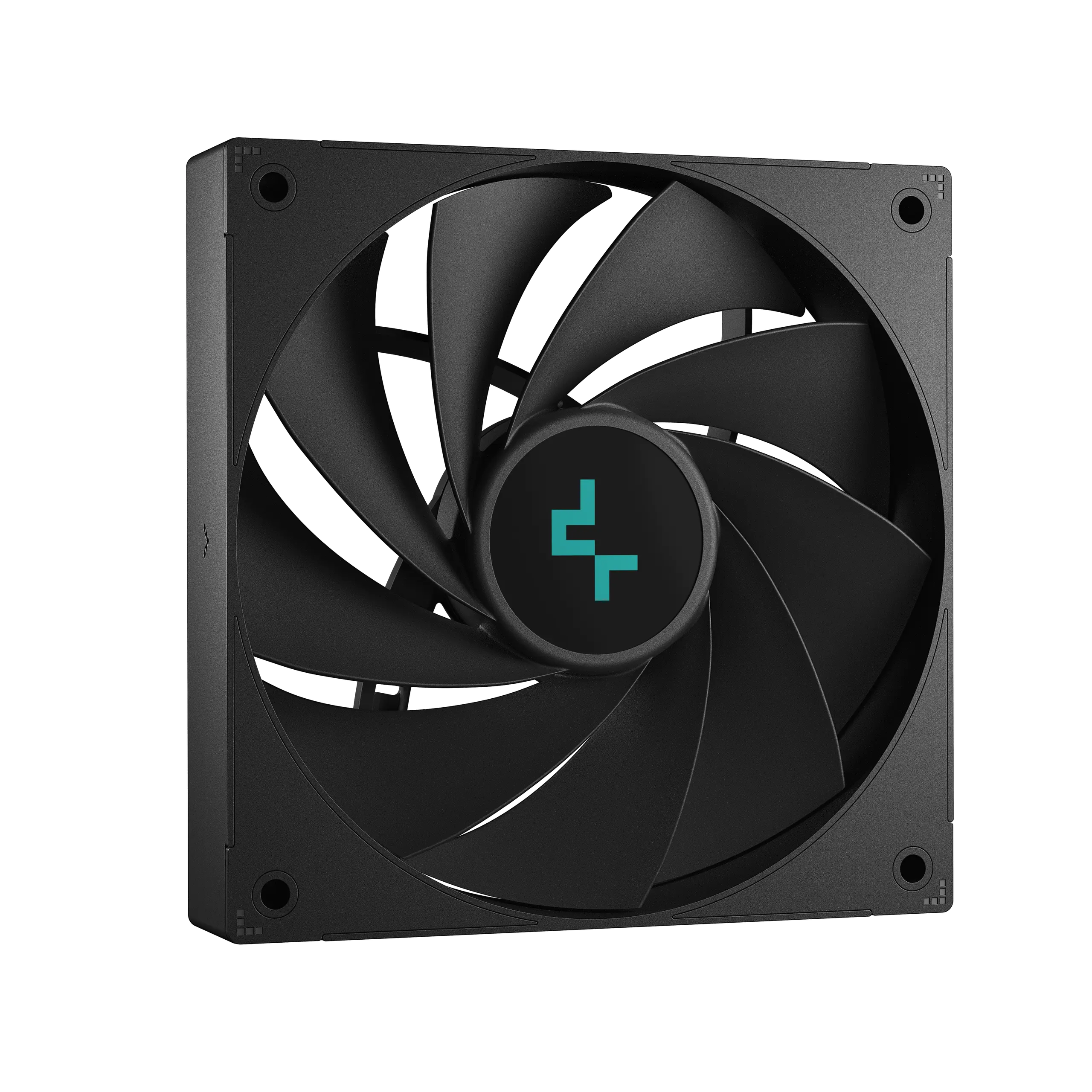
- Show it from a dramatic low three-quarter angle, clearly revealing the black dual-tower shroud, digital top panel, 140mm central fan, relocatable 120mm fan, and vapor-chamber base architecture.
- Foreground: complete cooler mounted naturally over a partially visible high-end motherboard CPU socket.
- Midground: sculptural thermal-flow elements interacting with the vapor chamber and fin towers.
- Background: a radically minimal precision-mechanical gaming sanctum.
- Position the icons in a broken vertical zig-zag along the left perimeter, avoiding the layouts used in previous products.
- Product Presentation
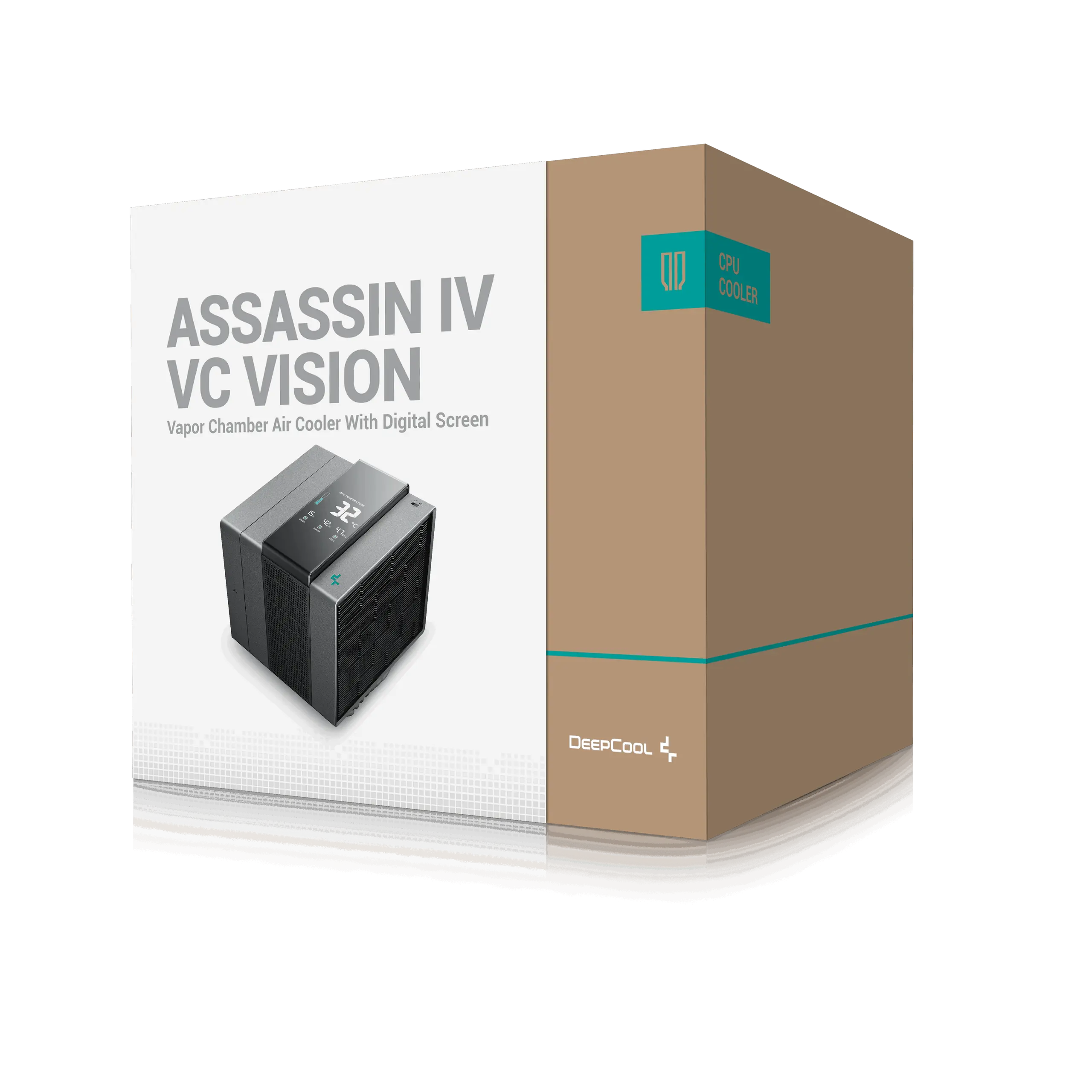
- Use official ASSASSIN IV VC VISION imagery as the strict physical reference.
- Preserve exact proportions, black shroud geometry, fan placement, display shape and mounting structure.
- Place the DeepCool logo at top-left.
- Center “ASSASSIN IV VC VISION” at the top using sharp, extruded high-luster pearl-metal typography.
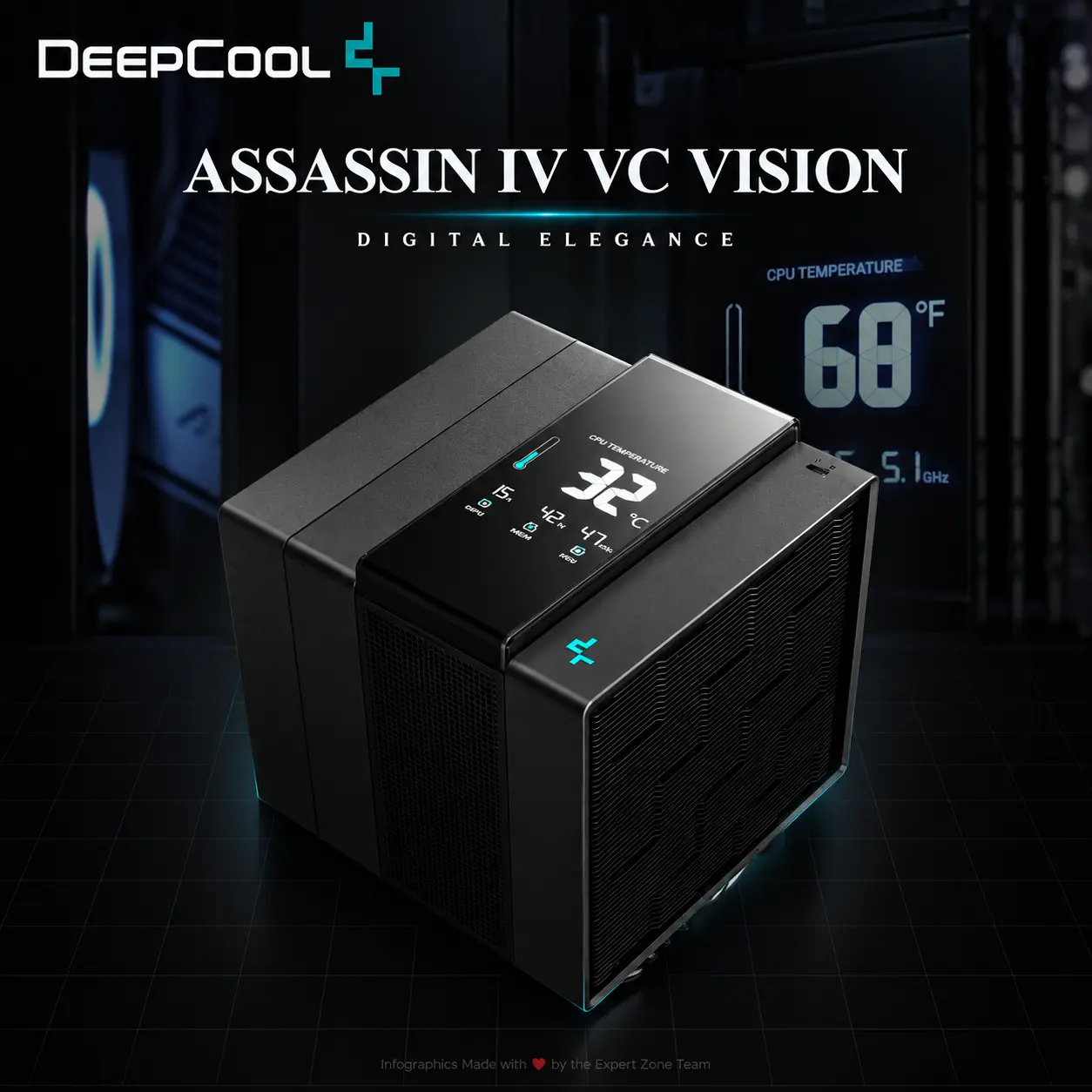
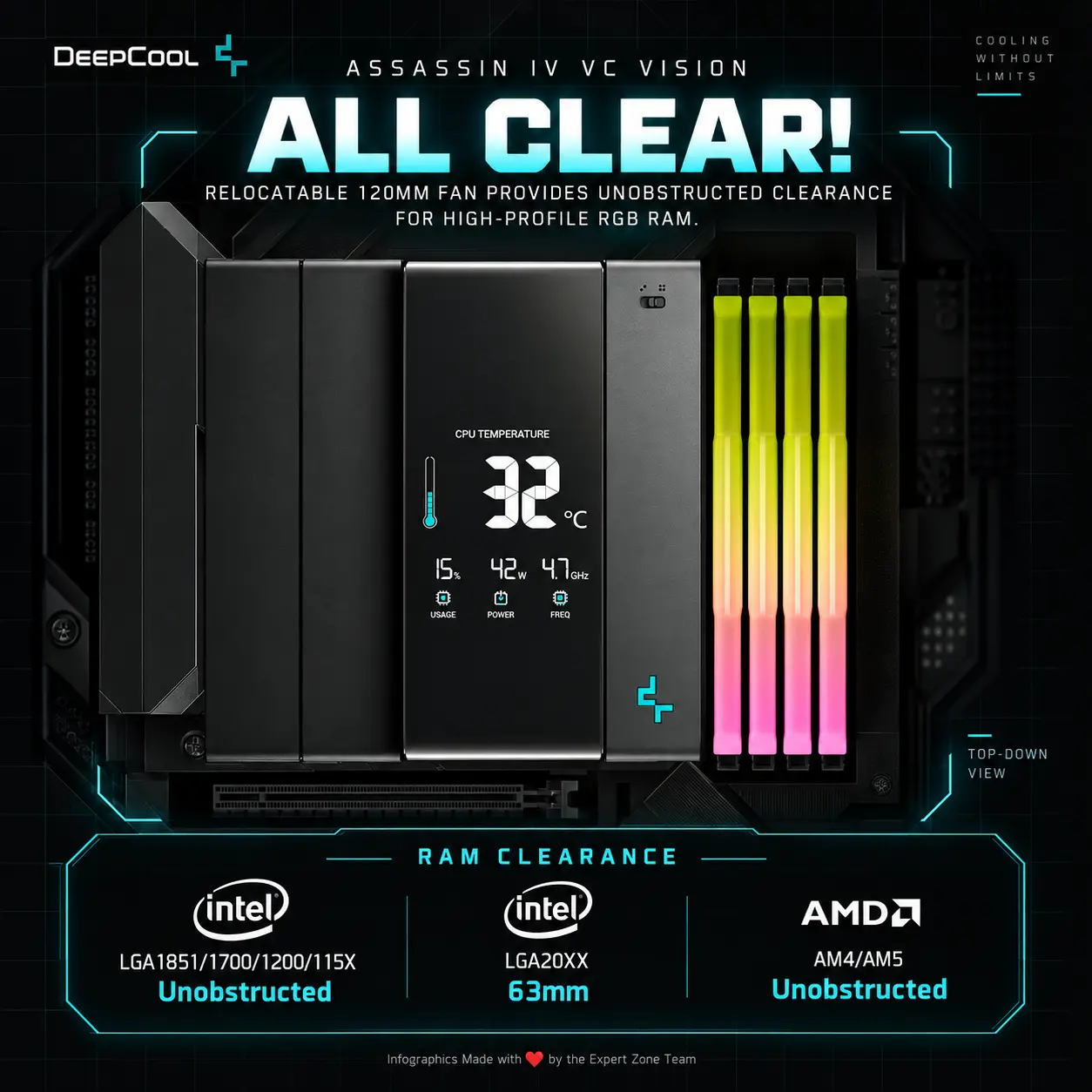
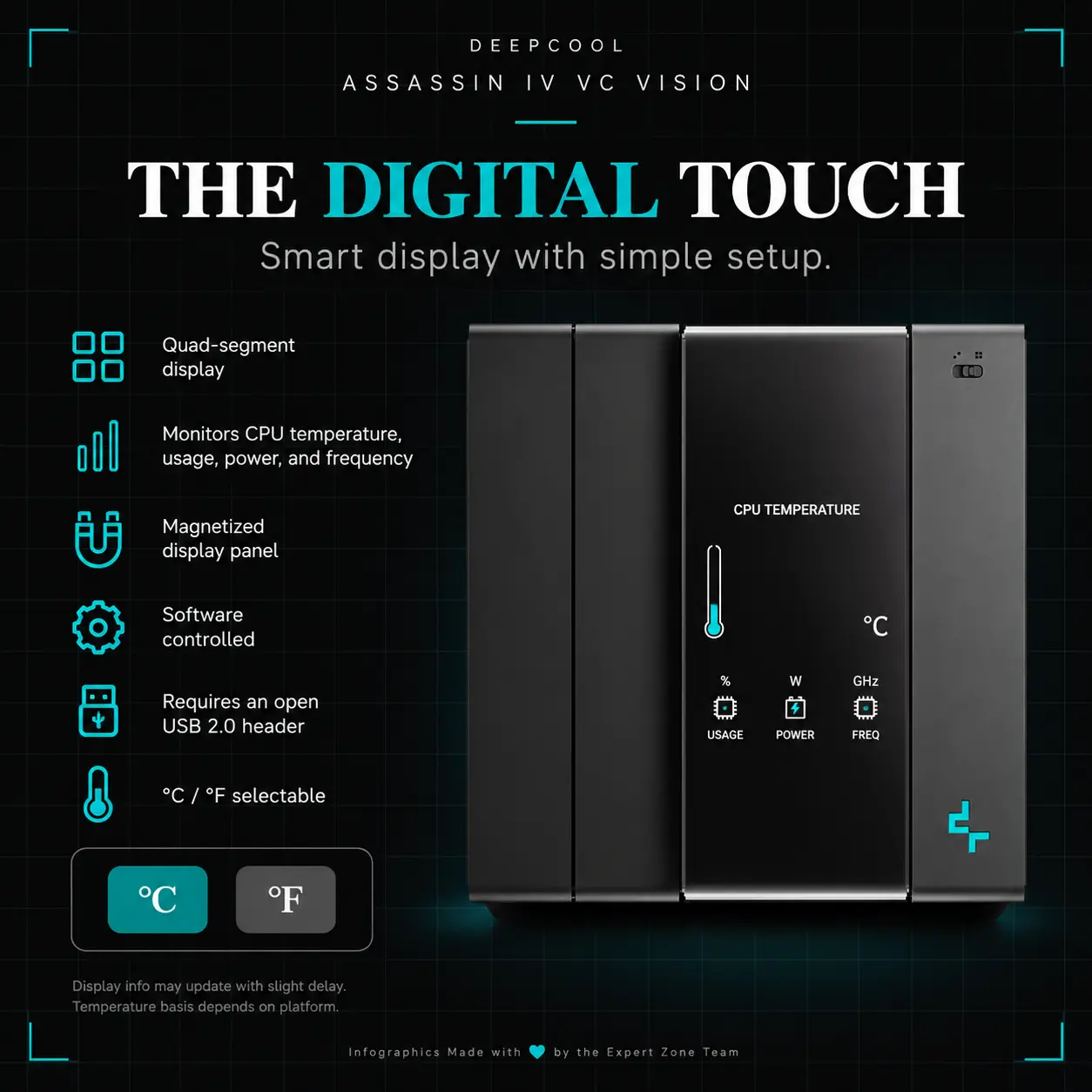
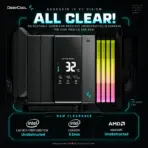
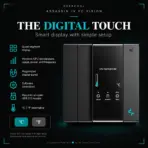
- The digital display must show believable CPU temperature / usage / wattage / frequency telemetry, not fictional graphics.
- Artistically Distinct and Detailed Background
- Create a completely new story: the cooler is mounted on a surreal motherboard inside a silent pearlescent clockwork execution chamber, visually translating enormous cooling power into mechanical precision.
- Behind the motherboard, place an original masked spectral assassin suspended upside-down from a gigantic translucent gear-like structure, extending one thin blade toward a glowing thermal stream being pulled from the CPU into the vapor chamber.
- Make the scene feel threatening yet clinically elegant: brutal gaming energy surrounded by an impossibly pristine environment.
- Use a [MANDATORY] dominant extreme high-luster pearlescent white palette with pale mercury-silver, icy cyan and tiny champagne reflections.
- Use exactly two texture families: deep conch-pearl opalescence and gemstone chatoyancy.
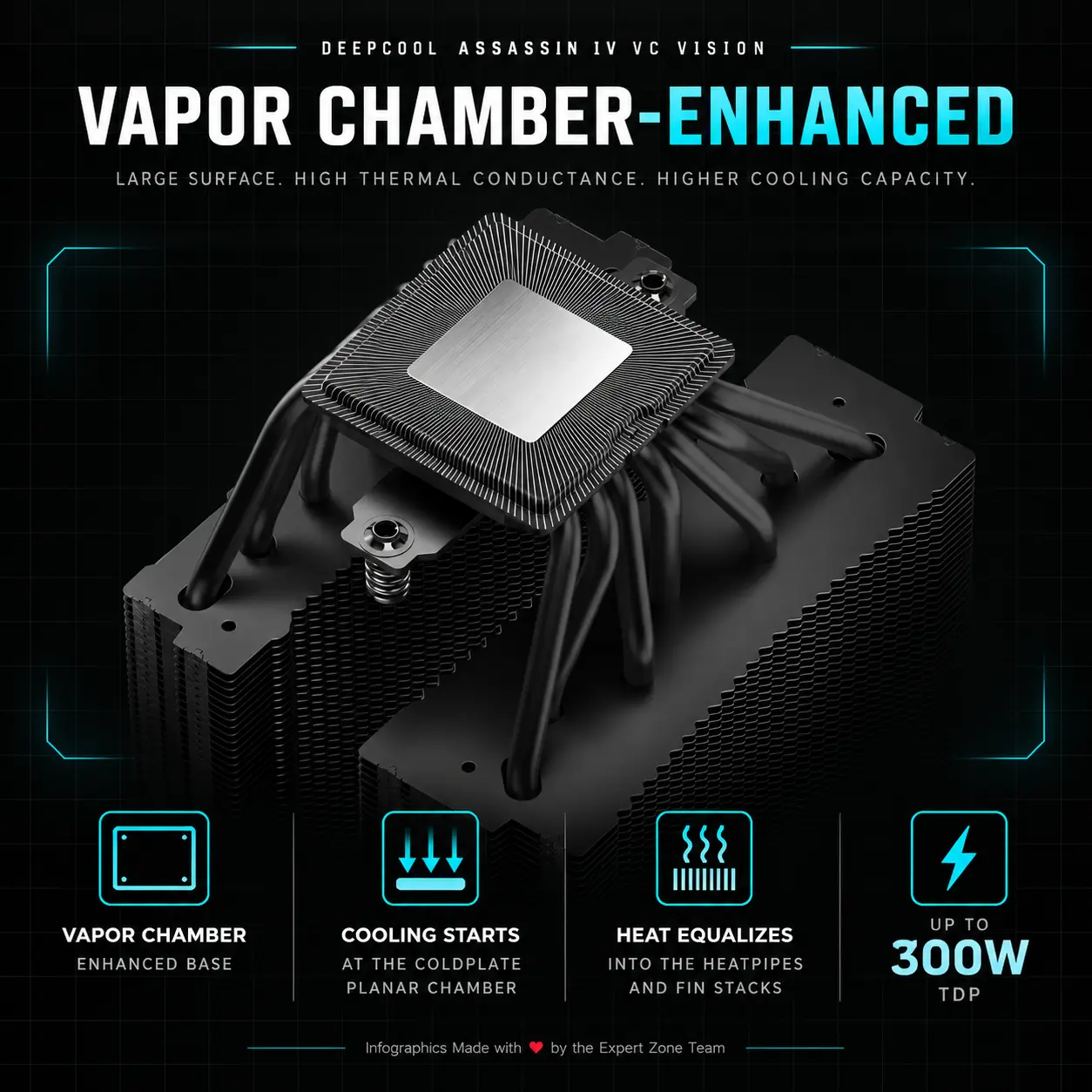
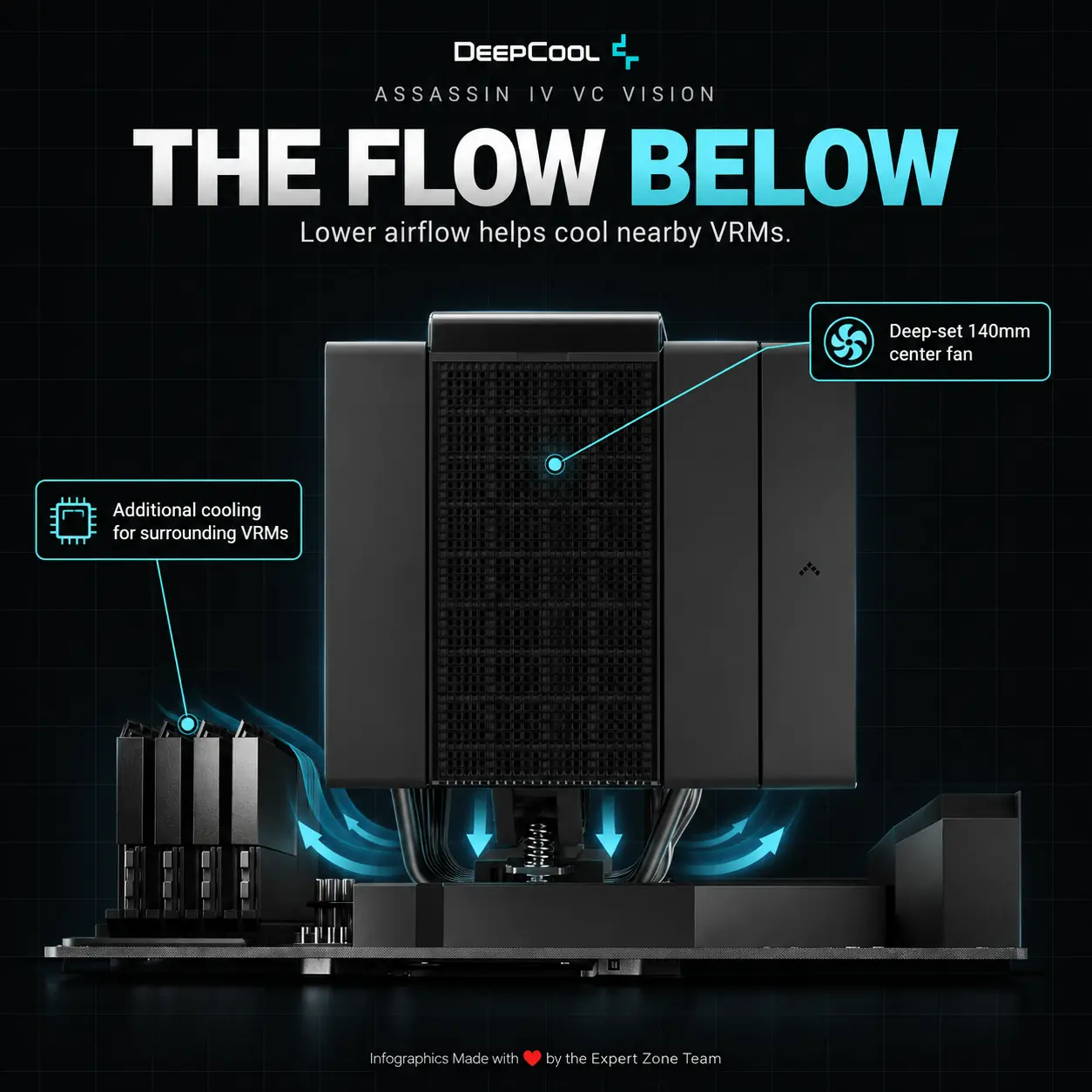
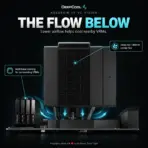
- Visualize the 300W thermal load as dense translucent heat ribbons being flattened through a luminous planar vapor-chamber layer, then splitting into seven distinct rising thermal channels toward the fin towers.
- Keep black and graphite almost completely restricted to the actual cooler and small portions of the assassin.
- No smoke, graphite fog, throne, cathedral, observatory, wind tunnel, frozen arena, celestial relic chamber, conventional RGB room or reused previous scenery.
- Gaming hardware aesthetic Icons
- CRITICAL DIRECTIVE [STRICT] The Icons MUST Have different shapes depending on the specific content of the icon
- 300W TDP
- Vapor Chamber
- 7 Heatpipes
- Digital CPU Monitor
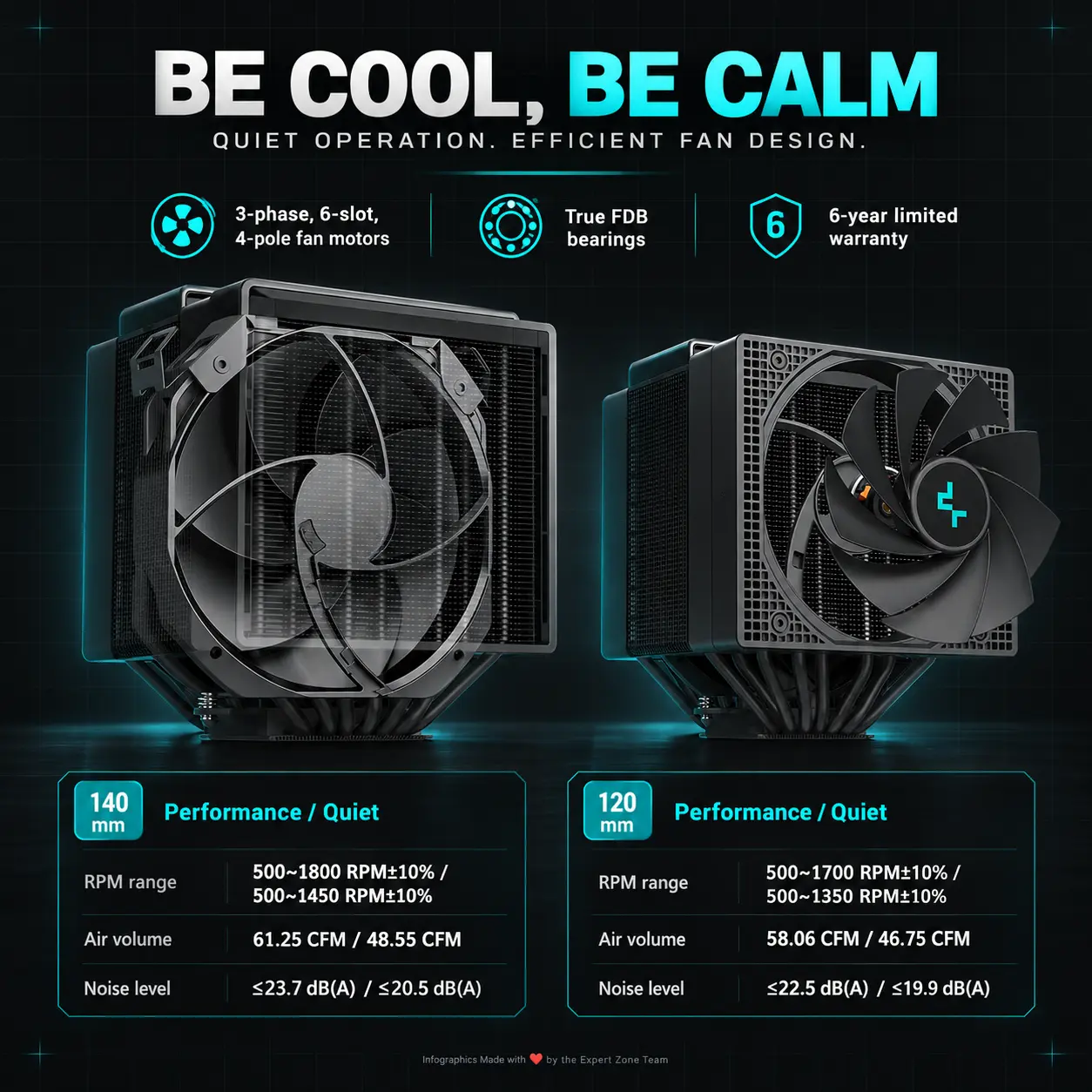
- 140mm + 120mm FDB
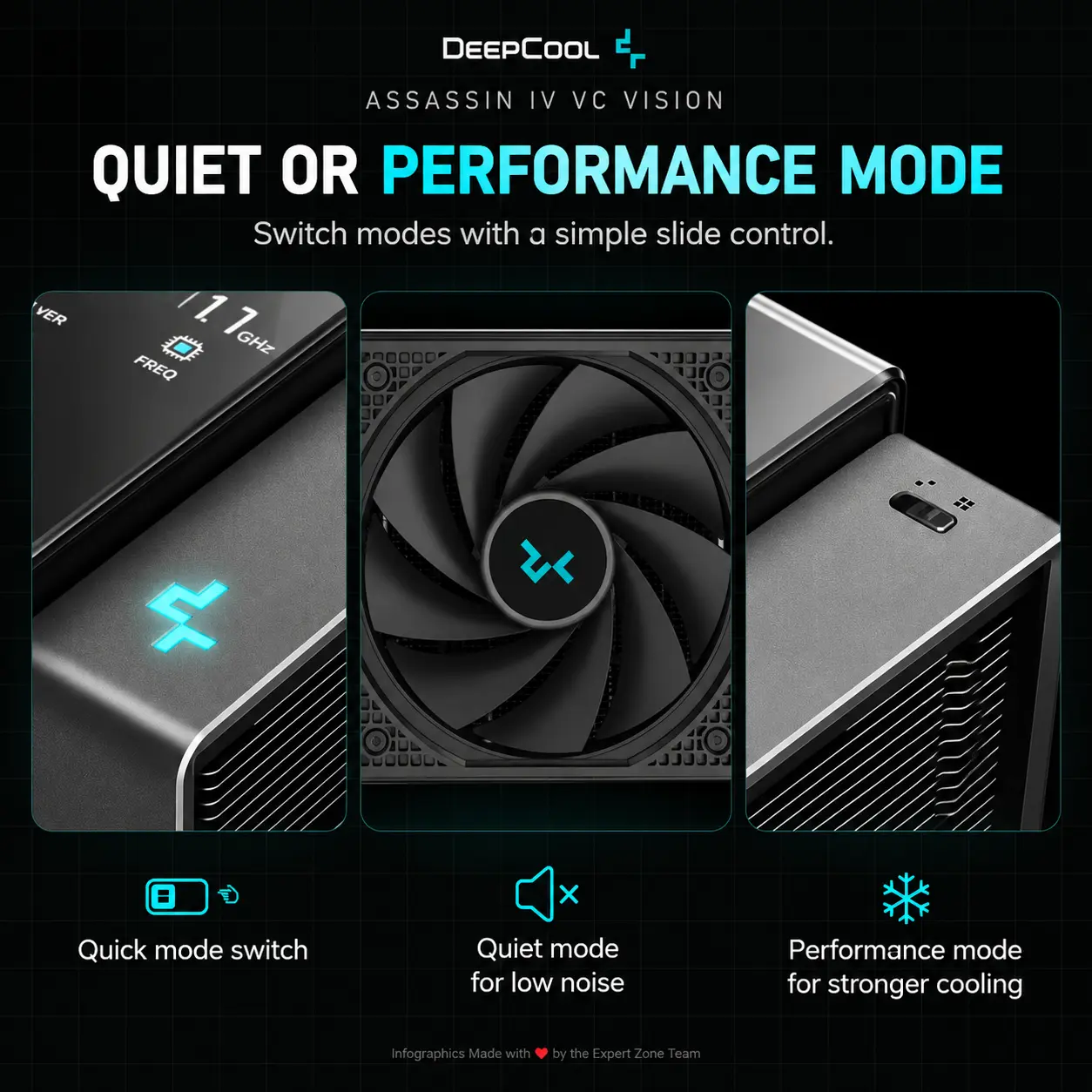
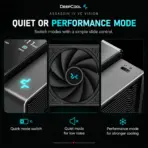
- Quiet / Performance
- ≤22.6 dB(A) Quiet Mode
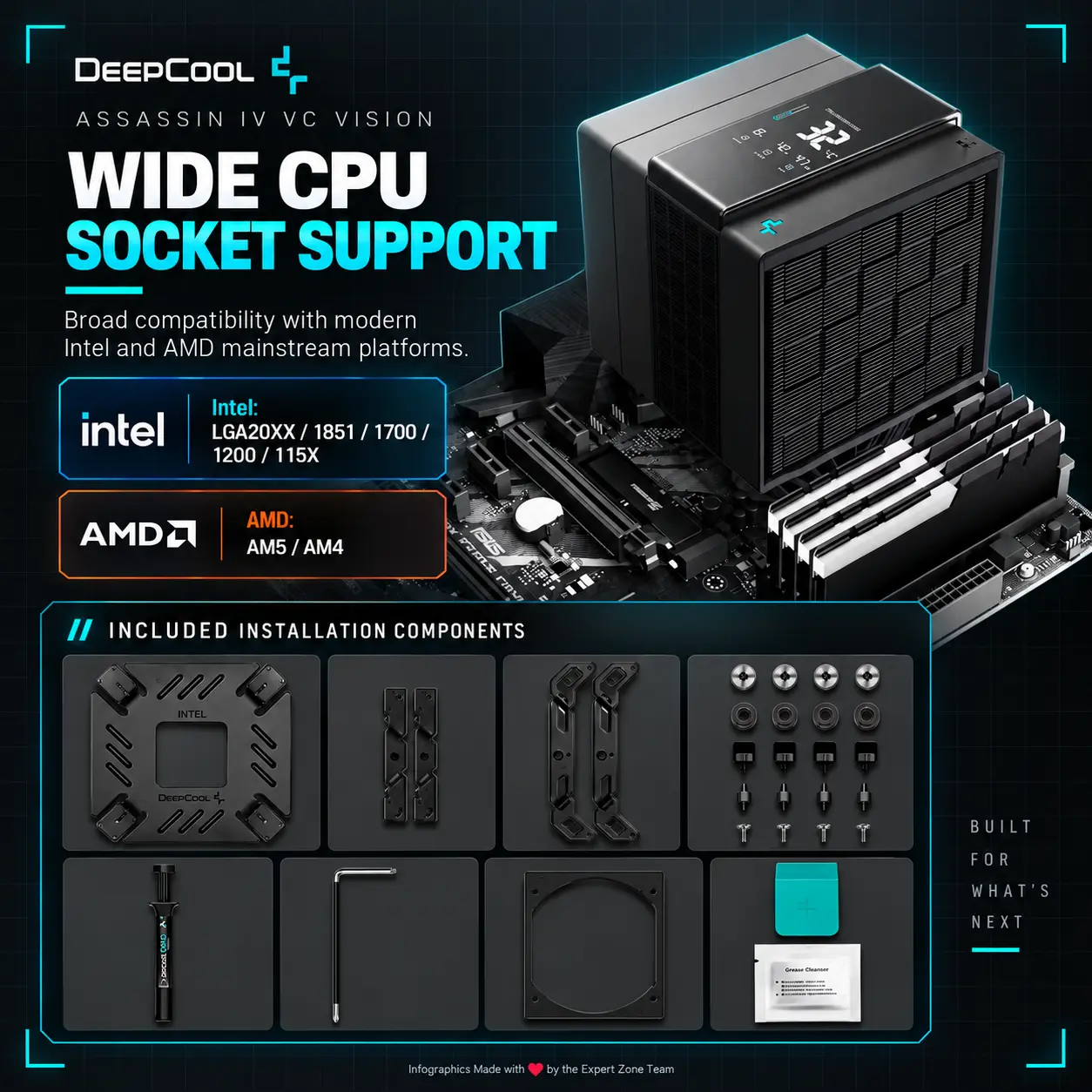
- LGA1851 + AM5
- Each icon is a DIFFERENT 3D Freeform badge The style is futuristic, industrial, and high-tech.
- Use realistic rendering with ray-traced reflections and lens flares.
- The icons must include specific technical text.
- Sharp typography, volumetric lighting, 8k resolution, cinematic composition.
- Lighting: “Chiaroscuro” (high contrast between white background and bright icons) and “anamorphic lens flares.”.
- Text to occupy maximum area of each icon, enhance readability and clarity of text.
- Text should be of maximum contrasting colors with respect to the badge, text is incorporated inside the icon
- Output Requirements
- Exact 2048 × 2048 pixels.
- Perfect 1:1 square ratio.
- Extreme-resolution rendering throughout.
- Keep product, motherboard fragment, logo, title, icons and artistic elements fully inside safe margins.
- Add discreetly at the bottom: “Infographic Designed by the Expert Zone Team”.
- Constraints
- Do not alter the cooler architecture, fan count, or digital-display design.
- Do not turn the segmented display into a full-color LCD or gaming screen.
- Do not invent RGB lighting.
- Do not use a pedestal, podium or product stage.
- Background must remain overwhelmingly extreme high-luster pearlescent white.
- Avoid matte-heavy surfaces, gray smog, cheap chrome, clutter, generic gaming-poster composition or ordinary PC-room scenery.
- NEVER make it look like a premium ad poster.
- Before rendering, ask “How does this image fare as a product-profile image?” and automatically correct cooler scale, fan geometry, digital-display accuracy, motherboard interaction, edge sharpness, icon readability and background separation.