



5087-V3-BLK&GOLDBITE
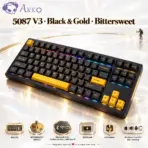
AKKO 5087 V3 BLACK&GOLD TRIMODE TKL MECHANICAL KEYBOARD/RGB/HOT SWAP/BITTERSWEET SWITCH
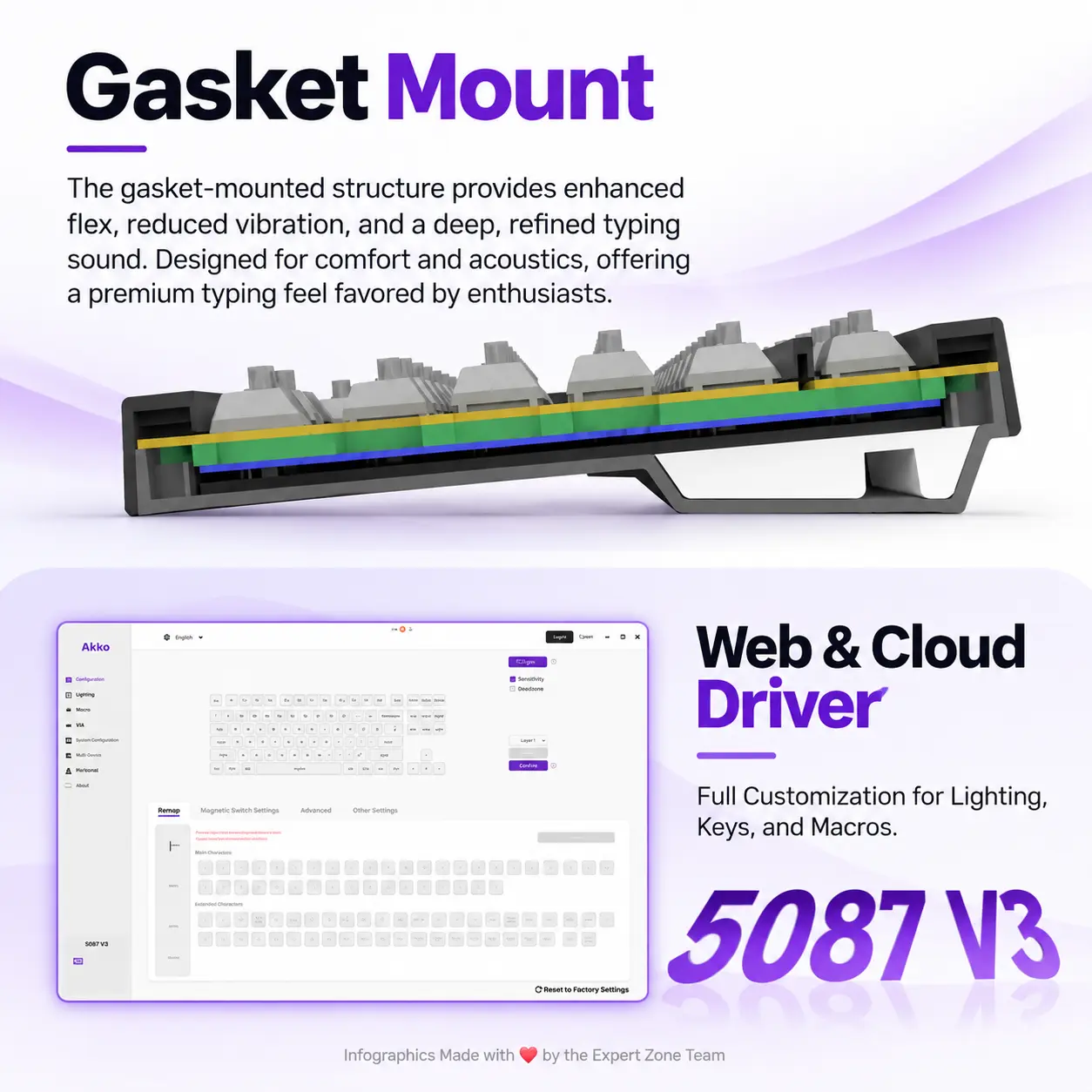
AKKO 5087 V3 Black & Gold TKL Tri-Mode Mechanical Keyboard, Bittersweet Tactile Switches, (Bluetooth 5.0, 2.4GHz wireless, or USB Type-C), 10000mAh Battery, RGB, Gasket Mount & Hot-Swap, For Windows / macOS / iOS / Android
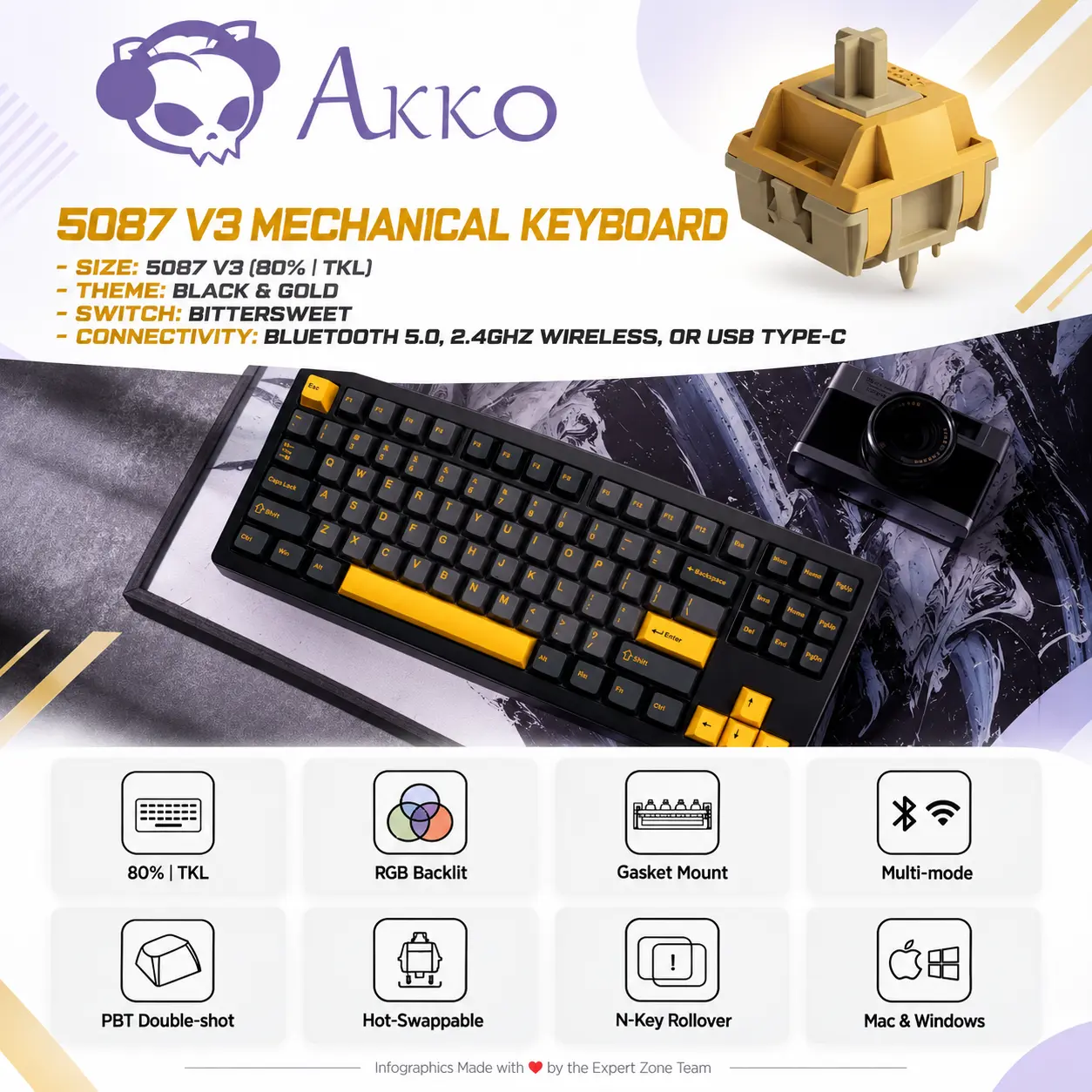
5087 V3 Mechanical Keyboard
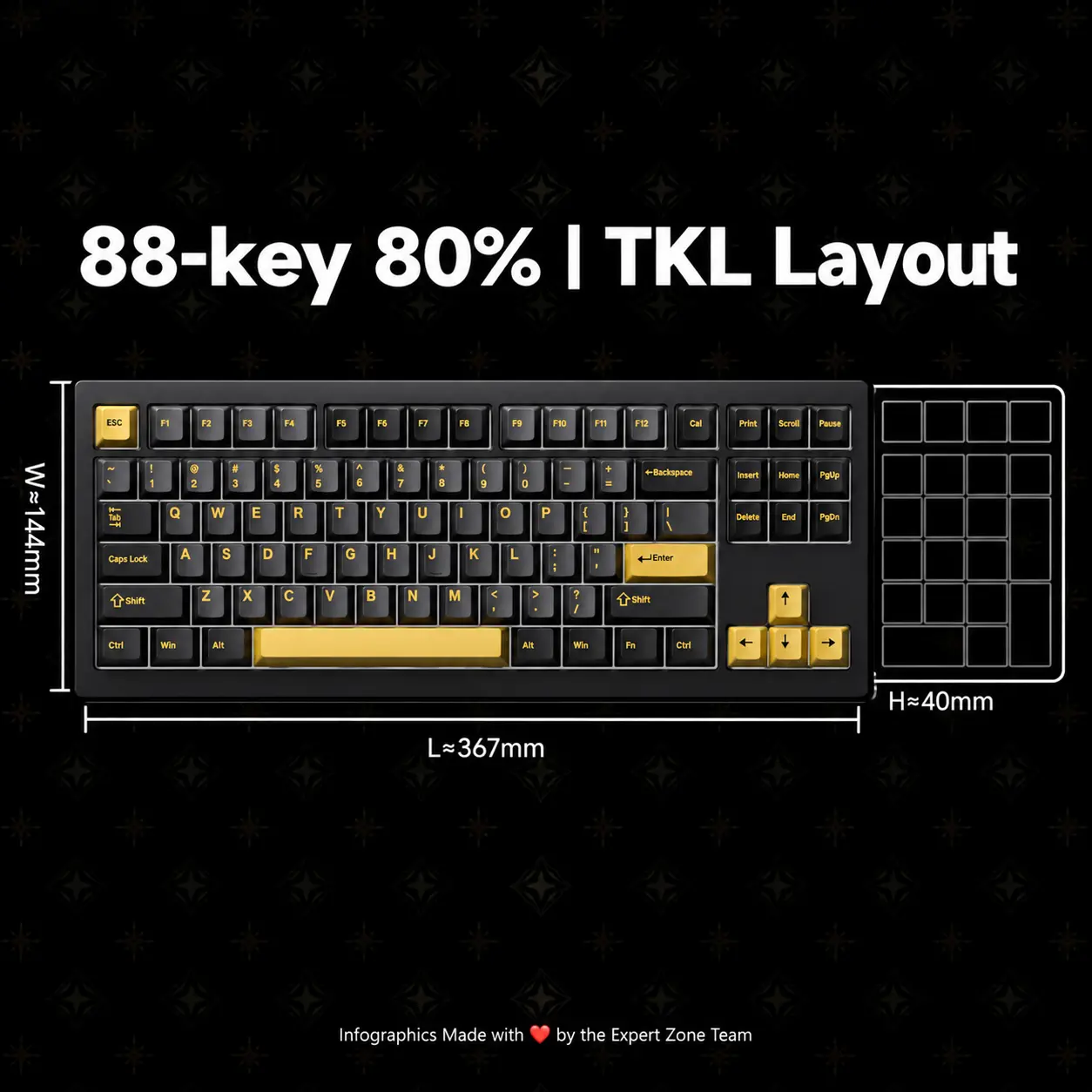
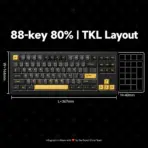
Size: 5087 V3(80% | TKL)
Theme: Black & Gold
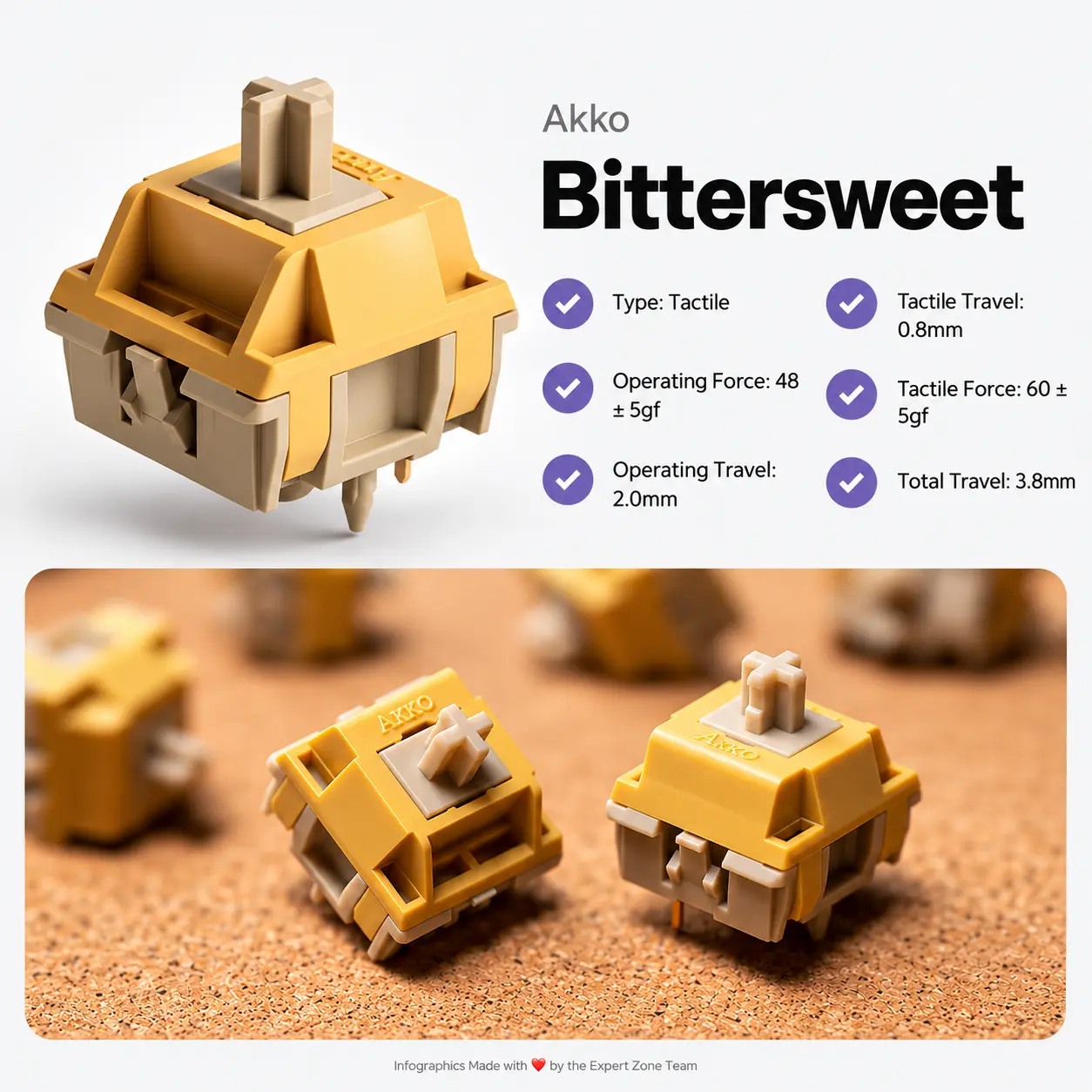
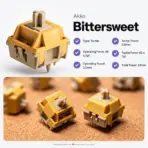
Switch: Bittersweet
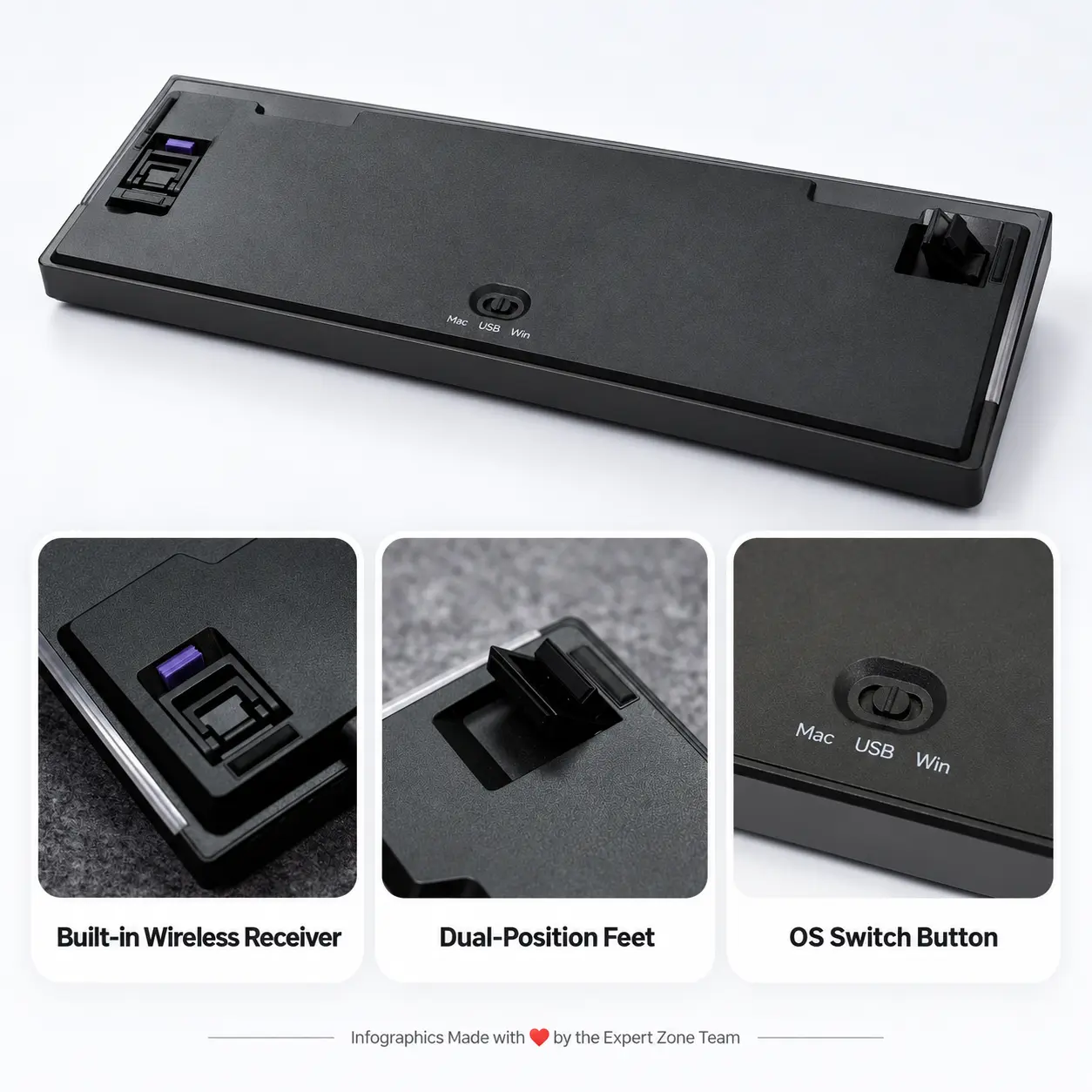
Connectivity: Bluetooth 5.0, 2.4GHz wireless, or USB Type-C
Windows / macOS / iOS / Android
Generate an AI Image
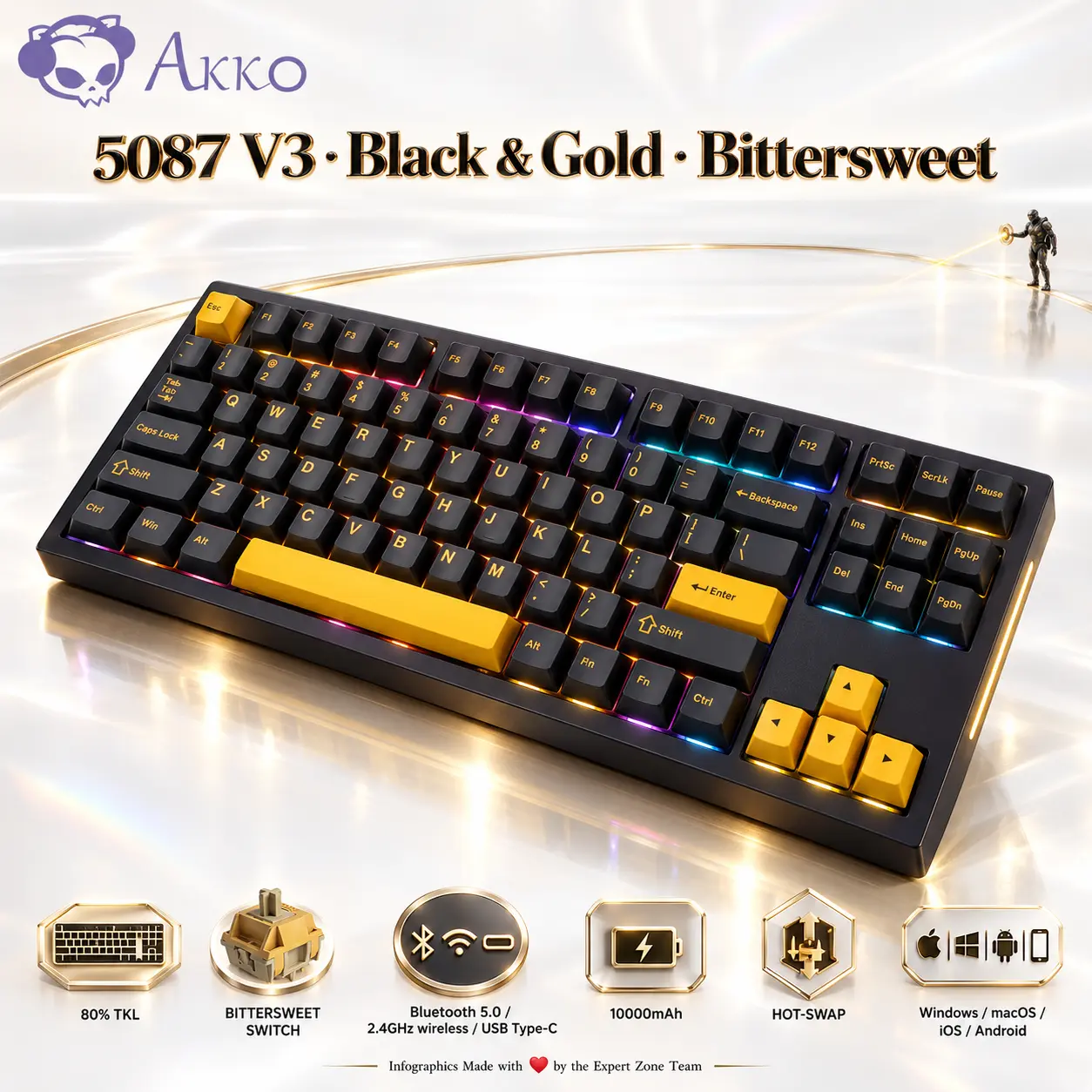
The Silent Gold Aperture
A quiet, luminous pearl-white gallery with one elegant champagne-gold architectural detail, an almost invisible dark gaming presence and absolutely no unnecessary background objects.
Layout
Create an exact 2048 × 2048-pixel, perfect 1:1 square e-commerce product image.
-
Display one authentic AKKO 5087 V3 Black & Gold keyboard, occupying approximately 70–74% of the useful canvas, from a slightly elevated three-quarter gaming angle.
-
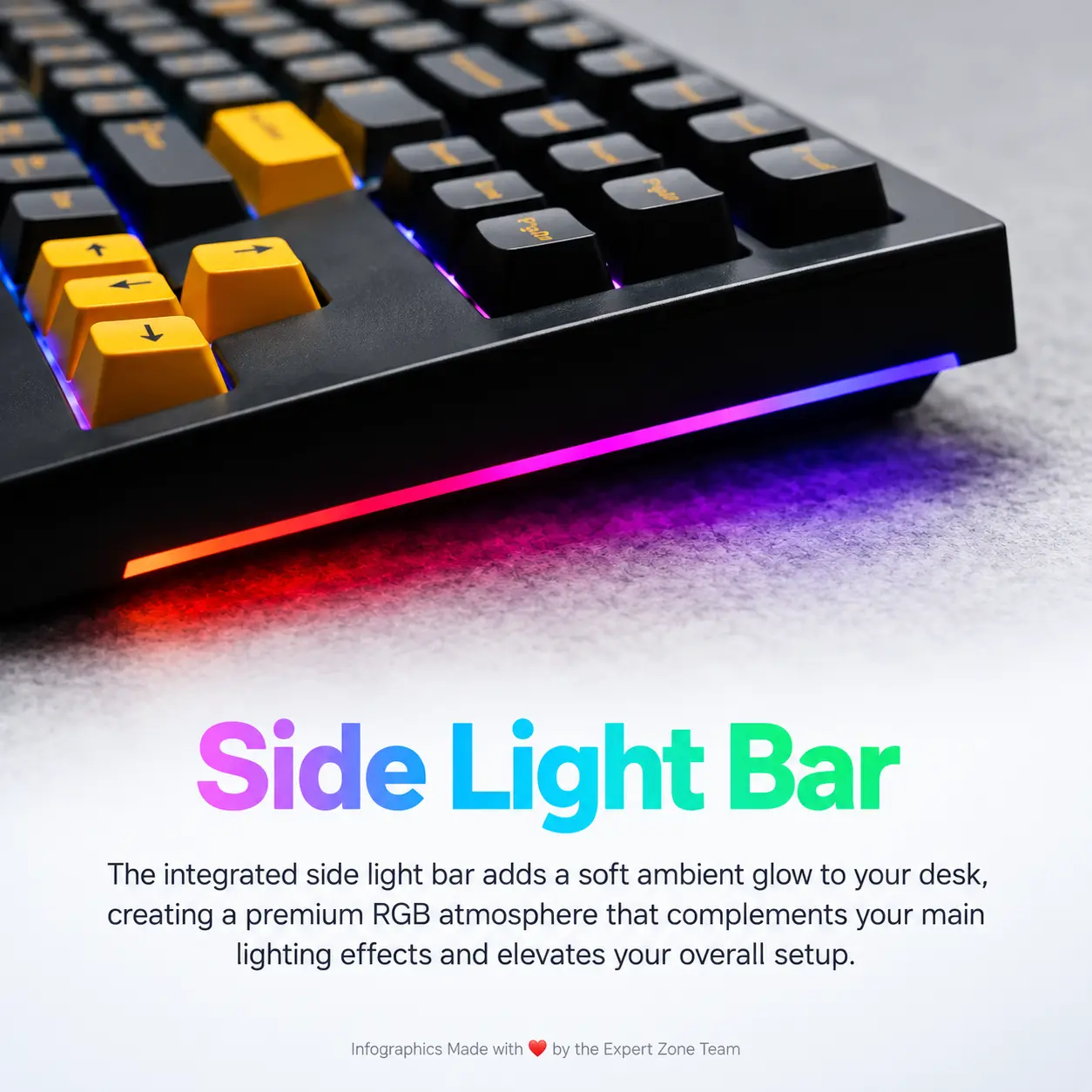
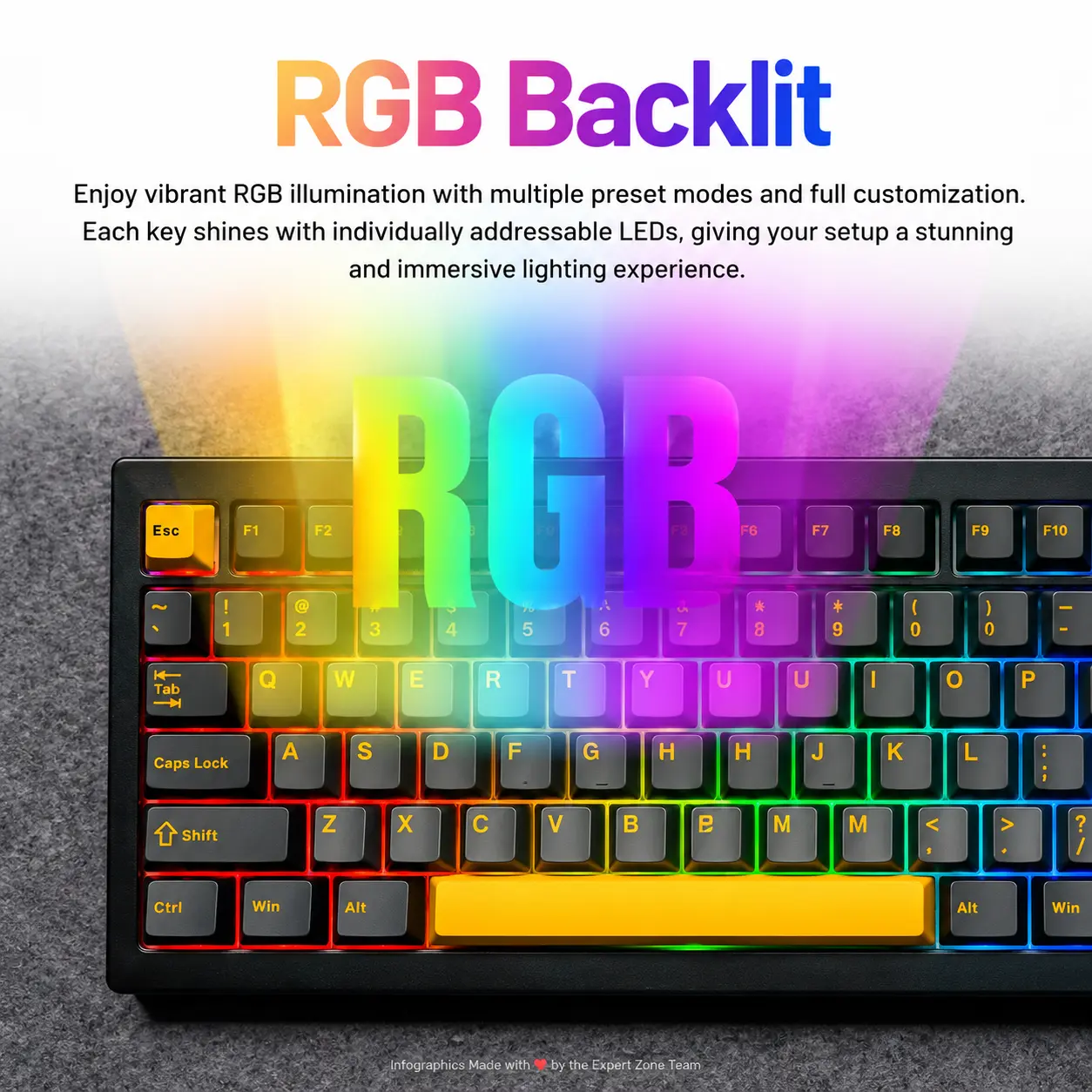
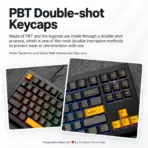
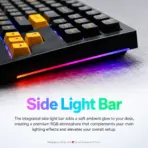
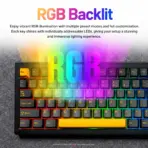
Clearly reveal the 80% TKL layout, black-and-gold keycap arrangement, navigation and arrow clusters, RGB lighting and side light bar.
-
Reserve a slim top area for branding and a disciplined bottom strip for five compact icons. Maintain generous safe margins.
Product Presentation
Use the supplied product photograph as the strict physical reference. Preserve the exact keycap distribution, case geometry, Cherry-profile keycaps, RGB placement and side light bar. Position the authentic AKKO logo discreetly in the upper-left corner.
Center the title 5087 V3 · Black & Gold · Bittersweet in refined, sharply extruded midnight-black titanium typography with extremely fine champagne-gold metallic edges.
Artistically Distinct and Detailed Background
Create a luxurious, nearly empty futuristic gallery inspired by the precise, gentle tactile response of the Bittersweet switches.
The primary environment must be extreme-high-luster pearlescent white, with subtle conch-shell luminosity and polished light-silver iridescent reflections. At least 85% of the visible background should remain bright, clean and visually quiet.
Introduce exactly one architectural detail: an extraordinarily thin, polished champagne-gold elliptical arc receding behind the keyboard. It should suggest the controlled motion of a mechanical keystroke without dominating the composition.
At the distant end of the arc, position a tiny dark armored gaming sentinel, occupying no more than 5% of the image height. The figure discreetly presses one translucent control point, releasing a single narrow golden pulse directed toward the keyboard.
The small, nearly black sentinel contrasts against the brilliant pearl-white gallery. This contrast should emphasize the keyboard’s dark chassis and gold detailing without turning the composition into a fantasy poster.
Use a localized champagne-metallic reflection immediately beneath the keyboard for visual separation. Let the product’s authentic gold accents and subtle RGB provide the remaining color.
No additional scenery: no holograms, floating crystals, switch sculptures, debris, elaborate machinery, particle clouds, smoke or decorative objects.
Icons —
- 80% TKL
- BITTERSWEET SWITCH
- Bluetooth 5.0, 2.4GHz wireless, or USB Type-C
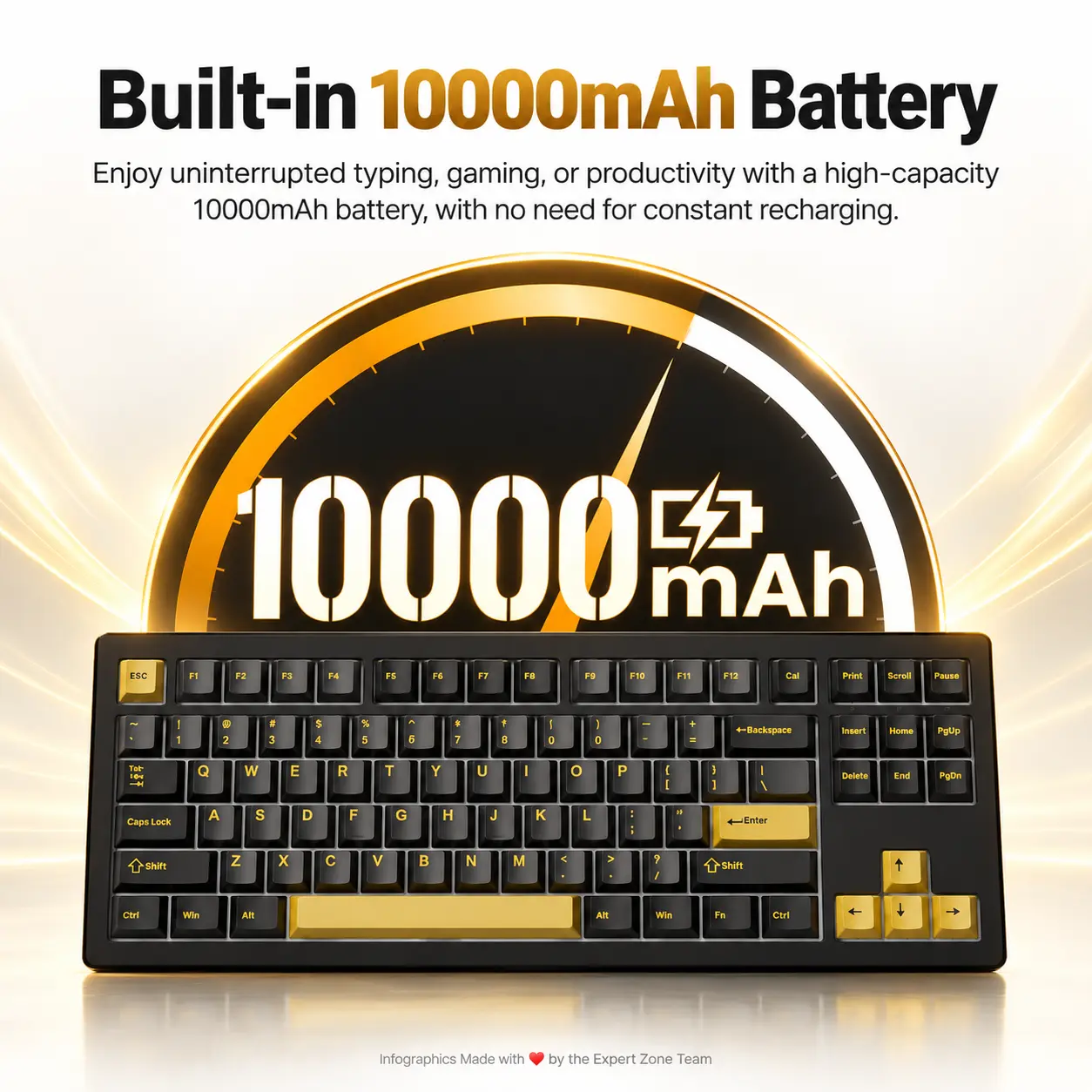
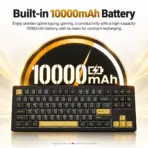
- 10000mAh
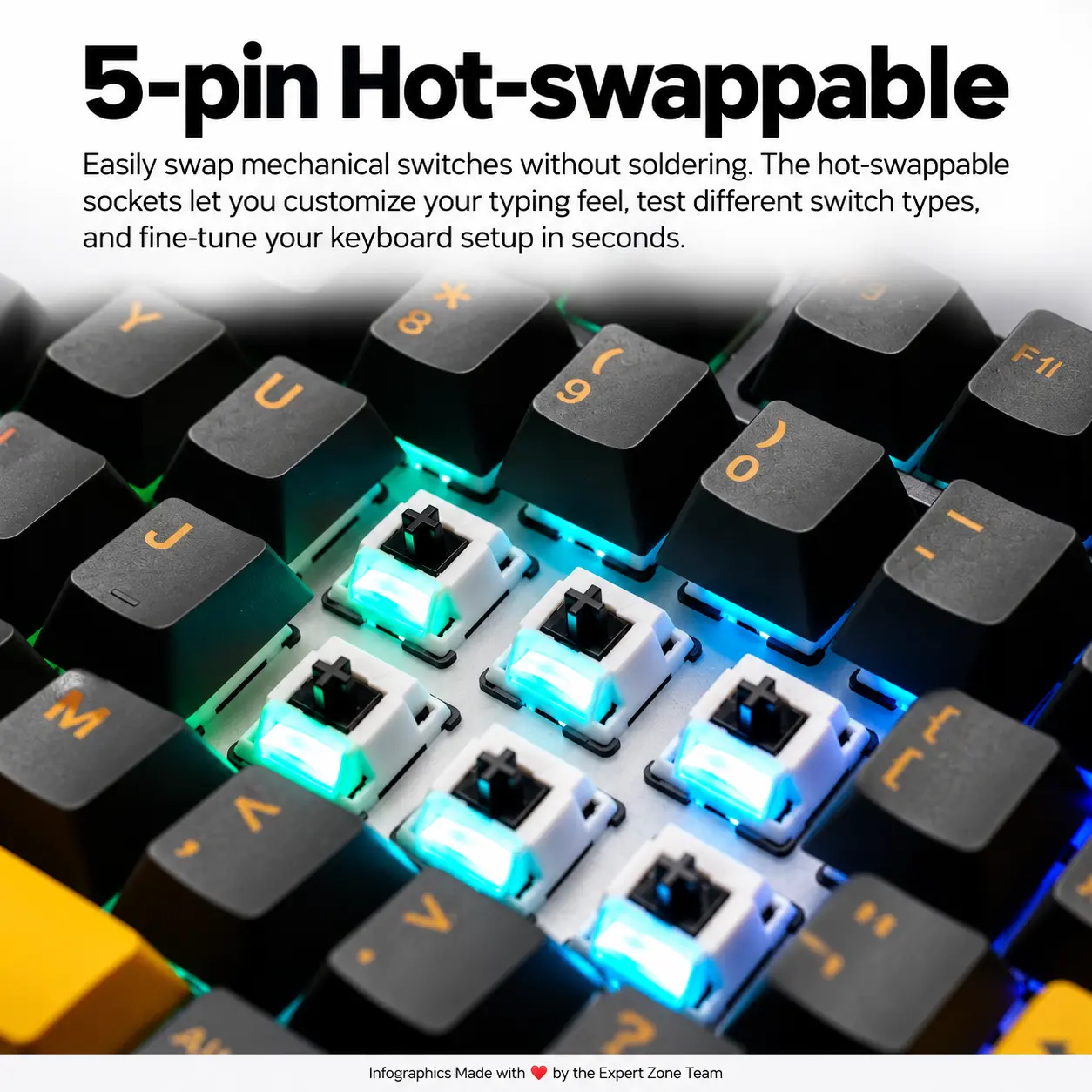
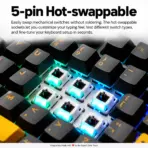
- HOT-SWAP
- Windows / macOS / iOS / Android
Create exactly five individually shaped, small 3D mechanical insignias in champagne gold, pearlescent white and dark titanium. Arrange them neatly along the bottom without competing with the keyboard.
CRITICAL DIRECTIVE [STRICT] The Icons MUST Have different shapes conveying the specific content of the icon.
Output Requirements
-
Exact 2048 × 2048-pixel square composition with photorealistic product detail, immaculate typography, ray-traced reflections and polished high-luster materials.
-
Add the discreet footer: Infographics Made with ❤️ by the Expert Zone Team.
Constraints
Render only the authentic AKKO logo, the specified product title, the five approved icon labels, existing physical writing on the reference keyboard and the Expert Zone footer.
Do not invent extra hardware, change the keyboard’s colors or layout, or introduce unrelated typography.
Final visual-quality rule: The keyboard must attract attention before anything else. If an architectural detail, character or lighting effect competes with it, reduce or remove that element.