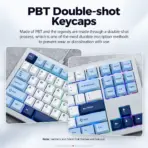
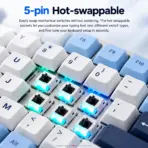
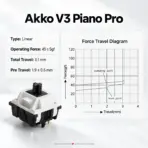
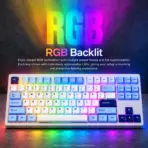



5087-V3-GLACIER-PIAN
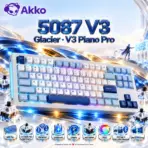
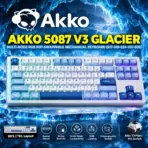
AKKO 5087 V3 GLACIER MECHANICAL KEYBOARD TRI MODE//HOT SWAP/AKKO V3 PIANO PRO SWITCH/RGB
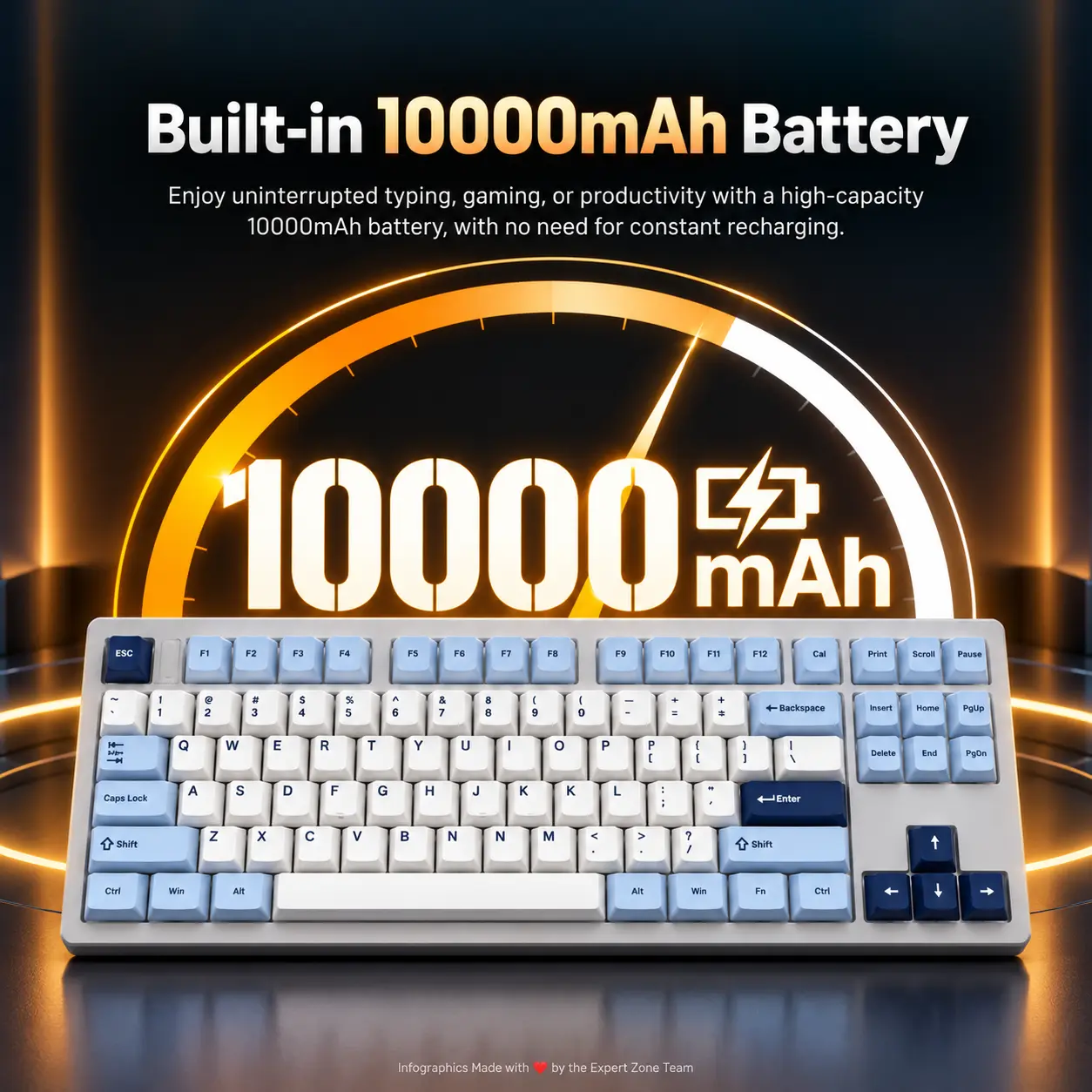
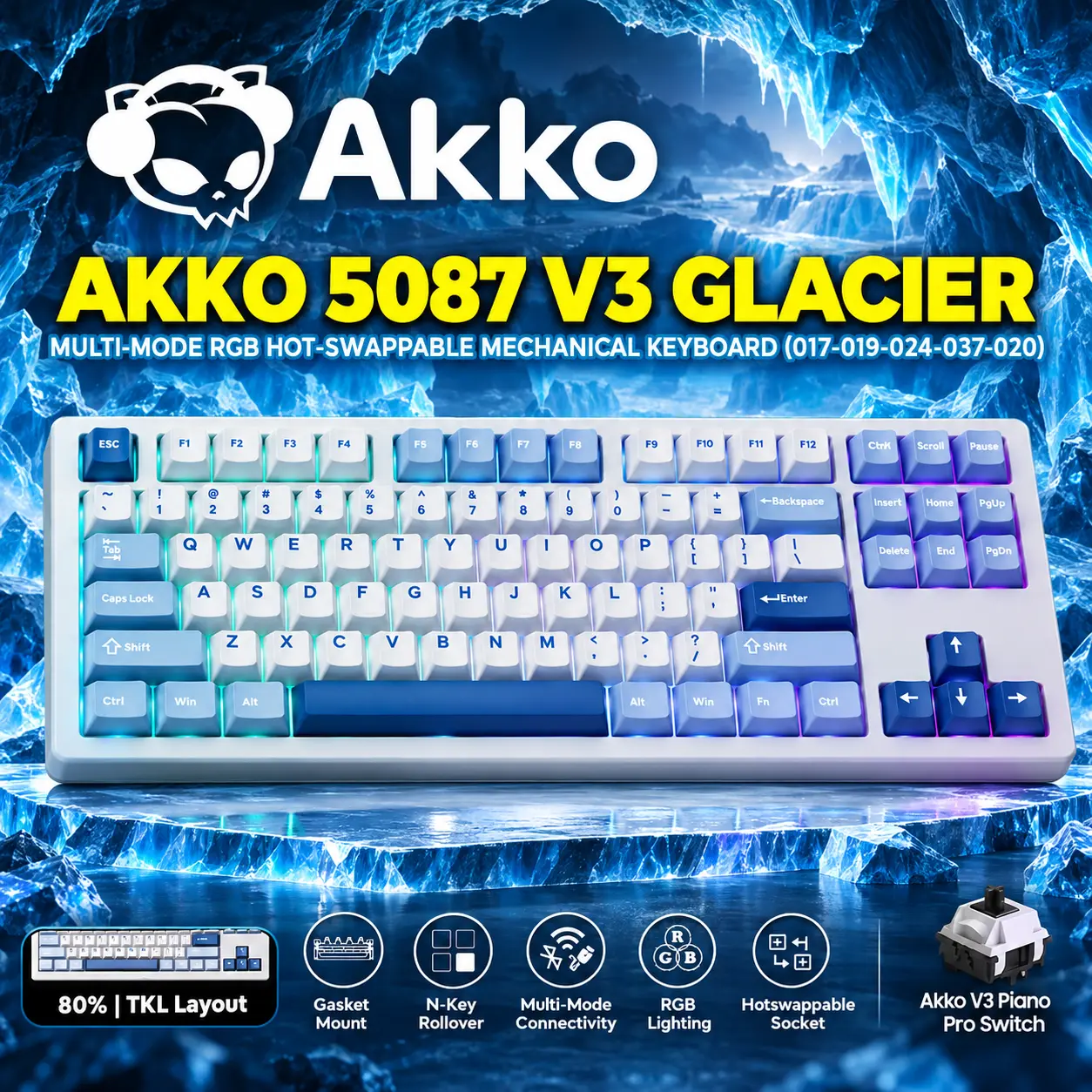
AKKO 5087 V3 Glacier 80% TKL Tri-Mode Wireless Mechanical Keyboard, V3 Piano Pro Linear Switches, (USB Type-C, USB 2.4GHz) Connectivity, 10000mAh Battery, RGB, Gasket Mount & Hot-Swap, For Mac & Windows
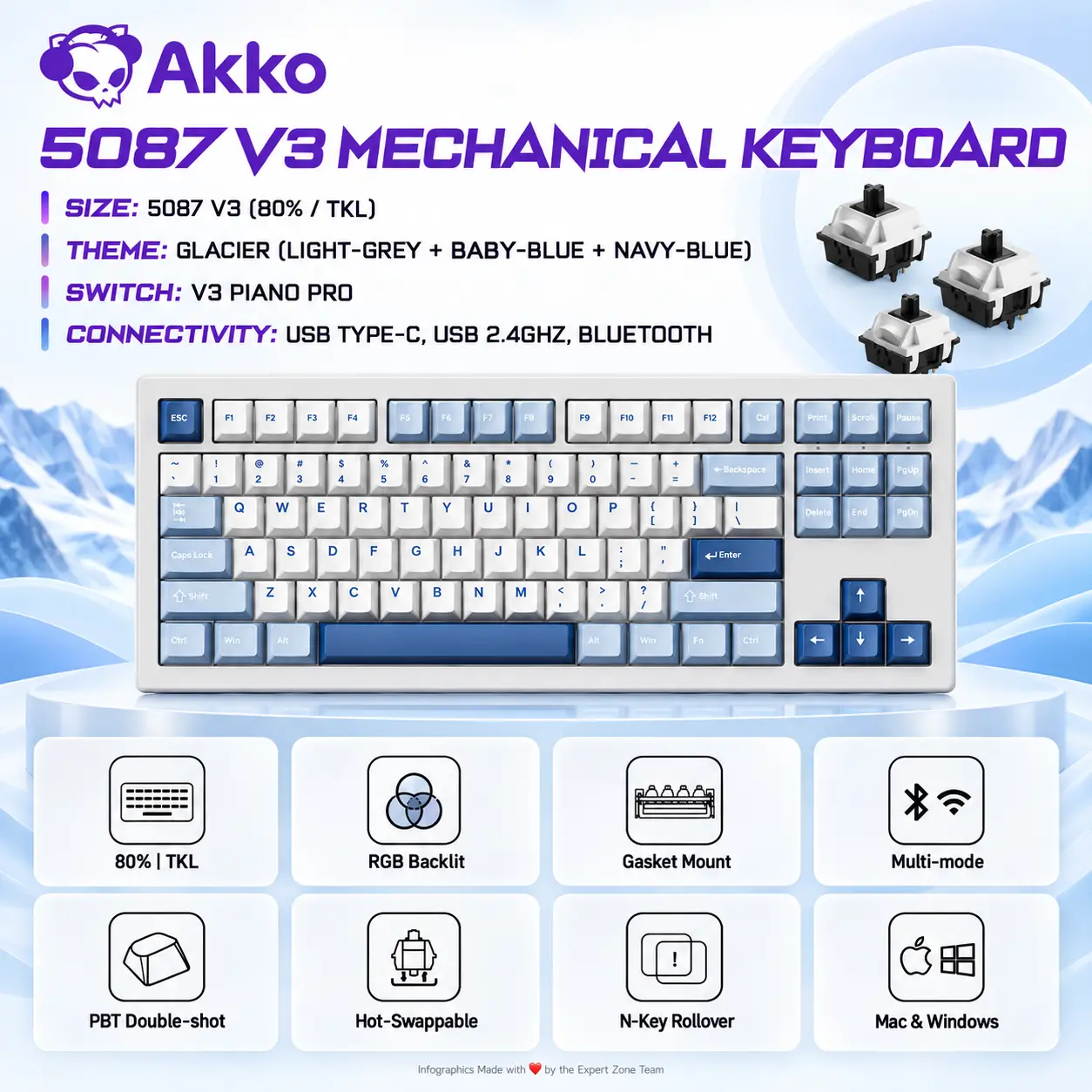
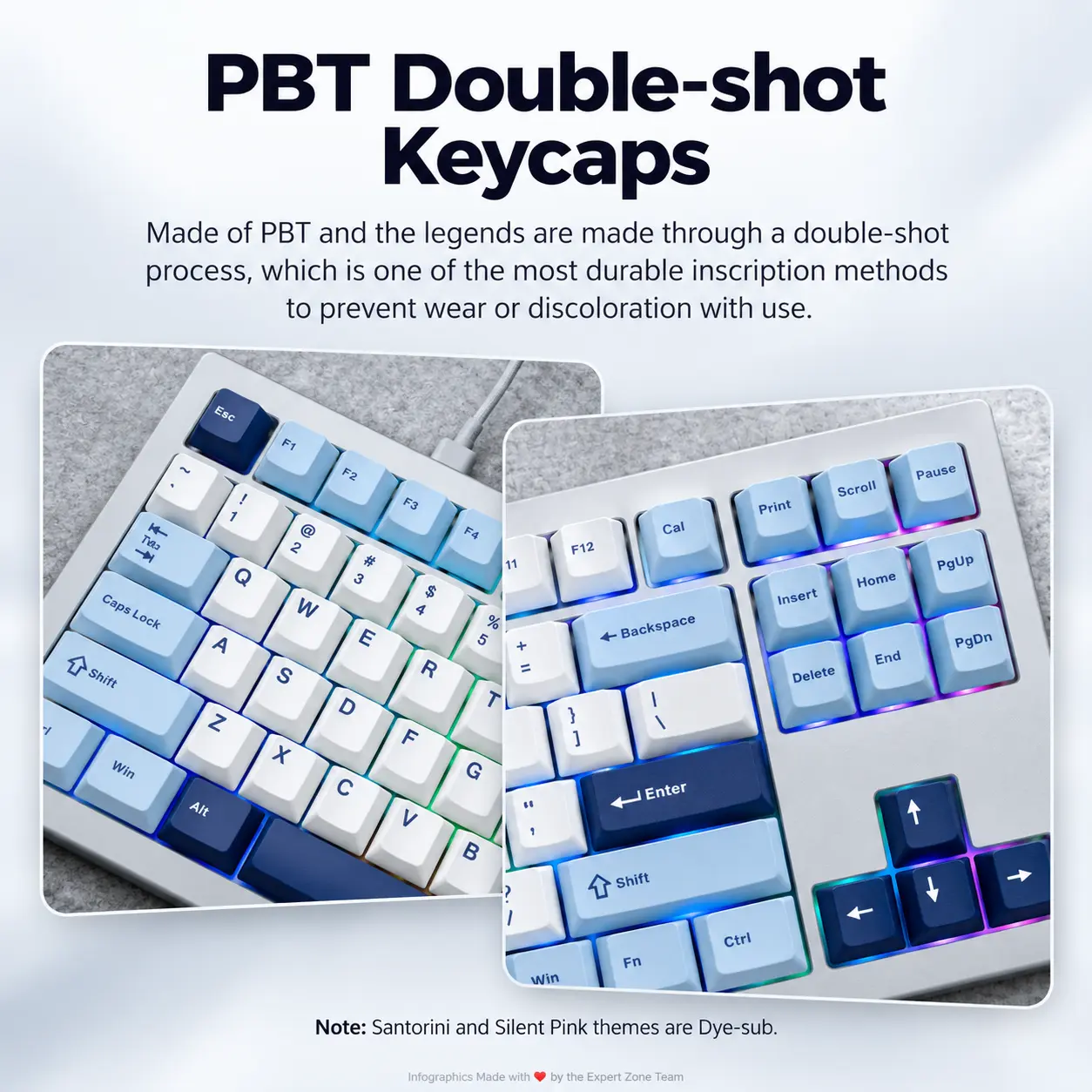
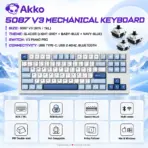
5087 V3 Mechanical Keyboard | Size: 5087 V3 (80% | TKL) | Theme: Glacier (LIGHT-GREY + BABY-BLUE + NAVY-BLUE) | Switch: V3 Piano Pro | Connectivity: USB Type-C, USB 2.4GHz, Bluetooth | Mac & Windows
Generate an AI Image
Layout
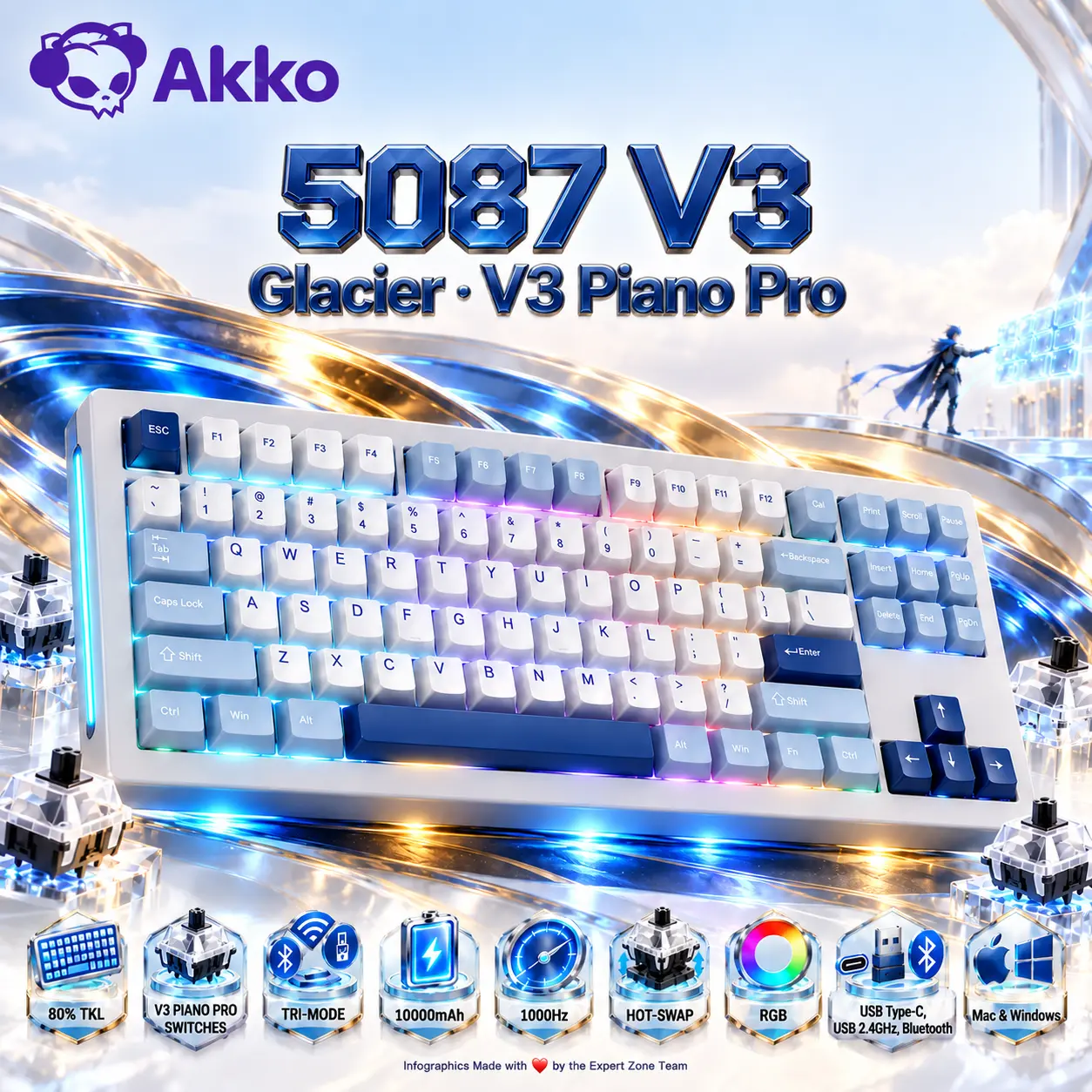
- Create an exact 2048 × 2048-pixel, perfect 1:1 square e-commerce product-profile image.
- Foreground: one authentic AKKO 5087 V3 Glacier keyboard occupying approximately 68–74% of the useful canvas, shown from a refined slightly elevated three-quarter gaming angle.
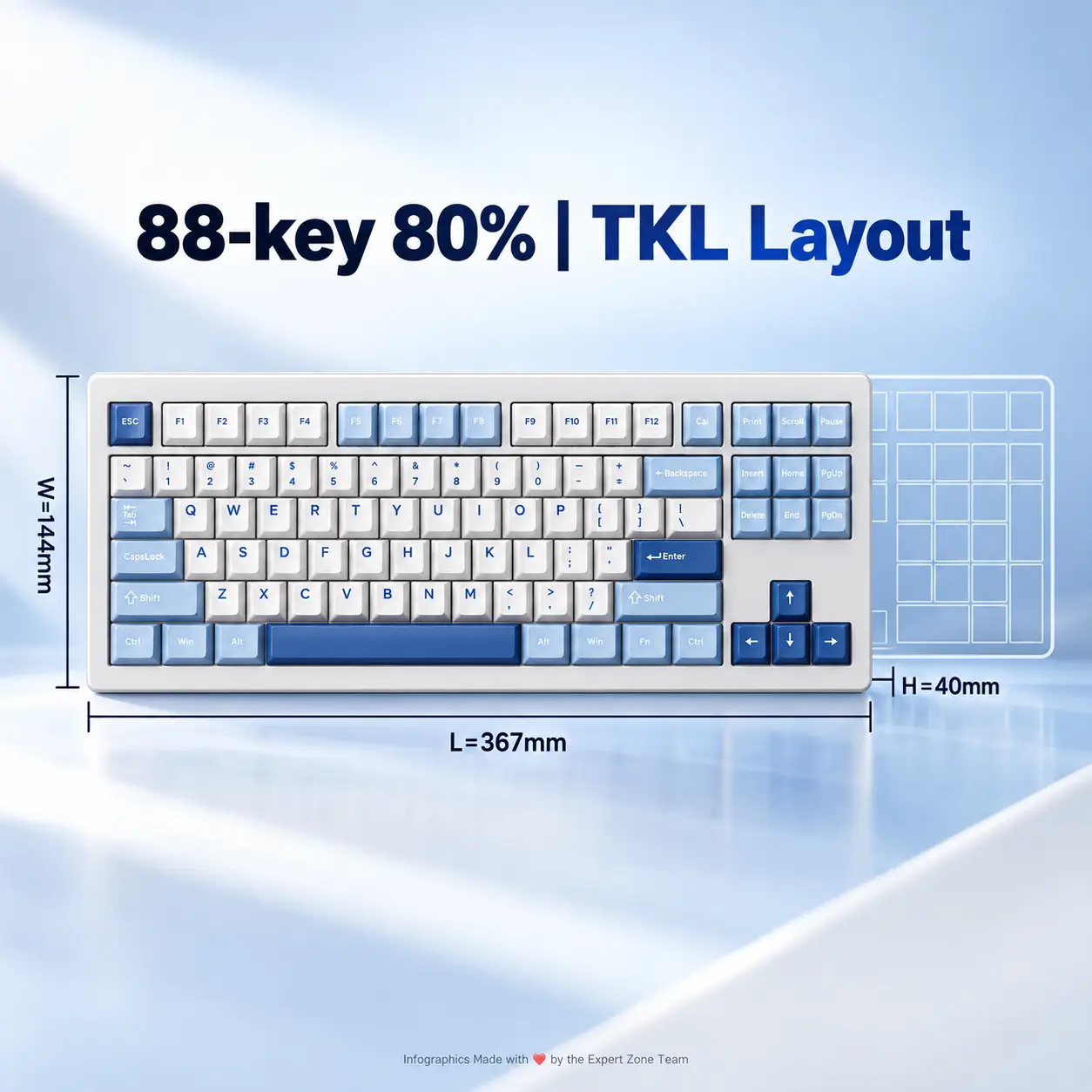
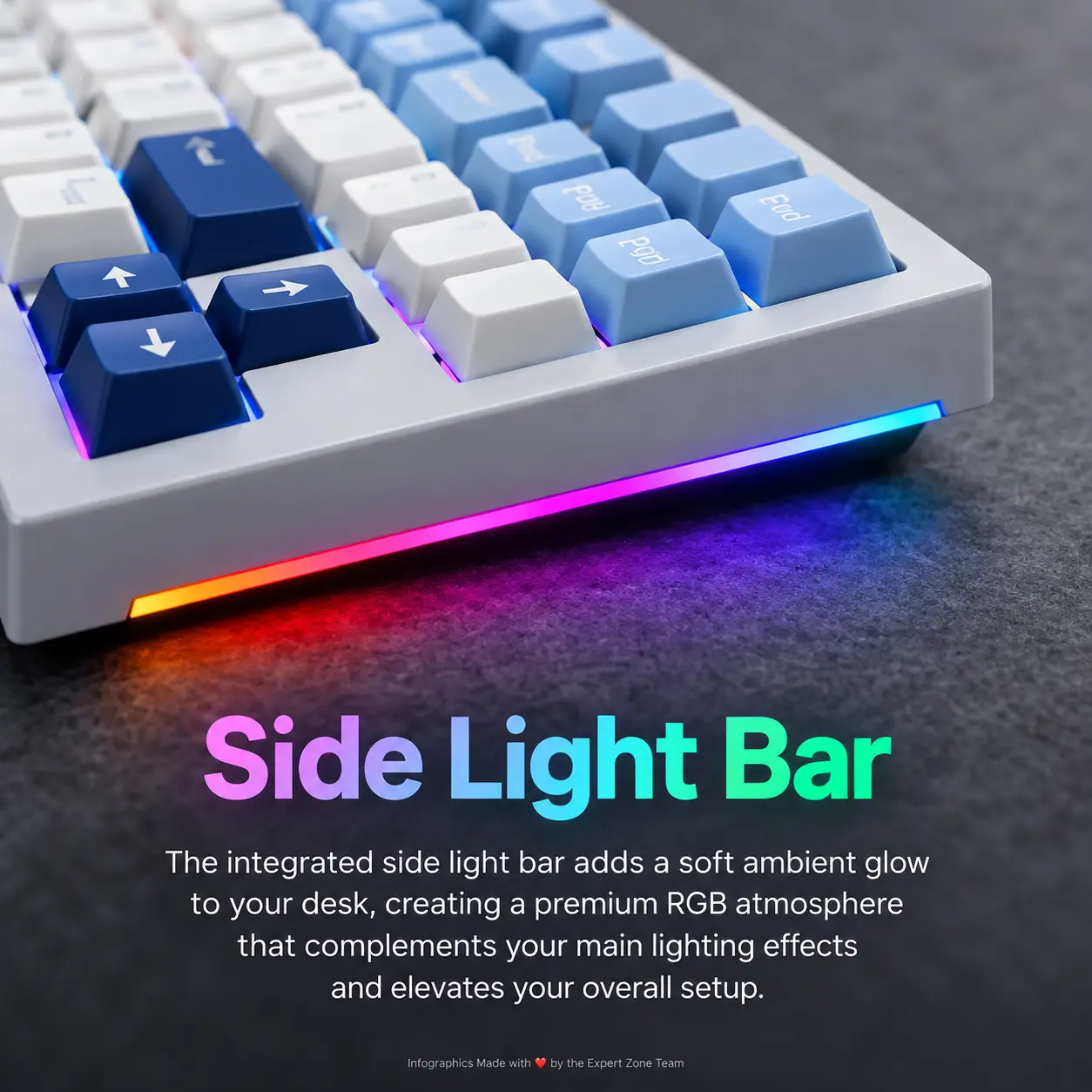
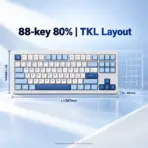
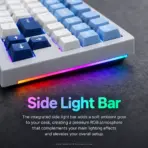
- Clearly reveal the 80% TKL geometry, light-grey chassis, baby-blue key groups, navy-blue accent keys, arrow cluster, RGB lighting, and side light bar.
- Keep generous safe margins. No pedestal, stage, advertising-poster framing, banner, or cropped keyboard.
Product Presentation
- Use the supplied product photograph as the strict physical reference.
- Preserve the authentic 80% TKL layout, Glacier color distribution, Cherry-profile keycaps, RGB behavior, side light bar, and real case geometry.
- Place the authentic AKKO logo at the upper-left.
- Center 5087 V3 · Glacier · V3 Piano Pro at the top in sharply extruded high-luster sapphire-titanium typography with icy-cyan edge reflections.
- Because the keyboard is light-grey and baby-blue, create a localized deep navy-to-electric-cyan metallic aura directly behind and underneath the keyboard so every edge remains sharply separated from the pearlescent-white environment.
Artistically Distinct and Detailed Background
- Create a surreal “Polar Signal Citadel” concept that expresses high-speed wireless gaming, mechanical precision, and the Glacier palette without repeating previous ice-vault themes.
- Build the scene from extreme-high-luster pearlescent white architectural ribbons, polished mother-of-pearl planes, and restrained fluid light-silver iridescent metal.
- Introduce the mandatory visual contrast through one small dark navy cyber-duelist positioned deep in the midground, standing on a translucent floating bridge and reaching toward a suspended cyan key matrix that mirrors the keyboard’s movement zone.
- Release clean electric-cyan, baby-blue, and deep-navy signal arcs from selected key zones and the side light bar toward that matrix, symbolizing 1000Hz input, tri-mode connectivity, and rapid command transmission.
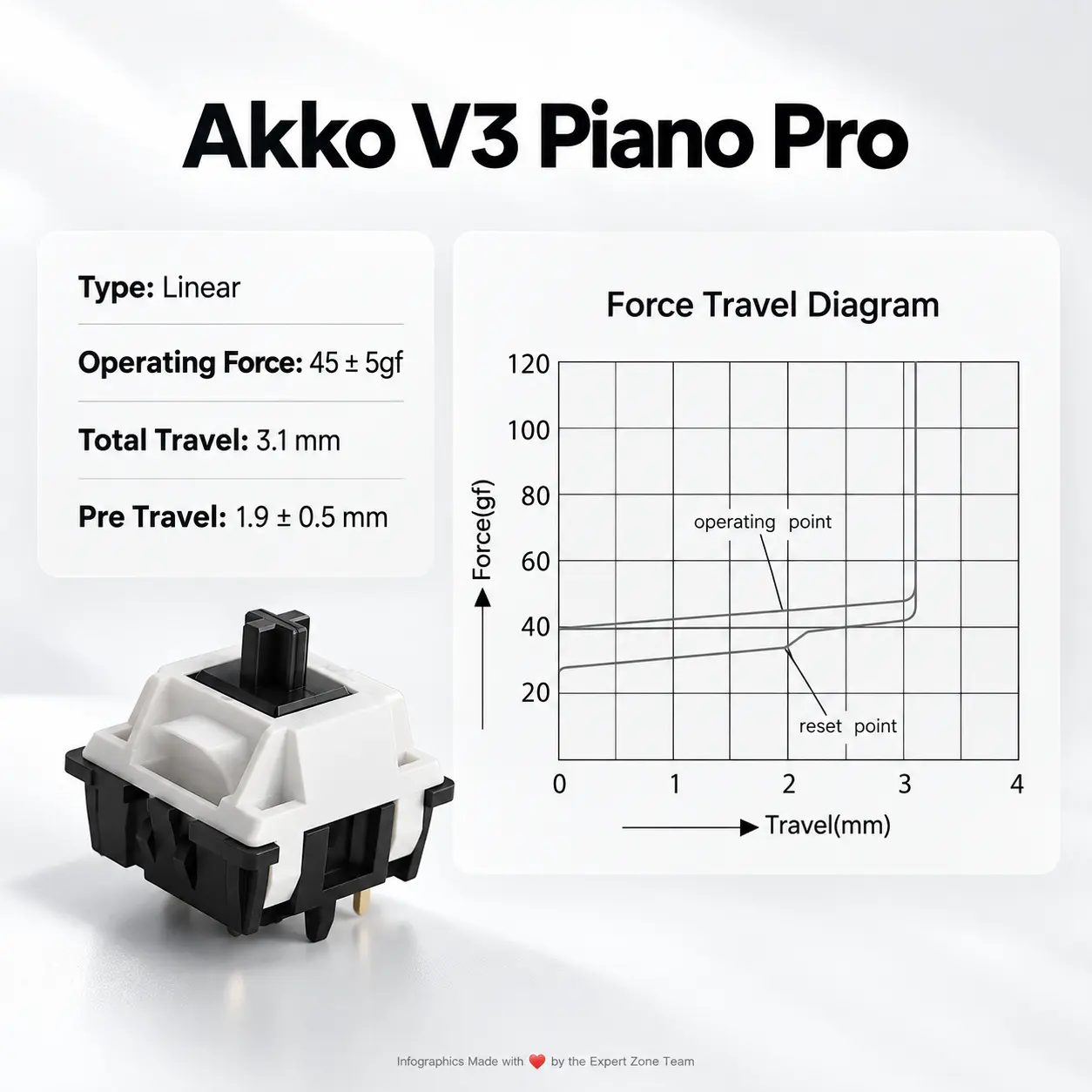
- Add only two or three transparent switch-inspired mechanisms with polished silver PLATES and Black MOUNT to reference the smooth V3 Piano Pro linear switch.
- Use a few restrained translucent waveforms or frozen-light ribbons to imply wireless signal flow; keep them sleek, sparse, and architectural rather than literal ice chunks.
- Keep the RGB vivid and saturated, but the environment itself must remain bright, chic, premium, and uncluttered.
- The dark cyber-duelist must stay small and secondary. The keyboard remains the hero.
- Place a metallic cobalt-blue-to-gold intense aura in the background right behind and underneath the keyboard.
- No graphite smog, dirty gray haze, giant figures, rubble, cluttered gaming desks, random weapons, excessive machinery, messy cables, or repetitive glacier caves.
- DO NOT CLUTTER THE BACKGROUND
Icons — Bullet Listed
- 80% TKL
- V3 PIANO PRO SWITCHES
- TRI-MODE
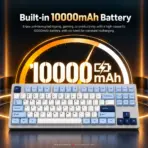
- 10000mAh
- 1000Hz
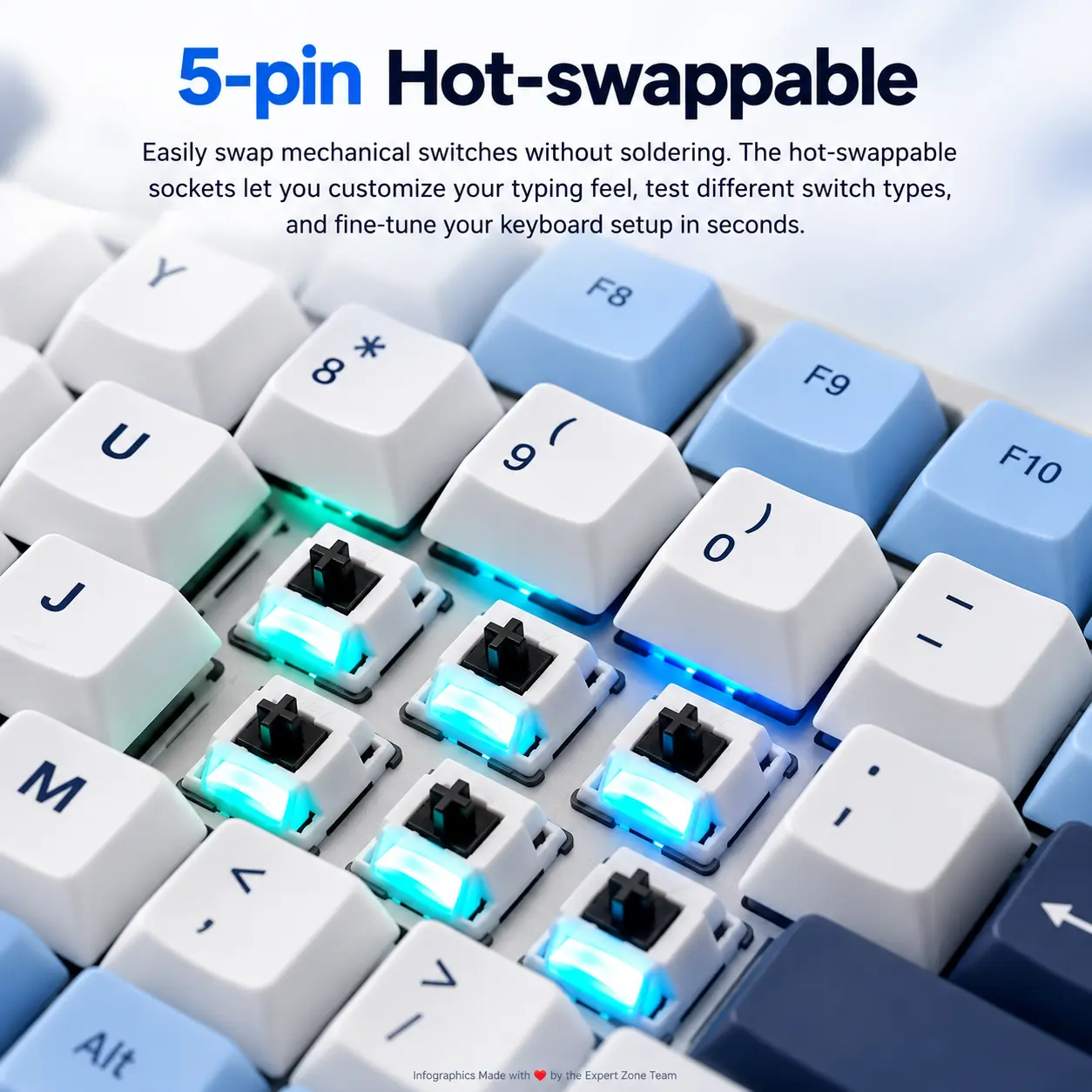
- HOT-SWAP
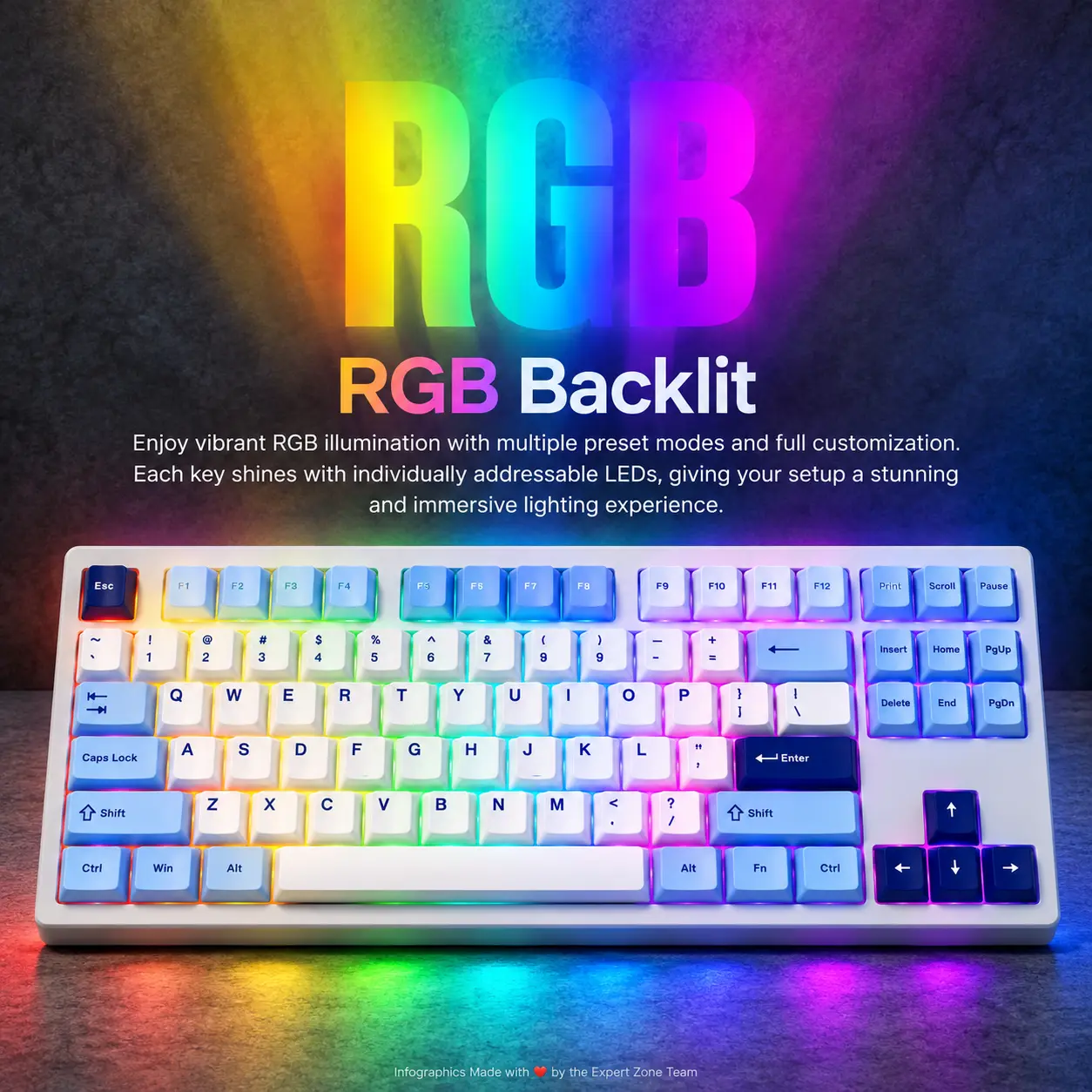
- RGB
- USB Type-C, USB 2.4GHz, Bluetooth
- Mac & Windows
- Create every icon as a different 3D freeform gaming-hardware insignia using sapphire, electric cyan, pearlescent white, and restrained navy detailing.
- CRITICAL DIRECTIVE [STRICT] The Icons MUST Have different shapes conveying the specific content of the icon.
- Align the icons cleanly along the bottom with large readable text fully contained inside each icon.
Output Requirements
- Exactly 2048 × 2048 pixels.
- Perfect 1:1 square ratio.
- Extreme-resolution photorealistic rendering with crisp keycap definition, polished materials, ray-traced reflections, refined global illumination, and premium commercial clarity.
- Add discreetly at the bottom: “Infographics Made with ❤️ by the Expert Zone Team”.
Constraints
- STRICT TEXT WHITELIST: Render only the authentic AKKO logo, 5087 V3 · Glacier · V3 Piano Pro, the seven verified icon labels above, authentic physical writing already present on the reference keyboard, and the Expert Zone credit line.
- No slogans, invented specs, decorative captions, promotional phrases, watermarks, or unrelated text.
- Do not alter the layout, Glacier light-grey / baby-blue / navy-blue color distribution, RGB placement, side light bar, or case geometry.
- Do not invent screens, rotary knobs, wrist rests, extra keys, or unrelated accessories.
- Keep the light-colored product sharply separated from the pearlescent-white background.
- Avoid generic chrome, excessive matte treatment, cheap plastic appearance, graphite haze, and clutter.
- Before rendering, evaluate the result specifically as a premium product-profile image and automatically remove anything that competes with, obscures, or visually shrinks the keyboard.