



90NR0LK1-M000E0-OB
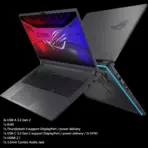
ASUS ROG STRIX G815L U9-275HX 32GB/1TB/18″/RTX5070 8GB-WIN11/GREY-OB
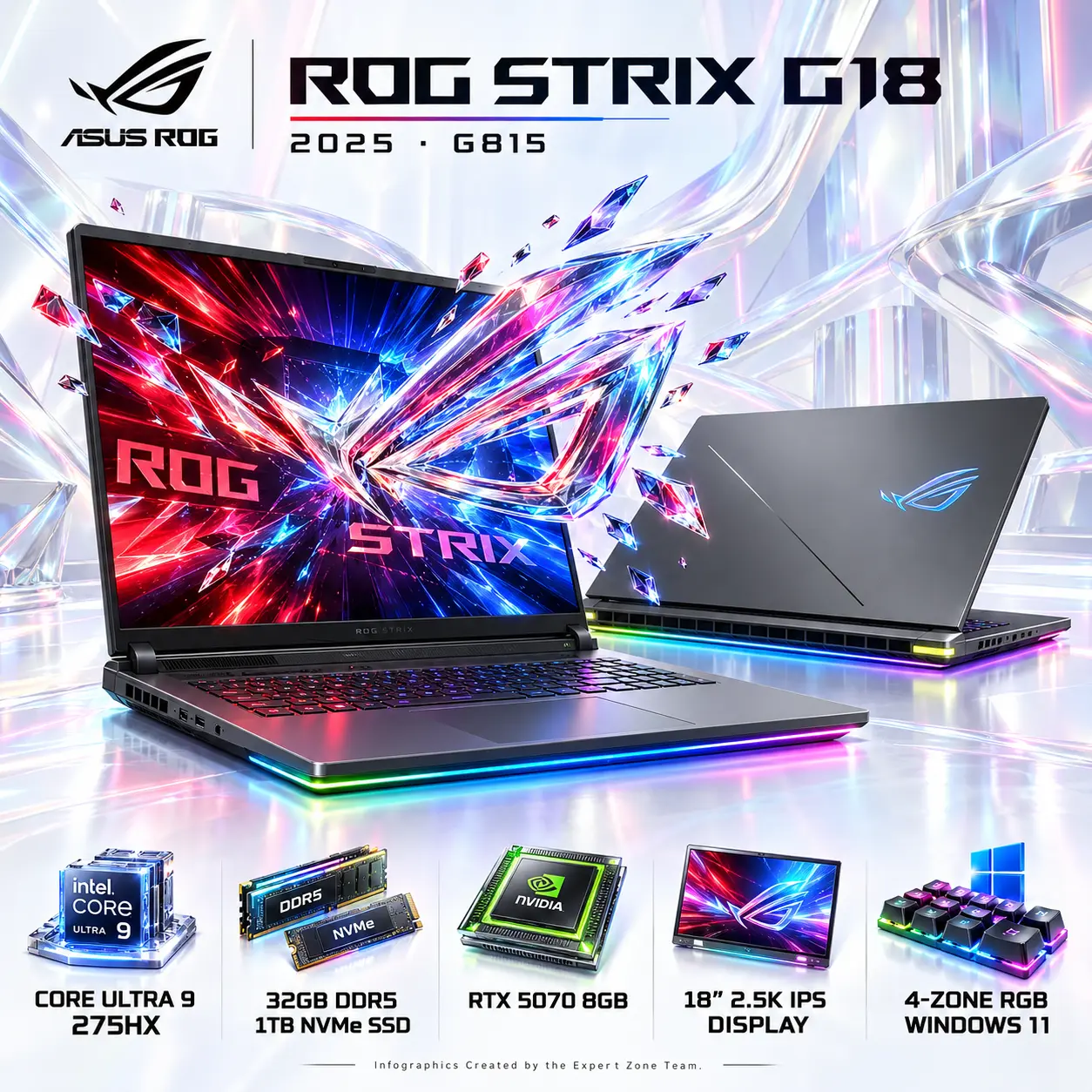
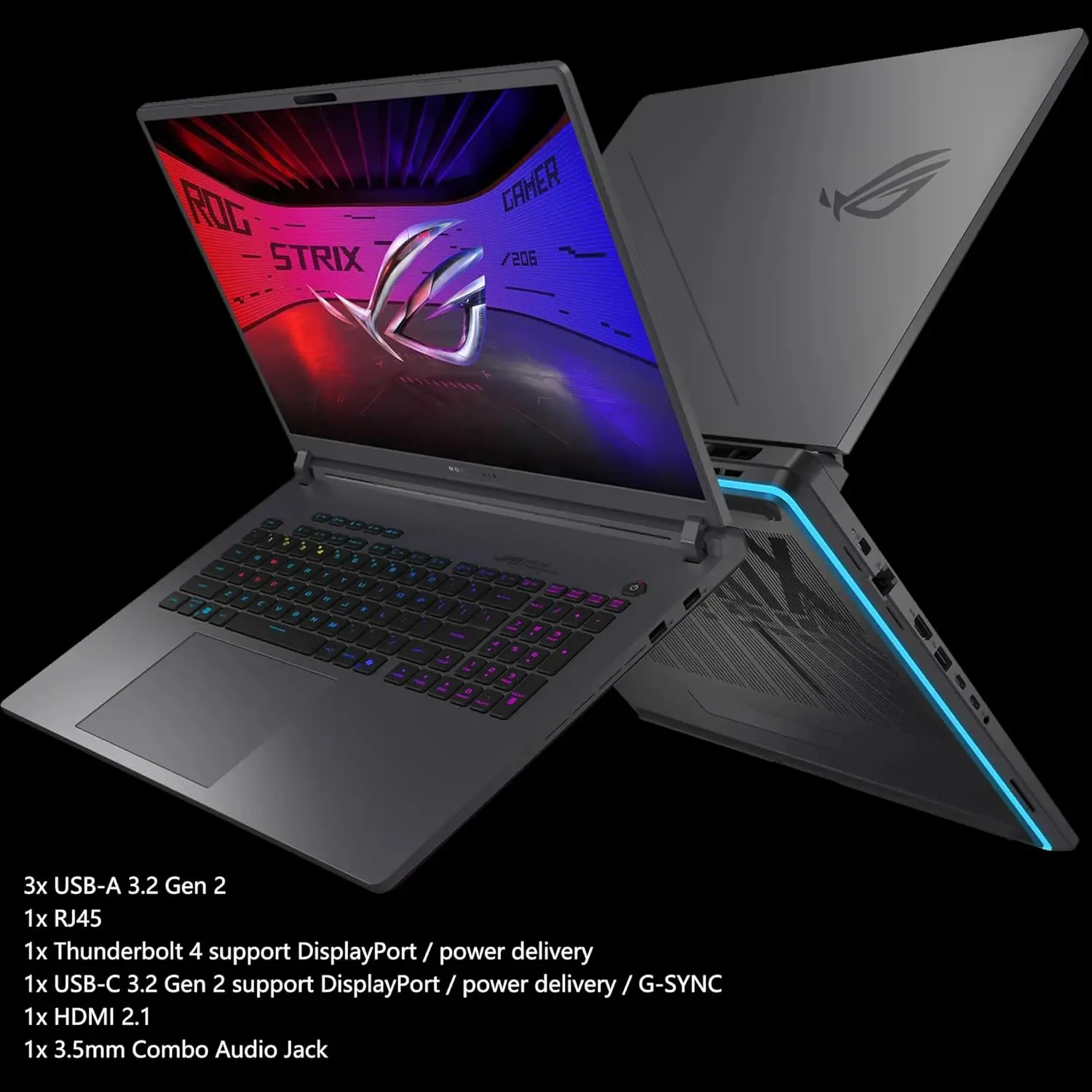
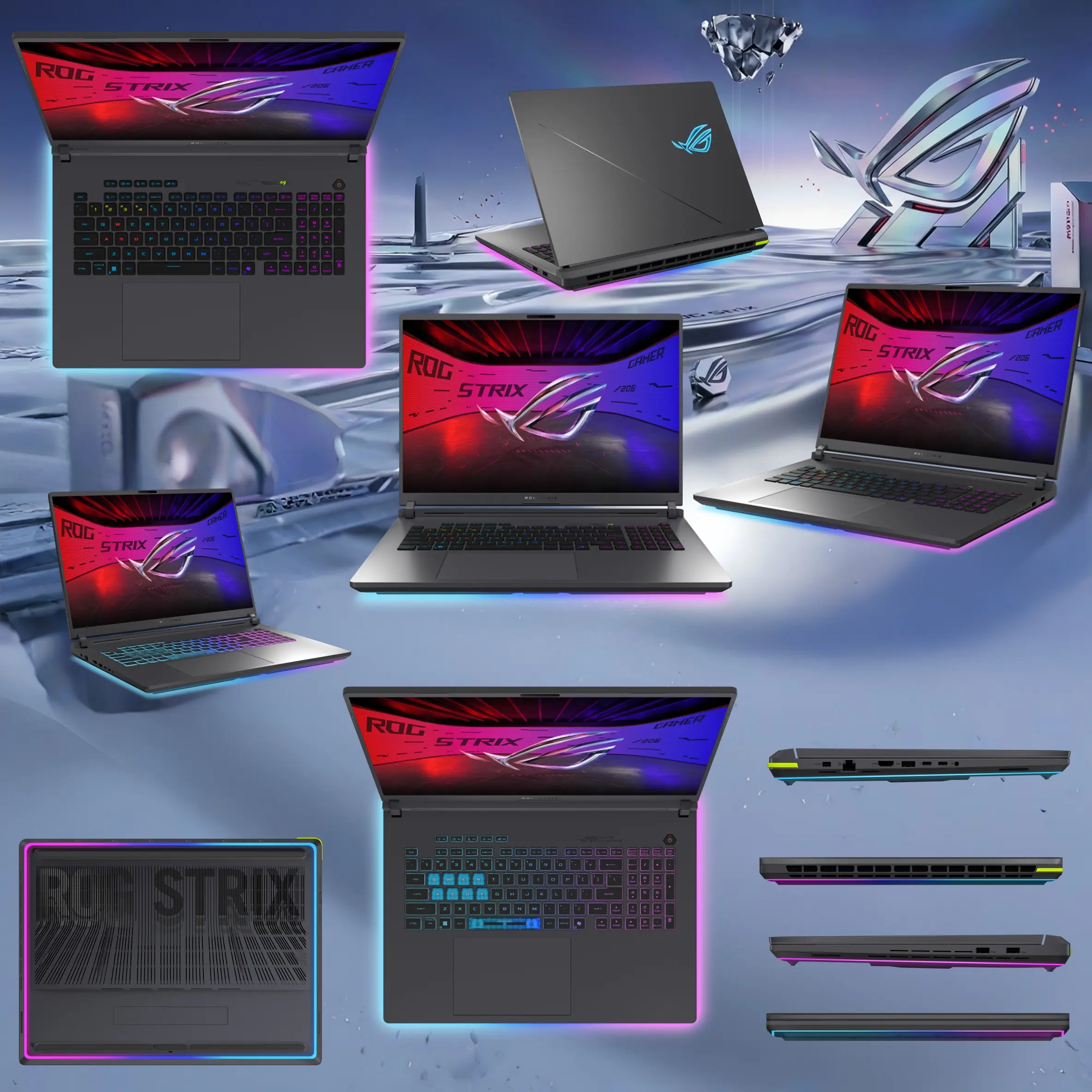
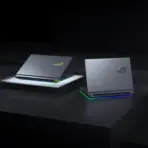
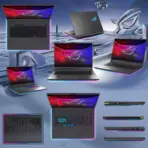
ASUS ROG Strix G18 : Intel® Core Ultra 9 275HX | 32GB DDR5 RAM ; 1TB NVMe SSD | RTX 5070 (8GB) | 18-inch 2.5K IPS Display | 4-Zone RGB Keyboard | Windows 11 | Eclipse Gray ~ G815LP-IS96 ● OPEN BOX
GENERATE AN AI IMAGE
Original Creative Concept: The Dimensional Breakout — When the ROG Battlefield Escapes the Screen
Secondary Color Palette: Electric Crimson · Ionized Cobalt · Prismatic Titanium · Glacial Pearl Silver · Liquid Chromium · Extreme Pearlescent White
Layout
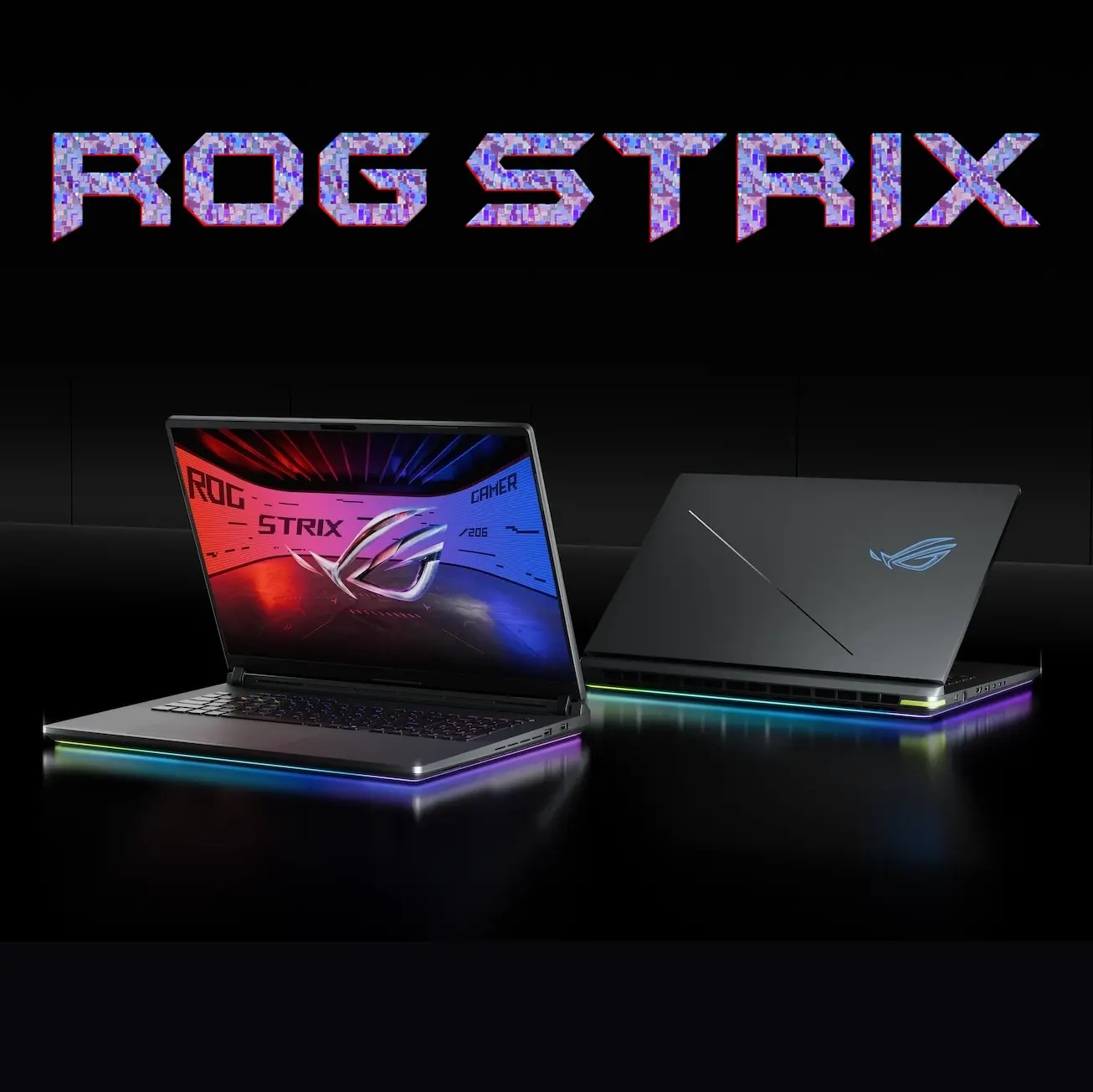
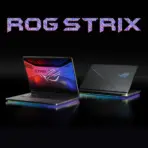
- Create exactly 2048 × 2048 pixels, square, ultra-photorealistic Expert Zone gaming laptop infographic featuring TWO authentic views of the ASUS ROG Strix G18 (2025) G815LP-IS96.
- Use the supplied official ASUS ROG banner as the absolute composition and product reference.
- Preserve the two-laptop arrangement from the reference:
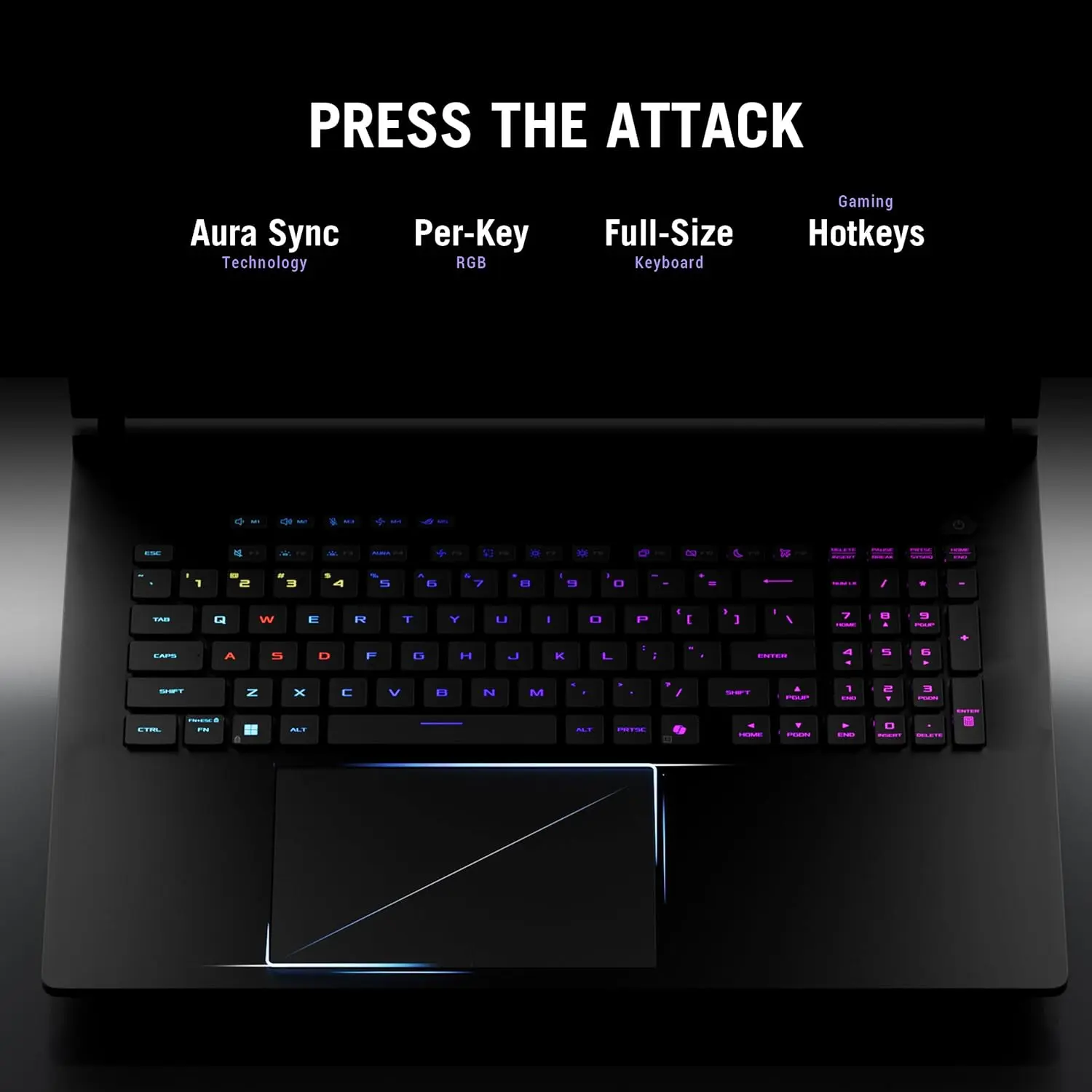
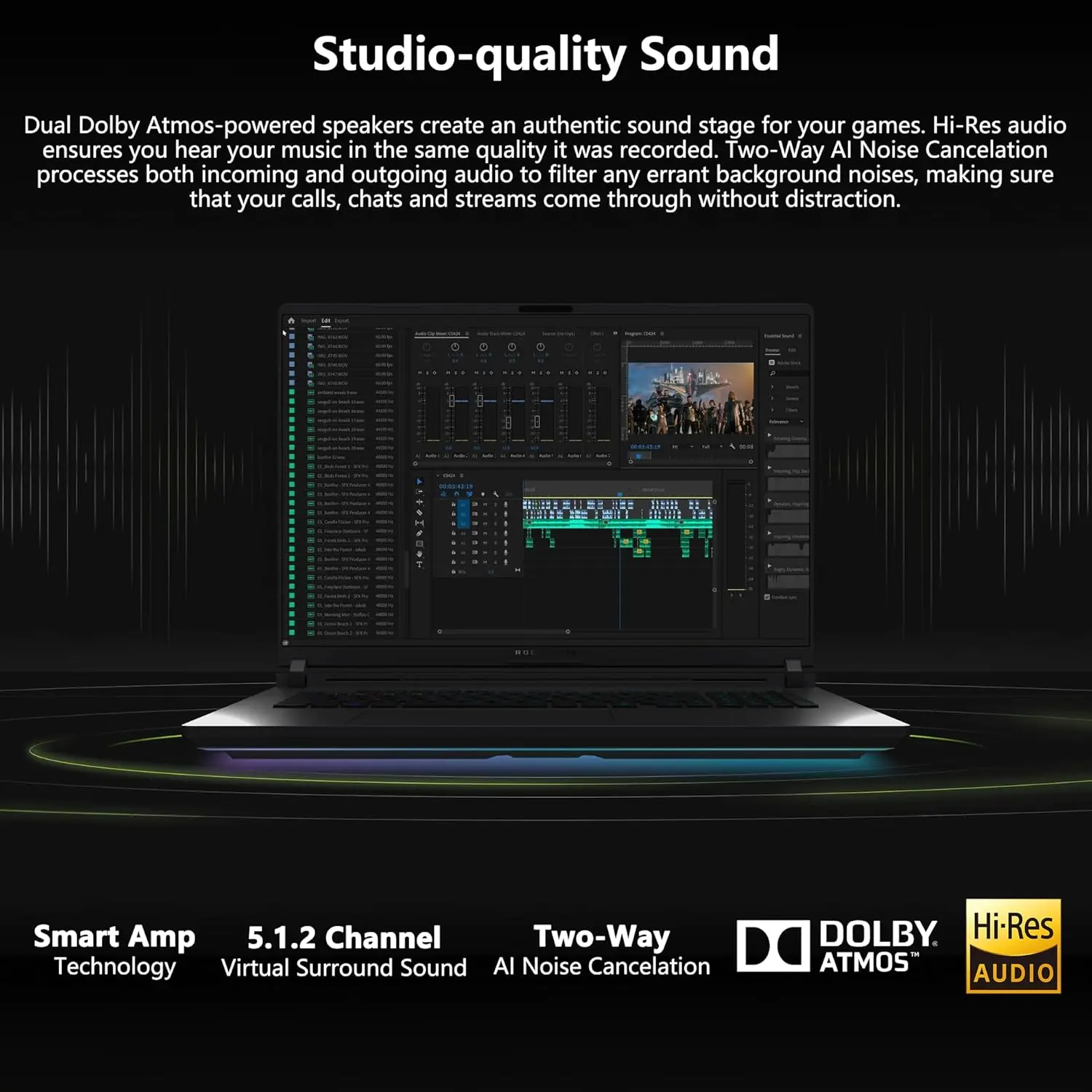
- LEFT: One open ROG Strix G18 shown from a dramatic elevated front-three-quarter perspective, with its actual screen and illuminated keyboard visible.
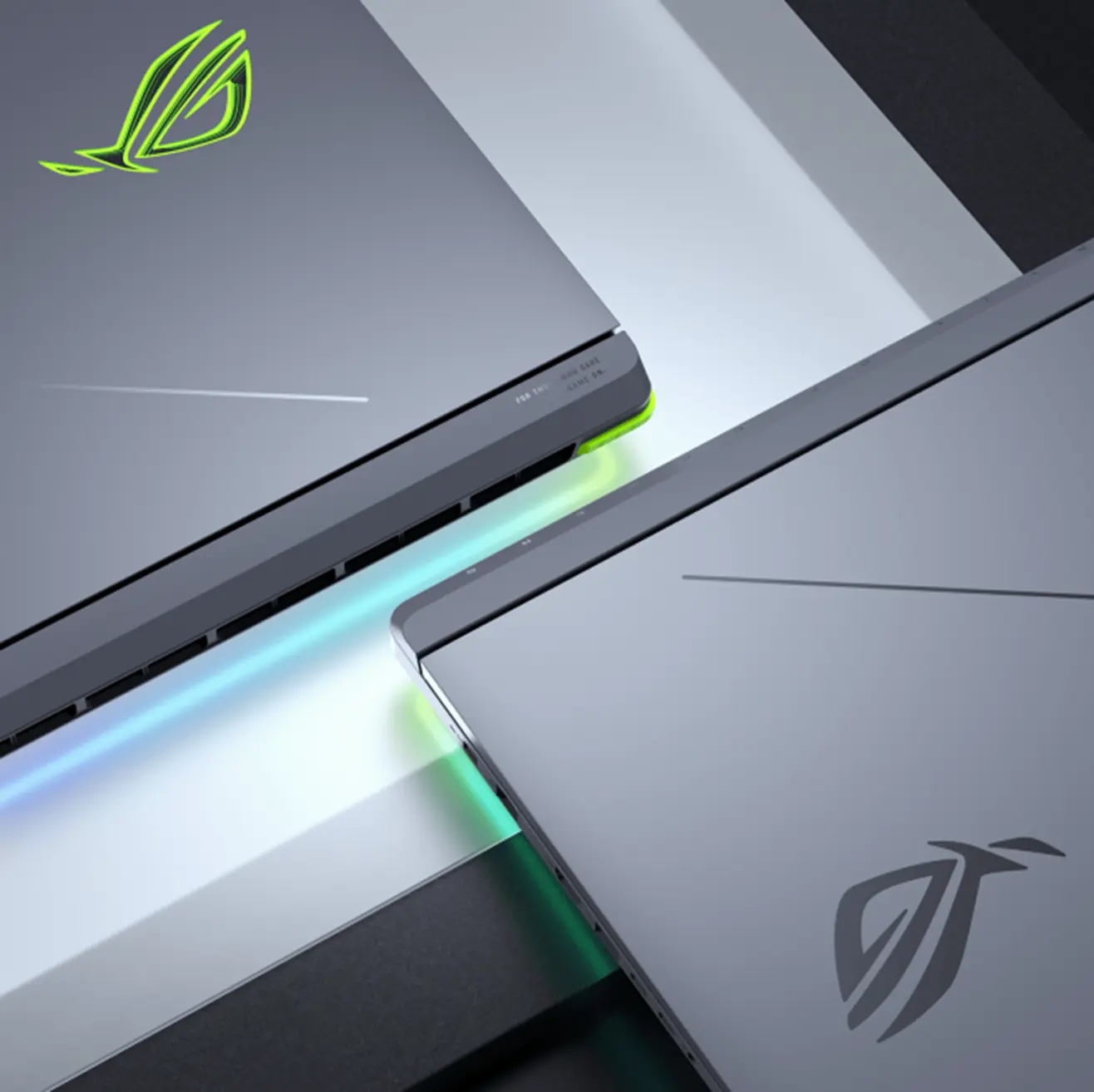
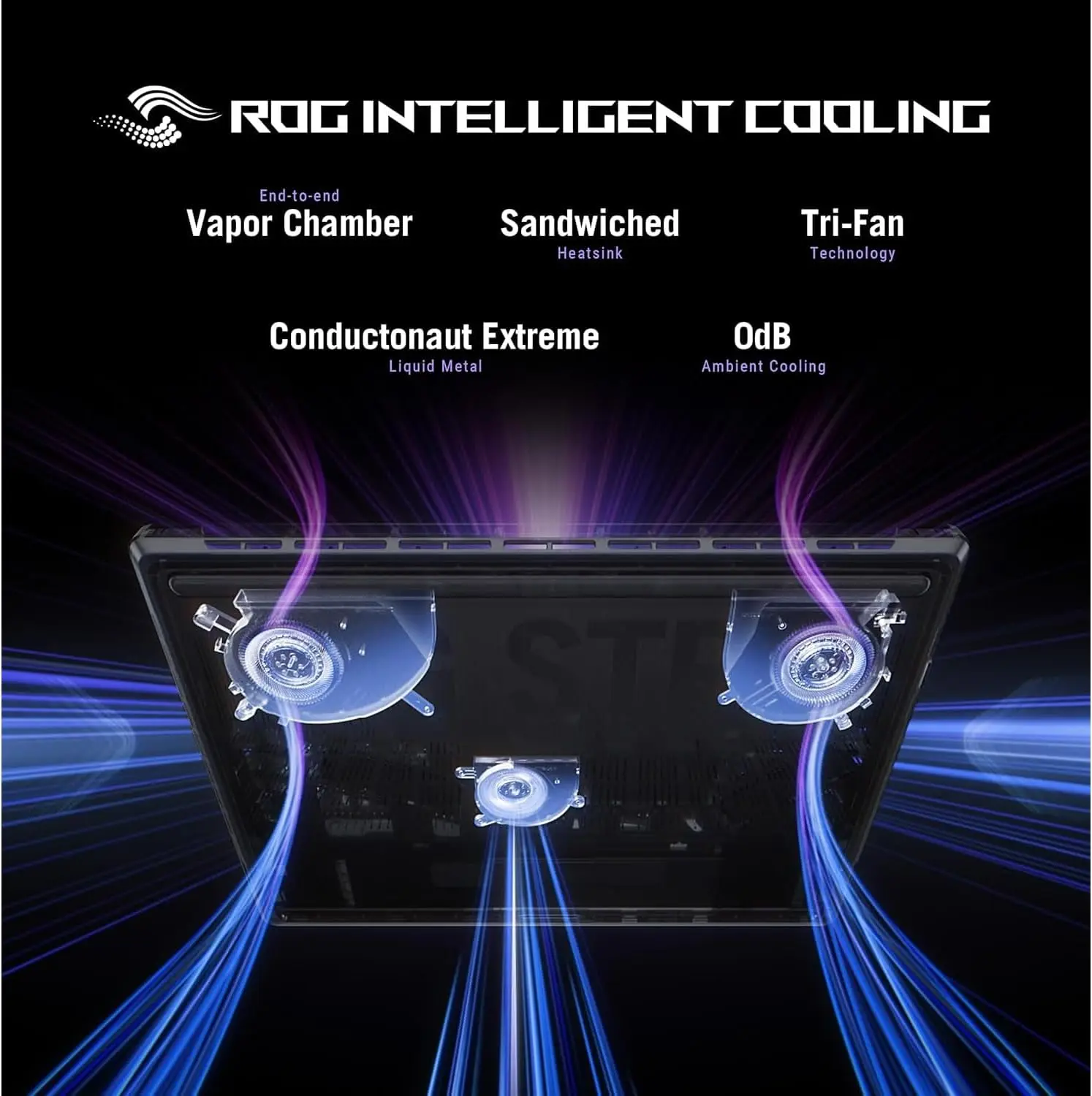
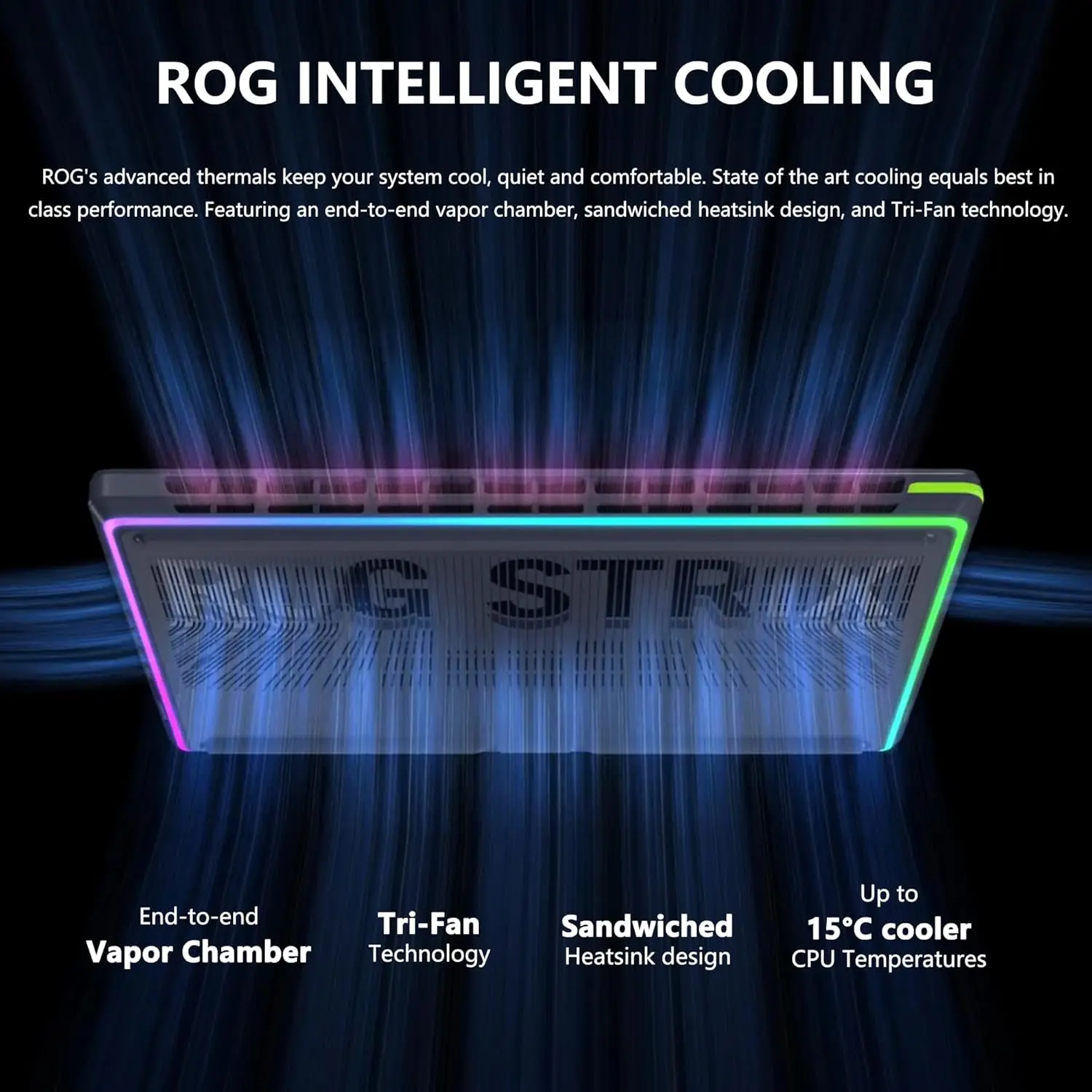
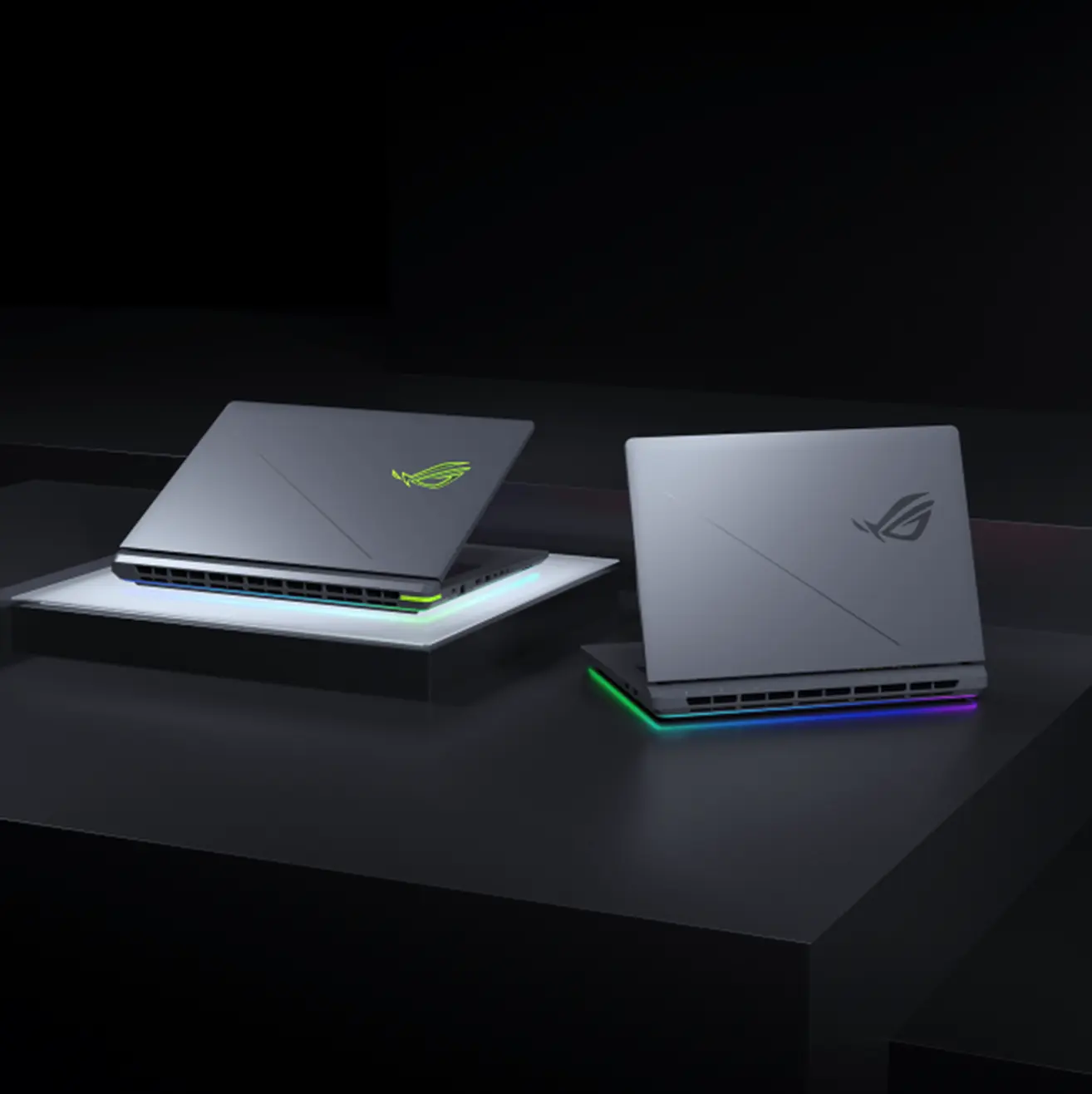
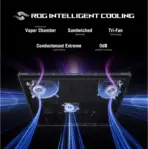
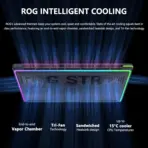
- RIGHT: A second view of the same laptop, partially closed and viewed from the rear, prominently showing the illuminated ROG lid emblem, full-width rear ventilation, and RGB light bar.
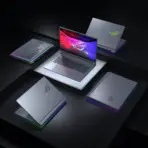
- Make the two laptop views together dominate 72–80% of the active composition.
- Position the authentic ASUS ROG logo upper-left, with compact title “ROG STRIX G18” and smaller subtitle “2025 · G815”.
- Keep the visual hierarchy strongly centered on the two laptops, exactly as in the supplied banner.
Product Presentation
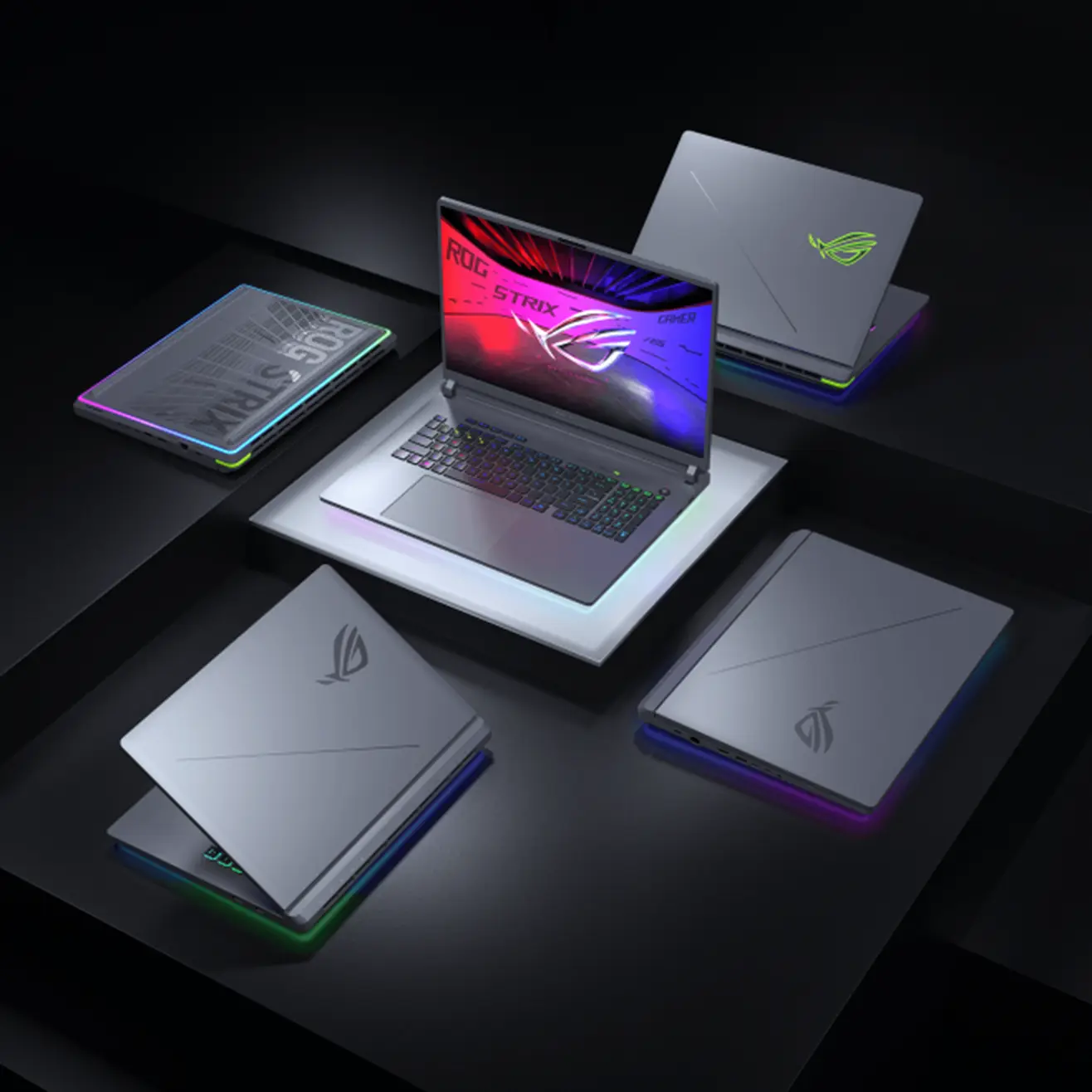
- Preserve the genuine dark gray chassis, accurate 18-inch proportions, angular lid styling, authentic ROG logo, keyboard geometry, and original physical design.
- The left laptop must remain fully open with a bright, highly detailed red-and-blue ROG-themed gaming image on its screen.
- The right laptop must retain its partially closed rear presentation with clearly visible cooling exhausts and multicolor RGB chassis lighting.
- RGB lighting must show multiple simultaneous colors, including cyan, purple, blue, and green, without changing the actual chassis finish.
- Render realistic high-end material textures, sharp edge highlights, precise metallic reflections, and premium industrial details.
CRITICAL CREATIVE FEATURE — ANAMORPHIC SCREEN EXTRUSION
- Make the OPEN LEFT LAPTOP feature an extraordinary, photorealistic 3D extrusion effect emerging directly from its display.
- The visual content inside the laptop screen must appear to break through the screen plane and extend into real three-dimensional space.
- Create a large, angular, crystalline ROG-inspired energy crest formed from polished gunmetal, translucent red optical glass, and electric-blue internal light.
- The crest must appear to originate inside the displayed ROG gaming scene, then project outward through the screen toward the viewer.
- Some sharp prismatic fragments should visibly cross in front of the upper and side display bezels, creating convincing forced perspective and real depth.
- The projection should cast physically plausible red-and-blue reflections onto the keyboard deck and nearby glossy architectural surfaces.
- Use extreme visual precision: correct perspective convergence, strong depth separation, crisp volumetric geometry, and cinematic shadow interaction.
- The extrusion belongs to the on-screen graphics, not the physical laptop hardware. The genuine display, bezels, hinges, and chassis must remain intact and undistorted.
- The 3D projection must not obscure more than a small portion of the keyboard or distract from the authentic product design.
Artistically Distinct and Detailed Background
- Foreground: The genuine open ROG Strix G18, sharply detailed, with its dramatic 3D energy crest projecting outward from the screen.
- Midground: The second partially closed ROG laptop, showcasing the rear ventilation structure, lid branding, and continuous RGB light bar.
- Background: Extreme high-luster pearlescent-white architecture with smooth liquid-chromium curves, prismatic silver panels, and elegant iridescent reflections.
- Use subtle geometric distortions in the reflective floor beneath the open laptop, visually suggesting that the graphics are so powerful they are bending the surrounding space.
- Add restrained electric-crimson and ionized-cobalt reflections to connect the real RGB lighting with the extruded gaming artwork.
- The environment should feel premium, futuristic, powerful, and slightly unhinged, while preserving the product-focused elegance of Expert Zone.
- Keep extensive negative space around the hardware. Do not introduce unrelated monsters, robots, animals, or decorative sculptures.
Icons — Bullet Listed
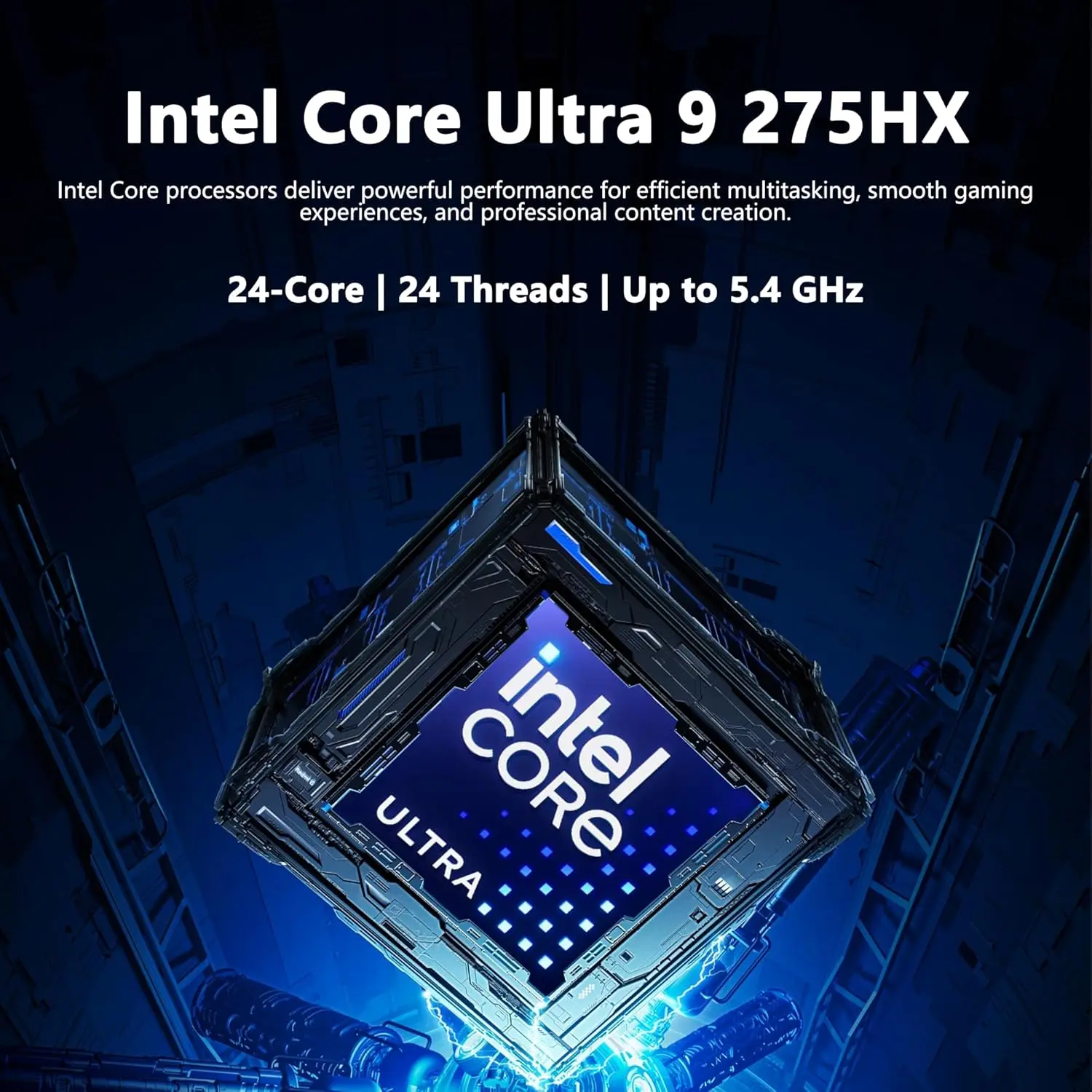
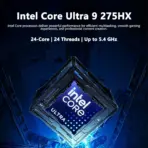
- Ultra 9 275HX
- 32GB DDR5 RAM
- 1TB NVMe SSD
- RTX 5070 (8GB)
- 18-inch 2.5K IPS Display
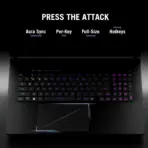
- 4-Zone RGB Keyboard
- Windows 11
CRITICAL DIRECTIVE [STRICT] The Icons MUST Have different shapes conveying the specific content of the icon.
Critical Icon Background and Typography Rules
- Arrange all five distinctive 3D icons HORIZONTALLY along the lower edge, beneath the laptop composition.
- Use a perfectly clean extreme pearlescent-white or light-silver background behind the entire icon row.
- Render every icon heading, description, and technical value in crisp solid black or deep charcoal text.
- ABSOLUTELY NO SMOG, SMOKE, FOG, HAZE, CLOUDS, DARK TRANSLUCENT PANELS, SMOKY VIGNETTES, OR DARK GRADIENTS behind or around the icons.
- Never use white text over artificially darkened areas.
- Keep each sculptural icon separate from its text, with sufficient spacing for flawless readability.
- Confine all dramatic red-and-blue extrusion lighting to the main product scene, away from the icon row.
Output Requirements
- Exactly 2048 × 2048 pixels, 1:1 square.
- Two authentic laptop views as in the supplied image.
- Large visible-screen laptop on the left with a powerful 3D screen-extrusion effect.
- Second partially closed laptop on the right with authentic rear ventilation and RGB.
- Five uniquely shaped feature icons horizontally along the bottom.
- Strong pearlescent-white Expert Zone identity with premium chromium and prismatic reflections.
- Tiny footer: “Infographics Created by the Expert Zone Team.”
- All elements must remain completely inside safe margins.
Constraints
- Do not change the real laptop chassis geometry, port positioning, or lid branding.
- Do not replace the RTX 5070 configuration with another GPU.
- Do not show more than two laptop views.
- Do not turn the extruded screen artwork into an actual physical modification of the laptop.
- No unrelated fantasy characters, oversized creatures, invented hardware, smoke-filled backgrounds, pedestals, or clutter.
- The two genuine ASUS ROG Strix G18 laptops must remain the unmistakable commercial heroes.