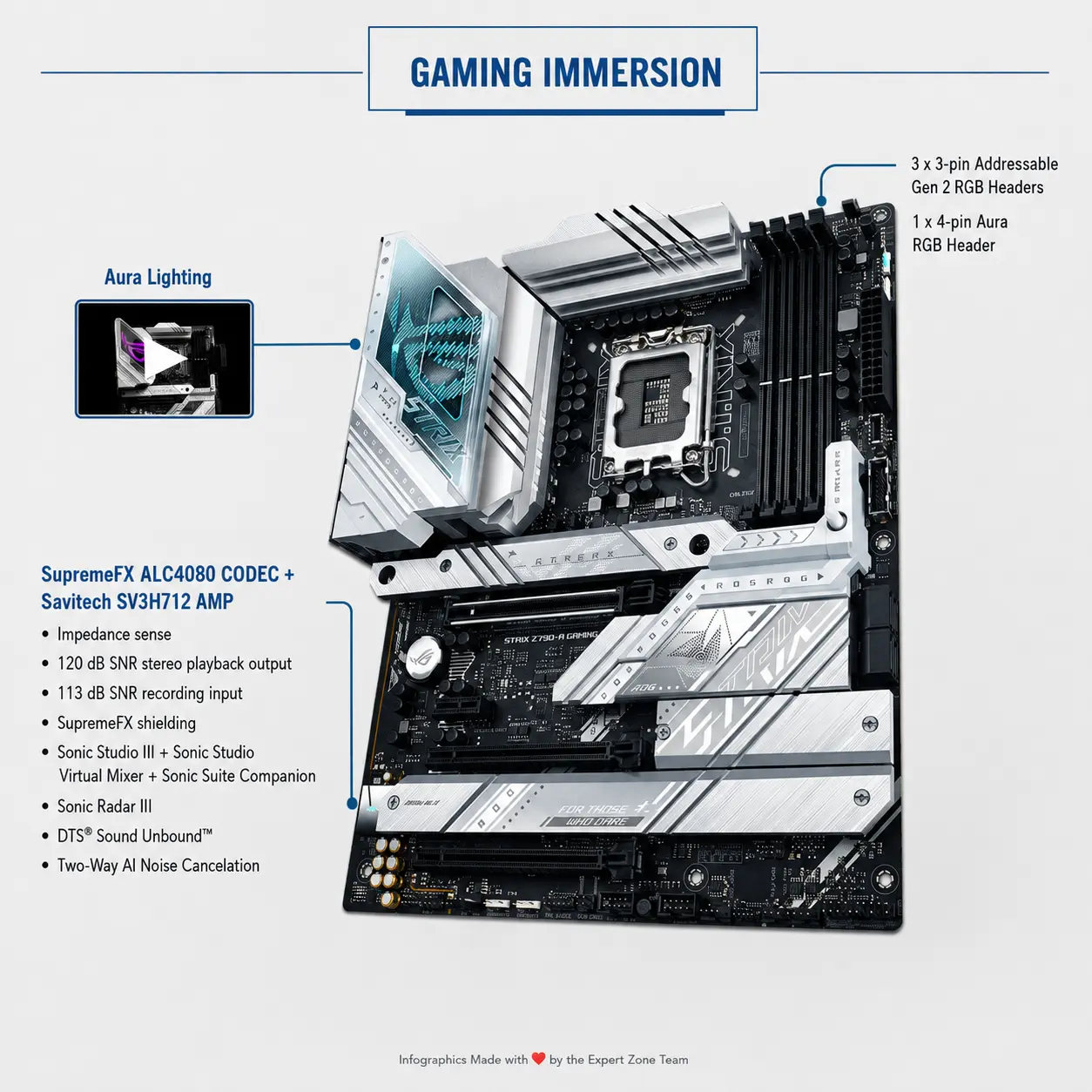
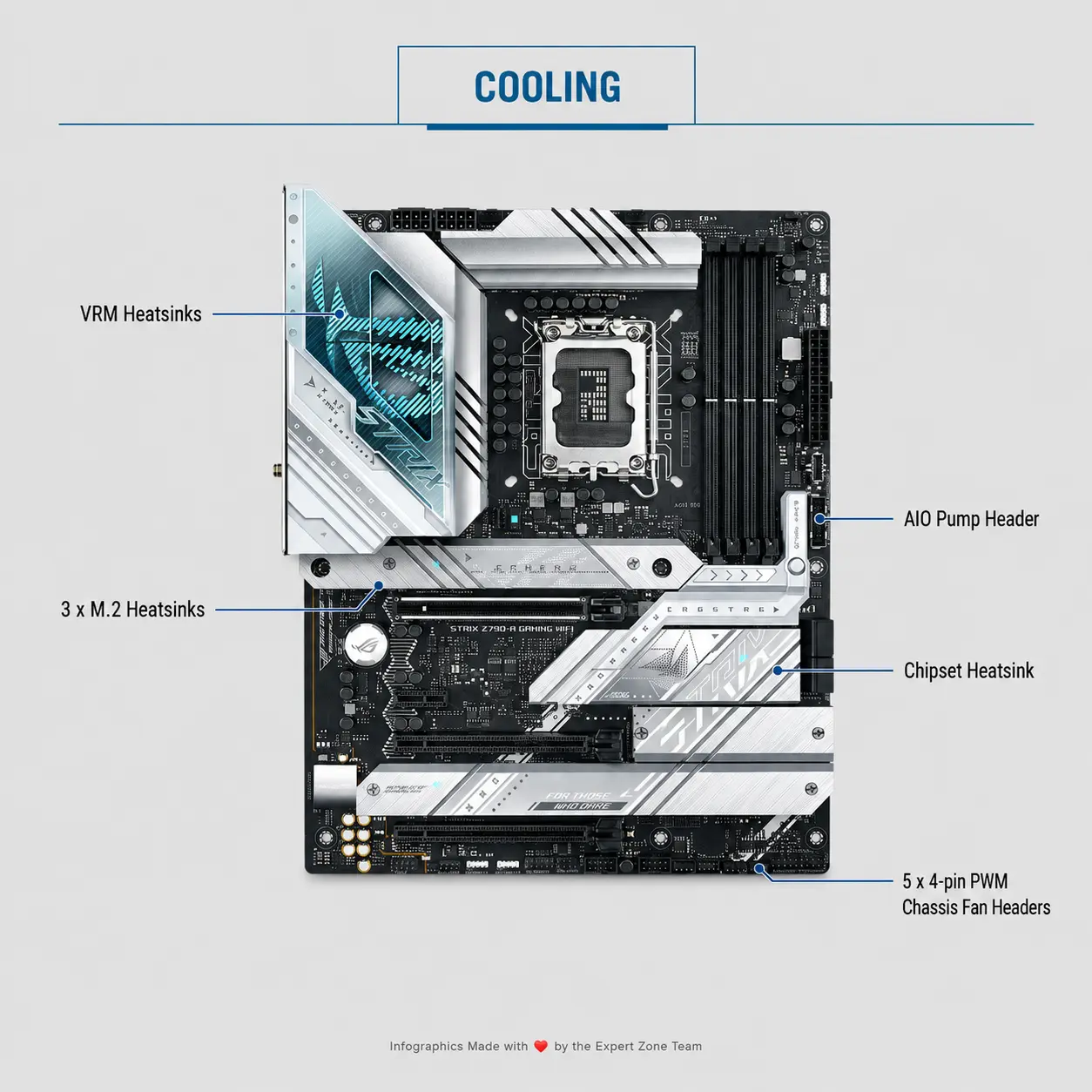
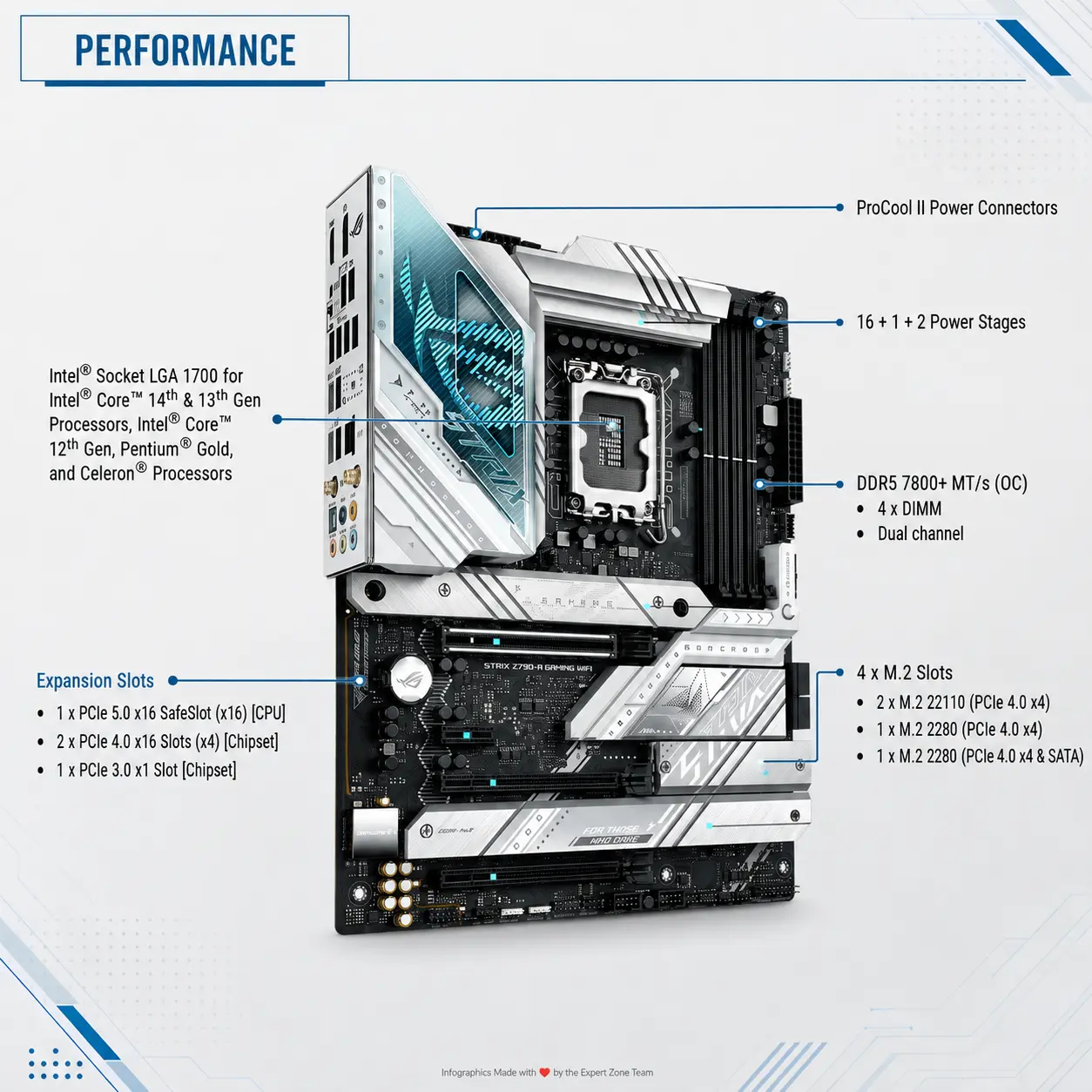
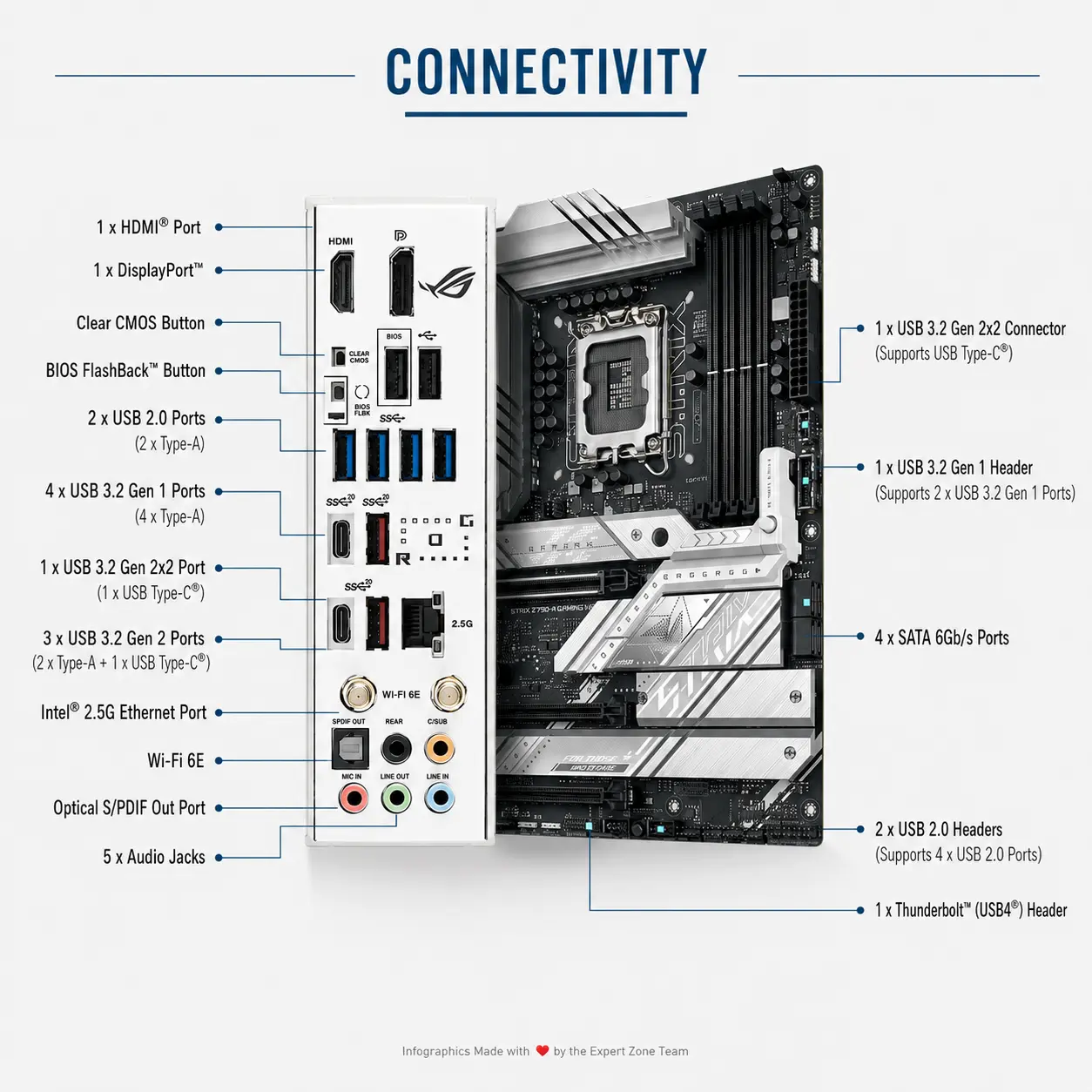



90MB1E00-M0CAY0-OB
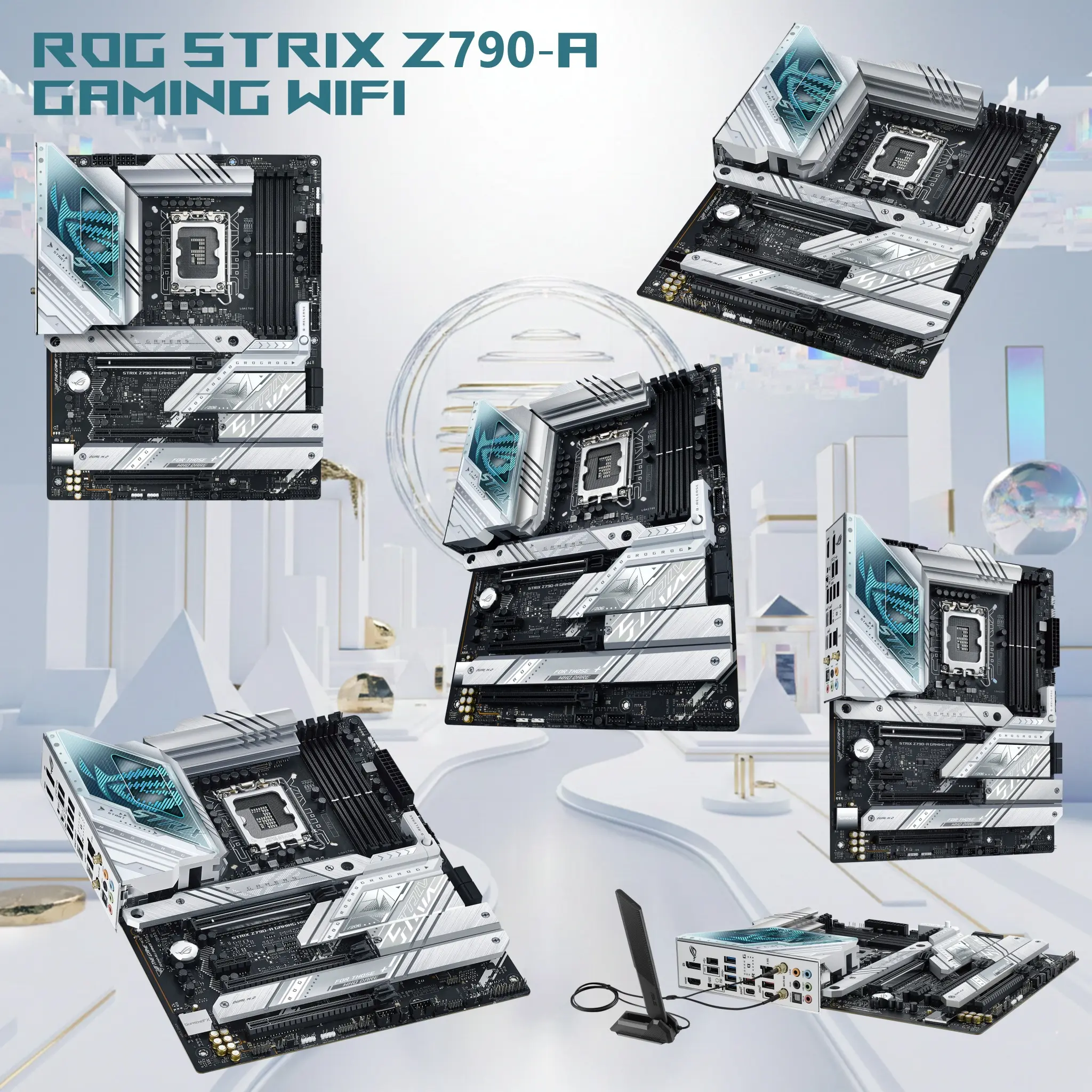
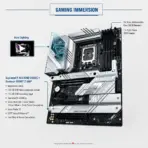
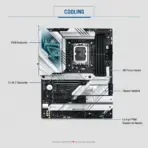
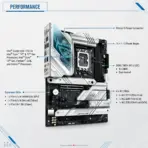
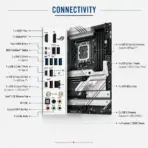
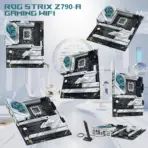
ASUS ROG STRIX Z790-A GAMING WIFI NEW OPEN BOX MOTHERBOARD
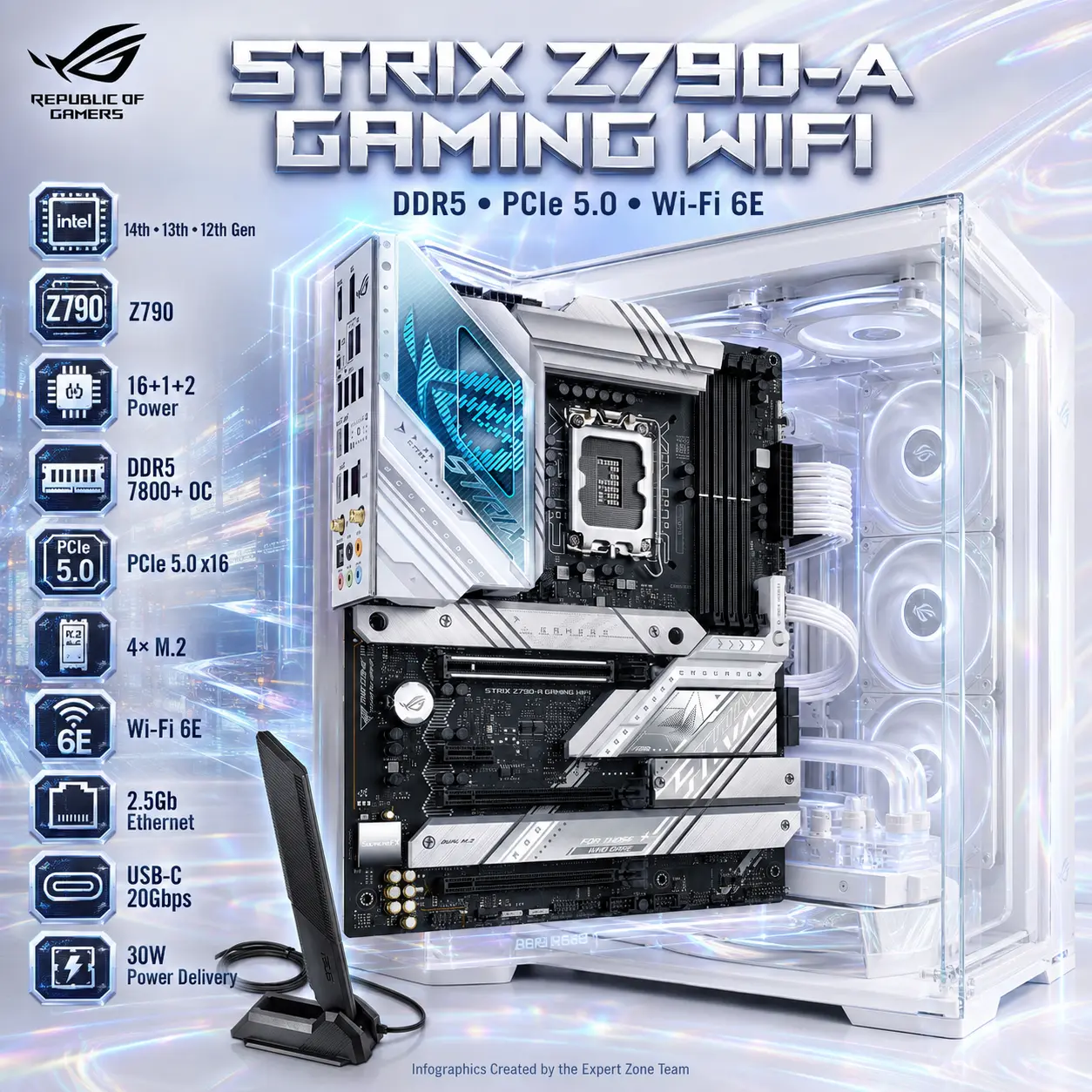
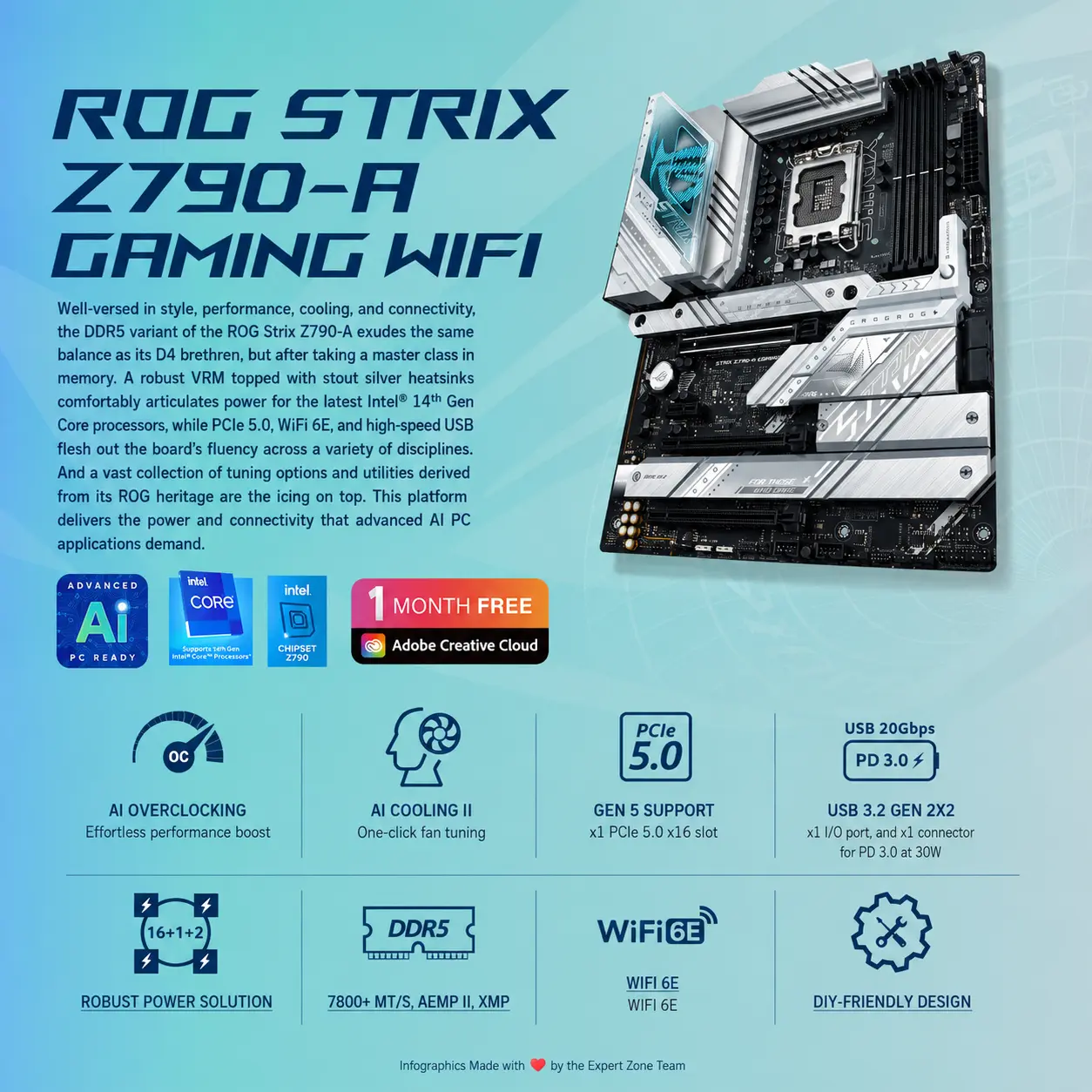
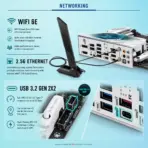
ASUS ROG Strix Z790-A Gaming WiFi ATX Motherboard, LGA1700, DDR5-7800+ OC, PCIe 5.0, 4× M.2, Wi-Fi 6E, 2.5Gb LAN, USB-C 20Gbps, for 14th – 13th – 12th Gen | OPEN BOX
Generate an AI Image
- Layout
- Create an exact 2048 × 2048-pixel, perfect 1:1 square website product-profile composition.
- Clearly separate the foreground motherboard, midground white gaming-PC interior, and background surreal high-performance data environment.
- Make the motherboard dominant at approximately 56–64% of the canvas width.
- Place the ROG logo at the top-left inside generous safe margins.
- Center “STRIX Z790-A GAMING WIFI” at the top using sharp, sophisticated 3D extruded typography.
- Add the subtitle “DDR5 • PCIe 5.0 • Wi-Fi 6E”.
- Keep the motherboard, antenna, logo, title, icons, ports, and footer fully inside the canvas.
- Never create a poster, banner, vertical layout, wide layout, stage, pedestal, or cropped preview.
- Product Presentation
- Use only the exact official ASUS ROG Strix Z790-A Gaming WiFi DDR5 (motherboard & antenna) reference.
- Preserve the authentic dark ATX PCB, metallic silver-white VRM and M.2 heatsinks, transparent I/O detailing, ROG markings, LGA1700 socket, four DDR5 slots, four M.2 positions, PCIe SafeSlot, and integrated I/O shield.
- accentuate the RGB lightening on the motherboard
- Show one extremely sharp three-quarter hero view installed naturally inside a refined crystal-transparent gaming-PC chassis.
- add a cobalt blue iridescent aura behind the motherboard
- Display the authentic adjustable Wi-Fi antenna as a small secondary element.
- Do not confuse this board with the Z790-A Gaming WiFi D4, Z790-H, Z790-F, or newer Z890-A.
- Do not invent a white PCB, PCIe 5.0 M.2 slot, onboard LCD, rear Thunderbolt port, or unsupported accessories.
- Artistically Distinct and Detailed Background
- Background Story : Create a surreal white-build command system where processor power, DDR5 memory, PCIe bandwidth, networking signals, and NVMe data travel through elegant luminous channels toward the motherboard.
- Background Color Palette : Use mandatory dominant extreme high-luster pearlescent white, supported by subtle transparent oily iridescent silver-metallic surfaces and restrained icy-cyan, violet, cobalt, and crimson reflections.
- Background Texture : Use only deep opalescent conch-pearl textures and light-colored liquid iridescent chrome.
- Apply global illumination, dielectric reflections, precise caustics, and strong separation around both the dark PCB and silver heatsinks.
- Avoid graphite smog, muddy gray fog, excessive darkness, and empty flat-white space.
- Icons — Bullet Listed
- CRITICAL DIRECTIVE [STRICT] The Icons MUST Have different shapes depending on the specific content of the icon
- for 14th – 13th – 12th Gen
- Z790
- 16+1+2 Power
- DDR5 7800+ OC
- PCIe 5.0 x16
- 4× M.2
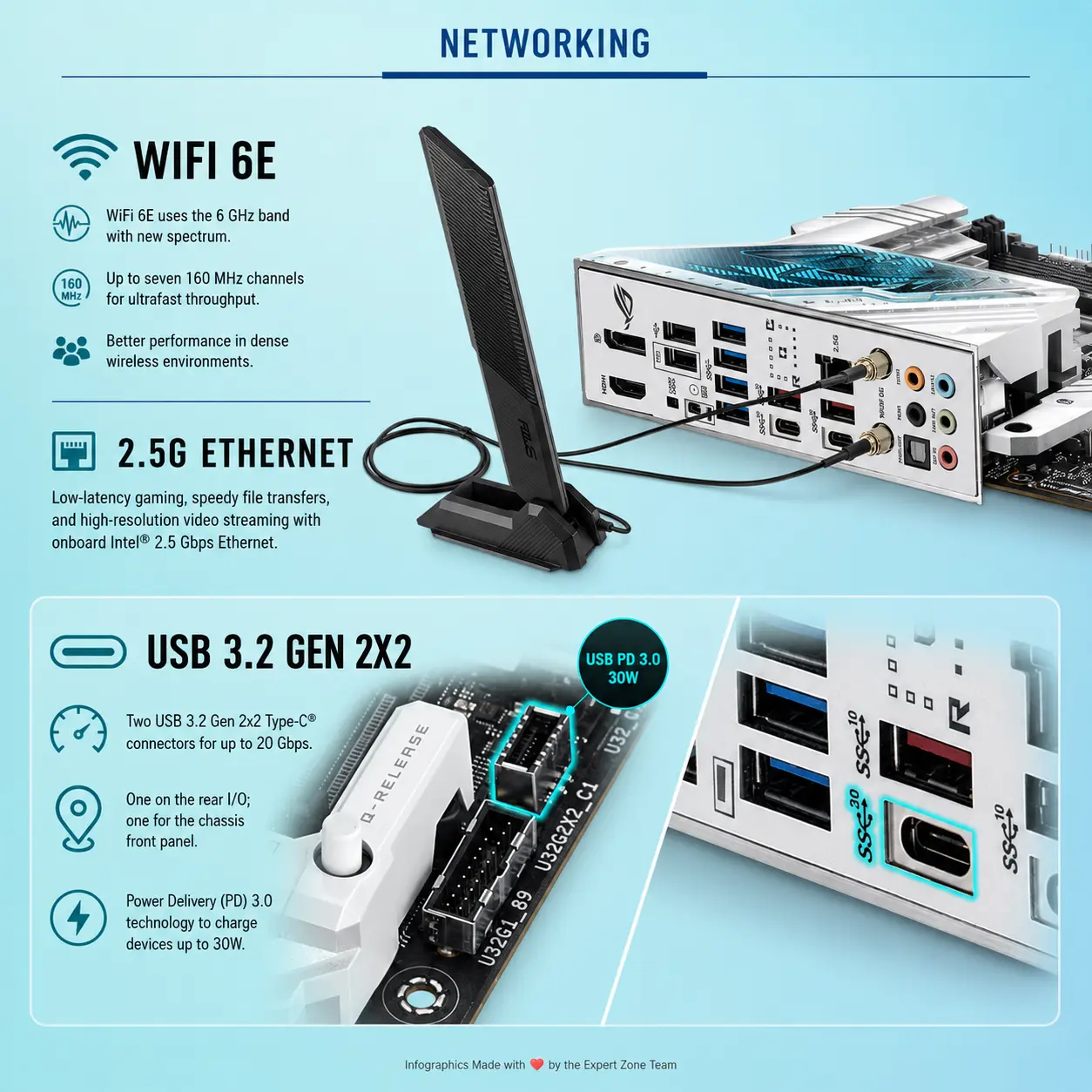
- Wi-Fi 6E
- 2.5Gb Ethernet
- USB-C 20Gbps
- 30W Power Delivery
- Align all unique futuristic 3D icons vertically along the side.
- Add “Infographics Created by the Expert Zone Team” in discreet footer text.
- Output Requirements
- Exact 2048 × 2048 output with extreme resolution and generous safe margins.
- Keep every component, port, icon, and text element fully visible and readable.
- Constraints
- Do not alter the board layout, silver heatsink styling, socket, DIMM count, or connector placement.
- Do not advertise DDR4, Wi-Fi 7, PCIe 5.0 M.2 storage, rear Thunderbolt, or 5Gb Ethernet.
- Avoid clutter, generic chrome, cheap plastic, and excessive matte surfaces.
- NEVER make it look like a premium ad poster.
- Before finalizing, evaluate: “How does this image fare as a product-profile image?” Correct every discovered flaw automatically.