



CANON-LBP6033
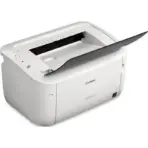
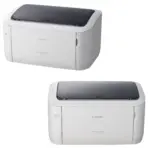
CANON LBP6033 IMAGE CLASS COMPACT MONOCHROME LASER PRINTER-WHITE
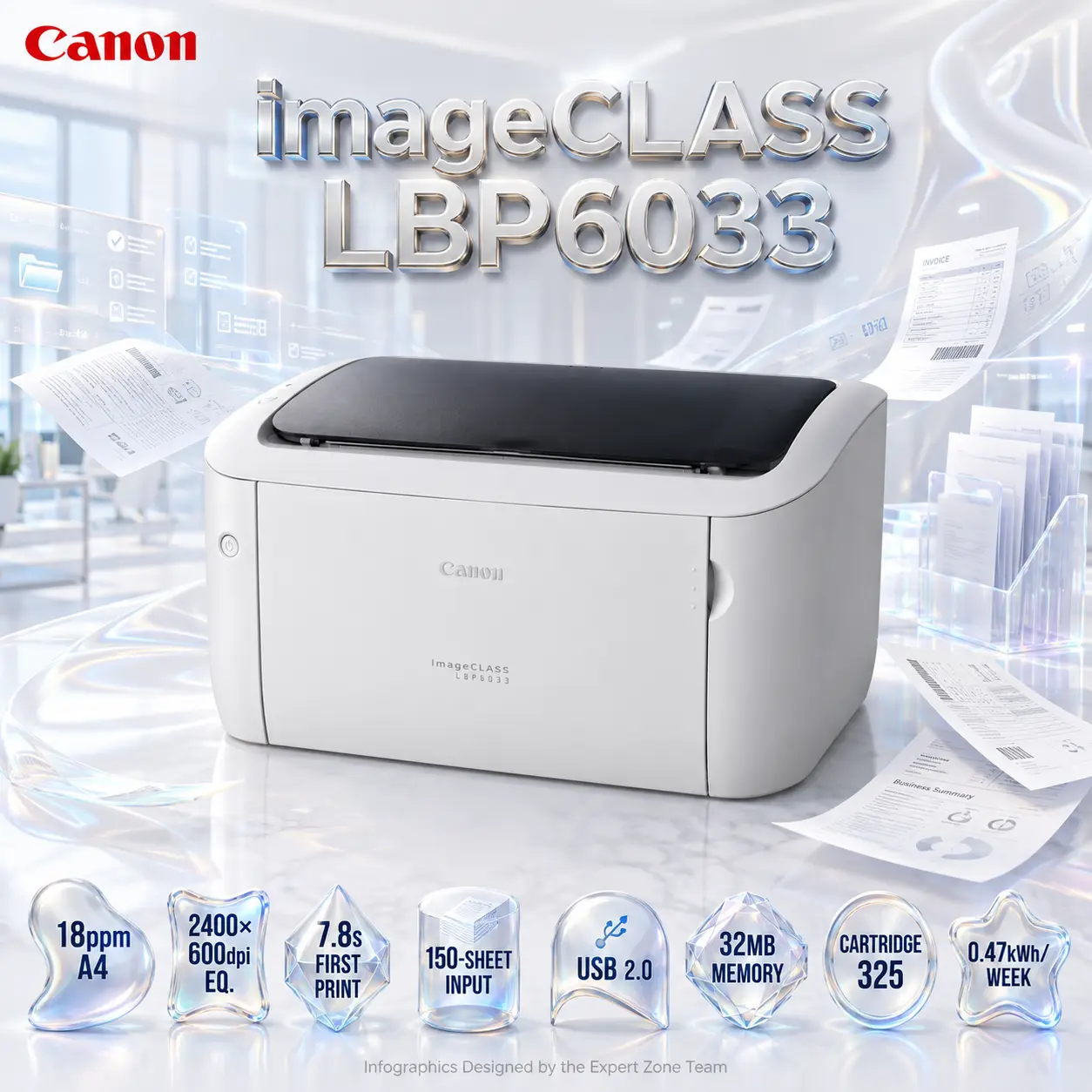
Canon imageCLASS LBP6033 Monochrome (Black & White) Laser Printer – 18ppm A4, 600×600dpi, 2400×600dpi Equivalent, 150-Sheet Input, USB 2.0, 32MB, Cartridge 325 | WHITE
Generate an AI Image
- Layout
- Create an exact 2048 × 2048-pixel, perfect 1:1 square e-commerce product-profile image for the Canon imageCLASS LBP6033 Monochrome Laser Printer.
- Make the printer the largest and unmistakably dominant foreground hero, occupying approximately 64–68% of the canvas.
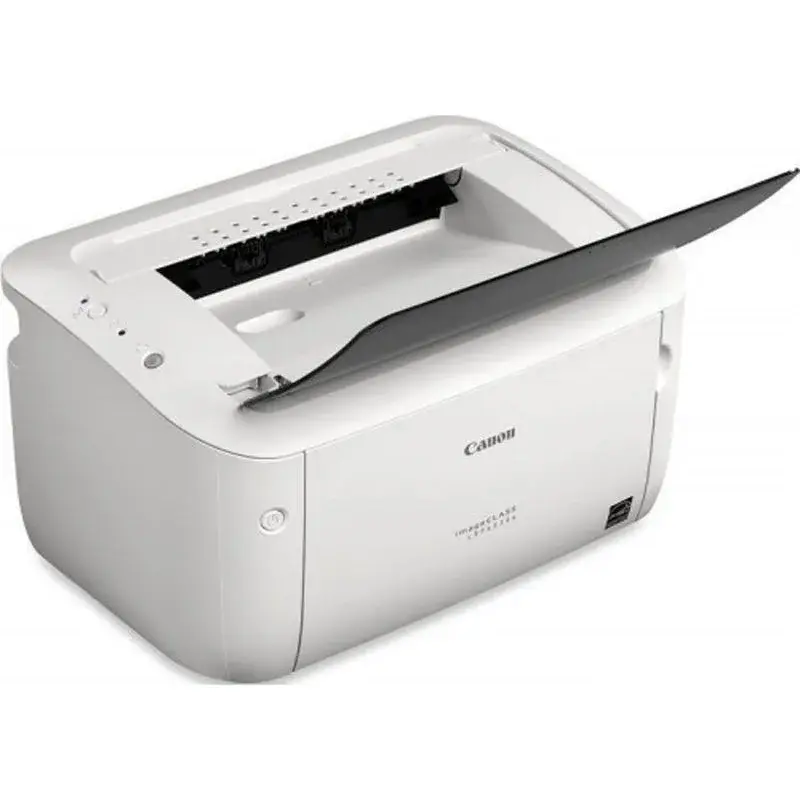
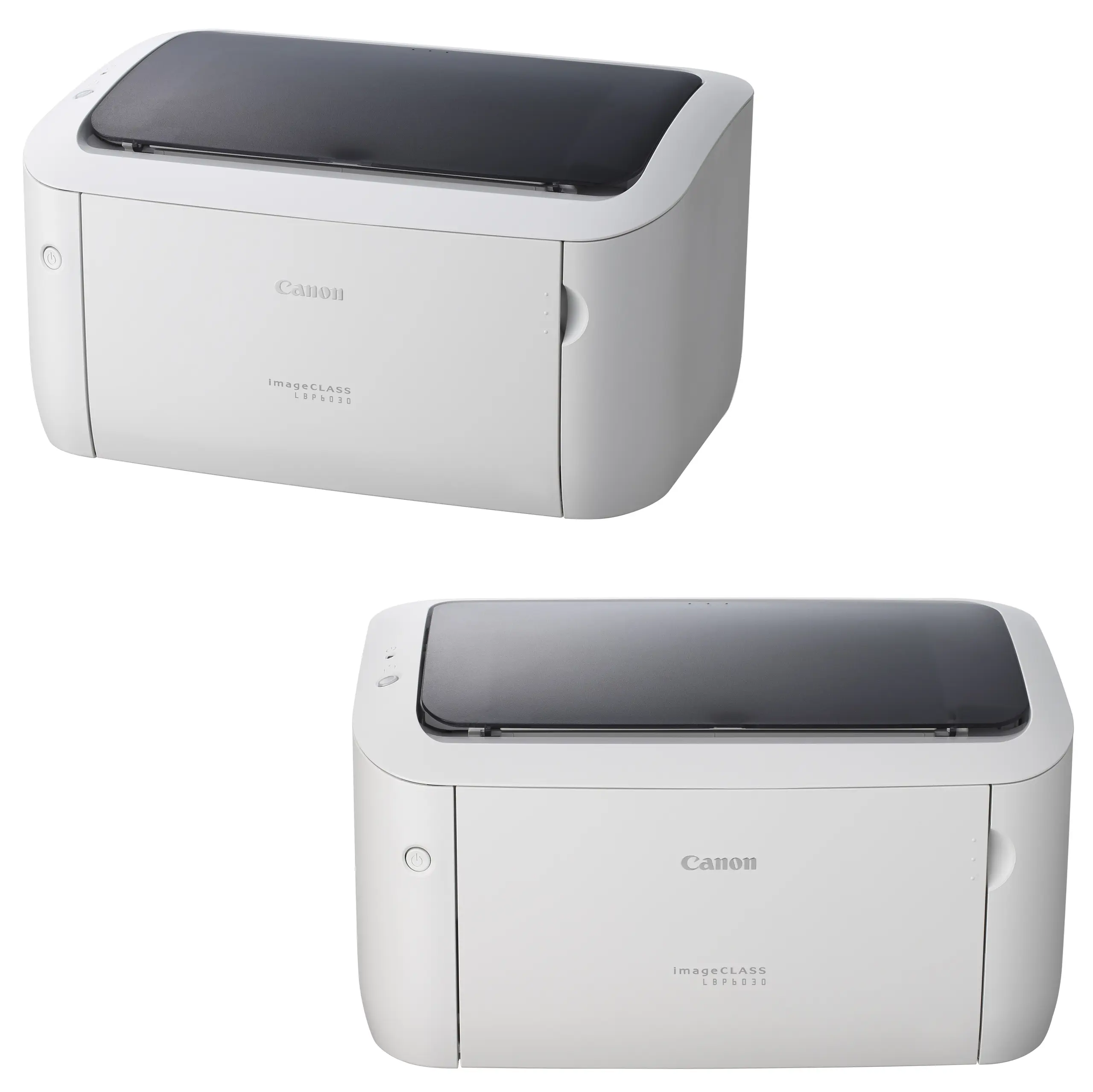
- Show the complete printer in a clean three-quarter front perspective, clearly revealing the output area, paper-input section, control-panel region, compact body proportions, and real Canon industrial design.
- Clearly separate foreground, midground, and background with generous safe margins.
- Do not create a pedestal, stage, banner, vertical poster, cropped preview, or premium-ad-poster composition.
- Product Presentation
- Use the supplied/official raw printer imagery as the strict physical reference.
- Preserve the exact printer body, trays, buttons, LED indicators, seams, Canon branding, proportions, and surface finish.
- Place the Canon logo at the top-left.
- Center “imageCLASS LBP6033” at the top using substantial 3D extruded pearl-silver typography with restrained cool-blue and champagne reflections for strong separation.
- Render the printer with extreme high-resolution realism, crisp panel edges, clear paper paths, and precise mechanical detailing.
- Artistically Distinct and Detailed Background
- Use a luxury + functionality / AI + efficiency art direction rather than gaming imagery.
- Create a surreal Intelligent Document Flow Atelier representing the printer’s literal post-sale location on a modern office desk.
- Show several pristine white sheets physically flying toward and away from the printer, while translucent document layers, typography fragments, invoice grids, barcode-like data patterns, and elegant workflow ribbons transform from digital information into printed pages.
- Suggest an abstract office environment using pearl-white desk contours, translucent filing geometry, and minimal floating productivity interfaces.
- Keep the background dominantly extreme high-luster pearlescent white with a subtle secondary layer of transparent oily-iridescent light silver.
- Use only opalescent conch-pearl sculptural surfaces and deep transparent iridescent oil-fluid textures.
- Add controlled icy-blue and champagne caustic reflections.
- Absolutely no graphite smog, black fog, dark walls, cheap chrome, or visual clutter.
- Icons — Bullet Listed
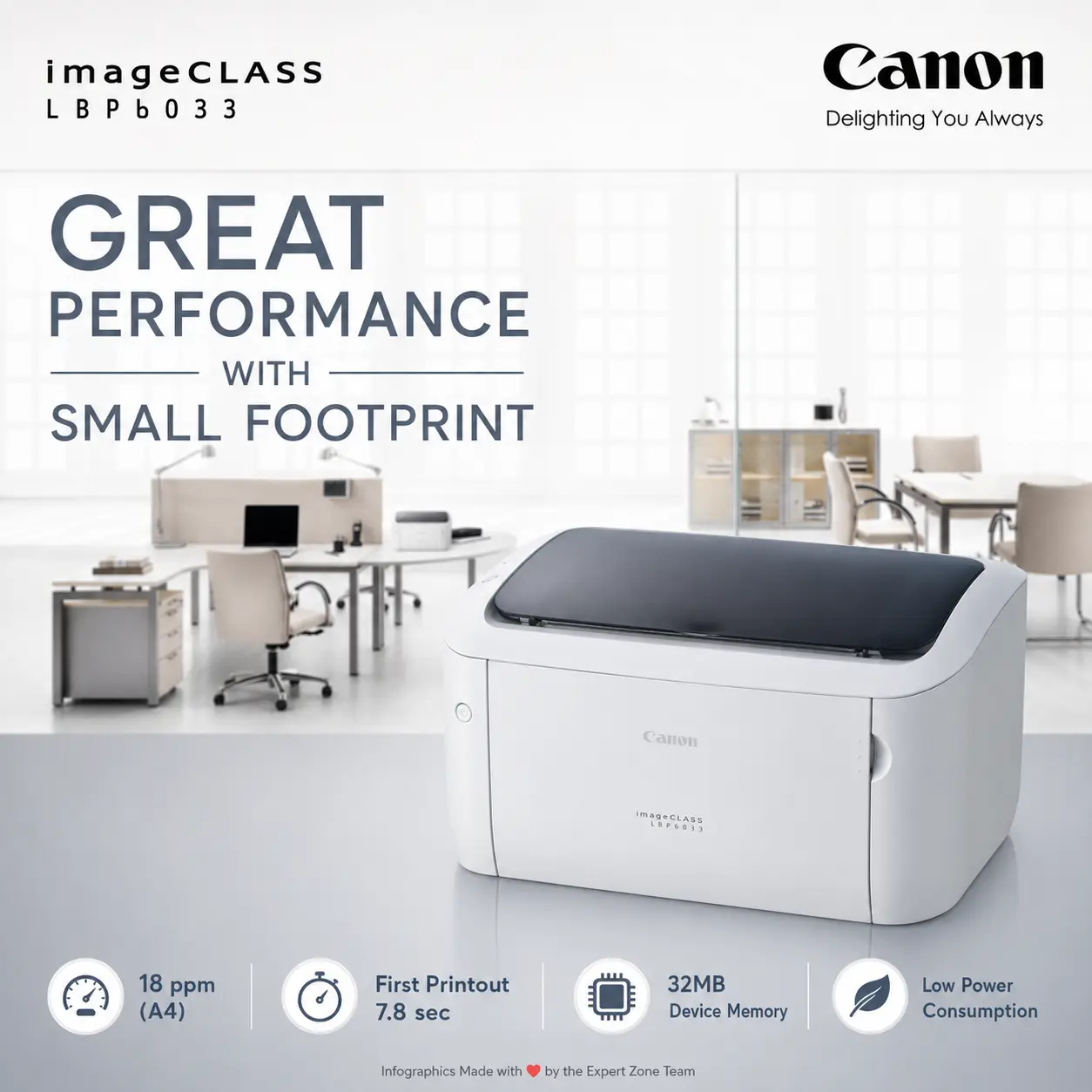
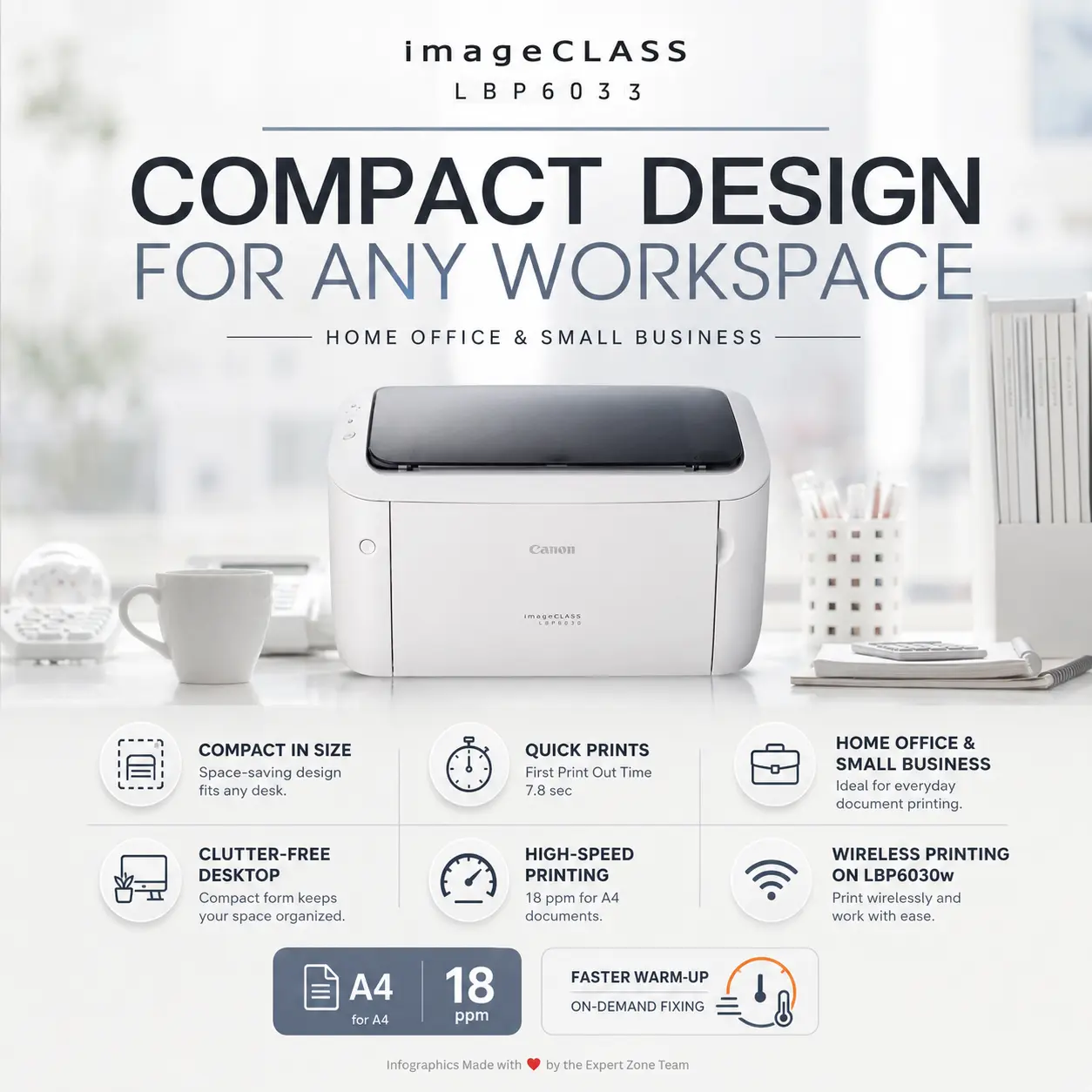
- 18ppm A4
- 2400×600dpi EQ.
- 7.8s FIRST PRINT
- 150-SHEET INPUT
- USB 2.0
- 32MB MEMORY
- CARTRIDGE 325
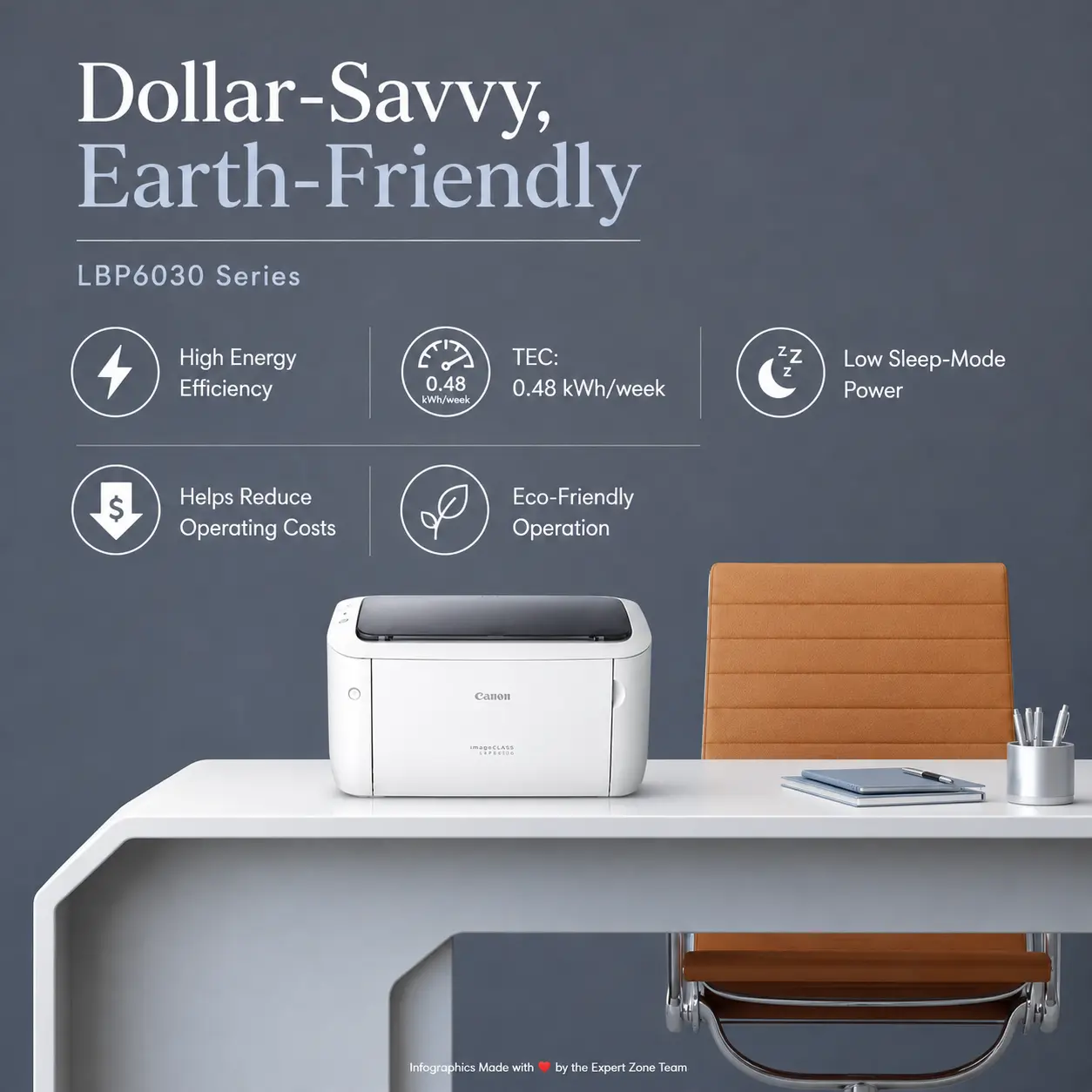
- 0.47kWh/WEEK
- Render every icon as a different futuristic 3D freeform productivity emblem with huge, bold, condensed, thumbnail-readable typography.
- Align the icons horizontally along the bottom.
- CRITICAL DIRECTIVE [STRICT] The Icons MUST Have different shapes depending on the specific content of the icon
- Output Requirements
- Final output must be exactly 2048 × 2048 pixels, perfect 1:1 square, in extreme high resolution.
- Keep the printer, logo, title, icons, pages, and background elements fully inside safe margins.
- Add “Infographics Designed by the Expert Zone Team” in a super-small discreet font at the bottom.
- Constraints
- Do not alter the printer design or invent Wi-Fi, Ethernet, touchscreen, scanner, copier, fax, duplex unit, or color printing.
- Do not change the monochrome-laser product category.
- Keep the printer as the largest and most prominent visual element.
- Keep black/graphite strictly minimal in the environment.
- Avoid excessive matte surfaces, generic office stock imagery, flat-white emptiness, and visual clutter.
- Before finalizing, ask “How does this image fare as a product-profile image?” and automatically correct weak scale, inaccurate printer geometry, blurred paper paths, unreadable icons, or distracting background elements.