

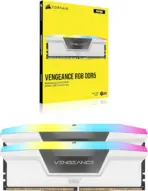

CMH64GX5M2N6000Z40W
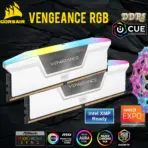
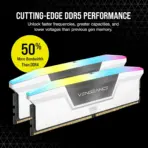
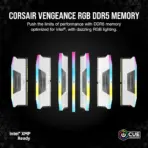
RAM CORSAIR VENGEANCE RGB 64GB (32X2) WHITE AMD AND INTERL
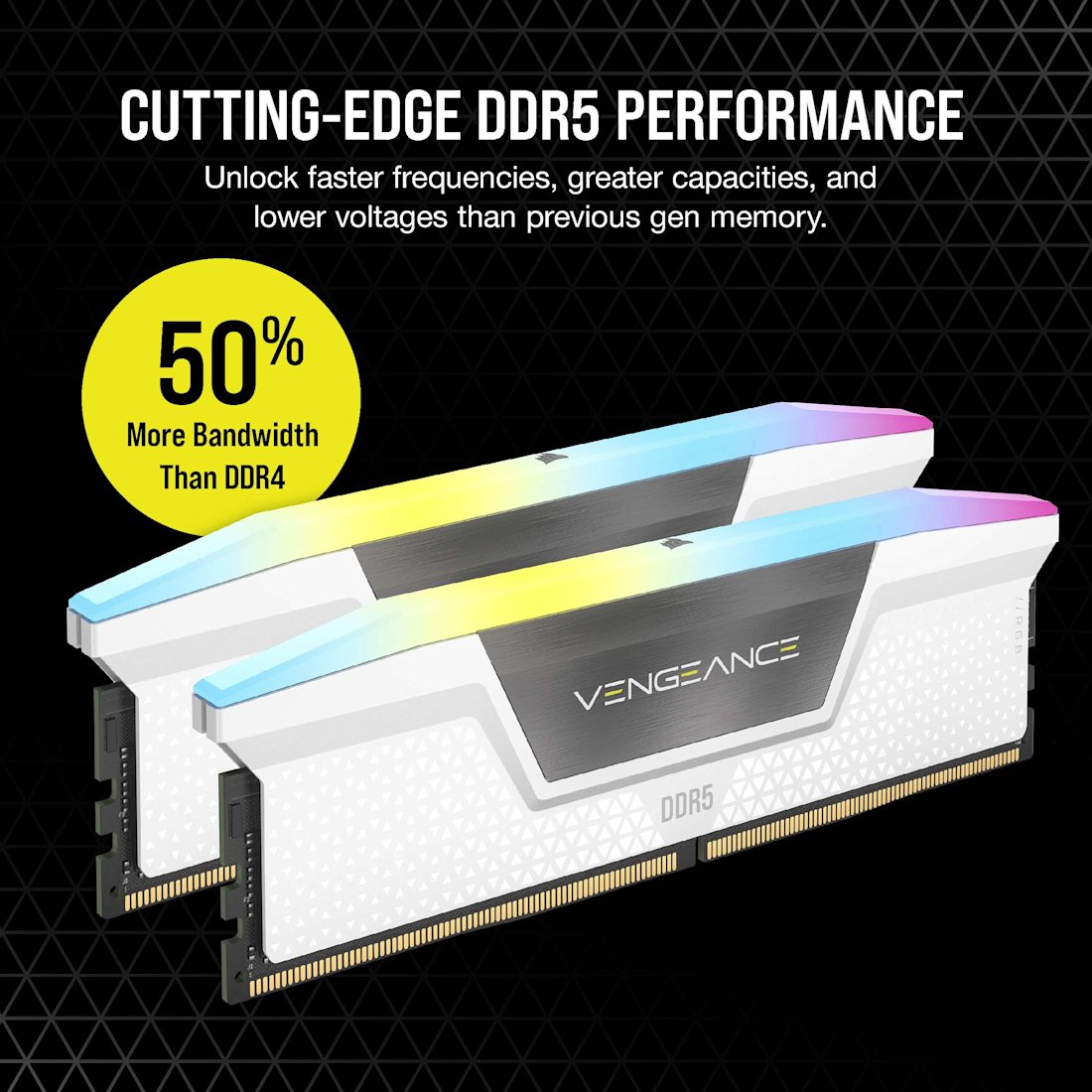
CORSAIR VENGEANCE RGB DDR5 RAM 64GB Kit (2x 32GB) 6000MHz CL40 1.35V (PC5 48000) 288-Pin AMD EXPO / Intel XMP 3.0 Compatible Computer Memory | WHITE CMH64GX5M2N6000Z40W
Generate an AI Image
- Layout
- Create an exact 2048 × 2048-pixel, perfect 1:1 square website product-profile composition.
- Separate the foreground memory kit, midground white gaming motherboard, and background surreal DDR5 data environment.
- Make the two RAM modules occupy approximately 54–62% of the canvas width.
- Place the CORSAIR logo at the top-left within generous safe margins.
- Center “VENGEANCE RGB DDR5” at the top using sharp, sophisticated 3D extruded typography.
- Add the subtitle “ AMD EXPO + INTEL XMP”.
- Keep both modules, gold contacts, logo, title, icons, lighting, and footer completely inside the canvas.
- Never create a banner, vertical layout, wide layout, stage, pedestal, or cropped preview.
- Product Presentation
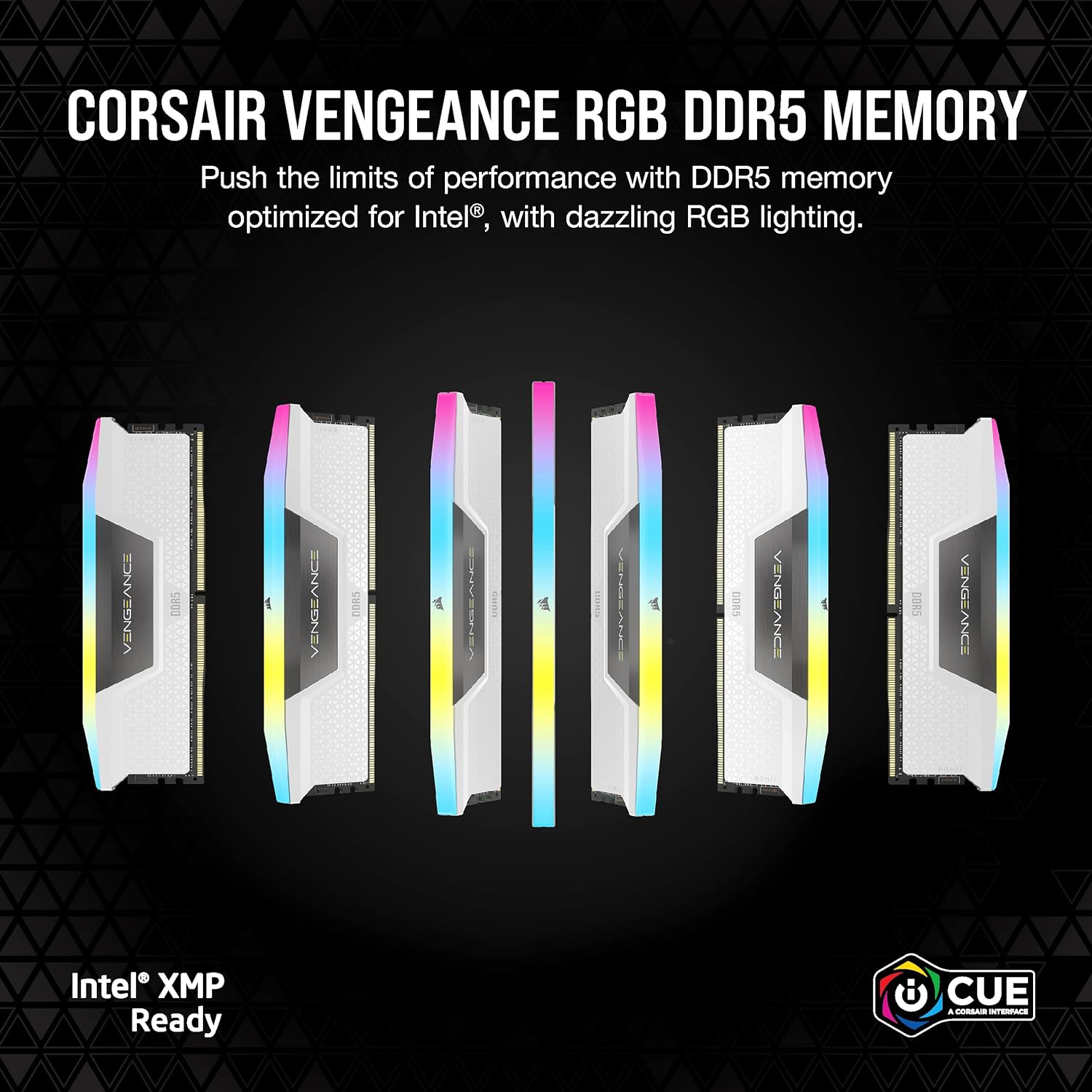
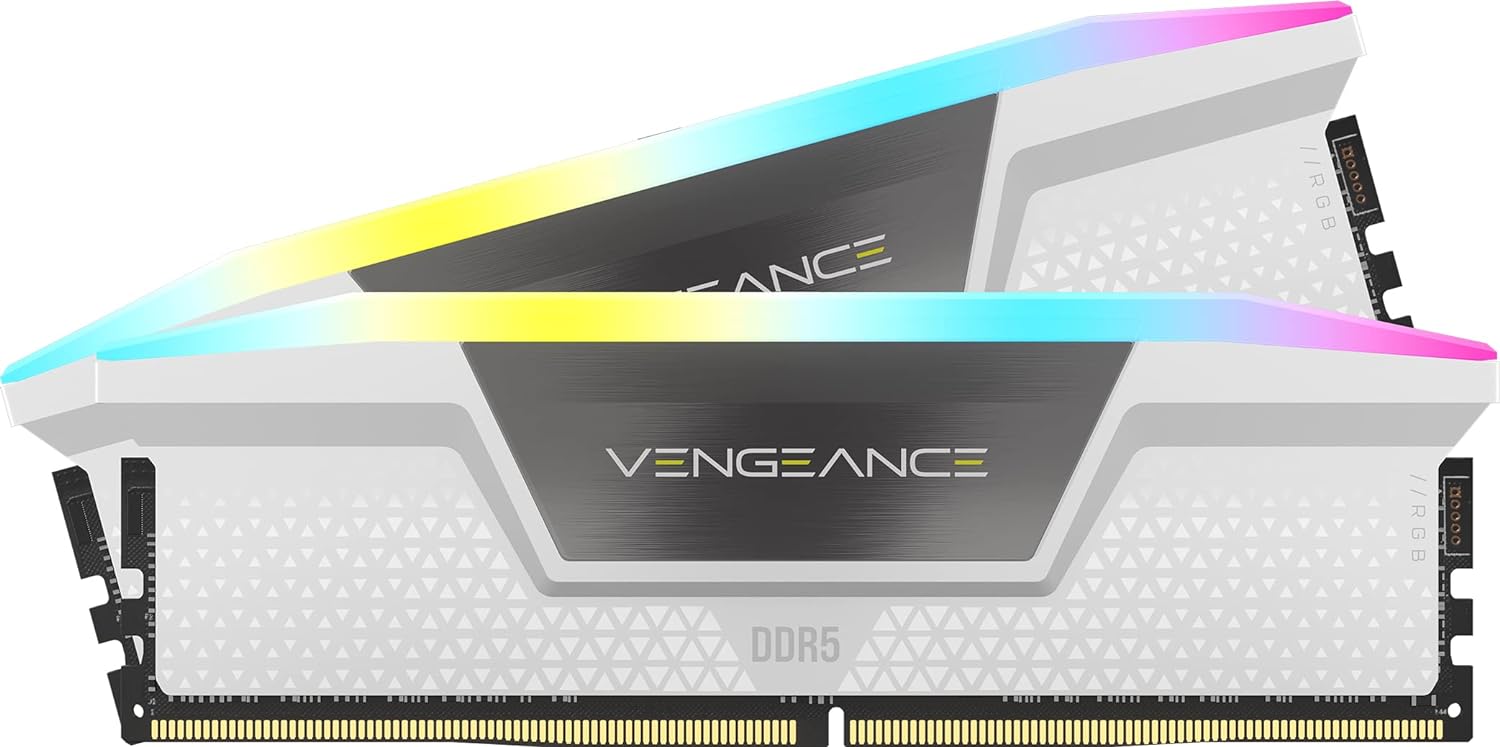
- Use only the exact CORSAIR VENGEANCE RGB DDR5 White 64GB kit, model CMH64GX5M2N6000Z40W reference.
- Show exactly two matching 32GB white modules.
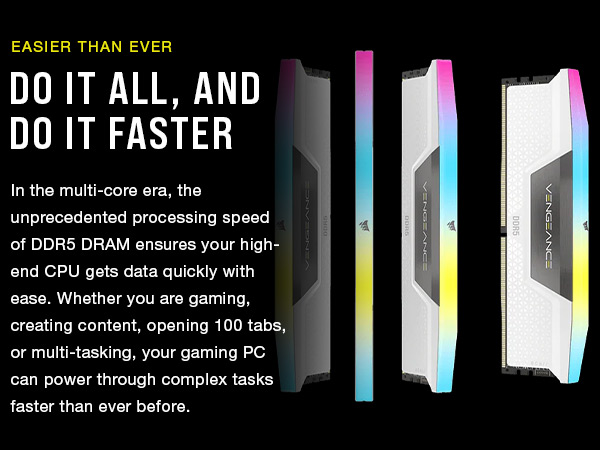
- Preserve the authentic white aluminum heatspreaders, triangular VENGEANCE styling, panoramic RGB light bars, CORSAIR branding, module proportions, and gold 288-pin contacts.
- Present one module upright and the second at a shallow three-quarter angle beside a compatible white DDR5 motherboard.
- Illuminate the RGB bars with controlled cyan, violet, and opalescent gradients without recoloring the white heatspreaders.
- Do not invent displays, cooling fans, cables, extra modules, or unsupported accessories.
- Artistically Distinct and Detailed Background
- Background Story : Build a surreal memory-processing environment where luminous game assets, editing timelines, and multitasking data streams travel through sculptural channels toward the installed RAM slots.
- Background Color Palette : Use mandatory dominant extreme high-luster pearlescent white, & iridescent silver-metallic, icy cyan, and restrained violet reflections.
- add a metallic cobalt-blue iridescent gradient directly behind the RAMs.
- Background Texture : Use only deep opalescent conch-pearl textures and light-colored liquid iridescent chrome.
- Apply global illumination, dielectric refractions, crisp caustics, and razor-sharp product separation.
- Avoid graphite smog, dirty gray haze, flat white emptiness, and excessive darkness.
- Icons — Bullet Listed
- CRITICAL DIRECTIVE [STRICT] The Icons MUST Have different shapes depending on the specific content of the icon
- DRR5 Blazing Speed
- AMD EXPO
- Intel XMP 3.0
- 10-Zone RGB
- iCUE Control
- Aluminum Heatsink
- Align the unique futuristic 3D icons horizontally along the bottom.
- Add “Infographics Created by the Expert Zone Team” in discreet footer text.
- Output Requirements
- Exact 2048 × 2048 output with extreme resolution and generous safe margins.
- Keep all typography and components fully visible and sharply readable.
- Constraints
- Do not alter the white finish, module quantity, RGB-bar design, branding, or proportions.
- Do not display 6400MT/s, CL30, or any incorrect model number.
- Avoid cheap plastic, generic chrome, clutter, excessive matte surfaces, or tacky effects.
- NEVER make it look like a premium ad poster.
- Before finalizing, evaluate: “How does this image fare as a product-profile image?” Correct every discovered flaw automatically.