
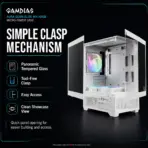
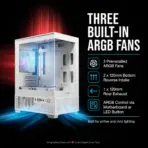
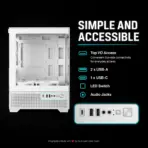
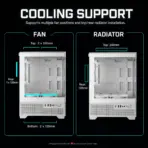
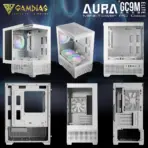



AURA GC9M ELITE WH ARGB
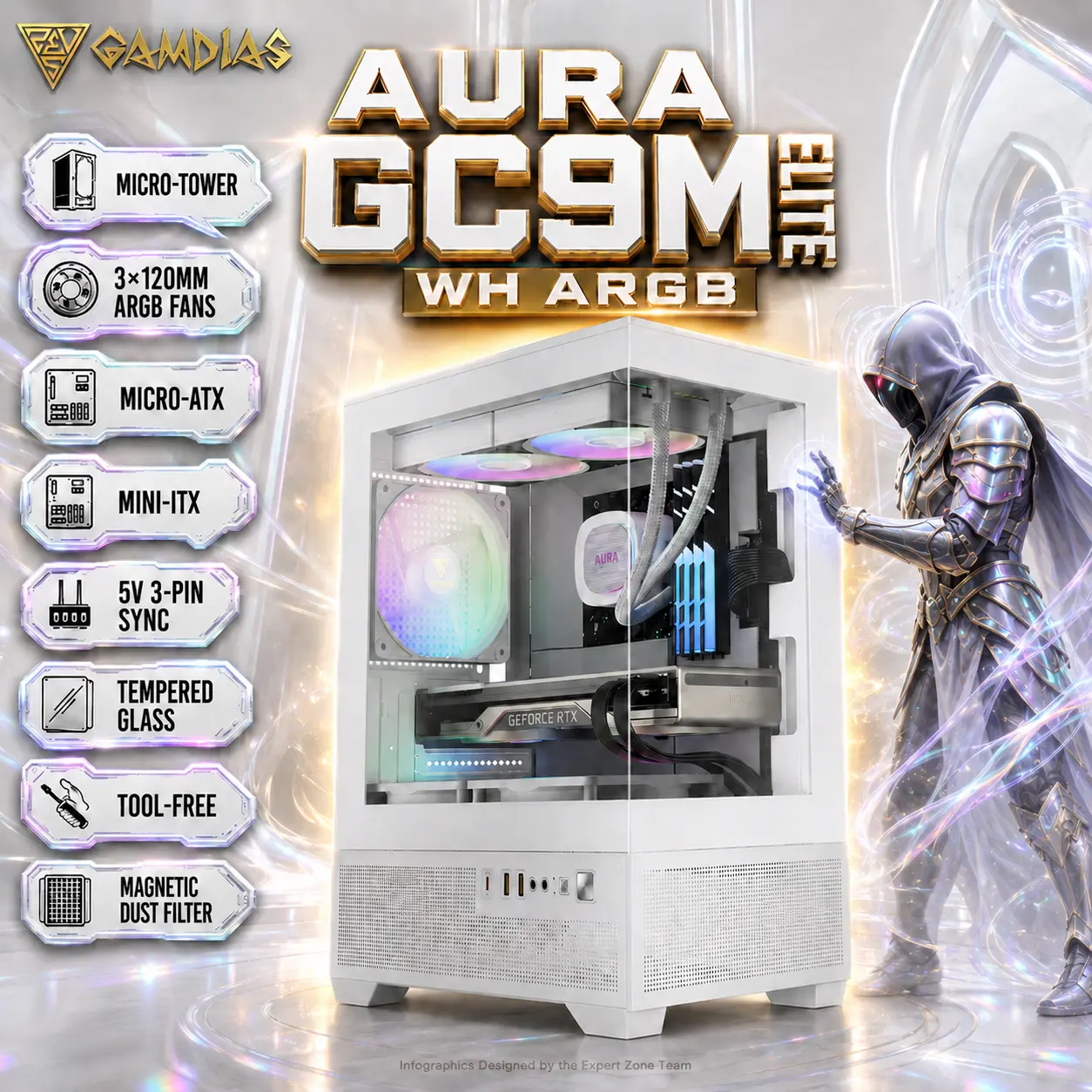
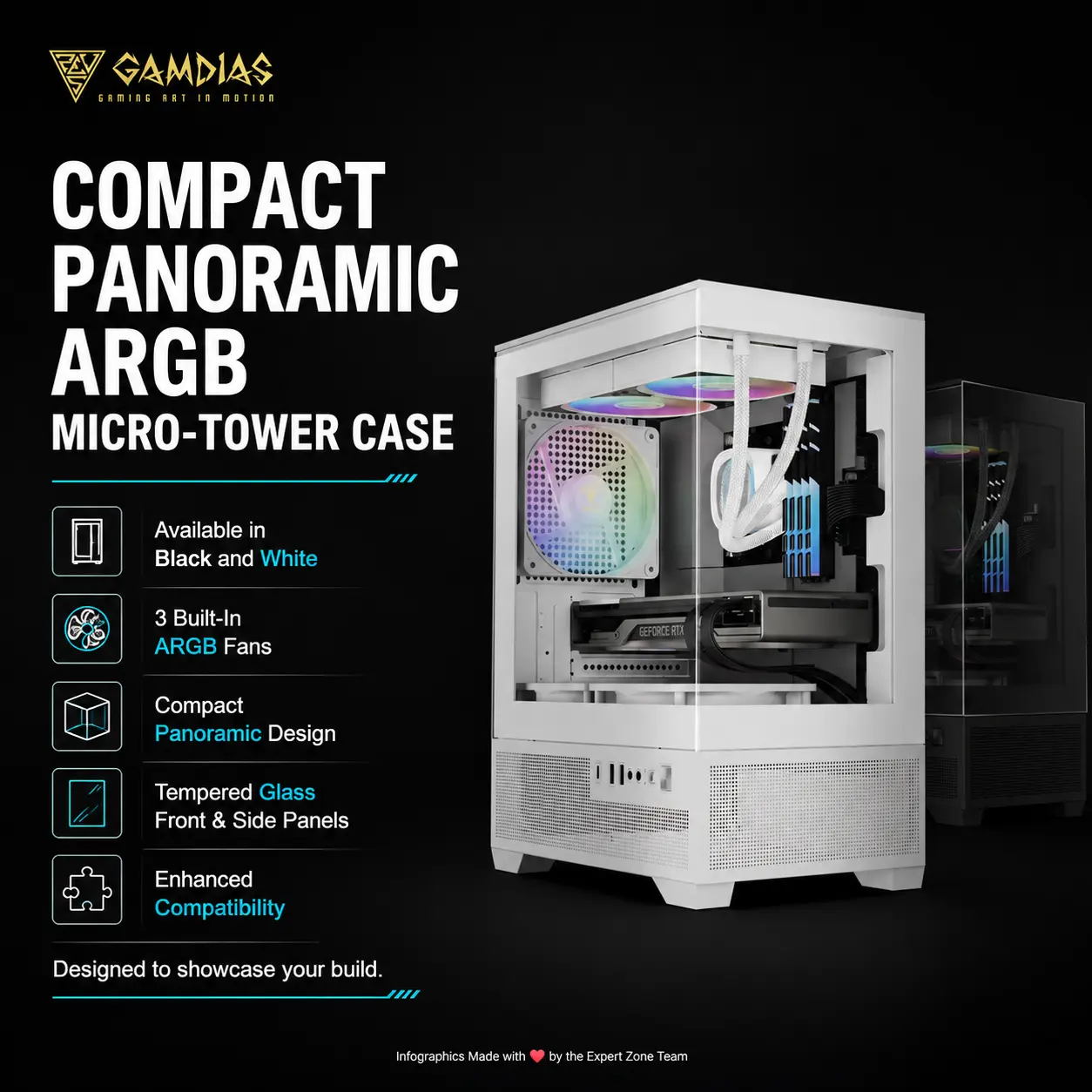
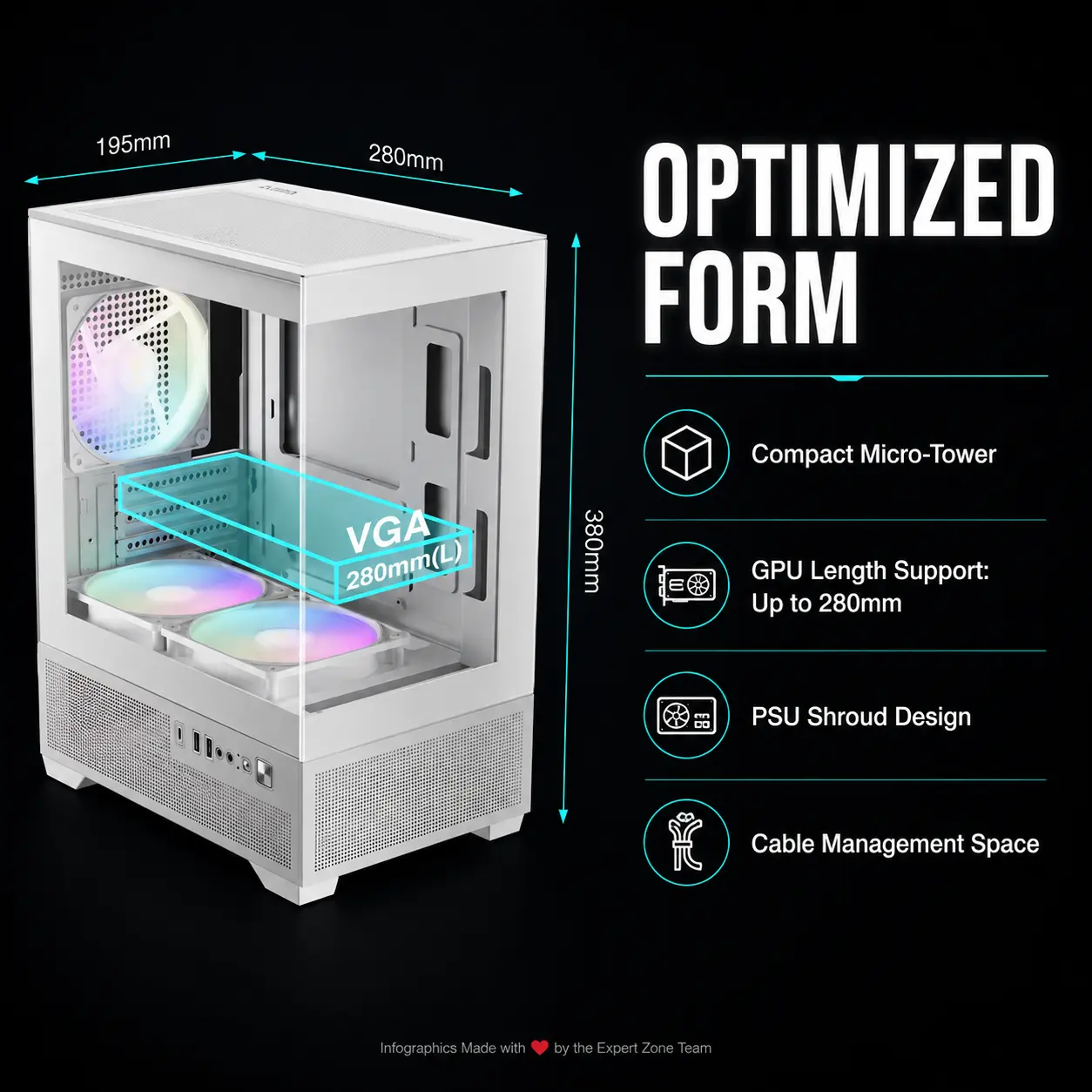
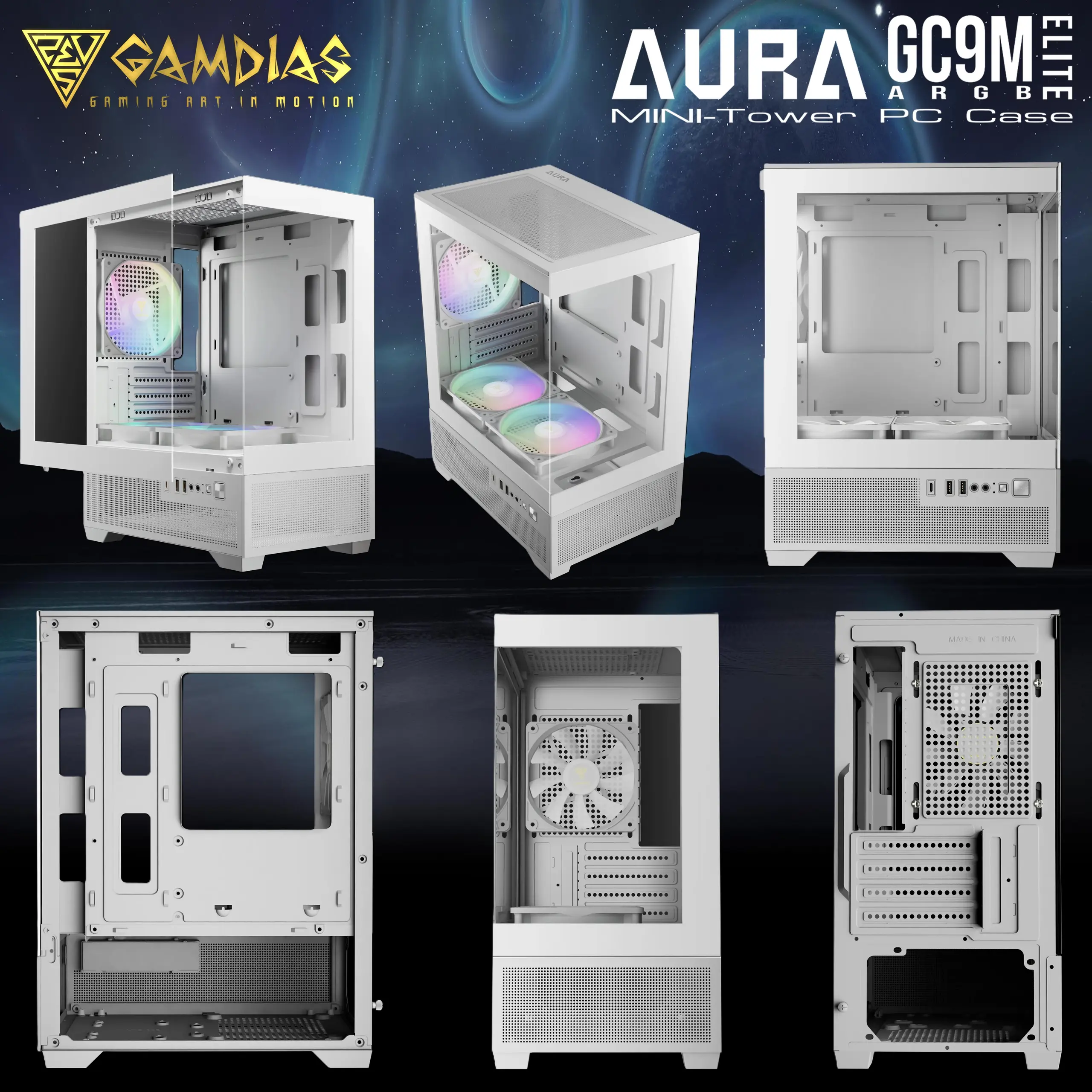
GAMDIAS AURA GC9M ELITE WH ARGB Micro-Tower Case – Panoramic Tempered Glass, 3×120mm ARGB Fans Pre-installed , Micro-ATX / Mini-ITX Support, 280mm GPU, 5V ARGB Sync | WHITE
Generate an AI Image
- Layout
- Create a clean website product-profile composition for the GAMDIAS AURA GC9M ELITE WH ARGB.
- Final image must be exactly 2048 × 2048 pixels, perfect 1:1 square ratio.
- Make the complete PC case the overwhelmingly dominant foreground hero, occupying approximately 64–68% of the canvas.
- Show it in a dramatic three-quarter front gaming perspective, clearly revealing the white chassis, panoramic tempered-glass presentation, compact micro-tower proportions, and visible ARGB fan glow.
- Keep the product, logo, title, icons, and all effects fully inside generous safe margins.
- Do not create a poster, banner, cropped preview, or stage/pedestal scene.
- Product Presentation
- Use the exact product information provided for the AURA GC9M ELITE WH ARGB.
- Preserve the white colorway, compact panoramic micro-tower identity, tempered-glass showcase look, 3 built-in 120mm ARGB fans, and gaming-case silhouette.
- Place the GAMDIAS logo at the top-left.
- Center the product name “AURA GC9M ELITE WH ARGB” at the top using bold 3D extruded typography with strong contrast.
- Because the case is white, add an iridescent-metallic gold contrasting aura / gradient / shadow behind the product only so the case outline stays razor-sharp and never melts into the background.
- Artistically Distinct and Detailed Background
- Create a gaming-oriented surreal art direction with a chic minimal scene, not a cluttered ad poster.
- Build a story around a compact futuristic battle-station shrine where the case feels like the command core of a clean high-end gaming setup.
- Use a dominant extreme high-luster pearlescent white environment with subtle fluid oily iridescent silver-metallic textures and controlled ARGB accents.
- Add a restrained dark-spirited cyber phantom / armored villain silhouette in the background, interacting with the case by tracing one hand along the airflow lines and ARGB glow, as if awakening the system. The character must stay secondary and artistic, not overpower the case.
- Emphasize the mandatory juxtaposition flare through the contrast between a luminous white luxury environment and a dark gaming presence.
- Keep black and graphite strictly minimal and never allow ugly graphite smog.
- Use at most two texture families: opalescent conch-pearl gloss and light iridescent metallic fluid structures.
- Gaming hardware aesthetic Icons
- MICRO-TOWER
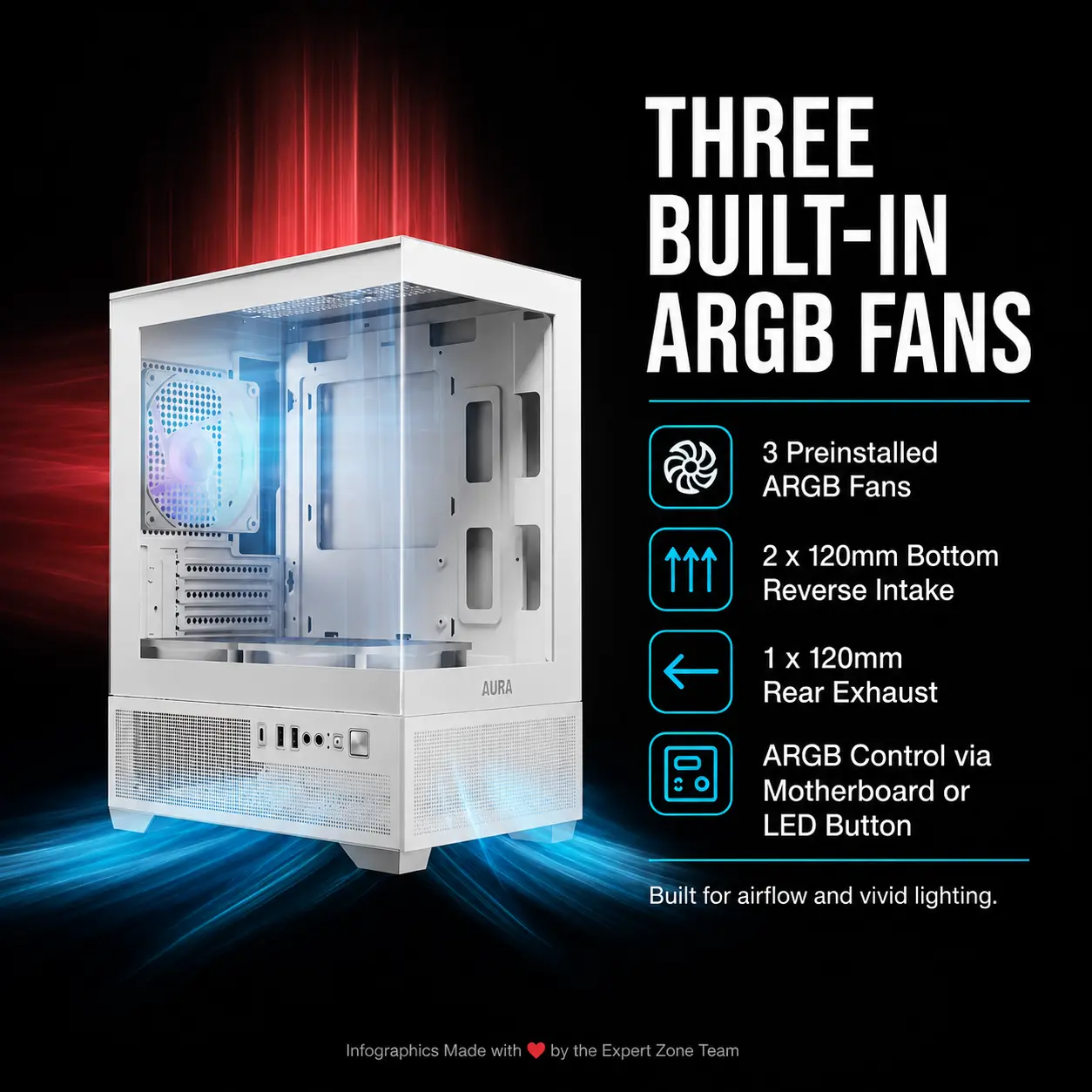
- 3×120MM ARGB FANS
- MICRO-ATX
- MINI-ITX
- 5V 3-PIN SYNC
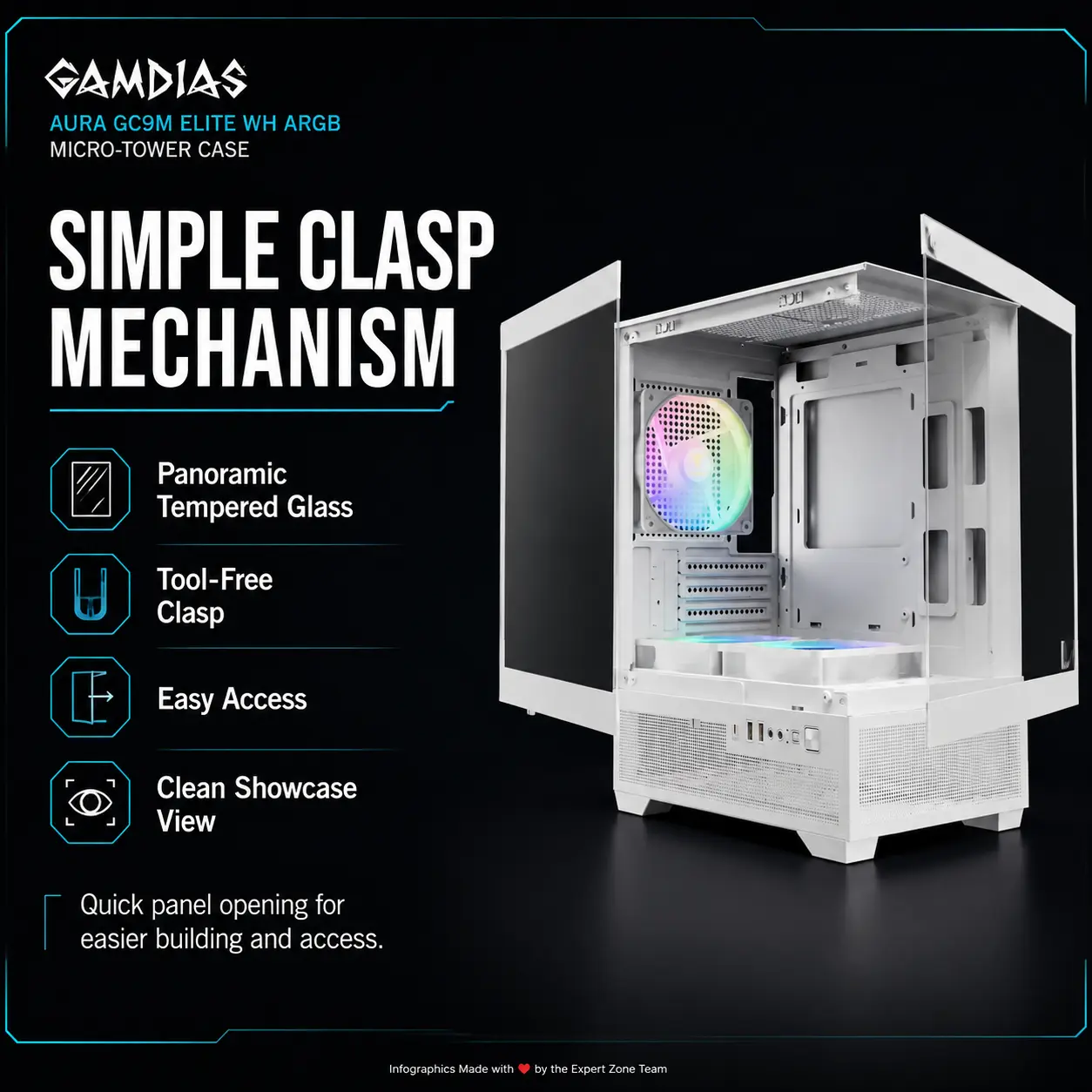
- TEMPERED GLASS
- TOOL-FREE
- MAGNETIC DUST FILTER
- 2 x 120mm ARGB Fans PRE-INSTALLED
- VIP: The Icons MUST Have different shapes depending on the specific content of the icon.
- Each icon is a DIFFERENT 3D Freeform badge The style is futuristic, industrial, and high-tech.
- Use realistic rendering with ray-traced reflections and lens flares.
- The icons must include specific technical text.
- Sharp typography, volumetric lighting, 8k resolution, cinematic composition.
- Lighting: “Chiaroscuro” (high contrast between white background and bright icons) and “anamorphic lens flares.”
- Text to occupy maximum area of each icon, enhance readability and clarity of text.
- Text should be of maximum contrasting colors with respect to the badge, text is incorporated inside the icon
- Align all icons vertically to the side.
- Output Requirements
- Final image must be 2048 × 2048 pixels, exact 1:1 square.
- Preserve clear foreground, midground, and background separation.
- Add one super-small bottom disclaimer: “Infographics Designed by the Expert Zone Team”.
- Constraints
- Do not alter the product design.
- Do not invent unsupported features, ports, dimensions, or radiator clearances.
- Keep the case as the largest element.
- Keep the background dominantly pearlescent white and minimalistic.
- Never make it look like a premium ad poster.
- Before finalizing, evaluate brutally: “How does this image fare as a product-profile image?” and automatically fix any weak product scale, unreadable icons, clutter, or background blending.