


GIG-Z690-UD-OPENBOX
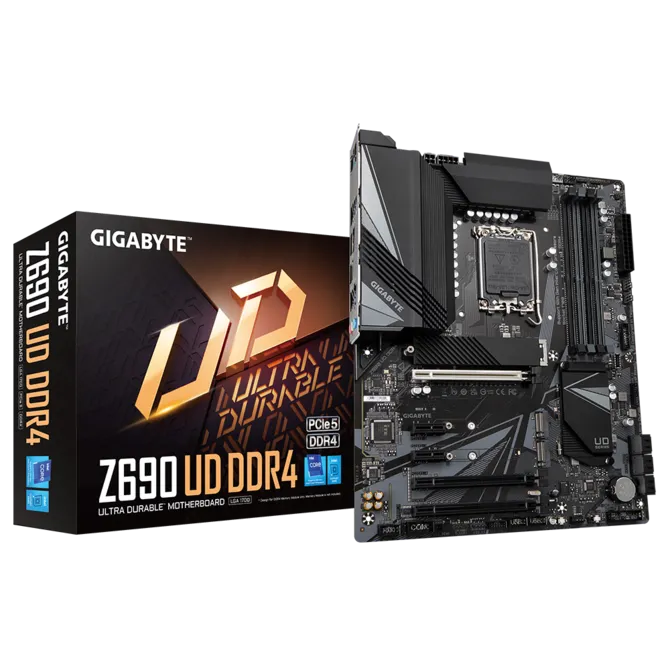
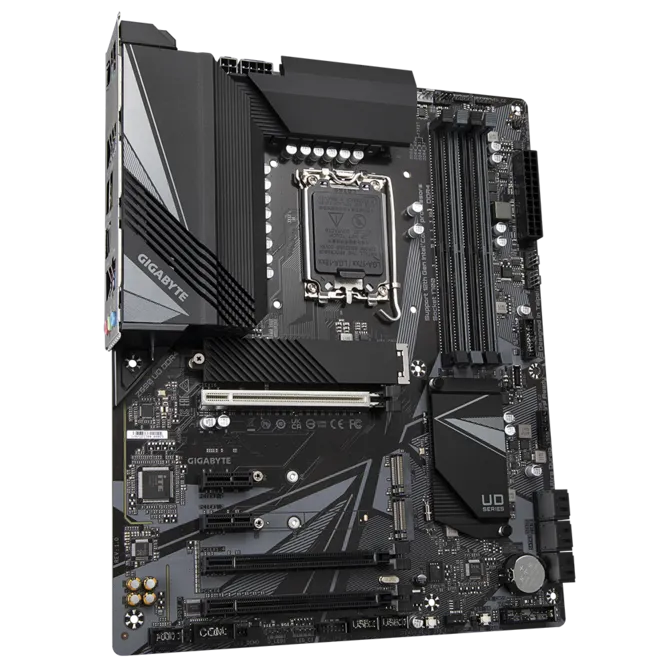
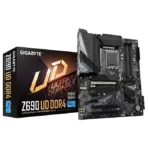
GIGABYTE Z690 UD DDR4 MOTHERBOARD OPENBOX
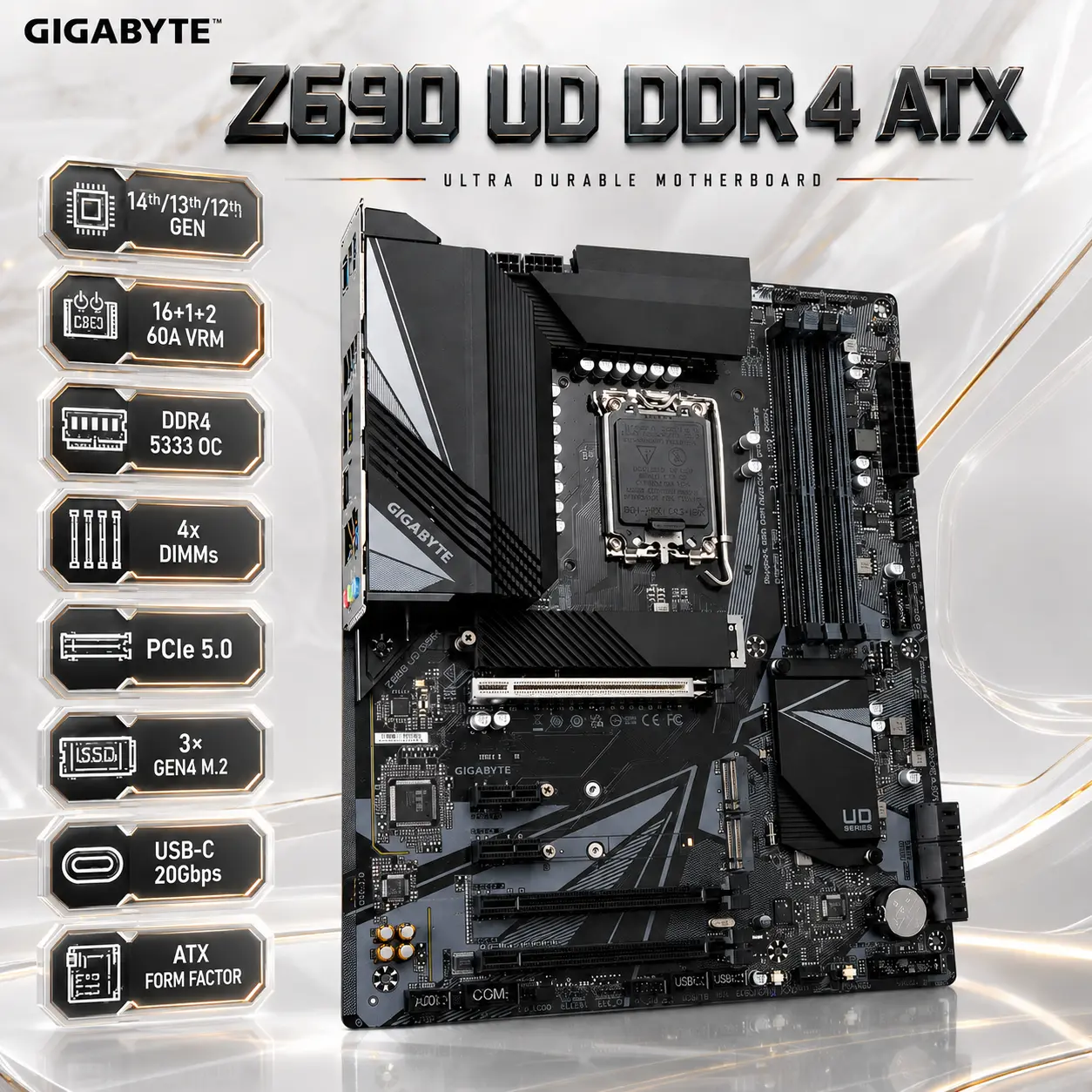
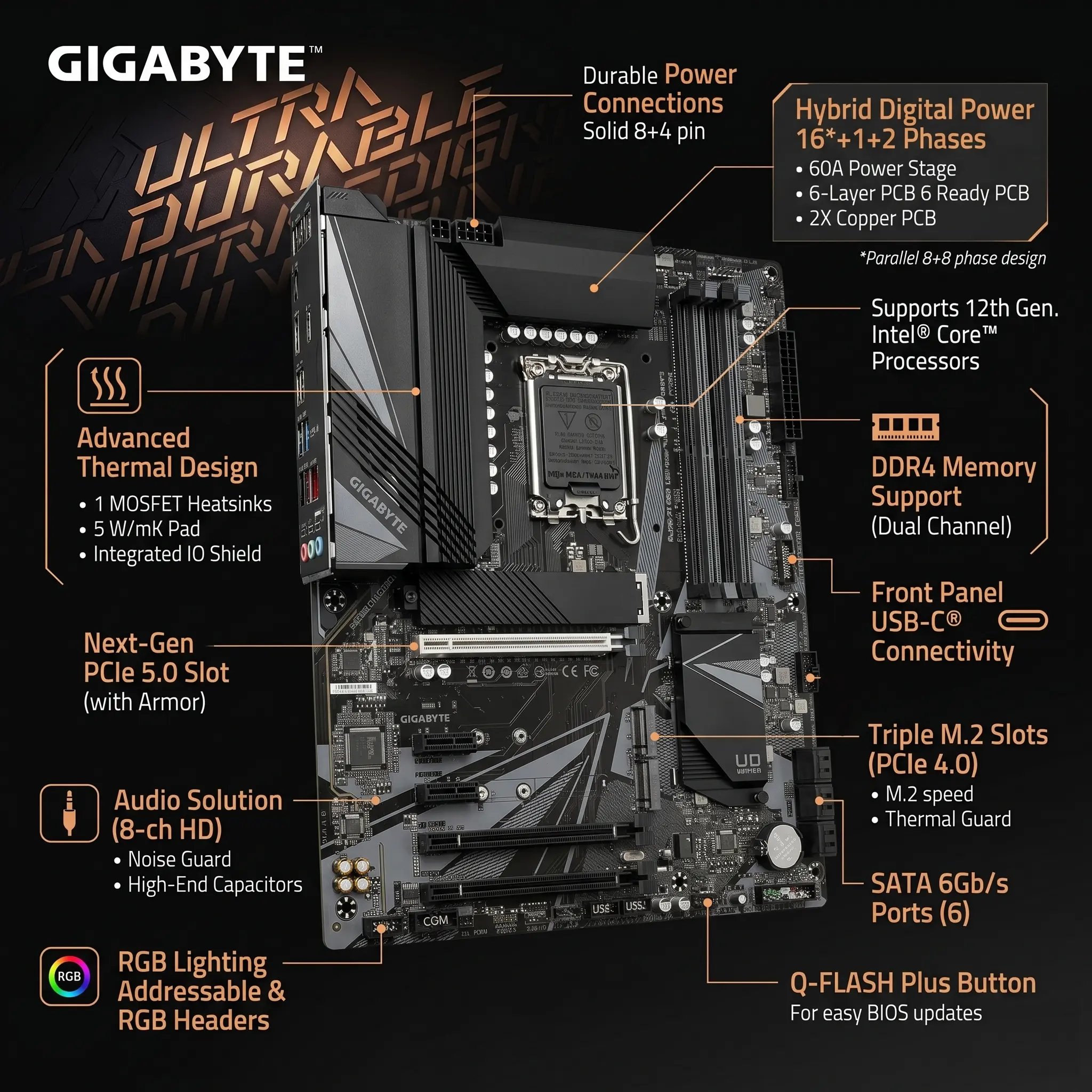
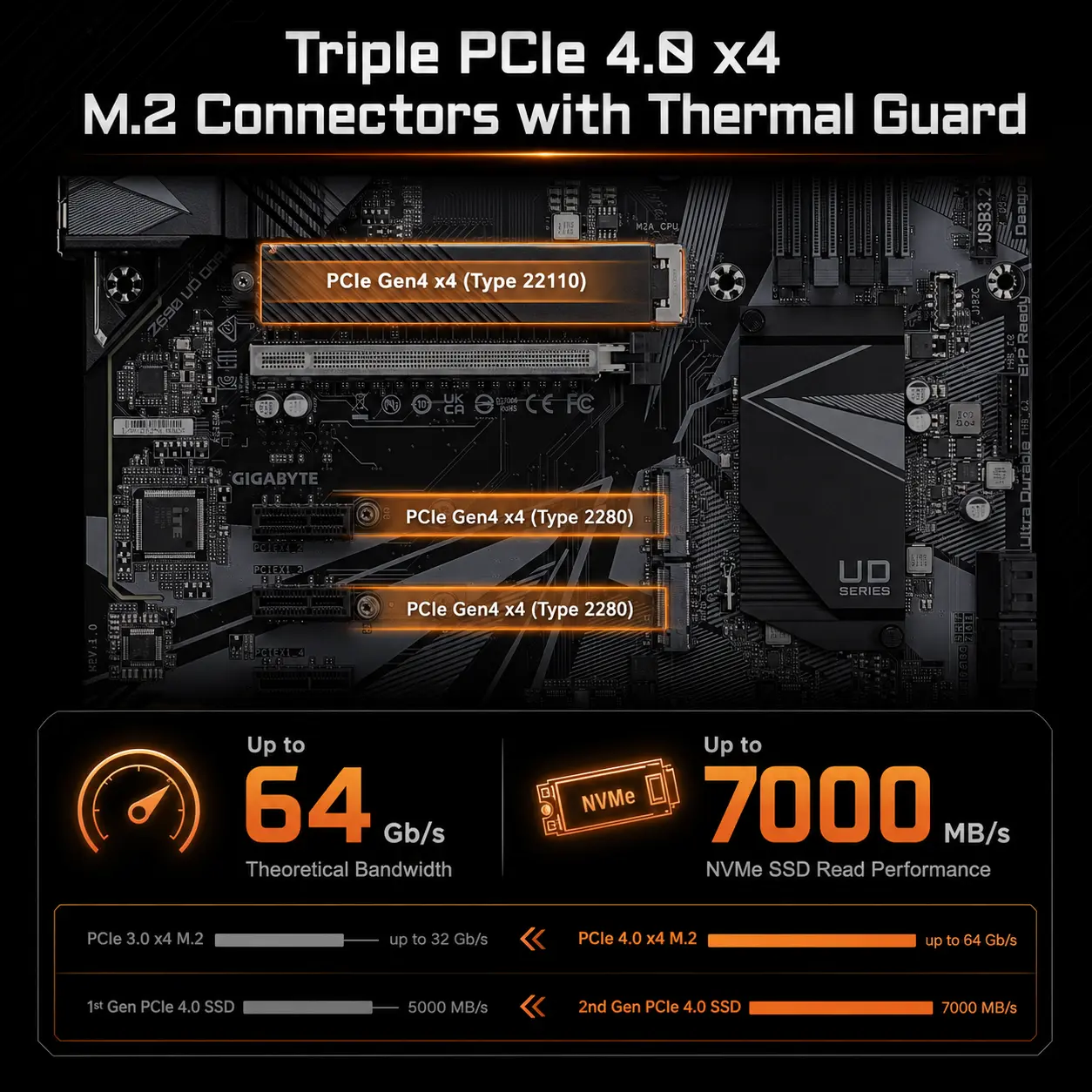
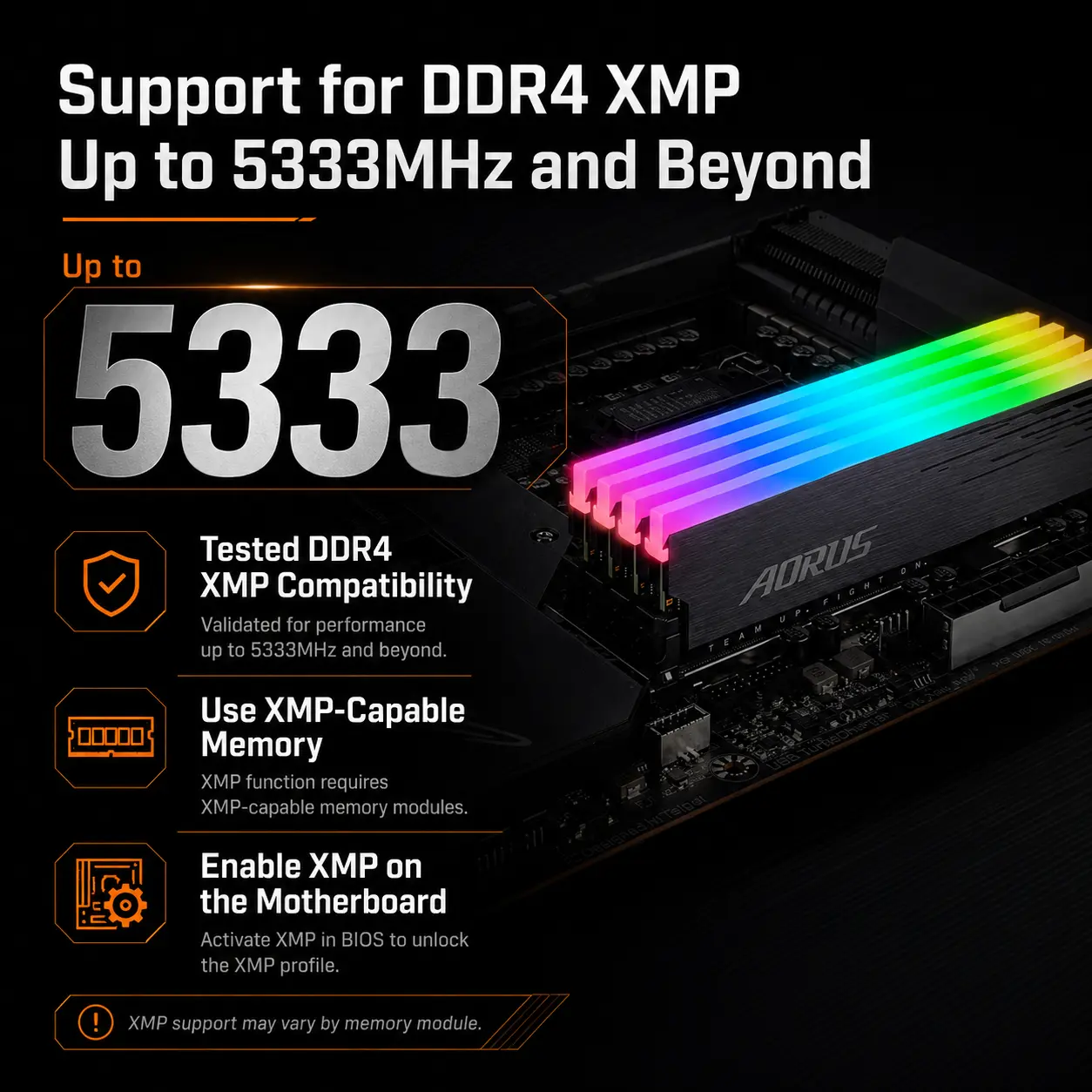
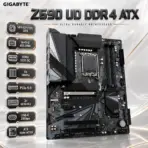
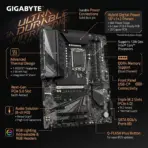
GIGABYTE Z690 UD DDR4 ATX Motherboard, LGA1700, 4x DDR4-5333 OC, PCIe 5.0, Triple Gen4 M.2, 2.5GbE, USB-C 20Gbps, Smart Fan 6, Q-Flash Plus, for 14th/13th/12th Gen | OPEN BOX
Generate an AI Image Prompt
Layout
- Create an exact 2048 × 2048-pixel, perfect 1:1 square website product-profile composition for the GIGABYTE Z690 UD DDR4 motherboard.
- Place the official GIGABYTE logo at the top-left, accurately proportioned and completely inside generous safe margins.
- Center “Z690 UD DDR4 ATX” at the top using refined three-dimensional typography made from dark smoked acrylic, blackened titanium, and finely brushed metal.
- Clearly separate the foreground, midground, and background without turning the composition into an advertisement poster.
- Keep the motherboard, logo, title, icons, connectors, and environmental details fully inside the square canvas.
- Do not create a vertical layout, wide banner, cropped preview, stage, display platform, or pedestal.
Product Presentation
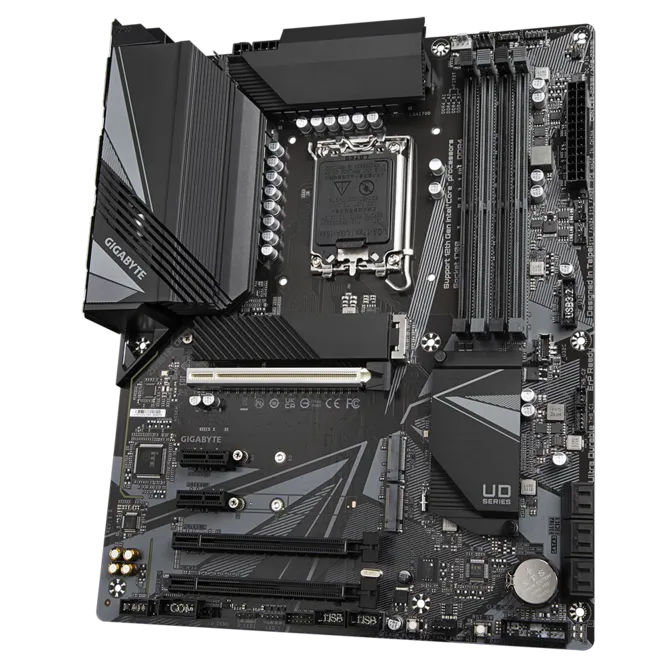
- Use the supplied raw motherboard image as the strict visual reference.
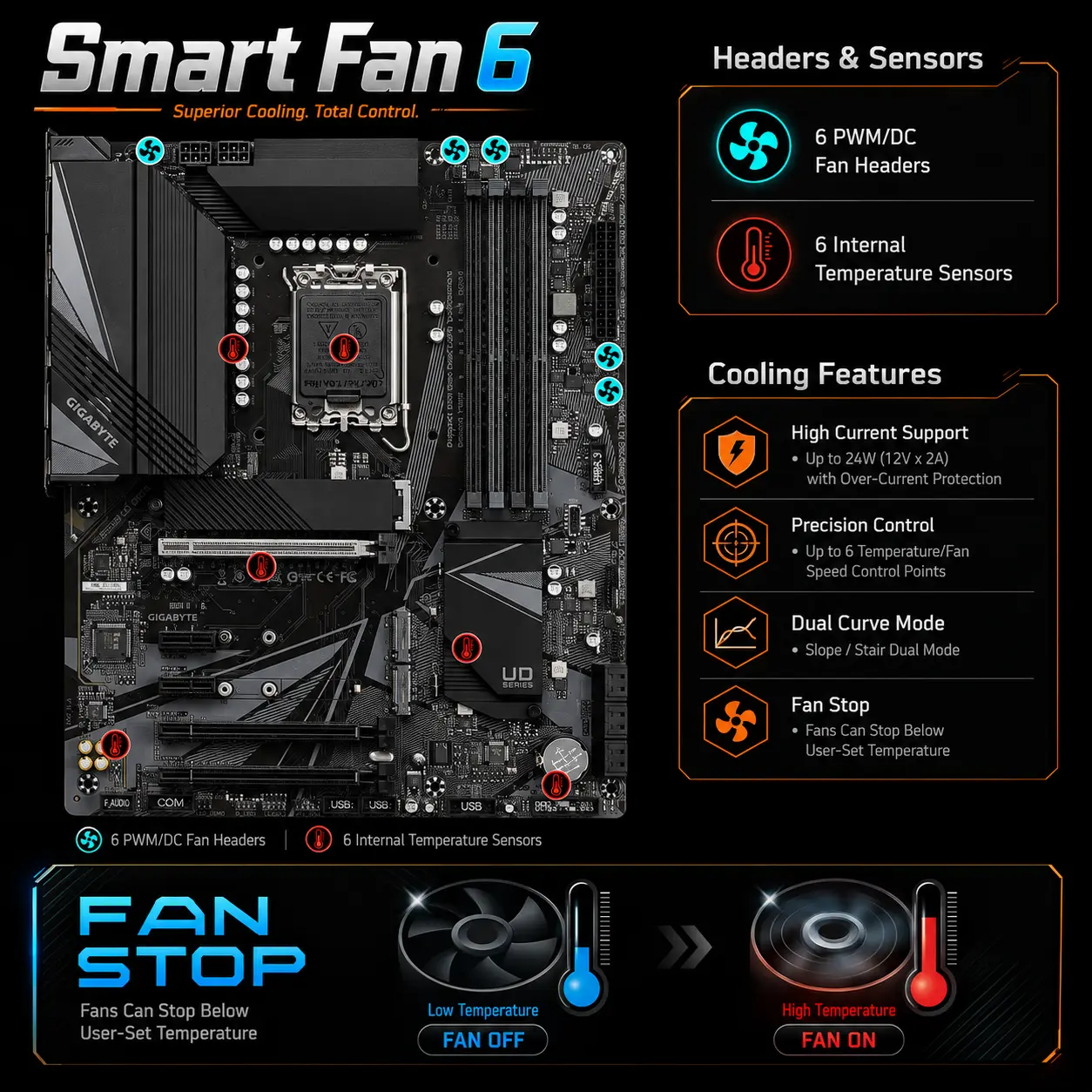
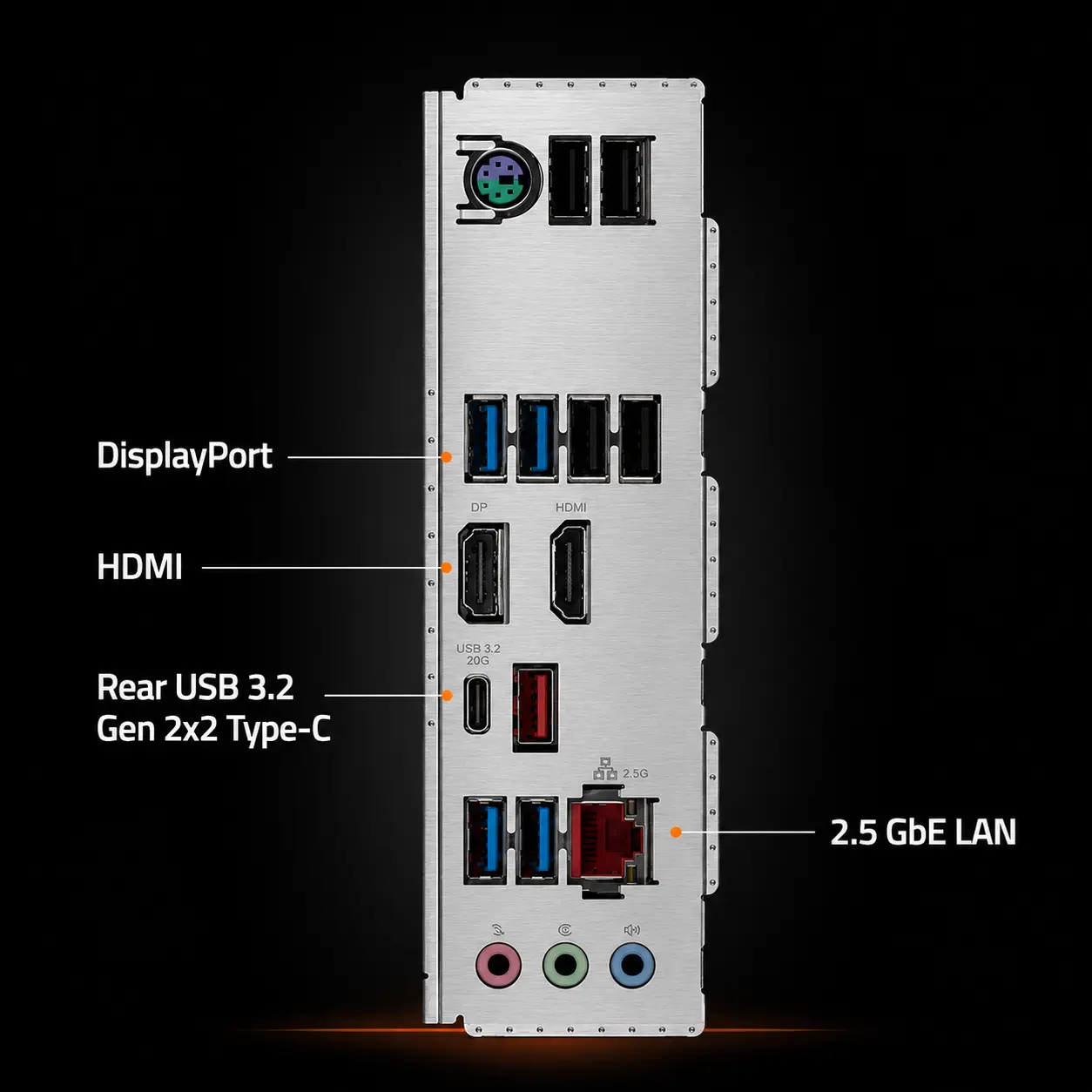
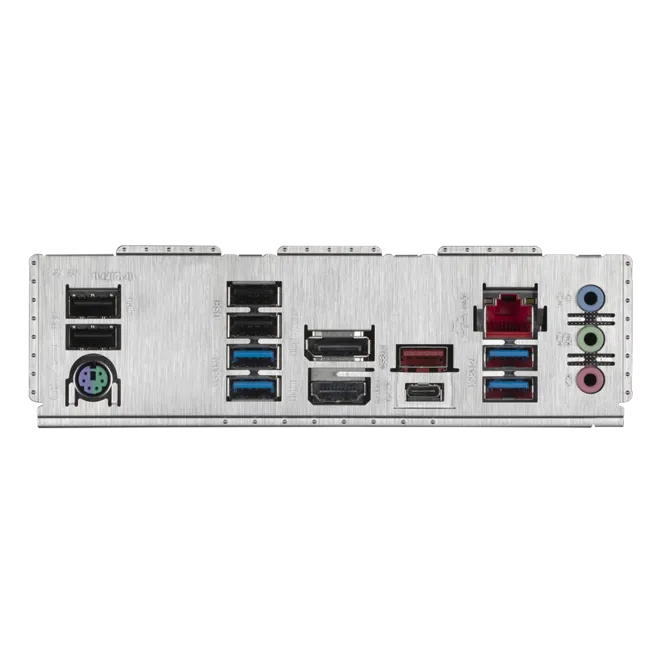
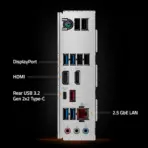
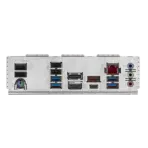
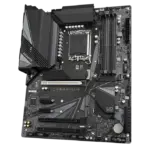
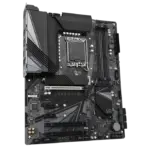
- Preserve the exact ATX dimensions, black and dark-gray PCB, heatsink shapes, LGA1700 socket, four DDR4 slots, PCIe slots, three M.2 connectors, SATA ports, rear I/O assembly, power connectors, headers, printed labels, and component placement.
- Present one motherboard only, large in the midground at a controlled three-quarter angle with realistic proportions.
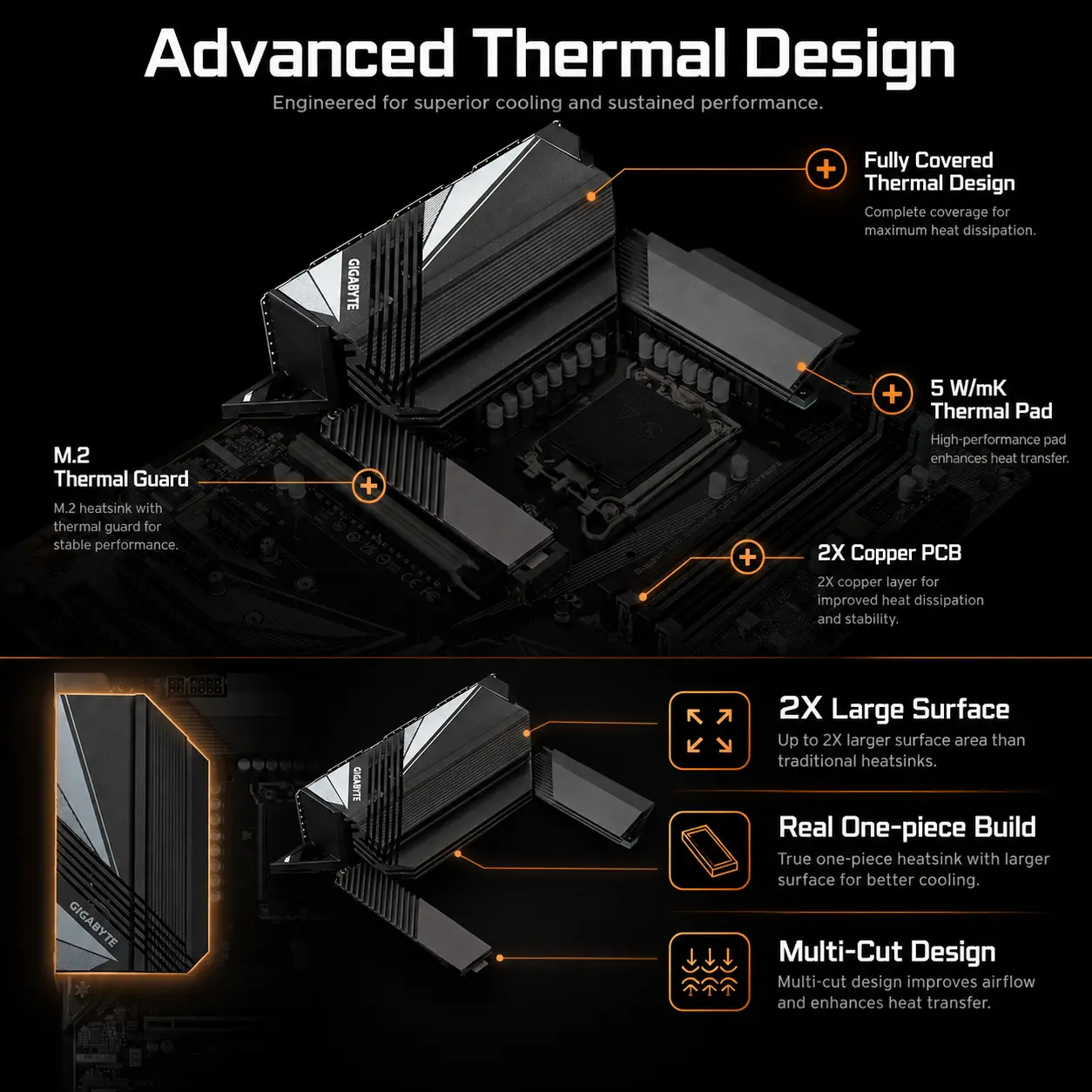
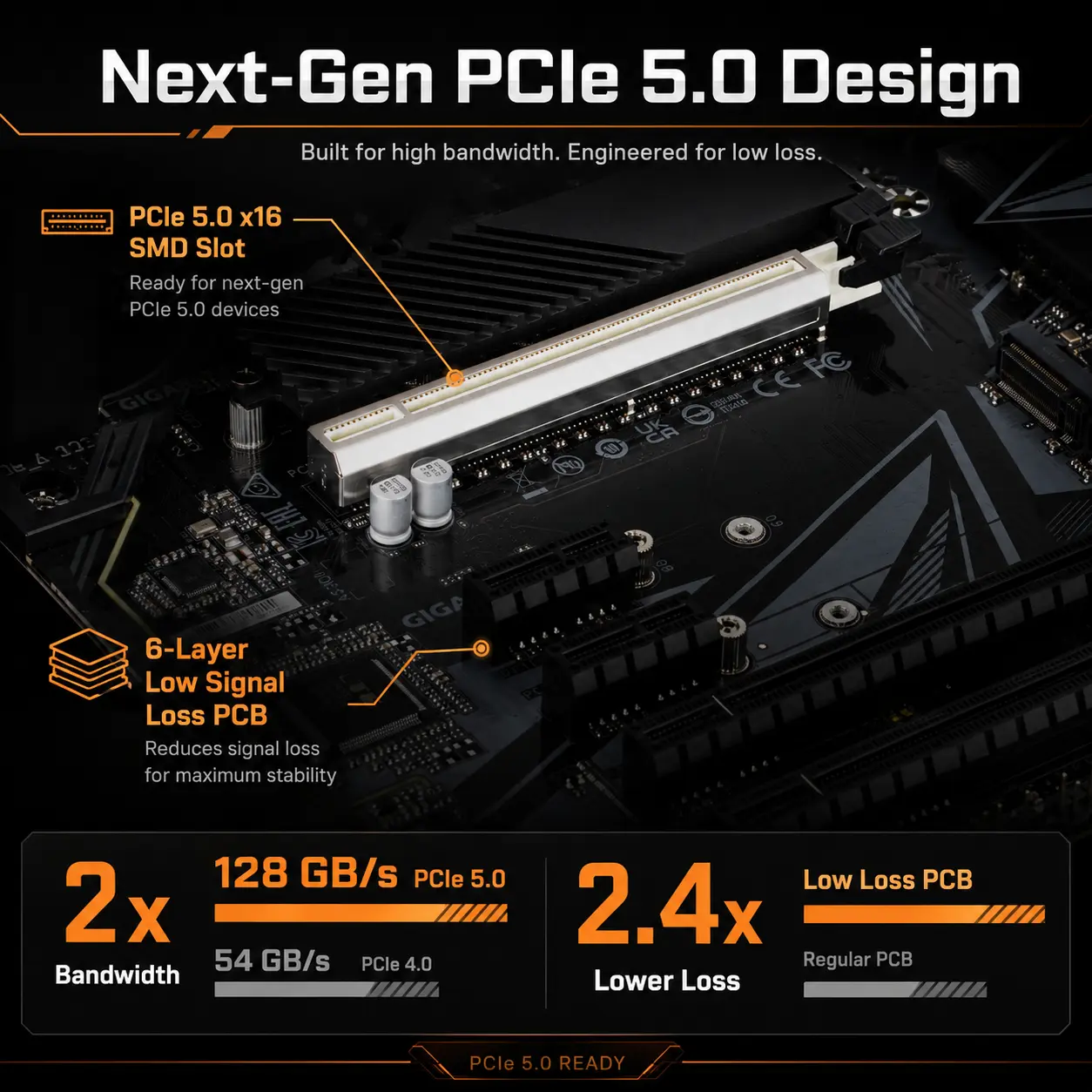
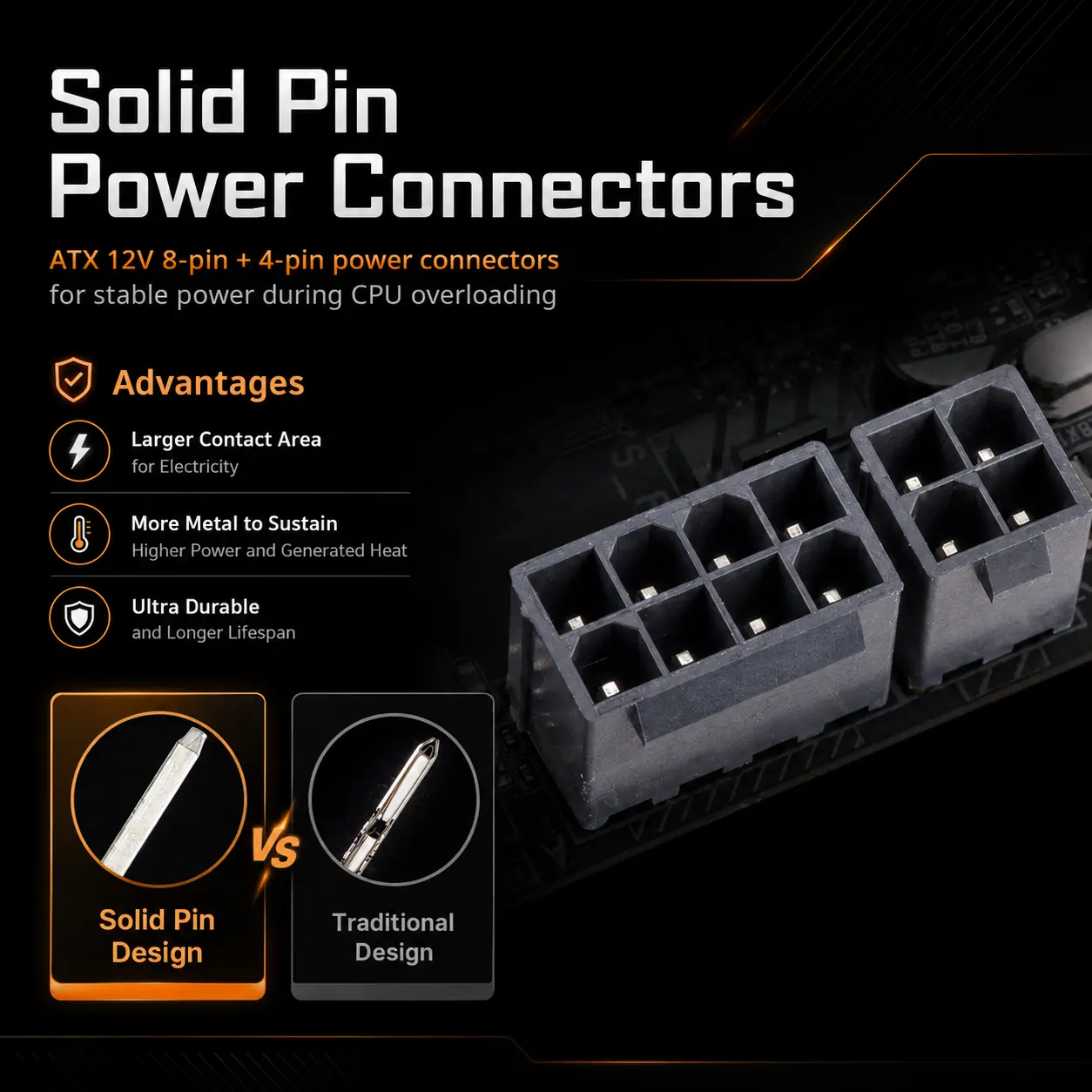
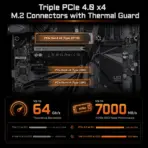
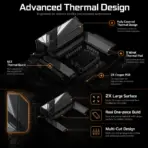
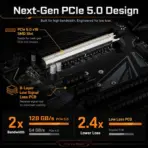
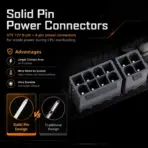
- Emphasize the reinforced PCIe 5.0 slot, fully covered VRM heatsinks, M.2 Thermal Guard, integrated I/O shield, solid-pin power connectors, and layered PCB construction.
- Do not install or invent a processor, RAM, SSD, graphics card, cables, Wi-Fi antennas, or accessories.
Artistically Distinct and Detailed Background
- Build a surreal next-generation PC assembly laboratory where the motherboard appears naturally positioned inside the transparent outline of a futuristic open computer chassis.
- Transform PCIe lanes and motherboard traces into controlled luminous data pathways flowing toward abstract CPU, memory, storage, and networking zones.
- Use a dominant primary pearlescent opaline-white and secondary opaline-silver environment with restrained icy cyan, electric blue, violet, and subtle GIGABYTE-orange accents.
- Use only two texture systems: conch-pearl micro-swirled reliefs and thick high-gloss dichroic-glass circuitry.
- Add soft caustic reflections, dielectric refractions, dimensional light channels, and refined global illumination while maintaining strong contrast around the dark motherboard.
- Keep matte surfaces extremely limited and used only to clarify component edges.
Icons — Numbered and Listed
- Create large, bold, hollow, ultra-readable 3D icons with all typography completely enclosed.
- Give every icon a distinct silhouette based on its feature and keep all text readable at thumbnail size.
- CRITICAL DIRECTIVE [STRICT] The Icons MUST Have different shapes depending on the specific content of the icon
- Align the icons vertically along the least obstructed side.
- 14th/13th/12th Gen
- 16+1+2 60A VRM
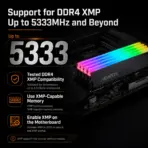
- DDR4 5333 OC
- 4x DIMMs
- PCIe 5.0
- 3× Gen4 M.2
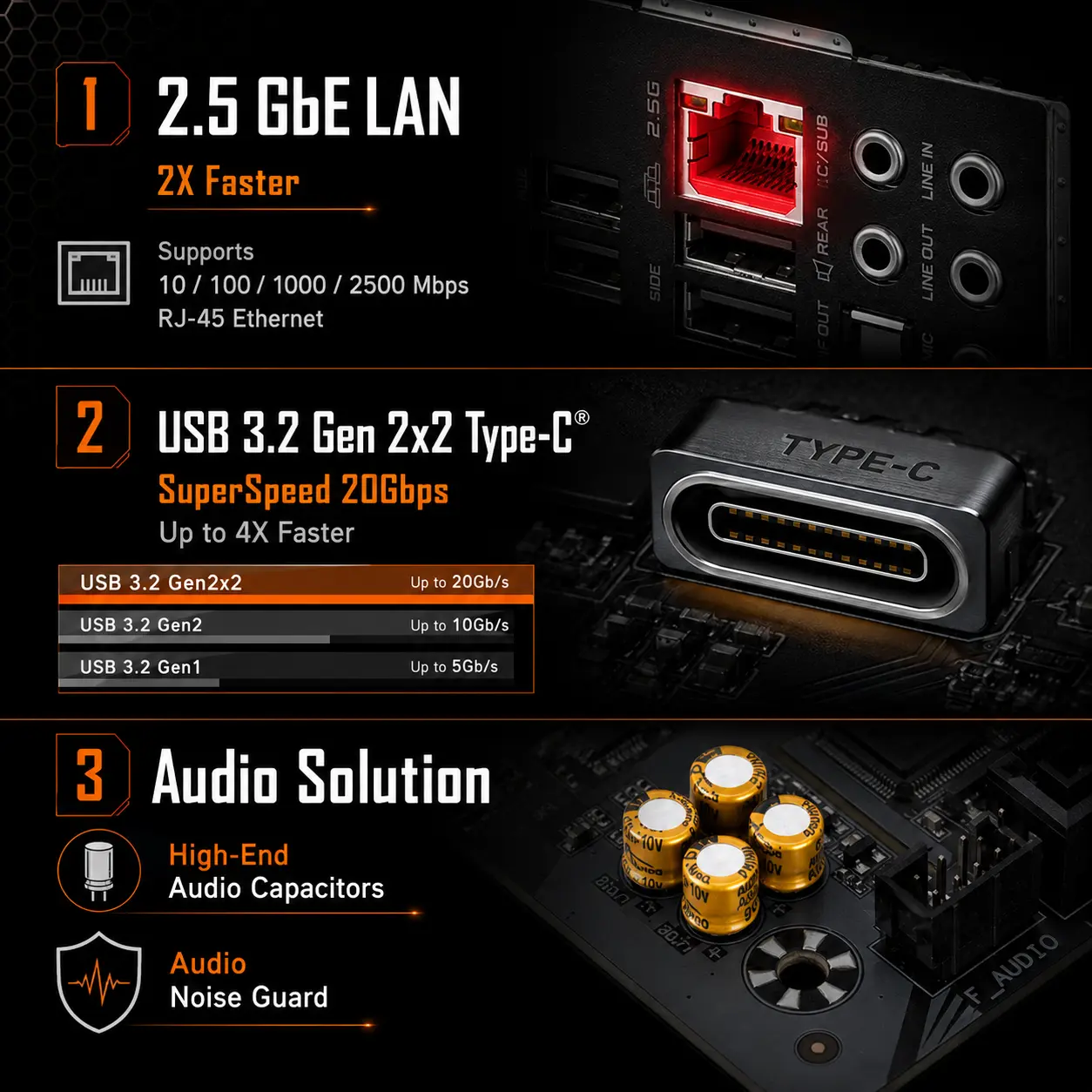
- USB-C 20Gbps
- ATX Form Factor
Output Requirements
- Render at exactly 2048 × 2048 pixels with a perfect square ratio.
- Maintain extreme product sharpness, realistic materials, and readable thumbnail-scale icons.
- Keep every element fully inside safe margins.
Constraints
- Do not change the motherboard layout, components, connector count, heatsink design, branding, or color.
- Do not invent Wi-Fi, DDR5 support, additional M.2 heatsinks, accessories, or unsupported connectivity.
- Avoid tackiness, flat white emptiness, excessive matte materials, generic chrome, and visual clutter.
- Inspect the image brutally as a product-profile composition and automatically correct inaccurate proportions, unreadable text, clipping, or invented components.