
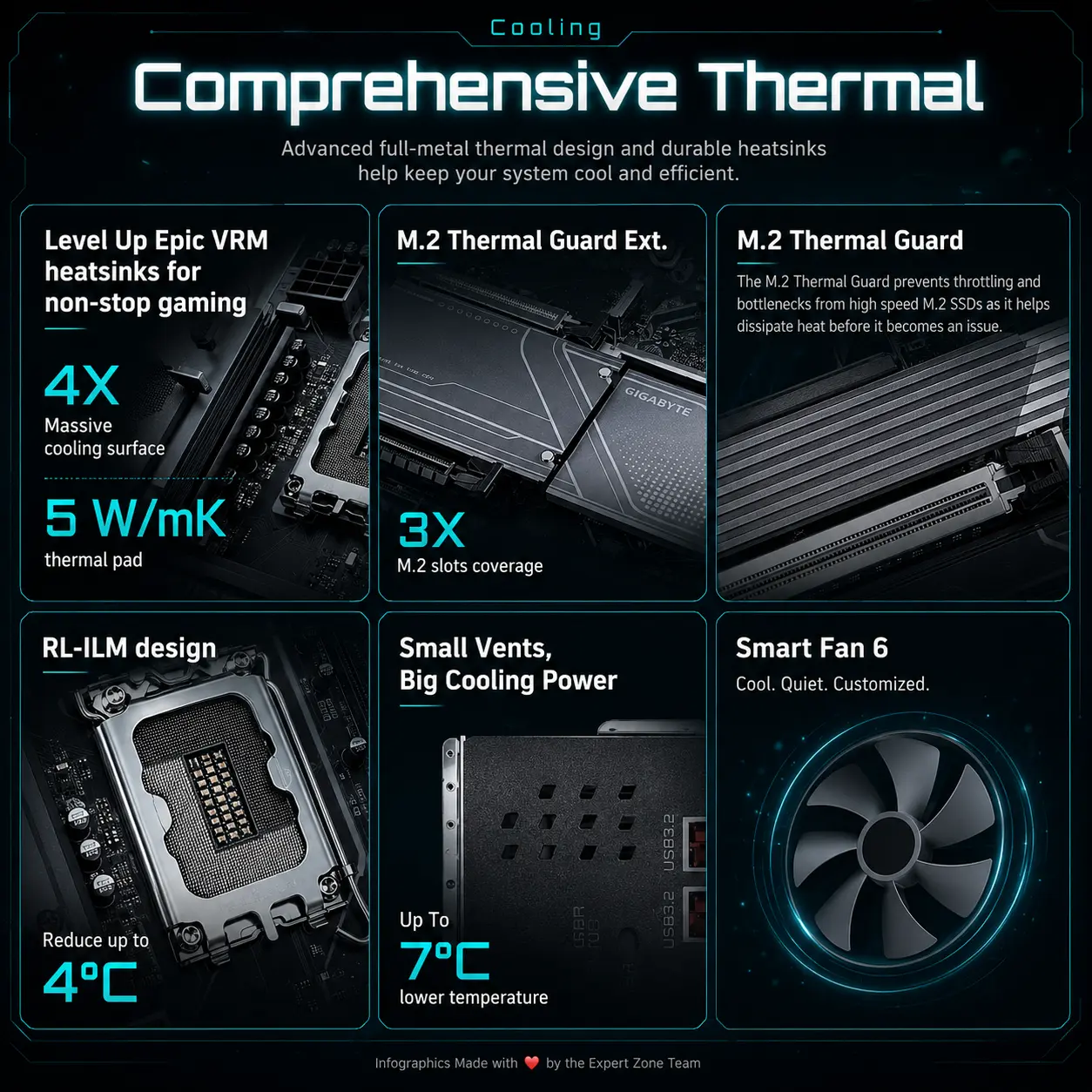
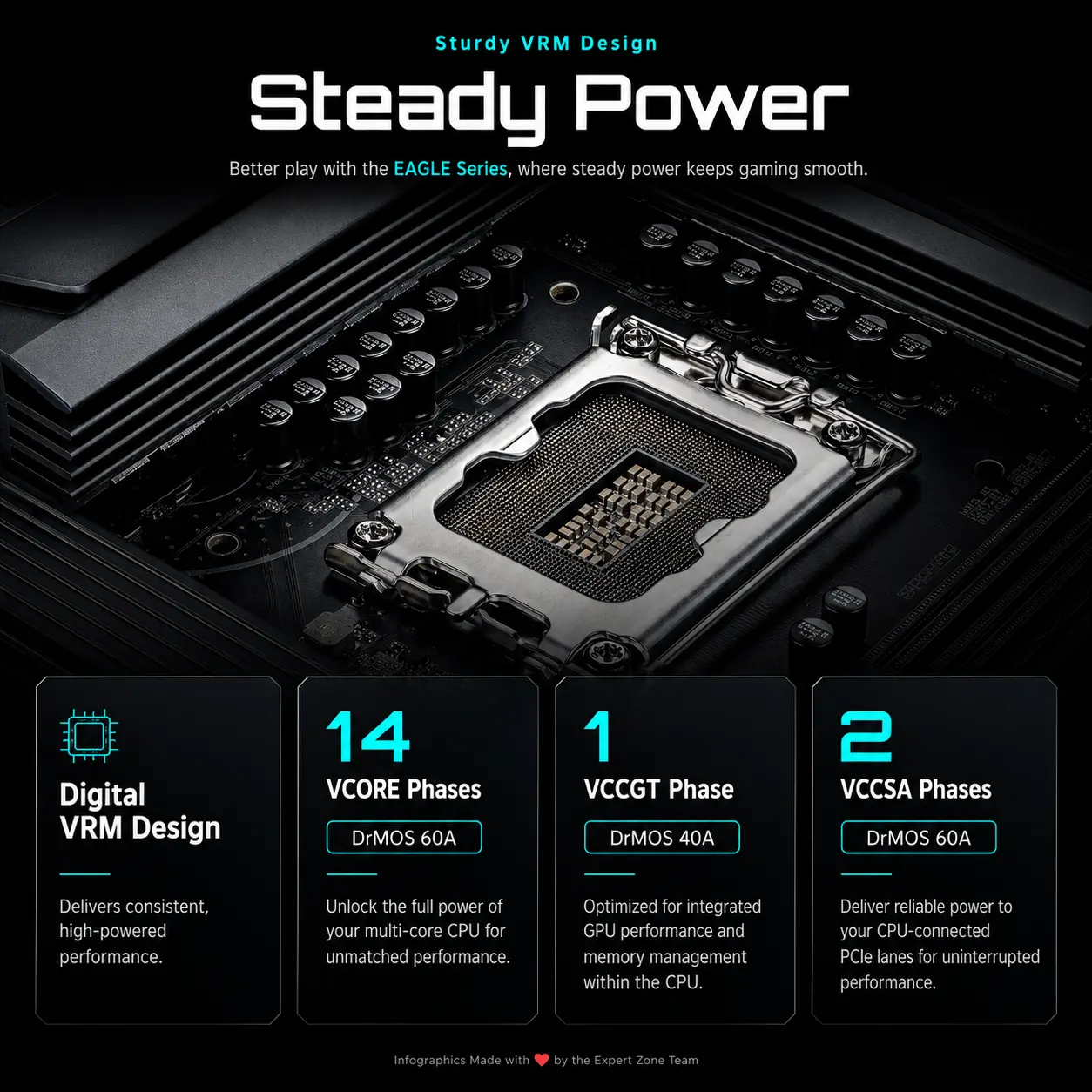

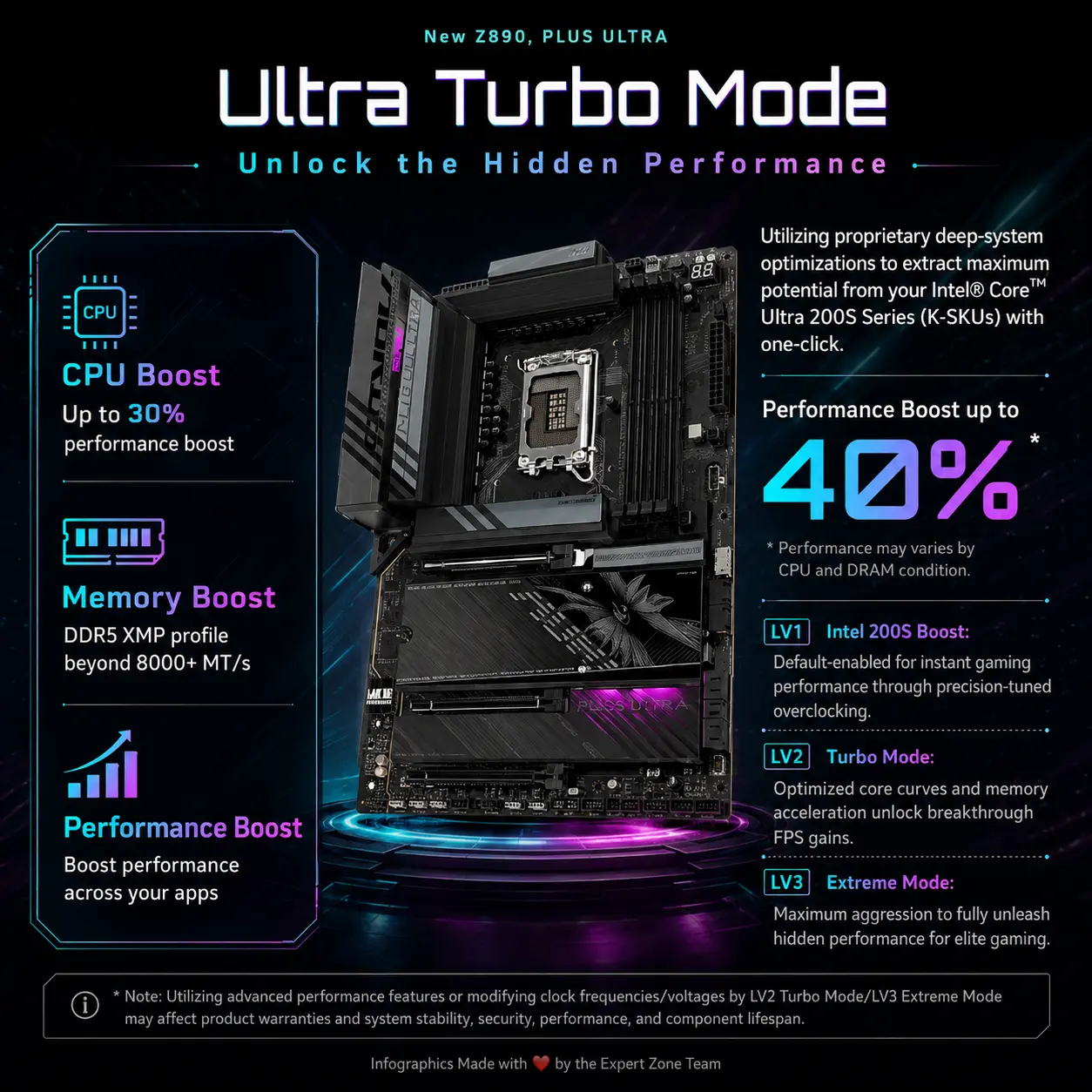
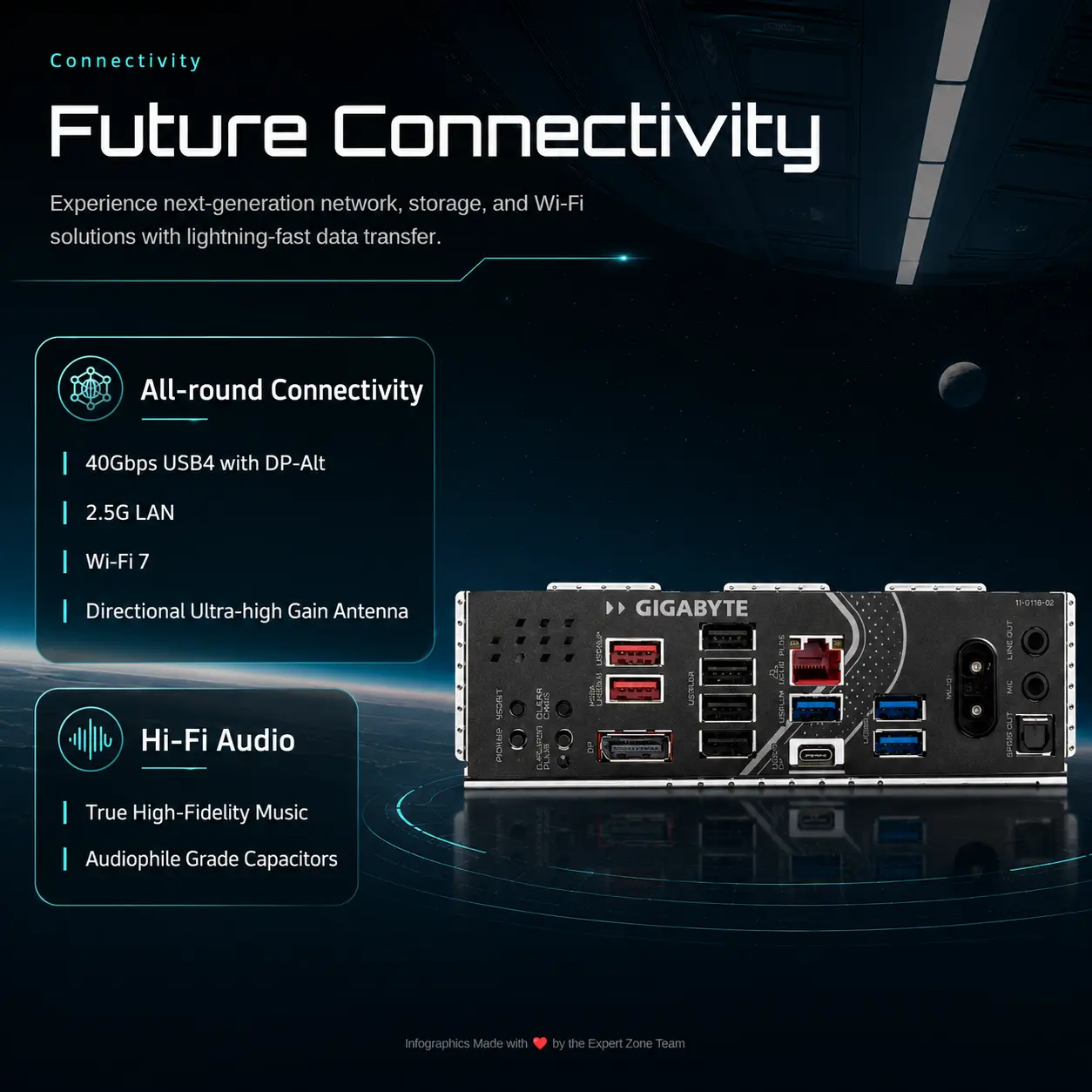
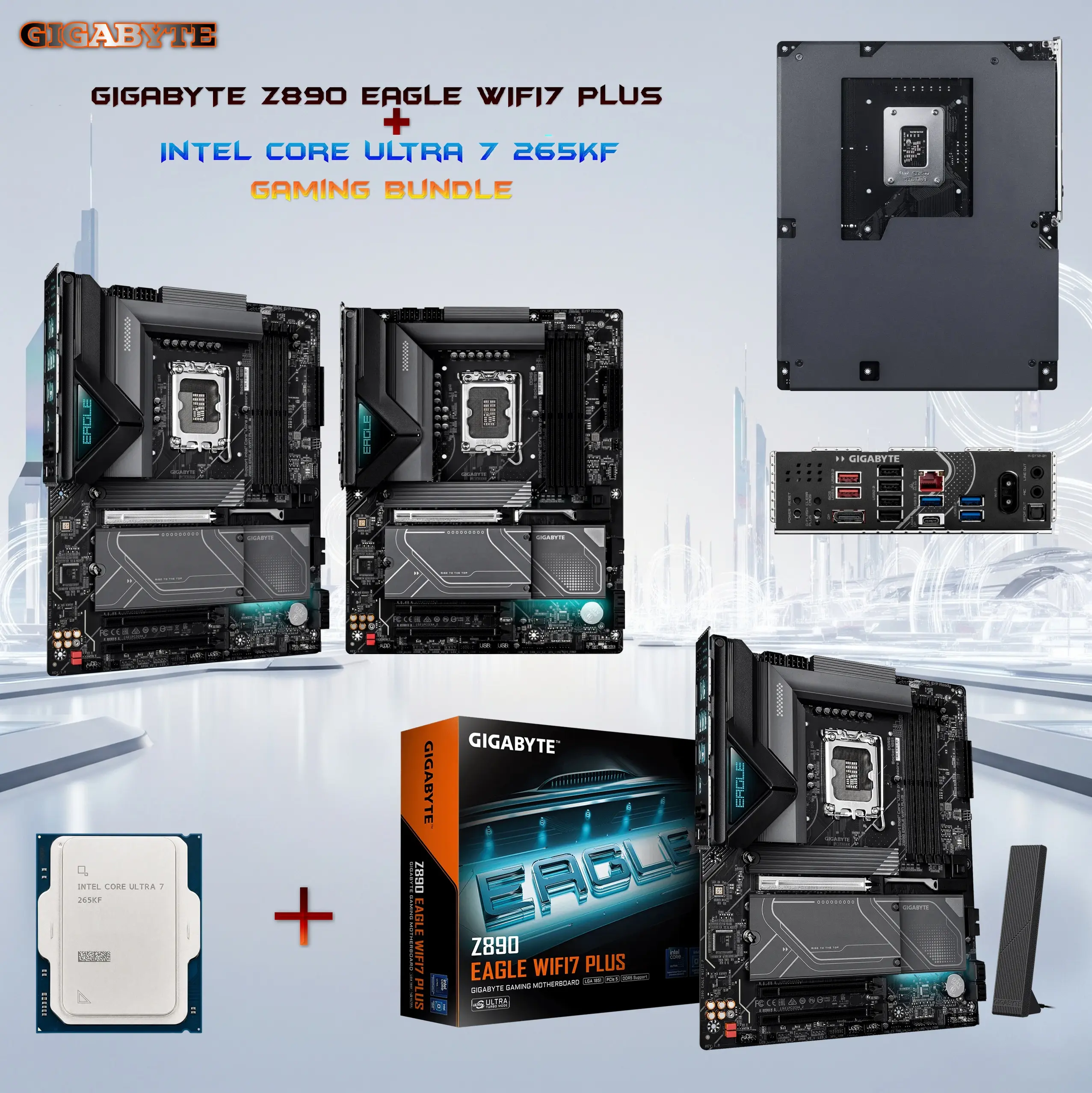
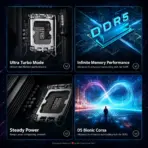
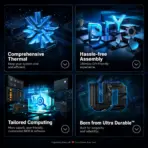


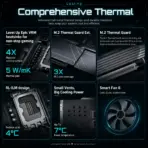
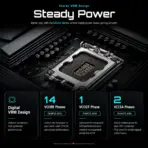



GIGZ890-265KF
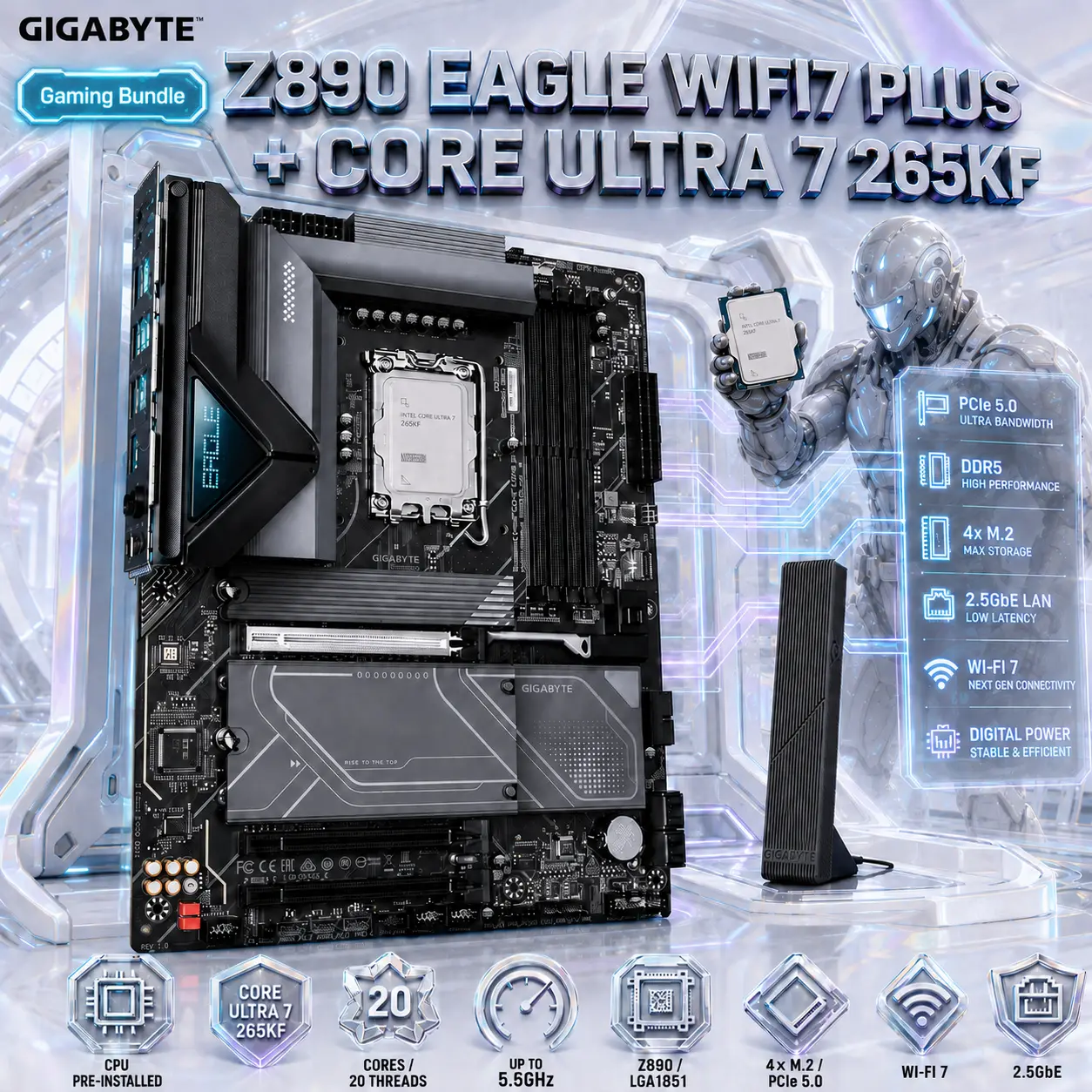
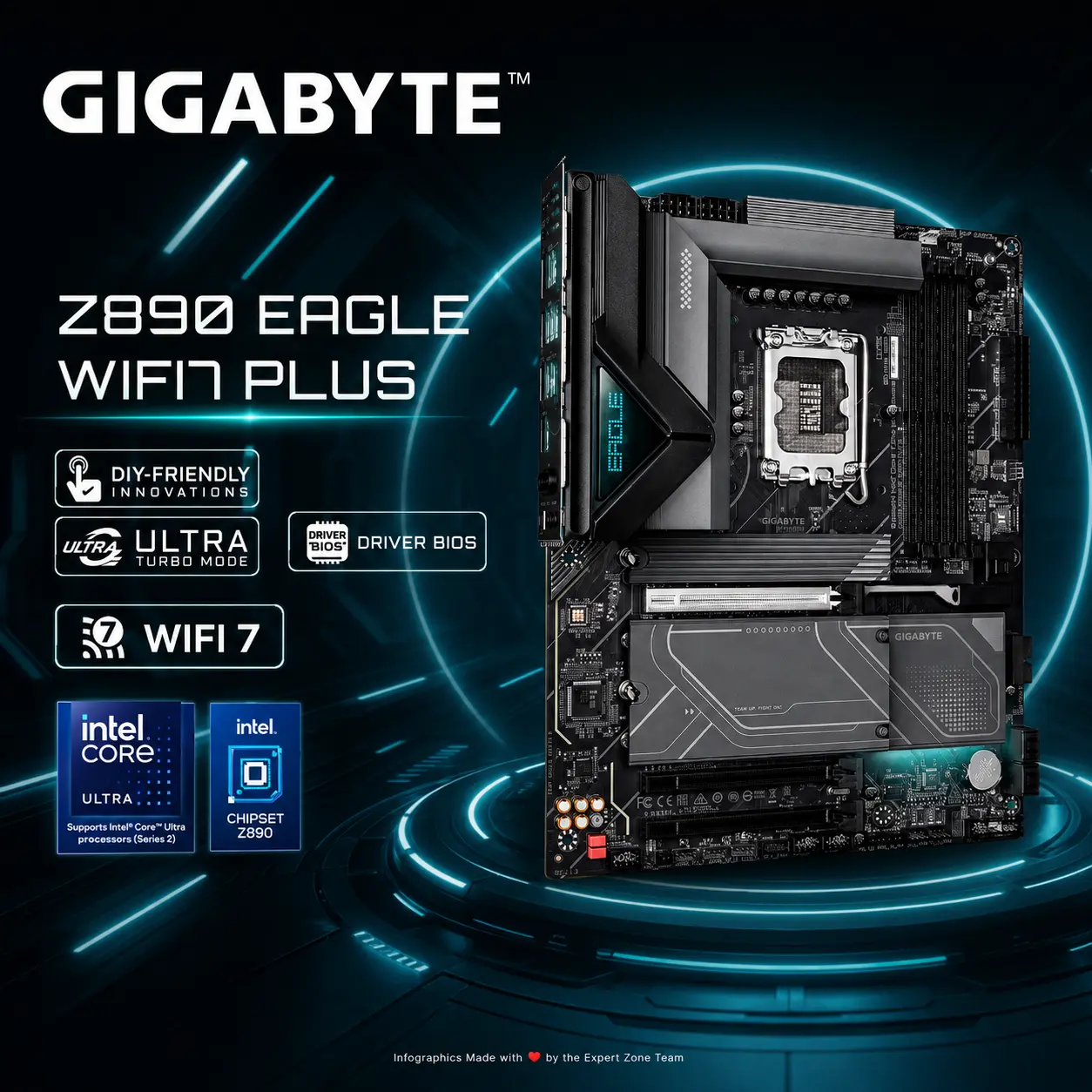
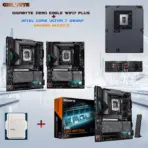
BUNDLE GIGABYTE Z890 EAGLE WIFI7 PLUS+INTEL ULTRA 7 265KF
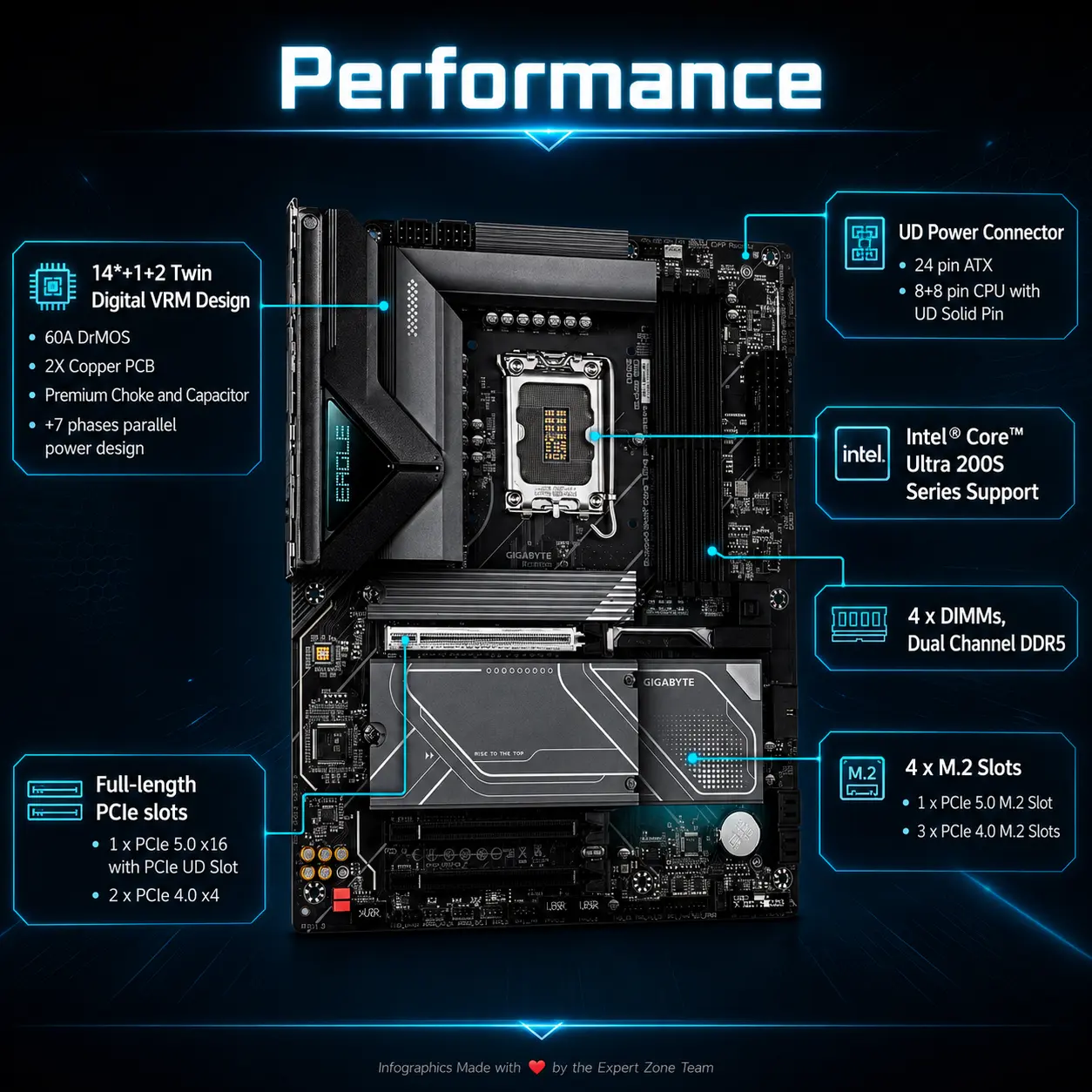
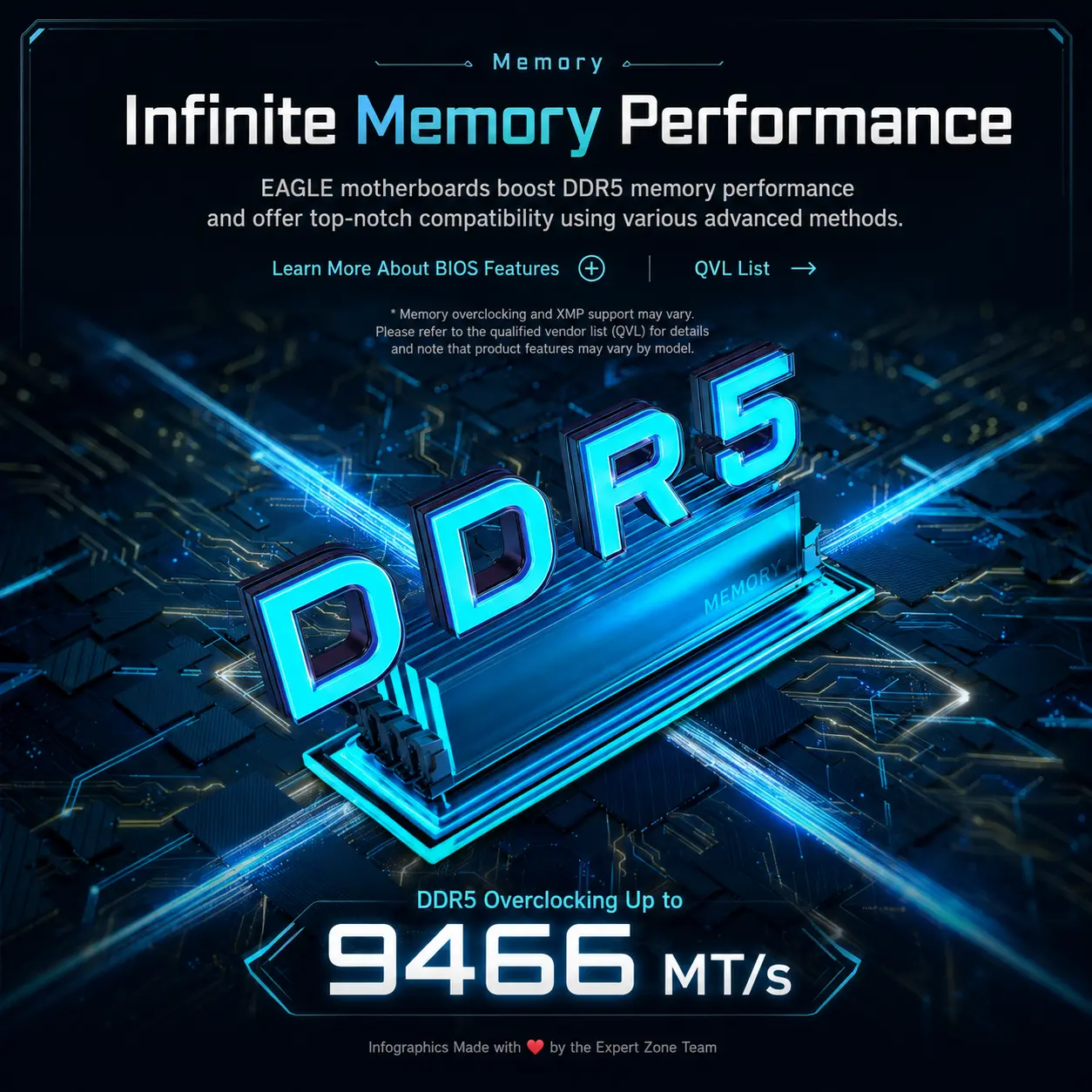
GIGABYTE Z890 EAGLE WIFI7 PLUS + Intel Core Ultra 7 265KF Gaming Bundle, CPU Pre-Installed, 20C/20T, 5.5GHz, 4 x DDR5 DIMMs 9466+MT/s (OC), PCIe 5.0, 4×M.2, Wi-Fi 7 & 2.5GbE
Generate an AI Image
Layout
- Create an exact 2048 × 2048, perfect 1:1 square website product-profile composition for the special GIGABYTE Z890 EAGLE WIFI7 PLUS + Intel Core Ultra 7 265KF pre-installed CPU bundle.
- Foreground: make the complete ATX motherboard the dominant hero, occupying approximately 64–68% of the useful canvas, presented in a dramatic three-quarter overhead orientation.
- The Intel Core Ultra 7 265KF must already be correctly seated and locked inside the LGA1851 socket; do not show the CPU separately.
- Midground: expose restrained PCIe, DDR5, M.2, networking, and power-path visuals flowing naturally through the motherboard.
- Background: keep a wildly artistic yet extremely minimal gaming environment with generous luminous negative space.
Product Presentation
- Use the official motherboard and antenna imagery plus the supplied special-bundle photograph as strict physical references.
- Preserve the exact Z890 EAGLE WIFI7 PLUS PCB, antenna, heatsinks, four DIMM slots, four M.2 regions, PCIe geometry, rear I/O, socket, and installed CPU position.
- Keep the CPU heat-spreader visibly seated beneath the retention mechanism with no socket cover, no CPU cooler, and no thermal-paste blob.
- Place the GIGABYTE logo at top-left.
- Center “Z890 EAGLE WIFI7 PLUS + CORE ULTRA 7 265KF” at the top in bold extruded 3D typography.
Artistically Distinct and Detailed Background
- Background Story: create a surreal “Core Installation Citadel” where the motherboard is naturally mounted inside a pristine open-frame gaming system while the already-installed processor acts as the command core of the machine.
- Place one restrained dark cybernetic enforcer deep behind the motherboard, leaning toward one edge and physically tracing a glowing PCIe pathway with one hand without touching the CPU or obscuring hardware.
- Build a concrete light-world / dark-spirit contrast: the motherboard and dark character provide the gaming menace while roughly 90% of the environment remains luminous.
- Use mandatory extreme high-luster pearlescent white, secondary transparent oily-iridescent silver, faint electric blue, and restrained violet reflections.
- Limit textures to deep opalescent conch-pearl surfaces plus fluid transparent high-luster iridescent oil.
- Use precise caustics, dielectric refractions, global illumination, and motherboard-trace sculptural reliefs.
- Absolutely no graphite smog, charcoal fog, black walls, or generic dark gaming-room scenery.
Icons — Bullet Listed
- CPU PRE-INSTALLED
- CORE ULTRA 7 265KF
- 20 CORES / 20 THREADS
- UP TO 5.5GHz
- Z890 / LGA1851
- 4× M.2 / PCIe 5.0
- WI-FI 7
- 2.5GbE
- Render every icon as a different hollow 3D esports-style freeform insignia with huge bold condensed typography.
- CRITICAL DIRECTIVE [STRICT] The Icons MUST Have different shapes depending on the specific content of the icon
- align the icons horizontally at the bottom.
Output Requirements
- Final output must be exactly 2048 × 2048 pixels.
- Keep motherboard, installed CPU, title, logo, icons, character, and effects fully inside safe margins.
- Add discreetly at the bottom: “Infographics Made with ❤️ by the Expert Zone Team”
Constraints
- Do not show the processor outside the motherboard socket.
- Do not add a CPU cooler; the bundle does not include one.
- Do not imply onboard video capability: this bundle’s 265KF has no integrated graphics.
- Do not invent HDMI, extra M.2 slots, extra DIMMs, or unsupported connectivity.
- No pedestal, premium-ad-poster styling, excessive matte surfaces, or clutter.
- Before rendering, ask: “How does this image fare as a product-profile image?” Correct inaccurate board geometry, weak CPU visibility, clipped elements, unreadable icons, or unnecessary background competition.