


HX-15AII
HAIXUN POS 15Aii DUAL SCREEN 2 I5 2ND 8G 256G TOUCH 15.6″-BLK
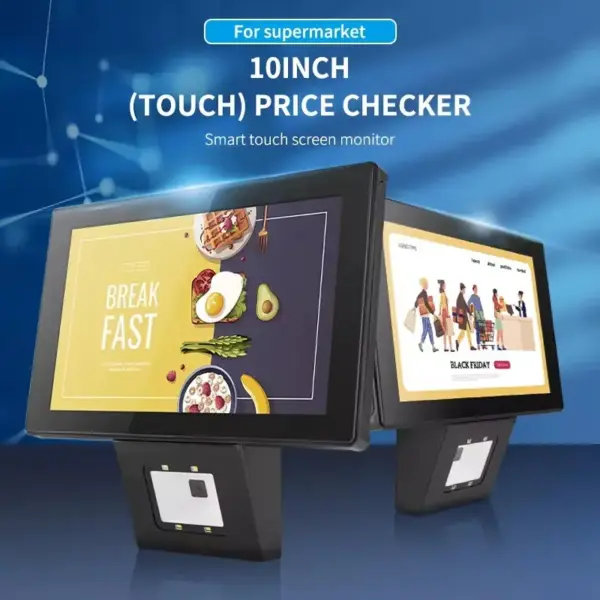
HAIXUN HX-15A Dual-Screen Touch Cash Register, Intel Core i5 2nd Gen, 8GB DDR3 RAM, 256GB SSD, 15.6″ Capacitive Touchscreen & 15.6″ Customer Display | BLACK
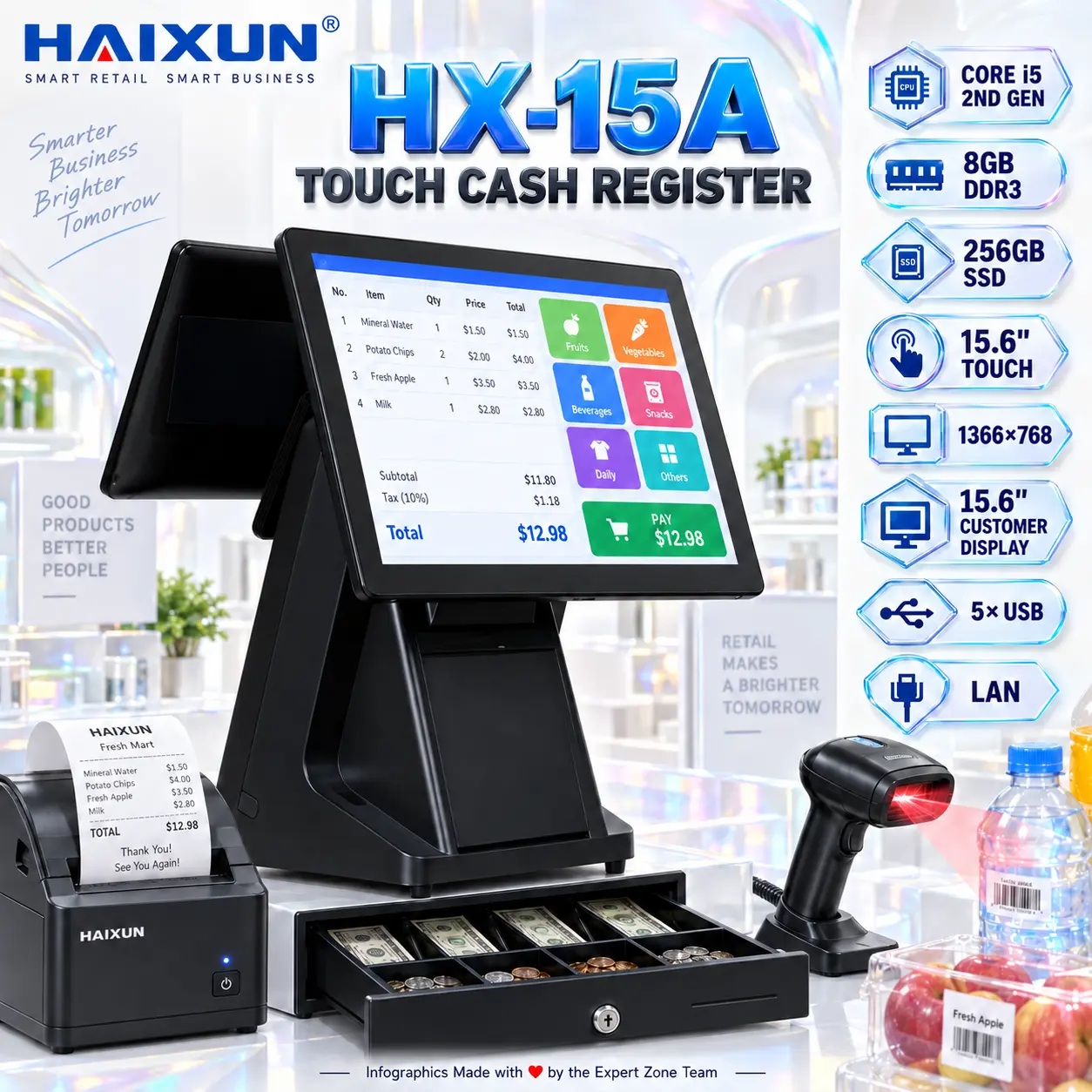
HAIXUN HX-15A POPS Touch cash register
Configuration Applicable industries:
Main
BOARD
POS Motherboard
CPU Code I5 board GEN 2
MEMORY DDR3 8GB
HARDDISK SSD 256GB
POWER 200V-240V 50/63 Hz 2A/ DC12V
PORT 5*USB, LAN*1 ,PARALLEL*1,serial *1, PS/2*2,
,Audio*1,
Cashier SCREEN 15.6 inch touch, 1366*768 ,Flat capacitive touch panel
DUAL DISPLAY SECONDARY SCREEN Customer Display 15.6 INCH
Generate an AI Image
Layout
- Create an exact 2048 × 2048, perfect 1:1 square website product-profile composition for the HAIXUN HX-15A POPS Touch Cash Register.
- Foreground: make the complete HAIXUN terminal the dominant hero, occupying approximately 64–68% of the useful canvas.
- Show it in a clean three-quarter front angle clearly revealing the 15.6-inch cashier touchscreen, rear 15.6-inch customer display, stand, base, and dual-screen construction.
- Midground: place a compact thermal receipt printer, barcode scanner actively scanning a retail product, and open cash drawer around the checkout environment without covering the terminal.
- Align technical icons vertically along the right side.
Product Presentation
- Use the provided HX-15A product image as the strict physical reference.
- Preserve the exact chassis shape, display proportions, stand geometry, base, bezels, and dual-screen arrangement.
- Place the HAIXUN logo at the top-left.
- Center “HX-15A TOUCH CASH REGISTER” at the top using clean, bold, extruded 3D typography with strong contrast.
- Display a simple billing interface on the cashier screen and transaction information on the customer screen.
Artistically Distinct and Detailed Background
- Create a surreal smart retail checkout environment based on the product’s natural counter location.
- Show translucent retail products moving toward the barcode scanner while a receipt curls naturally from the printer.
- Keep the environment dominantly extreme high-luster pearlescent white with subtle transparent oily-iridescent silver and pale cyan highlights.
- Use only opalescent conch-pearl sculptural textures and fluid transparent high-luster iridescent oil.
- Use refined global illumination, caustic reflections, and glass-like refractions.
- Keep black and graphite strictly minimal and avoid visual clutter.
Icons — Bullet Listed
- CORE i5 2ND GEN
- 8GB DDR3
- 256GB SSD
- 15.6″ TOUCH
- 1366×768
- 15.6″ CUSTOMER DISPLAY
- 5× USB
- LAN
- Render every icon as a different hollow 3D high-tech freeform insignia with large, bold, ultra-readable typography.
- CRITICAL DIRECTIVE [STRICT] The Icons MUST Have different shapes depending on the specific content of the icon
Output Requirements
- Exactly 2048 × 2048 pixels, perfect 1:1 square.
- Keep every product, accessory, title, logo, and icon completely inside safe margins.
- Add discreetly: “Infographics Made with ❤️ by the Expert Zone Team”
Constraints
- Do not alter the HX-15A design.
- Do not invent touchscreen capability for the customer display.
- Do not change 8GB DDR3, 256GB SSD, Core i5 2nd Gen, or 1366 × 768.
- Do not invent Wi-Fi, Bluetooth, NVMe, operating system, or unsupported ports.
- No stage or pedestal.
- NEVER make it look like a premium ad poster.
- Before producing the image, ask: “How does this image fare as a product-profile image?” Automatically correct product geometry, clipping, unreadable icons, excessive background detail, or inaccurate display arrangement.