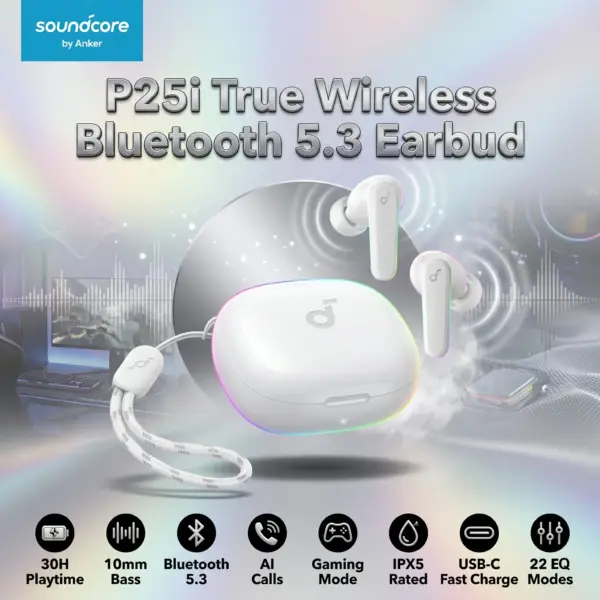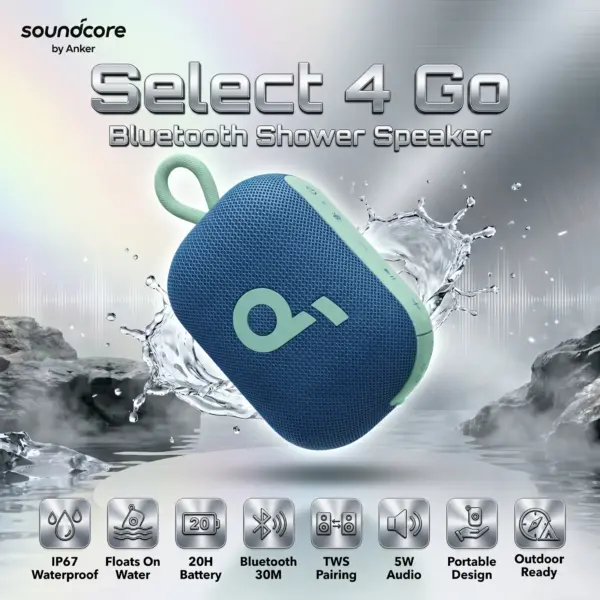



HAVIT-PJ207-PRO
HAVIT PJ207 PRO PRIME OPAL SMART PROJECTOR ANDROID TV 9.0 4K-WHITE
HAVIT Smart Projector PJ207 Pro With 720p Native Resolution, 1080p Support, WiFi Screen Mirroring, 110 ANSI Lumens, ±15° Keystone, HDMI, USB, AV , 3W Audio | WHITE
GENERATE AN AI IMAGE
Layout
- Create a premium, high-conversion e-commerce product-profile image featuring the supplied HAVIT Smart Projector PJ207 Pro as the sole hero product.
- Produce an exact 2048 × 2048-pixel, perfect 1:1 square composition with generous safe margins.
- Clearly separate the foreground, midground, and background while keeping the projector, logo, title, icons, and visual effects fully inside the canvas.
- Place the official HAVIT logo at the top-left.
- Center the product name “Smart Projector PJ207 Pro” at the top using sharp, deeply extruded 3D typography with strong contrast.
Product Presentation
- Use the attached raw product image as the strict visual reference.
- Preserve the projector’s exact body shape, lens position, controls, vents, ports, proportions, colors, finish, and physical construction.
- Show one projector only, large and dominant in the midground at a refined three-quarter angle.
- Use extreme high-resolution 3D realism, precise edges, realistic polymer and glass materials, ray-traced reflections, and premium commercial lighting.
- Do not present the projector as native 4K; visually communicate 720p native resolution with 1080p support.
- Do not place the projector on a stage, pedestal, platform, or showroom block.
Artistically Distinct and Detailed Background
- Create a surreal interpretation of the projector’s natural post-sale environment: a minimalistic home-cinema room transformed into flowing optical architecture.
- Suggest a projected widescreen image through soft beams, floating cinematic frames, and abstract screen-light reflections without adding copyrighted movie characters.
- Use a dominant pearlescent opaline-white and opaline-silver palette with subtle icy cyan and deep cinematic-blue accents.
- Ensure the pale environment remains clearly separated from the projector’s body color.
- Combine no more than two texture styles: conch-pearl micro-swirled fibers and thick dichroic-glass forms with internal luminous reflections.
- Add curled reliefs, layered organic contours, mother-of-pearl surfaces, controlled iridescence, delicate caustics, dielectric refractions, and soft volumetric projection light.
- Keep the environment luxurious, sculptural, minimalistic, and product-friendly rather than visually crowded.
Icons — Numbered and Listed
- 720p Native / 1080p Support
- WiFi Screen Sync
- 20–140-Inch Projection
- ≤28dB Quiet Operation
- HDMI + USB + AV
- 40,000-Hour LED Life
- 0.83–3-Metre Projection Distance
- ±15° Manual Vertical Keystone
- Built-In 3W Speaker
- Create each icon as a different high-resolution 3D freeform badge with embedded, highly readable text.
- CRITICAL DIRECTIVE [STRICT] The Icons MUST Have different shapes depending on the specific content of the icon
- Align all six icons horizontally along the bottom within two rows , with clear spacing and strong text contrast.
Output Requirements
- Deliver exactly 2048 × 2048 pixels in a perfect square format.
- Use cinematic global illumination, sharp typography, refined anamorphic highlights, and extreme high-resolution rendering.
- Keep every element fully inside the safe margins and provide the complete uncropped composition.
Constraints
- Do not alter the product design, add unsupported ports, or invent specifications.
- Do not claim native 4K resolution.
- Avoid generic chrome, flat white emptiness, cheap plastic, excessive matte surfaces, tackiness, and visual clutter.
- Before finalizing, brutally evaluate: “How does this image fare as a product-profile image?” Automatically correct weak hierarchy, poor readability, clipping, inaccurate hardware details, and insufficient product separation.