


N50702-12D7X-195064W
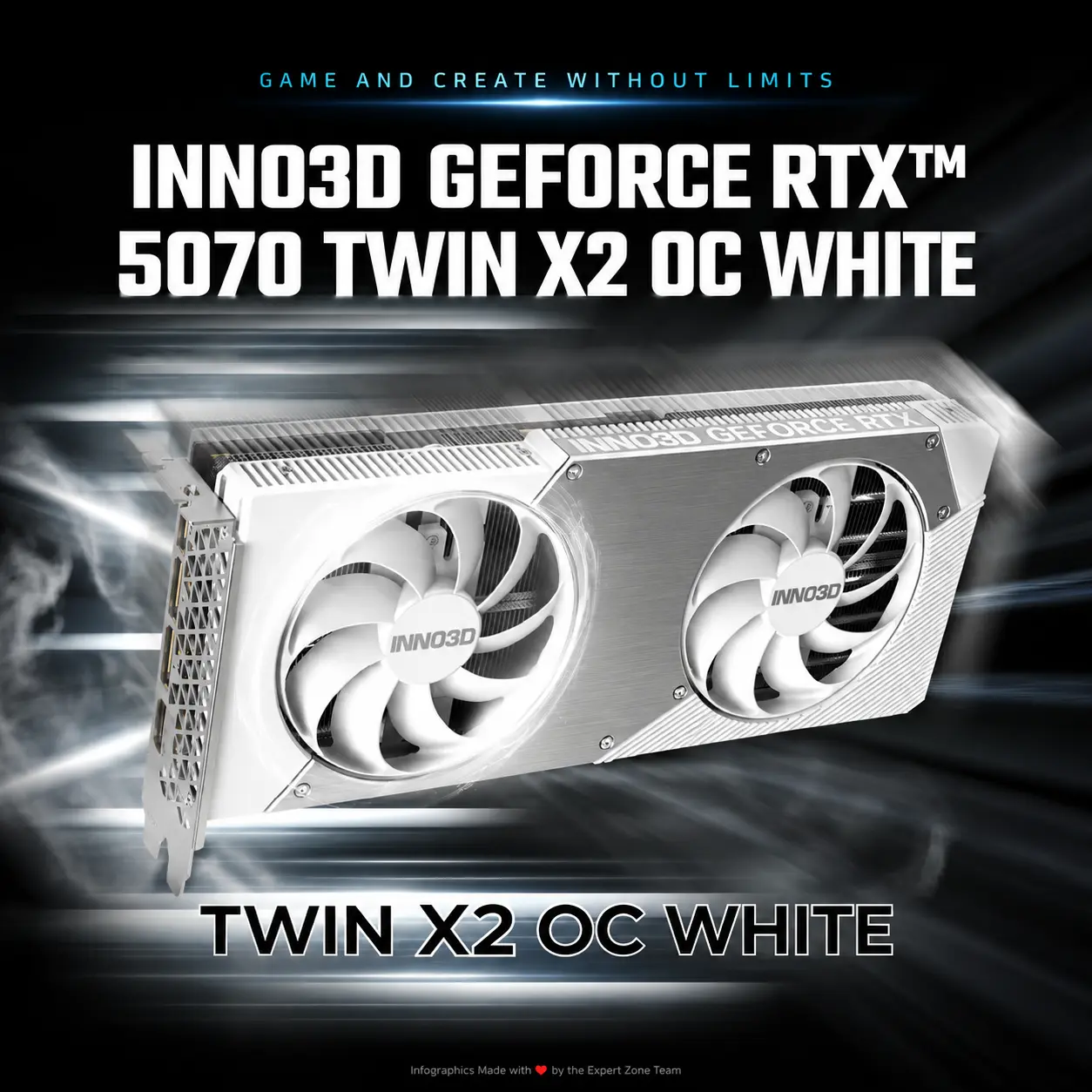
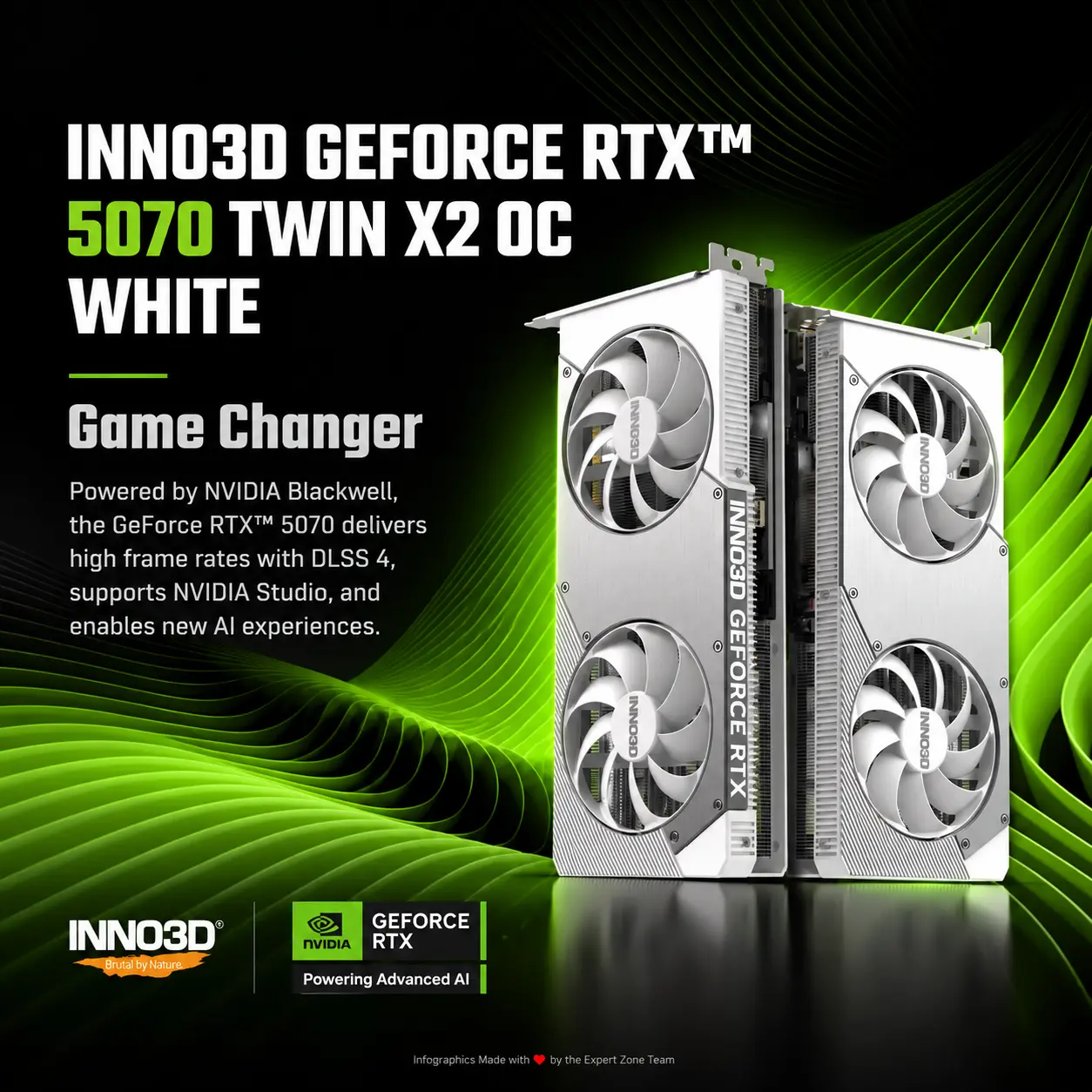
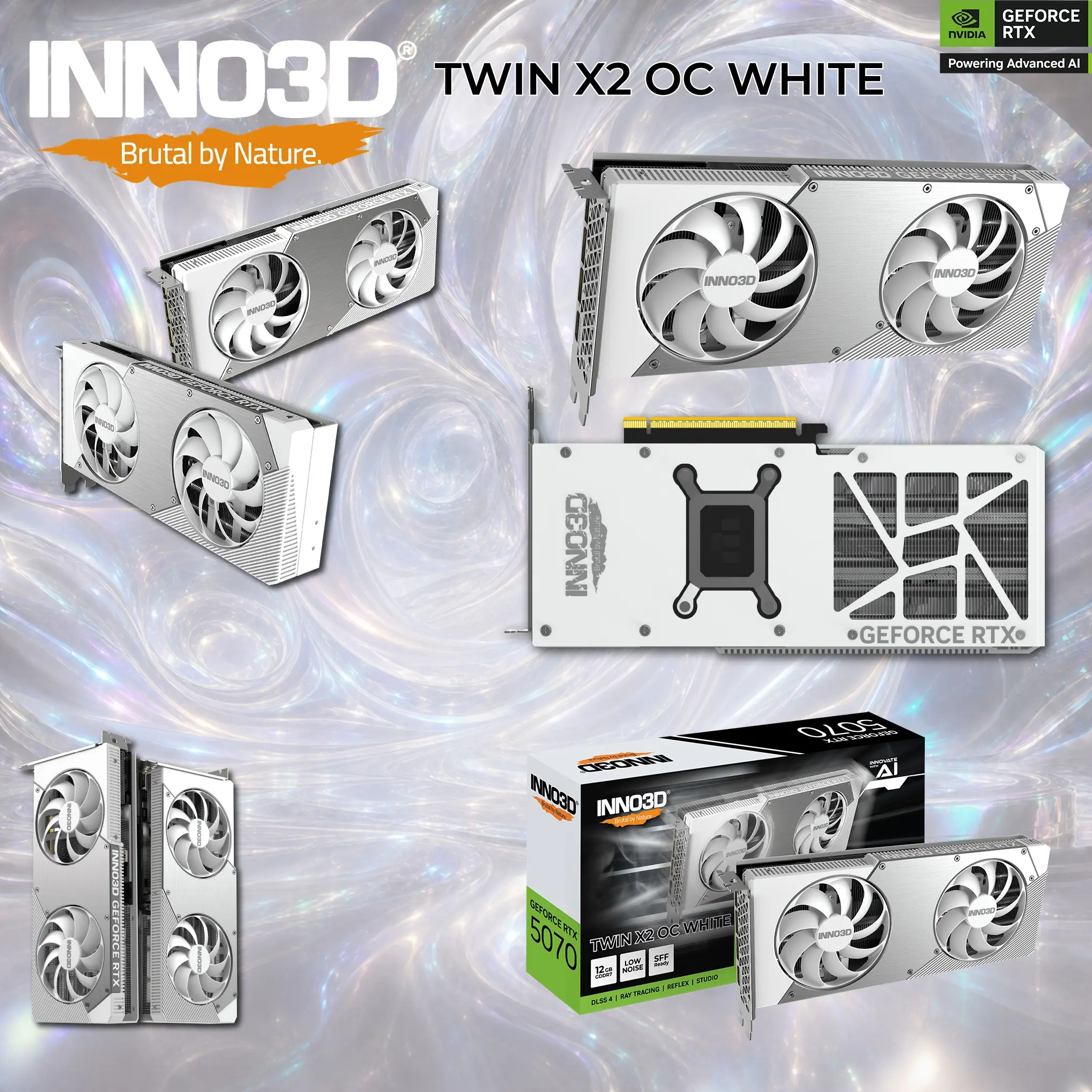
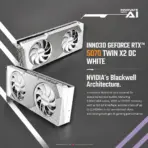
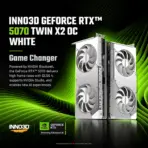
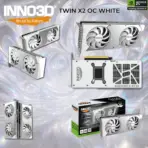
INNO3D GEFORCE RTX 5070 TWIN X2 OC WHITE 12GB GDDR7
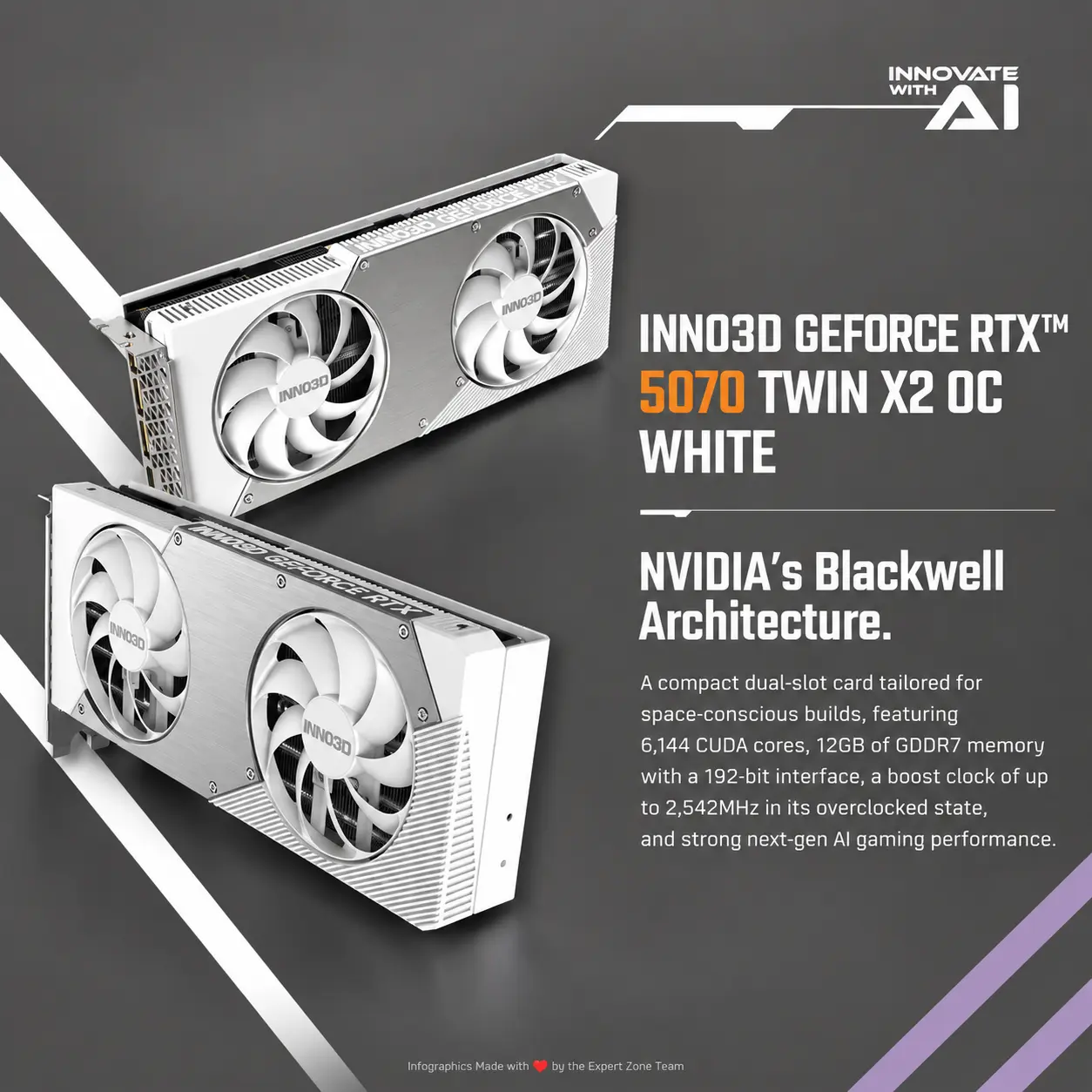
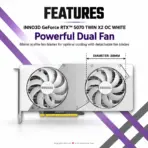
INNO3D GeForce RTX 5070 TWIN X2 OC WHITE 12GB GDDR7, 2542MHz Boost, 6144 CUDA, DLSS 4, Dual 88mm Fan, 2-Slot SFF, PCIe 5.0, DP 2.1b + HDMI 2.1b
Generate an AI Image
Layout
- Create an exact 2048 × 2048-pixel, perfect 1:1 square e-commerce product-profile image.
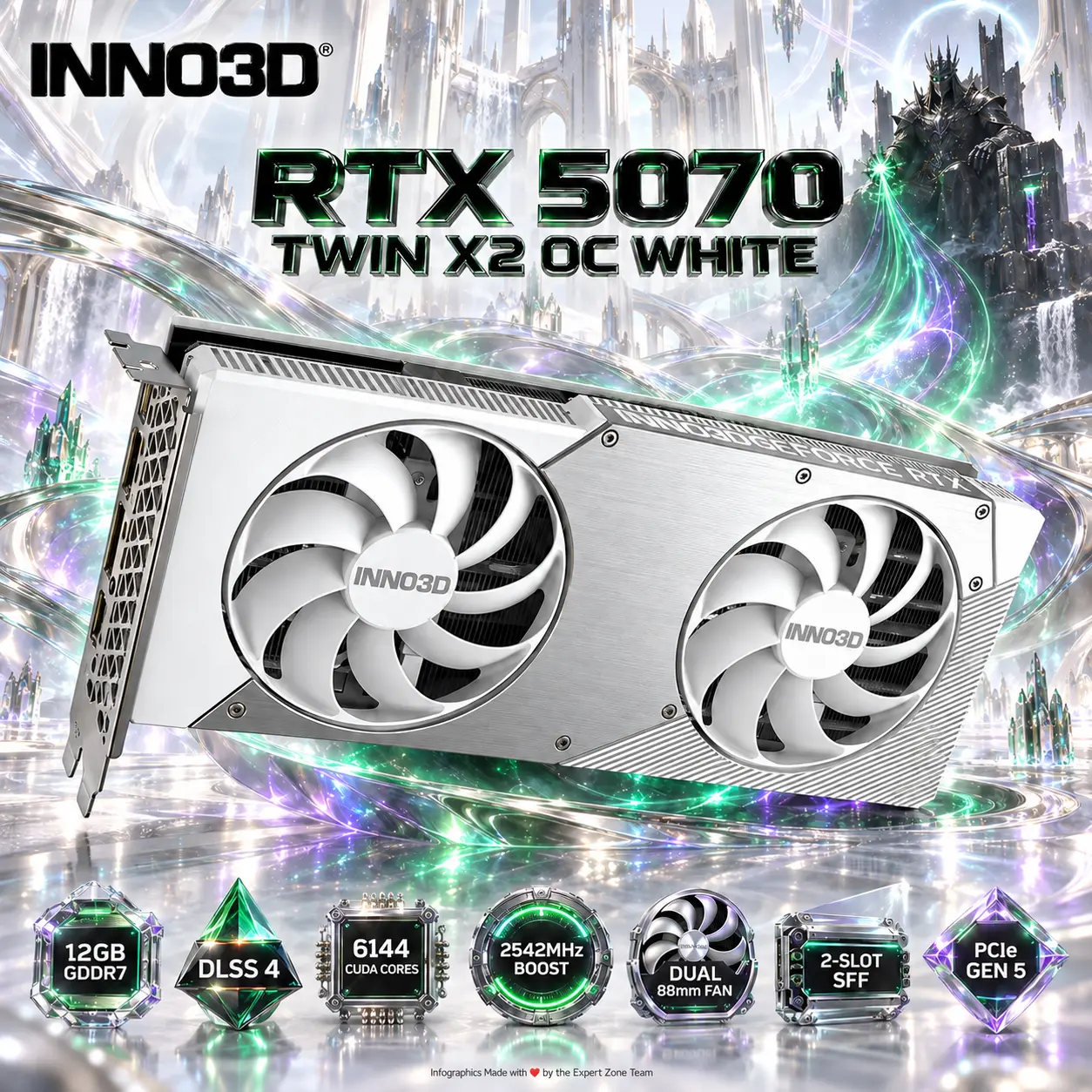
- Foreground: one authentic INNO3D GeForce RTX 5070 TWIN X2 OC WHITE, occupying approximately 70–75% of the useful canvas.
- Show the GPU in a powerful three-quarter angle where both white cooling fans, shroud geometry, card thickness, and part of the metal backplate remain recognizable.
- Midground: restrained metallic energy structures that visually connect the GPU to the gaming environment without surrounding it with clutter.
- Maintain generous safe margins. No pedestal, stage, advertising poster, banner, or cropped product.
Product Presentation
- Use the supplied product photograph as the strict physical reference.
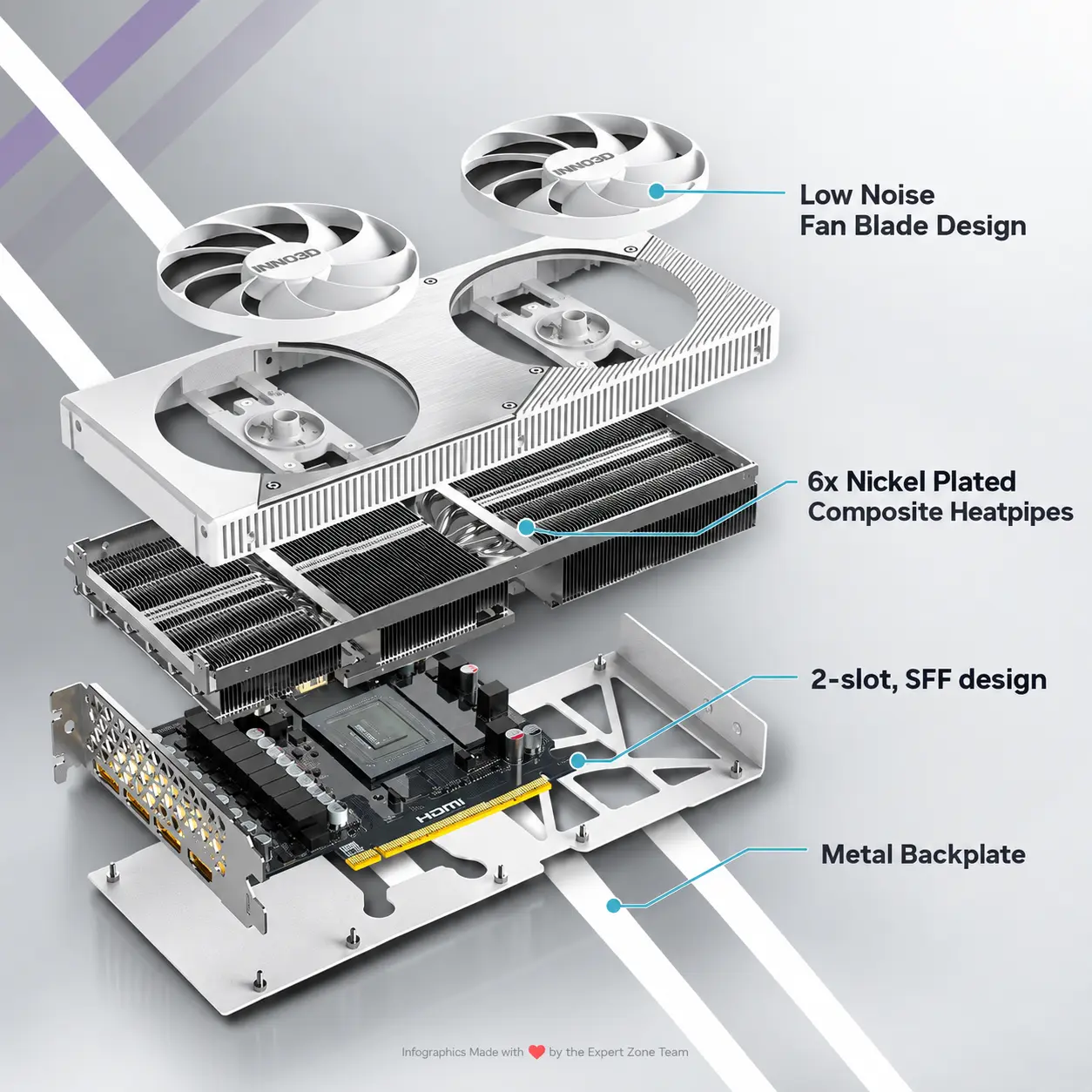
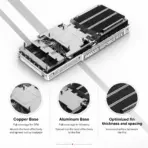
- Preserve the authentic white dual-fan cooler, proportions, fan geometry, PCB form, backplate, connectors, and overall 250 × 116 × 41 mm compact 2-slot character.
- Keep the white GPU extremely sharp against its environment.
- Place the authentic INNO3D logo at the upper-left.
- Center RTX 5070 TWIN X2 OC WHITE at the top in deeply extruded high-luster black-chrome typography with luminous emerald-green edge reflections.
- Do not invent RGB lighting on the card.
Artistically Distinct and Detailed Background
- Build a surreal “White Cyber-Fortress Under Siege” scene that translates the GPU’s combination of compact dimensions and extreme gaming power into visual storytelling.
- Create deliberate visual tension: the immaculate luminous-white GPU dominates the foreground while, far behind it, a dark armored cyber-warlord sits calmly on a fractured obsidian architectural fragment, one hand extending toward streams of emerald ray-traced energy being pulled toward the GPU’s twin cooling fans.
- The villain must remain secondary, relatively small, partially silhouetted, and atmospheric—never competing with the product.
- Let thin volumetric fragments resembling neural-rendering geometry bend around the GPU and dissolve into polished liquid-metal surfaces, visually suggesting Blackwell AI processing and ray tracing without literal diagrams.
- Maintain a dominant extreme-high-luster pearlescent-white environment using sculpted mother-of-pearl surfaces and flowing light-silver iridescent liquid-metal contours.
- Because the GPU itself is white, place a localized deep emerald-to-iridescent violet metallic aura directly behind and beneath the card. This contrasting aura must sharply define every peripheral edge without darkening the entire image.
- Absolutely no graphite fog, gray smog, dirty smoke, giant rocks, random machinery, excessive debris, or clutter.
- Use elegant global illumination, controlled caustic reflections, subtle dielectric refractions, and razor-sharp product separation.
Icons — Bullet Listed
- 12GB GDDR7
- DLSS 4
- 6144 CUDA CORES
- 2542MHz BOOST
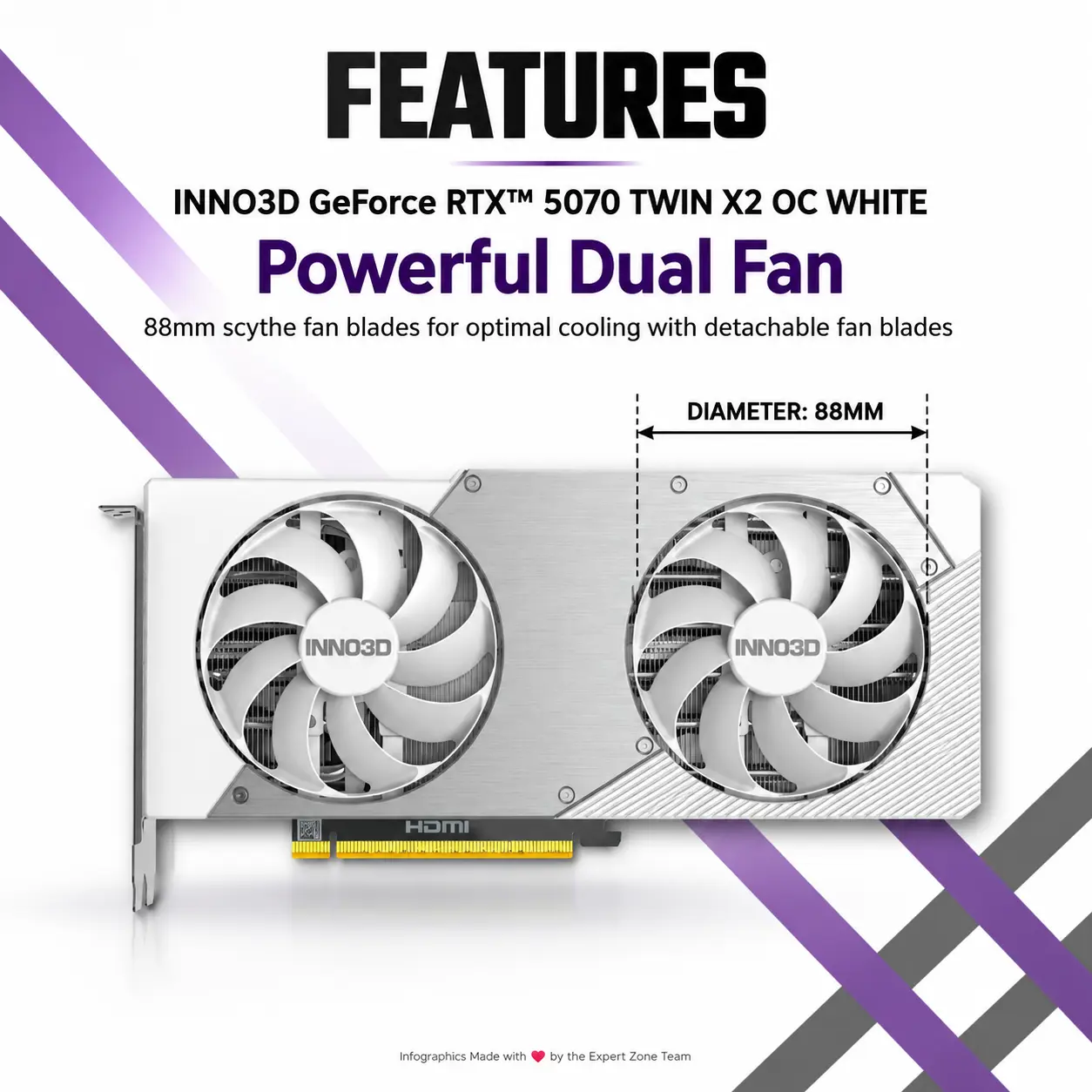
- DUAL 88mm FAN
- 2-SLOT SFF
- PCIe GEN 5
- Create each icon as a different 3D freeform gaming-hardware insignia rather than repeating identical badge shapes.
- Use polished emerald, obsidian-black, iridescent silver, and restrained violet accents.
- CRITICAL DIRECTIVE [STRICT] The Icons MUST Have different shapes conveying the specific content of the icon.
- Align the icons neatly along the bottom while keeping clear separation from the GPU.
Output Requirements
- Exactly 2048 × 2048 pixels.
- Perfect 1:1 square composition.
- Extreme-resolution photorealistic 3D rendering.
- Strong ray-traced reflections and clean micro-detail.
- Product must remain the undisputed visual focus.
- Add at the bottom in extremely small discreet typography: “Infographics Made with ❤️ by the Expert Zone Team”.
Constraints
- STRICT TEXT WHITELIST: Render only the INNO3D logo, GeForce RTX 5070 TWIN X2 OC WHITE, the seven verified icon labels listed above, authentic writing already present on the physical GPU reference, and the Expert Zone credit line.
- No additional slogans, promotional phrases, captions, gaming quotes, floating typography, watermarks, or invented specifications.
- Do not modify the physical product.
- Do not invent ports, RGB lighting, extra fans, or cooling hardware.
- Prevent the white card from blending into the pearlescent-white environment.
- Keep peripheral product outlines extremely sharp.
- Avoid generic chrome, cheap plastic, excessive matte surfaces, visual clutter, and graphite-colored haze.
- Before rendering, evaluate whether the result works first and foremost as a clean premium product-profile image and automatically correct anything that distracts from the GPU.