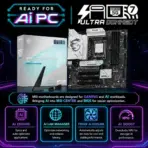
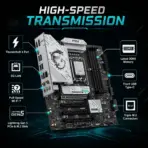
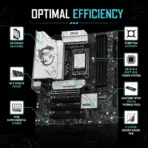
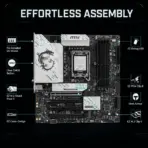
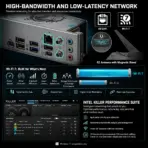
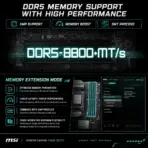
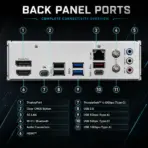
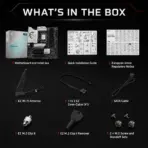



B860M-GAMINGPLUS-WIF
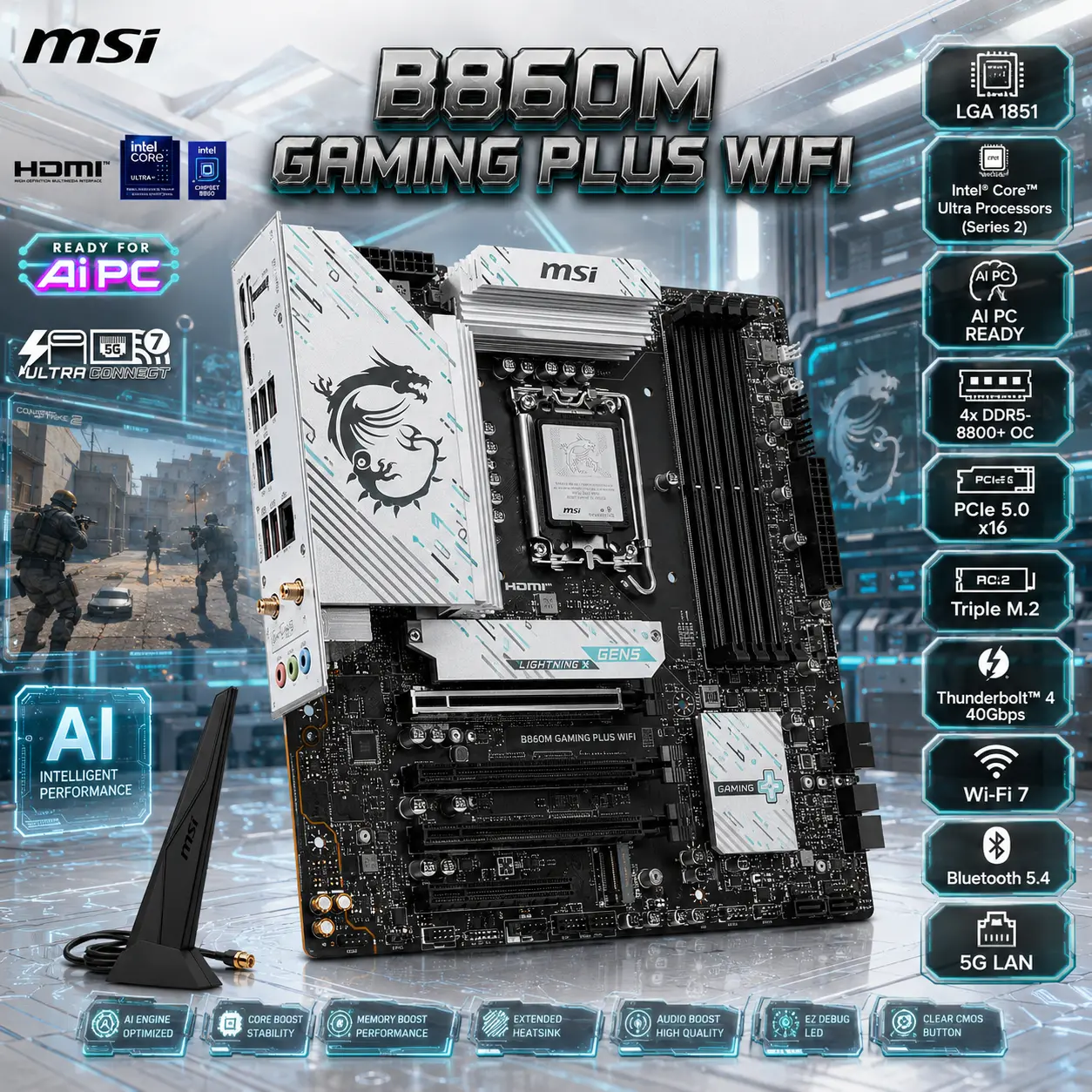
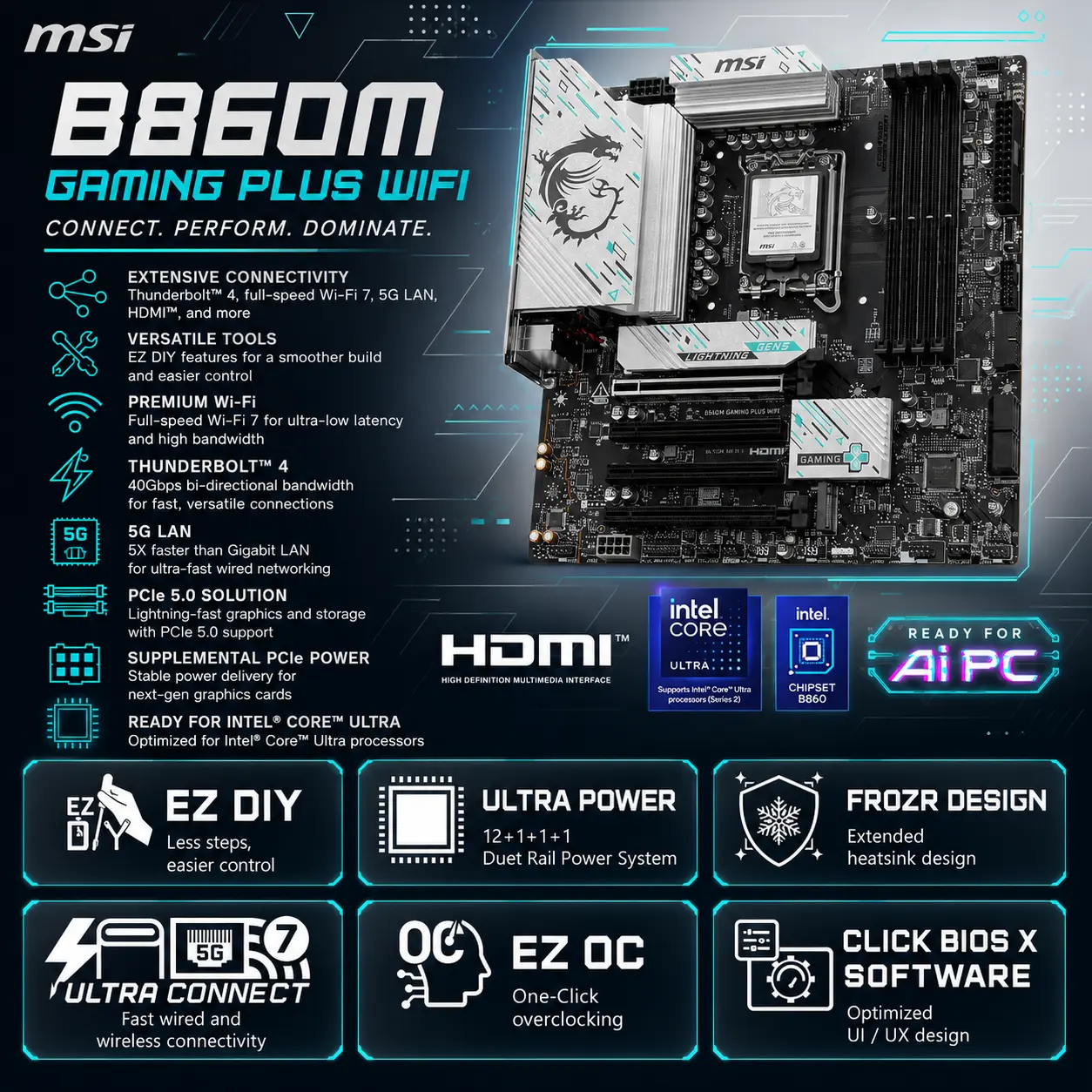
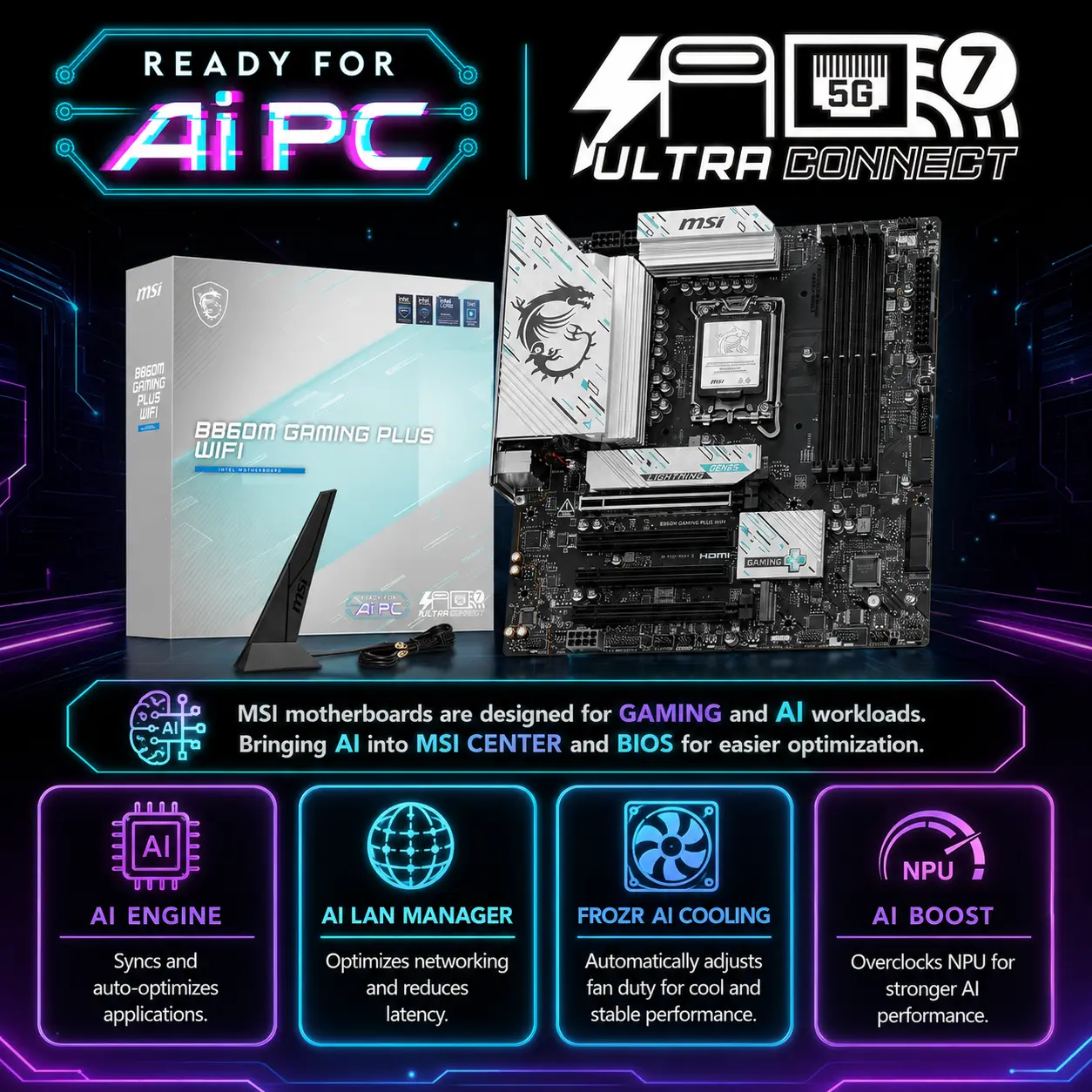
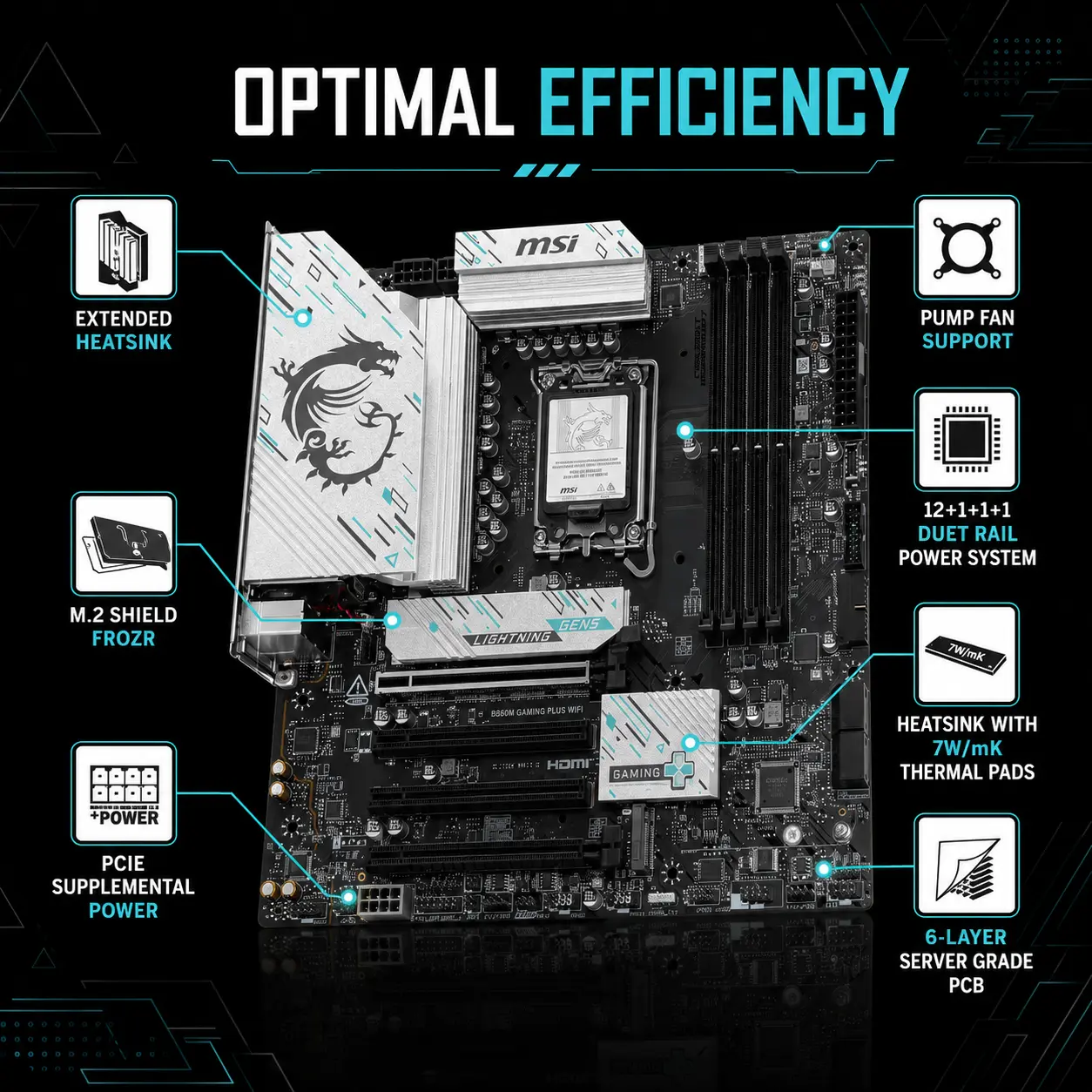
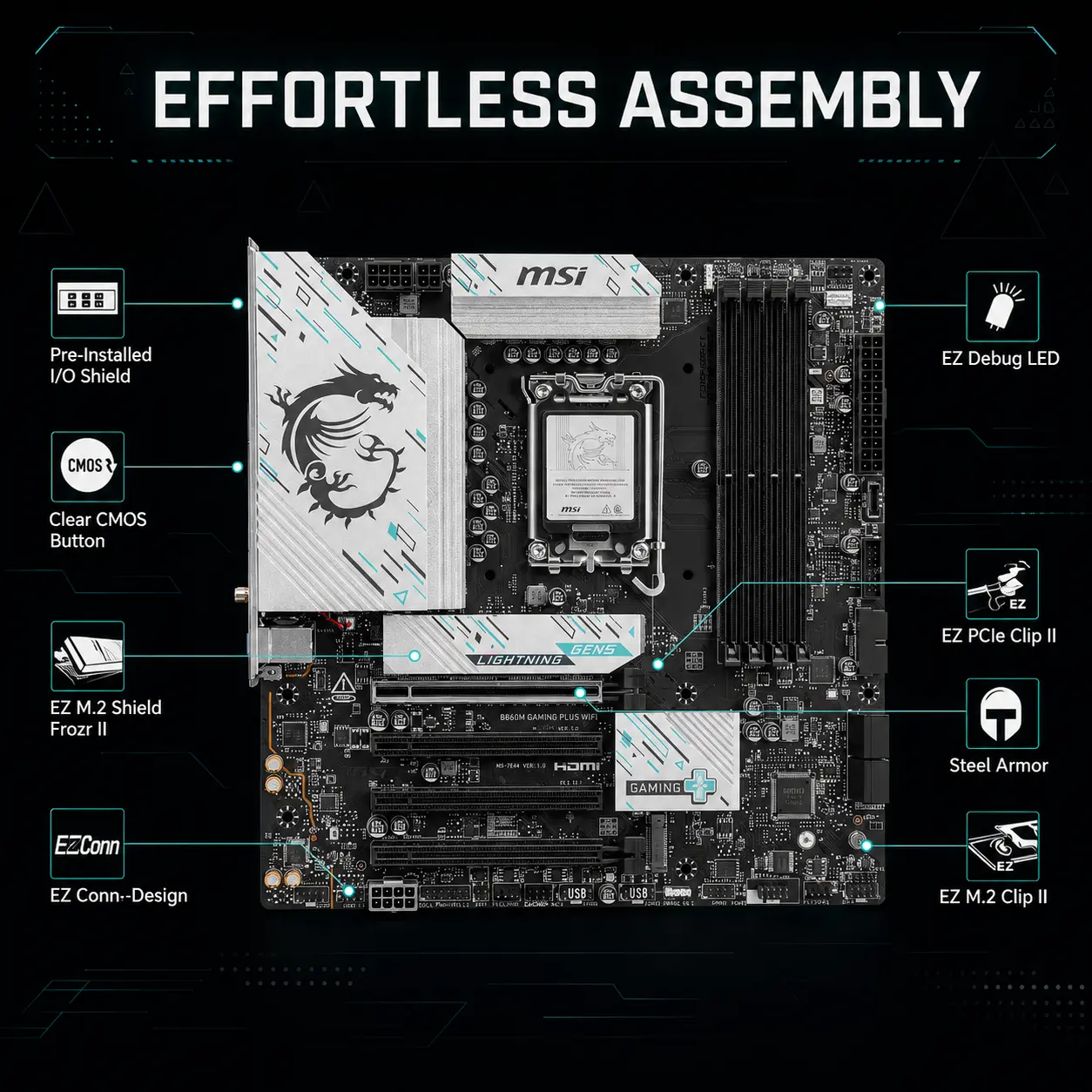
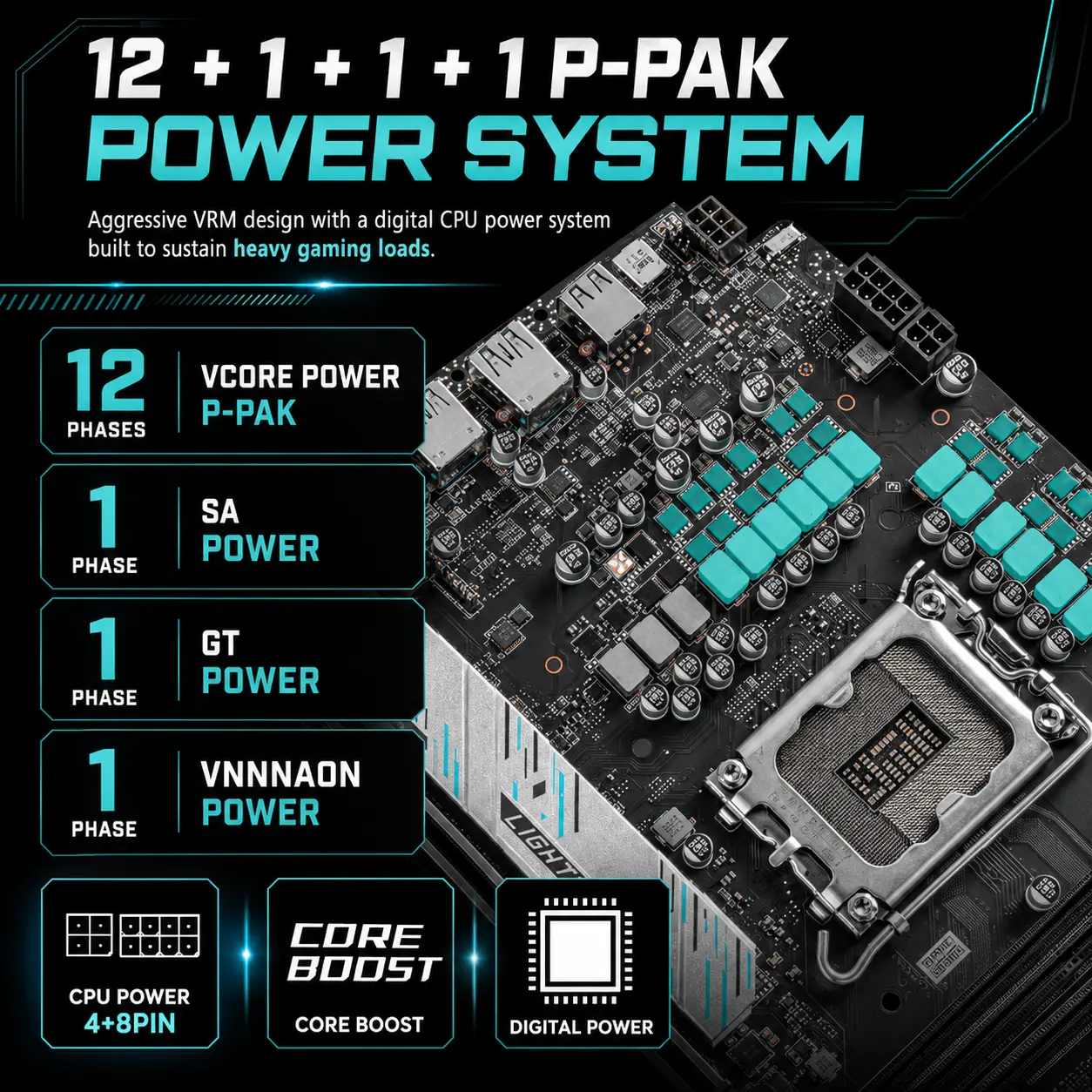
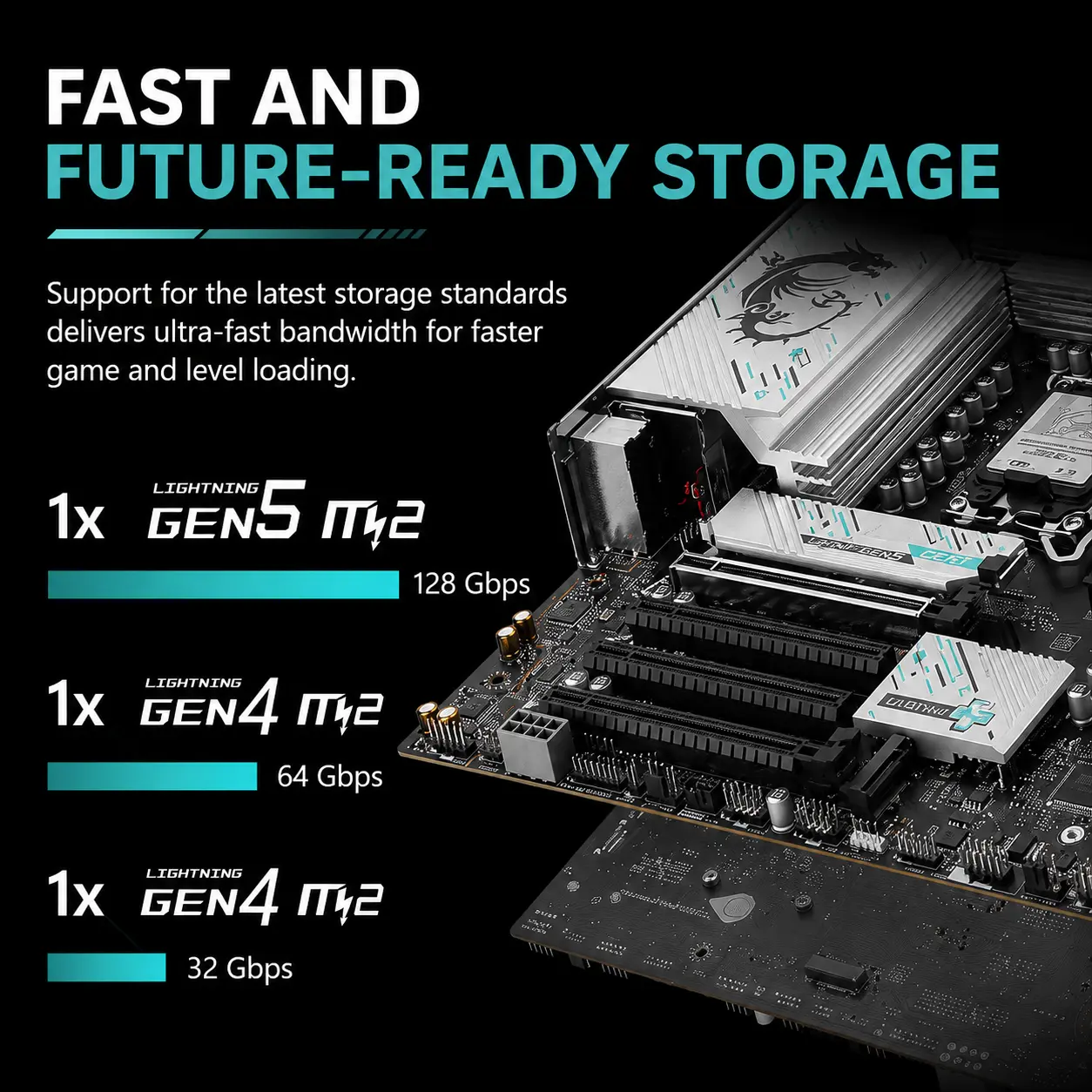
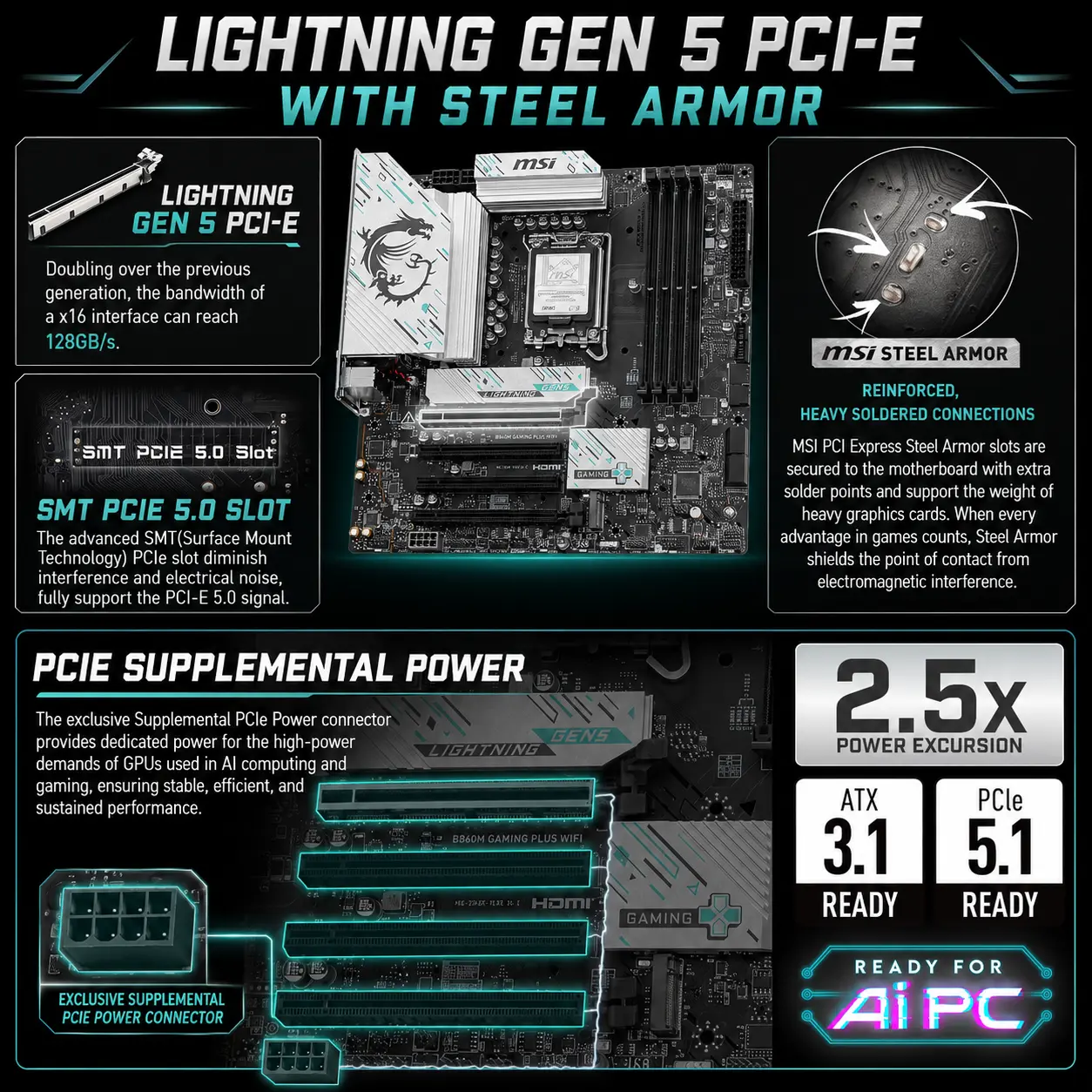
MSI B860M GAMING PLUS WIFI DDR5 MOTHERBOARD
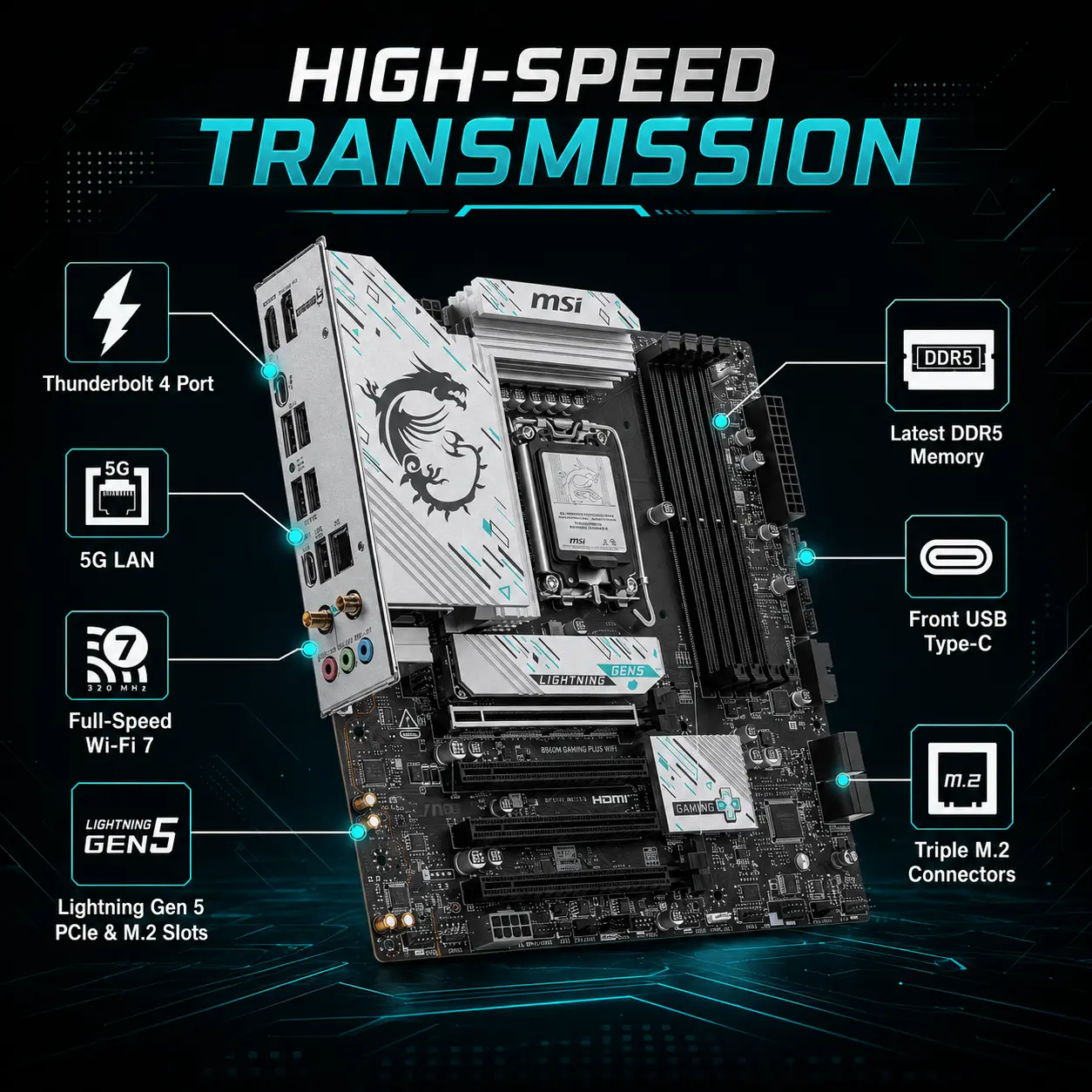
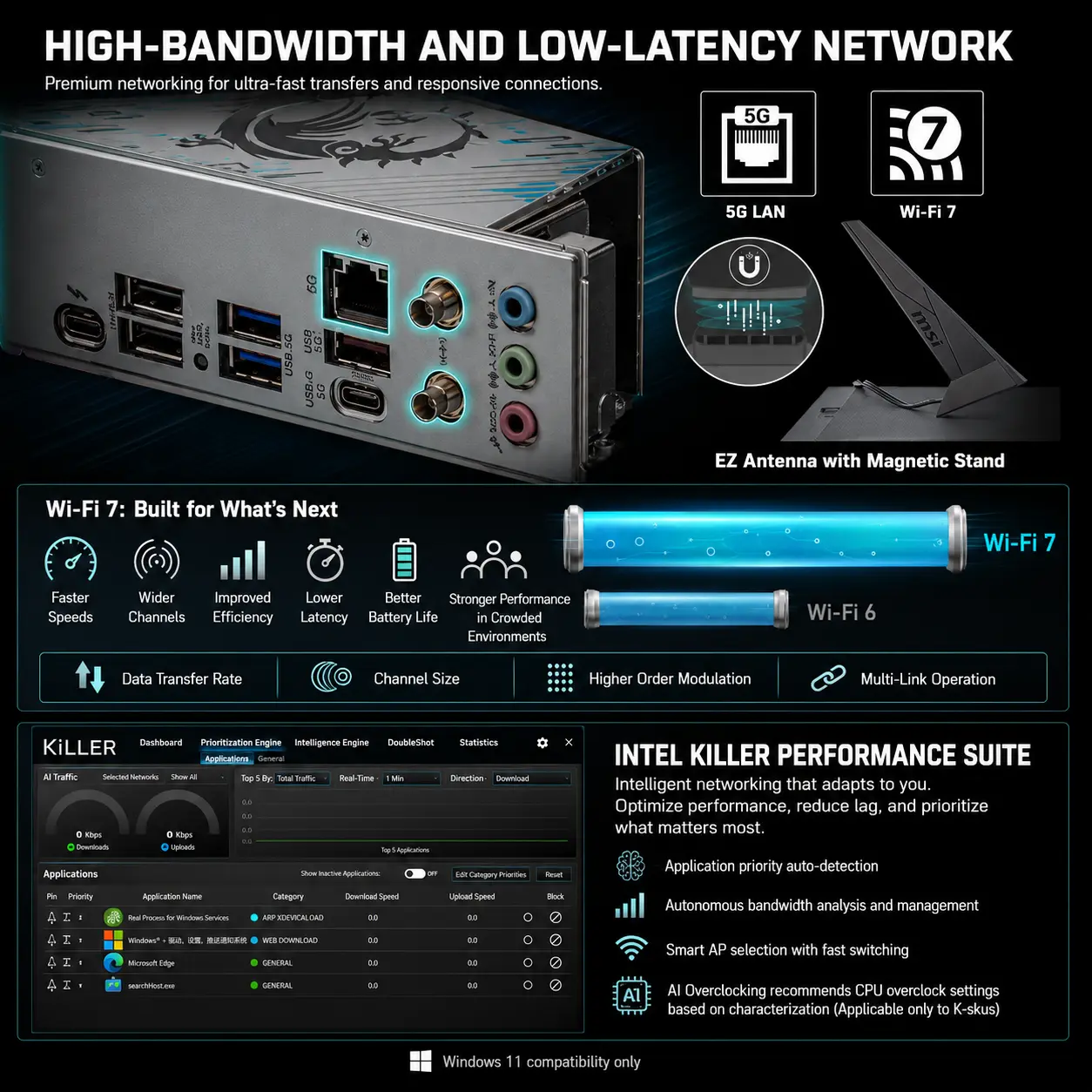
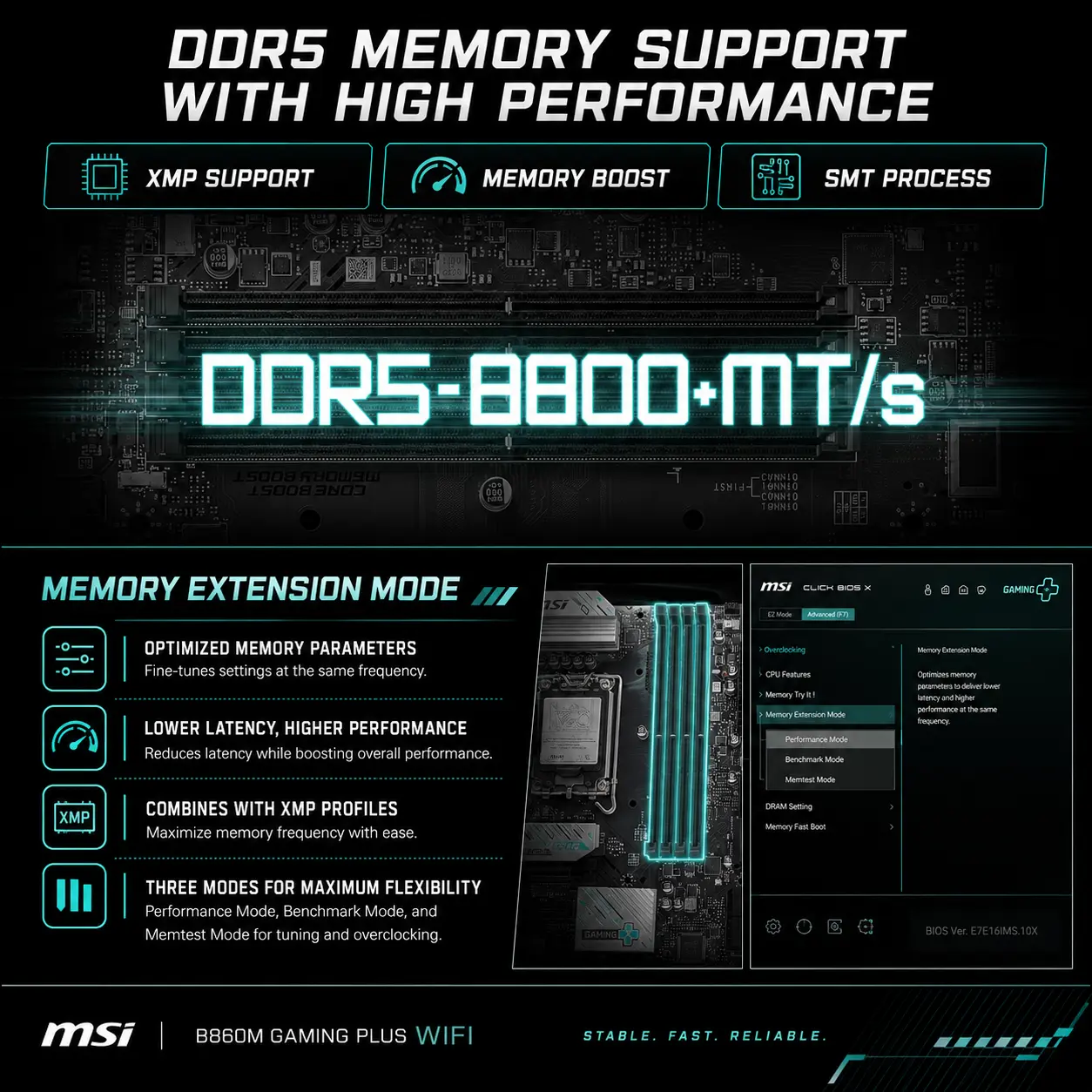
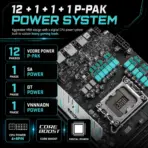
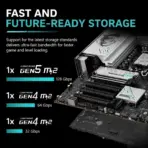
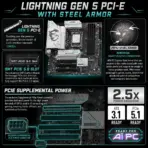
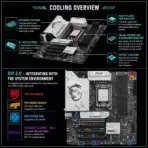
MSI B860M Gaming Plus WiFi mATX Motherboard With LGA 1851, 4x DDR5-8800+ OC, PCIe 5.0 x16, Triple M.2, Thunderbolt 4, WiFi 7, Bluetooth 5.4, 5G LAN, USB-C , Supports Intel® Core Ultra Processors (Series 2)
GENERATE AN AI IMAGE
- Layout
- Create a clean, high-conversion website product-profile composition for the MSI B860M GAMING PLUS WIFI motherboard.
- Produce an exact 2048 × 2048-pixel, perfect 1:1 square output.
- Clearly separate the foreground, midground, and background, preserving generous safe margins around every canvas edge.
- Place the official MSI logo at the top-left, accurately proportioned and fully contained.
- Center “B860M GAMING PLUS WIFI” at the top using refined, moderately sized, three-dimensional extruded typography made from dark graphite crystal, brushed black titanium, and restrained icy-cyan illumination.
- Avoid cheap gaming-poster typography, banners, vertical layouts, wide compositions, and cropped previews.
- Product Presentation
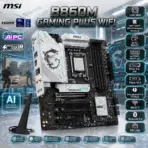
- Use the supplied raw product image as the strict visual reference . one motherboard and one antenna should be featured .
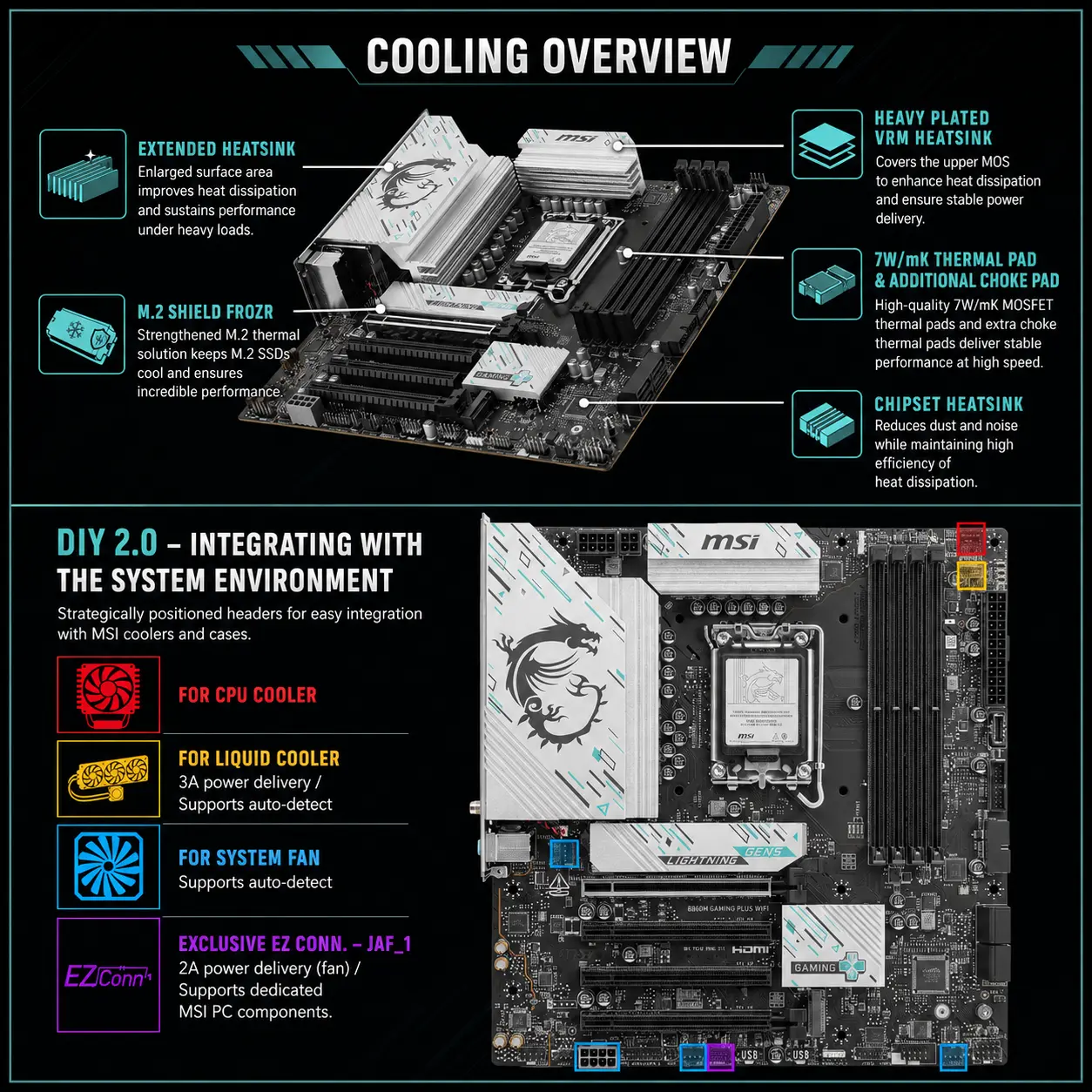
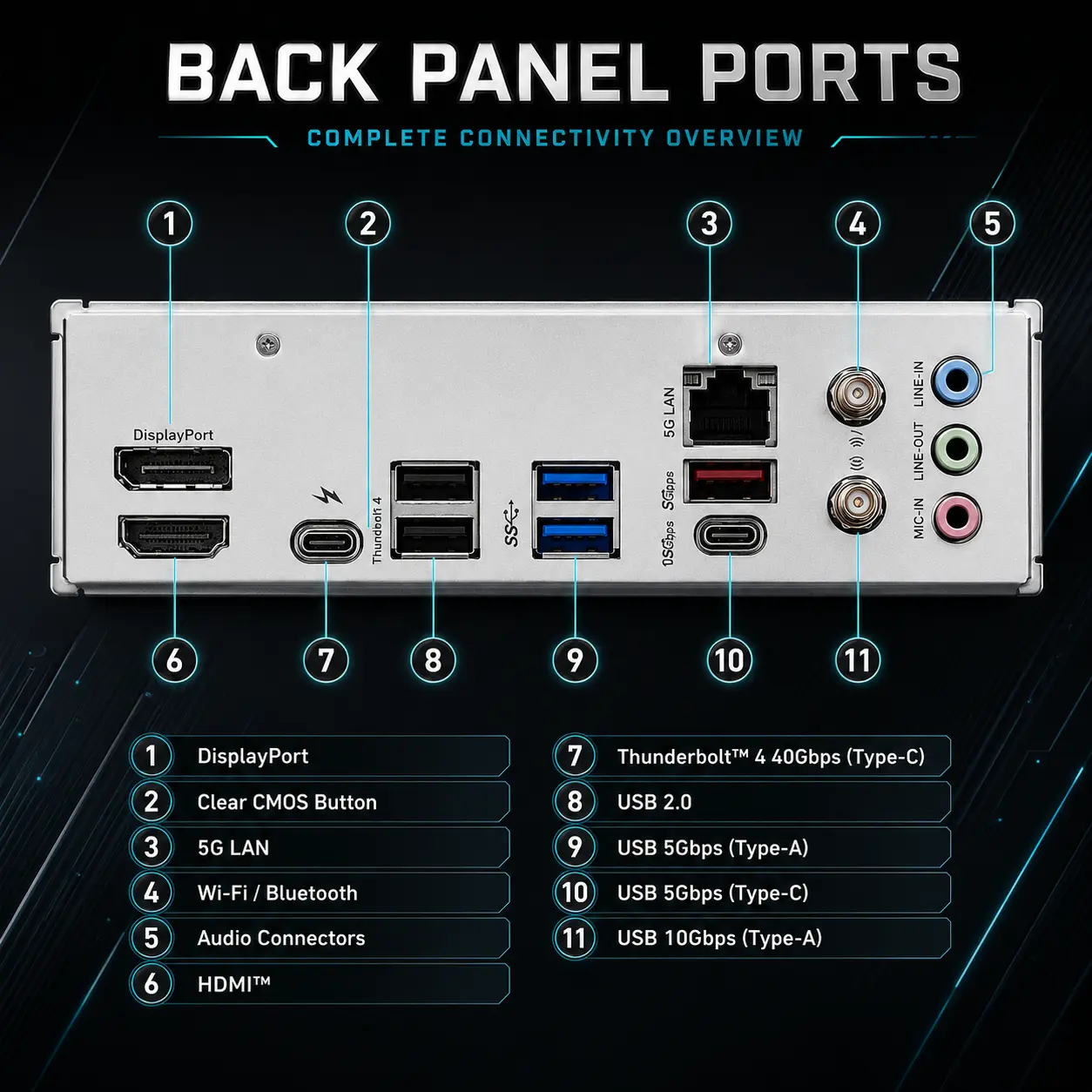
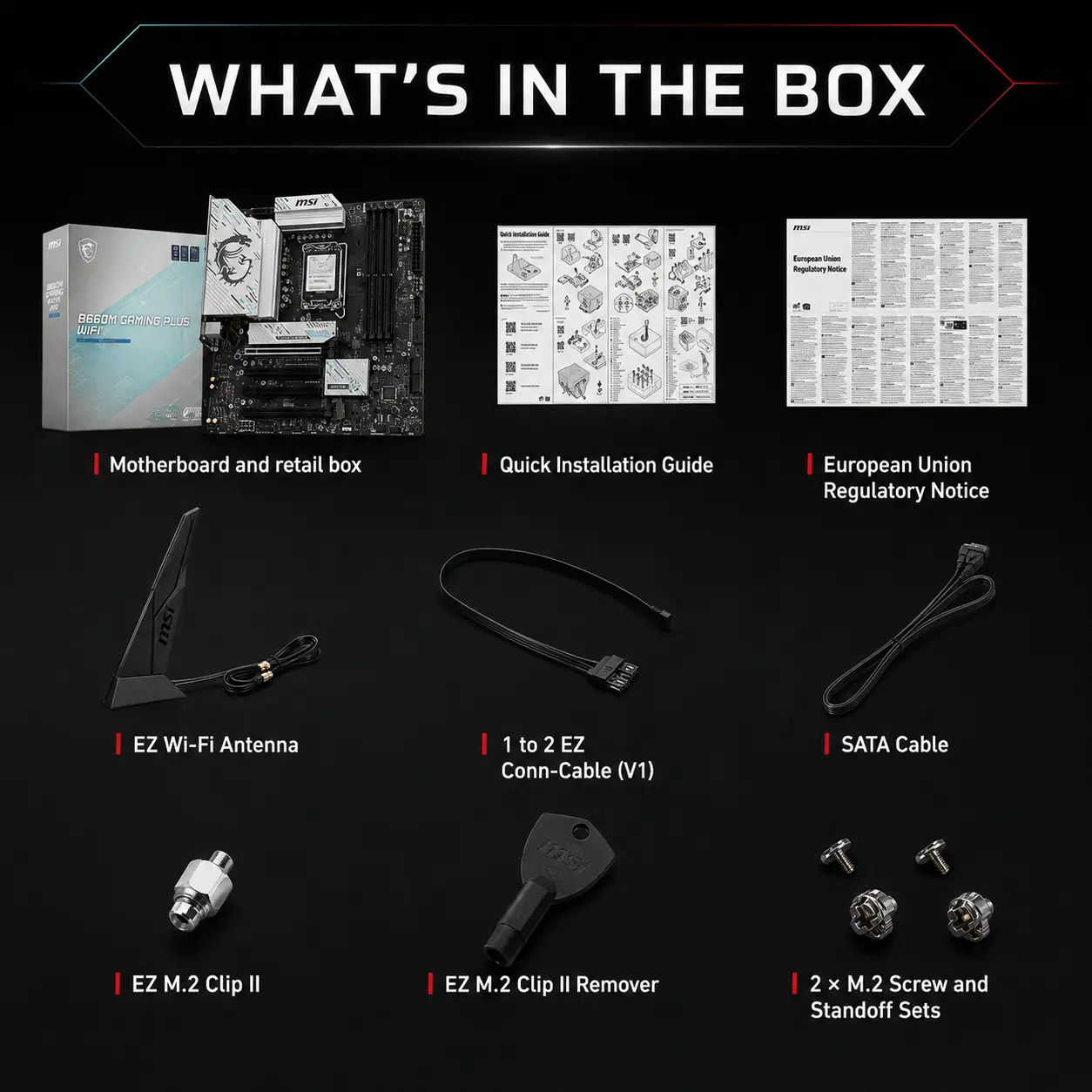
- Preserve the exact Micro-ATX proportions, black PCB, silver-white heatsinks, LGA 1851 socket, four DDR5 slots, four expansion slots, triple M.2 positions, SATA connectors, rear I/O, Wi-Fi antenna connectors, headers, printed labels, and MSI branding.
- Position one complete motherboard prominently in the midground at a detailed three-quarter angle with every edge visible along with the antenna.
- Render PCB traces, reinforced PCIe hardware, sockets, heatsinks, capacitors, solder points, ports, and connector pins with extreme sharpness.
- Do not install a CPU, RAM, graphics card, SSD, cables, or unsupported accessories.
- Do not place the motherboard on a stage or pedestal.
- Artistically Distinct and Detailed Background
- Background Story — Mandatory Concept
- Present the motherboard inside an AI themed surreal open gaming workstation where iridescent cyan luminous data pathways travel from the CPU socket toward DDR5 memory, PCIe 5.0 graphics, Gen5 storage, Thunderbolt 4, Wi-Fi 7, and 5G networking.
- Add subtle tactical silhouettes inspired by a competitive Counter-Strike 2-style environment, without reproducing a specific screenshot, logo, map, or identifiable character.
- Make the motherboard feel like the command center controlling the entire digital battlefield.
- Background Color Palette
- Use a mandatory dominant deep rich extremely lustrous pearlescent opaline-white environment with subtle iridescent-silver, restrained icy cyan, and minimal iridescent-sheen metallic accents.
- Background Texture
- Use only conch-pearl micro-swirly textures and well-textured dichroic-glass data structures.
- Apply controlled iridescence, dielectric refractions, caustic reflections, curved sculptural depth, and refined global illumination.
- Keep matte surfaces strictly minimal.
- Background Story — Mandatory Concept
- Icons — Bullet Listed
- CRITICAL DIRECTIVE [STRICT] The Icons MUST Have different shapes depending on the specific content of the icon
- LGA 1851
- Intel® Core™ Ultra Processors (Series 2)
- 4x DDR5-8800+ OC
- PCIe 5.0 x16
- Triple M.2
- Thunderbolt 4 40Gbps
- Wi-Fi 7
- Bluetooth 5.4
- 5G LAN
- Design every icon as a different large, hollow, razor-sharp 3D freeform with bold text fully contained inside it.
- Align all icons vertically along the side.
- Output Requirements
- Keep the motherboard, logo, title, icons, text, and environment fully inside the exact 2048 × 2048-pixel canvas.
- Maintain extreme resolution, strong thumbnail readability, safe margins, and a true square composition.
- Constraints
- Do not alter the motherboard or invent unsupported connectivity.
- Show a Clear CMOS Button, not a Flash BIOS Button.
- Do not add unsupported hardware, ports, antennas, or accessories.
- Avoid clutter, flat white emptiness, generic chrome, cheap plastic, excessive matte surfaces, and premium-ad-poster styling.
- Before output, ask: “How does this image fare as a product-profile image?” Identify every flaw and automatically correct it.