


276QP42
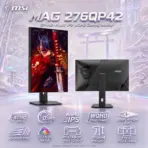
MSI MAG 276QP42 MONITOR 27″ QHD IPS 425HZ 0.5MS
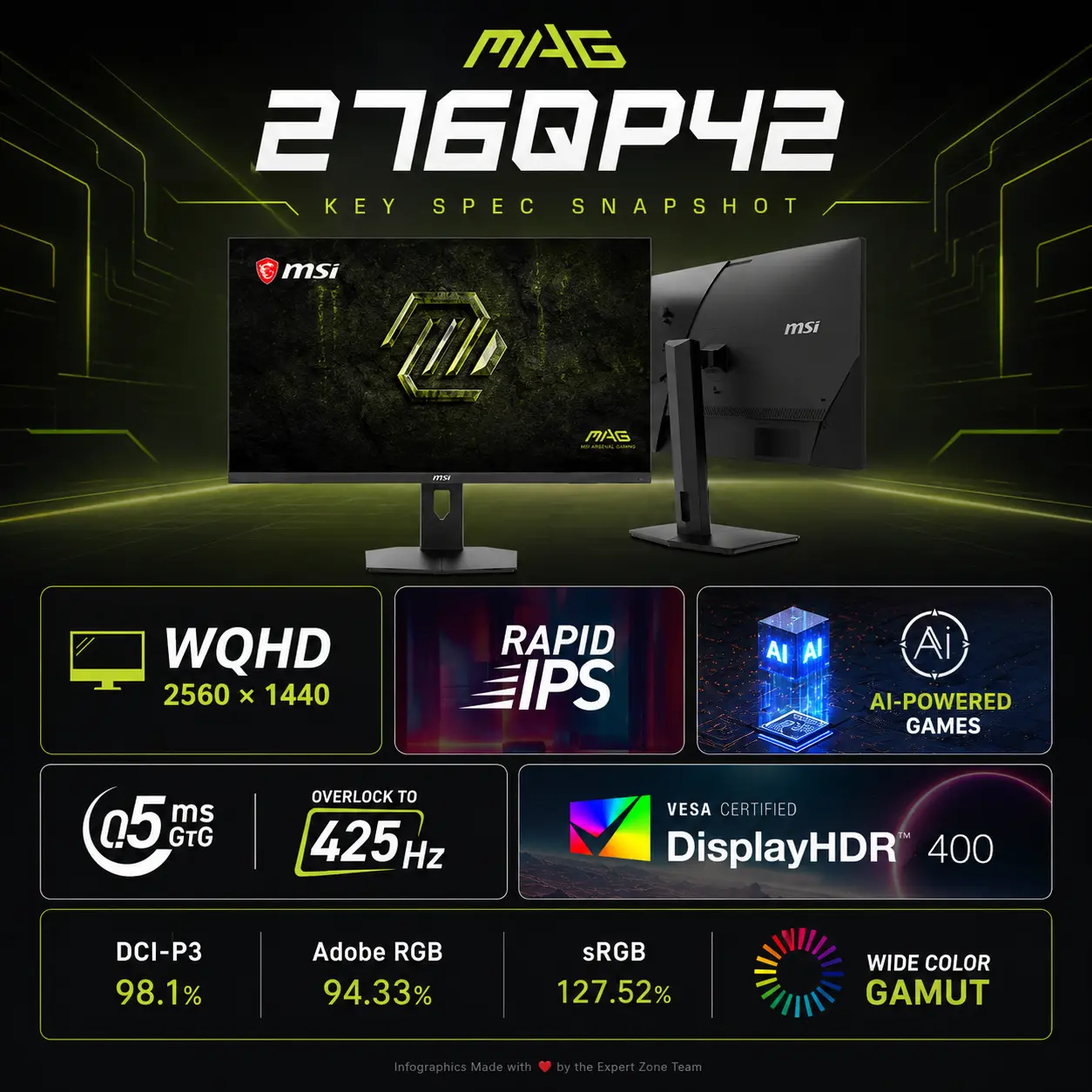
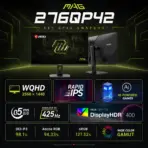
MSI MAG 276QP42 27-Inch Rapid IPS WQHD Gaming Monitor, 425Hz OC, 0.5ms GtG, DisplayHDR 400, Adaptive-Sync, HDMI 2.1, DP 1.4a, PS5/Xbox 120Hz & 110mm Height, Pivot, PIP/PBP
Generate an AI Image
- Layout
- Create a clean, ultra-high-resolution 2048 × 2048px square e-commerce product-profile image. Never create a poster, banner, vertical canvas, wide canvas, or cropped preview.
- ad the MSI LOGO to the upper left corner .
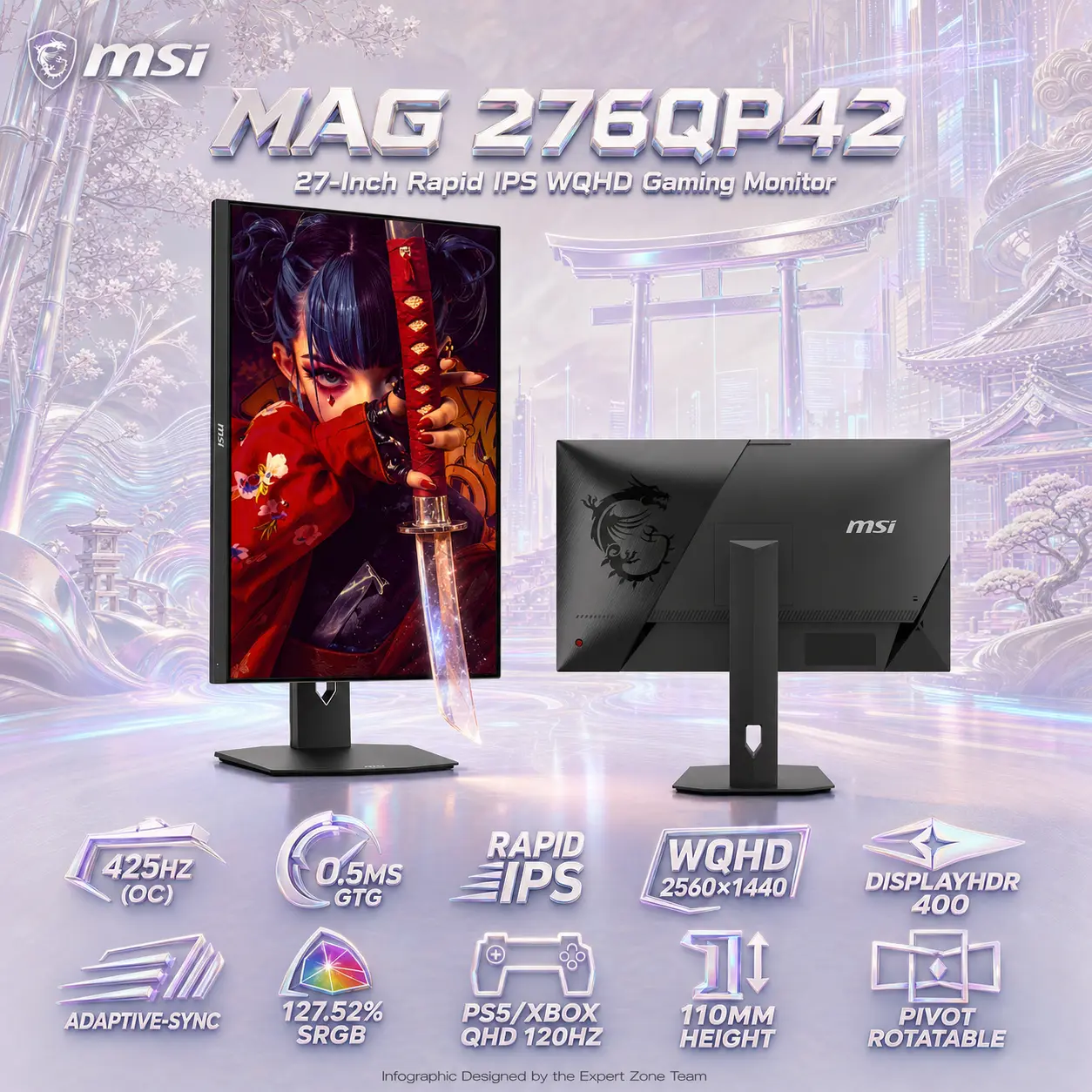
CENTER the title primary large in MSI MAG style fonts : “MAG 276QP42”
CENTER the title secondary in compact MSI MAG style fonts : “27-Inch Rapid IPS WQHD Gaming Monitor” - Keep every element within generous safe margins. Separate foreground monitors and icons, midground anamorphic action, and background surreal fine-art scenery.
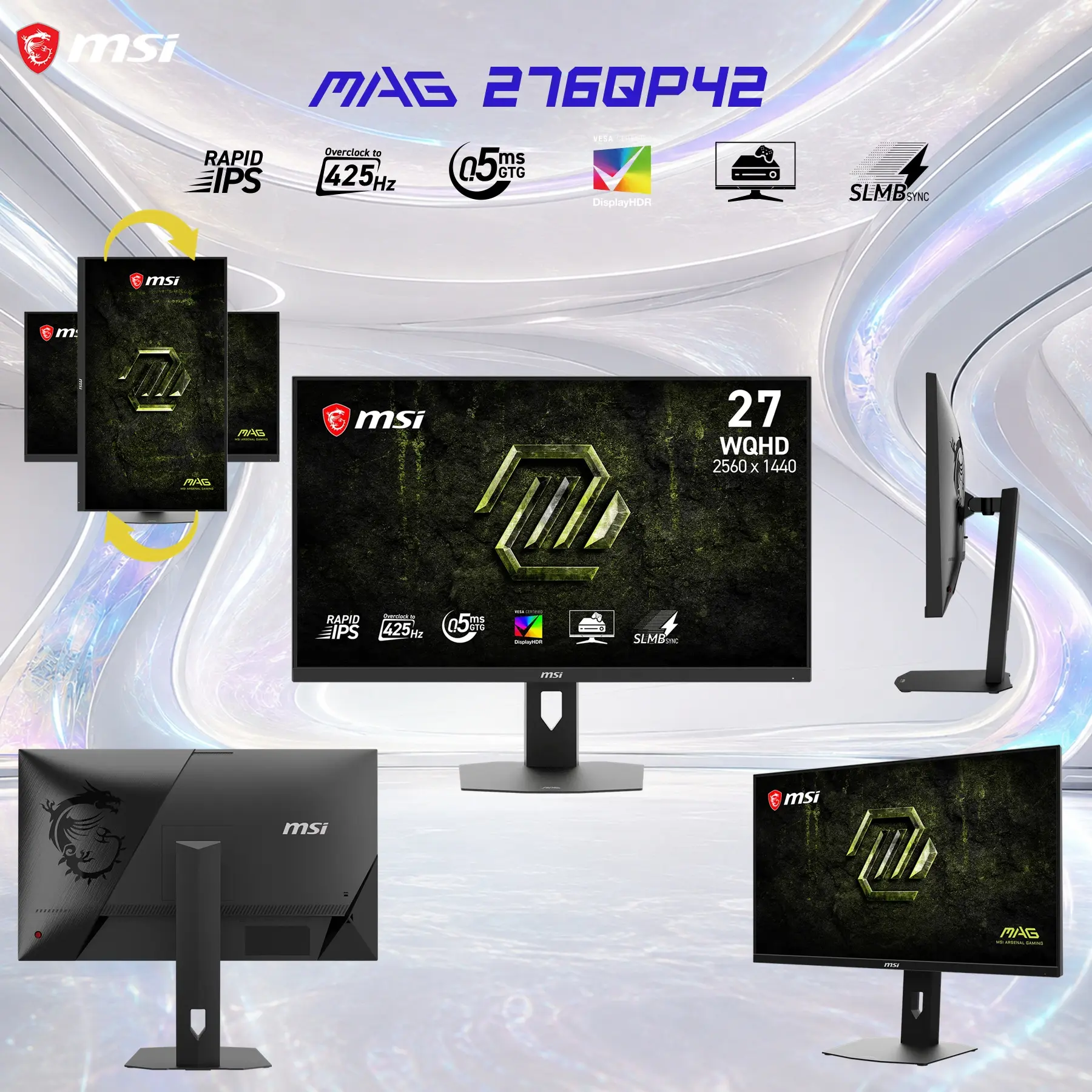
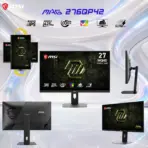
- Show both supplied product versions: Version 1 in portrait orientation with its screen facing front; Version 2 in landscape orientation with its back facing the viewer. Never place either monitor on a stage or pedestal.
- Product Presentation
- Use only the supplied raw reference image of the MSI MAG 276QP42. Preserve the original chassis, stand, panel proportions, ports, colors, and physical design exactly; invent nothing.
- Render both monitors as extreme-resolution, razor-sharp 3D product objects with natural desk placement.
- Put the MSI logo at top-left, fully inside the safe margin.
- Center “MAG 276QP42” at the top in contrasting, extruded three-dimensional typography; place the complete concise title beneath it in smaller readable type.
- On Version 1’s portrait display, use the attached “samurai-girl-graffiti-katana-live-wallpaper.png” wallpaper. Create a subtle forced-anamorphic illusion where the Katana is halfway emerging from the display, lightly breaching the screen plane without obscuring the monitor.
- Artistically Distinct And Detailed Background
- Background Story: A modern ancient samurai background blends timeless, traditional Japanese elements with sleek, futuristic or contemporary urban aesthetics. It pairs the disciplined, stoic honor of Bushido with high-tech grit. It evokes a visually striking contrast between ancient heritage and advanced, technological advancement.
-
The Environment
- Ancient Aesthetics: Classical architecture serves as the foundation. Think of the intricate, curved wooden roofs of ancient temples, torii gates, or bamboo forests swaying gently in the wind.
- Modern Integration: These historical structures are juxtaposed with towering, futuristic skyscrapers, flashing LED billboards, and a night sky illuminated by electric blue or crimson holographic banners.
- Nature vs. Steel: The background often plays on the classic Sumi-e ink wash tradition, featuring beautiful snow flurries, blooming cherry blossoms, or ash falling over steel-and-glass towers.
- Color Palette: Dominant extreme-luster micro-diamond embellished pearlescent opaline-white, conch-pearl, and intense oily transparent iridescence with icy cyan and violet caustics. Keep black and graphite strictly limited to the original monitor hardware and tiny structural shadows.
- Texture: Use only conch-pearl micro-swirly fibers and dichroic-glass gaming elements. Use controlled global illumination, dielectric refraction, refined caustics, and softly layered sculptural reliefs.
- **** dont use black or graphite in the background unless extremely necessary. *** keep black and graphite strictly minimal in the color palette.
- Icons — esports – hollowed out – strictly no badges
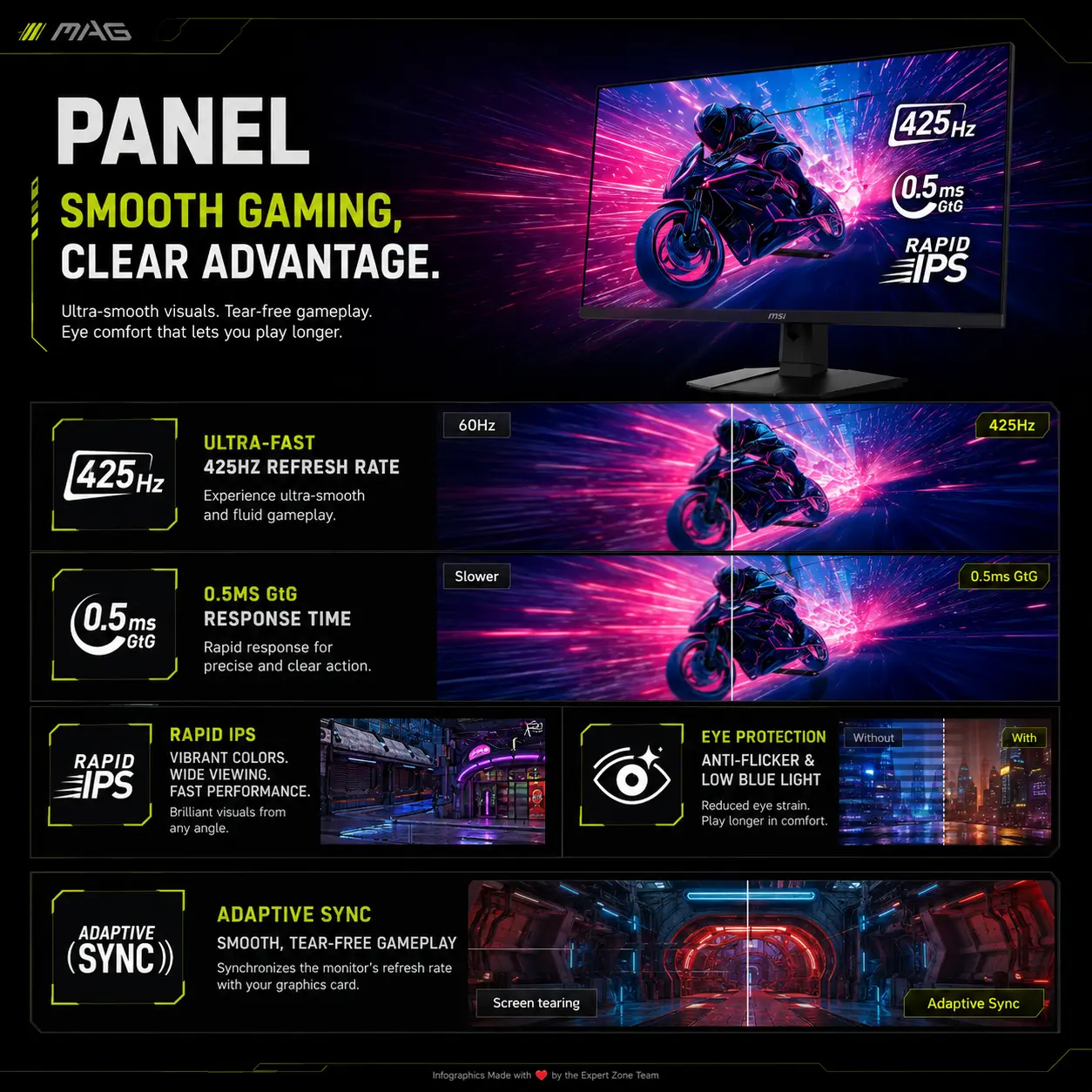
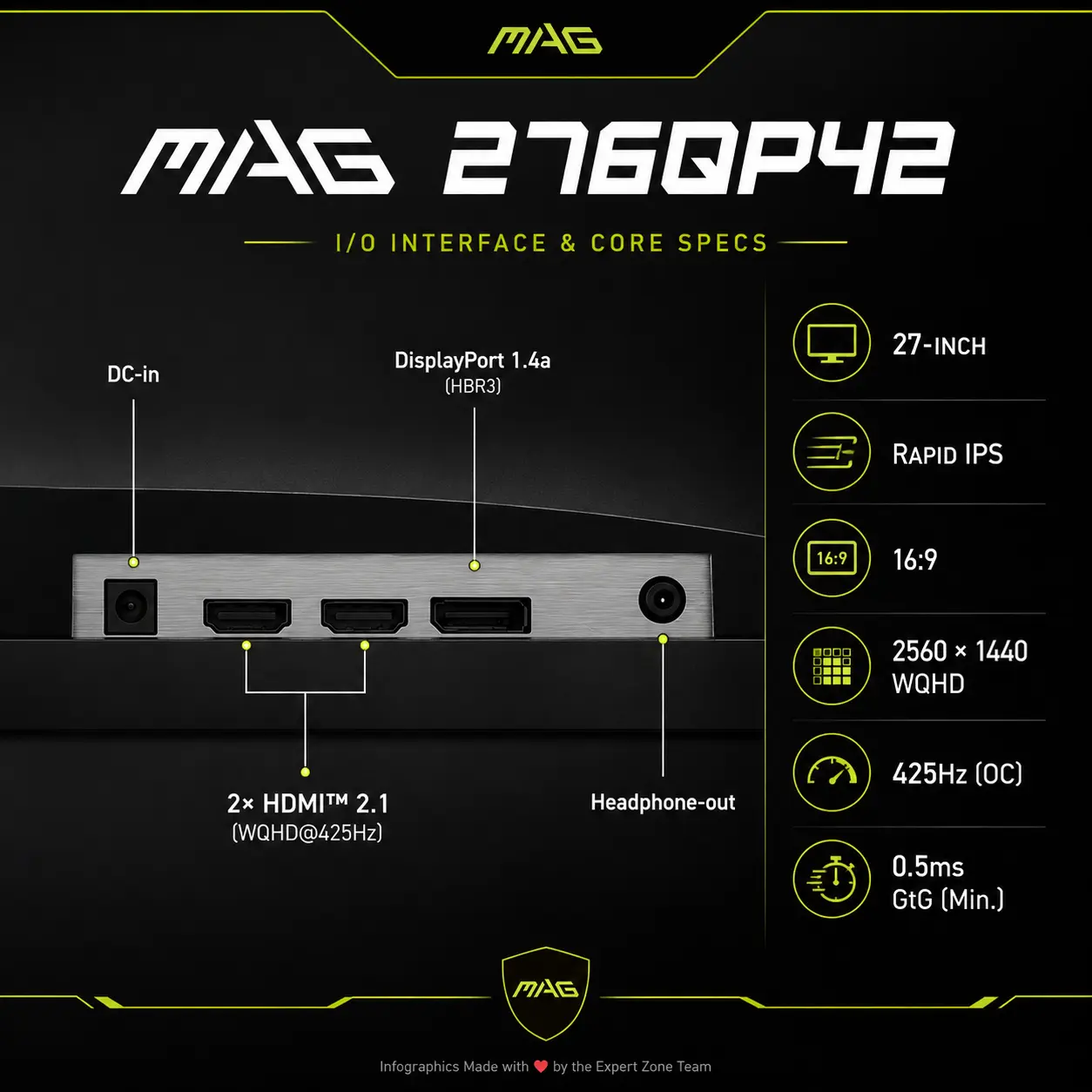
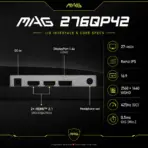
- 425Hz (OC) Refresh Rate
- 0.5ms GtG Response Time
- Rapid IPS Panel
- WQHD 2560 × 1440
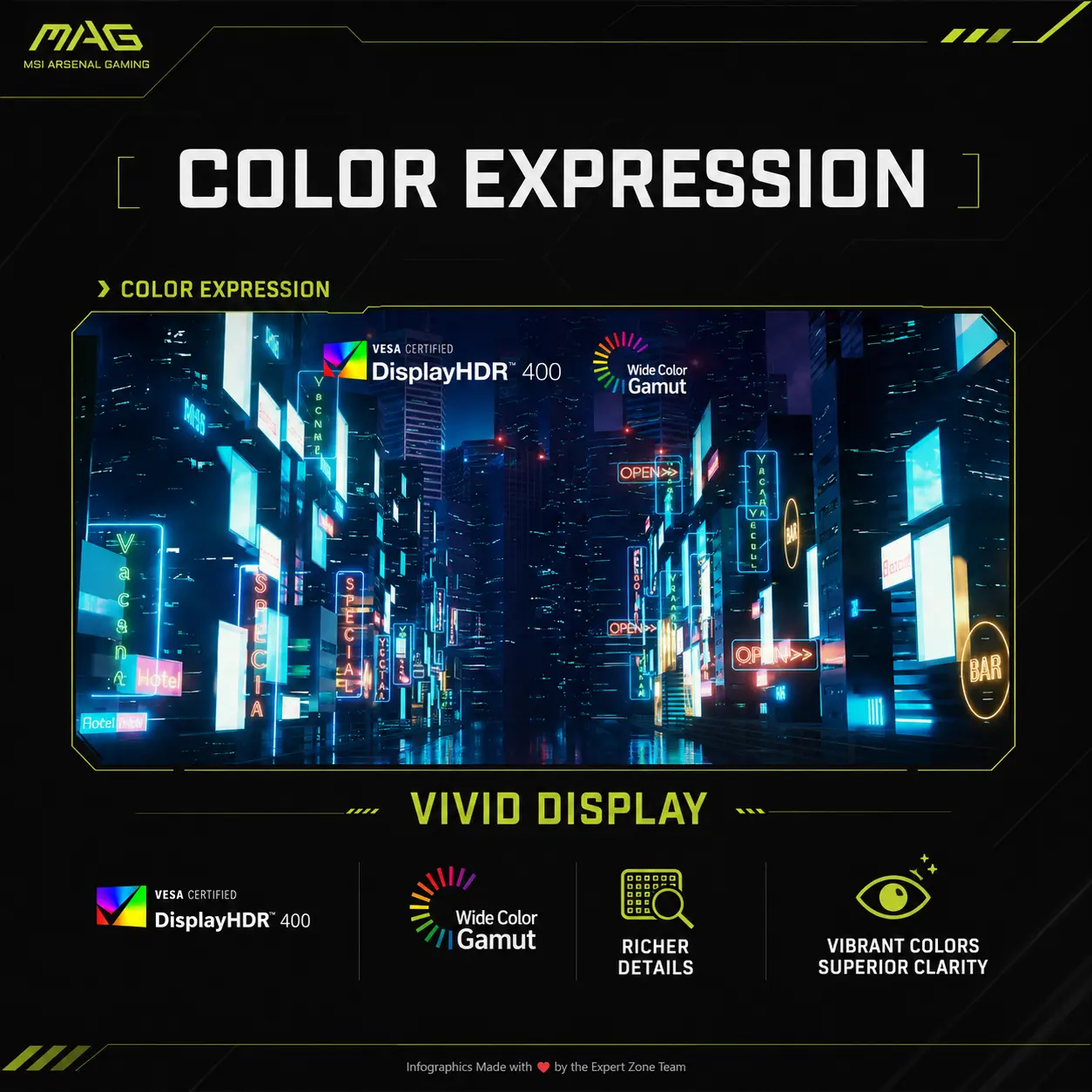
- VESA DisplayHDR 400
- Adaptive-Sync
- 127.52% sRGB
- PS5 / Xbox Series X|S QHD 120Hz
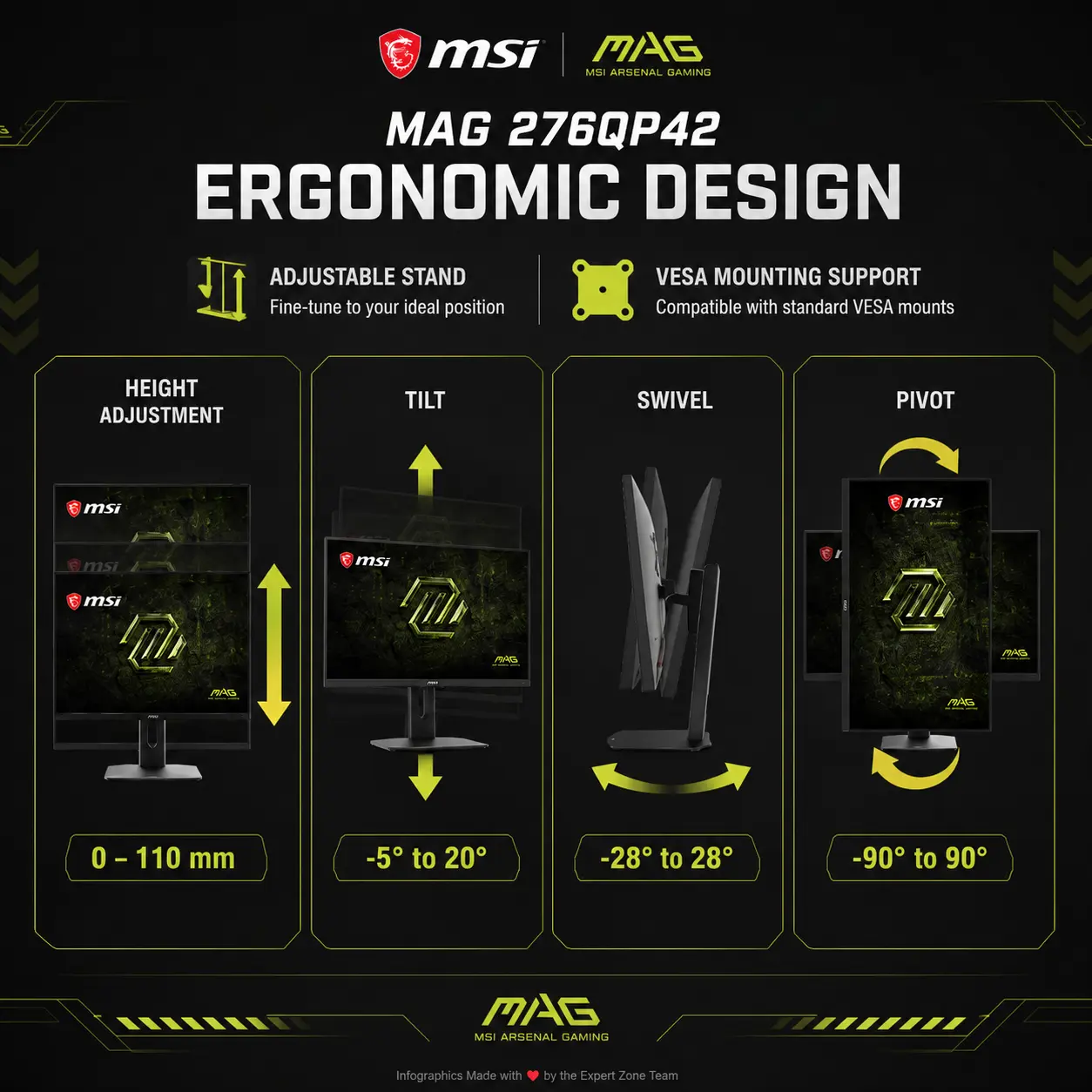
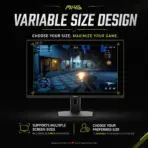
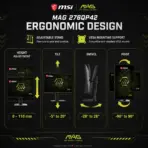
- 110mm Height Adjustment
- Pivot Rotatable
**** The typography of every icon should stay LARGE , BOLD, and ultra-readable , especially as the complete image is reduced to website-thumbnail size. *****CRITICAL DIRECTIVE [STRICT] The Icons MUST Have different shapes depending on the specific content of the icon
*** employ hollowed out esports icons with large bold typography .
place the icons well arranged at the bottom of the image
- Output Requirements
- Keep every product, logo, title, icon, and text fully inside the 1:1 canvas.
- Add: “Infographic Designed by the Expert Zone Team” in a super-small, discreet bottom line.
- Constraints
- Never alter the product, add unsupported information, blend the title into the background, or use flat white, generic chrome, cheap plastic, excessive matte, clutter, or premium-ad-poster styling.
- Before output, ask: “How does this image fare as a product-profile image?” Automatically fix every contrast, readability, clipping, and thumbnail-scale flaw.