


FF4D516G6000HC38ADC0
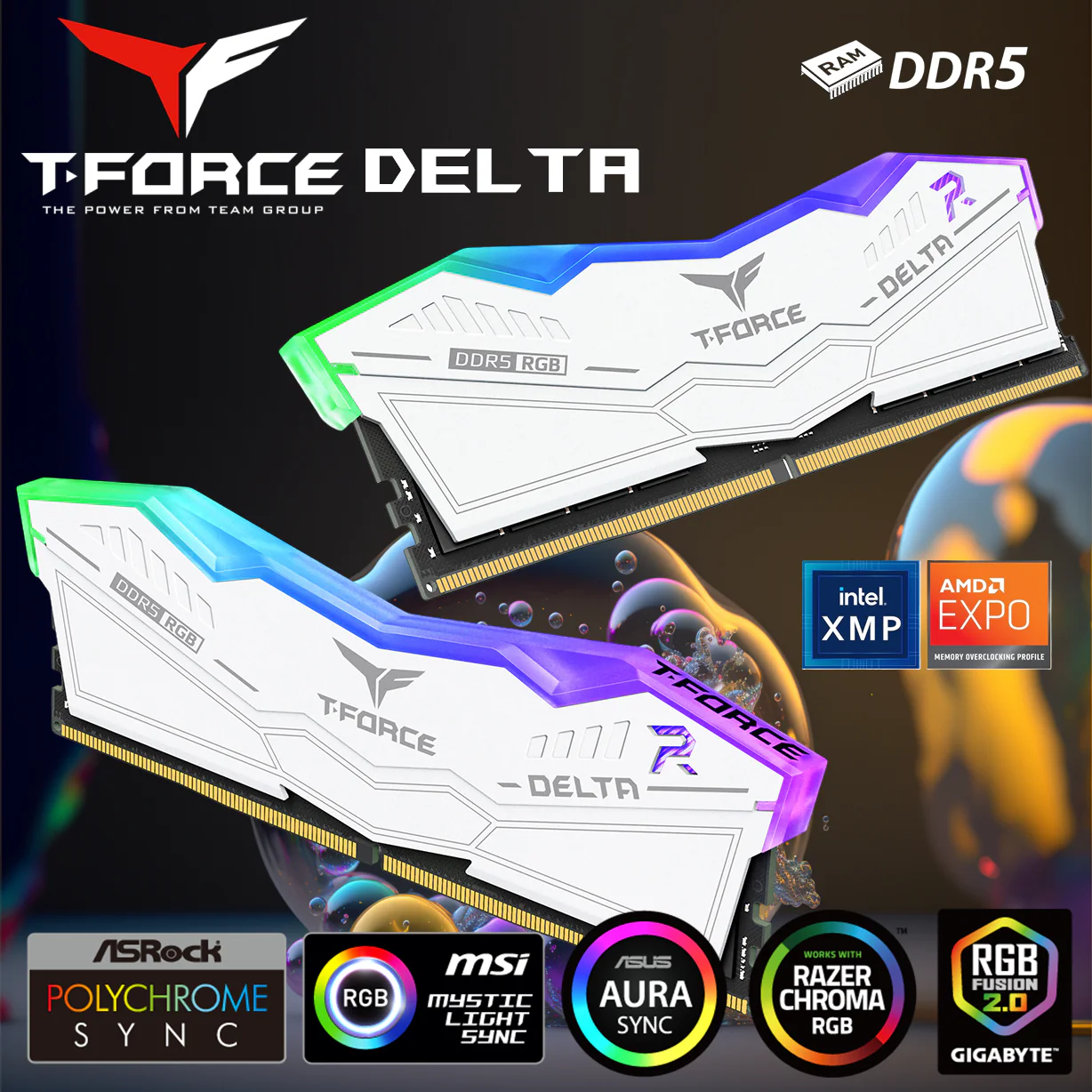
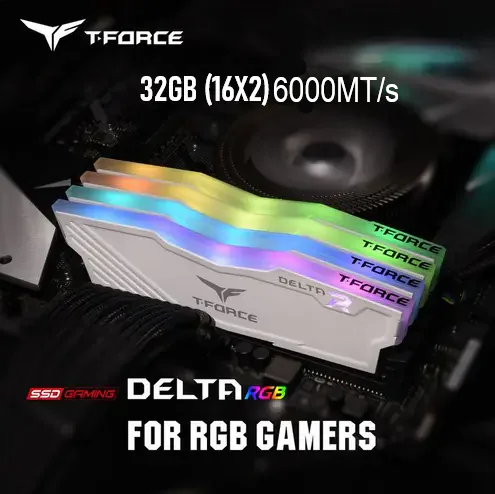
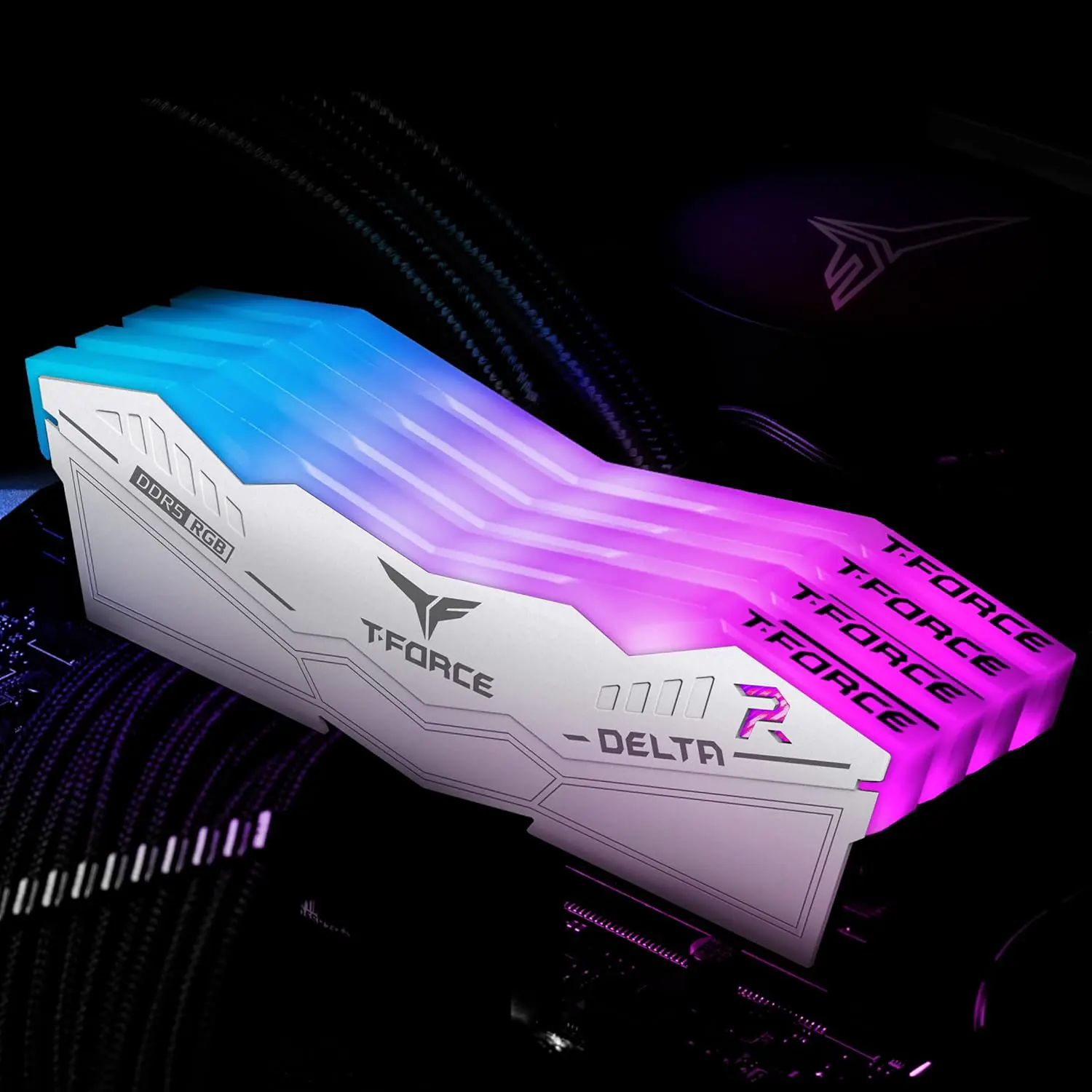
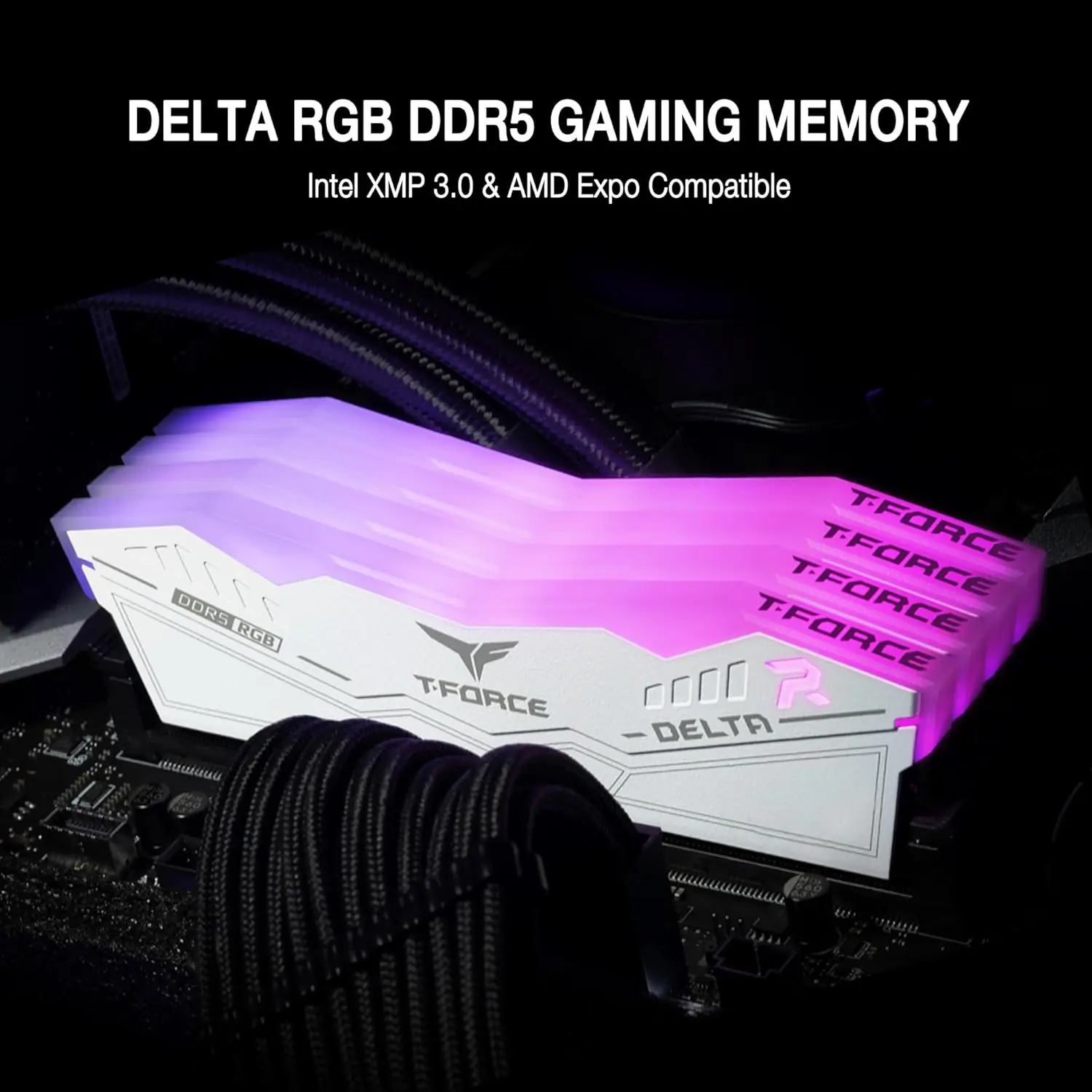
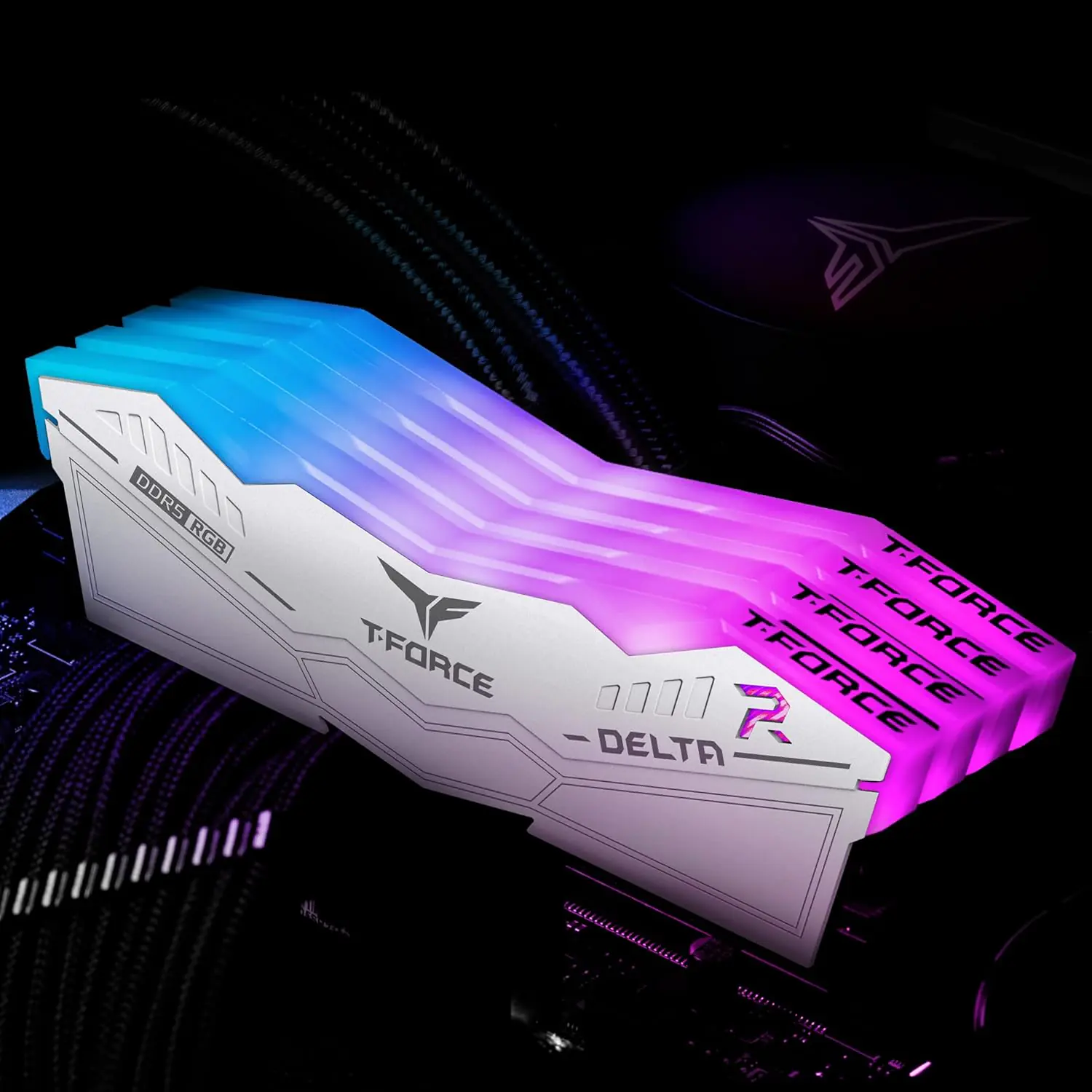
RAM TEAM FORCE DELTA RGB 16GB (8X2) 6000MHZ CL38
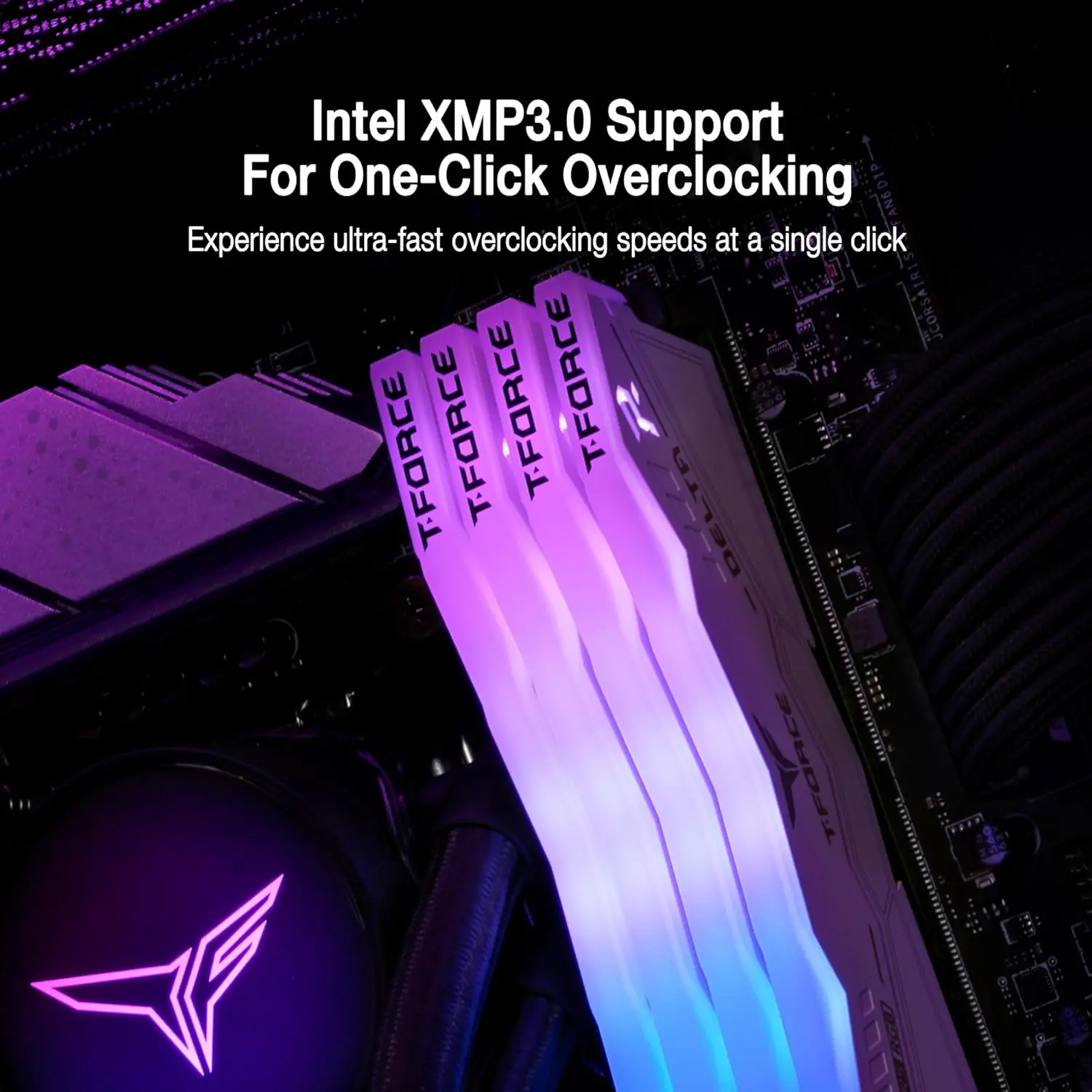
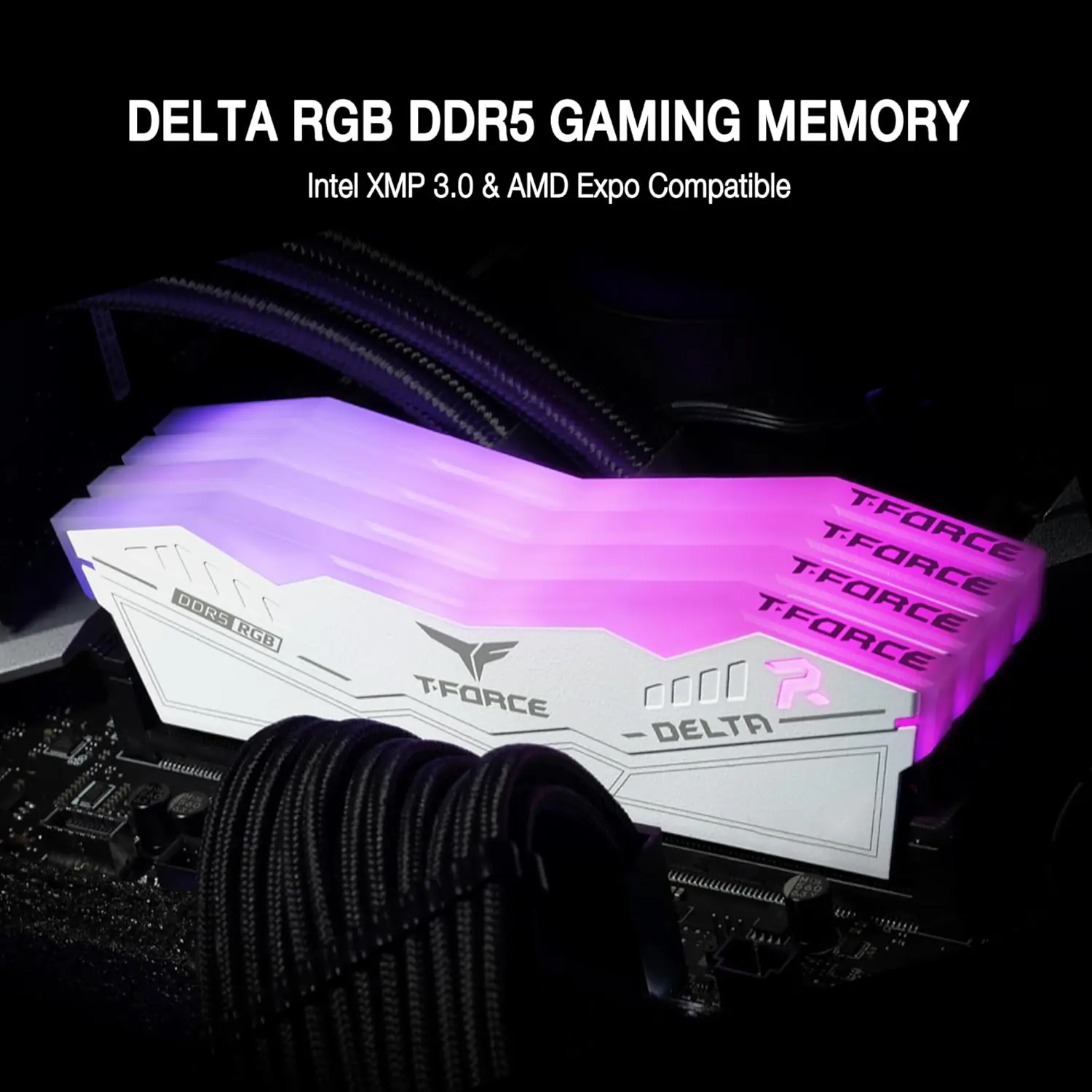
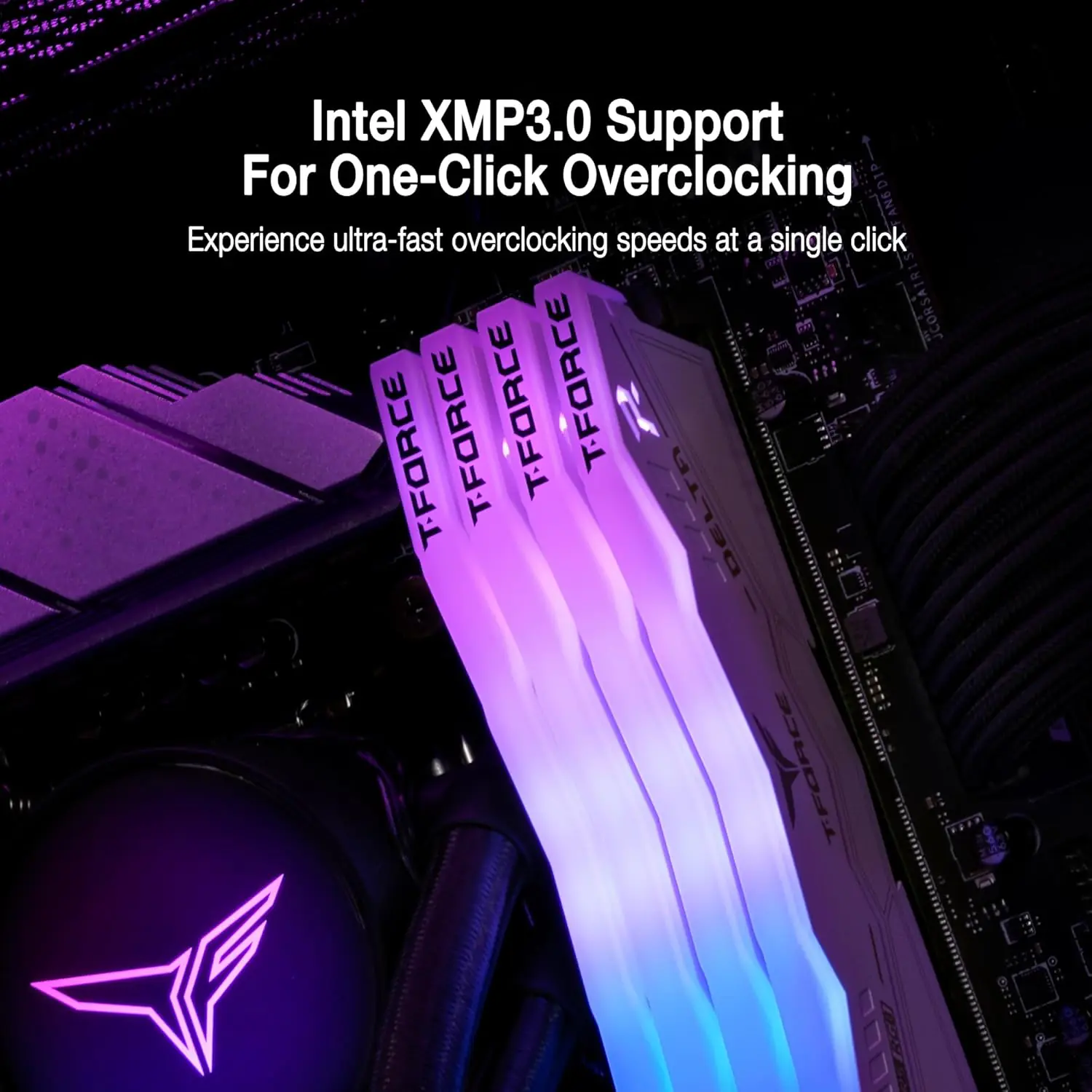
Team Group T-Force Delta RGB DDR5 8GB RAM White Kit (2x 8GB) 288-Pin 6000MT/s PC5-48000 CL38 1.25V Intel XMP 3.0 & AMD EXPO Desktop Memory | WHITE ~ FF4D516G6000HC38ADC01
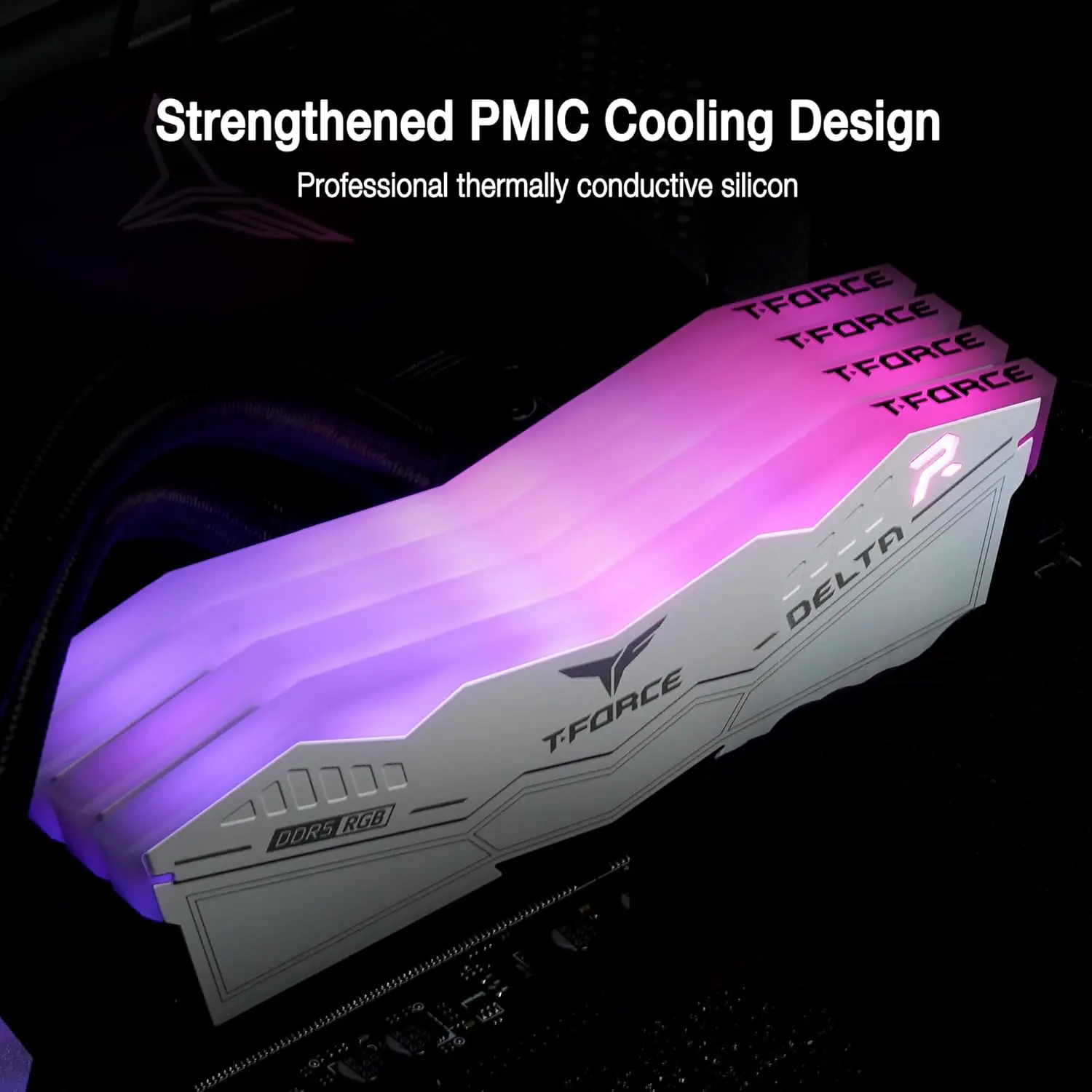
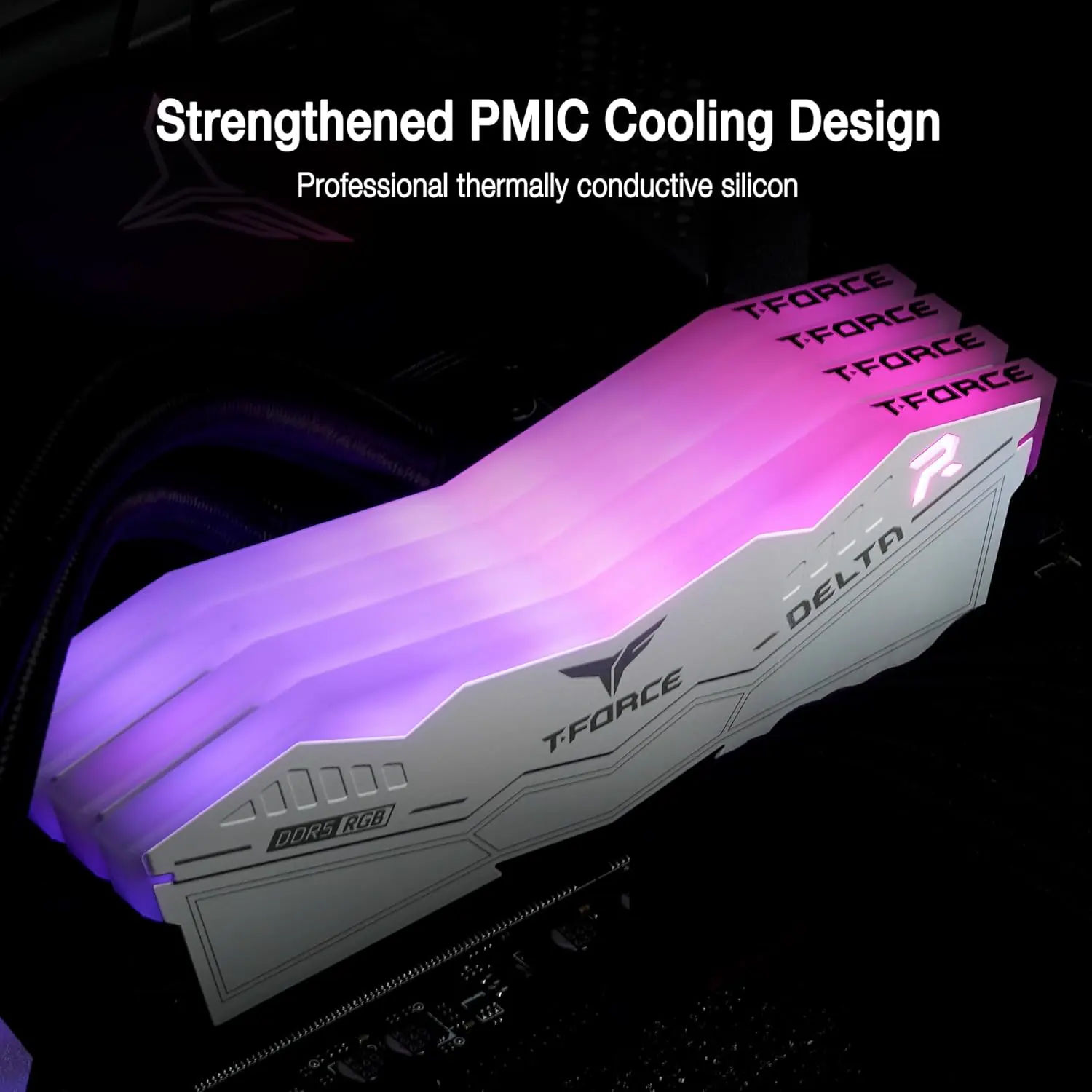
Team Group T-Force Delta RGB DDR5 16GB (2x8GB) 6000MT/s CL38 White Desktop Memory With Intel XMP 3.0 AMD EXPO RGB Lighting On-Die ECC PMIC Cooling
| DELTA RGB DDR5 DESKTOP MEMORY | 16GB(2x8GB) | 6000MHz | CL38 | 48000 MB/s | 1.25V | Intel 800/700 series ; AMD 800/600 series | FF4D516G6000HC38ADC01 |
| DELTA RGB DDR5 DESKTOP MEMORY | 16GB(2x8GB) | 6000MHz | CL38 | 48000 MB/s | 1.25V | Intel 700 series ; AMD 800/600 series | FF4D516G6000HC38ADC01 |
Generate an AI Image
Layout
- Create an exact 2048 × 2048-pixel, perfect 1:1 square high-conversion e-commerce product-profile composition using the raw reference of the T-FORCE DELTA RGB DDR5 White 16GB (2×8GB) 6000MHz CL38 kit.
- Make the two white DDR5 modules the dominant foreground hero, occupying approximately 58–65% of the canvas.
- Separate the foreground RAM, midground motherboard-memory environment, and background surreal gaming data world.
- Keep every module, RGB section, logo, title, icon, and artistic element fully inside generous safe margins.
- Place the T-FORCE logo at the top-left.
- Center a primary “DELTA RGB DDR5 ” at the top using bold, dimensional, extruded typography with extreme thumbnail readability.
- Center a secondary “RAM KIT ” using discrete typography
- Never use cheap gaming-poster typography, a stage, pedestal, banner, vertical layout, or cropped composition.
Product Presentation
- Preserve the exact white heat spreaders, geometric profile, dimensions, RGB light-bar shape, PCB relationship, branding, proportions, and physical design of the reference modules.
- Render both modules with extreme high-resolution 3D realism, crisp material definition, controlled reflections, and sharply defined RGB illumination.
- Show the RAM naturally interacting with a stylized DDR5 motherboard memory-slot environment, visually communicating its post-sale location without inventing additional hardware features.
- Emphasize the 120° ultra-wide RGB lighting with controlled luminous dispersion.
- Do not redesign the RAM, alter its color, change the number of modules, or invent connectors.
Artistically Distinct and Detailed CALM Background
- Create a surreal “Memory Overclock Command Core” theme : the installed DDR5 modules become the visual origin of flowing high-speed data streams passing through abstract motherboard traces while subtle Cyberpunk-inspired gaming silhouettes appear far behind the hardware environment.
- add a contrasting luxury field of ( transparent sapphire, luminous cobalt, ultraviolet caustics, icy cyan, and controlled iridescent magenta) to the background only right behind the RAM modules .
- Use primary texture deep opalescent high-gloss surfaces.
- Add elegant dielectric refractions, gemstone-like light behavior, dimensional motherboard traces, soft volumetric illumination, and intense but controlled caustic reflections.
- Keep the overall environment surreal, minimalistic, mischievous, technologically aggressive, and non-cluttered.
- Use matte material only where absolutely necessary for edge definition.
- **** Always , the background should stay minimalistic and non-cluttered . **** Always the dominant color of the background should stay ” extreme high luster pearlescent white ” or extreme high luster oily fluid iridescent WHITE . ***** The product should be the largest most prominent element of the image .
Icons — Bullet Listed
- DDR5 OVERCLOCKING
- XMP 3.0 + EXPO — split Intel/AMD overclock-profile emblem.
- 120° RGB — curved luminous-spectrum arc icon.
- On-Die ECC — crystalline shield/check icon.
- PMIC — high-tech power-management circuit icon.
- Use large, bold, ultra-readable typography fully contained inside every icon.
- CRITICAL DIRECTIVE [STRICT] The Icons MUST Have different shapes depending on the specific content of the icon
Output Requirements
- Produce exactly 2048 × 2048 pixels, perfect 1:1 square, with extreme resolution throughout.
- Align the icons horizontally near the bottom with safe spacing.
- Add in super-small discreet text: “Infographic Designed by the Expert Zone Team”
- Keep the product unmistakably larger and more visually important than every decorative element.
Constraints
- Do not alter the product design or invent unsupported features.
- Do not blend the white RAM into its background.
- Do not crop any module, RGB bar, logo, typography, or icon.
- Avoid generic chrome, cheap plastic, excessive matte surfaces, clutter, stages, and poster-style advertising.
- Before rendering, critically evaluate: “How does this image fare as a product-profile image?” Automatically correct poor separation, unreadable text, inaccurate geometry, weak thumbnail visibility, excessive decoration, and all clipping before final output.