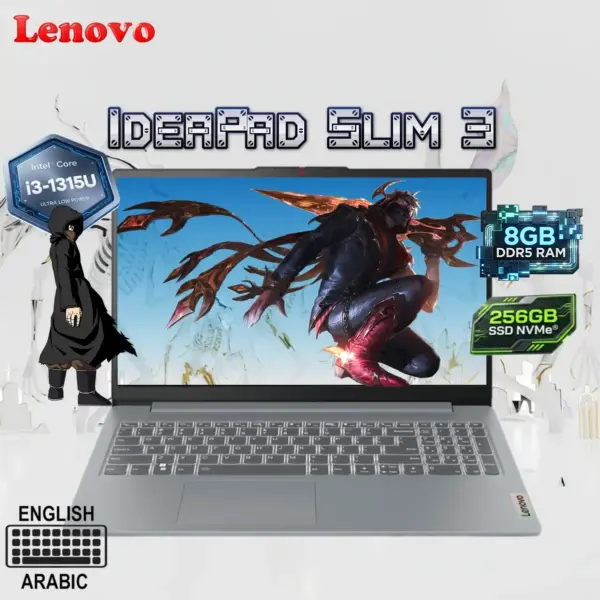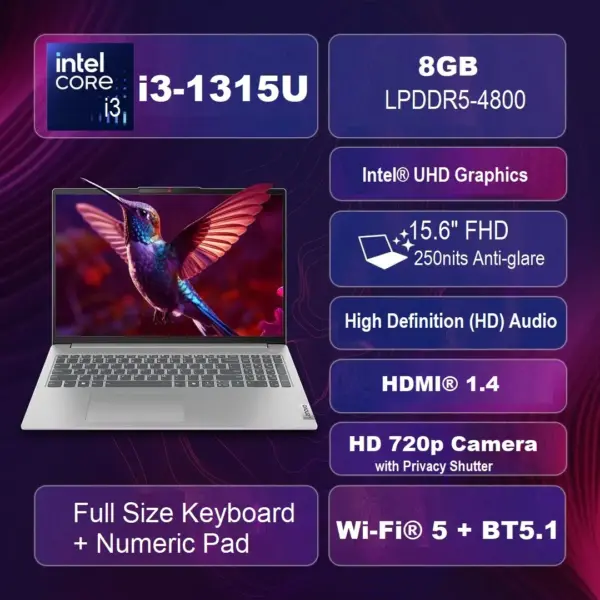
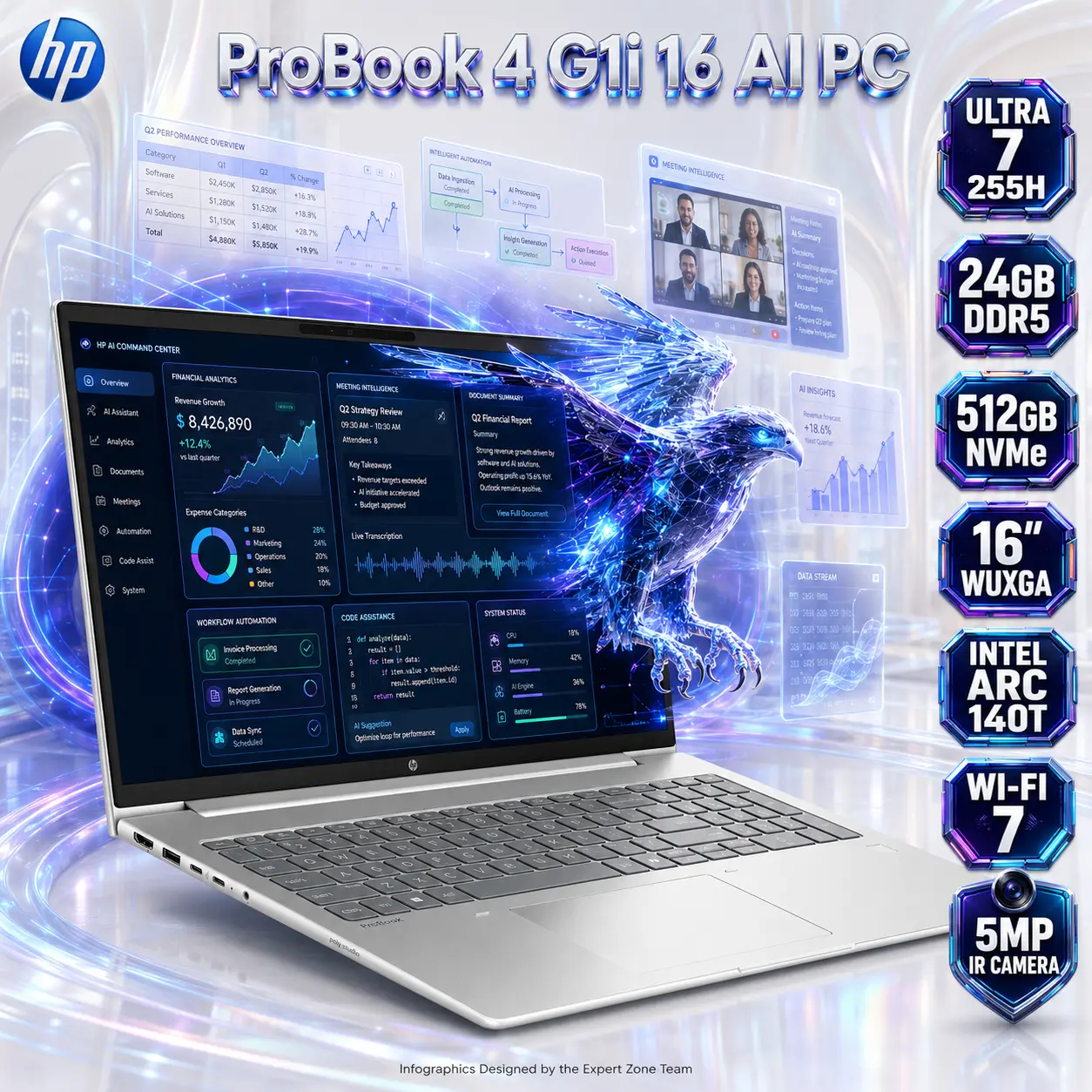


HP ProBook 4 G1i 16 AI PC: Intel® Core Ultra 7 255H | 24GB DDR5 RAM ; 512GB NVMe | 16-inch WUXGA IPS Display | Intel® Arc 140T GPU | DOS | Pike Silver ~ CA7X8ES

1.060 $

BRAND-NEW SEALED

Expert Features

  • Intel Core Ultra 7 255H Performance : The HP ProBook 4 G1i 16 Notebook AI PC is powered by the Intel Core Ultra 7 255H, delivering 16 cores, 16 threads, up to 5.1GHz Turbo frequency, and 24MB L3 cache for serious business multitasking, productivity, development, analytics, and content workloads.
  • Integrated Intel AI Boost NPU : A dedicated Intel AI Boost NPU rated at up to 13 NPU TOPS accelerates compatible AI workloads while reducing dependence on the main CPU for every intelligent task.
  • Intel Arc 140T Graphics : Integrated Intel Arc 140T graphics provide a significantly more capable visual engine than basic office-class integrated graphics for multimedia, accelerated productivity, creative applications, and multi-display workflows.
  • 24GB DDR5-5600 Memory : The notebook ships with a generous 24GB DDR5-5600 MT/s memory module, giving demanding browser sessions, office applications, creative tools, and large multitasking workloads more breathing room.
  • Dual SODIMM Upgradeability : With two SODIMM memory slots, the system maintains a practical memory-upgrade path rather than locking the user into soldered-only RAM.
  • 512GB PCIe NVMe SSD : A 512GB PCIe NVMe SSD delivers fast startup, application loading, file access, and everyday system responsiveness.
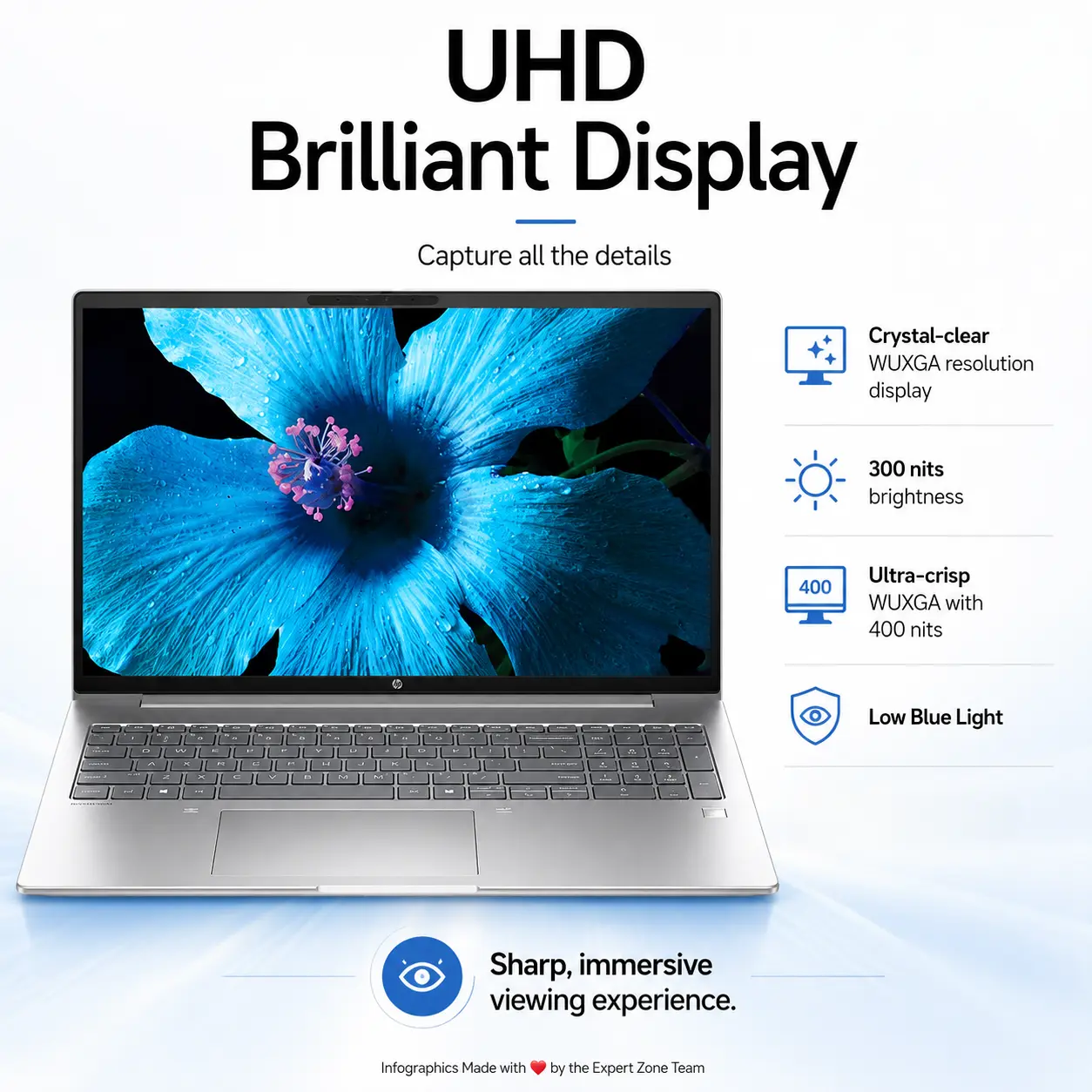
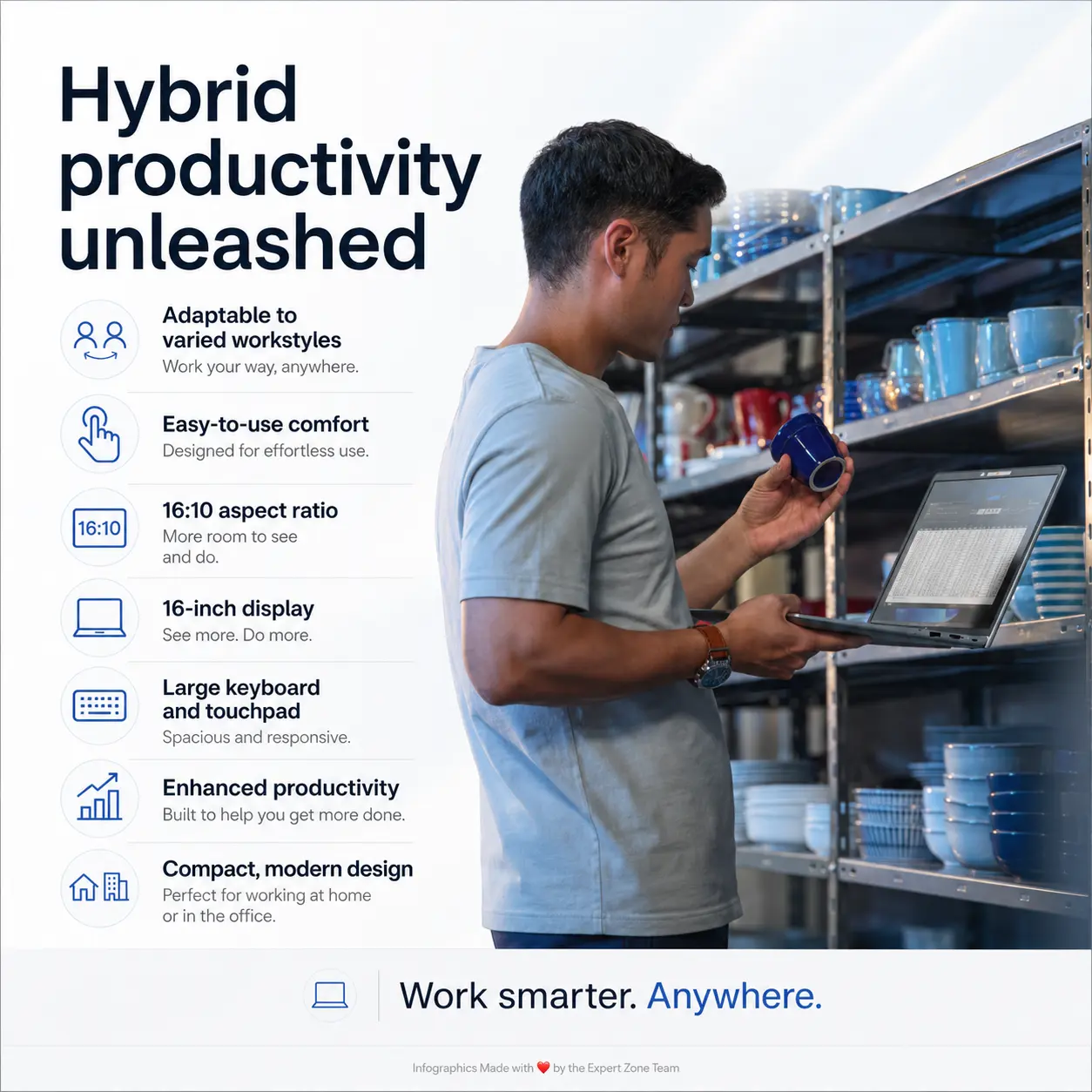
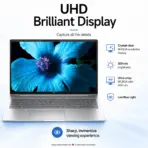
  • Large 16-Inch WUXGA  Display : The 16-inch 1920 × 1200 WUXGA IPS display uses a productivity-friendly 16:10 format, giving you more vertical workspace than a conventional 16:9 Full HD panel.
  • Anti-Glare IPS Panel : The display combines IPS technology, anti-glare treatment, 300-nit brightness, and 62.5% sRGB coverage for practical everyday office use.
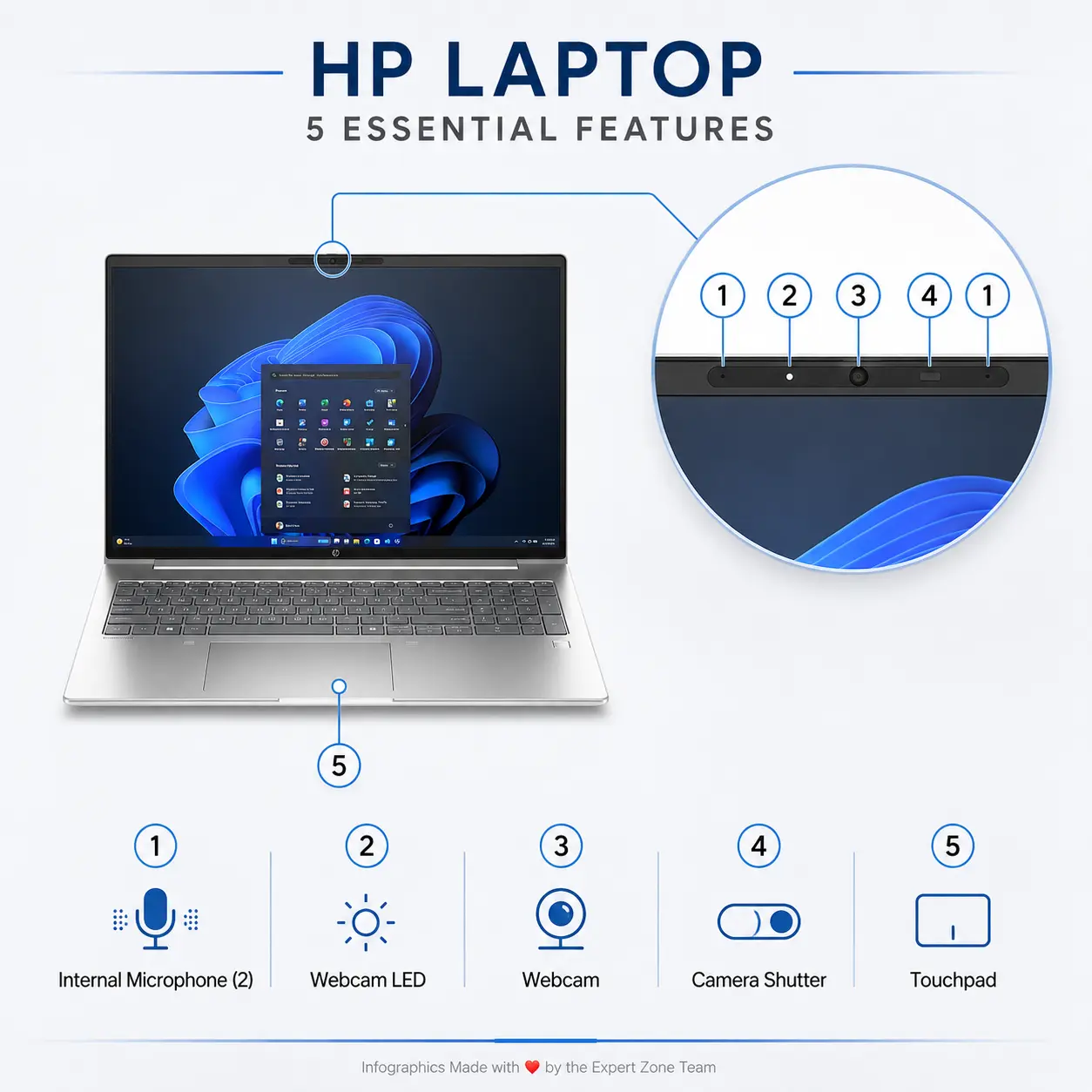
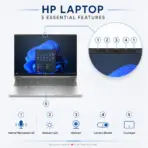
  • 5MP IR Camera : A high-resolution 5MP infrared camera improves video-conferencing clarity while enabling compatible IR-based authentication functionality.
  • Poly Studio Audio : Audio by Poly Studio, dual stereo speakers, and dual-array microphones provide a business-focused audio setup for meetings, calls, presentations, and collaboration.
  • Wi-Fi 7 Connectivity : The integrated Intel Wi-Fi 7 BE201 2×2 adapter brings modern high-speed wireless networking, paired with Bluetooth 5.4 for peripherals.
  • Gigabit Ethernet Included : The Realtek RTL8111HSH-CG Gigabit Ethernet controller gives businesses a proper wired networking option when stability matters more than Wi-Fi convenience.
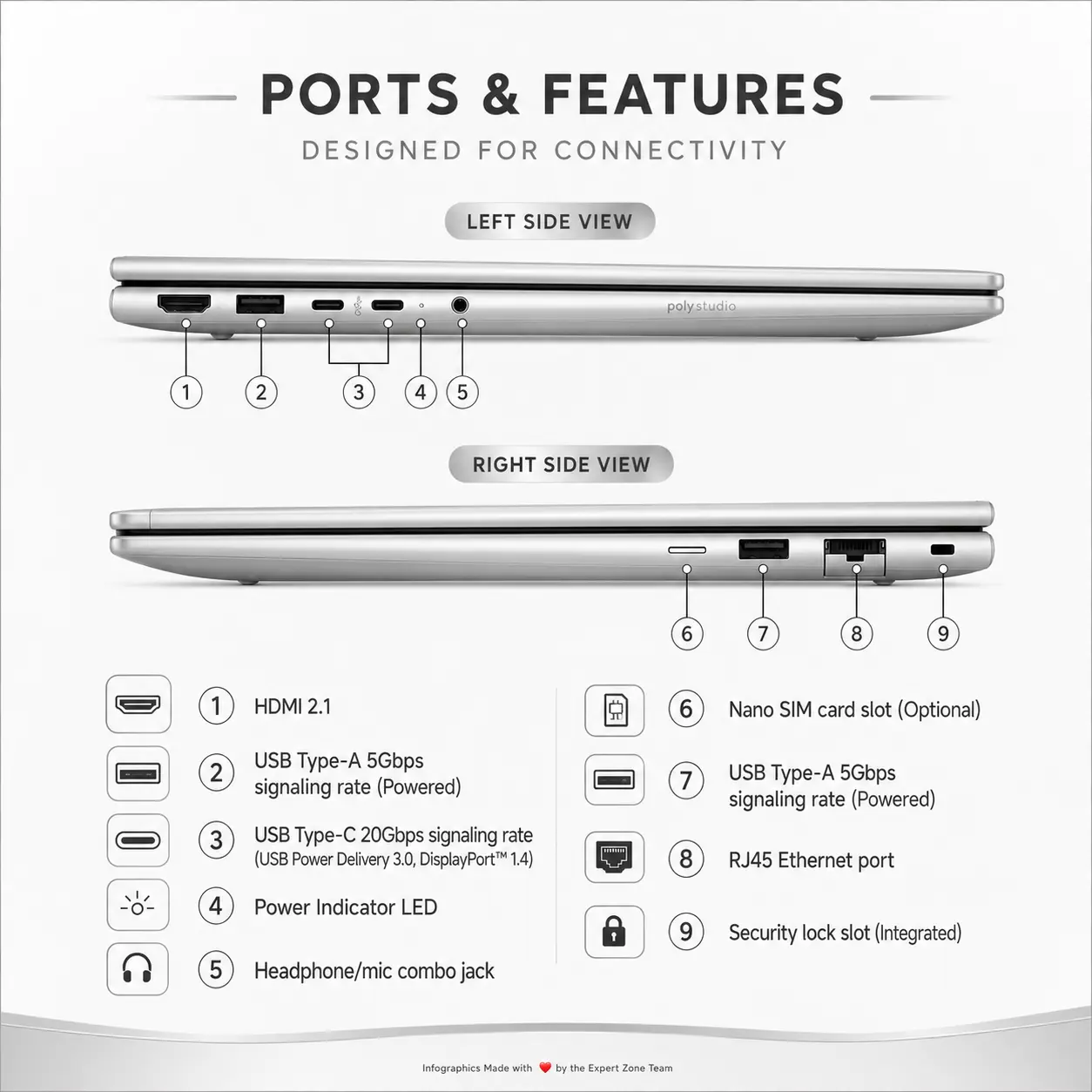
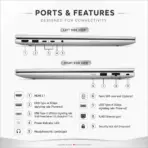
  • Dual 20Gbps USB-C Ports : Two USB-C 20Gbps ports support USB Power Delivery 3.0, DisplayPort 1.4, and HP Sleep and Charge, making docking, external displays, charging, and high-speed peripherals much easier.
  • HDMI 2.1 + Dual USB-A : Connectivity also includes HDMI 2.1, multiple USB-A 5Gbps ports, RJ-45, and a 3.5mm headset jack, so you are not living permanently inside dongle-land.
  • 100W USB-C Power Adapter : HP includes a 100W USB-C slim adapter, giving the notebook modern standardized charging rather than relying exclusively on a proprietary barrel connector.
  • 56Wh Long Life Battery : A 3-cell 56Wh HP Long Life Li-ion polymer battery supports mobile productivity while keeping the chassis relatively portable.
  • Business Security Sensors : Integrated features include HP Sure Platform, HP Tamper Lock, thermal sensor, and Hall effect sensor, adding another layer of business-oriented system monitoring and protection.
  • Full Numeric Keypad : The spill-resistant keyboard with dedicated numeric keypad is especially useful for accounting, spreadsheets, finance, inventory, and data-entry workloads.
  • Portable 16-Inch Chassis : Despite the larger screen, the notebook starts at approximately 3.86lb / 1.75kg, keeping it practical for office-to-home movement and business travel.

Expert Specs

Specification Details
Brand HP
Product Name HP ProBook 4 G1i 16 Notebook AI PC
Product Category Business AI Notebook PC
Operating System DOS
Processor Intel Core Ultra 7 255H
Processor Cores 16
Processor Threads 16
Maximum Turbo Frequency Up to 5.1GHz
Processor Cache 24MB L3
NPU Intel AI Boost
NPU Performance Up to 13 NPU TOPS
Graphics Integrated Intel Arc 140T GPU
Installed Memory 24GB DDR5-5600 MT/s
Memory Configuration 1 × 24GB
Memory Slots 2× SODIMM
Storage 512GB PCIe NVMe SSD
Display Size 16-Inch
Display Resolution 1920 × 1200 WUXGA
Panel Type IPS
Touchscreen NO
Surface Anti-Glare
Brightness 300 Nits
Color Coverage 62.5% sRGB
Webcam 5MP IR Camera
Audio Audio by Poly Studio
Speakers Dual Stereo Speakers
Microphones Dual-Array Microphones
Keyboard Spill-Resistant Keyboard
Numeric Keypad Yes
Pointing Device Clickpad with Multi-Touch Gesture Support
Wi-Fi Intel Wi-Fi 7 BE201, 2×2
Bluetooth Bluetooth 5.4
vPro Non-vPro
Ethernet Controller Realtek RTL8111HSH-CG
Ethernet Speed Gigabit Ethernet
HDMI 1× HDMI 2.1
USB-A 2× USB Type-A 5Gbps Powered
Always-On USB-A 1× USB Type-A 5Gbps, Always On
USB-C 2× USB Type-C 20Gbps
USB-C Power Delivery USB Power Delivery 3.0
USB-C Display Output DisplayPort 1.4
USB-C Extra Feature HP Sleep and Charge
Audio Port 1× 3.5mm Headphone / Microphone Combo Jack
RJ-45 1× Gigabit Ethernet
Power Adapter HP 100W USB Type-C Slim Adapter
Battery HP Long Life 3-Cell 56Wh Li-Ion Polymer
Security / Sensors HP Sure Platform, Thermal Sensor, HP Tamper Lock, Hall Effect Sensor
Color Pike Silver
Finish Description Pike Silver Aluminum
Dimensions – Front 14.15 × 9.88 × 0.43 in
Dimensions – Rear 14.15 × 9.88 × 0.67 in
Starting Weight 3.86lb / Approx. 1.75kg

Features & Compatibility

CA7X8ES#A2N

HP PROBOOK 4 G1I 16 ULTRA 7 /24GB/512GB/ 16″/ DOS

HP ProBook 4 G1i 16 AI PC: Intel® Core Ultra 7 255H | 24GB DDR5 RAM ; 512GB NVMe | 16-inch WUXGA IPS Display | Intel® Arc 140T GPU | DOS | Pike Silver ~ CA7X8ES


Generate an AI Image

  • Layout
    • Create an exact 2048 × 2048-pixel, perfect 1:1 square e-commerce product-profile image for the HP ProBook 4 G1i 16 Notebook AI PC.
    • Make the laptop the largest and most prominent foreground hero, occupying approximately 64–68% of the complete canvas.
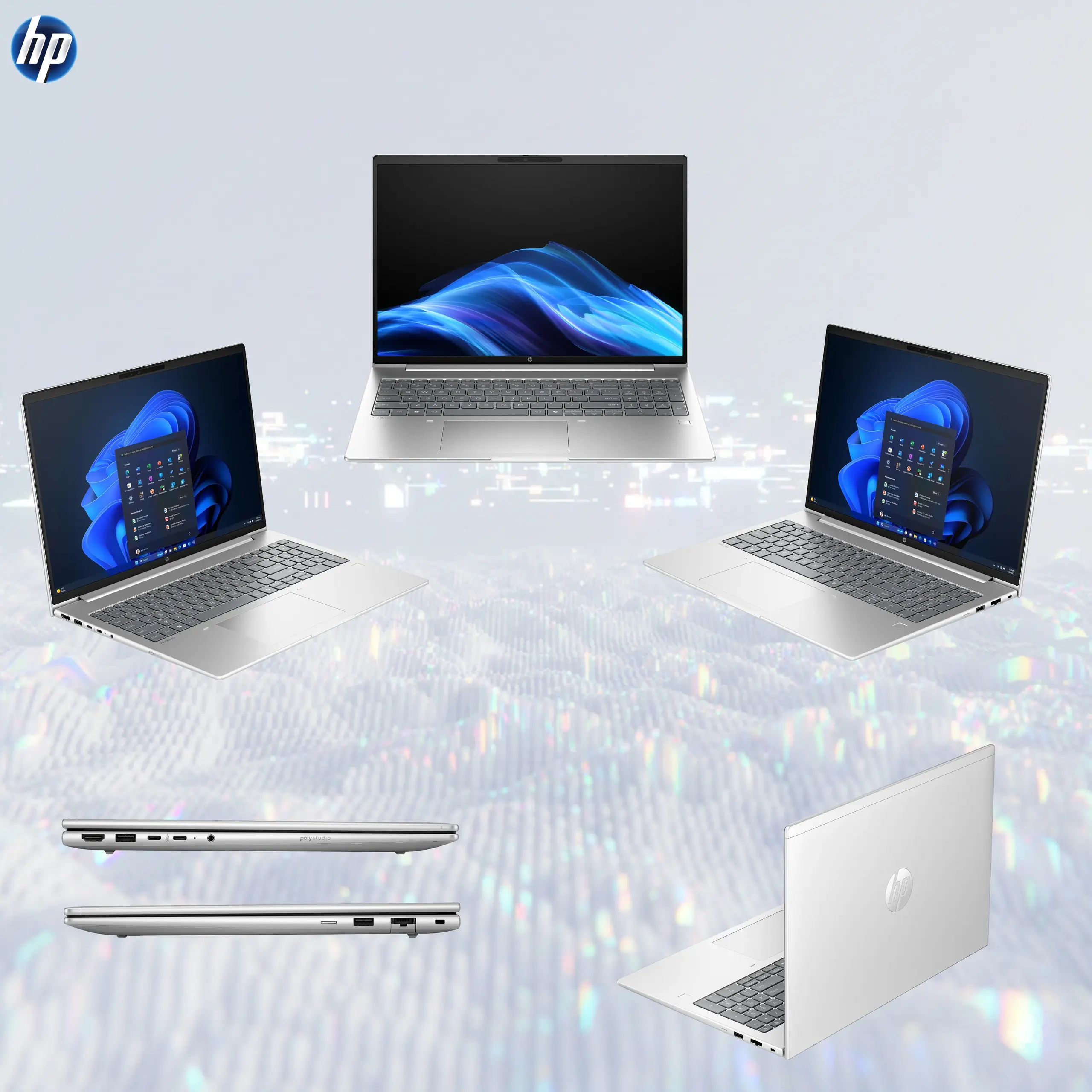
    • Show the notebook fully open in an elegant three-quarter front perspective, clearly revealing the 16-inch display, Pike Silver chassis, full keyboard with numeric keypad, large touchpad, thin display borders, webcam area, and business-oriented proportions.
    • Clearly separate foreground laptop, midground intelligent-workflow elements, and background AI-efficiency environment.
    • Keep every laptop edge, logo, title, screen element, and icon safely inside generous margins.
    • Never create a pedestal, presentation stage, banner, vertical poster, or cropped preview.
  • Product Presentation
    • Use the official/raw HP product image as the strict physical reference.
    • Preserve the authentic Pike Silver finish, chassis geometry, keyboard layout, numeric keypad, hinge structure, display proportions, webcam placement, ports, touchpad, and HP branding.
    • Place the HP logo at the top-left.
    • Center “ProBook 4 G1i 16 AI PC” at the top using large dimensional 3D extruded pearl-metal typography with clean sapphire-blue and subtle violet internal refractions.
    • Because the notebook is light-colored, maintain the dominant pearl-white environment but place a localized deep sapphire-to-violet metallic iridescent high-luster aura immediately behind the laptop only, keeping every silver chassis edge razor-sharp.
  • Artistically Distinct and Detailed Background
    • Use a strong AI + efficiency / luxury + functionality visual direction rather than a traditional gaming theme.
    • Create a surreal AI Business Intelligence Atrium where translucent workflow panels, spreadsheet grids, document layers, analytics curves, meeting windows, coding elements, and intelligent automation pathways orbit around the notebook without becoming cluttered.
    • Keep approximately 85–90% of the environment extreme high-luster pearlescent white, creating an elegant contrast between the bright premium workspace and the deeper colorful activity emerging from the display.
    • Use only opalescent conch-pearl architectural textures and deep transparent oily-iridescent fluid textures.
    • Add refined global illumination, soft volumetric light, dielectric refractions, and delicate sapphire/cyan caustics.
    • Absolutely no graphite smog, dark office walls, generic corporate stock scenery, or dull matte background.
  • Display Portal — Mandatory
    • The entire 16-inch screen must function as a forced anamorphic physical window portal.
    • Display an advanced AI productivity command interface with deep sapphire, electric cyan, violet, and amber visual layers containing financial analytics, meeting intelligence, document summarization, workflow automation, code assistance, and real-time system data.
    • Inside this interface, show a specific crystalline AI falcon made from luminous data ribbons and translucent geometric circuitry.
    • The falcon must appear halfway exiting the whole screen: rear wings and tail remain clearly inside the digital interface, while its head, chest, front wings, and crystalline claws physically breach the screen plane into real three-dimensional space.
    • Preserve the real display boundaries and keep the anamorphic effect elegant rather than gimmicky.
  • Icons — The Icons MUST Have different shapes depending on the specific content of the icon
    • ULTRA 7 255H
    • 24GB DDR5
    • 512GB NVMe
    • 16″ WUXGA 
    • INTEL ARC 140T
    • WI-FI 7
    • 5MP IR CAMERA
    • ESPORTS 3D Rendered BADGES, Thick Contrasting BOLD X-Large typography, Text is bold, condensed, and very readable. The text in embedded inside of the icon
    • Align icons vertically along one side so they never reduce laptop dominance.
  • Output Requirements
    • Final output must be exactly 2048 × 2048 pixels, perfect 1:1 square, with extreme high-resolution rendering.
    • Keep the laptop, logo, title, icons, screen portal, and background artwork entirely inside safe margins.
    • Add “Infographics Designed by the Expert Zone Team” in super-small discreet typography at the bottom.
  • Constraints
    • Do not change the real laptop color, chassis proportions, keyboard layout, display size, webcam position, or ports.
    • Do not invent a dedicated NVIDIA/AMD GPU, fingerprint reader, Thunderbolt port, OLED screen, backlit keyboard, higher display brightness, or preinstalled Windows.
    • Preserve 24GB as 1×24GB DDR5-5600 rather than depicting dual-channel factory memory.
    • Keep the background overwhelmingly extreme high-luster pearlescent white.
    • Use dark colors only as a localized contrasting aura behind the silver laptop and inside the screen interface.
    • Avoid flat white emptiness, excessive matte surfaces, generic chrome, visual clutter, or conventional corporate advertising aesthetics.
    • Before finalizing, ask “How does this image fare as a product-profile image?” and automatically correct weak laptop scale, inaccurate chassis geometry, unreadable icons, poor screen depth, bland lighting, or distracting scenery.