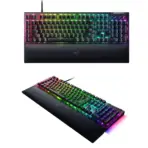



RZ03-04690100-R3M1
RAZER BLACKWIDOW V4 RGB MECHANICAL GAMING KEYBOARD GREEN SWITCHES – BLK
Razer BlackWidow V4 Full-Size Wired Mechanical Gaming Keyboard With Green Clicky Switches, Chroma RGB, 6 Macro Keys, Magnetic Wrist Rest, Media Roller, Snap Tap, And 8K Polling
Generate An AI Image
Layout
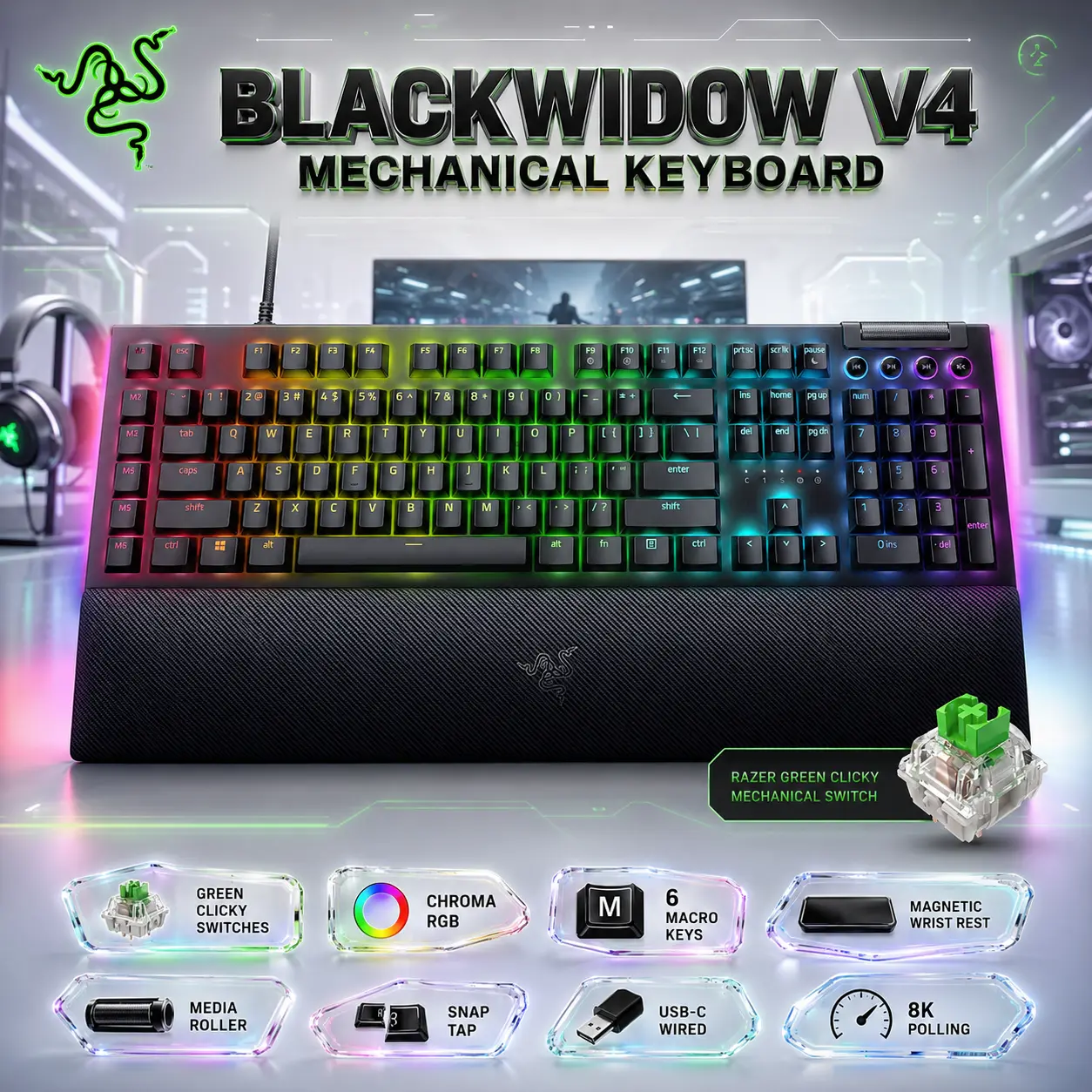
- Create a clean, premium website product-profile composition for the Razer BlackWidow V4 Mechanical Gaming Keyboard.
- Build the final image as an exact 2048 × 2048 pixel, perfect 1:1 square composition.
- Clearly separate the foreground, midground, and background.
- Keep the keyboard, Razer logo, product name, RGB effects, wrist rest, cable detail, icons, and all text fully inside the canvas with generous safe margins.
- Do not create a poster, banner, vertical layout, wide layout, cropped preview, stage display, or pedestal display.
Product Presentation
- Use the attached raw product image as the strict visual reference.
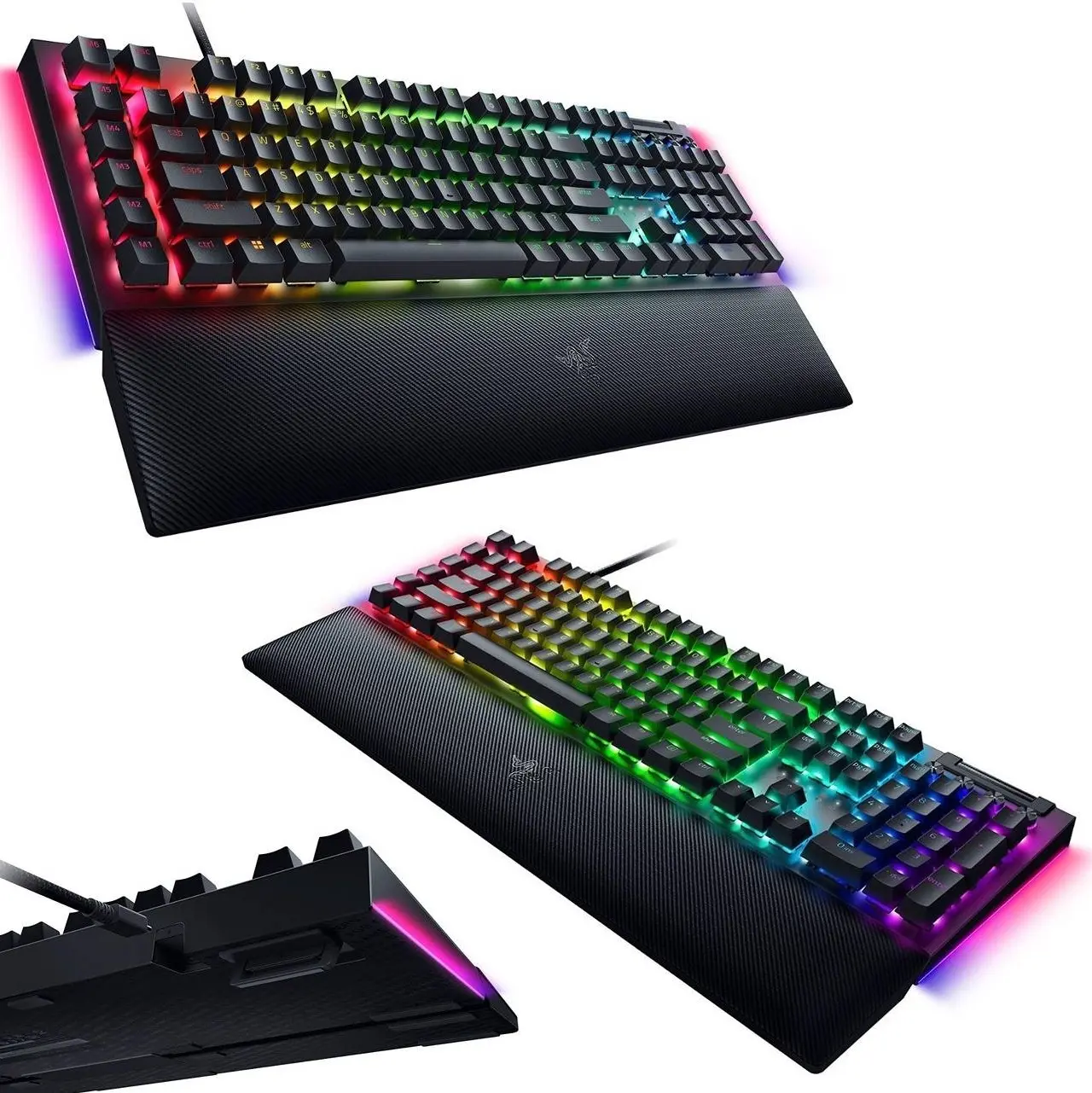
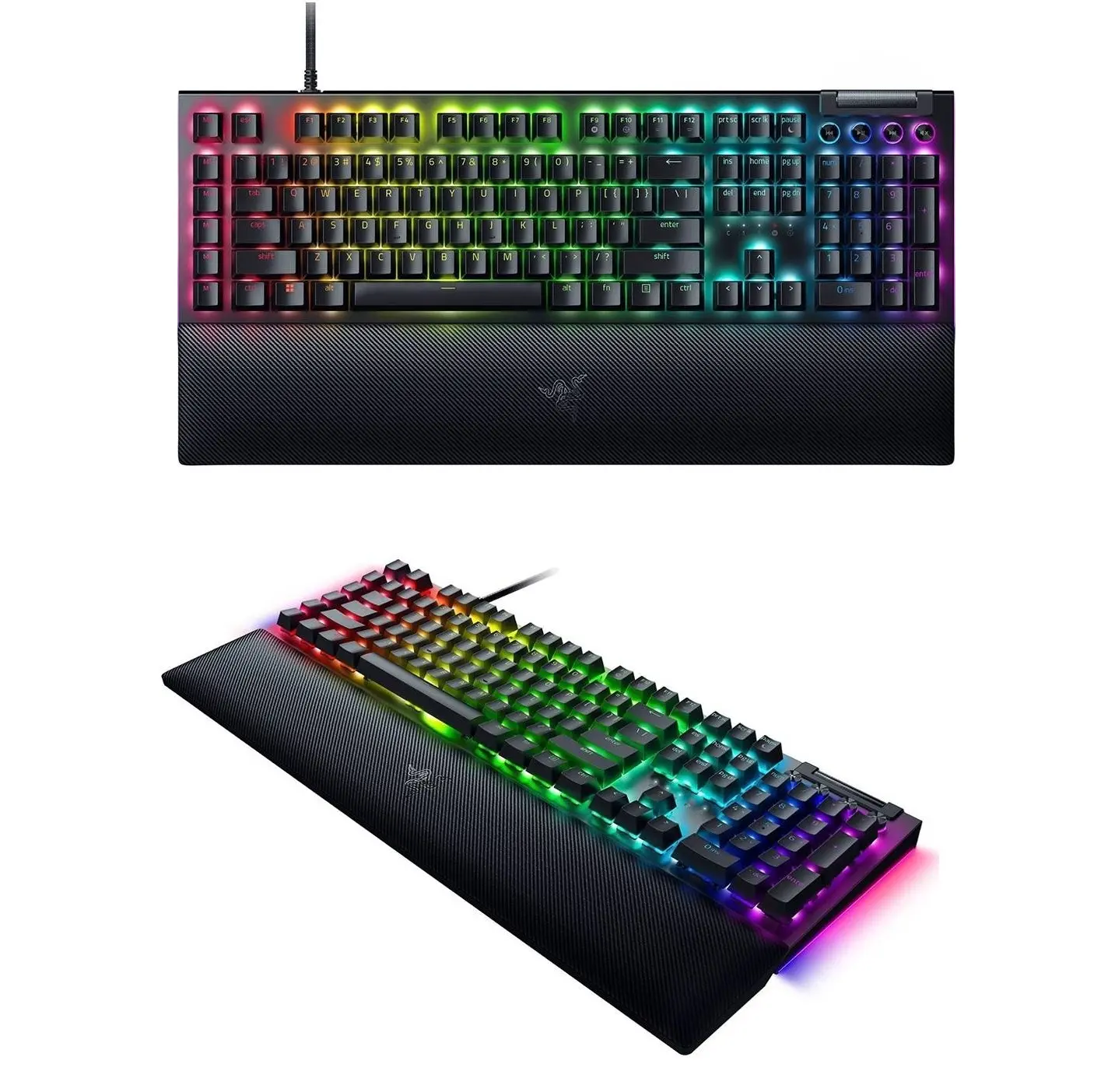
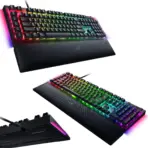
- Show one Razer BlackWidow V4 full-size keyboard only, large and dominant in the midground.
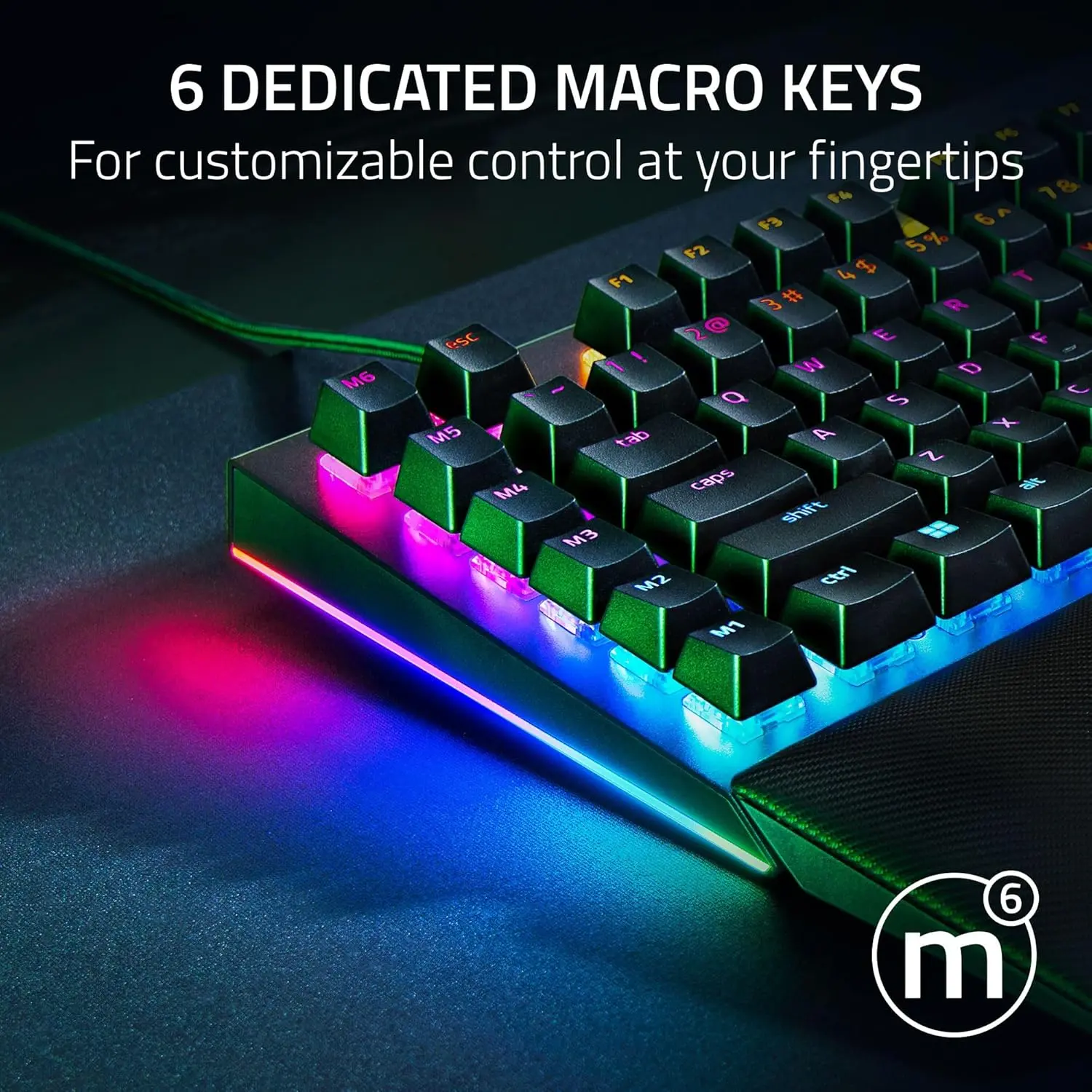
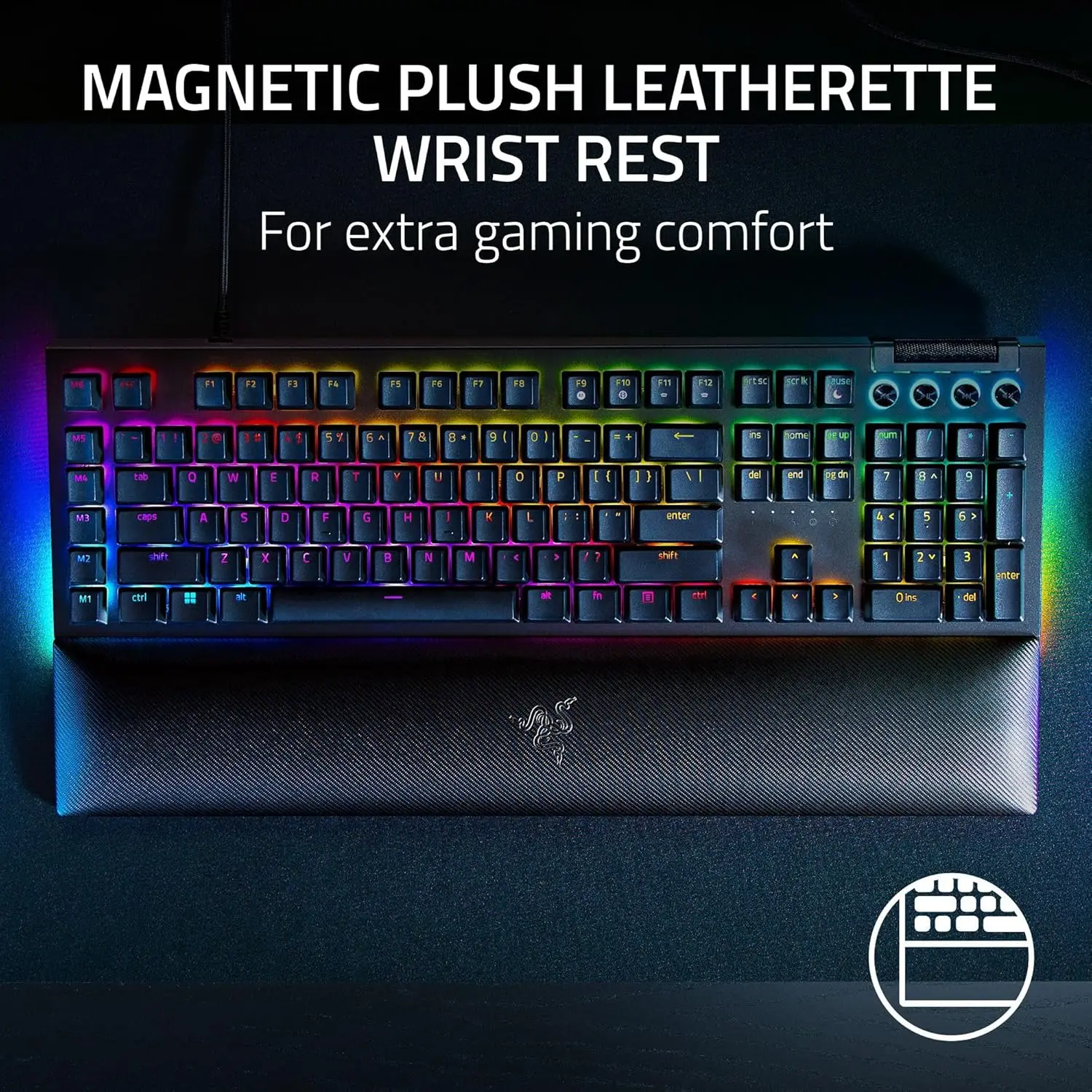
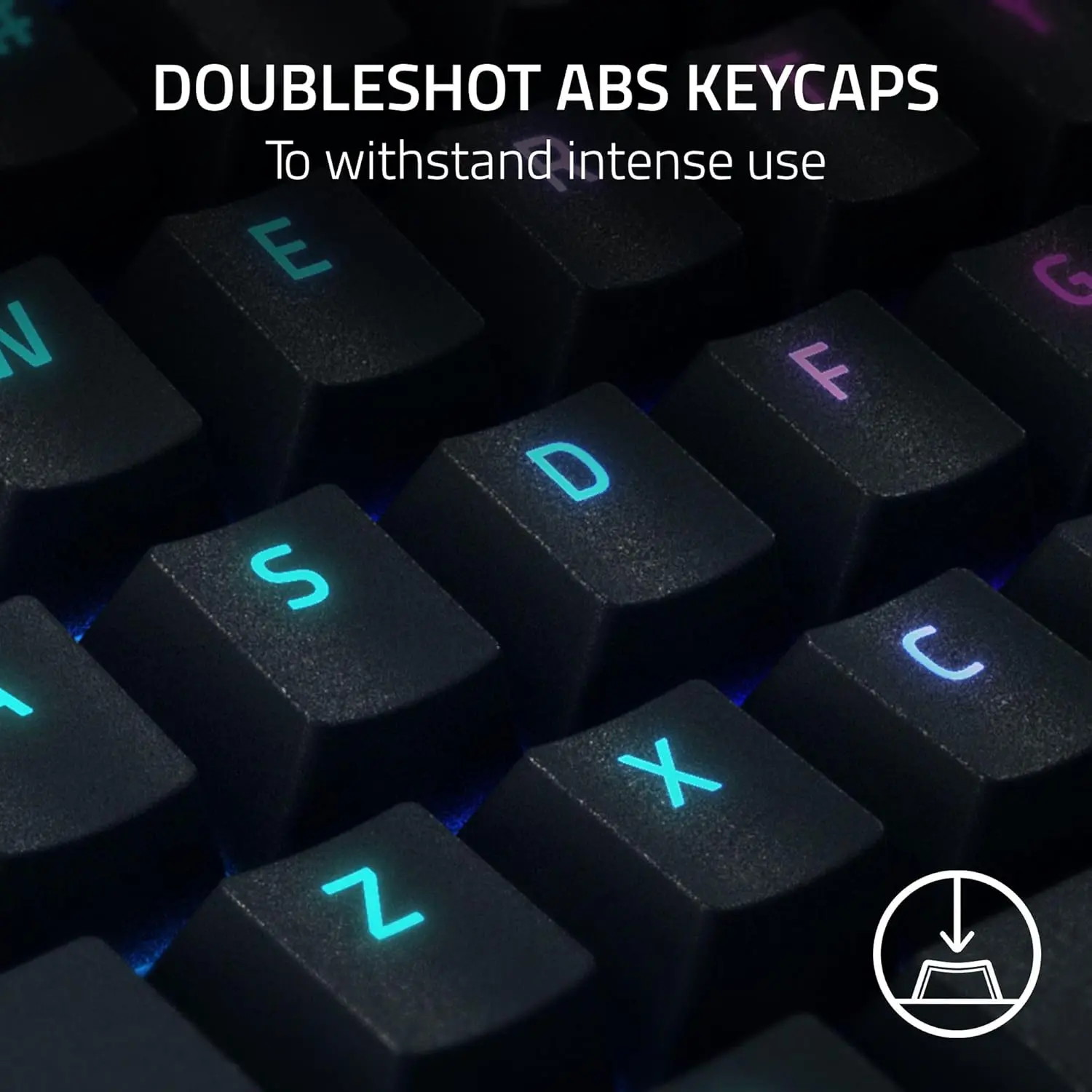
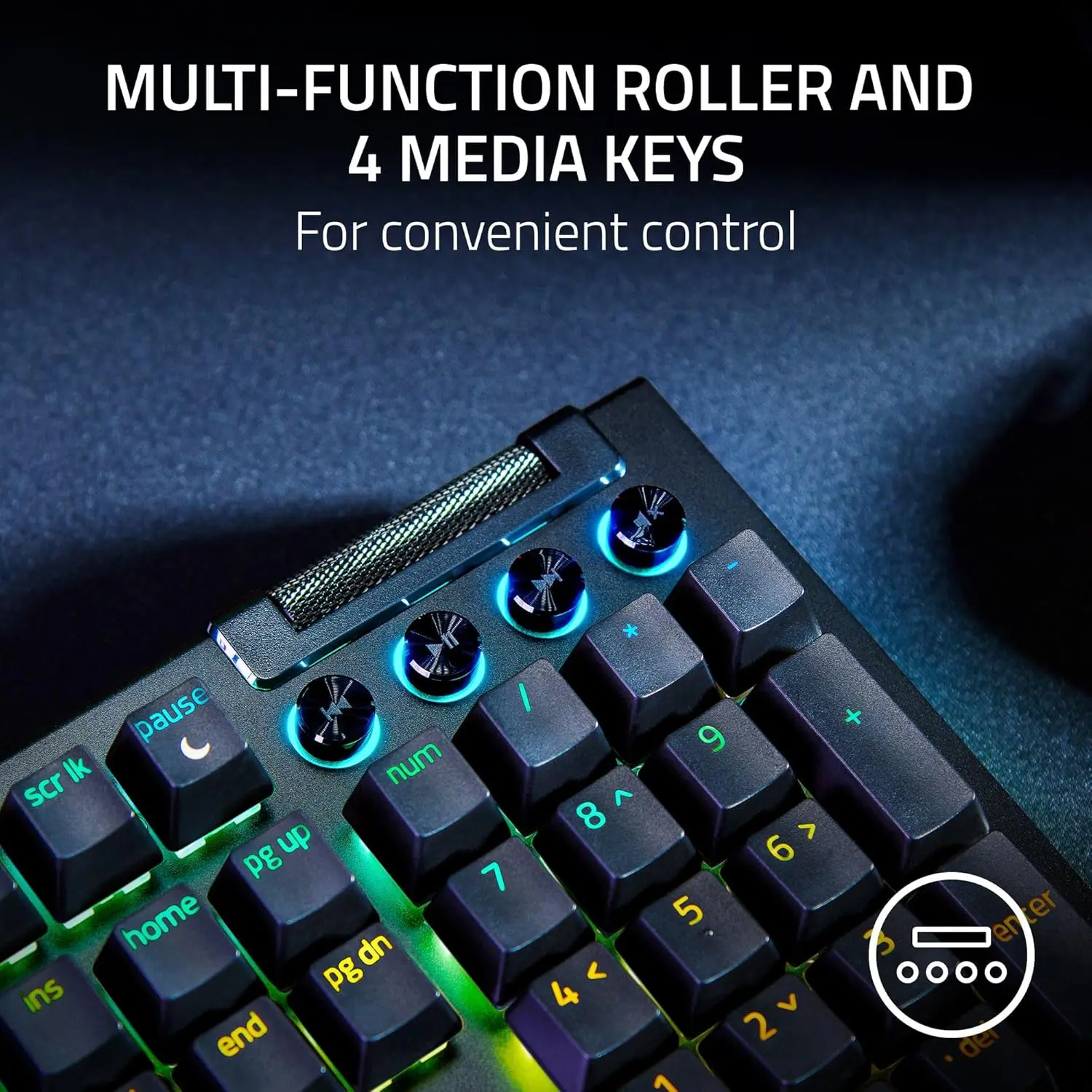
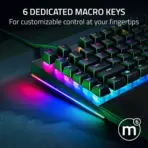
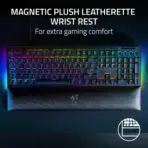
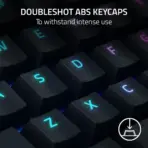
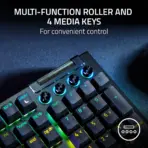
- Preserve the exact full-size layout, black finish, 6 left-side macro keys, media roller, 4 media buttons, doubleshot ABS keycaps, detachable Type-C wired identity, and magnetic plush wrist rest.
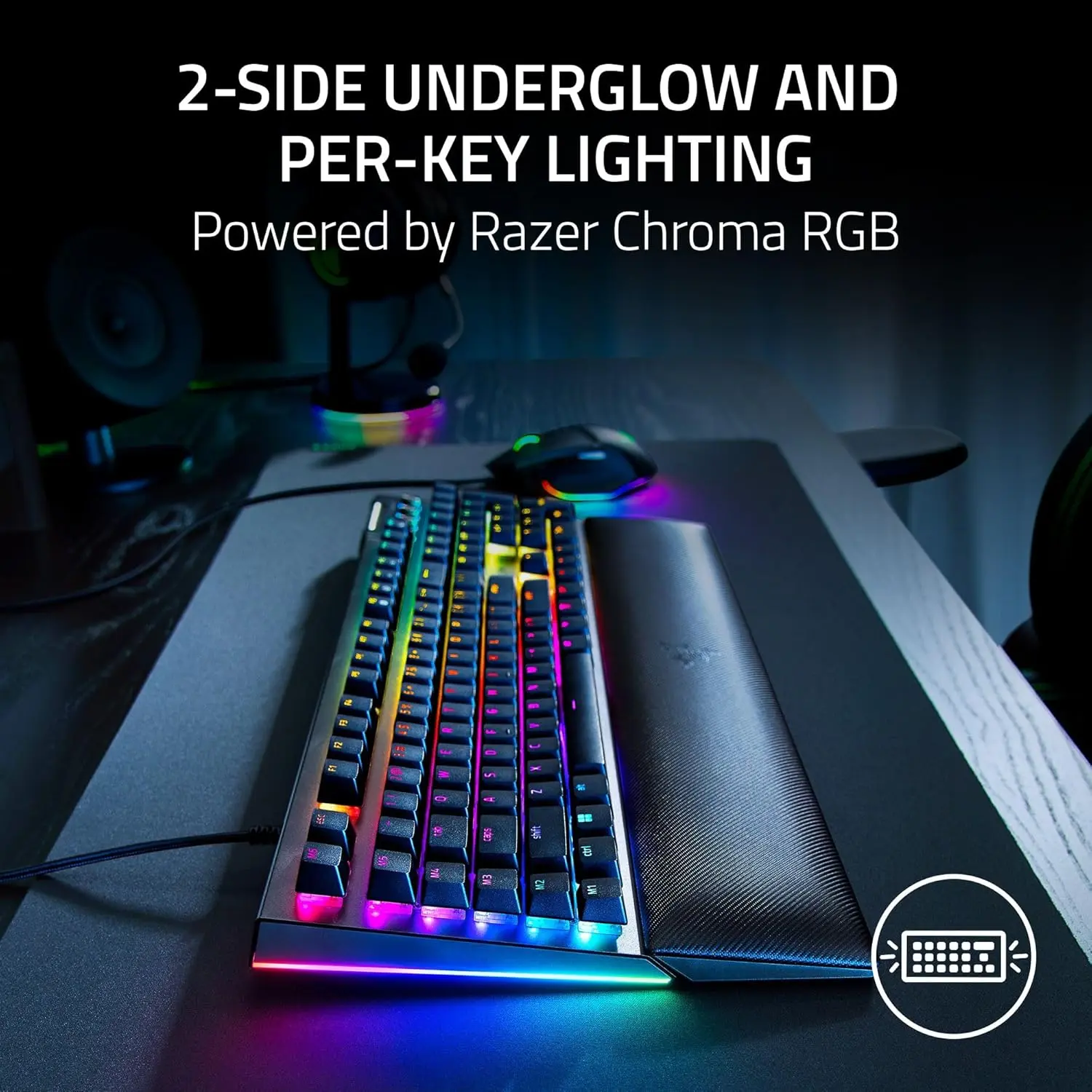
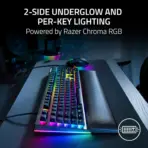
- Emphasize Razer Chroma RGB, per-key lighting, and 2-side underglow with elegant RGB reflections glowing outward from under the keyboard.
- Place the green glowing Razer logo at the top-left, fully inside safe margins.
- Center the product name “BlackWidow V4 Mechanical Keyboard” at the top in bold, three-dimensional, extruded typography with strong contrast against the background.
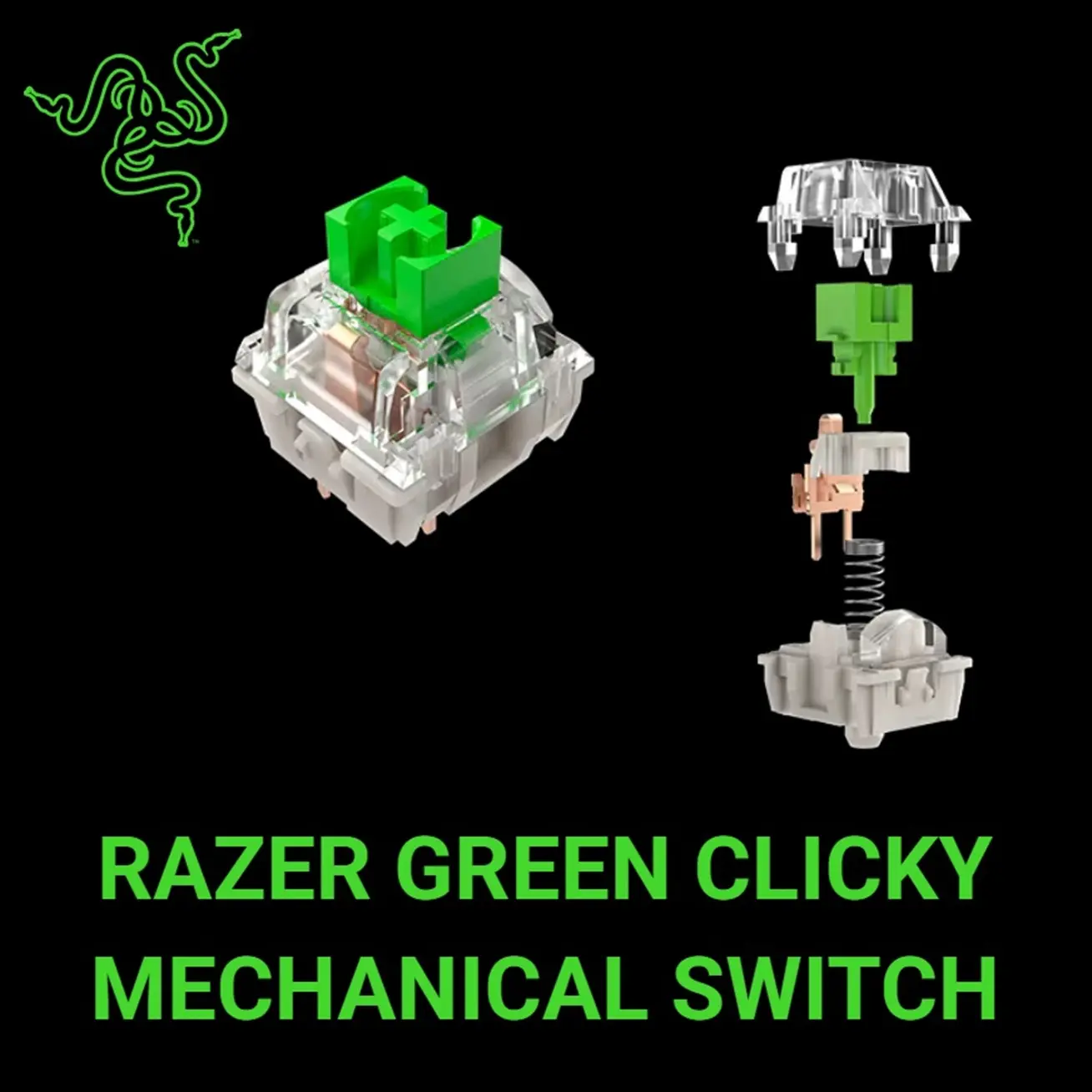
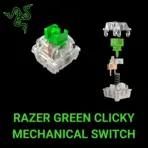
- add a subtle picture of the “green switch ” next to the keyboard
Artistically Distinct and Detailed Background
- Create a surreal, minimalistic battlestation environment showing the keyboard in its natural post-sale location: on a premium gaming desk connected to a PC setup.
- Use subtle silhouettes inspired by competitive gaming energy, with abstract HUD lines, command-grid reflections, and faint tactical arena shapes behind the keyboard.
- Use a dominant pearlescent opaline-white and subtle opaline-silver palette with soft acid-green accents.
- Build the environment from layered conch-pearl surfaces, curled high-gloss reliefs, controlled iridescence, gentle caustic reflections, and refined dielectric-glass refractions.
- Keep the product visually separate so the black keyboard never blends into the background.
Icons — Numbered and Listed
- Align the icons horizontally along the bottom
- Create each icon as a different futuristic 3D freeform badge with readable text fully inside.
- CRITICAL DIRECTIVE [STRICT] The Icons MUST Have different shapes depending on the specific content of the icon
- Icons:
- Green Clicky Switches
- Chroma RGB
- 6 Macro Keys
- Magnetic Wrist Rest
- Media Roller
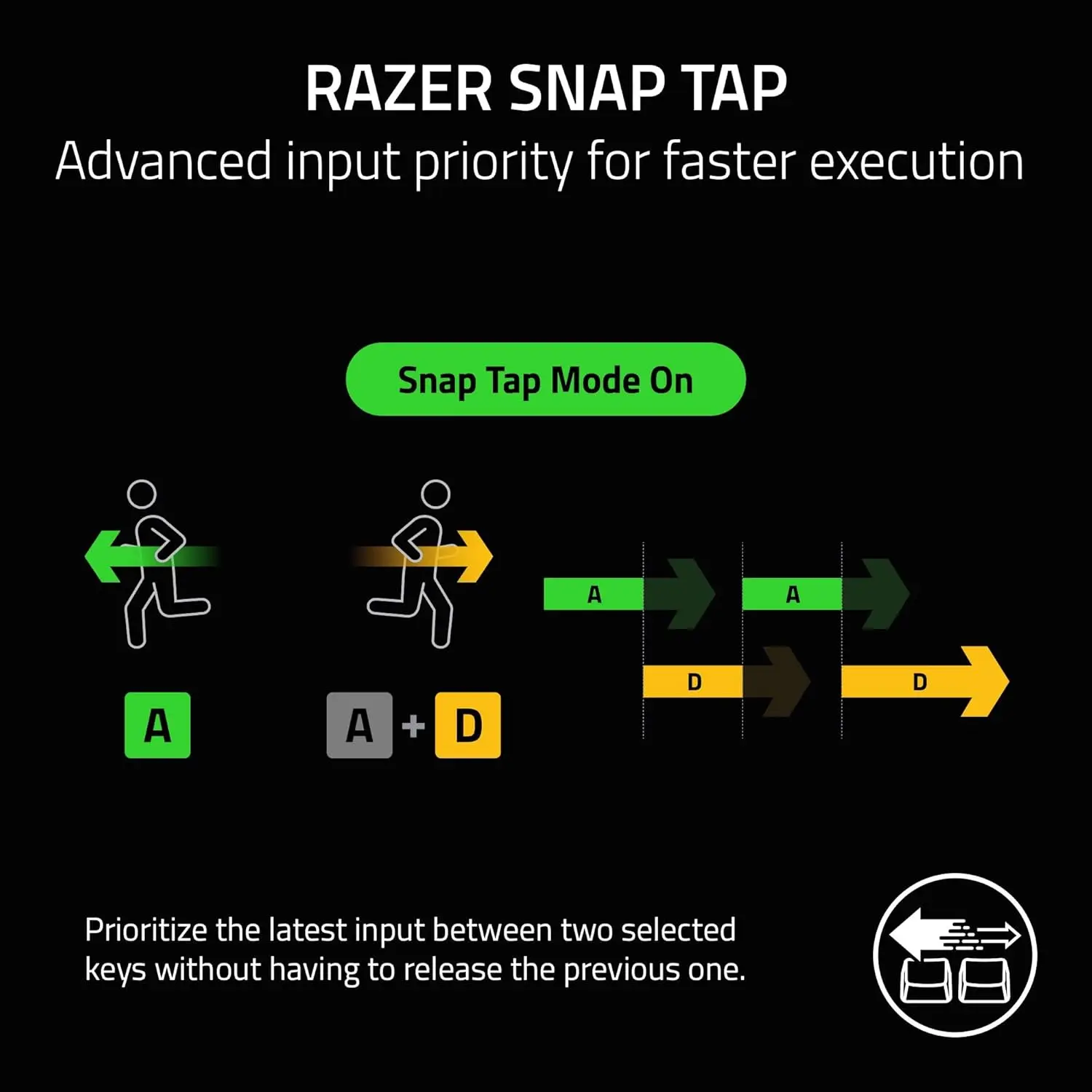
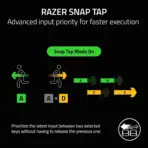
- Snap Tap
- USB-C Wired
- 8K Polling.
- Place premium 3D freeform Transparent Crystal-like badges horizontally at the bottom within two rows Esports Style Transparent Crystal-like badges the symbols/text have typography is in a very readable contrasting BLACK color with Neon RGB glow / chromatic aura. It gives a gamer / high-performance feeling. CRITICAL DIRECTIVE [STRICT] The Icons MUST Have different shapes depending on the specific content of the icon
Output Requirements
- Final image must be exactly 2048 × 2048 pixels.
- Perfect 1:1 square ratio.
- Use extreme high resolution, crisp materials, premium reflections, and clean commercial lighting.
- Keep product, logo, title, icons, text, and background fully inside safe margins.
Constraints
- Do not alter the keyboard design.
- Do not invent unsupported features.
- Do not change the keyboard layout, macro keys, media controls, wrist rest, cable identity, or RGB structure.
- Do not place the keyboard on a stage or pedestal.
- Avoid tackiness, clutter, flat white emptiness, generic chrome, cheap plastic, and excessive matte surfaces.
- Before producing the image, evaluate it brutally by asking: “How does this image fare as a product-profile image?” Identify all imperfections and automatically fix all flaws before the image is shown.