





PQ1000G
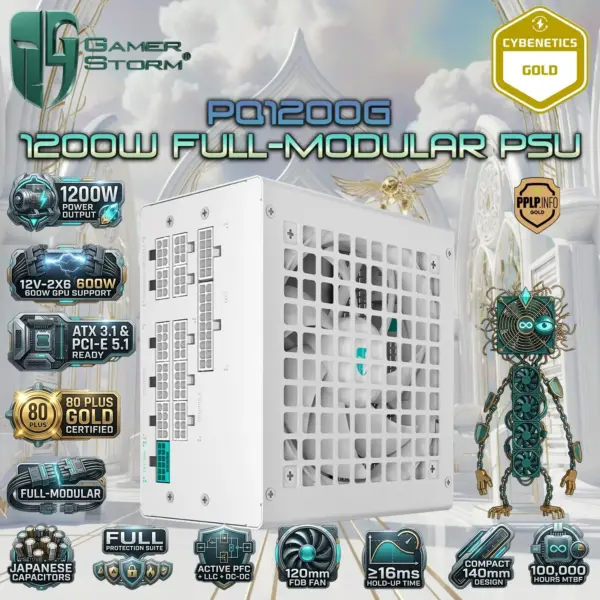
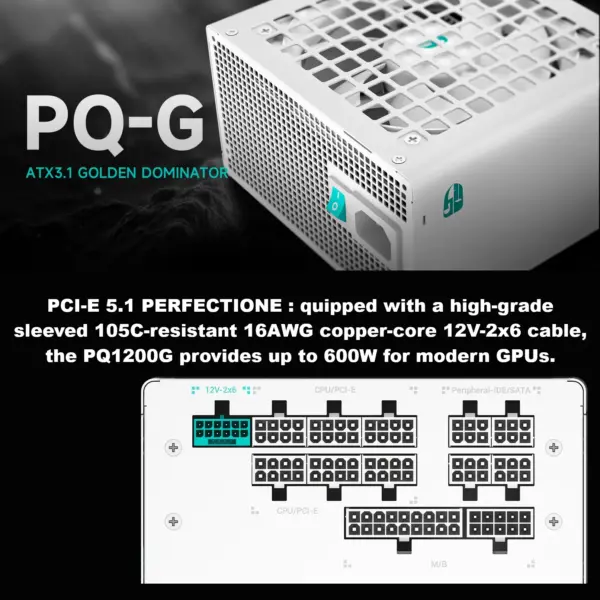
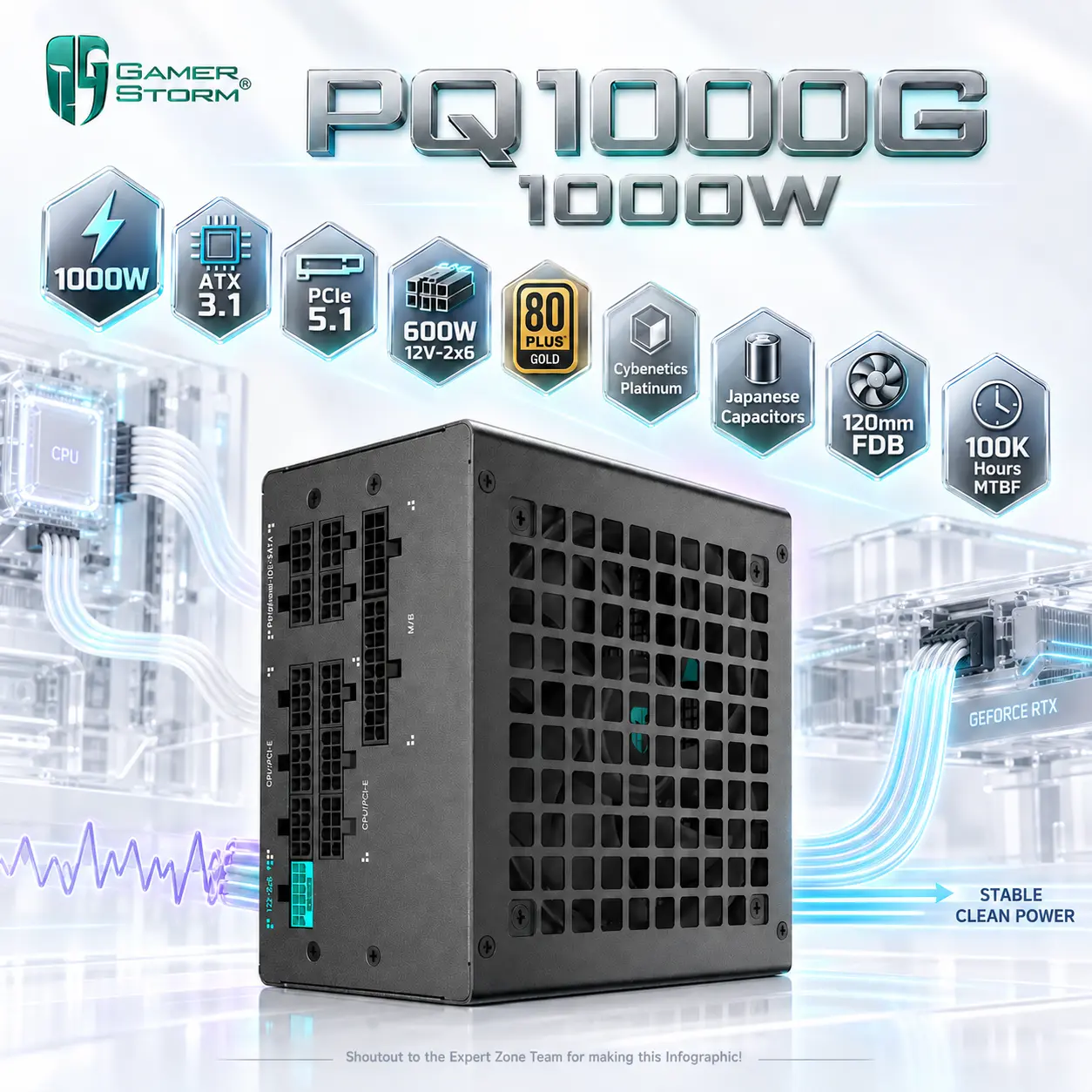
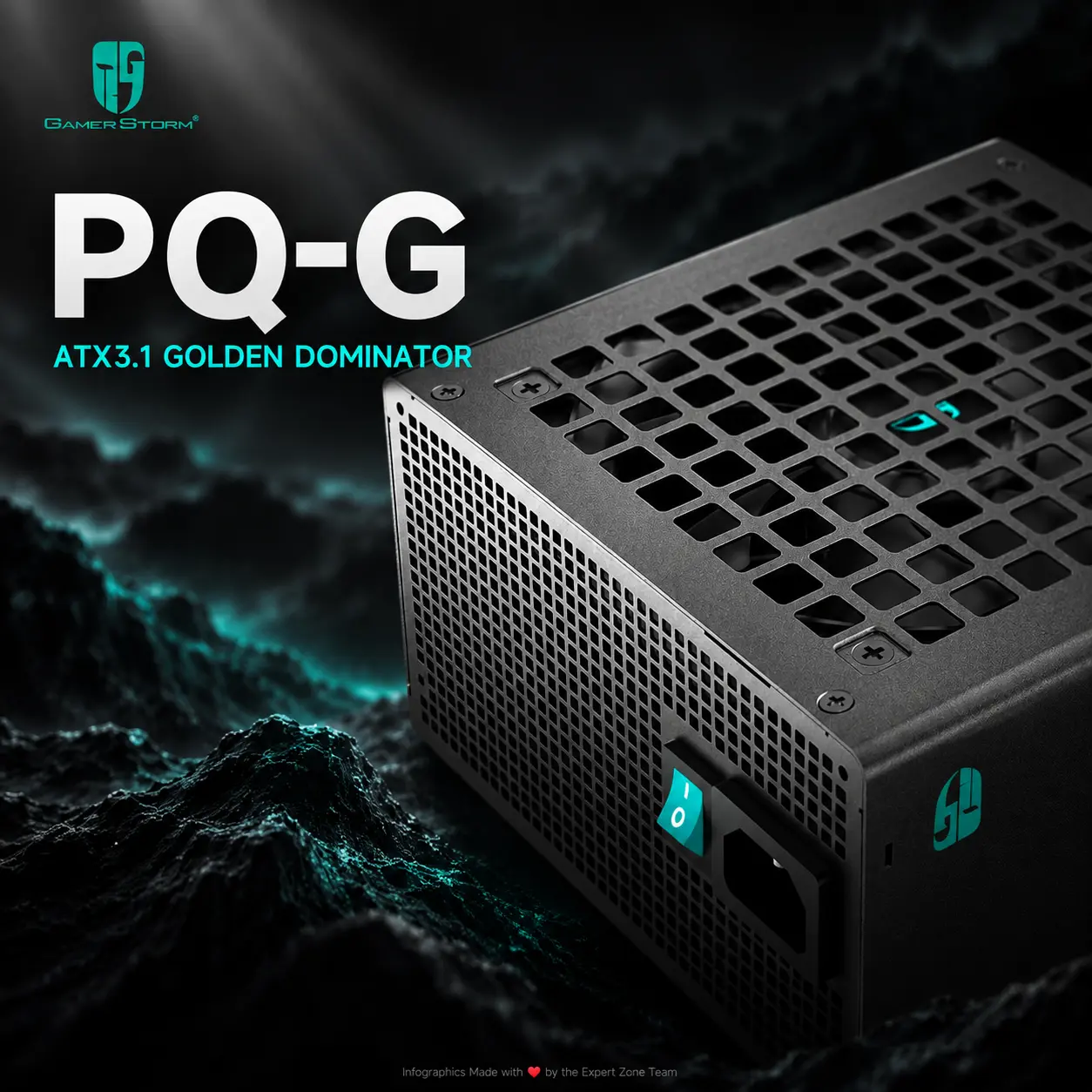
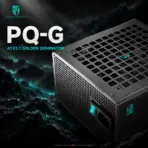
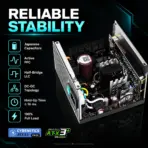
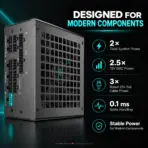
GAMER STORM PQ1000G 1000W ATX 3.1 Fully Modular PSU, 80 PLUS Gold, Cybenetics Platinum, PCIe 5.1 600W 12V-2×6, Japanese Capacitors, 120mm FDB | BLACK
Generate an AI Image
- Layout
- Create an exact 2048 × 2048, perfect 1:1 square website product-profile composition for the GAMER STORM PQ1000G 1000W.
- Make the complete black PSU the dominant hero, occupying approximately 66–70% of the useful canvas.
- Present the PSU from a powerful low front three-quarter angle, clearly exposing the 120mm fan grille, black enclosure, GAMER STORM branding, modular cable interface where physically visible in the official reference, ventilation, and exact chassis geometry.
- Foreground: complete PQ1000G.
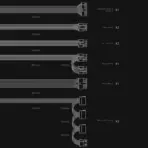
- Midground: native 12V-2×6 cable and selected CPU / PCIe power cables flowing naturally toward translucent PC components.
- Background: an ultra-minimal surreal power-integrity orchestra chamber.
- Arrange technical icons as a scattered electrical waveform running from upper-left toward lower-right, with every icon separate and generously spaced.
- Product Presentation
- Use official GAMER STORM PQ1000G imagery as the strict physical reference.
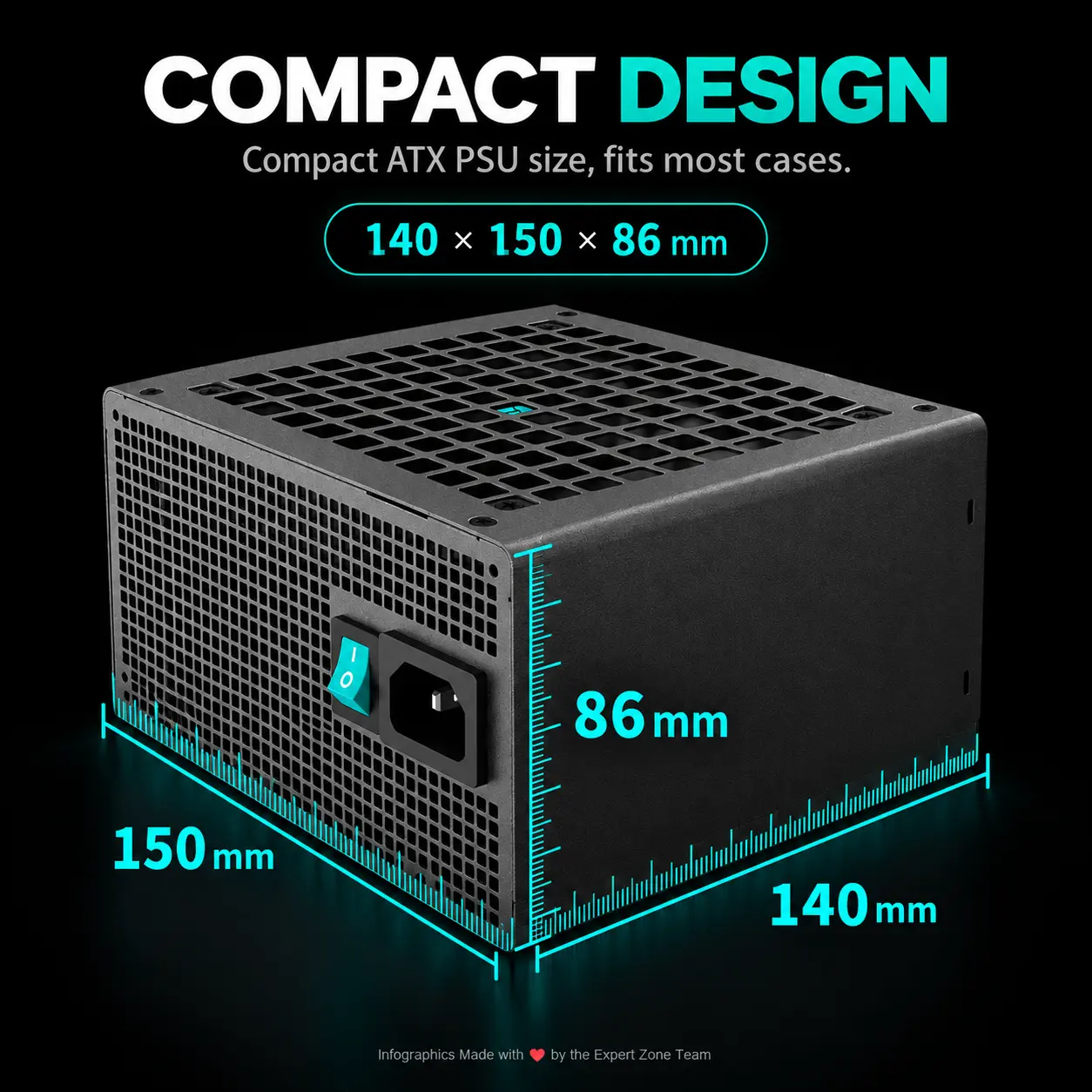
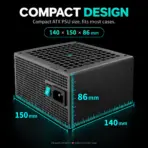
- Preserve the exact black enclosure, fan grille pattern, dimensions, ventilation geometry, printed labels, connector panel, cable design, and product proportions.
- Place the GAMER STORM logo at the top-left.
- Center “PQ1000G 1000W” at the top using deeply extruded high-luster pearl-titanium typography.
- Because the PSU is black, add a tightly localized pale electric-cyan / silver / restrained violet iridescent aura immediately behind the product only, maintaining razor-sharp peripheral separation.
- Artistically Distinct and Detailed Background
- Create a completely new gaming-hardware story around electrical stability and controlled transient power rather than generic electricity.
- Position the PQ1000G naturally inside the lower PSU chamber of a partially visible translucent high-end gaming PC architecture, showing where the product actually lives after installation.
- Above it, represent the motherboard, CPU, and massive modern GPU as refined transparent glass structures receiving clean power through physically believable cables.
- In the distant background, place an original sinister obsidian orchestral conductor suspended by several thin transparent energy filaments.
- The conductor should use both hands to control chaotic irregular voltage waves entering from one side; as the waves pass through the PQ1000G, they must transform into perfectly parallel, stable luminous power streams feeding the CPU and GPU.
- Represent short transient spikes as three enormous distorted electrical arcs approaching the system, then visually compress and stabilize them before they reach the connected hardware.
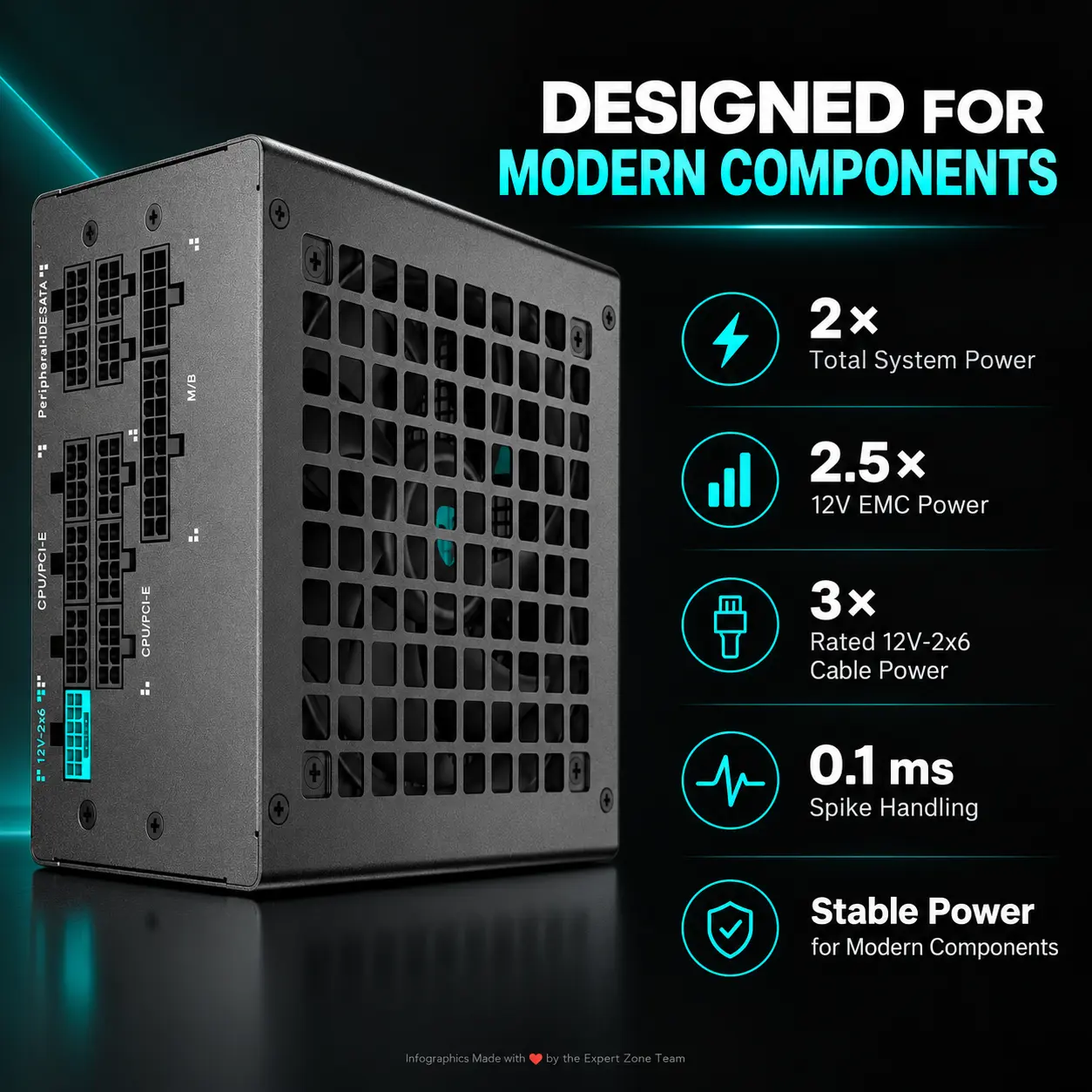
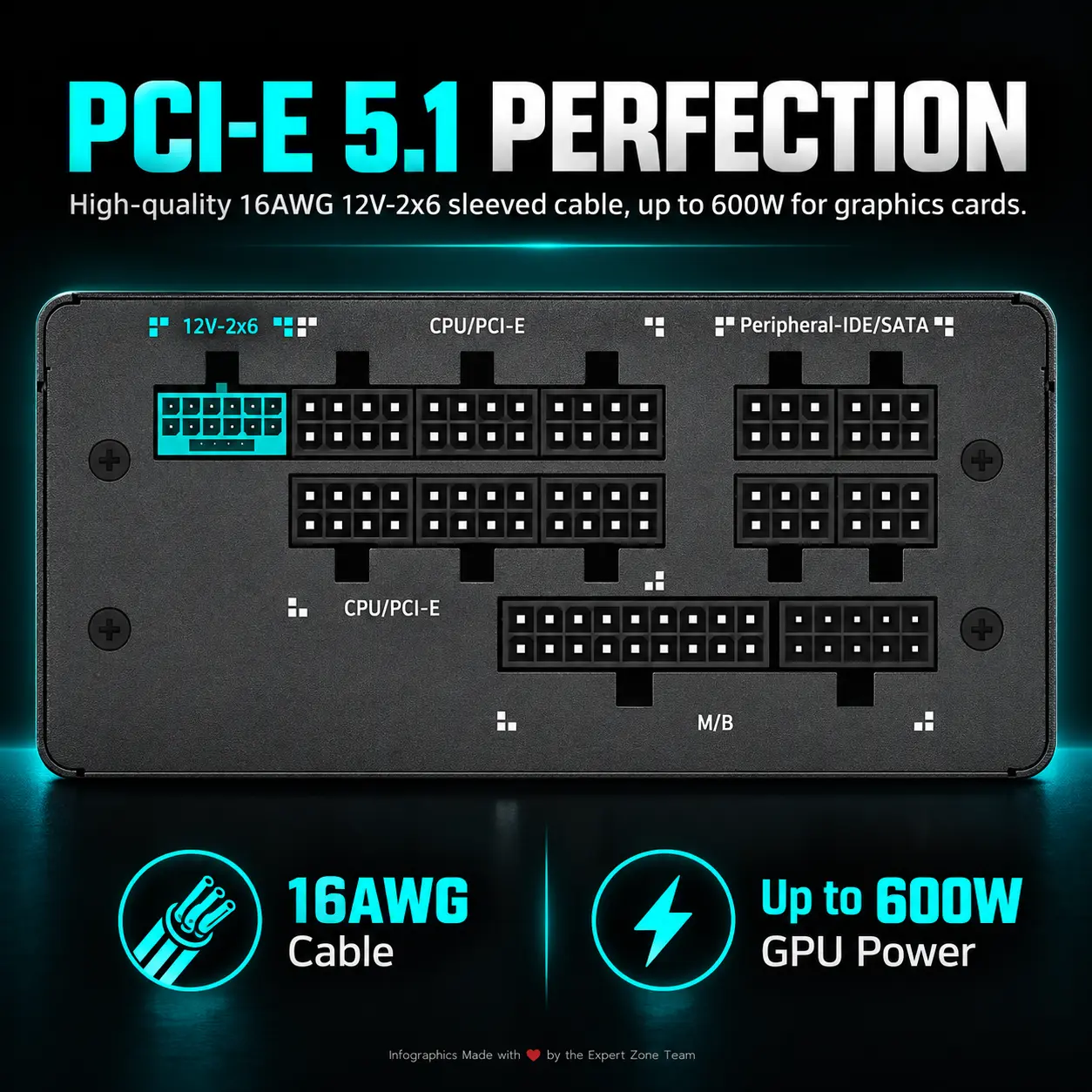
- Give the 12V-2×6 cable its own clear 600W energy path toward the GPU, without exaggerating cable thickness or altering its connector.
- Maintain a [MANDATORY] extreme high-luster pearlescent white environment .
- Use texture family: deep high-luster transparent iridescent oily-fluid surfaces.
- No forge, generator room, dark power station, lightning storm background, server room, smoke, graphite haze, pedestal, throne, or recycled airflow-case imagery.
- Gaming hardware aesthetic Icons
- CRITICAL DIRECTIVE [STRICT] The Icons MUST Have different shapes depending on the specific content of the icon
- 1000W
- ATX 3.1
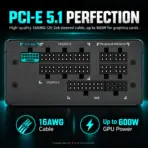
- PCIe 5.1
- 600W 12V-2×6
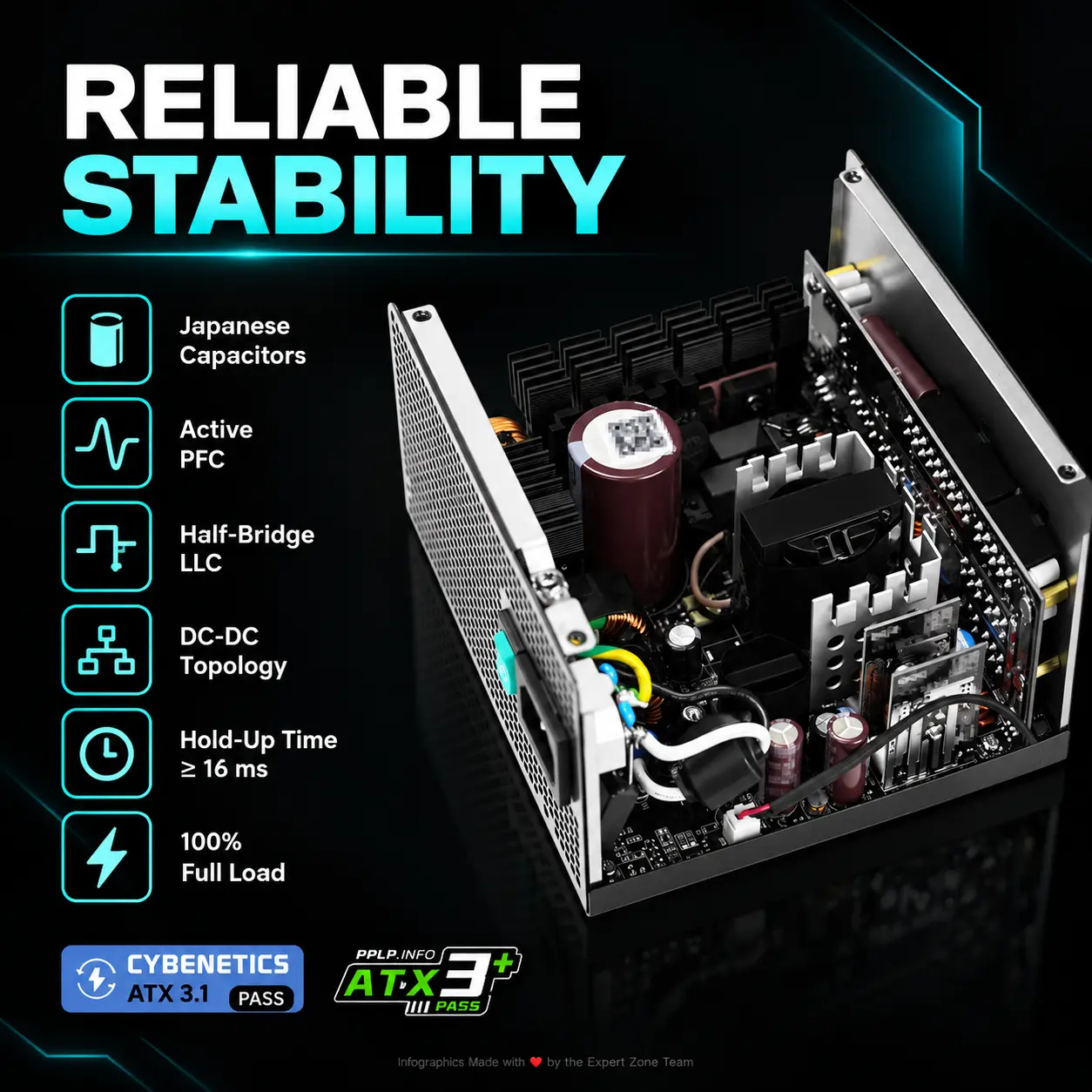
- 80 PLUS Gold
- Cybenetics Platinum
- Japanese Capacitors
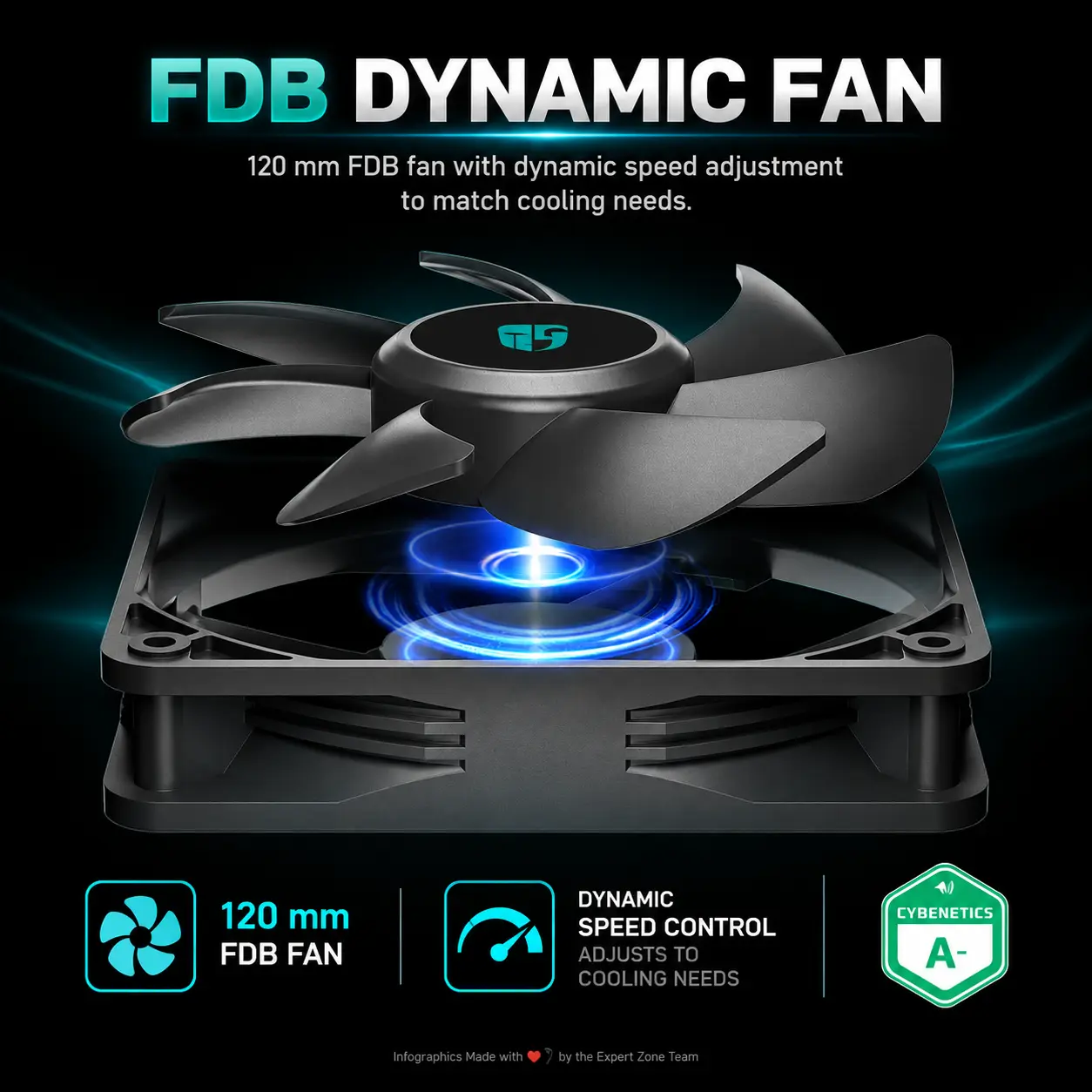
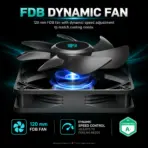
- 120mm FDB
- 100K Hours MTBF
- Each icon is a DIFFERENT 3D Freeform badge The style is futuristic, industrial, and high-tech.
- Use realistic rendering with ray-traced reflections and lens flares.
- The icons must include specific technical text.
- Sharp typography, volumetric lighting, 8k resolution, cinematic composition.
- Lighting: “Chiaroscuro” (high contrast between white background and bright icons) and “anamorphic lens flares.”.
- Text to occupy maximum area of each icon, enhance readability and clarity of text.
- Text should be of maximum contrasting colors with respect to the badge, text is incorporated inside the icon
- Output Requirements
- Exact 2048 × 2048 pixels.
- Perfect 1:1 square outcome.
- Extreme-resolution physically accurate 3D rendering.
- Keep the complete PSU, cables, logo, title, icons, conductor, and translucent PC components fully inside safe margins.
- Add discreetly at the bottom: “Shoutout to the Expert Zone Team for making this Infographic!”
- Constraints
- Preserve the exact PQ1000G physical design.
- Do not change the PSU color.
- Do not invent RGB lighting, LCD screens, digital power monitoring, Wi-Fi, software control, or unsupported functionality.
- Use the native 12V-2×6 16-pin connector, not the older 12VHPWR visual design.
- Clearly communicate 600W through the 12V-2×6 GPU cable, not 1000W through that single connector.
- Do not confuse the 1000W total PSU output with GPU cable output.
- Do not claim Titanium efficiency; the official certifications are 80 PLUS Gold / Cybenetics Platinum / PPLP Gold.
- No pedestal, podium, generic premium-product stage, excessive matte surfaces, cheap electricity effects, graphite smoke, or clutter.
- NEVER make it look like a premium ad poster.
- Before rendering, ask “How does this image fare as a product-profile image?” and automatically correct enclosure geometry, cable accuracy, connector design, fan grille, black-product edge separation, icon readability, and electrical-story clarity.