


21SJ0001GQ
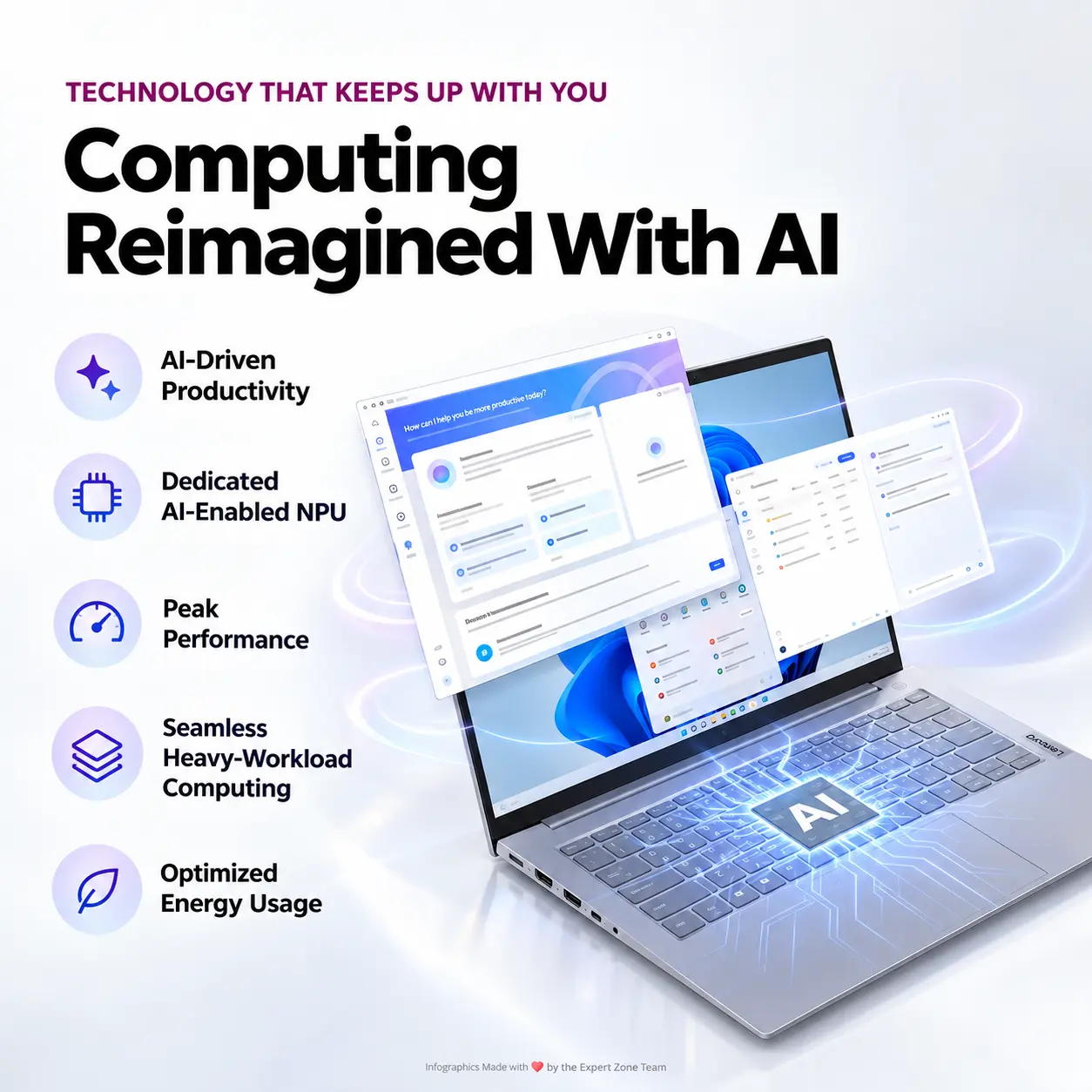
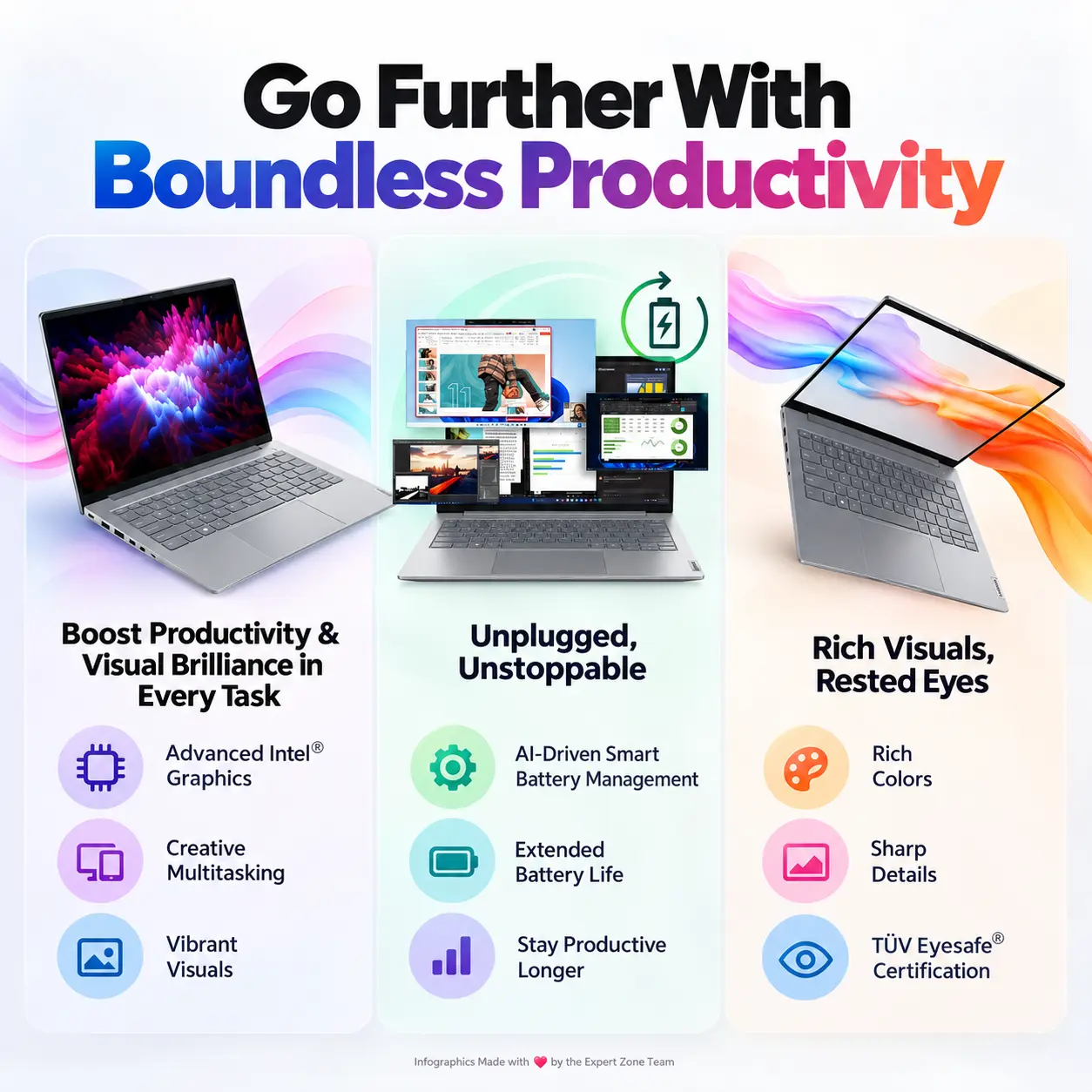
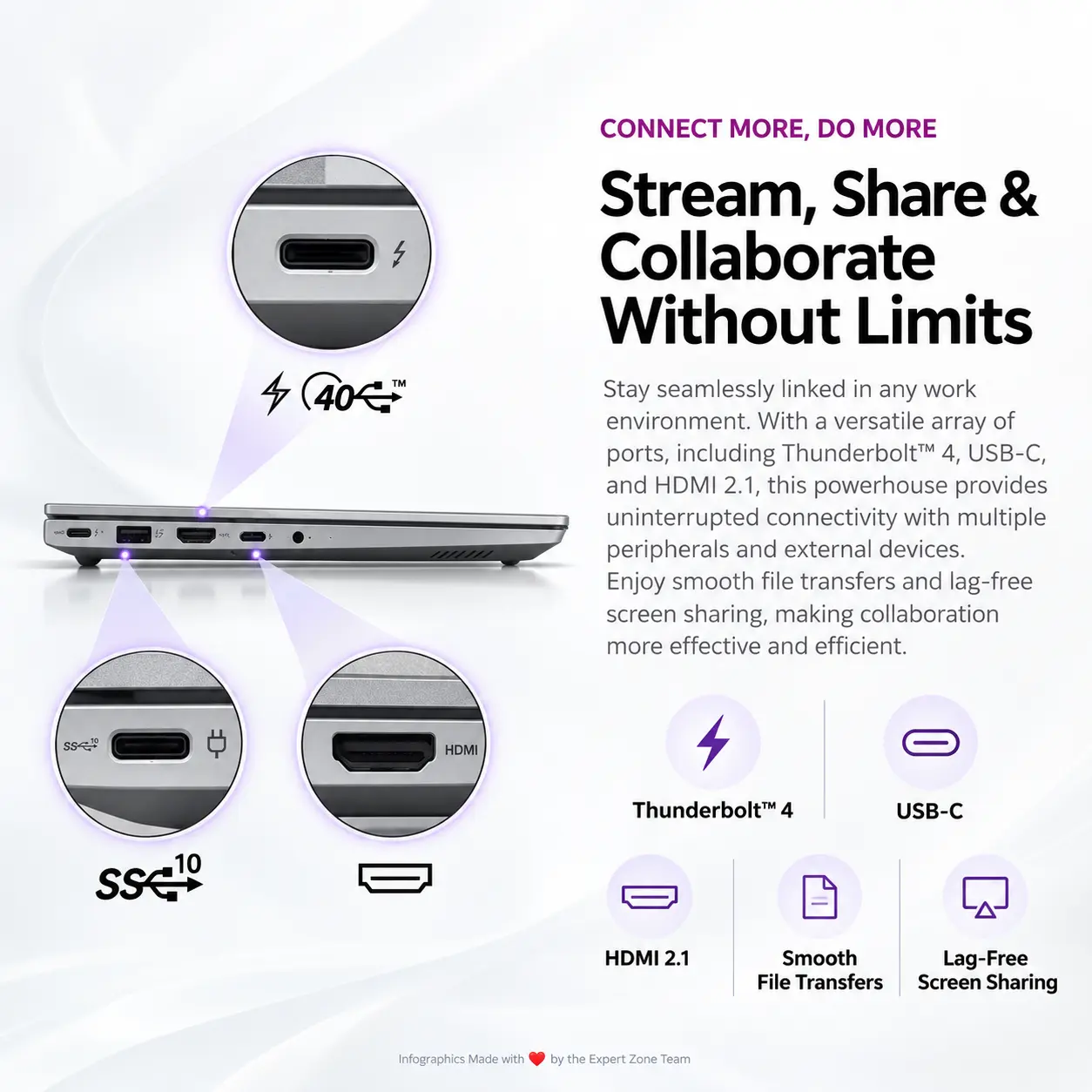
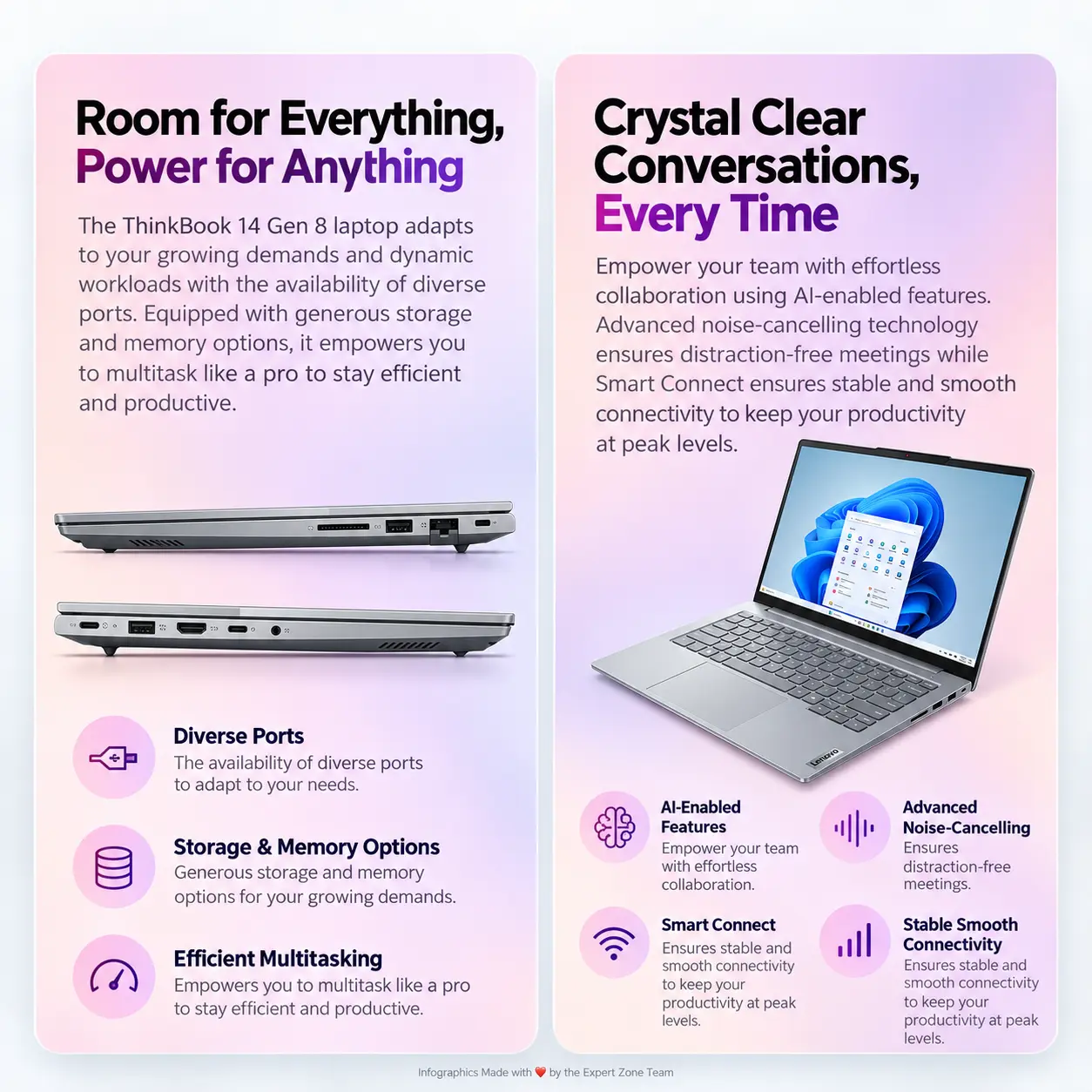
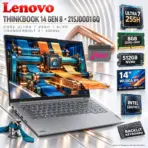
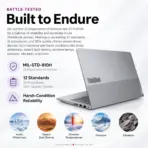
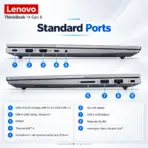
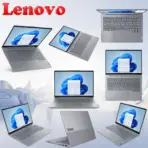
Lenovo ThinkBook 14 Gen 8 21SJ0001GQ 14″ WUXGA Business Laptop, Core Ultra 7 255H, Intel Arc 140T, 8GB DDR5, 512GB PCIe 4.0 SSD & Thunderbolt 4
ThinkBook 14 G8 AI PC: Intel Core Ultra 7 255H | 8GB DDR5-5600 RAM ; 512GB NVMe® | 14-inch WUXGA IPS Display | Intel® Graphics | Backlit Keyboard | DOS | Lenovo® Bag Incl. | Arctic Grey
GENERATE AN AI IMAGE
Layout
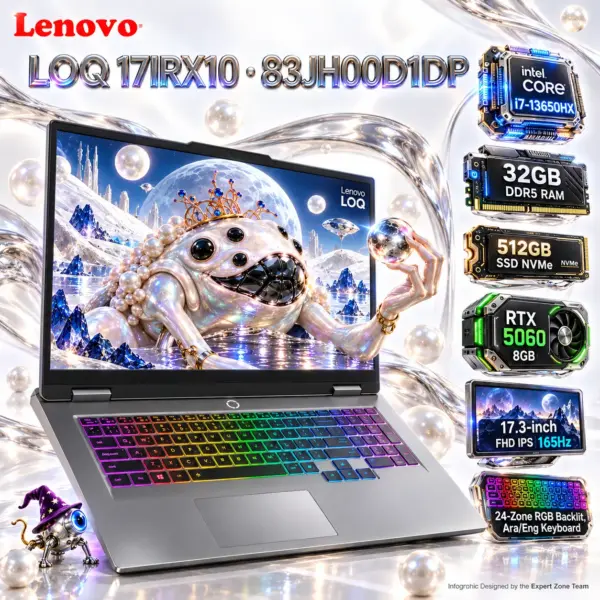
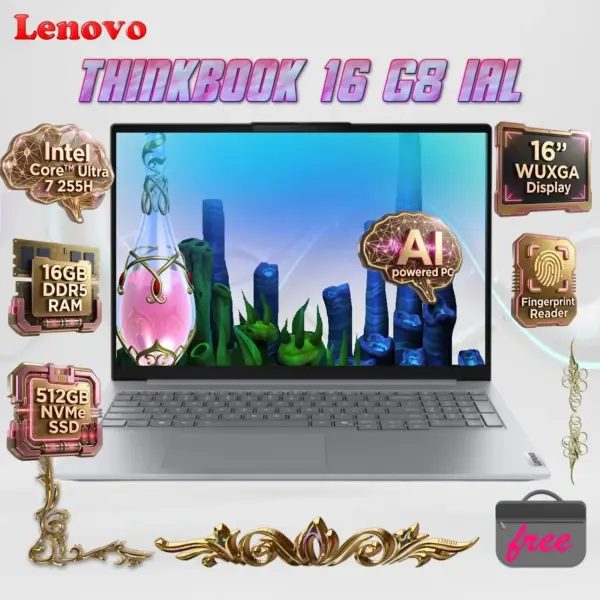
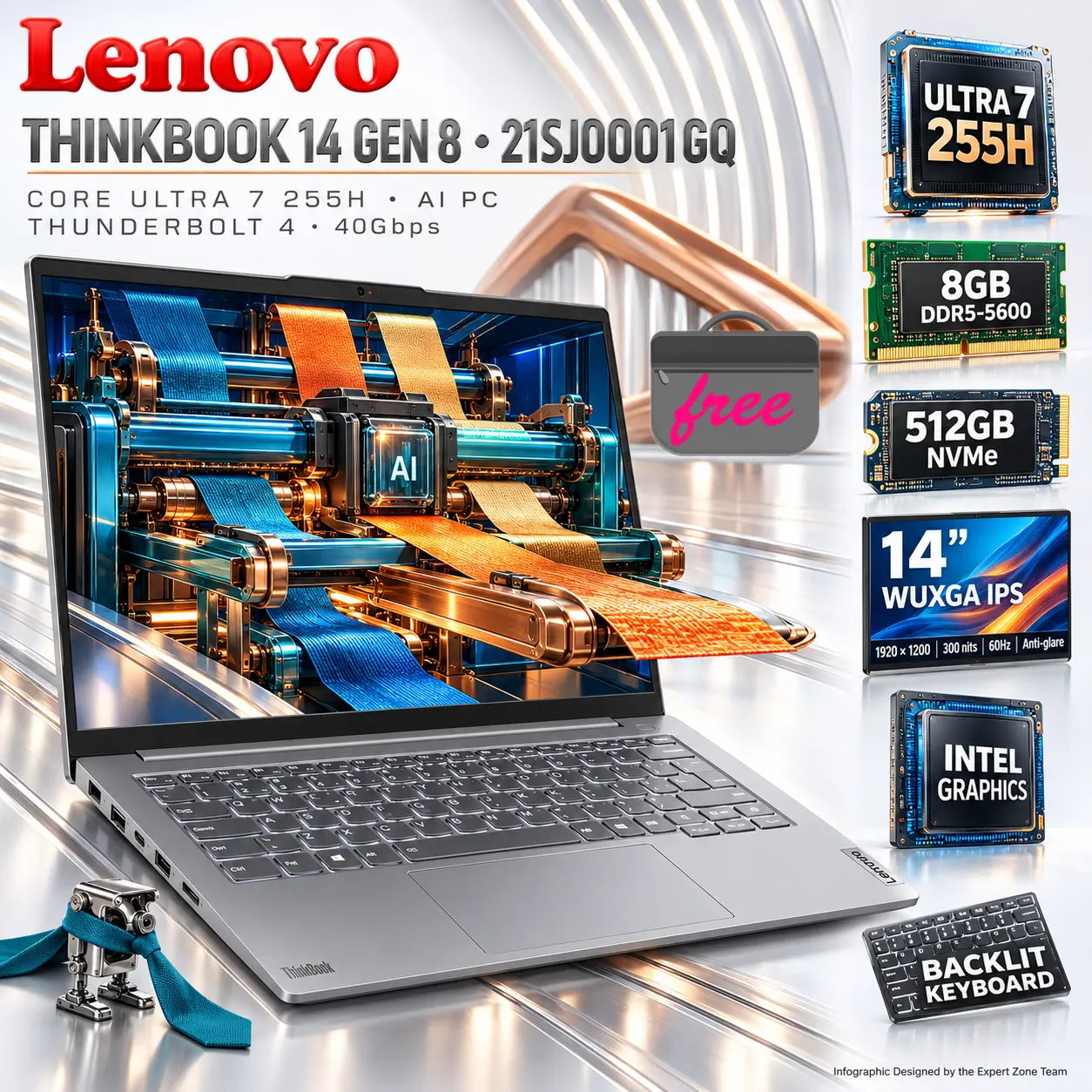
Create one exactly 2048 × 2048-pixel, perfectly square, ultra-photorealistic Expert Zone professional product infographic.
Show exactly ONE authentic Lenovo ThinkBook 14 Gen 8 / ThinkBook 14 G8 IAL, MTM 21SJ0001GQ, in Arctic Grey.
The laptop must remain the unquestionable commercial hero, occupying approximately 74–80% of the active composition.
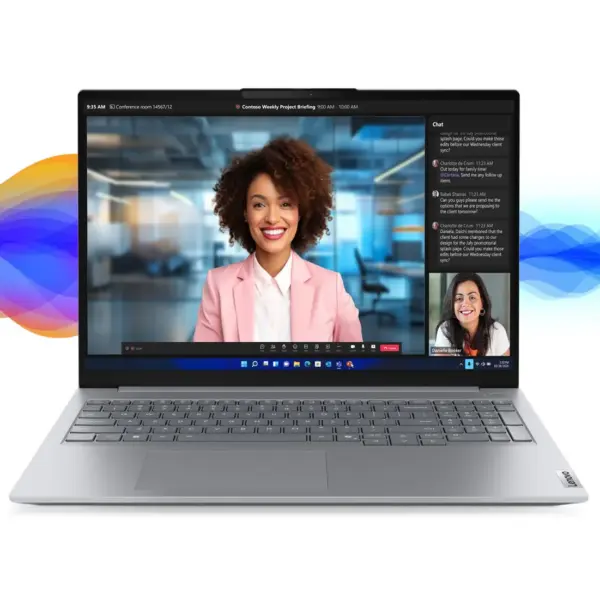
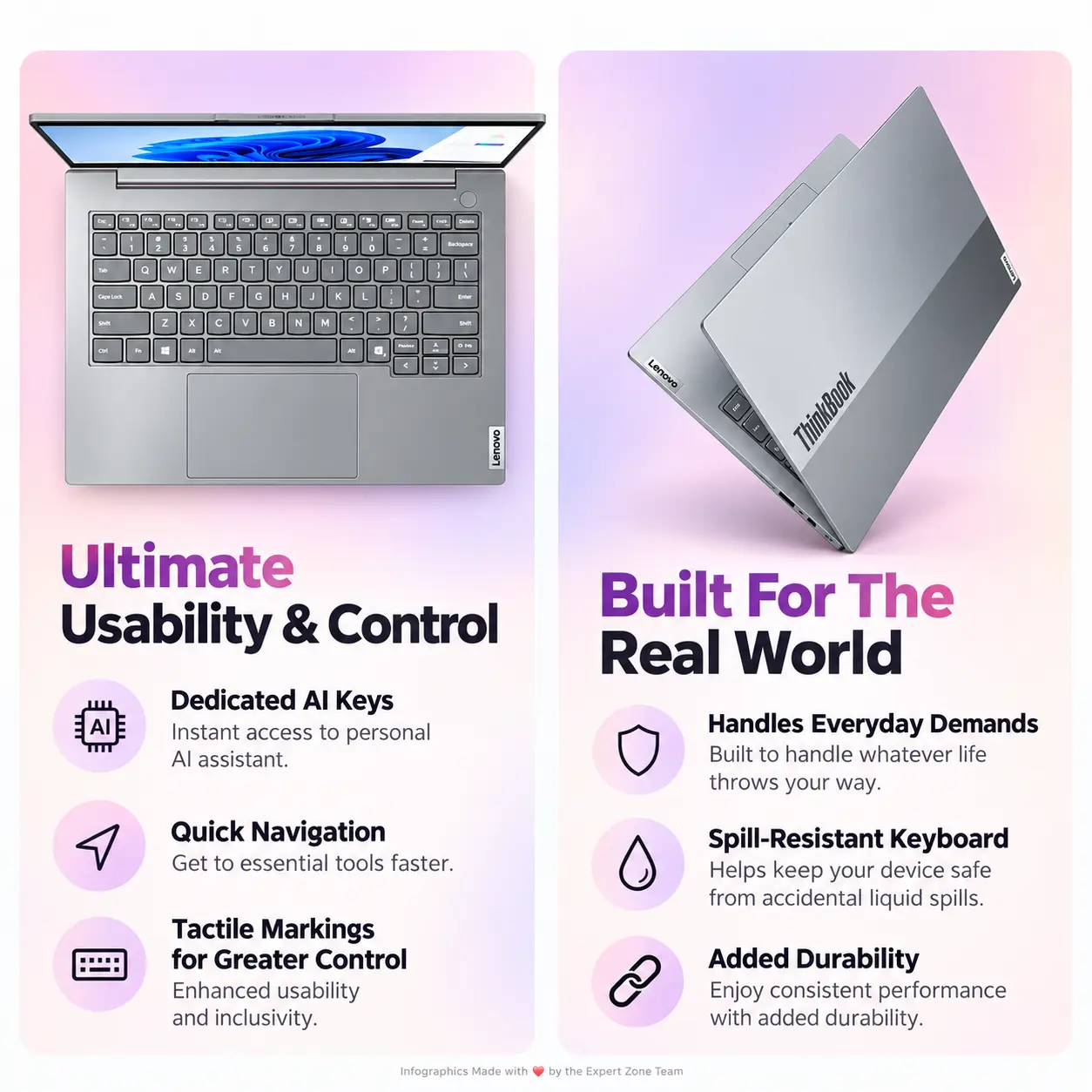
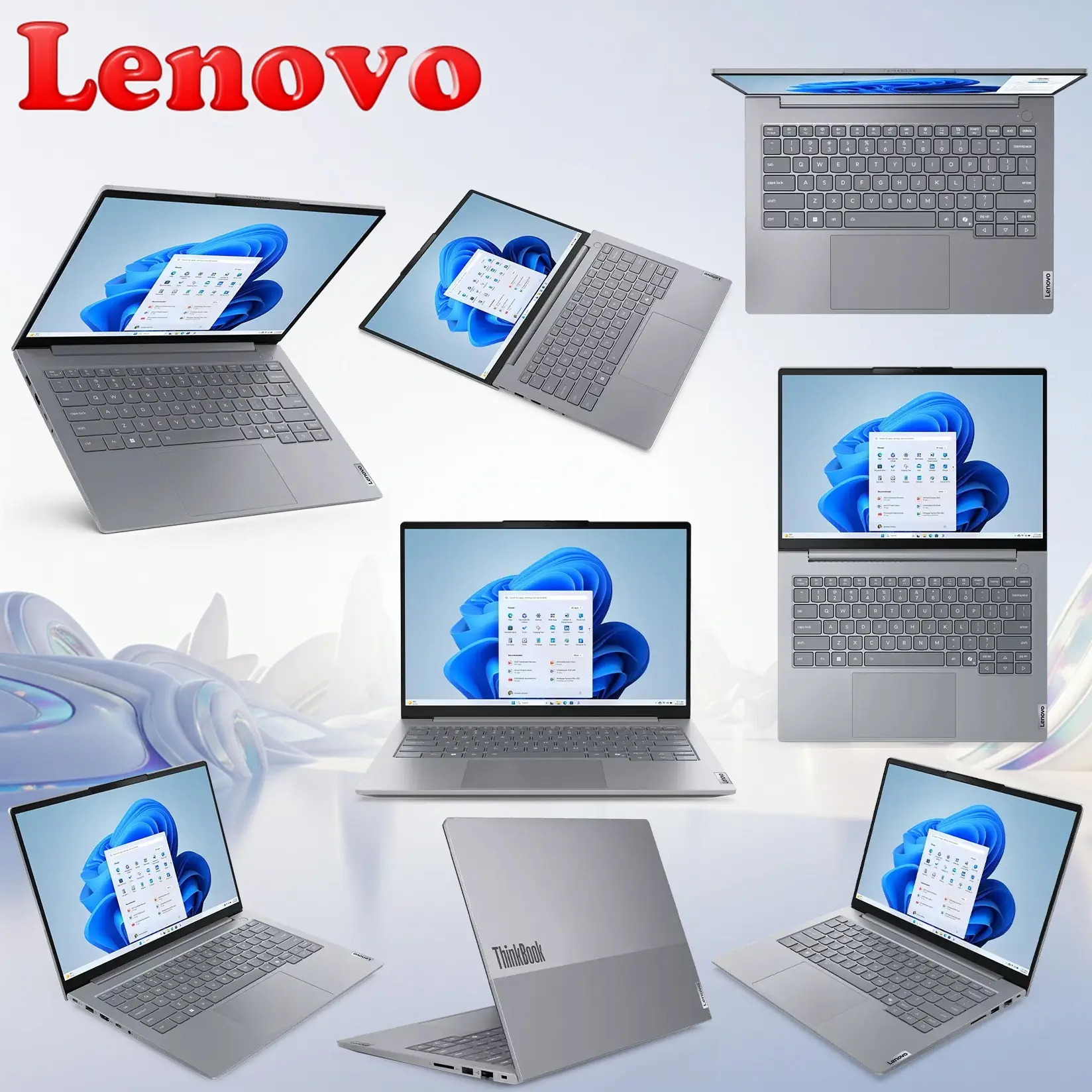
Present it open in a refined front three-quarter angle so the 14-inch display, Arctic Grey aluminum structure, backlit keyboard, large touchpad, slim 17.5mm profile, hinges and professional ThinkBook proportions remain immediately recognizable.
The artistic direction should feel:
precise + mobile + intelligent + elegant + quietly strange
while preserving the Expert Zone identity:
extreme high-luster pearlescent white + light silver + mother-of-pearl + one memorable surreal concept
Maintain broad negative space.
Product Presentation
Preserve authentic Arctic Grey.
Use a controlled dark-graphite contact shadow and narrow polished-silver rim reflections so the grey laptop remains clearly separated from the bright background.
Do not recolor it black, white, blue or gaming-metallic.
The exact MTM uses a BACKLIT English (EU) keyboard.
Render a restrained neutral-white keyboard glow only.
NO RGB.
Place Lenovo ThinkBook branding in the upper-left safe area.
Main heading:
THINKBOOK 14 GEN 8 • 21SJ0001GQ
Use bold dimensional silver typography with restrained graphite faces and one thin copper accent line.
Technical callouts:
CORE ULTRA 7 255H • AI PC
THUNDERBOLT 4 • 40Gbps
Keep all text secondary to the laptop.
STRICT DISPLAY-TO-BACKGROUND COLOR SEPARATION
The display artwork must use a clearly different palette from the external environment.
External Environment
Pearlescent white + polished silver + pale neutral grey + restrained graphite accents
Display World
Deep ultramarine blue + saturated teal glass + warm copper + burnt orange / amber + small near-black regions
The screen must read instantly as a separate world even at thumbnail size.
Do not let the screen artwork fade into pale white, silver or grey and merge with the external background.
Artistically Distinct and Detailed Background
Original Surreal Concept — THE SILENT PROJECT LOOM
The story should relate directly to:
- productivity,
- multitasking,
- AI-assisted work,
- expandable memory/storage,
- high-speed connectivity,
- mobile business work.
The laptop display becomes an impossible kinetic project loom.
Inside it, create a deep-ultramarine architectural space containing one monumental machine built from:
- broad saturated-teal glass rails,
- thick warm-copper sliding shuttles,
- several flat burnt-orange project sheets,
- one matte-black central control block,
- exactly three large woven bands passing through the mechanism.
The machine continuously pulls separate project sheets together and weaves them into one organized luminous surface.
It should suggest multiple tasks becoming one controlled workflow without showing literal spreadsheets, software windows or generic office UI.
No tiny data particles.
No sparks.
No scattered debris.
No decorative code.
Main Surreal Object — THE PROJECT LOOM
This time, the strange subject is an object, not another monster or humanoid.
The Project Loom should resemble a cross between:
- a precision industrial loom,
- a luxury drafting instrument,
- an impossible kinetic office machine.
Use:
- asymmetric copper shuttles,
- teal rails,
- broad moving project sheets,
- one transparent AI-control prism embedded in its matte-black center,
- several enormous polished mechanical keys instead of hundreds of tiny controls.
It should feel sophisticated, strange and memorable without becoming visually chaotic.
Controlled Screen Breach
Only:
- one copper shuttle
- and one broad woven project sheet
may extend approximately 8–10% beyond the screen plane.
Keep the breach restrained.
Do not cover the keyboard.
Do not let the loom replace the laptop as the dominant subject.
Keep the screen bezel clearly visible.
External Background Relationship
The external environment must continue the structured workflow / loom concept.
Use only these three major motifs:
- One broad mother-of-pearl ribbed wall behind the laptop, echoing the parallel rails inside the display.
- One single polished-silver guide track beneath the laptop, aligned with the movement of the loom.
- One oversized copper shuttle-form far behind the product, partially cropped into a simple sculptural silhouette.
Nothing else.
No particles.
No bubbles.
No beads.
No dust.
No shards.
No micro-objects.
No unrelated chrome ribbons.
No visual confetti.
Every background form must clearly belong to the same visual story.
Expert Zone WTF Easter Egg
Near the front-left corner, place exactly one tiny original object:
a miniature chrome hole-punch machine with one absurdly long teal necktie wrapped around itself like a scarf.
Give it two tiny mechanical feet.
It should look as if it is waiting for instructions.
Keep it extremely small.
No second easter egg.
Icons — Free-Standing Content-Shaped Physical Objects
Use exactly six primary icon objects.
No repeated cards.
No black badge panels.
No shared hexagonal frames.
No stacked menu.
Every icon must physically represent its information.
THUMBNAIL-READABILITY RULE
This is strict:
- Main icon text must be BOLD, LARGE, HIGH-CONTRAST.
- It must remain readable when the entire image is shown as a small website thumbnail.
- Main text should occupy roughly 35–50% of the usable visible face of each icon where practical.
- If space becomes tight, remove secondary microtext instead of shrinking the main text.
- Use thick clean lettering.
- No thin condensed type.
- One clearly readable key specification is better than several microscopic specifications.
Icons
- Ultra 7 255H
- 8GB DDR5-5600 RAM
- 512GB NVMe®
- 4-inch WUXGA IPS Display
- Intel® Graphics
- Backlit Keyboard
- Lenovo® Bag Included
CRITICAL DIRECTIVE [STRICT] The Icons MUST Have different shapes conveying the specific content of the icon.
The physical object itself must BE the icon.
No decorative frame around every object.
Keep total icon count restrained.
ALIGN ALL ICONS VERTICALLY TO THE SIDE.
Output Requirements
- Exactly 2048 × 2048 pixels.
- True 1:1.
- Preserve authentic Arctic Grey.
- Preserve the neutral-white backlit English keyboard.
- Keep the laptop extremely sharp and commercially recognizable.
- Screen = ultramarine / teal / copper / amber.
- External environment = white / silver / pale grey.
- These palettes must stay visibly separate.
- Preserve strong negative space.
- Keep the background coherent and restrained.
- All six icon labels must remain readable at thumbnail size.
- Add only:
“Infographic Designed by the Expert Zone Team”
Constraints
- Exactly ONE Lenovo ThinkBook 14 Gen 8 / ThinkBook 14 G8 IAL.
- Exact MTM: 21SJ0001GQ.
- CPU: Intel Core Ultra 7 255H.
- NPU: Intel AI Boost, up to 13 TOPS.
- Graphics: Integrated Intel Arc 140T.
- No NVIDIA / discrete AMD GPU.
- Memory: 8GB DDR5-5600, 1×8GB.
- Do not depict 16GB as installed.
- Storage: 512GB M.2 2242 PCIe 4.0 x4 NVMe.
- Display: 14″ WUXGA 1920×1200 IPS, 300 nits, 45% NTSC, 60Hz, anti-glare.
- Do not invent 100% sRGB.
- Do not invent 120Hz.
- Touchscreen: None.
- Keyboard: Backlit English (EU).
- White backlight only.
- Operating system: None.
- Therefore NO Windows logo or Windows 11 text in the image.
- Camera: FHD 1080p with Privacy Shutter.
- Fingerprint reader is integrated into the power button.
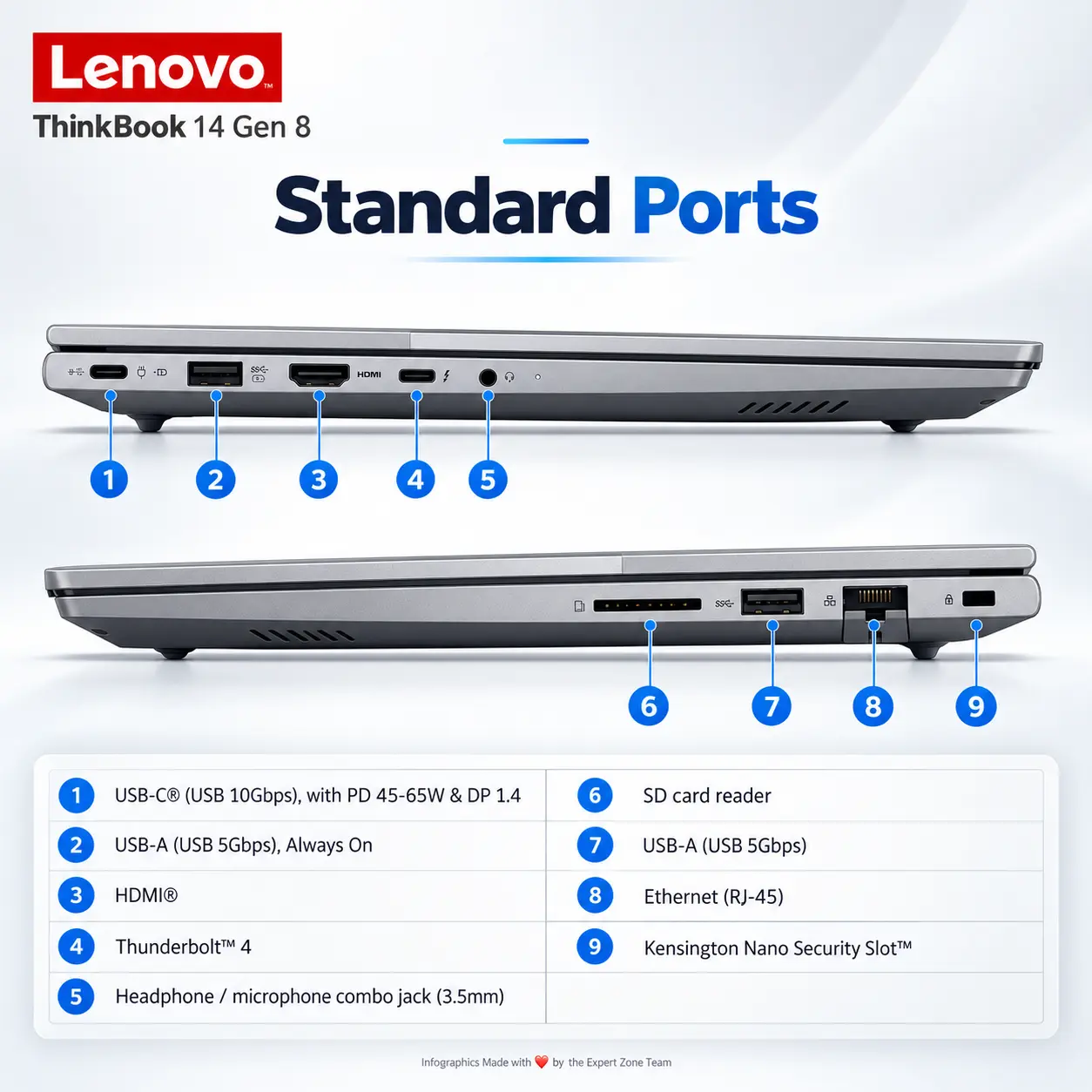
- SD card reader is present.
- Ethernet is present.
- Thunderbolt 4 / USB4 40Gbps is present.
- No warranty information.
- No gaming treatment.
- No random particles, debris, bubbles or filler.
- No repeated UI-card icons.
- Final image must feel professional, high-luster, mobile, intelligent, highly organized, subtly strange, thumbnail-readable and unmistakably Expert Zone.