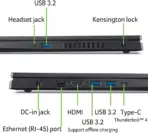
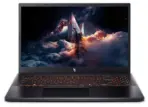
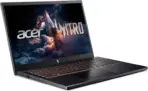
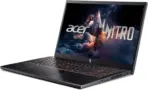
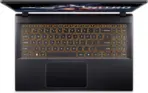
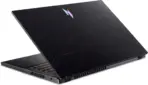
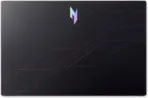



NH.QUASA.001
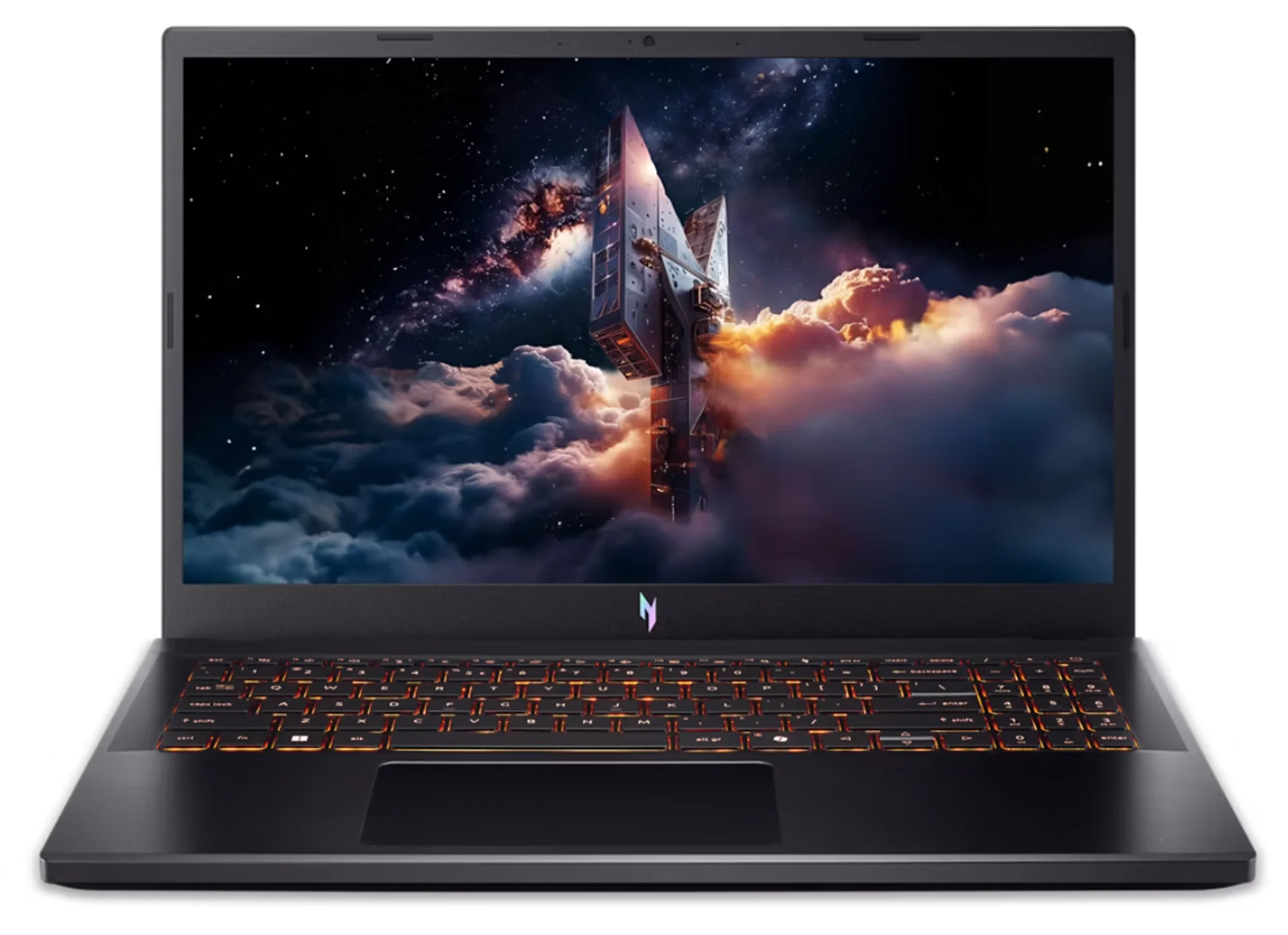
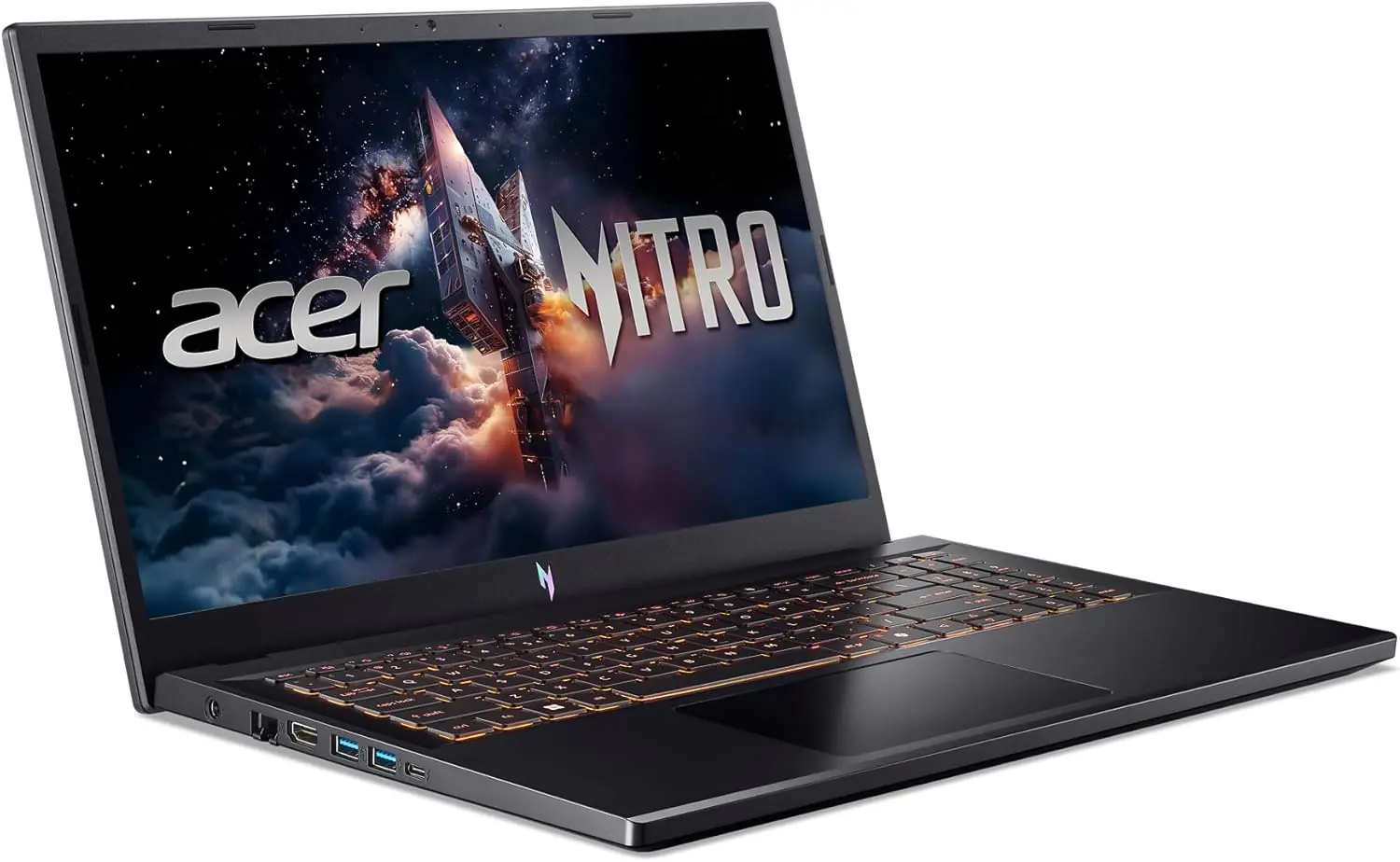
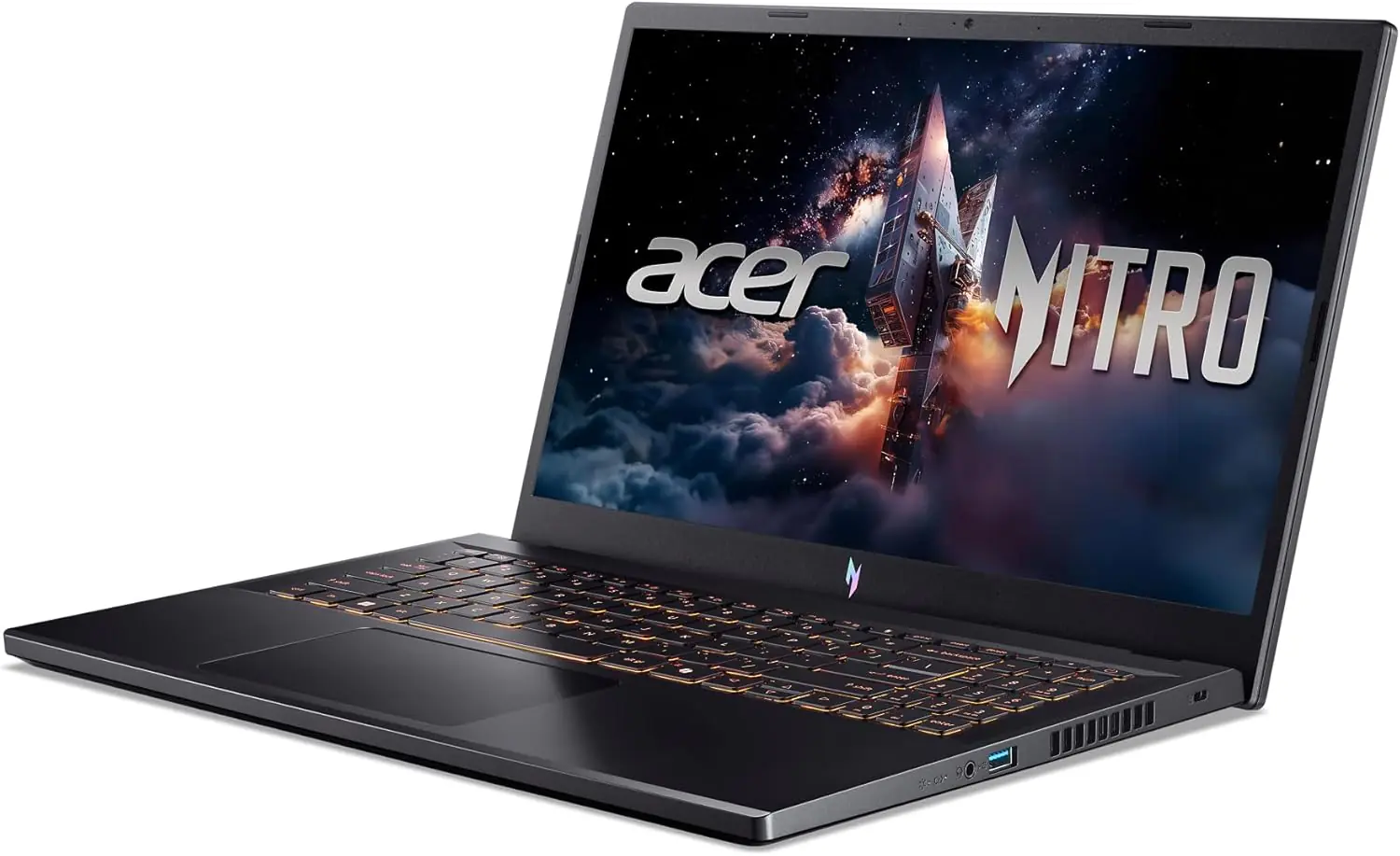
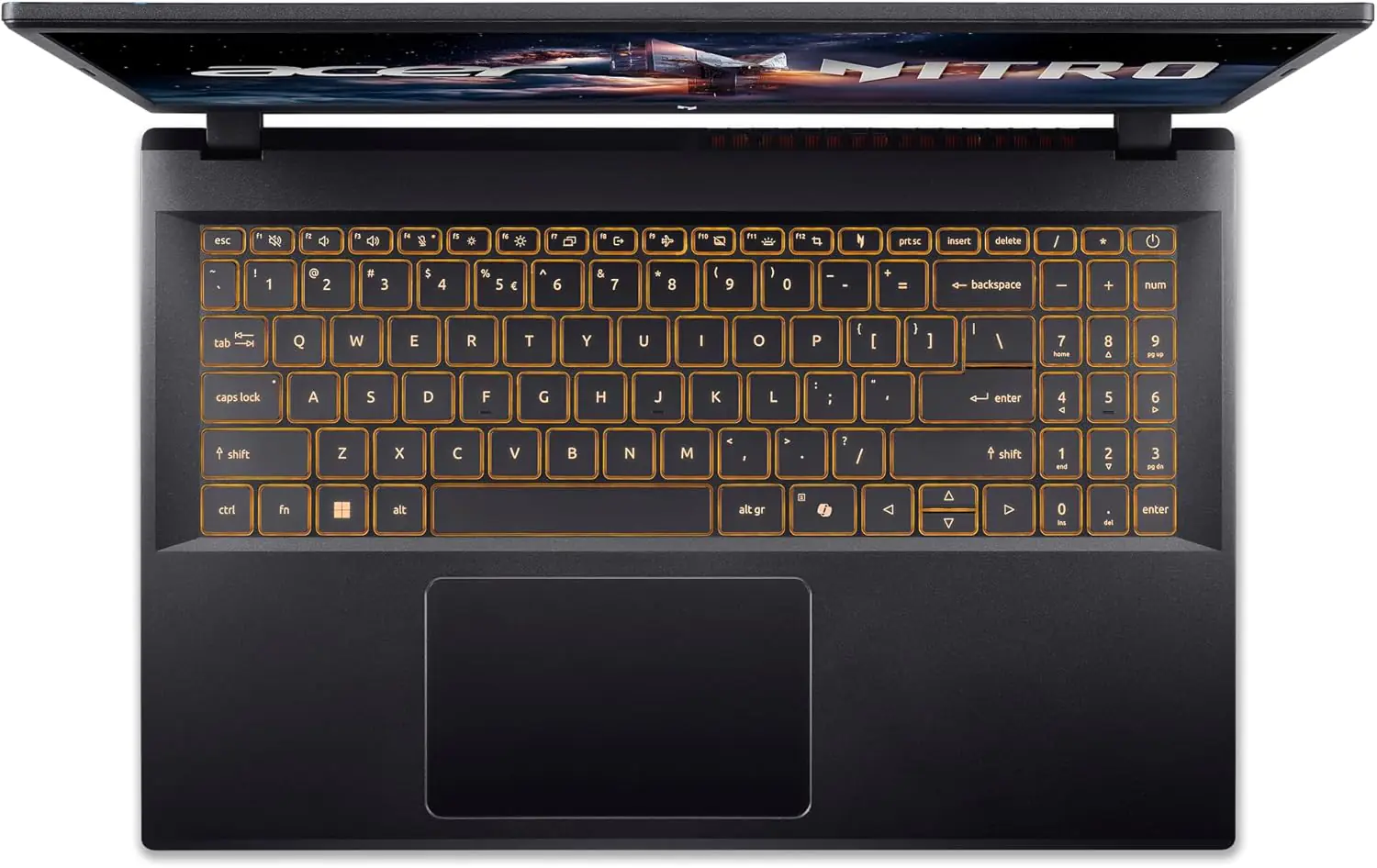
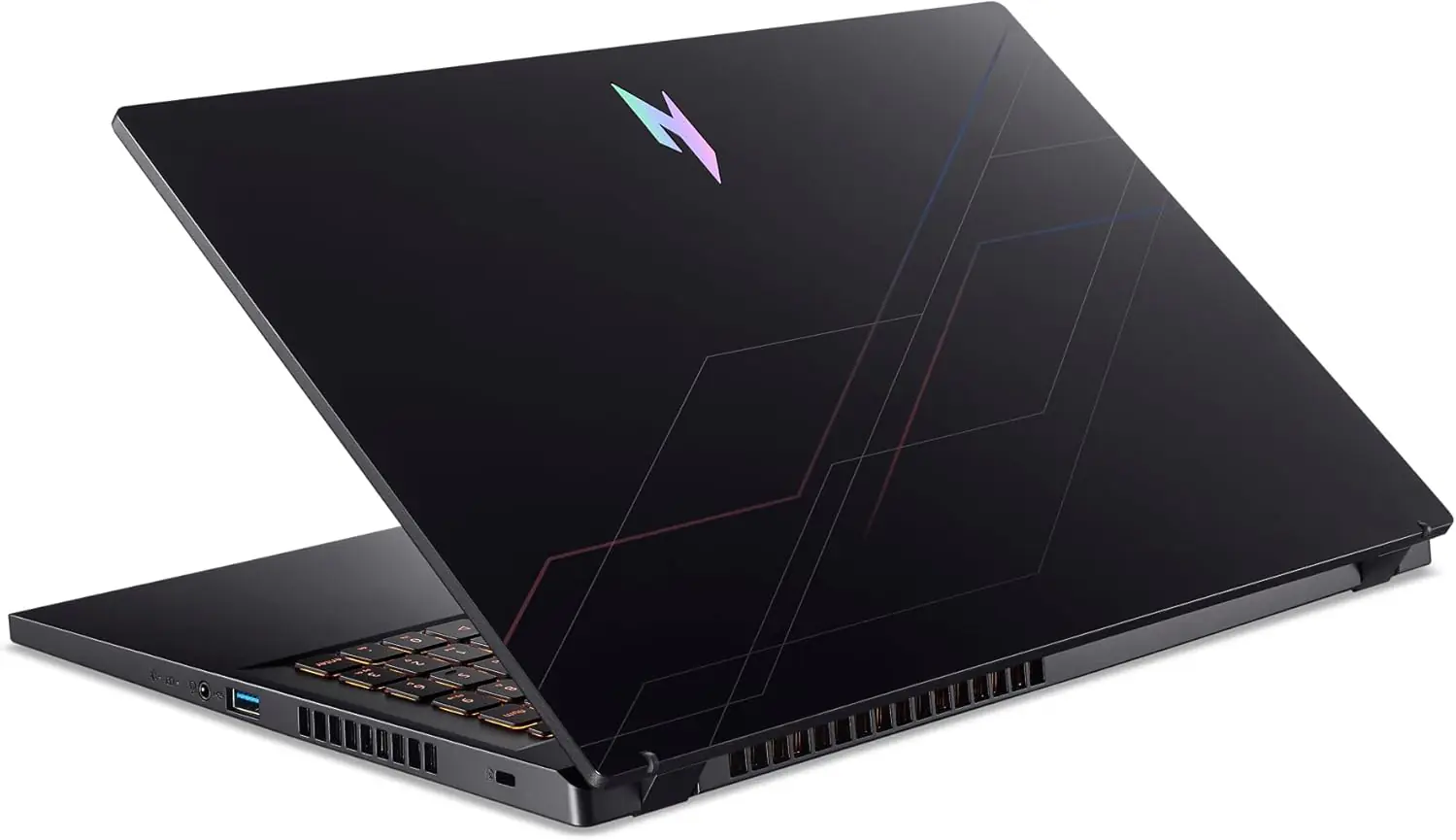
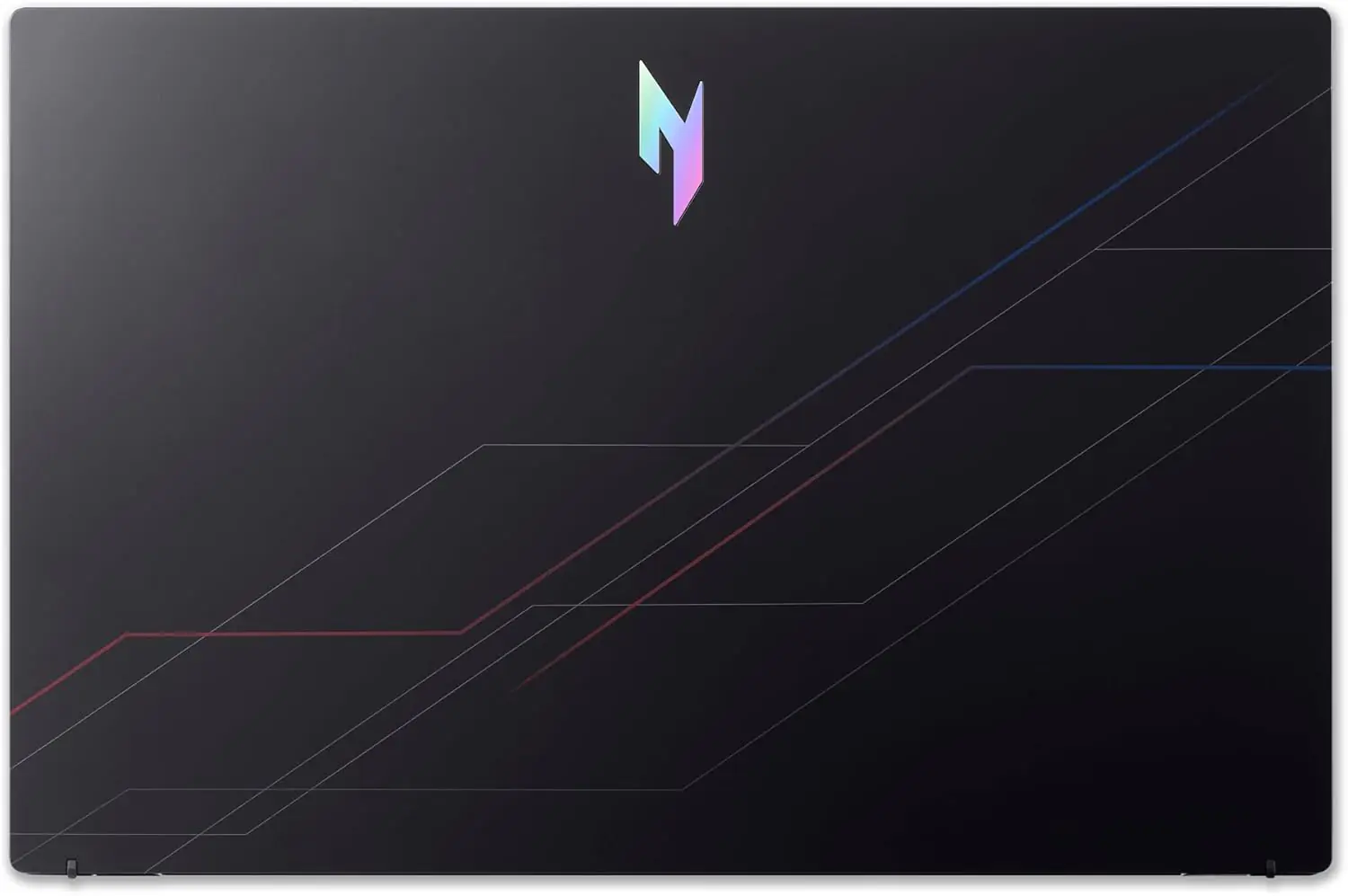
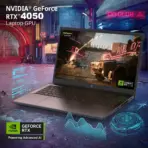
ACER NITRO V 15 ANV15-52-70SQ 7 240H/16GB DDR5/512GB/15.6″/RTX 4050 6GB/WIN11
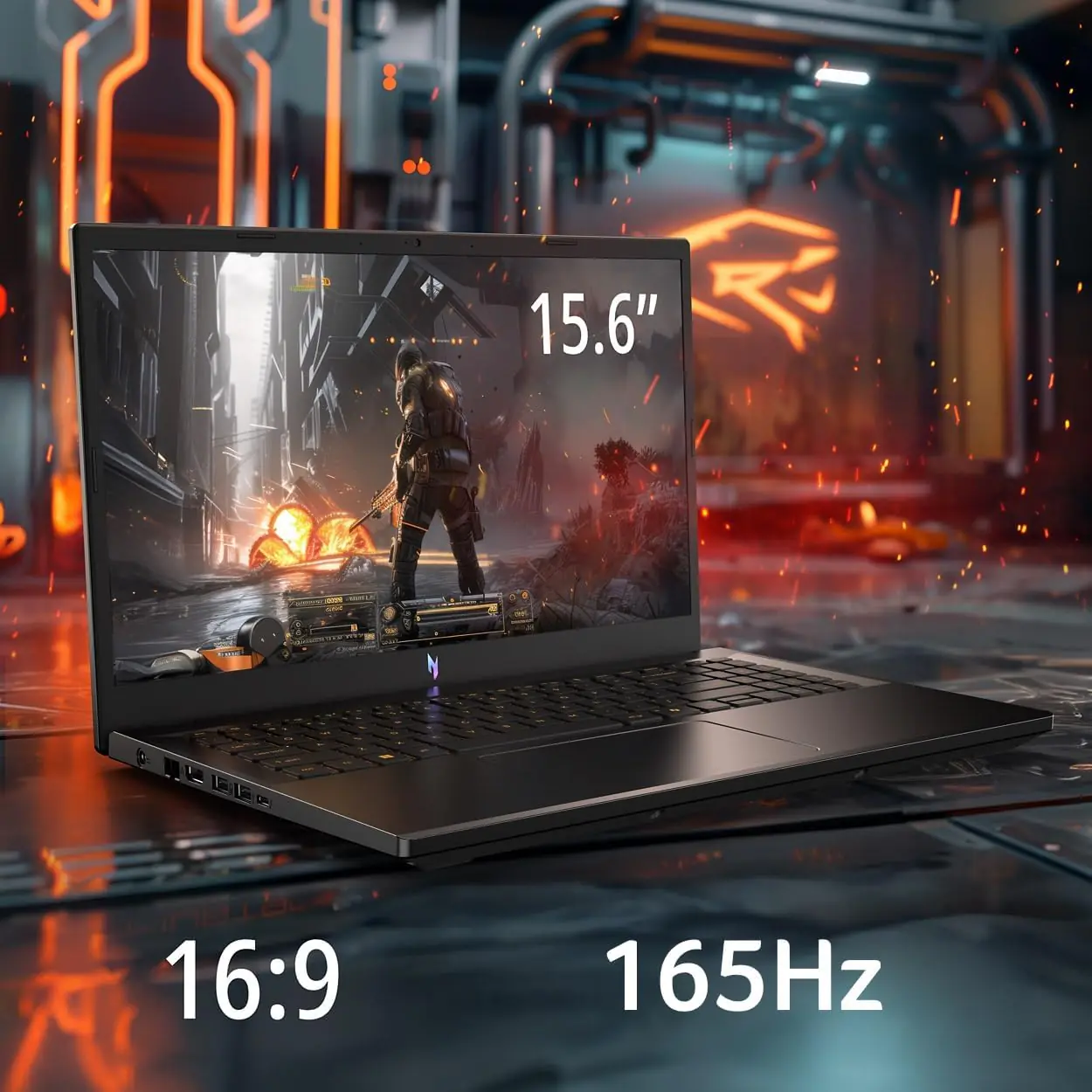
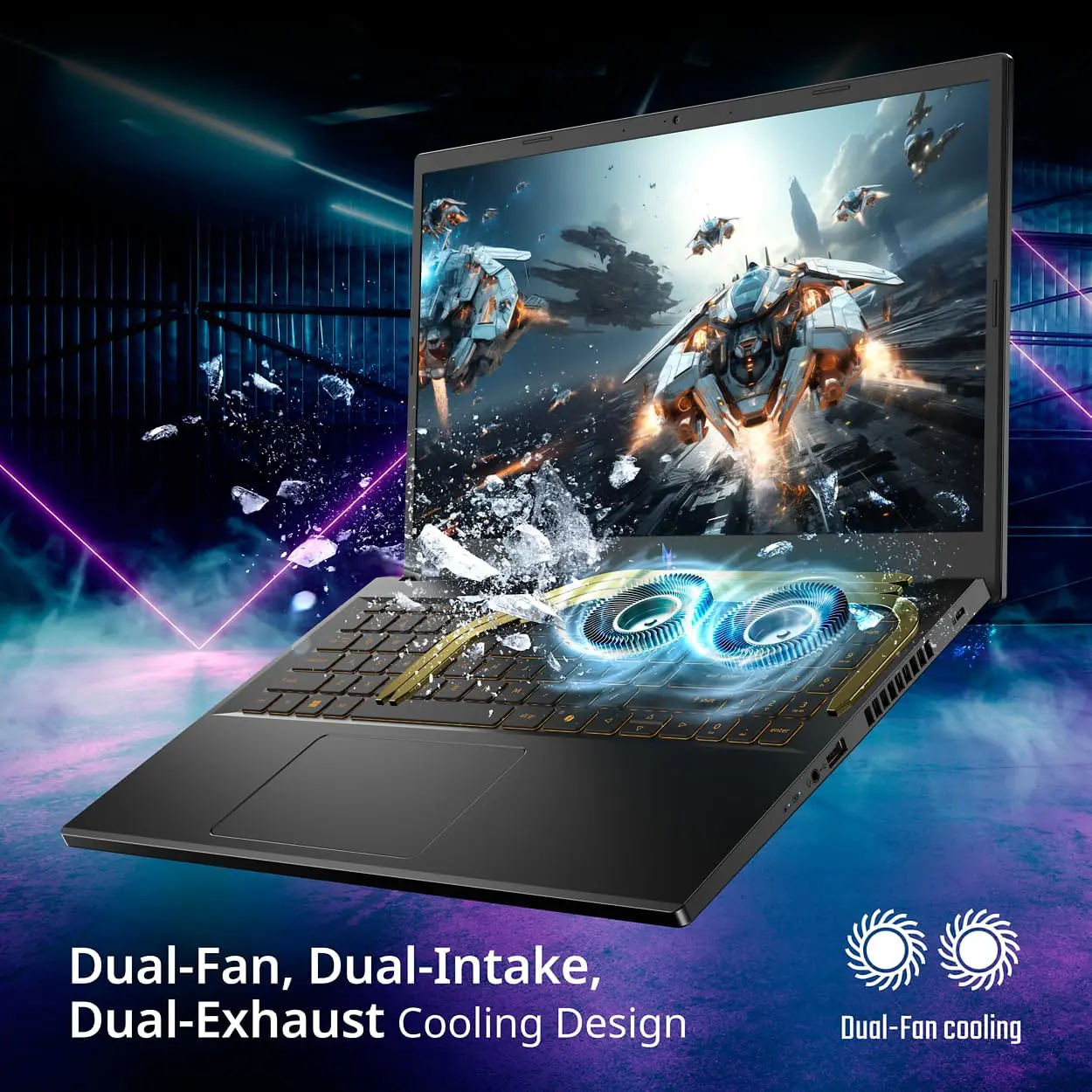
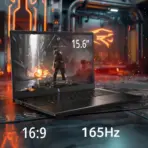
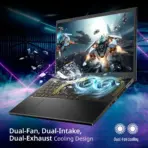
Acer Nitro V 15 Intel® Core 7 240H | 16GB DDR5 RAM ; 512GB NVMe SSD | RTX 4050 (6GB) | 15.6 inch 165Hz Active Matrix TFT LCD Display | Amber Backlit Keyboard | Windows 11 | BLACK ~ ANV15-52-70SQ
GENERATE AN AI IMAGE
Layout
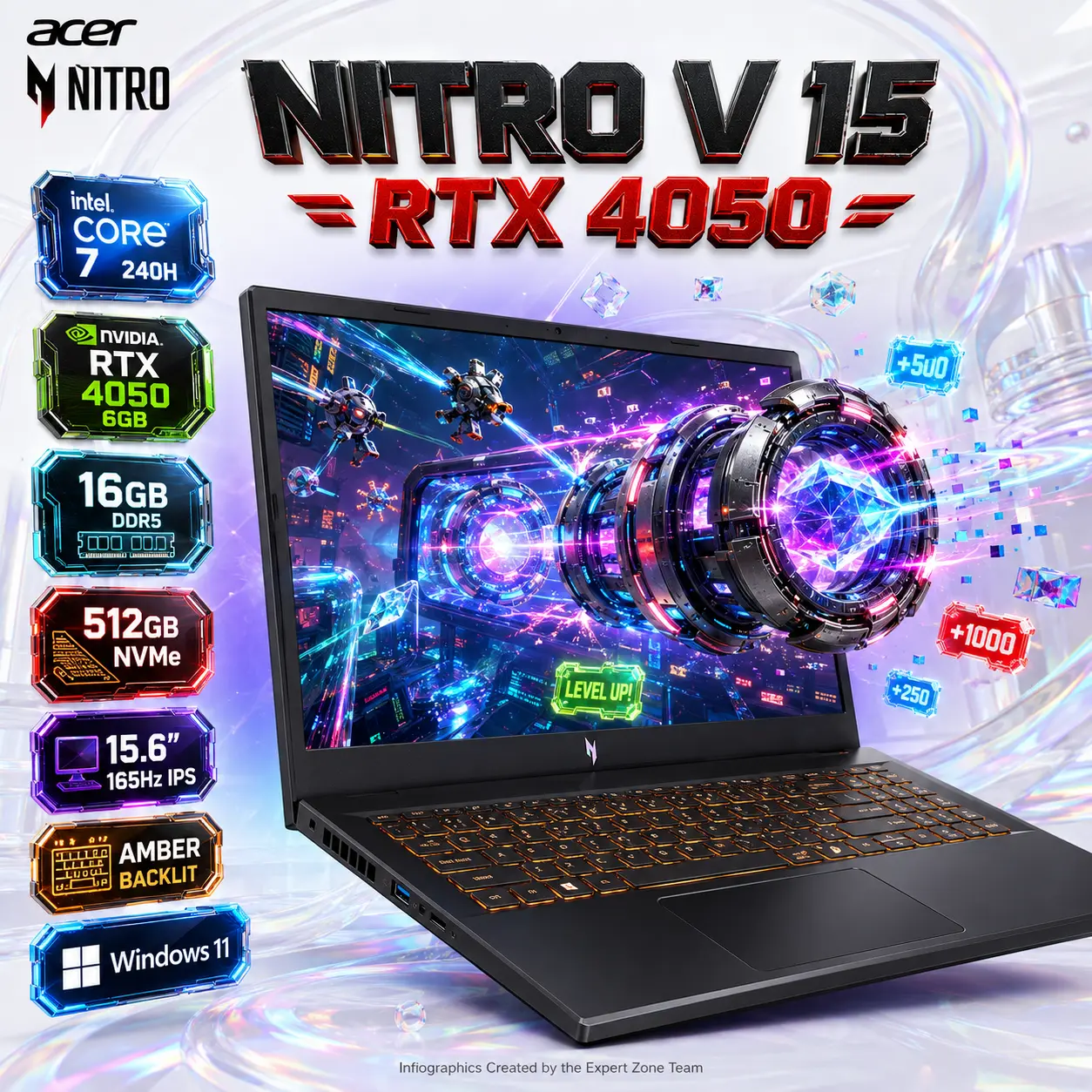
- Create an exact 2048 × 2048-pixel, perfect 1:1 square premium gaming product-profile image for the Acer Nitro V 15 ANV15-52-70SQ – NH.QUASA.001 – Black.
- Make the open gaming laptop the dominant foreground hero occupying approximately 62–68% of the canvas.
- Present it in a powerful three-quarter front angle clearly showing the authentic 15.6-inch chassis, display, keyboard, trackpad and Nitro design language.
- Keep the complete laptop safely inside generous margins.
- Place the Acer Nitro logo at the top-left.
- Center “Nitro V 15 – RTX 4050” at the top in large, premium, deeply extruded 3D gaming typography.
Product Presentation
- Preserve the exact black Nitro V 15 chassis, authentic bezel proportions and keyboard geometry.
- Show the correct amber keyboard backlighting, not RGB.
- Preserve the exact configuration identity:
- Intel Core 7 240H
- RTX 4050 Laptop GPU 6GB
- 16GB DDR5
- 512GB Gen4 SSD
- 15.6″ FHD IPS 165Hz
- Add a concentrated electric-cyan → ultraviolet → hot-magenta aura directly behind the dark laptop only for strong separation from the bright environment.
Artistically Distinct and Detailed Background
- Use a futuristic fun mischievous gaming theme, avoiding dragons, serpents and generic dark gaming rooms.
- Keep the external environment dominantly extreme-high-luster pearlescent white, built from transparent oily-opalescent fluid and molded dichroic glass.
- Create a playful anti-gravity gaming laboratory filled with floating score cubes, neon boost rings, crystalline speed gates and mischievous hovering tech objects.
- Use bright cyan, red, acid-green, sapphire and molten-orange highlights while keeping the overall background light and luxurious.
TRUE SCREEN PORTAL / OBJECT EXTRUSION
- The display itself must show a vivid futuristic game world in strong contrasting colors, never a white-dominant image.
- Inside the game scene, place a glowing anti-gravity turbo core formed from a compact metallic ring system surrounding a crystalline energy center.
- The same object must appear halfway physically emerging through the laptop display.
- Its rear half remains clearly inside the digital game world while the forward rings and glowing core project beyond the screen plane.
- Surround it with escaping pixel shards, neon score tokens and luminous speed trails.
- Use bezel occlusion, cast shadows on the frame, perspective distortion, volumetric overlap and a clear inside/outside split.
- The object must look genuinely extruded from the game world, not pasted over the display.
- Add several tiny mischievous hovering maintenance drones inside the game scene attempting to pull the escaping turbo core back into the screen.
- Keep all narrative elements clearly secondary to the laptop.
ESPORTS 3D RENDERED Icons
- Core 7 240H
- RTX 4050 6GB
- 16GB DDR5
- 512GB NVMe
- 15.6″ 165Hz IPS
- Amber Backlit
- Windows 11
- CRITICAL DIRECTIVE [STRICT] The Icons MUST Have different shapes depending on the specific content of the icon.
- Use large, bold, premium 3D gaming-tech icons with unique silhouettes and razor-sharp typography inside the icons.
- The typography of every icon should stay EXTRA-LARGE , BOLD, and ultra-readable , especially as the complete image is reduced to website-thumbnail size.
- align icons to the side .
Output Requirements
- Exact 2048 × 2048 pixels, perfect 1:1 square.
- Laptop must remain the largest, sharpest and most important visual element.
- Maintain clear foreground, midground and background separation.
- Keep all branding, title, icons and extruding objects fully inside generous safe margins.
- Add discreetly at the bottom: “Infographics Created by the Expert Zone Team”.
Constraints
- Keyboard lighting must remain Amber, not RGB.
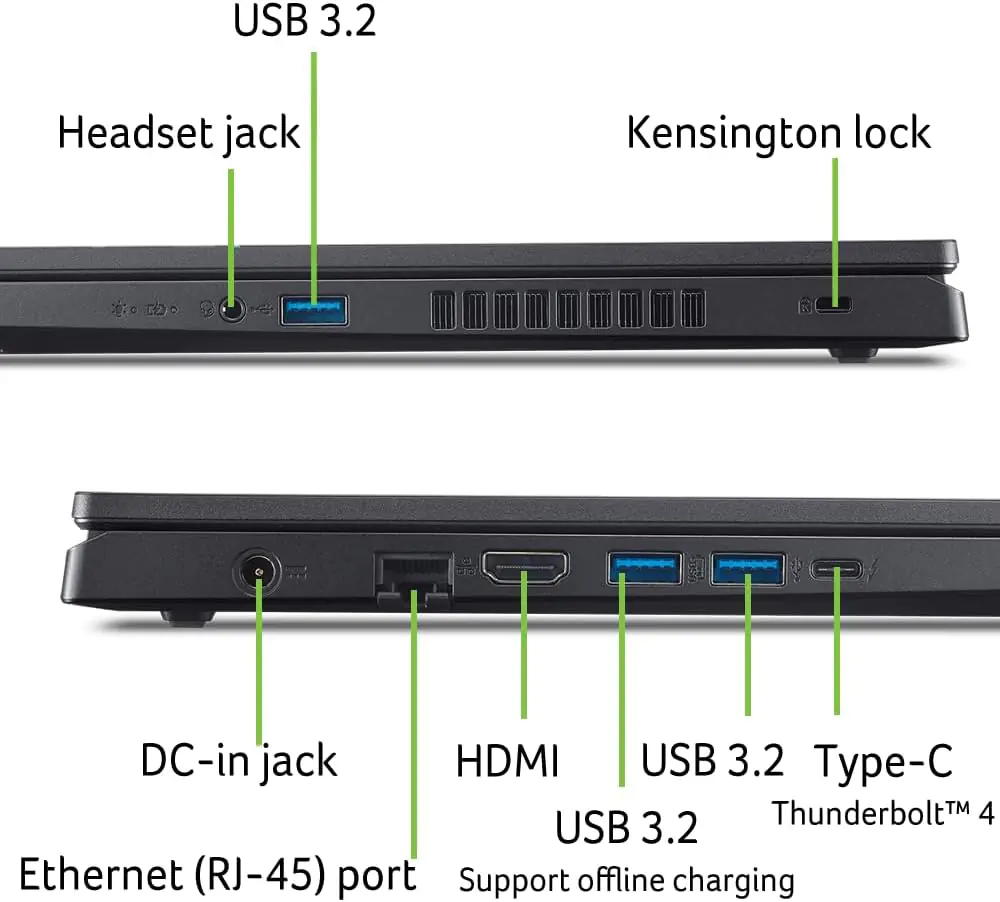
- Do not add Thunderbolt unless shown on a separate exact-model source.
- No dragons, serpents or giant monsters.
- No dark-dominant background, graphite smog or generic RGB room.
- Keep the background dominantly pearlescent white.
- No pedestal or stage.