




83A1011JAK
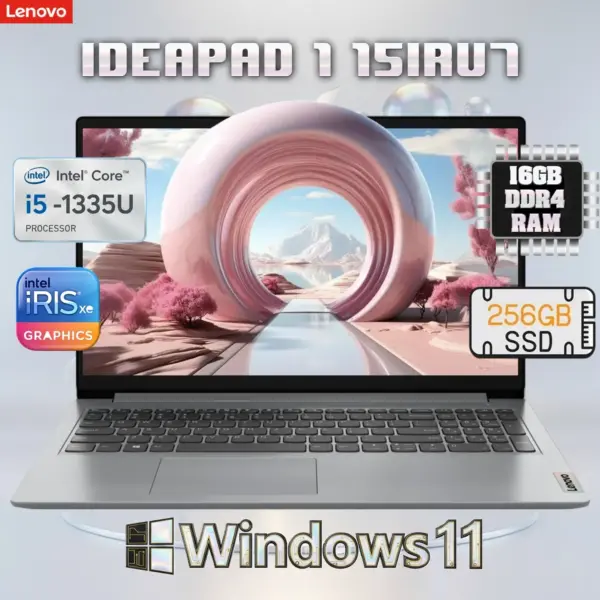
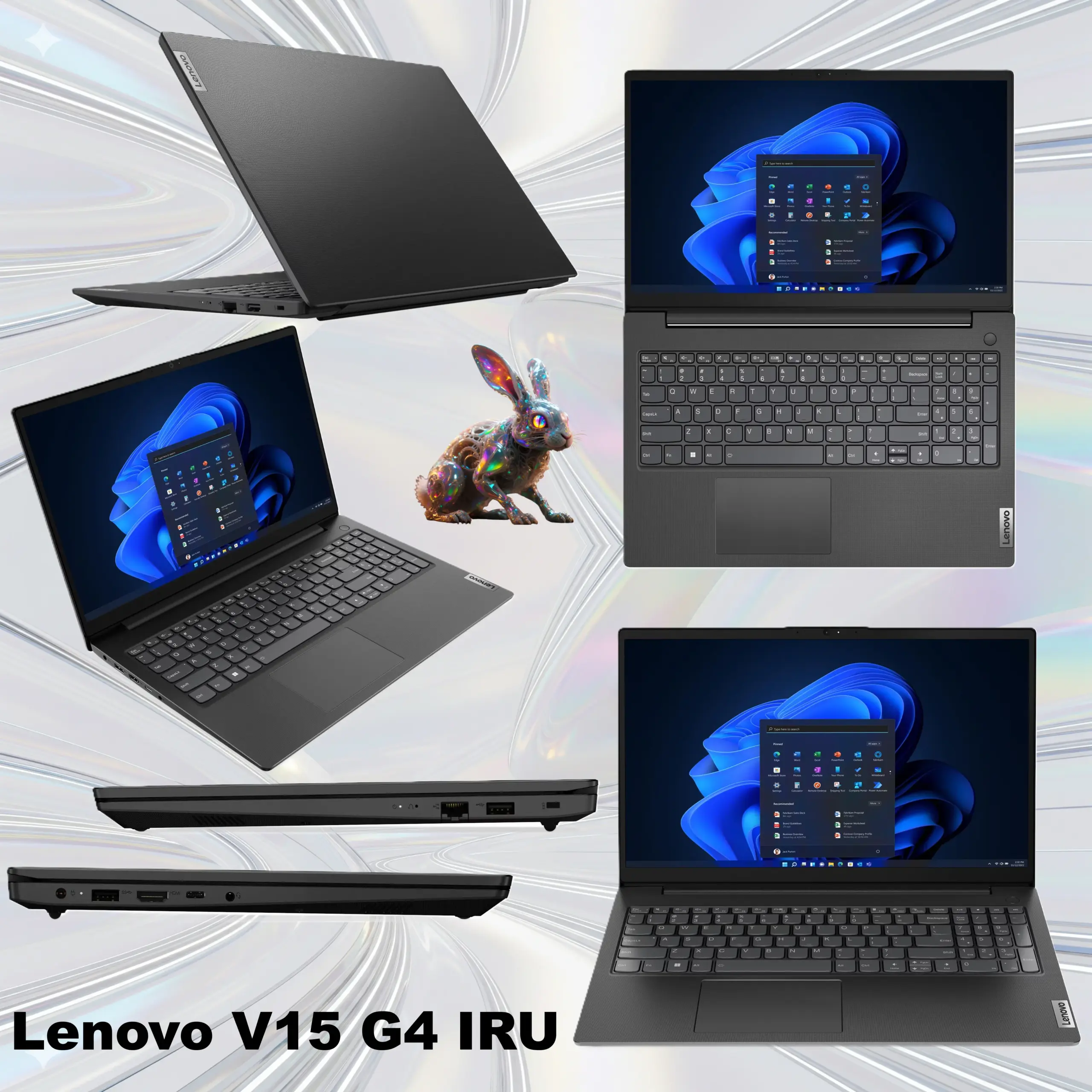
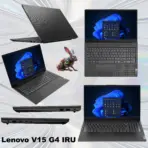
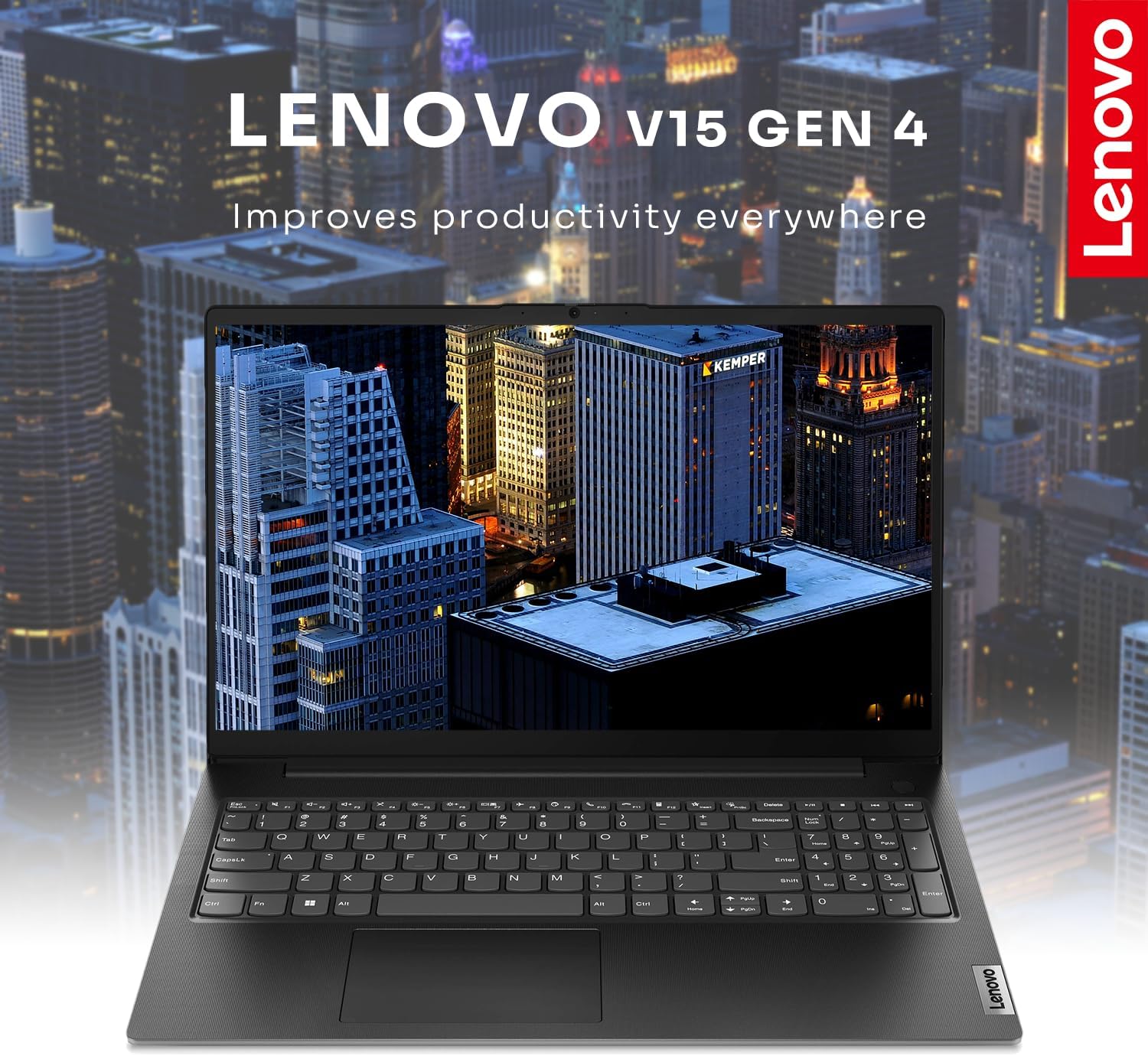
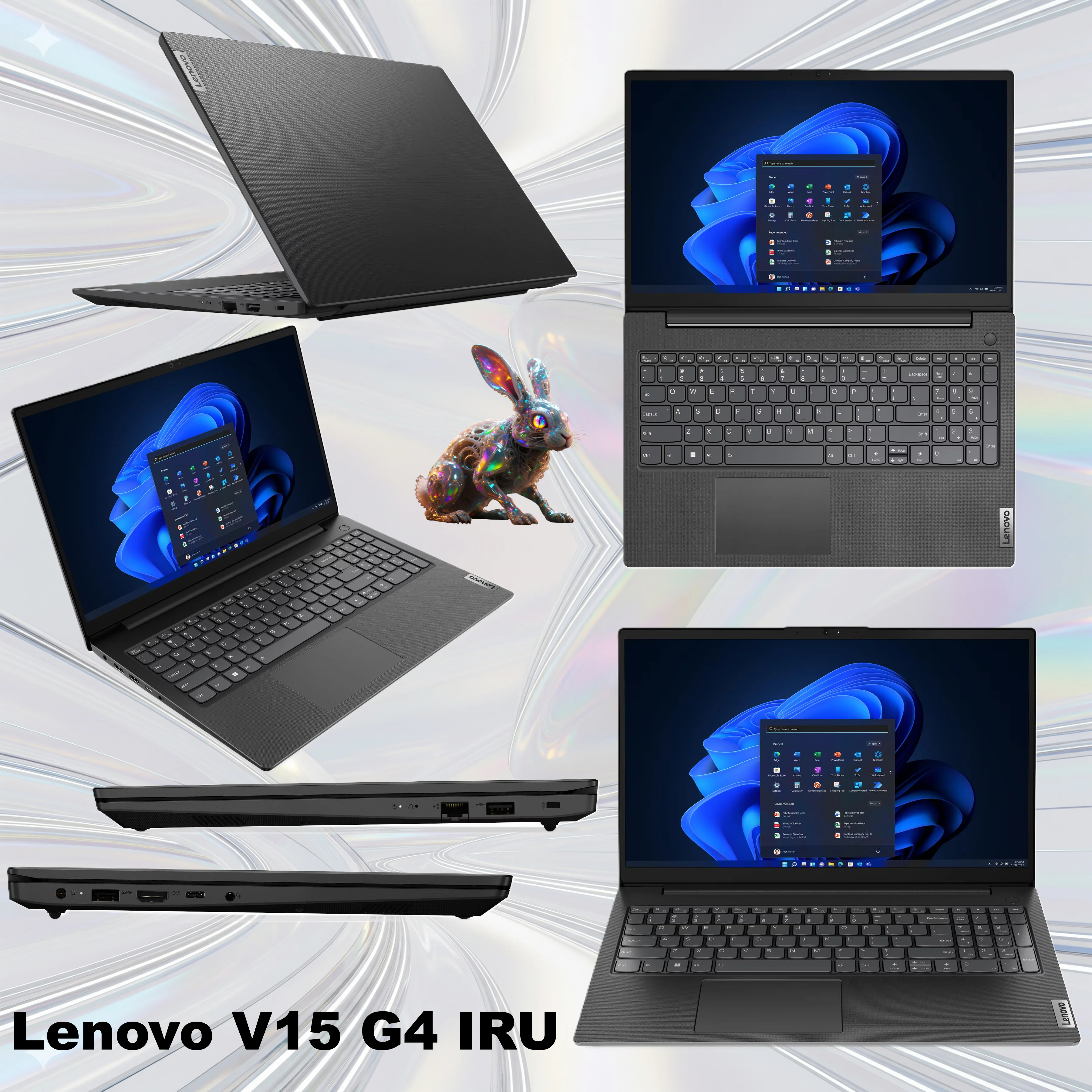
LENOVO V15 G4 IRU I3-1315U 8GB DDR4/256GB/15.6″FHD/EN/ARA/DOS-BUSINESSBLK/LAN
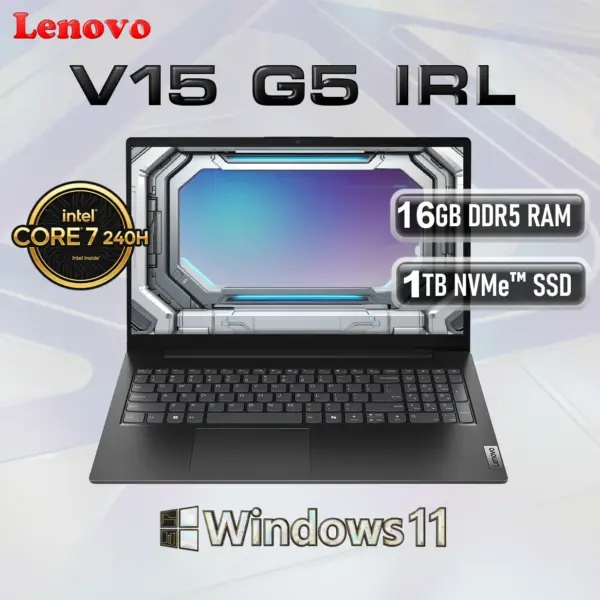
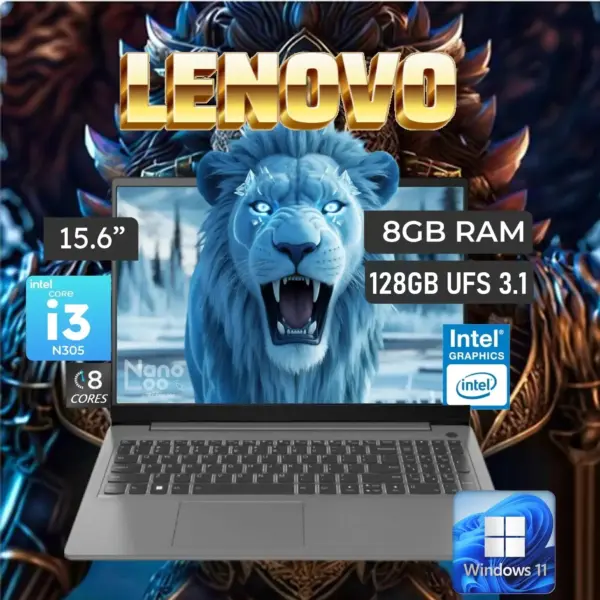
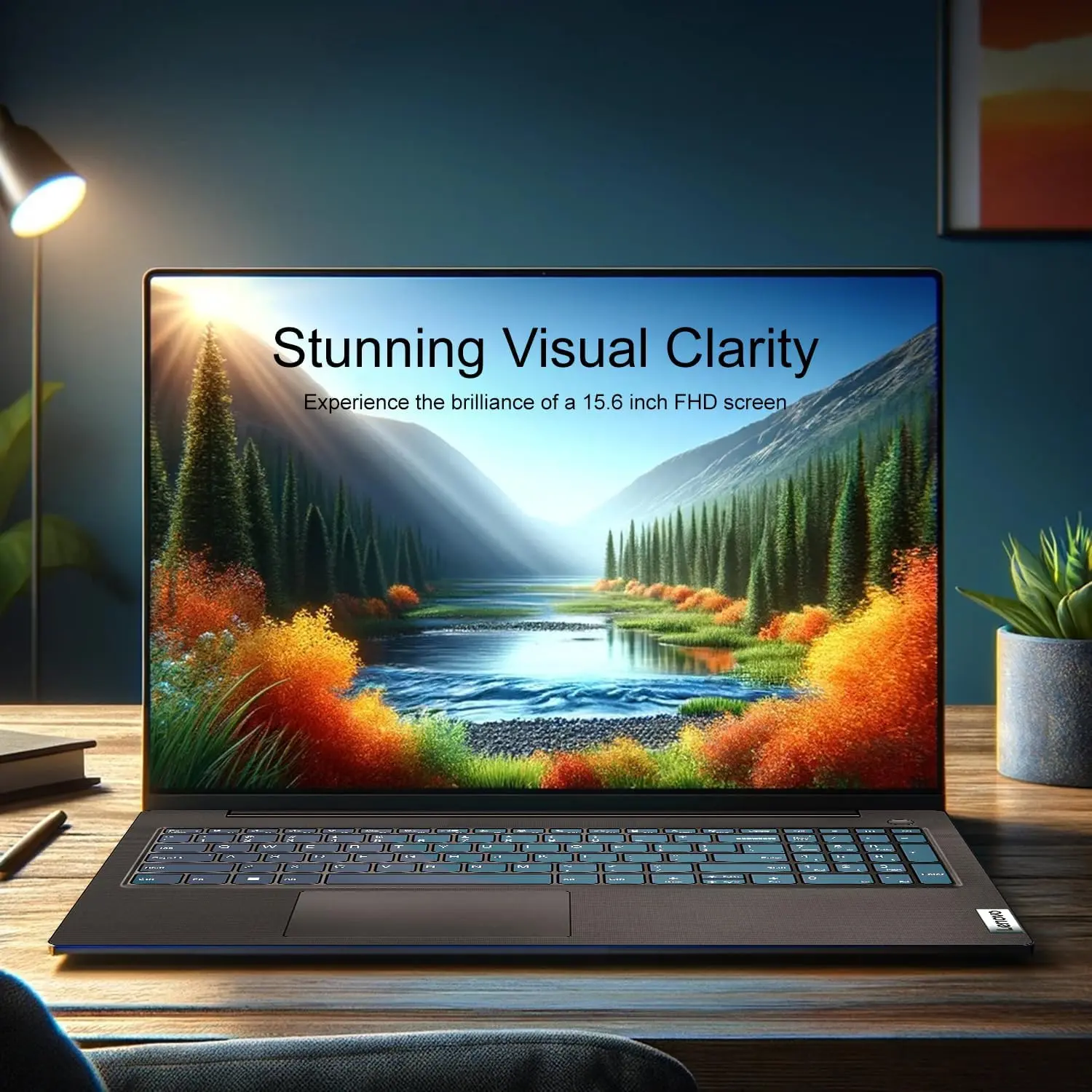
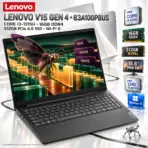
Lenovo V15 G4 IRU: Intel® Core i3-1315U | 16GB DDR4 RAM ; 512GB NVMe® | 15.6 inch FHD TN Display | Intel® UHD Graphics | Windows® 11 | Business Black
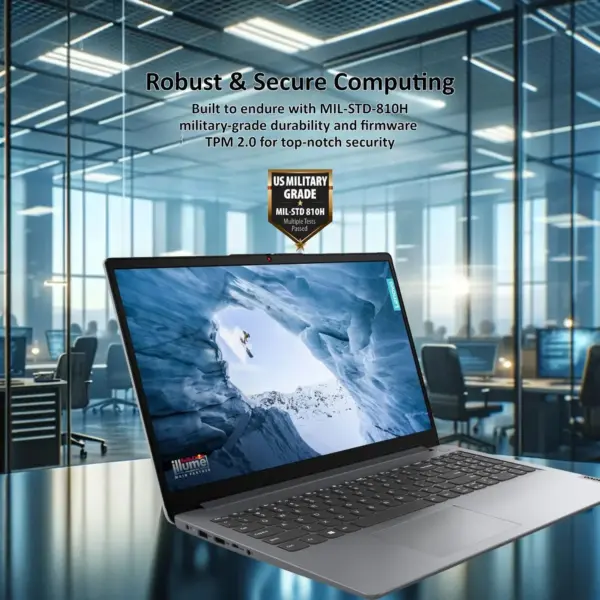
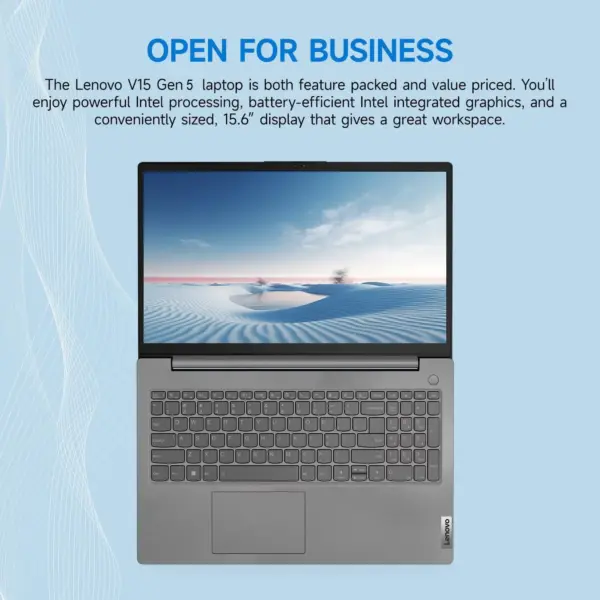
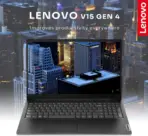
Lenovo V15 Gen 4 83A100PBUS 15.6″ FHD Business Laptop, Core i3-1315U, 16GB DDR4, 512GB PCIe 4.0 SSD, Wi-Fi 6 & Windows 11 Home
GENERATE AN AI IMAGE PROMPT
Layout
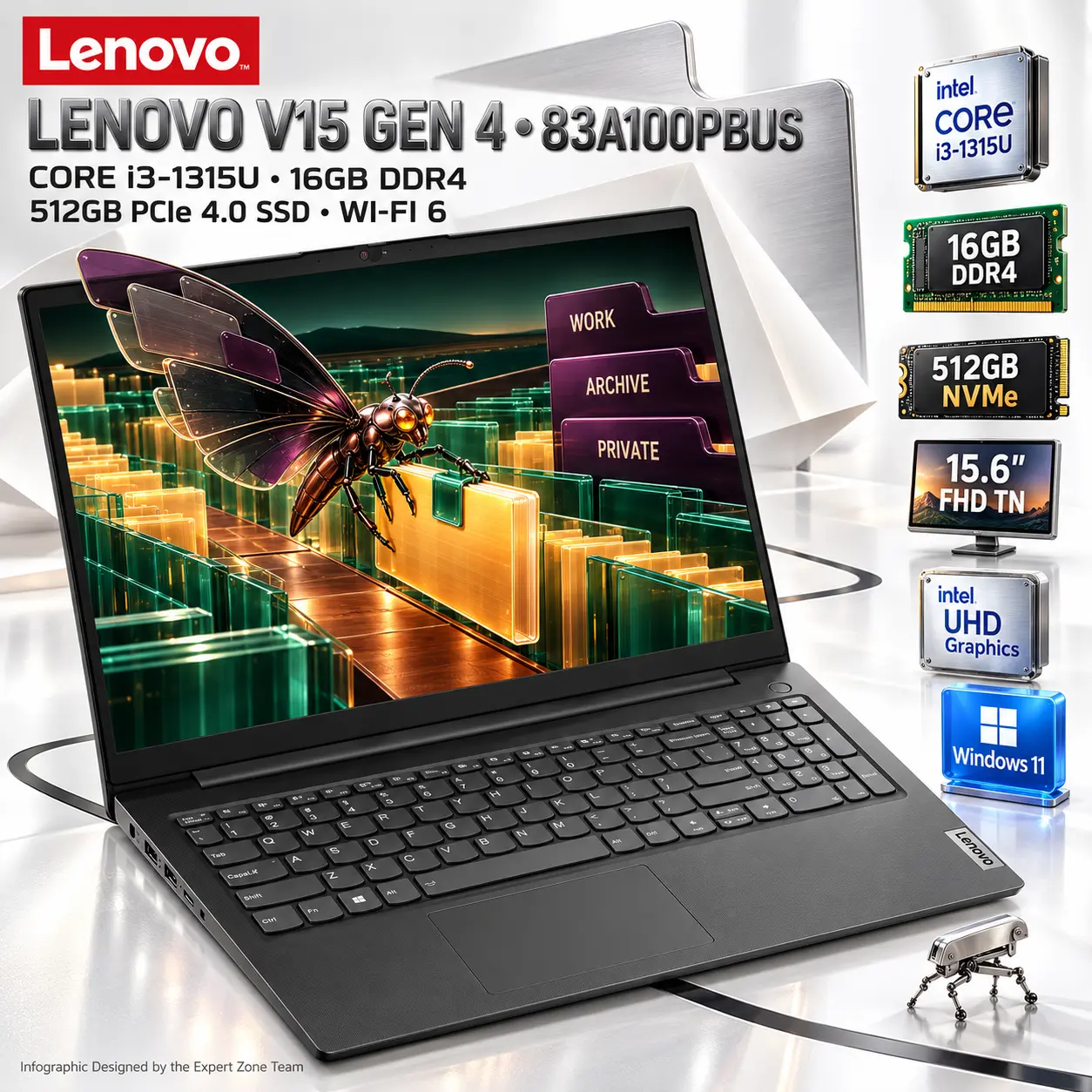
Create one exactly 2048 × 2048-pixel, perfectly square, ultra-photorealistic Expert Zone professional product infographic.
Show exactly ONE authentic Lenovo V15 Gen 4 / V15 G4 IRU, MTM 83A100PBUS, in Business Black.
The laptop must remain the unquestionable commercial hero, occupying approximately 74–80% of the active composition.
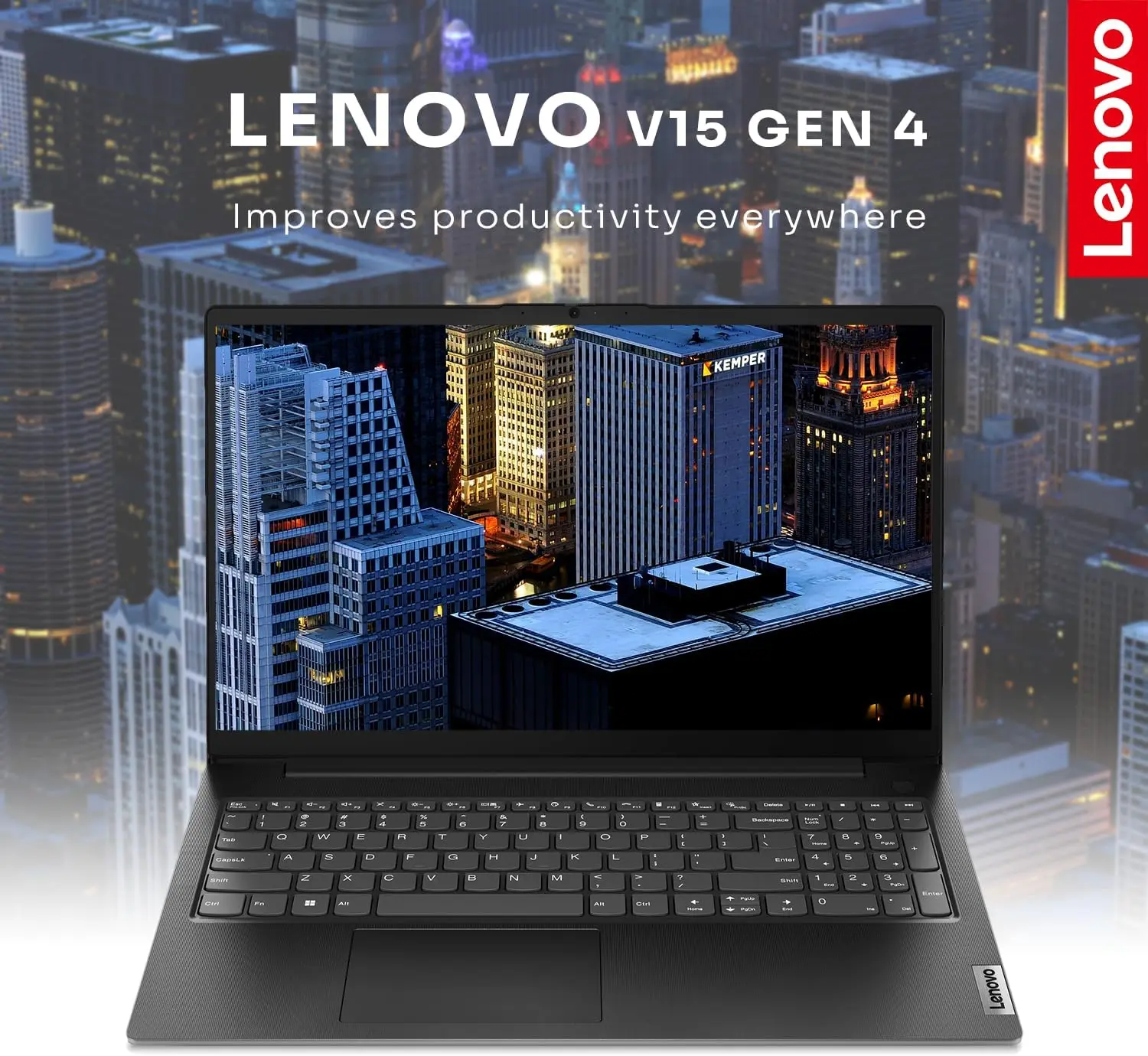
Present it open in a clean front three-quarter view so the 15.6-inch display, Business Black chassis, full keyboard with numeric keypad, non-backlit keys, touchpad, hinges and practical business proportions remain immediately recognizable.
This is a practical office / study / business laptop, so the artistic direction should feel:
clean + intelligent + functional + slightly strange + commercially clear
while preserving the Expert Zone signature:
extreme high-luster pearlescent white + luminous silver + mother-of-pearl + one memorable surreal story
Keep the composition spacious and product-first.
Product Presentation
- Preserve authentic Business Black.
- Use restrained silver rim reflections and a soft pearlescent floor reflection.
- Do not recolor the laptop silver, white, blue or neon gaming-black.
- Exact keyboard: NON-BACKLIT English.
- Do not illuminate the keys.
- No RGB.
- No white keyboard glow.
- Preserve the numeric keypad.
- Place the Lenovo logo upper-left.
Main heading:
LENOVO V15 GEN 4 • 83A100PBUS
Use bold polished-silver typography with restrained black-chrome extrusion.
Add:
CORE i3-1315U • 16GB DDR4
and
512GB PCIe 4.0 SSD • WI-FI 6
Keep all text secondary to the laptop.
STRICT DISPLAY-TO-BACKGROUND COLOR SEPARATION
The display must not use the same dominant palette as the external background.
External world:
pearlescent white + polished silver + soft neutral grey + minimal black accents
Screen world:
deep emerald green + warm amber + burnt copper + dark plum
The laptop screen must read as an obviously separate visual world even at thumbnail size.
Do not wash the screen artwork into pale pearl, silver or white tones that merge into the surroundings.
Artistically Distinct and Detailed Background
Original Surreal Concept — THE INDEX MOTH OF THE WORKDAY ARCHIVE
The concept should relate directly to:
- everyday office work,
- document organization,
- storage,
- productivity,
- connectivity,
- privacy.
Inside the laptop display, create a surreal living document archive.
Use:
- broad deep-emerald glass filing terraces,
- large warm-amber document slabs standing upright like architecture,
- one burnt-copper pathway,
- exactly three oversized dark-plum index tabs,
- one distant black horizon.
Keep the image broad and graphic.
No particles.
No dust.
No floating paper scraps.
No decorative debris.
Main Surreal Subject — THE INDEX MOTH
Create one original non-human creature:
- broad wings made from translucent smoked-black glass,
- each wing shaped like a giant filing-tab silhouette,
- slim polished-copper body,
- two short silver-wire antennae,
- four tiny amber-glass eyes,
- articulated black-ceramic legs,
- one emerald document clip held between its front limbs.
The Index Moth is carefully transporting one giant amber document slab from one filing terrace to another.
It should feel:
organized + bizarre + elegant + slightly funny
not frightening.
The metaphor should communicate sorting and organizing information without generic office clip-art.
Controlled Screen Breach
Keep almost the whole creature inside the display.
Only:
- one wing tip,
- and the emerald document clip
may extend approximately 8–10% beyond the screen plane.
Do not allow it onto the keyboard.
Do not let it obscure the laptop.
Keep the bezel visible.
External Background Relationship
Continue the document / organization idea outside the display, but keep the outer palette pearlescent and completely separate from the colorful screen.
Use only:
- Two large mother-of-pearl folded planes shaped like oversized sheets of paper.
- One brushed-silver index-tab form far behind the laptop.
- One clean black routing line beneath the laptop, echoing an organized document path.
Nothing else.
No particles.
No dust.
No paper fragments.
No bubbles.
No beads.
No shards.
No chrome ribbons.
No unrelated decorative sculpture.
The background must feel calm, logical and intentional.
Expert Zone WTF Easter Egg
Near the right-front corner, add exactly one tiny original character:
a miniature silver office stapler with four absurdly thin mechanical legs, quietly walking away as if it has finished its shift.
Keep it tiny.
No second easter egg.
Icons — Free-Standing Content-Shaped Physical Objects
Use exactly six primary icons to prevent clutter.
No repeated cards.
No rounded boxes.
No hexagonal badges.
No common outer frame.
No stacked UI menu.
THUMBNAIL-READABILITY RULE
This is strict:
- Every main icon label must be BOLD, LARGE and HIGH-CONTRAST.
- It must remain readable when the entire 2048×2048 image is viewed as a small website thumbnail.
- The primary value/name should occupy roughly 35–50% of the usable visible face of the icon where practical.
- Never shrink the important text just to fit secondary details.
- If space is limited, remove secondary microtext.
- Avoid thin fonts.
- Avoid condensed fonts.
- One strong readable spec is better than four tiny unreadable lines.
Icons
- Intel® Core i3-1315U
- 16GB DDR4 RAM
- 512GB NVMe®
- 15.6 inch FHD TN Display
- Intel® UHD Graphics
- Windows® 11
CRITICAL DIRECTIVE [STRICT] The Icons MUST Have different shapes conveying the specific content of the icon.
The physical object itself must BE the icon.
align all icons vertically to the side
Output Requirements
- Exactly 2048 × 2048.
- True 1:1.
- Preserve Business Black.
- Preserve non-backlit English keyboard.
- Keep product extremely sharp and dominant.
- Screen = deep emerald / amber / copper / plum.
- External background = pearlescent white / silver / neutral grey.
- The two palettes must remain clearly separated.
- Strong negative space.
- No decorative clutter.
- Icon text must remain readable at thumbnail scale.
- Add only:
“Infographic Designed by the Expert Zone Team”
Constraints
- Exactly ONE Lenovo V15 Gen 4 / V15 G4 IRU.
- Exact MTM: 83A100PBUS.
- CPU: Intel Core i3-1315U.
- Graphics: Integrated Intel UHD Graphics.
- No discrete NVIDIA / AMD GPU.
- Memory: 16GB DDR4-3200 — 8GB soldered + 8GB SODIMM.
- Storage: 512GB M.2 2242 PCIe 4.0 x4 NVMe.
- Display: 15.6″ FHD TN, 1920×1080, 250 nits, 45% NTSC, anti-glare.
- Do not depict IPS.
- Do not invent 100% sRGB.
- Do not invent high refresh rate.
- Keyboard: Non-backlit English.
- No keyboard lighting.
- OS: Windows 11 Home English.
- Camera: HD 720p with Privacy Shutter.
- Battery: 38Wh.
- No card reader.
- No fingerprint reader.
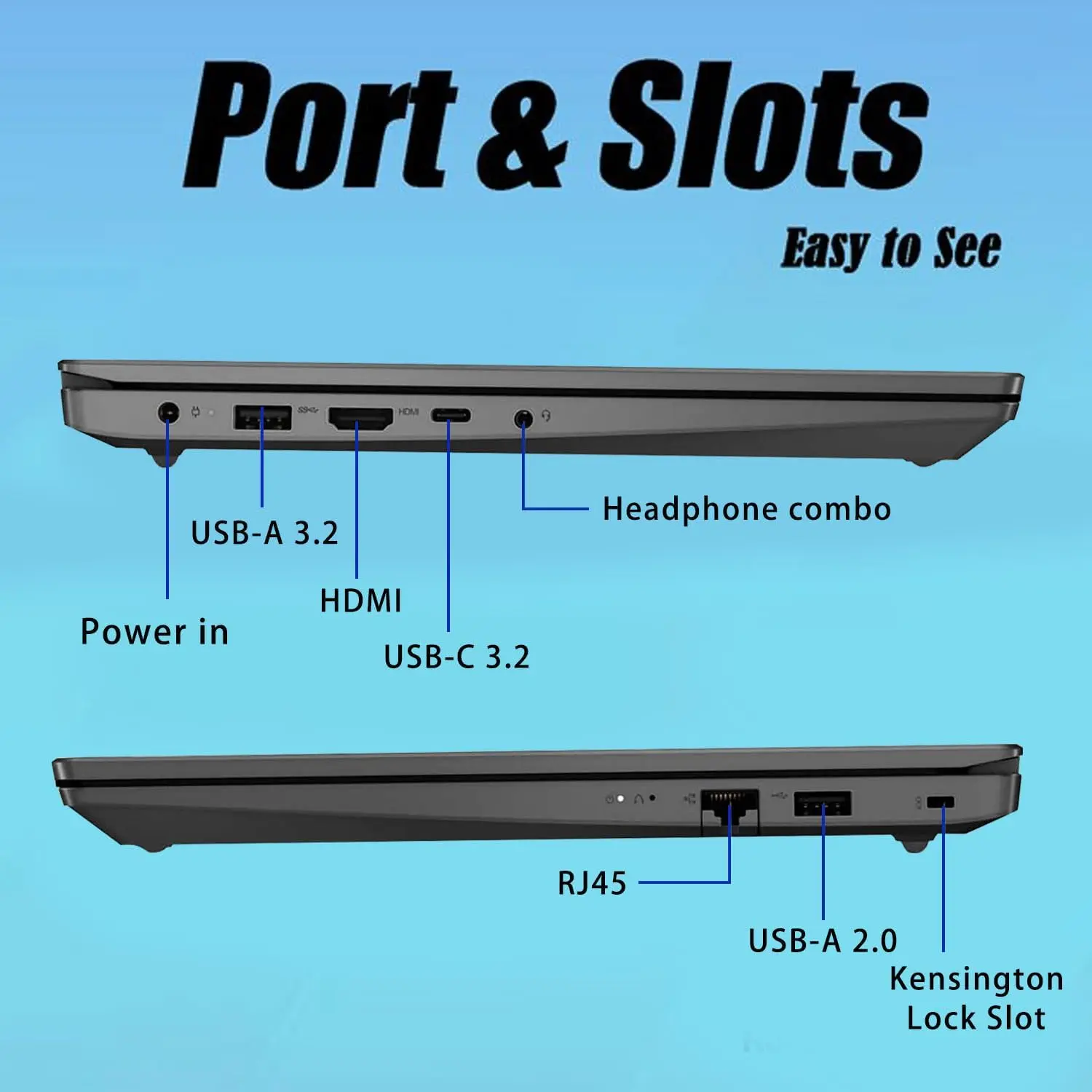
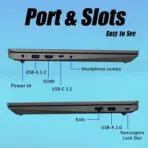
- Ethernet is present.
- No warranty information.
- No gaming treatment.
- No particles, dust, bubbles, debris or decorative filler.
- No repeated UI-card icons.
- Final result must feel clean, high-luster, practical, intelligent, slightly strange, thumbnail-readable and unmistakably Expert Zone.