
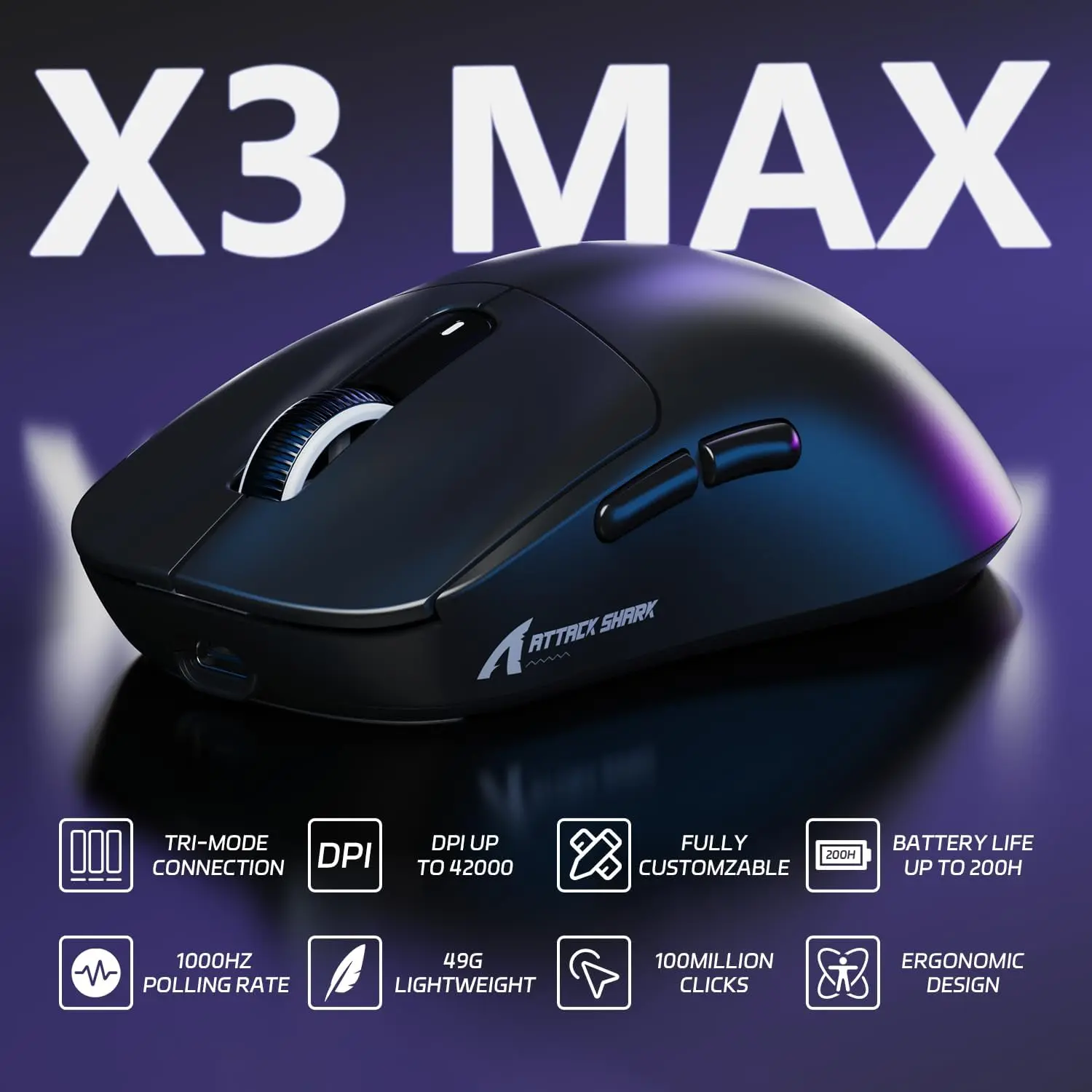
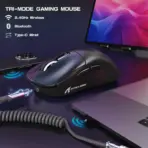
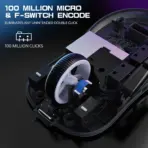
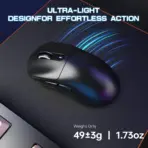

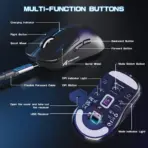
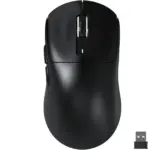



X3MAX-BLACK
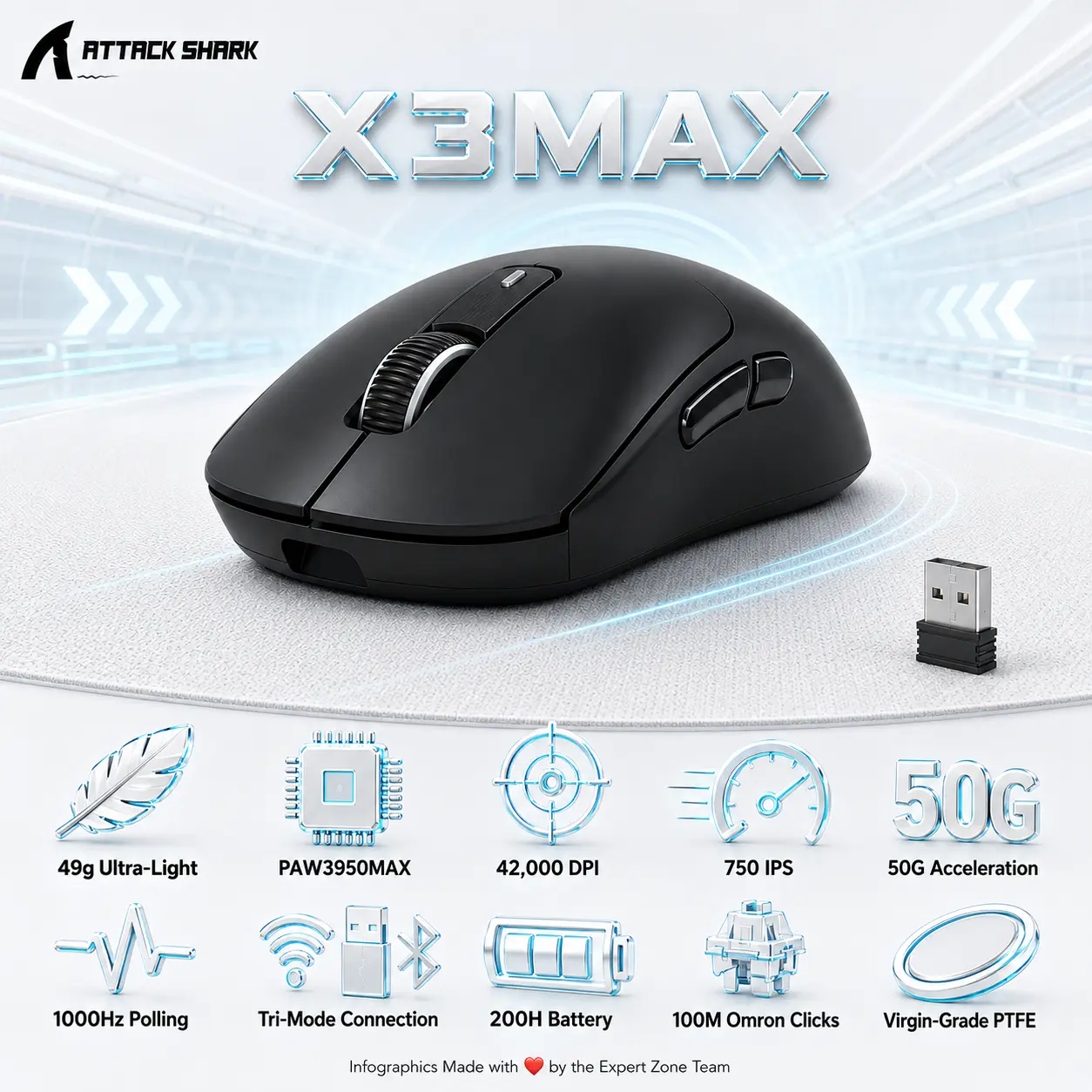
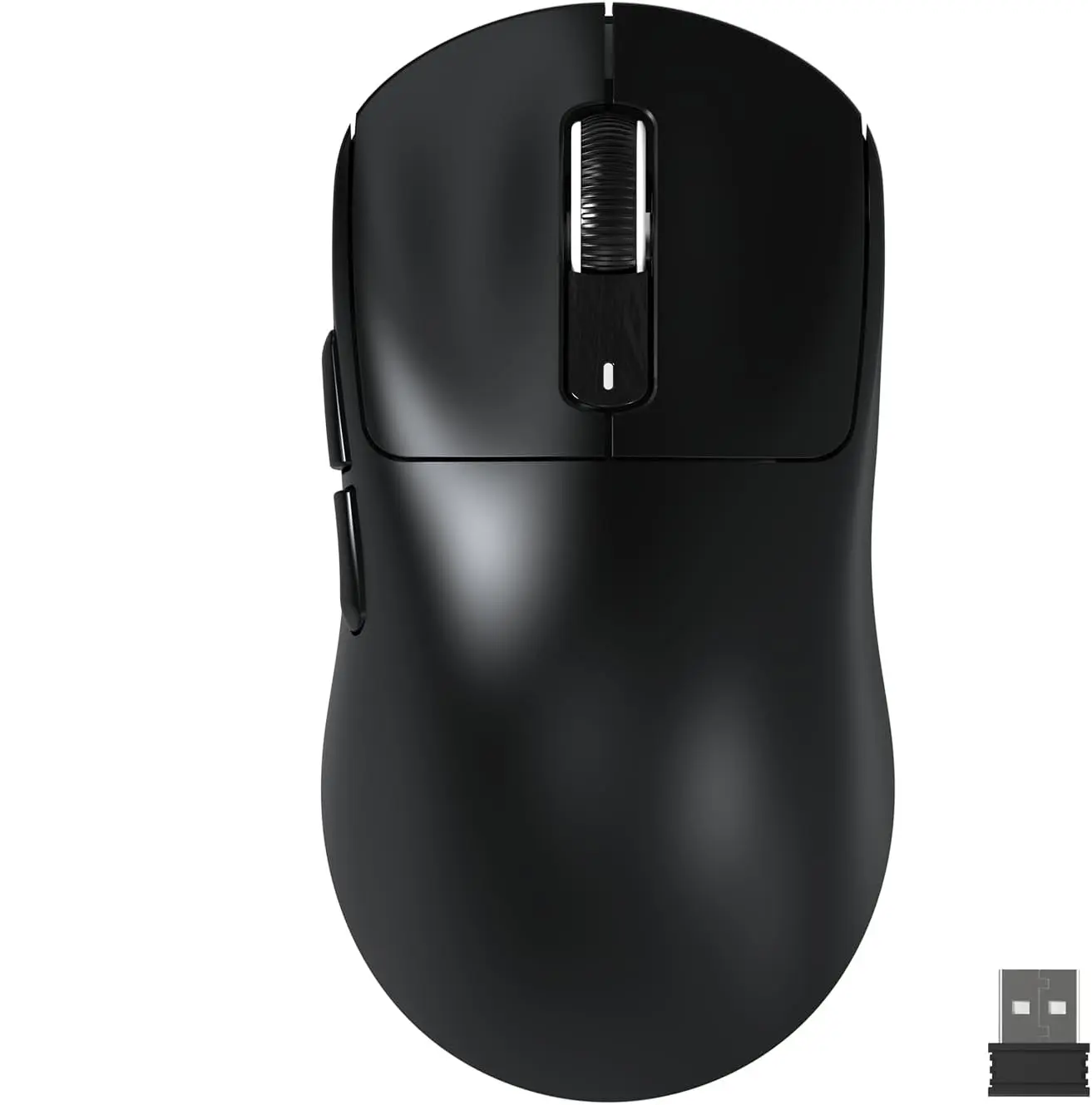
ATTACK SHARK X3 MAX TRIMODE MOUSE OMRON OPTICAL SWITCH-BLACK
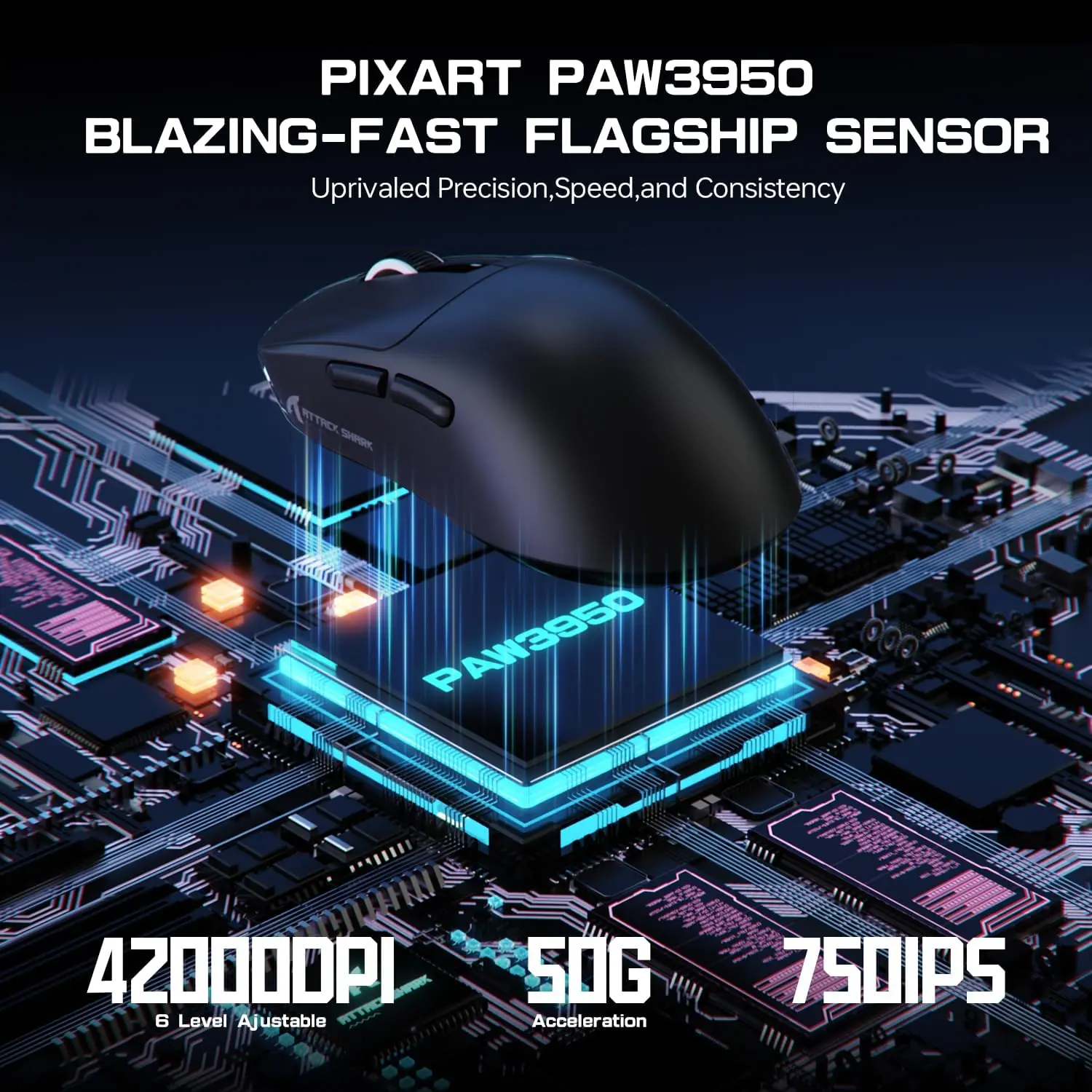
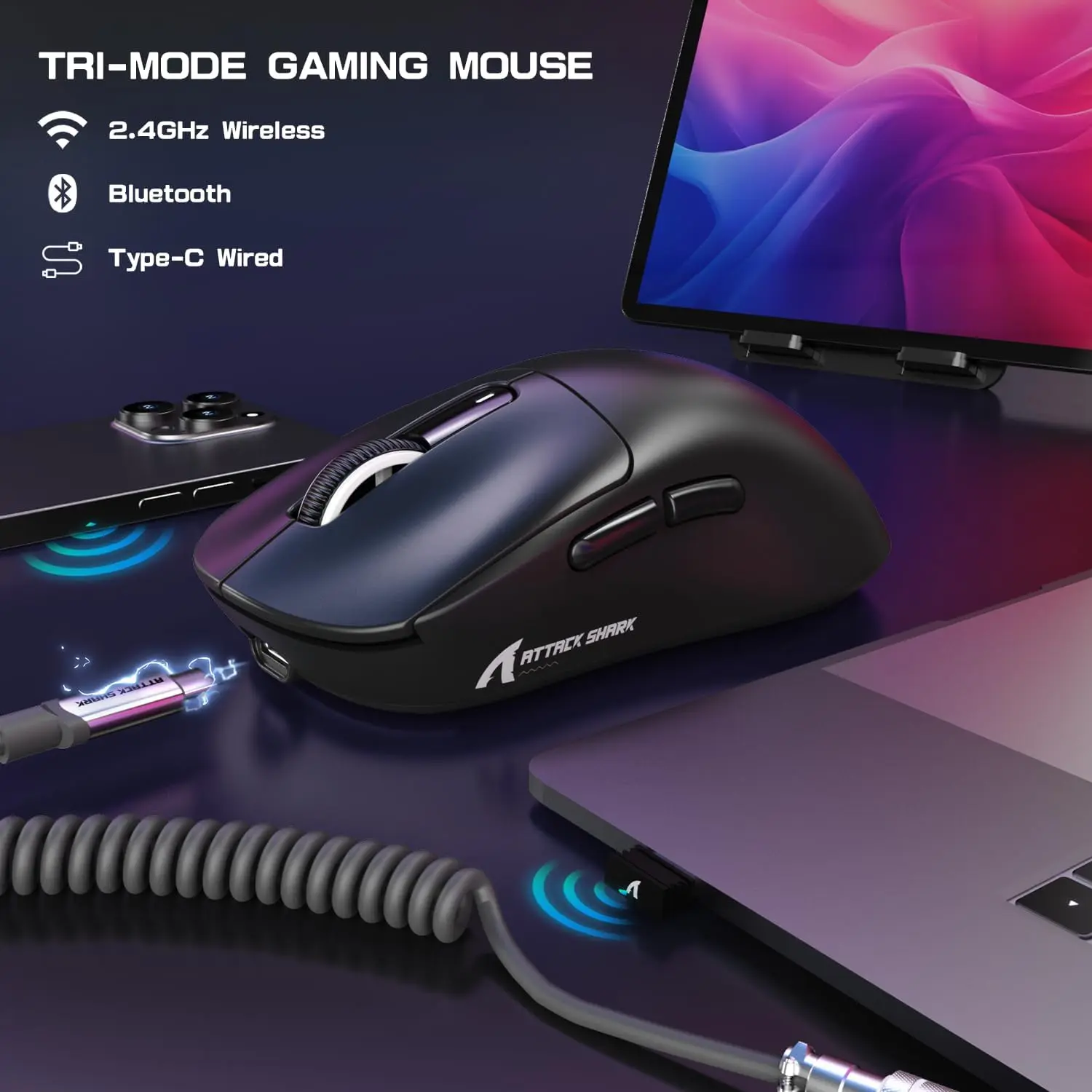
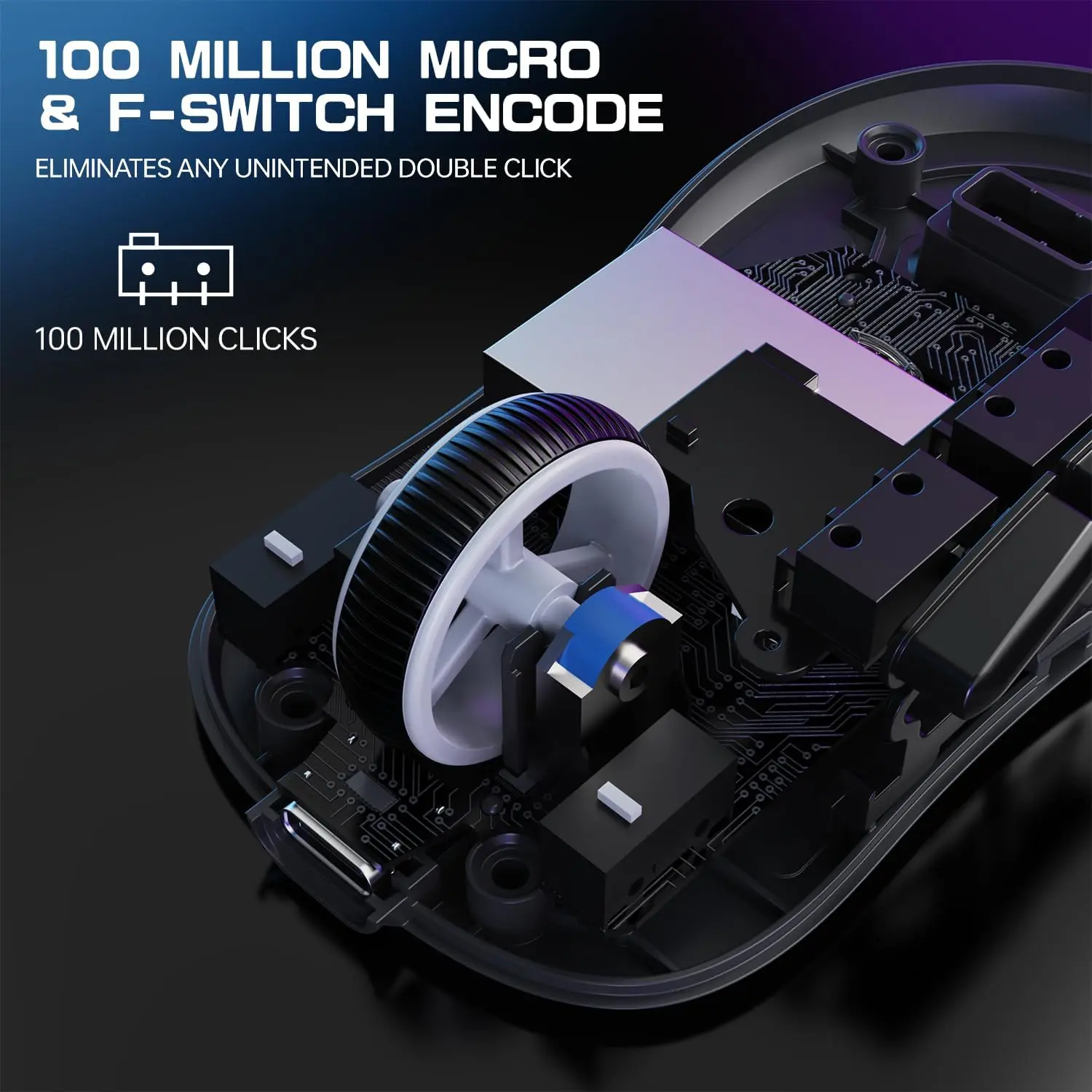
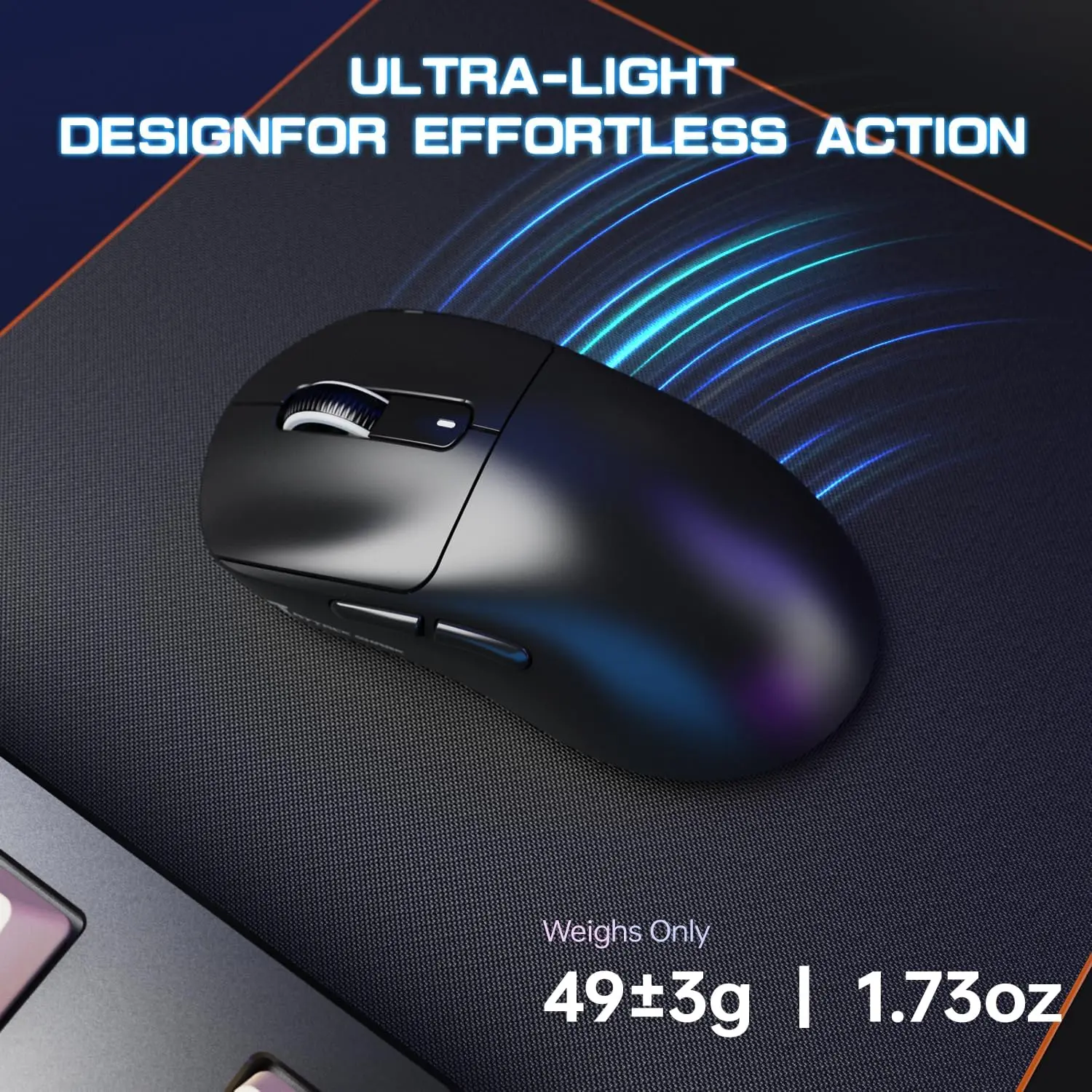
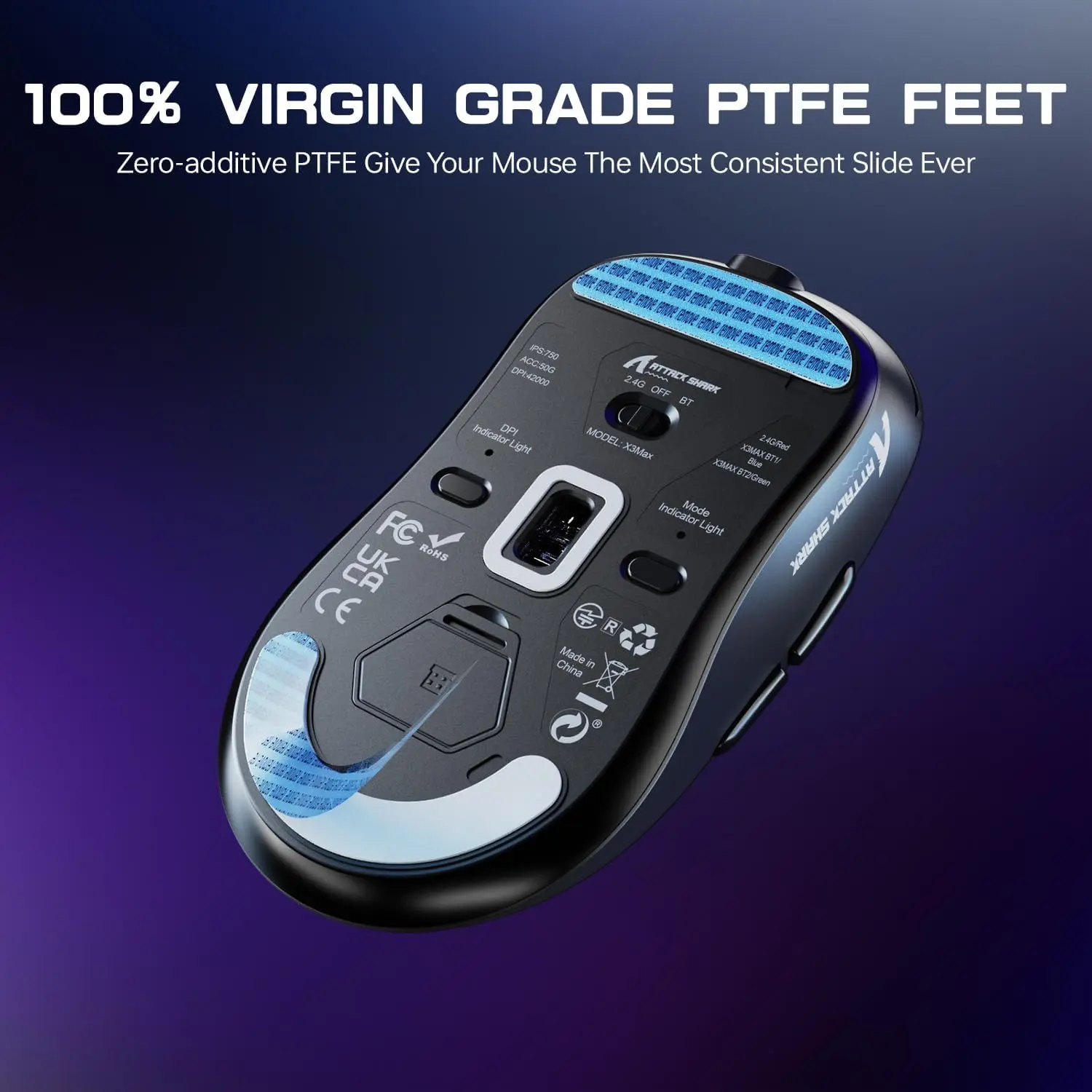
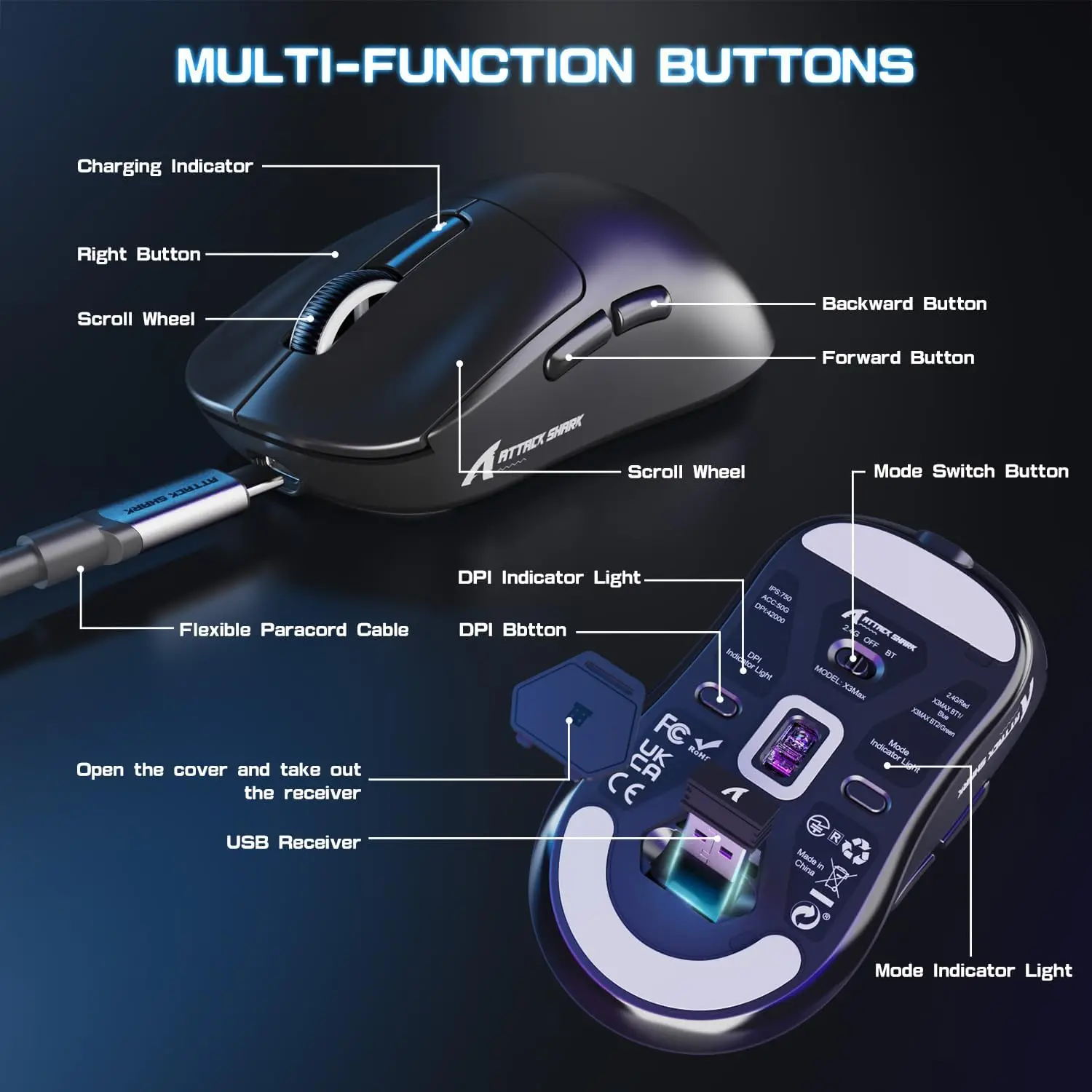
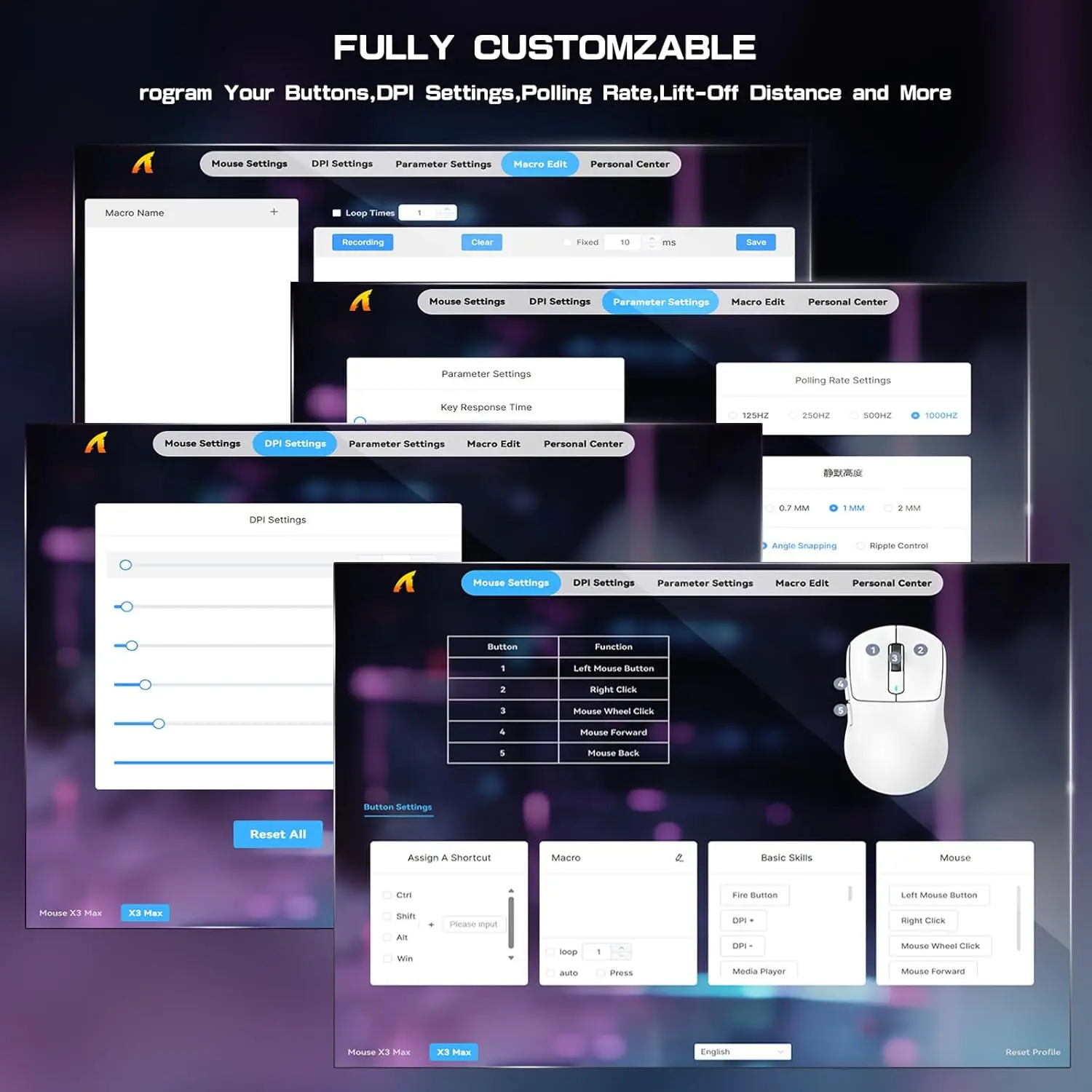
Attack Shark X3MAX Wireless Gaming Mouse – 49g, PAW3950MAX, 42,000 DPI, 750 IPS, 50G, 1000Hz, Tri-Mode, 200H Battery, Omron Optical Switches, PTFE Feet and Web Driver Support | BLACK
GENERATE AN AI IMAGE PROMPT
Layout
- Create an exact 2048 × 2048-pixel, 1:1 square e-commerce product-profile composition with generous safe margins.
- Separate the foreground mouse, midground precision mouse-pad environment, and background surreal tracking architecture.
- Make the mouse dominant at approximately 52–60% of the canvas width.
- Keep the product, nano receiver, logo, title, icons, tracking effects, and footer fully inside the canvas.
- Never create a poster, banner, stage, pedestal, product podium, dark gaming room, or cinematic advertisement.
Product Presentation
- Use only the exact Attack Shark X3MAX Black reference.
- Preserve the authentic black shell, symmetrical body, button placement, black scroll wheel, seams, side controls, proportions, and physical construction.
- Show one razor-sharp three-quarter view resting naturally on a refined high-speed mouse pad.
- Keep the nano receiver secondary at no more than 8% of the canvas width.
- Place the official Attack Shark logo at the top-left.
- Centre X3MAX at the top using restrained opaline-silver extruded typography with icy-cyan edge lighting.
Product-Function Theme Lock
- Category: ultralight tri-mode gaming mouse.
- Main function: precision tracking, rapid flick movement, smooth gliding, and responsive input.
- Natural environment: bright competitive desktop with believable mouse-pad interaction.
- Strongest benefits: 49g ±2g, PAW3950MAX, 42,000 DPI, 750 IPS, 50G, and 1000Hz polling.
- Connectivity: USB-C wired, 2.4GHz wireless, and Bluetooth 5.2.
- Use one unified story: The Opaline Hyper-Track Wind Tunnel.
Artistically Distinct and Detailed Background
- Use 65–70% high-luster pearlescent opaline-white and conch-pearl, 20–25% transparent icy-cyan, and no more than 5–10% emerald or violet accents.
- Keep black limited exclusively to the authentic mouse and tiny necessary details.
- Place a controlled luminous cyan-and-pearl caustic halo behind the black shell for complete edge separation.
- Build substantial dichroic-glass tracking rails, directional air channels, sensor-grid refractions, and polished stopping markers.
- Use only deep opalescent transparent glass and conch-pearl micro-swirled high-luster material.
- Prohibit pink, rose-gold, candy colors, graphite fog, black scenery, dark corners, decorative bubbles, and random thin tubes.
Icons — Bullet Listed
- 49g Ultra-Light
- PAW3950MAX
- 42,000 DPI
- 750 IPS
- 50G Acceleration
- 1000Hz Polling
- Tri-Mode Connection
- 200H Battery
- 100M Omron Clicks
- Virgin-Grade PTFE
- Use large, custom, feature-specific hollow 3D forms without repeated badge containers.
- CRITICAL DIRECTIVE [STRICT] The Icons MUST Have different shapes depending on the specific content of the icon
Output Requirements
- Exact 2048 × 2048 pixels with extreme-resolution rendering and razor-sharp product outlines.
- Add: “Infographics Made with ❤️ by the Expert Zone Team”.
Constraints
- Do not recolor, redesign, widen, soften, or simplify the mouse.
- Do not add RGB, a charging dock, grip tape, extra buttons, or unsupported accessories.
- Do not let the title, receiver, icons, or artwork compete with the product.
- Never make it resemble a premium ad poster.
Final Quality-Control Inspection
- Ask: “How does this image fare as a product-profile image?”
- Reject any result with weak product scale, dark scenery, repeated icon shapes, soft edges, oversized accessories, or invented details.