
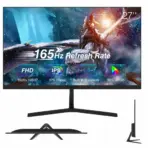
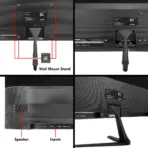



B27M2
BUEROTIKA 27″ IPS FHD 165HZ LED MONITOR 3MS DP+ DUAL HDMI
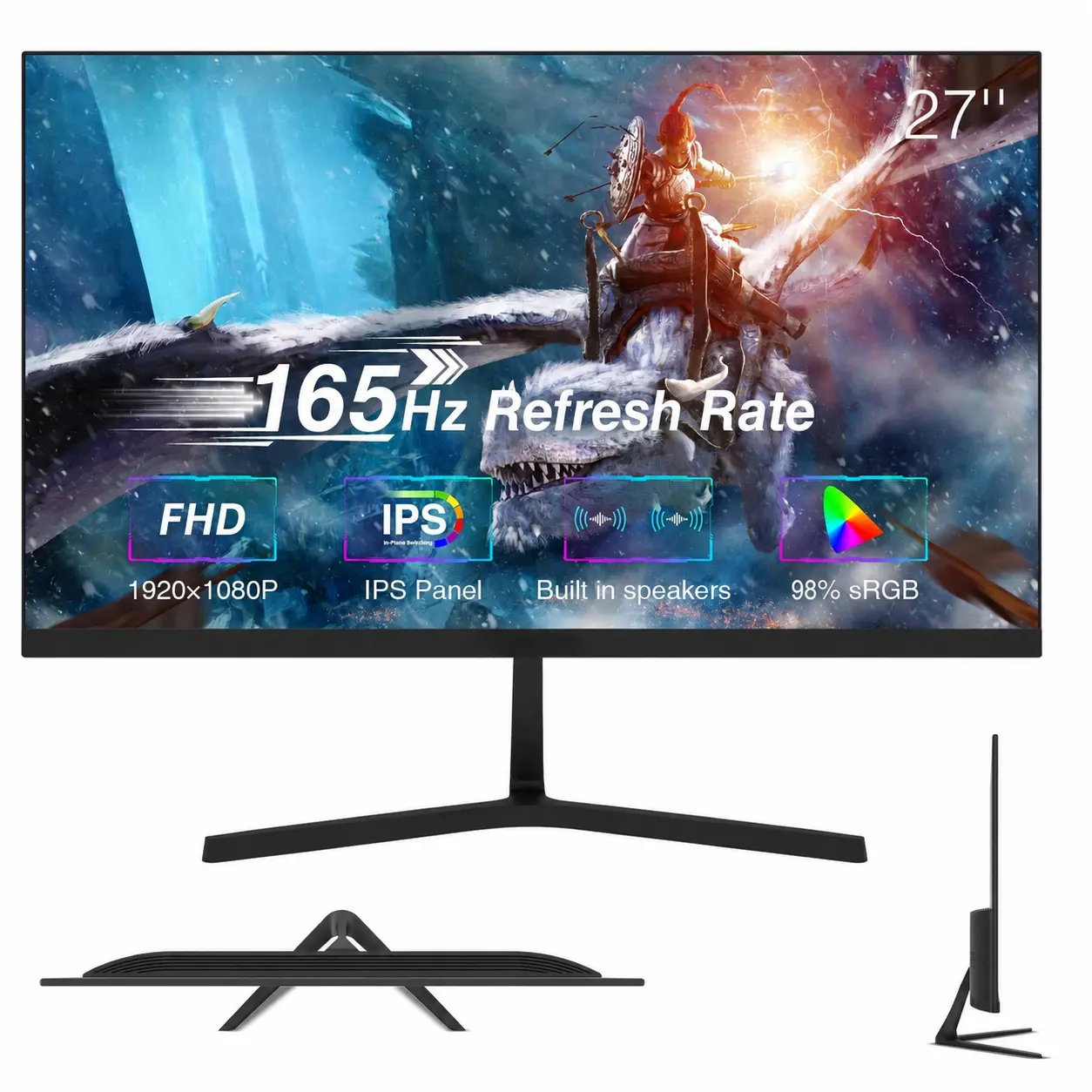
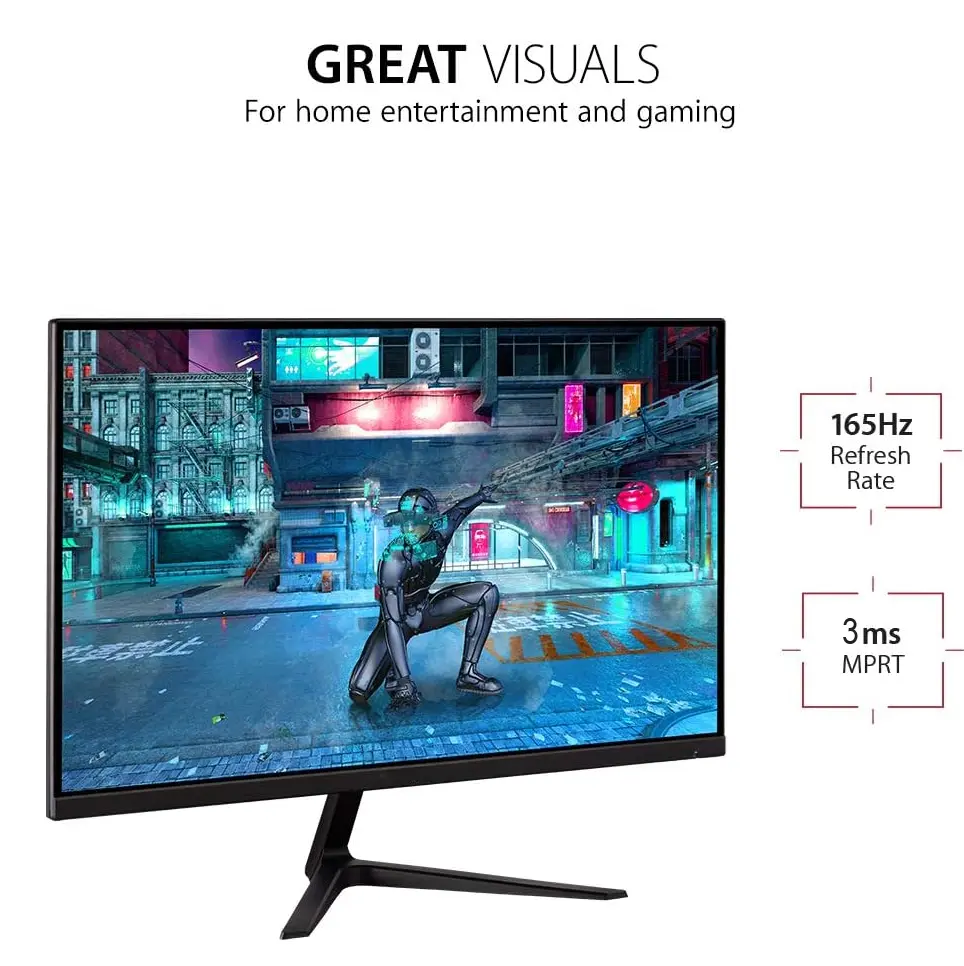
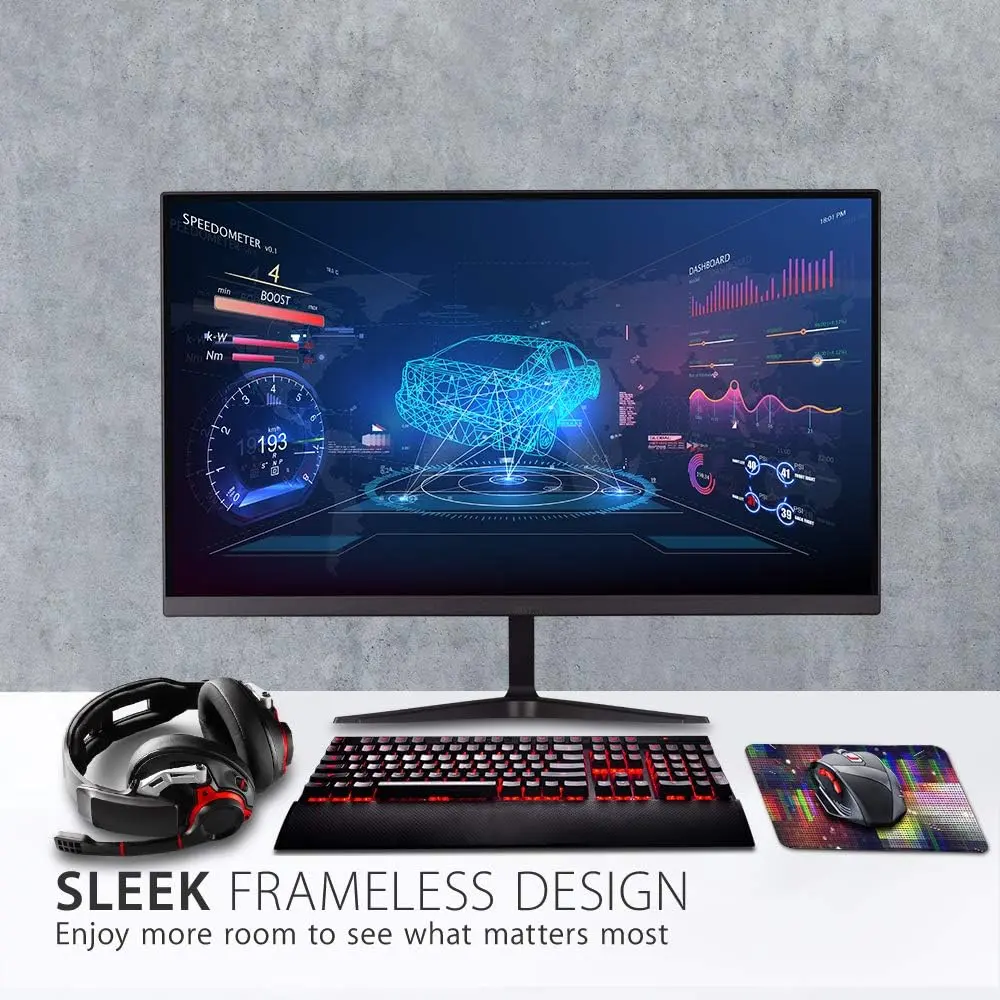
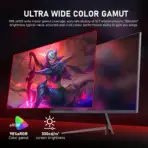
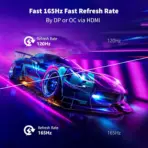
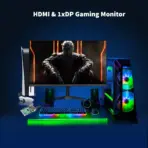
BUEROTIKA B27M2 27-Inch Full HD IPS Gaming Monitor, 165Hz, 3ms, 98% sRGB, 16.7M Colors, 300cd/m² Brightness, DP, Dual HDMI, Audio Out, Dual 2W Speakers | BLACK
Generate an AI Image Prompt
Layout
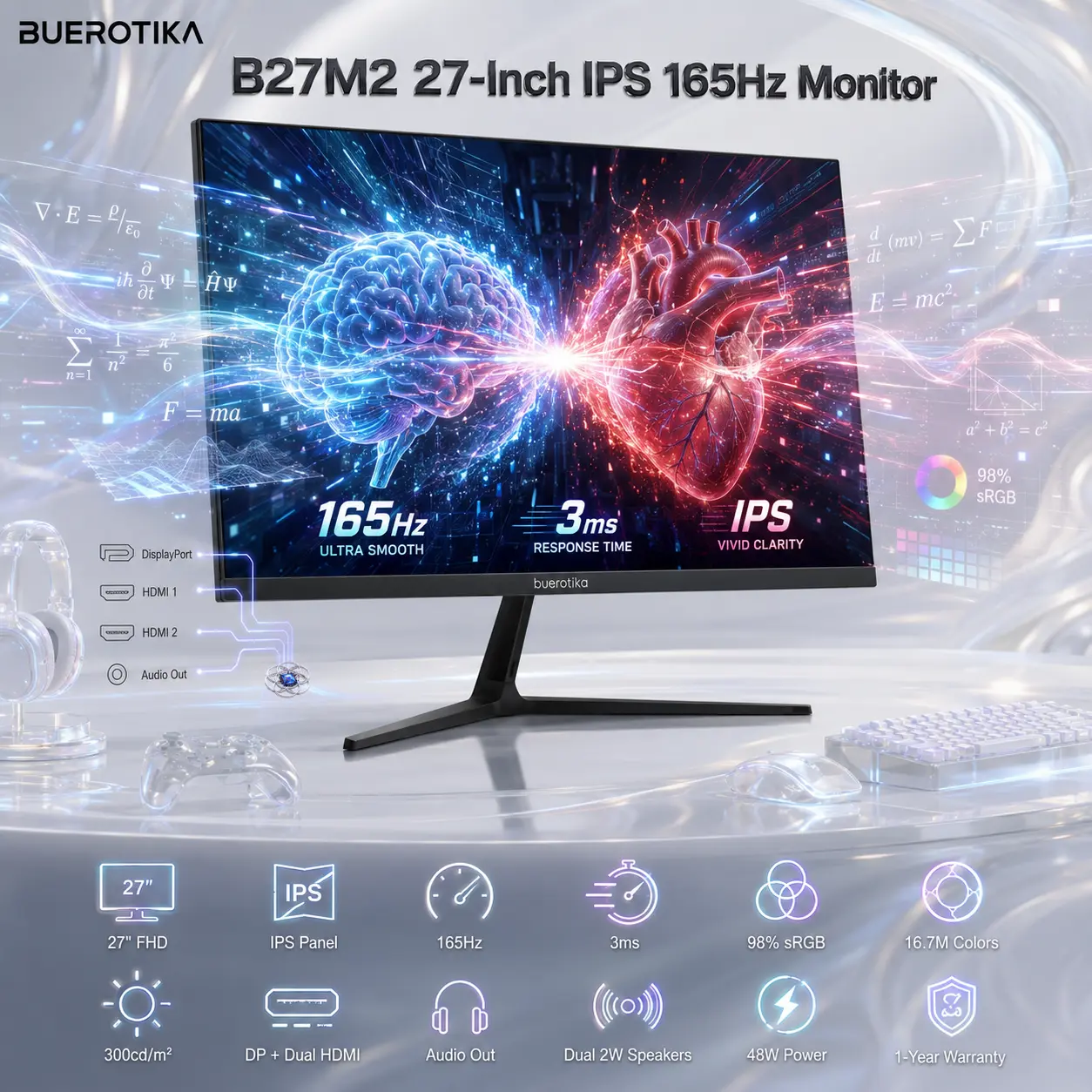
- Create a clean, premium website product-profile composition for the BUEROTIKA B27M2 27-Inch IPS Full HD Monitor.
- Build the final image as an exact 2048 × 2048 pixel, perfect 1:1 square composition.
- Clearly separate foreground, midground, and background.
- Keep the monitor, BUEROTIKA logo, product name, IPS screen visual, gaming-performance effects, connectivity details, built-in speaker concept, icons, and all text fully inside the canvas with generous safe margins.
- Do not create a poster, banner, vertical layout, wide layout, cropped preview, pedestal display, or cheap gaming-poster typography.
Product Presentation
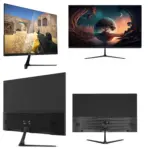
- Use the attached raw product image as the strict visual reference.
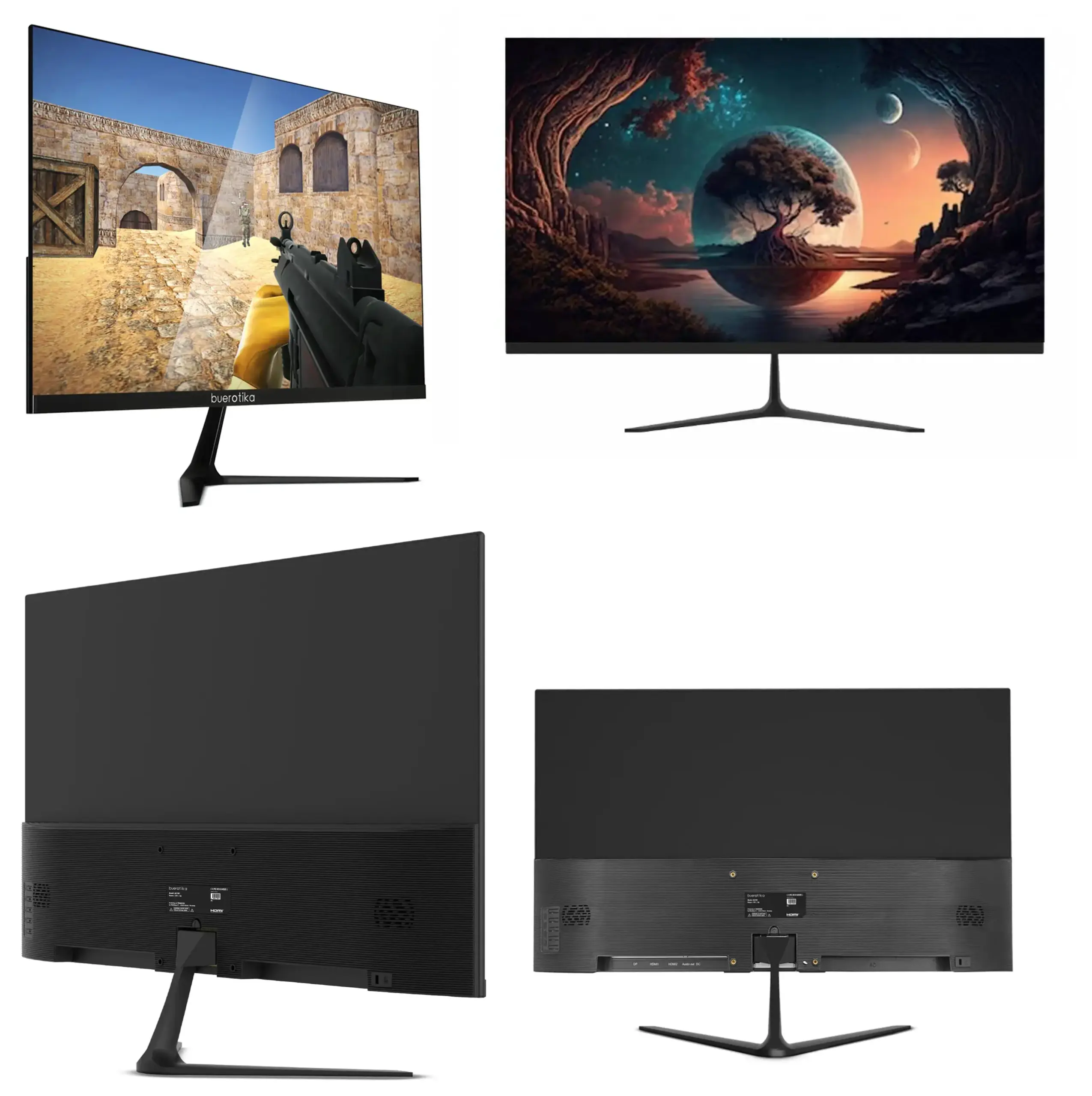
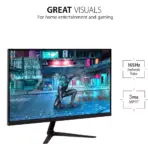
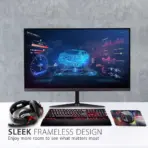
- Show one BUEROTIKA B27M2 monitor only, large and dominant in the midground.
- Preserve the exact 27-inch monitor identity, IPS Full HD display concept, modern durable design, and professional gaming-performance style.
- Show the monitor from a clean slight three-quarter front angle, with the screen displaying a fast-action esports visual that expresses 165Hz smoothness, 3ms response, IPS clarity, and 98% sRGB color accuracy.
- Include the BUEROTIKA logo at the top-left, fully inside safe margins.
- Center the product name “B27M2 27-Inch IPS 165Hz Monitor” at the top using refined, restrained 3D extruded typography with strong contrast against the background.
Artistically Distinct and Detailed Background
- Create a surreal minimalistic gaming-and-professional performance desk scene, visually expressing speed, fluid motion, accurate color, and multi-device connectivity.
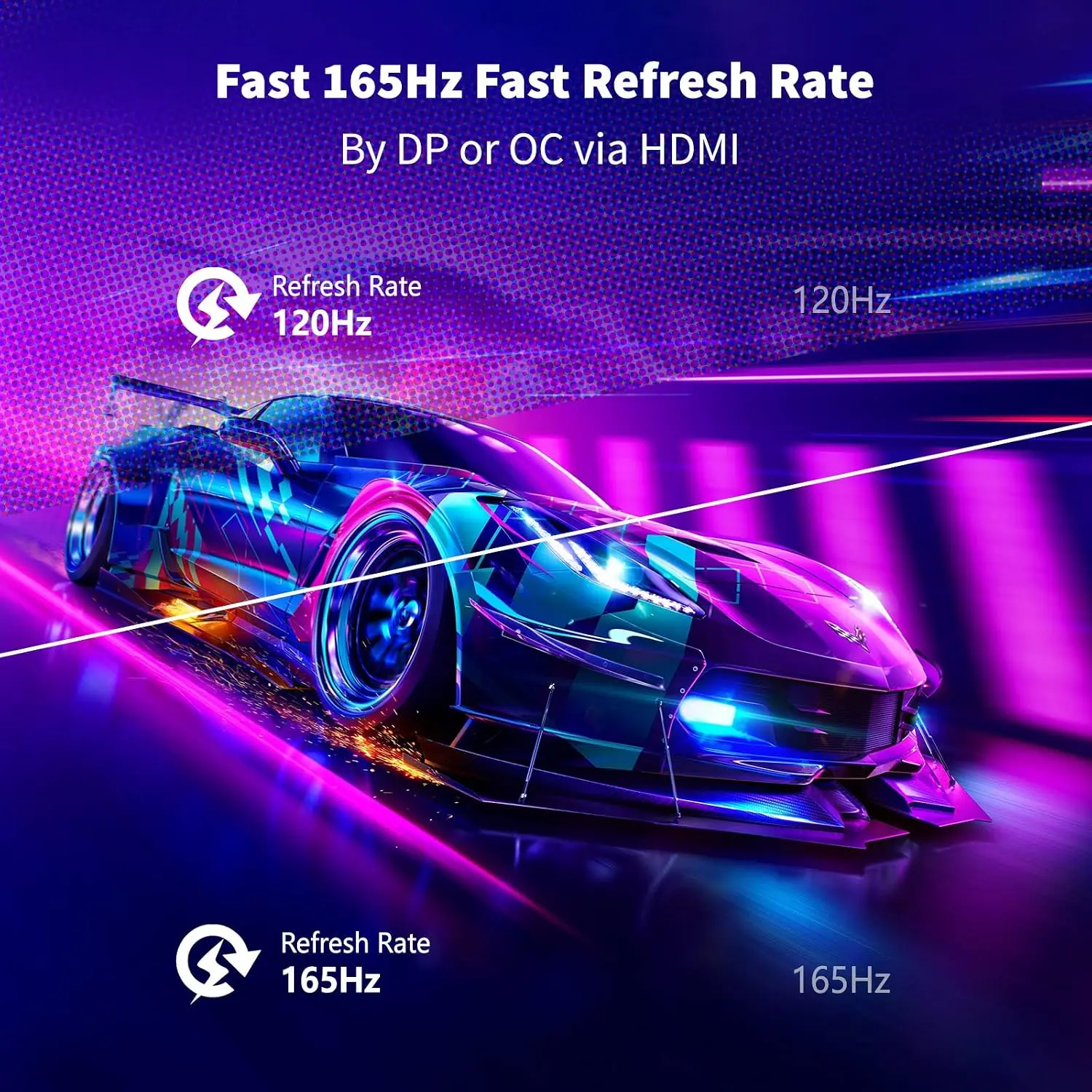
- Show subtle motion trails around the screen to represent 165Hz refresh rate and clean response timing without inventing unsupported features.
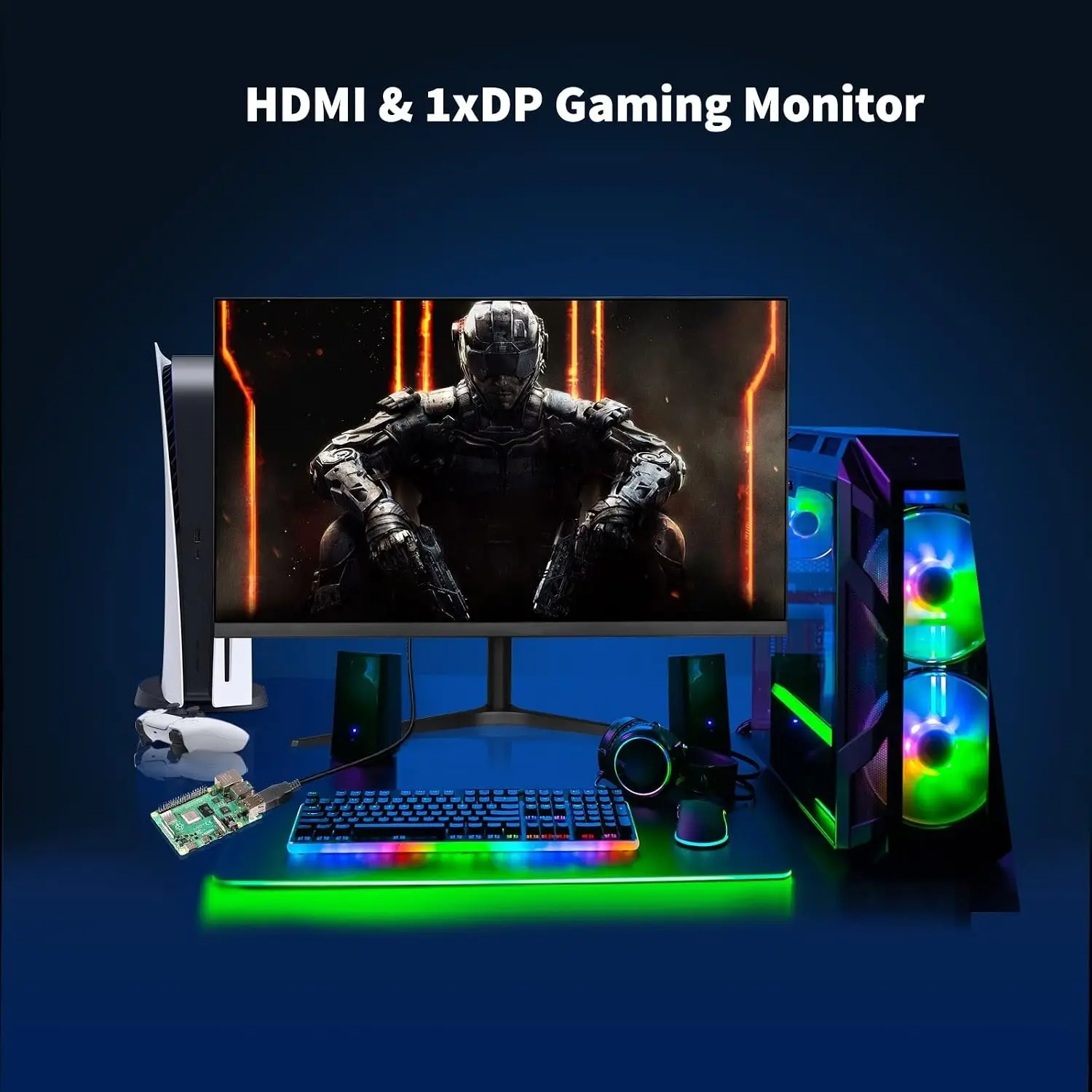
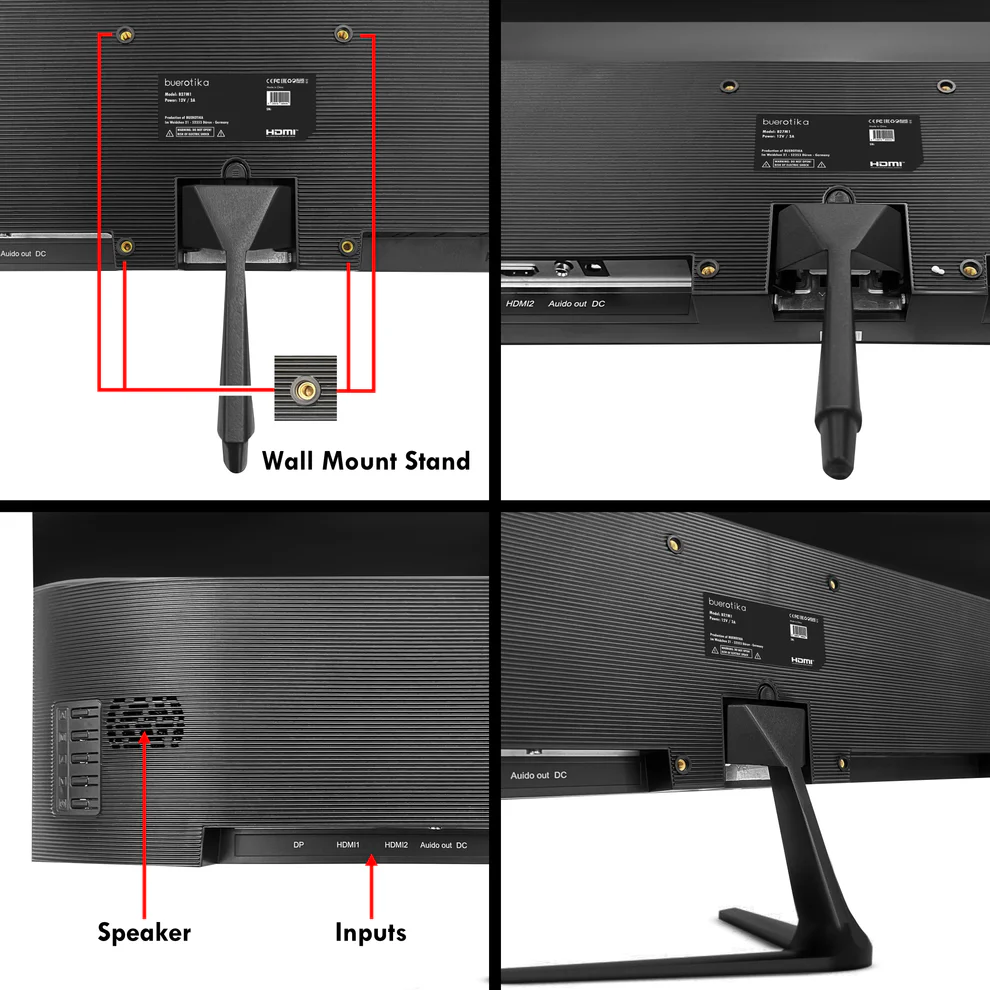
- Add floating connection lines near the back/side of the monitor to visually suggest DisplayPort, Dual HDMI, and Audio Out.
- Use a dominant pearlescent opaline-white and subtle opaline-silver environment with icy reflections, while ensuring the monitor stays clearly separated from the background.
- Build the environment using abstract curled reliefs, layered organic contours, mother-of-pearl desk reflections, and elegant high-gloss translucent shapes.
- Use only two texture styles: transparent high-gloss opalescent glass and conch-pearl micro-swirly fibers.
- Add controlled caustic reflections, gentle dielectric refractions, refined global illumination, and soft volumetric light.
- – the screen is displaying a Colorful scenery Sci-Fi Battel field between BRAIN and HEART -The key artistic effect is a powerful, physical anamorphic illusion. A three-dimensional model of Transparent [aura lights and mathematical formulas] must appear to be physically extruding and emerging from the surface of the laptop screen, extending into the surrounding space as a volumetric, detailed structure. the Transparent [aura lights and mathematical formulas] should look like it’s caught in the middle of the action of ” half the way exiting the screen” in an anamorphic illusion – the screen is displaying a Bright Colorful UI scenery with anamorphic illusion eluding hyper performance
Icons — Numbered and Listed
- Align icons horizontally at the bottom in two rows, fully inside safe margins.
- Use different 3D rendered frameless hollow esports-style icon designs with clean neon linework, no bulky badge boxes, no filled panels, and no heavy frames.
- Prevent icons from blending into the background by using crisp contrast, subtle glow separation, and readable typography.
- CRITICAL DIRECTIVE [STRICT] The Icons MUST Have different shapes depending on the specific content of the icon
- Icons:
- 27″ FHD
- IPS Panel
- 165Hz
- 3ms
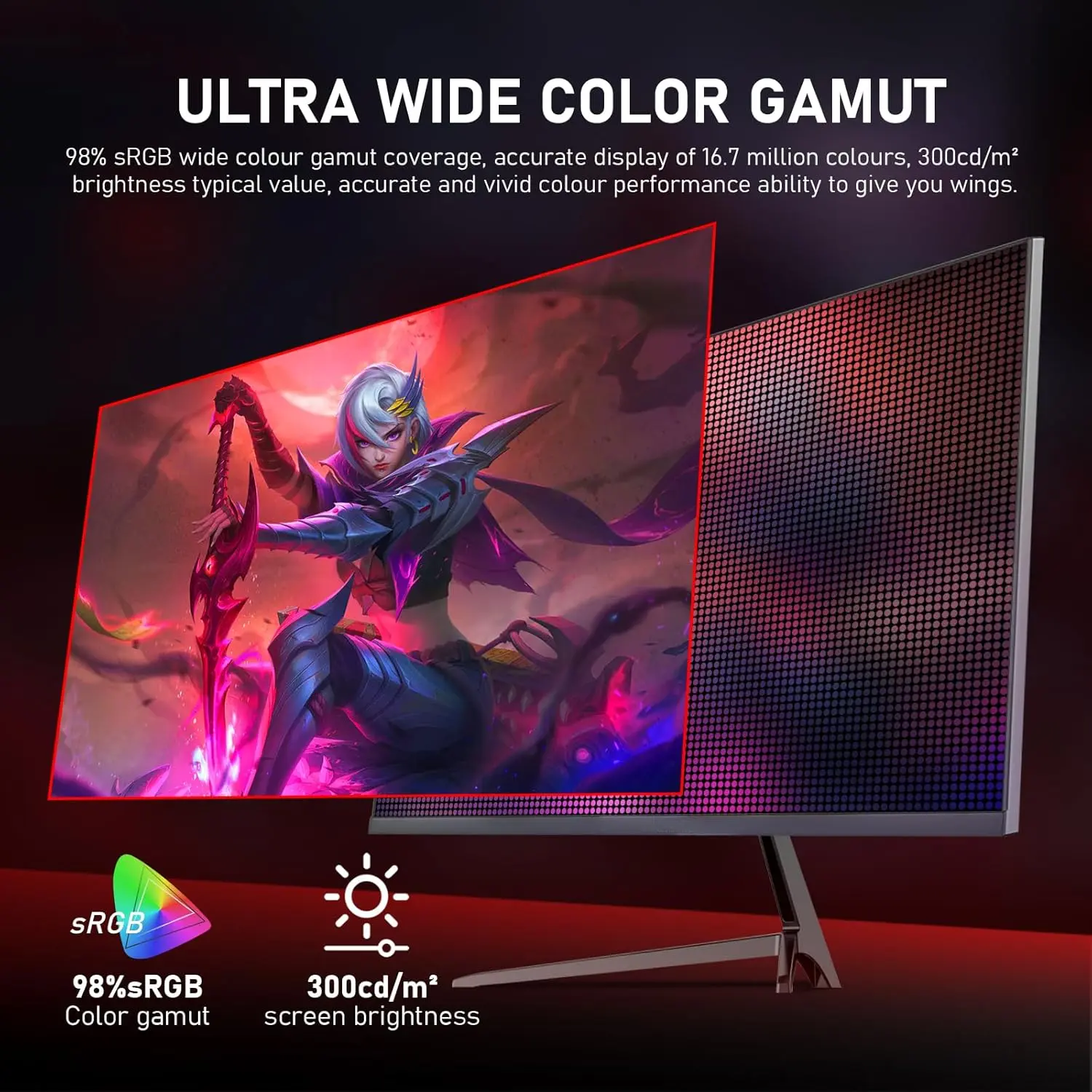
- 98% sRGB
- 16.7M Colors
- 300cd/m²
- DP + Dual HDMI
- Audio Out
- Dual 2W Speakers
- 48W Power
- 1-Year Warranty
Output Requirements
- Final image must be exactly 2048 × 2048 pixels.
- Maintain perfect square 1:1 proportion.
- Use extreme high resolution throughout.
- Keep product, logo, title, icons, text, and background fully inside the canvas.
- Icons must be frameless, hollow, esports-inspired, readable, and clean.
Constraints
- Do not alter the monitor design.
- Do not invent unsupported features.
- Do not add 2K, 4K, HDR, USB-C, curved screen, height adjustment, FreeSync, G-Sync, webcam, RGB lighting, or unsupported gaming technologies.
- Do not let the monitor blend into the background.
- Do not let the title color blend into the background.
- Do not create a premium ad poster look.
- Avoid tackiness, clutter, flat white emptiness, cheap plastic, generic chrome, and excessive matte surfaces.
- Before producing the image, evaluate it brutally by asking: “How does this image fare as a product-profile image?” Fix all flaws before final output.