






D33CRUA#ABA
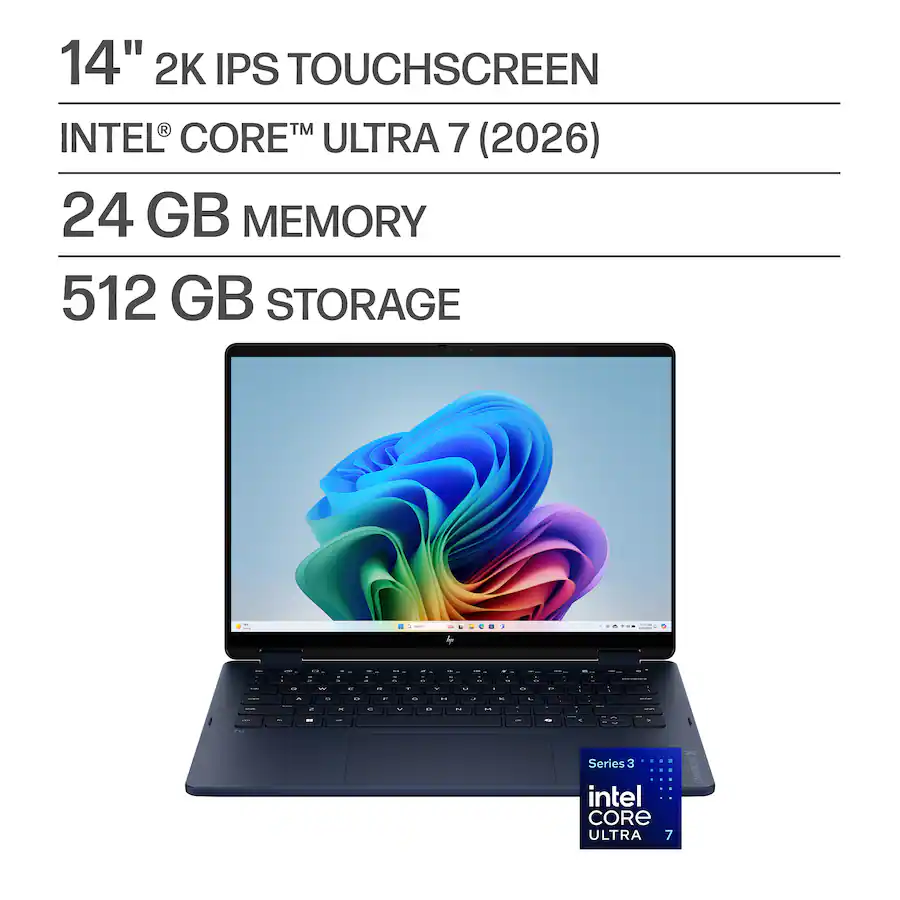
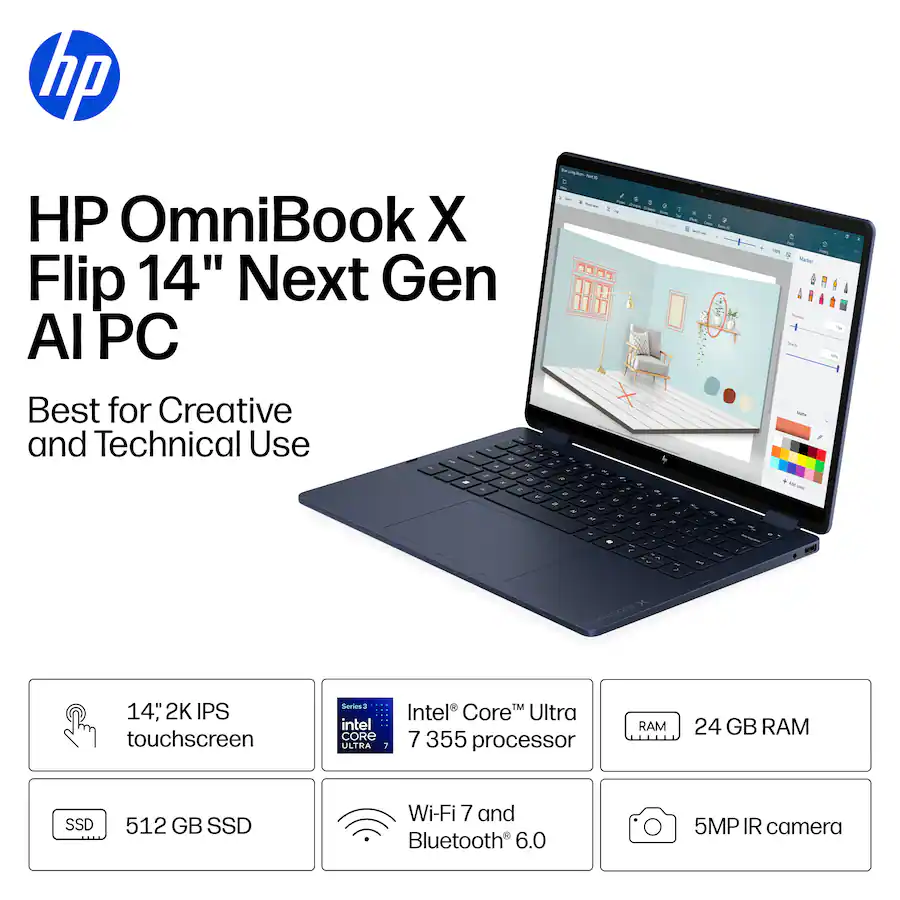
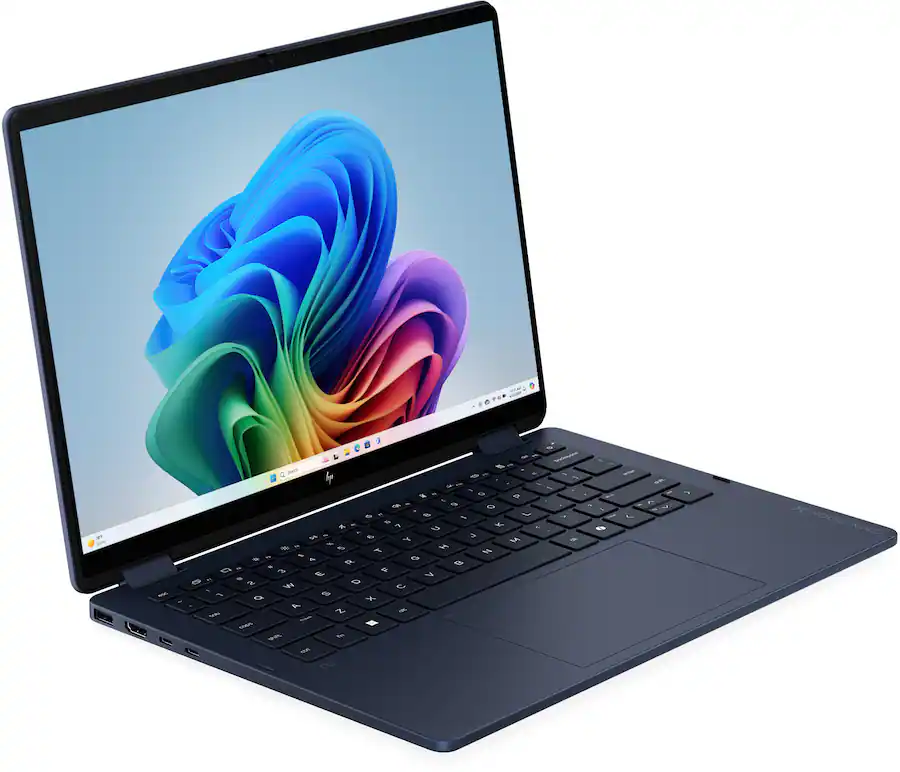
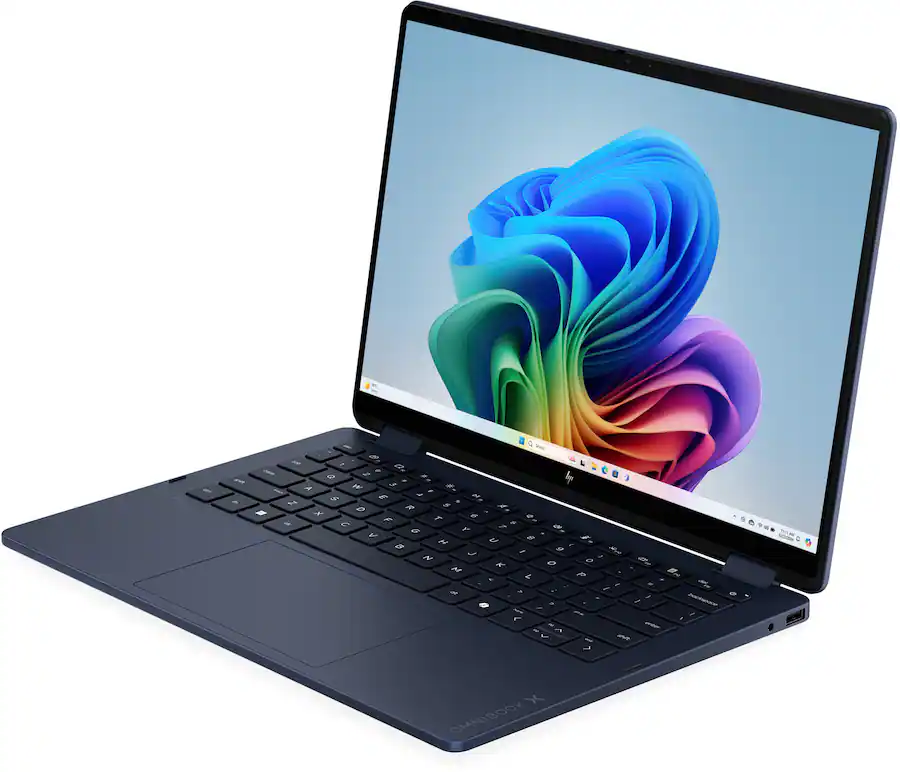
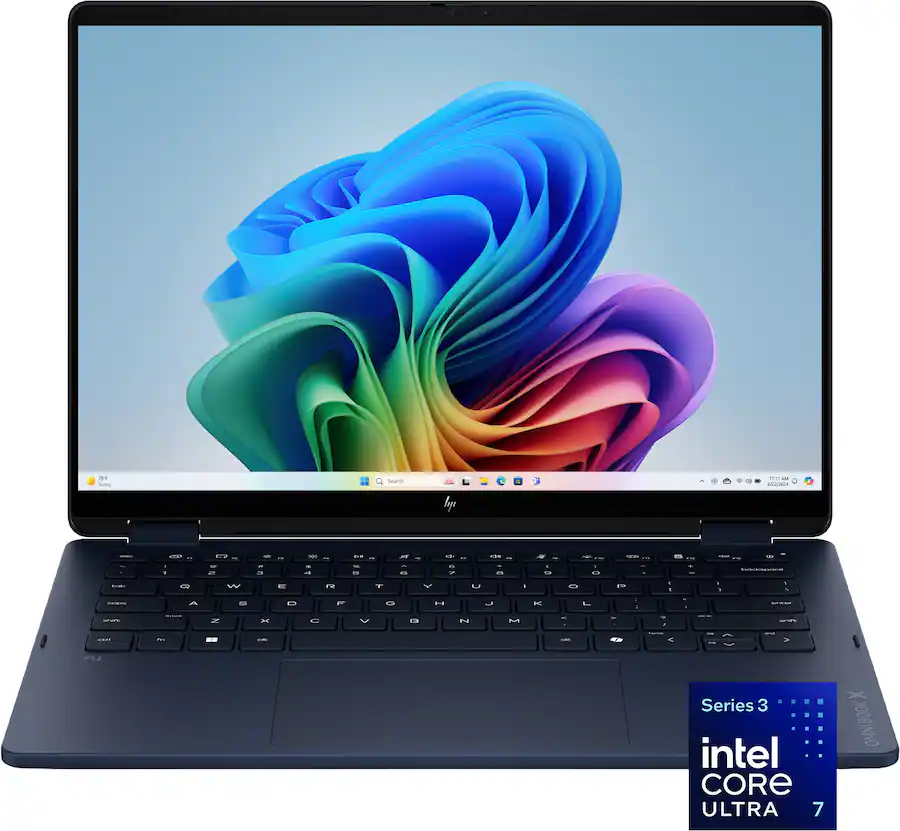
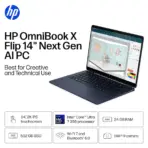
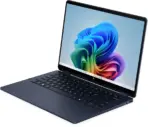
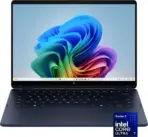
HP OMNIBOOK XFLIP 14-KP0023DX U7 355/24GB/512GB/14″2KTOUCHSCRN/WIN11
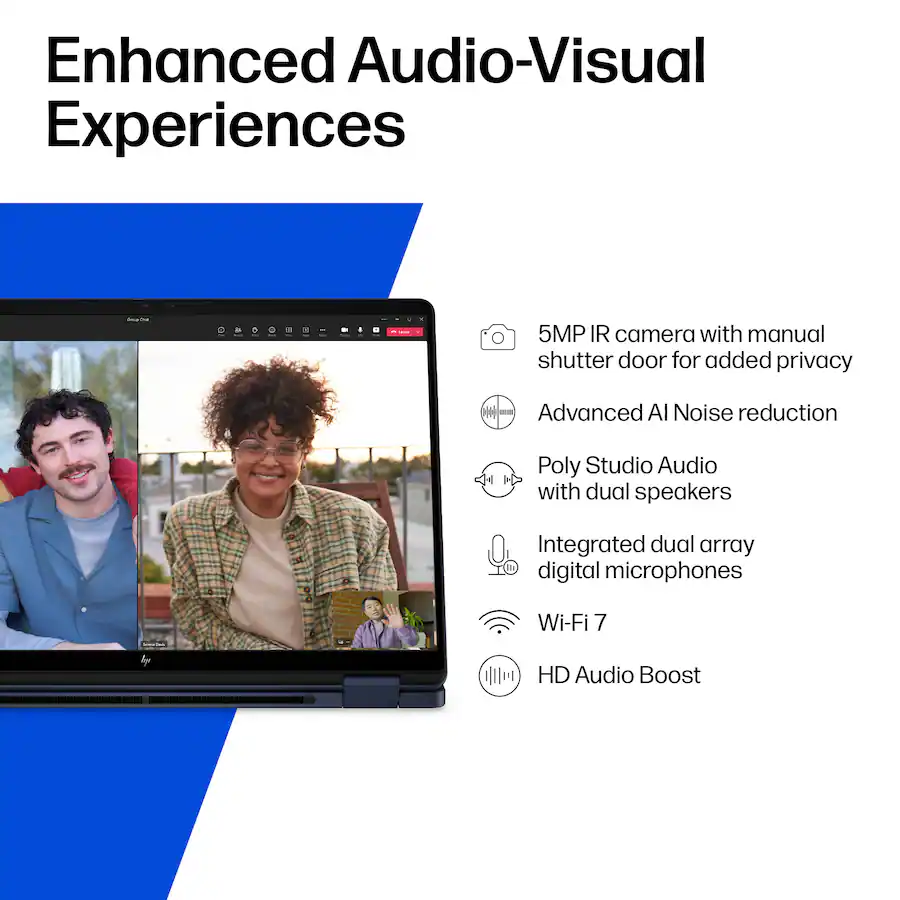
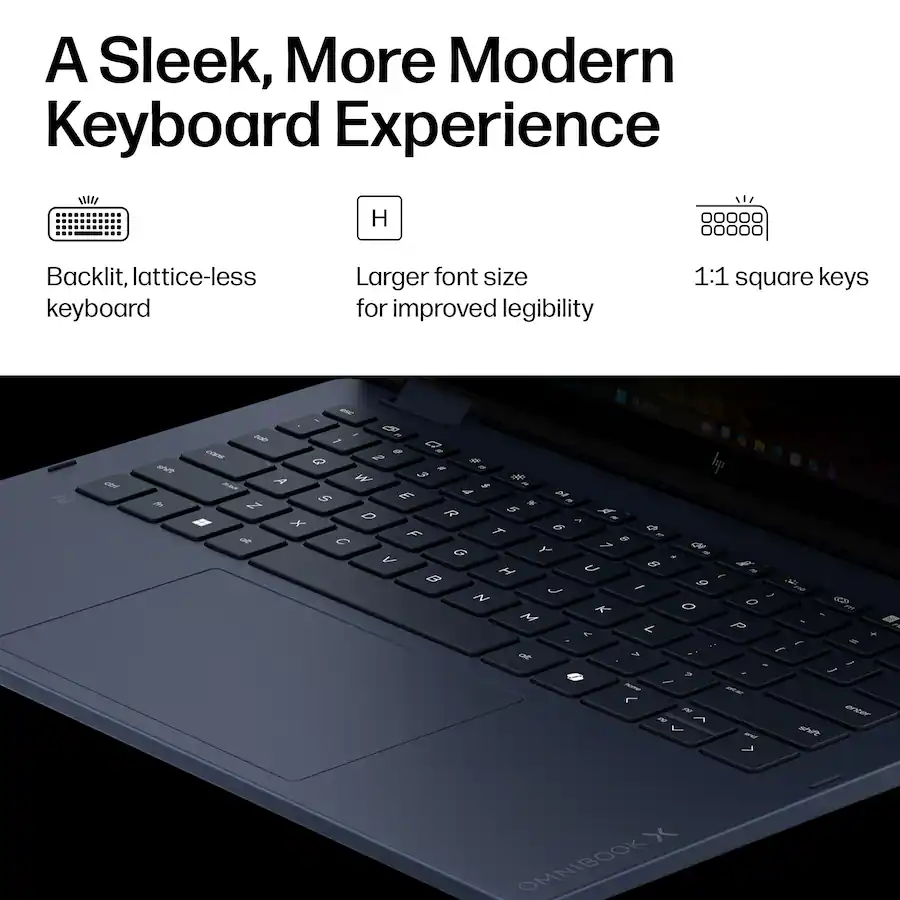
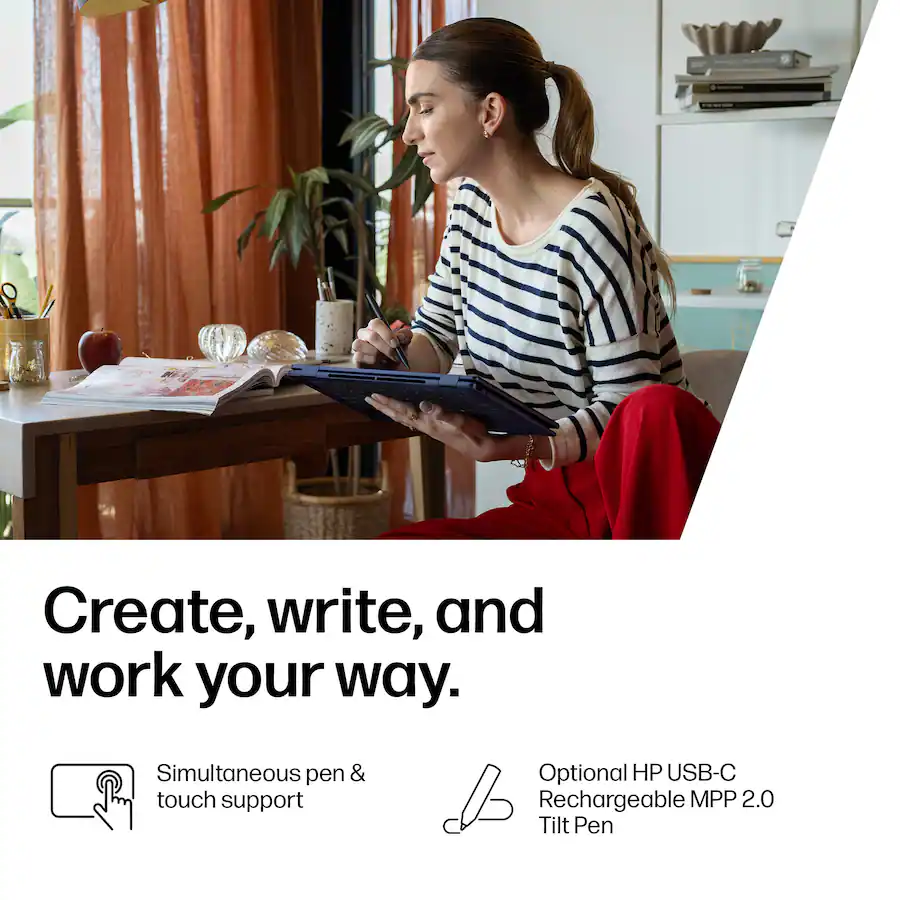
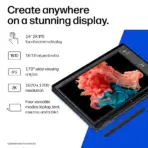
HP OmniBook X Flip NGAI: Core Ultra 7 355 | 24GB DDR5x ; 512GB NVMe | 14-inch 2K Touch IPS Display | Intel Graphics | Backlit Keyboard | Windows 11 | Atmospheric Blue ~ 14-KP0023DX
Generate an AI Image Prompt
- Layout
- Create an exact 2048 × 2048-pixel, perfect 1:1 square e-commerce product-profile image for the HP OmniBook X Flip 14-KP0023DX / D33CRUA#ABA.
- Make the Atmospheric Blue laptop the largest and unmistakably dominant foreground hero, occupying approximately 64–68% of the canvas.
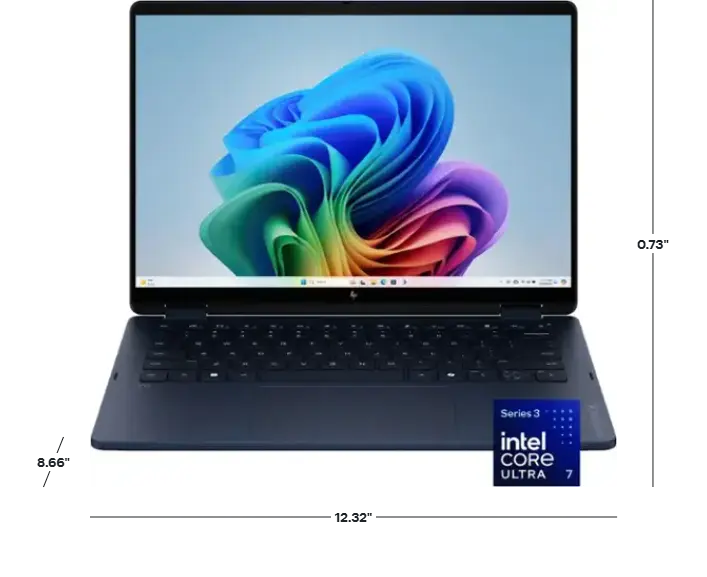
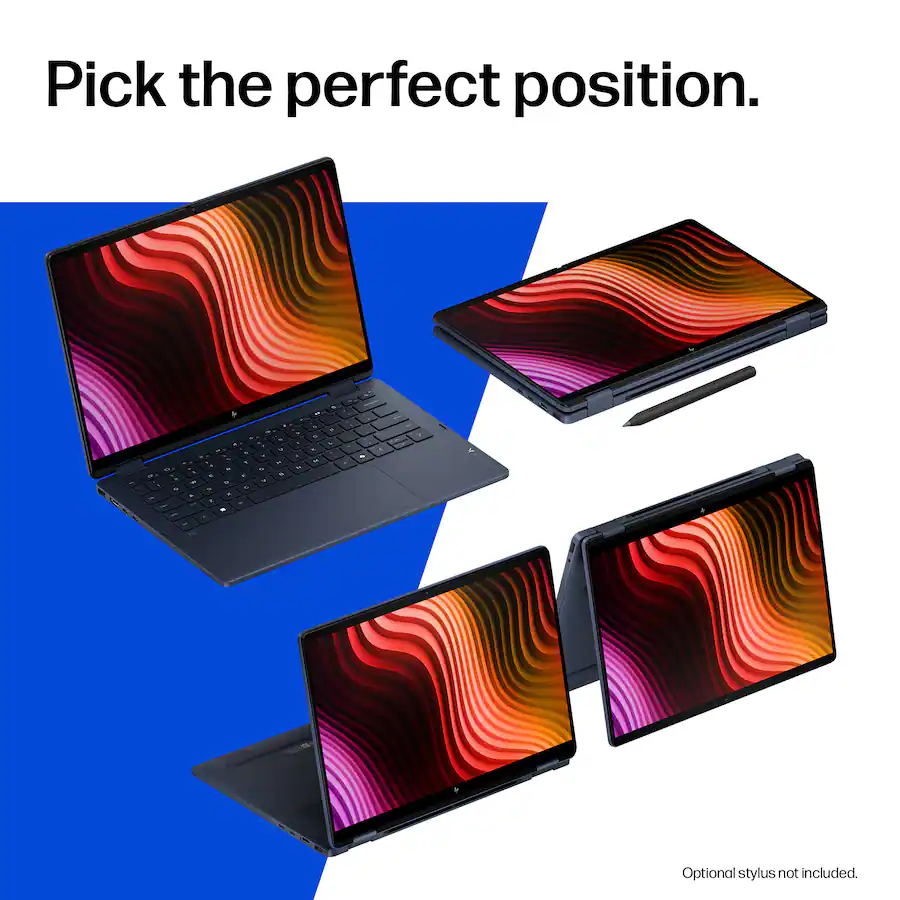
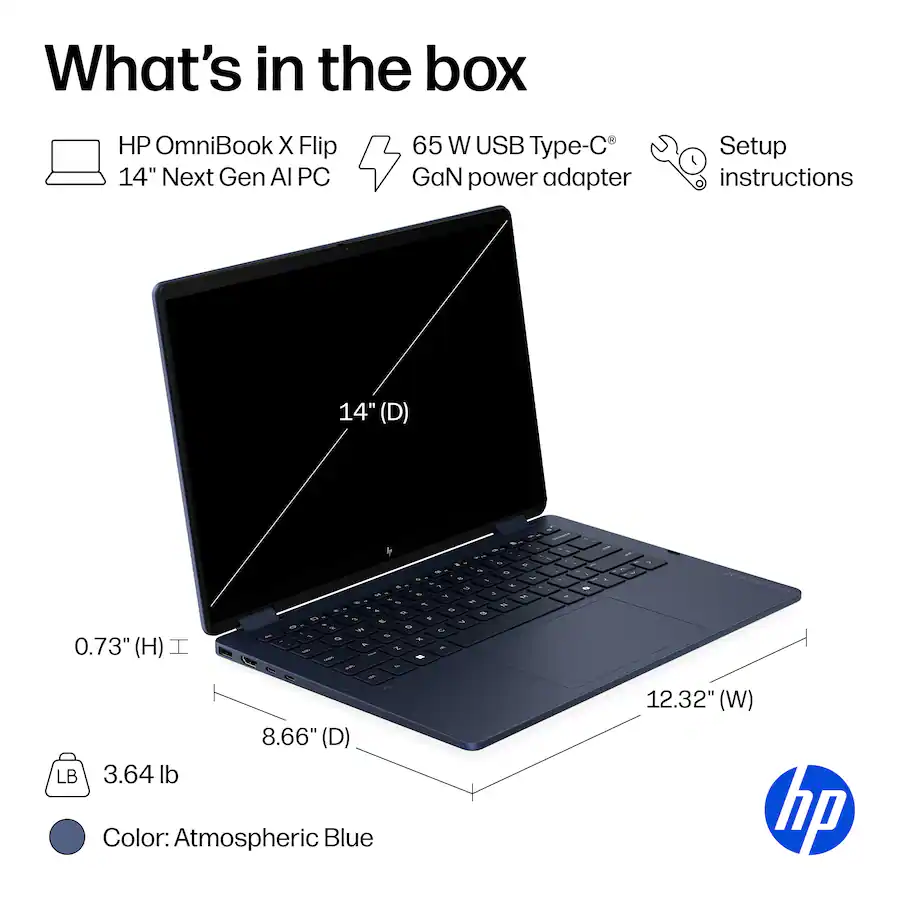
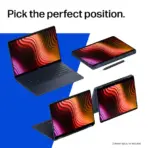
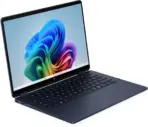
- Show the device open in an elegant three-quarter convertible pose that clearly communicates its 2-in-1 hinge while preserving the real screen, keyboard, touchpad, chassis proportions, and aluminum finish.
- Clearly separate foreground, midground, and background and maintain generous safe margins.
- Do not create a pedestal, stage, banner, cropped preview, or premium-ad-poster composition.
- Product Presentation
- Use the attached/raw product image as the strict physical reference.
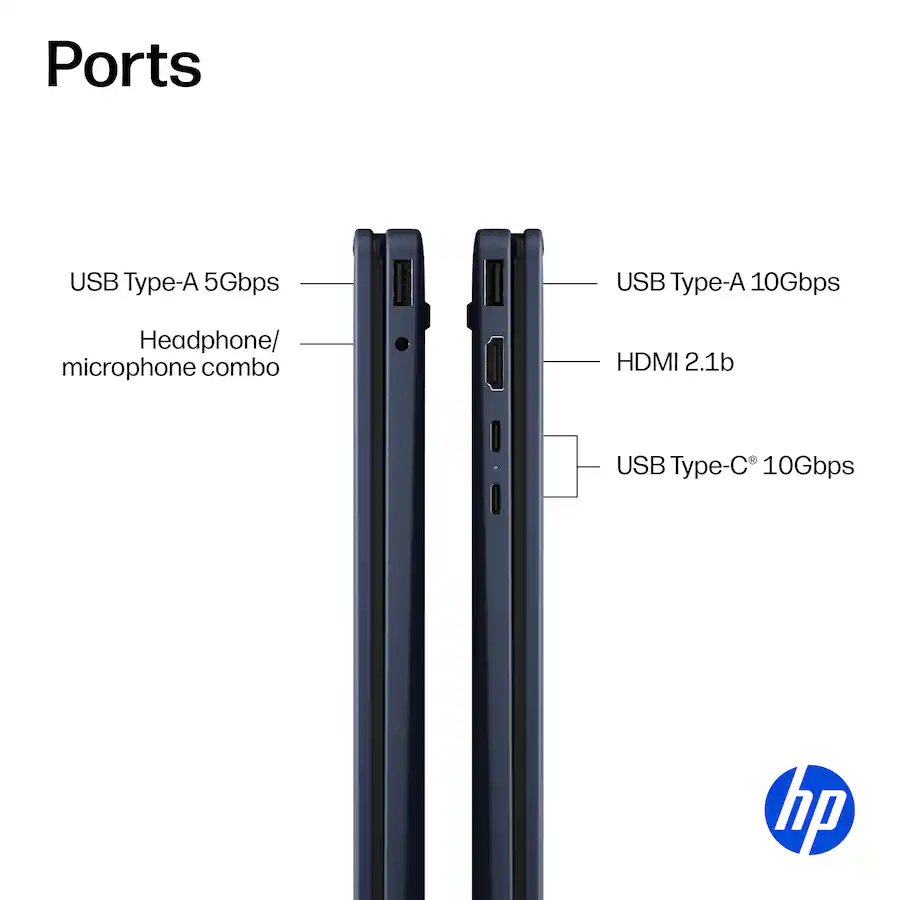
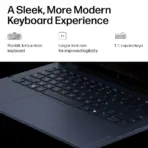
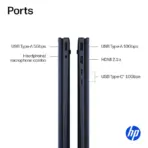
- Preserve the exact Atmospheric Blue aluminum chassis, hinge design, keyboard layout, screen proportions, ports, webcam position, and HP branding.
- Place the HP logo at the top-left.
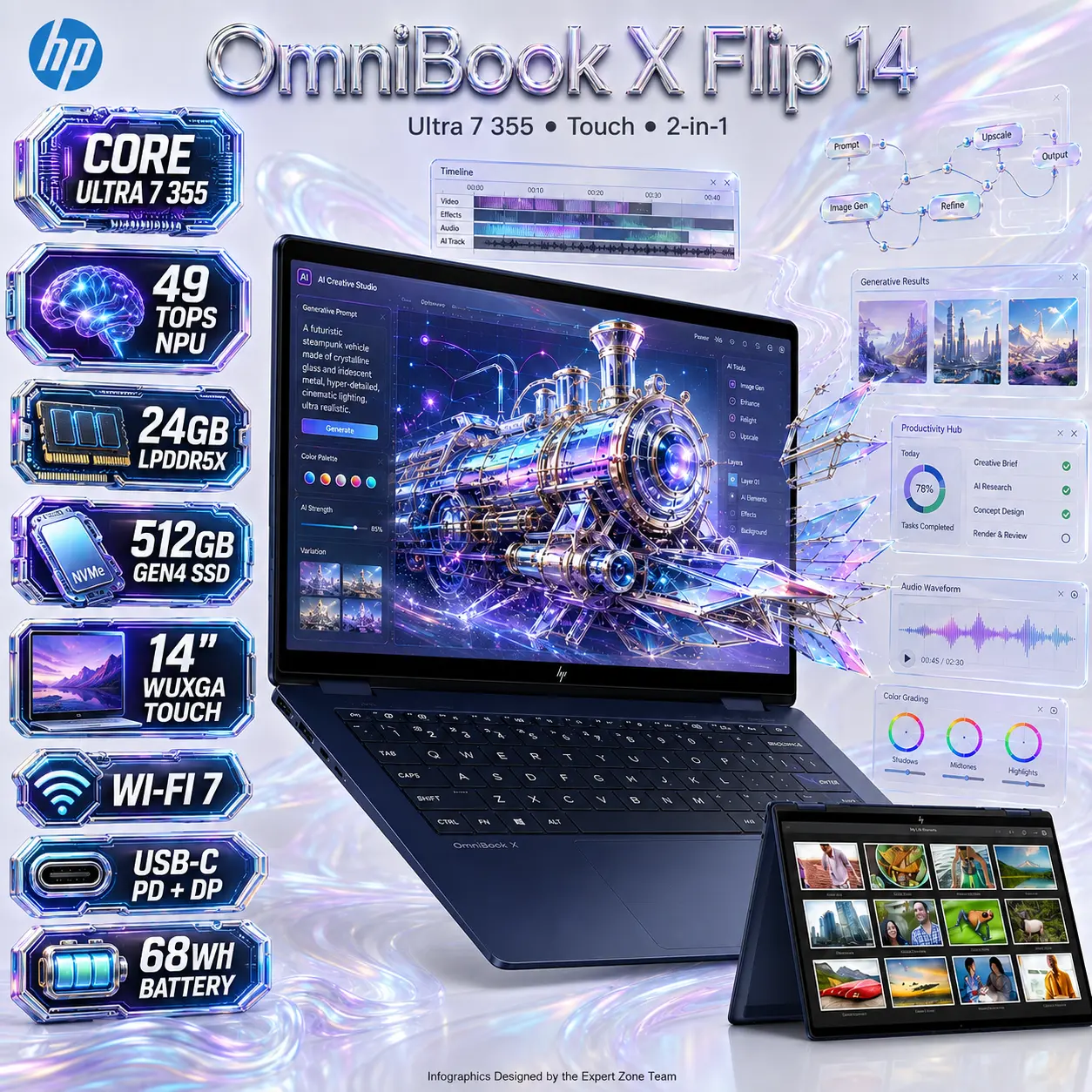
- Center “OmniBook X Flip 14” at the top in large, deeply extruded liquid metallic-silver typography with controlled cyan-violet iridescent reflections.
- center the secondary title ” Ultra 7 355 ● Touch ● 2-in-1 “
- Render the laptop with extreme-resolution realism, sharp aluminum edges, crisp keyboard legends, and precise touchscreen geometry.
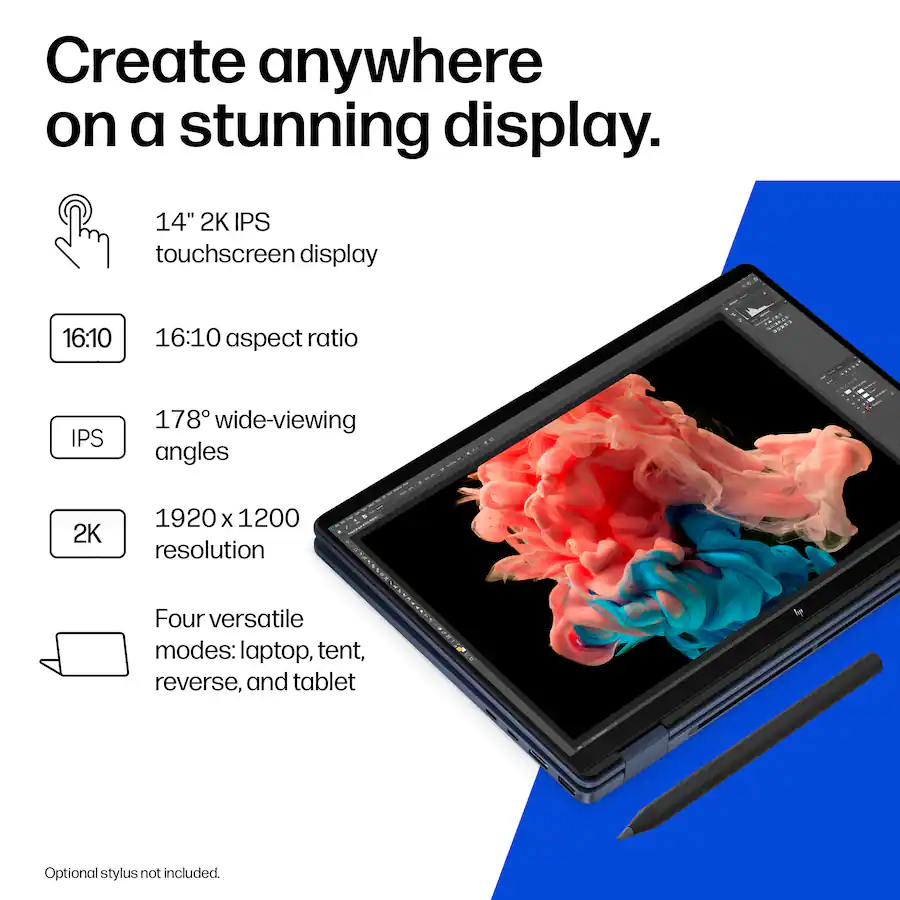
- add to the main large laptop , the small other tent position laptop.
- Artistically Distinct and Detailed Background
- Use a bold AI + Creativity + Efficiency interface theme, avoiding traditional gaming scenery.
- Create a surreal AI Creative Operating Studio where the laptop acts as the physical command center of an intelligent creative workflow.
- Surround it with restrained translucent interface elements: floating timeline strips, vector nodes, generative-image thumbnails, layered documents, color controls, AI prompt fragments, audio waveforms, productivity cards, and softly curved workflow paths.
- The display must show a fully described futuristic creativity interface built from luminous glass UI layers, rich cyan-violet gradients, floating design nodes, and a central iridescent sci-fi steampunk vehicle constructed from transparent crystalline polygons and flowing AI data filaments.
- STRICT SCREEN EFFECT: The WHOLE touchscreen acts as a physical window portal. The sci-fi steampunk vehicle must appear halfway emerging from the display in a forced anamorphic illusion—its rear part remain visibly inside the interface while its front half physically breach into the surrounding space.
- Maintain extreme high-luster pearlescent white as the dominant environment, with only subtle light-silver oily iridescence.
- Add a localized shimmering iridescent metallic silver aura directly behind the Atmospheric Blue chassis for razor-sharp product separation.
- Use only opalescent conch-pearl sculptural textures and deep transparent high-luster iridescent oil-fluid textures.
- No graphite smog, charcoal fog, black walls, or visual clutter.
- Icons
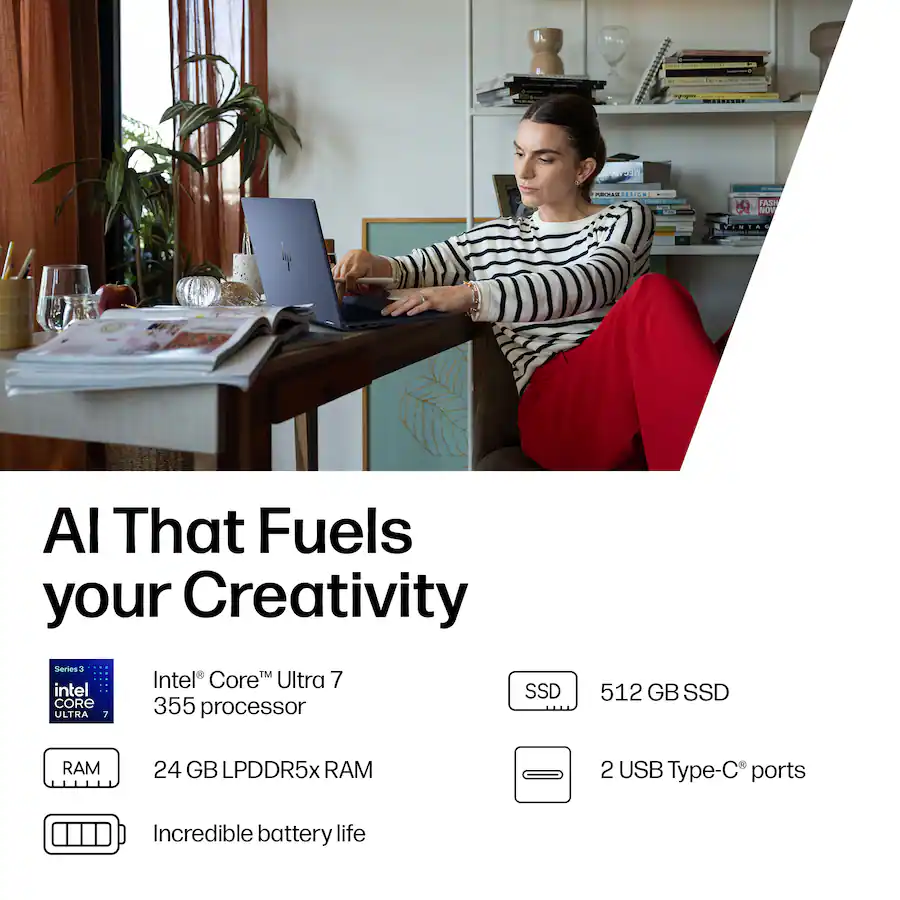
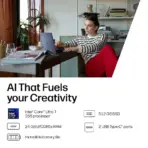
- CORE ULTRA 7 355
- 49 TOPS NPU
- 24GB LPDDR5X
- 512GB GEN4 SSD
- 14″ WUXGA TOUCH
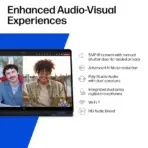
- WI-FI 7
- USB-C PD + DP
- 68Wh BATTERY
- ESPORTS 3D Rendered BADGES.
- Thick Contrasting BOLD X-Large typography, Text is bold, condensed, and very readable. The text in embedded inside of the icon
- Align icons vertically along one side so the laptop remains visually dominant.
- VIP: The Icons MUST Have different shapes depending on the specific content of the icon
- Output Requirements
- Final output must be exactly 2048 × 2048 pixels with a perfect 1:1 square ratio.
- Keep every element fully inside the safe margins.
- Add “Infographics Designed by the Expert Zone Team” in super-small discreet text at the bottom.
- Constraints
- Do not alter the laptop’s real chassis, display ratio, keyboard, hinge, camera, or Atmospheric Blue finish.
- Do not invent a dedicated GPU, numeric keypad, Ethernet port, Thunderbolt, or unsupported connectivity.
- Use DisplayPort 1.4 over USB-C, not DisplayPort 2.1.
- Refer to the display as WUXGA 1920 × 1200, not 2K.
- Do not turn the concept into a gaming poster.
- Keep black and graphite strictly minimal.
- Before final output, ask “How does this image fare as a product-profile image?” and automatically fix weak product scale, blending, distorted geometry, unreadable typography, or an unconvincing screen-emergence effect.