



CA7X8ES#A2N
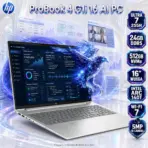
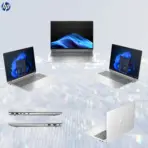
HP PROBOOK 4 G1I 16 ULTRA 7 /24GB/512GB/ 16″/ DOS
HP ProBook 4 G1i 16 AI PC: Intel® Core Ultra 7 255H | 24GB DDR5 RAM ; 512GB NVMe | 16-inch WUXGA IPS Display | Intel® Arc 140T GPU | DOS | Pike Silver ~ CA7X8ES
Generate an AI Image
- Layout
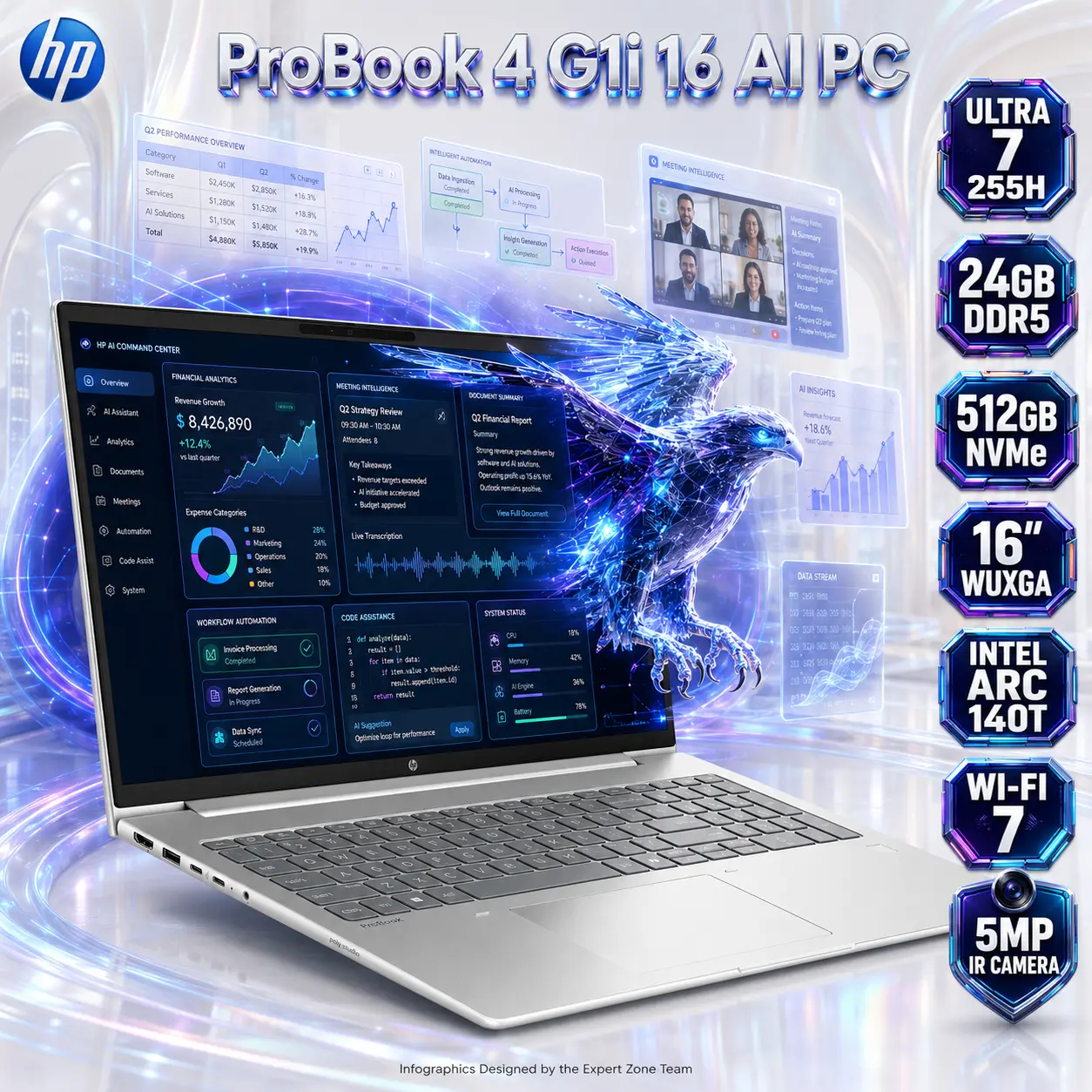
- Create an exact 2048 × 2048-pixel, perfect 1:1 square e-commerce product-profile image for the HP ProBook 4 G1i 16 Notebook AI PC.
- Make the laptop the largest and most prominent foreground hero, occupying approximately 64–68% of the complete canvas.
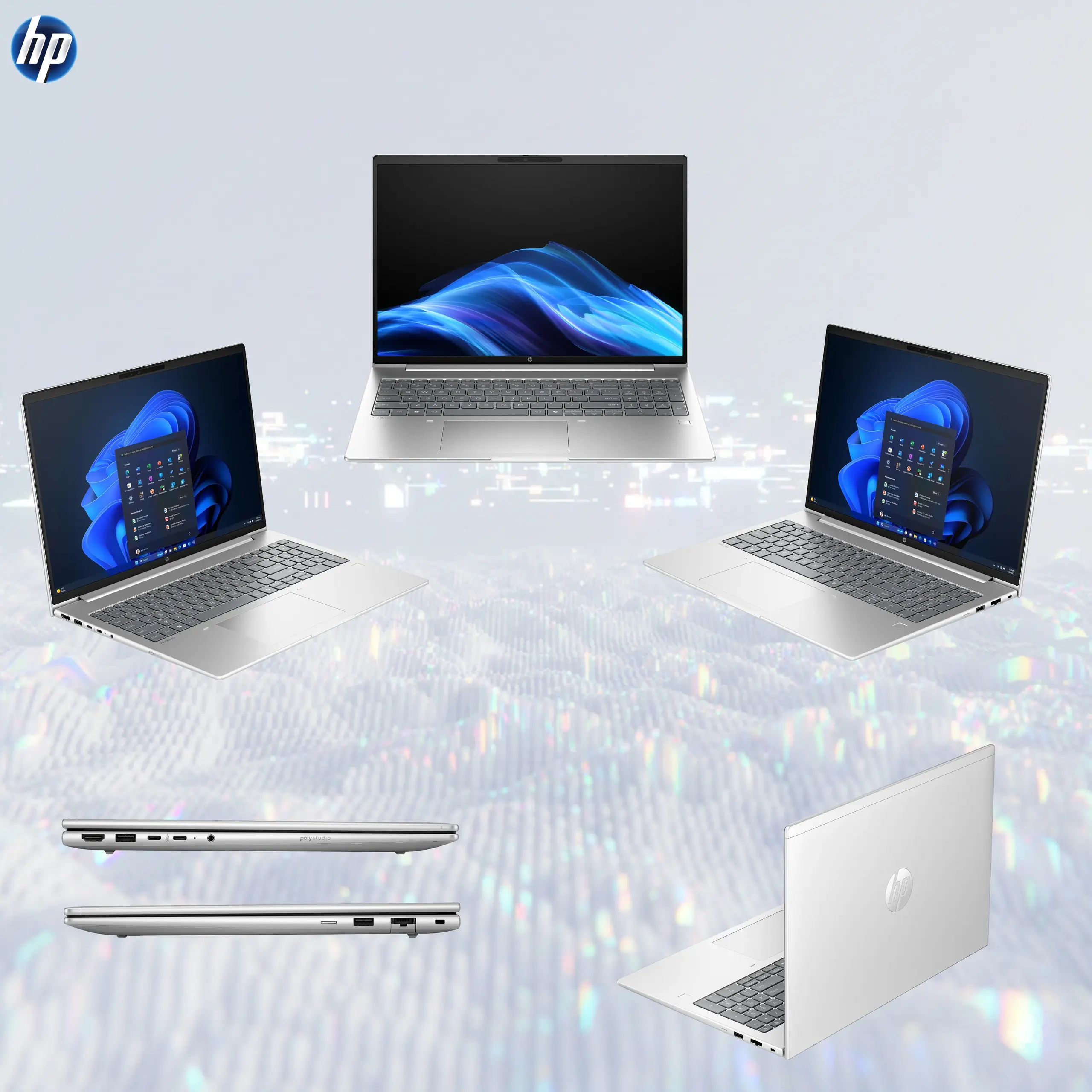
- Show the notebook fully open in an elegant three-quarter front perspective, clearly revealing the 16-inch display, Pike Silver chassis, full keyboard with numeric keypad, large touchpad, thin display borders, webcam area, and business-oriented proportions.
- Clearly separate foreground laptop, midground intelligent-workflow elements, and background AI-efficiency environment.
- Keep every laptop edge, logo, title, screen element, and icon safely inside generous margins.
- Never create a pedestal, presentation stage, banner, vertical poster, or cropped preview.
- Product Presentation
- Use the official/raw HP product image as the strict physical reference.
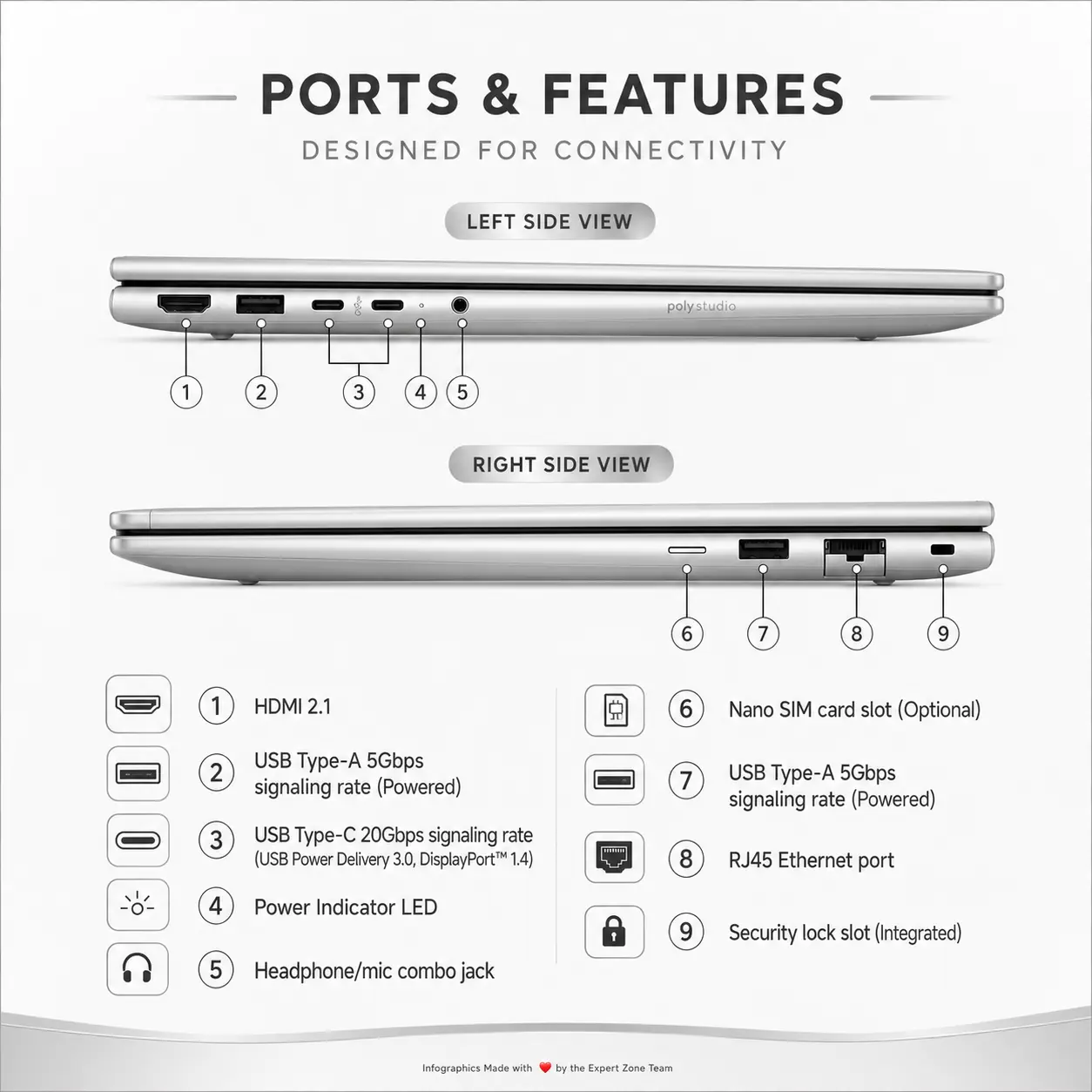
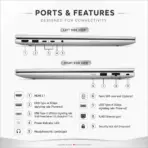
- Preserve the authentic Pike Silver finish, chassis geometry, keyboard layout, numeric keypad, hinge structure, display proportions, webcam placement, ports, touchpad, and HP branding.
- Place the HP logo at the top-left.
- Center “ProBook 4 G1i 16 AI PC” at the top using large dimensional 3D extruded pearl-metal typography with clean sapphire-blue and subtle violet internal refractions.
- Because the notebook is light-colored, maintain the dominant pearl-white environment but place a localized deep sapphire-to-violet metallic iridescent high-luster aura immediately behind the laptop only, keeping every silver chassis edge razor-sharp.
- Artistically Distinct and Detailed Background
- Use a strong AI + efficiency / luxury + functionality visual direction rather than a traditional gaming theme.
- Create a surreal AI Business Intelligence Atrium where translucent workflow panels, spreadsheet grids, document layers, analytics curves, meeting windows, coding elements, and intelligent automation pathways orbit around the notebook without becoming cluttered.
- Keep approximately 85–90% of the environment extreme high-luster pearlescent white, creating an elegant contrast between the bright premium workspace and the deeper colorful activity emerging from the display.
- Use only opalescent conch-pearl architectural textures and deep transparent oily-iridescent fluid textures.
- Add refined global illumination, soft volumetric light, dielectric refractions, and delicate sapphire/cyan caustics.
- Absolutely no graphite smog, dark office walls, generic corporate stock scenery, or dull matte background.
- Display Portal — Mandatory
- The entire 16-inch screen must function as a forced anamorphic physical window portal.
- Display an advanced AI productivity command interface with deep sapphire, electric cyan, violet, and amber visual layers containing financial analytics, meeting intelligence, document summarization, workflow automation, code assistance, and real-time system data.
- Inside this interface, show a specific crystalline AI falcon made from luminous data ribbons and translucent geometric circuitry.
- The falcon must appear halfway exiting the whole screen: rear wings and tail remain clearly inside the digital interface, while its head, chest, front wings, and crystalline claws physically breach the screen plane into real three-dimensional space.
- Preserve the real display boundaries and keep the anamorphic effect elegant rather than gimmicky.
- Icons — The Icons MUST Have different shapes depending on the specific content of the icon
- ULTRA 7 255H
- 24GB DDR5
- 512GB NVMe
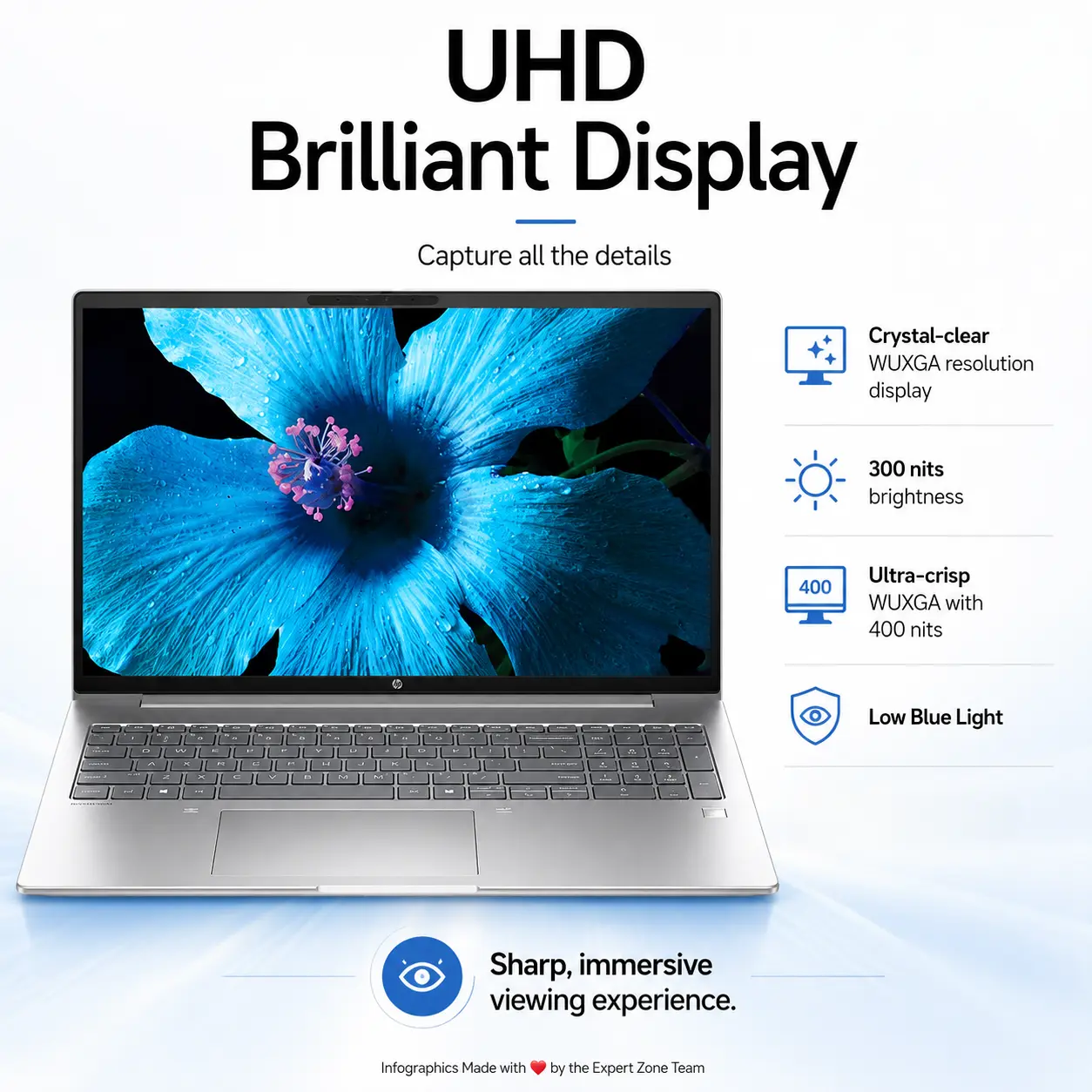
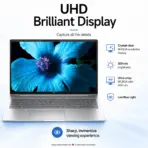
- 16″ WUXGA
- INTEL ARC 140T
- WI-FI 7
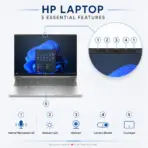
- 5MP IR CAMERA
- ESPORTS 3D Rendered BADGES, Thick Contrasting BOLD X-Large typography, Text is bold, condensed, and very readable. The text in embedded inside of the icon
- Align icons vertically along one side so they never reduce laptop dominance.
- Output Requirements
- Final output must be exactly 2048 × 2048 pixels, perfect 1:1 square, with extreme high-resolution rendering.
- Keep the laptop, logo, title, icons, screen portal, and background artwork entirely inside safe margins.
- Add “Infographics Designed by the Expert Zone Team” in super-small discreet typography at the bottom.
- Constraints
- Do not change the real laptop color, chassis proportions, keyboard layout, display size, webcam position, or ports.
- Do not invent a dedicated NVIDIA/AMD GPU, fingerprint reader, Thunderbolt port, OLED screen, backlit keyboard, higher display brightness, or preinstalled Windows.
- Preserve 24GB as 1×24GB DDR5-5600 rather than depicting dual-channel factory memory.
- Keep the background overwhelmingly extreme high-luster pearlescent white.
- Use dark colors only as a localized contrasting aura behind the silver laptop and inside the screen interface.
- Avoid flat white emptiness, excessive matte surfaces, generic chrome, visual clutter, or conventional corporate advertising aesthetics.
- Before finalizing, ask “How does this image fare as a product-profile image?” and automatically correct weak laptop scale, inaccurate chassis geometry, unreadable icons, poor screen depth, bland lighting, or distracting scenery.