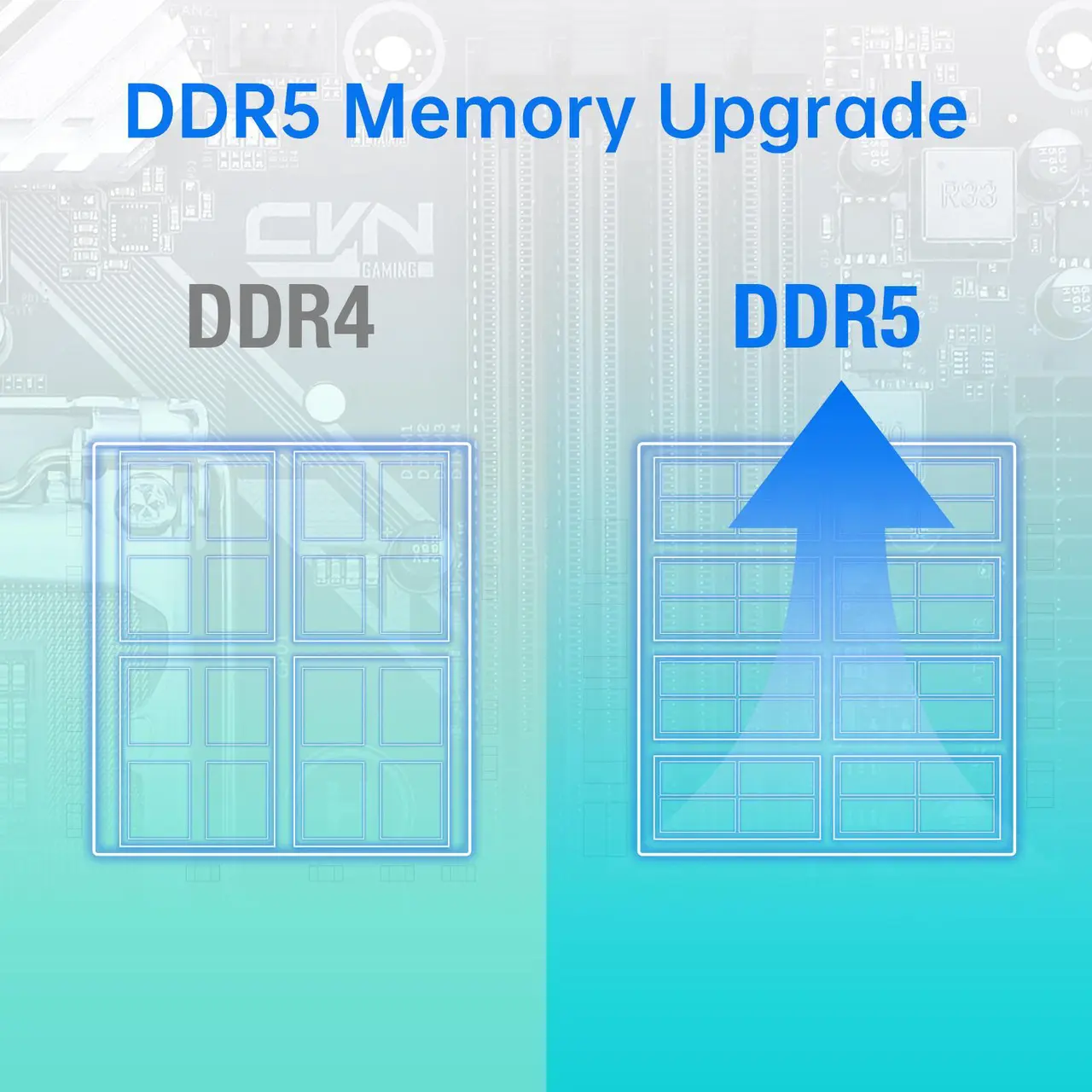
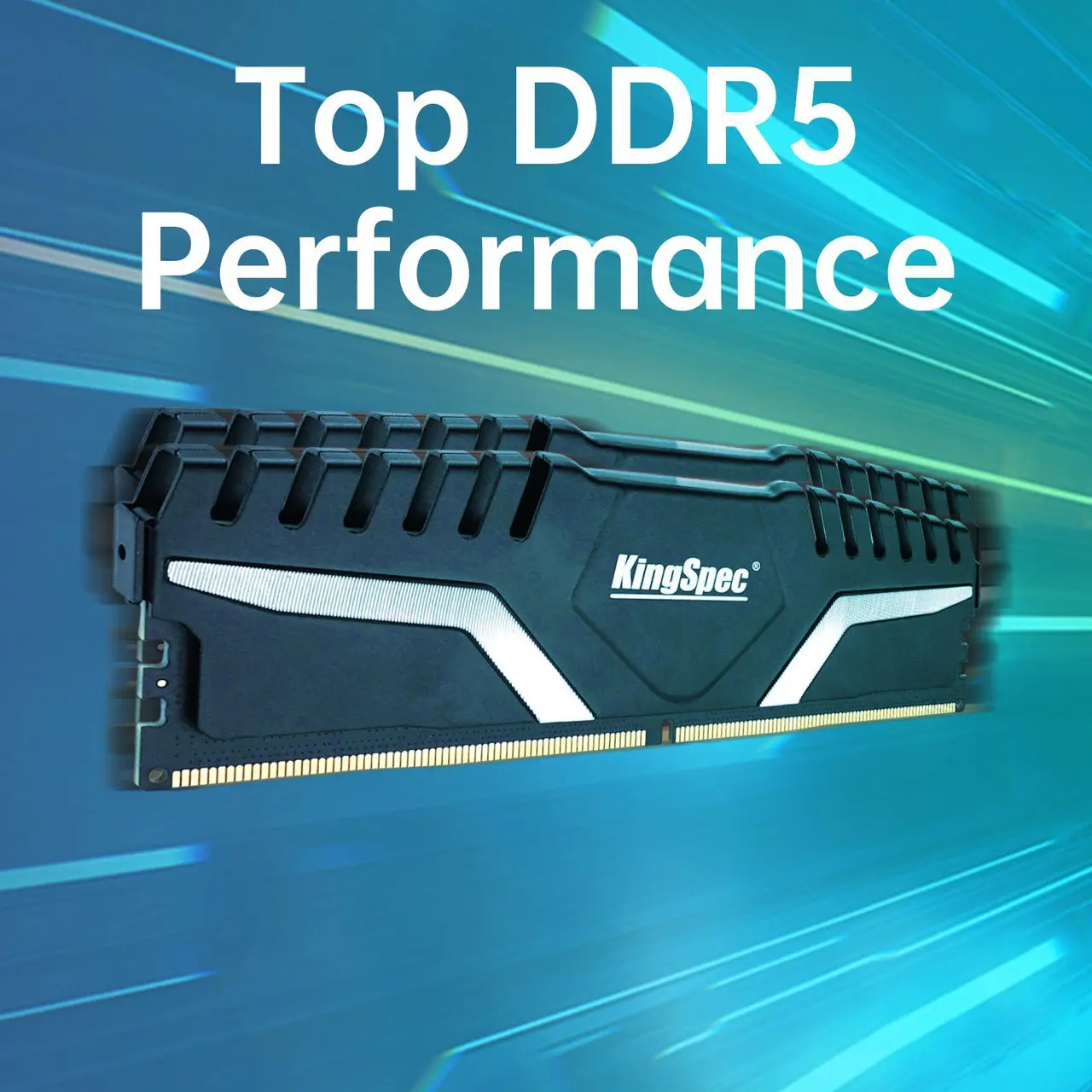
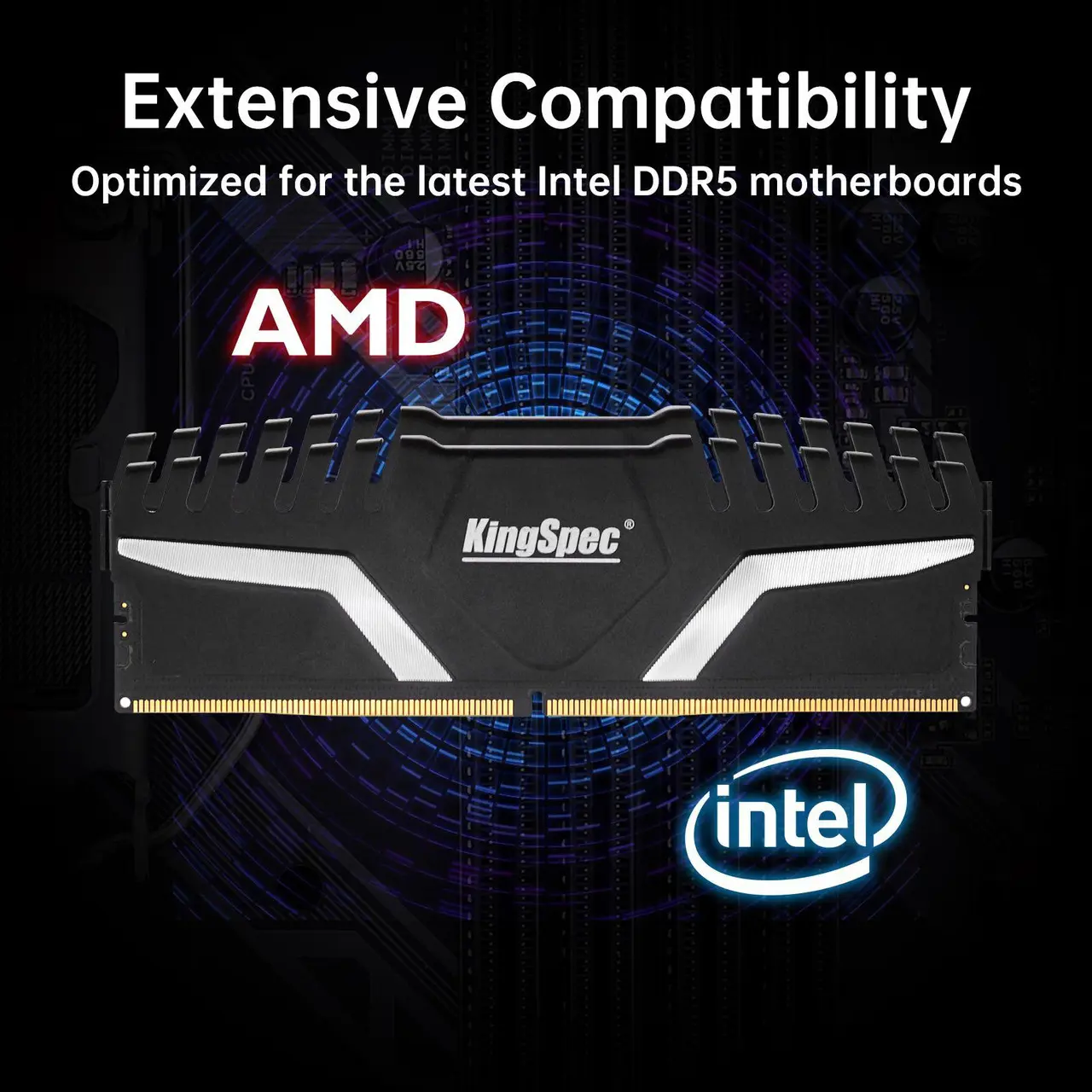
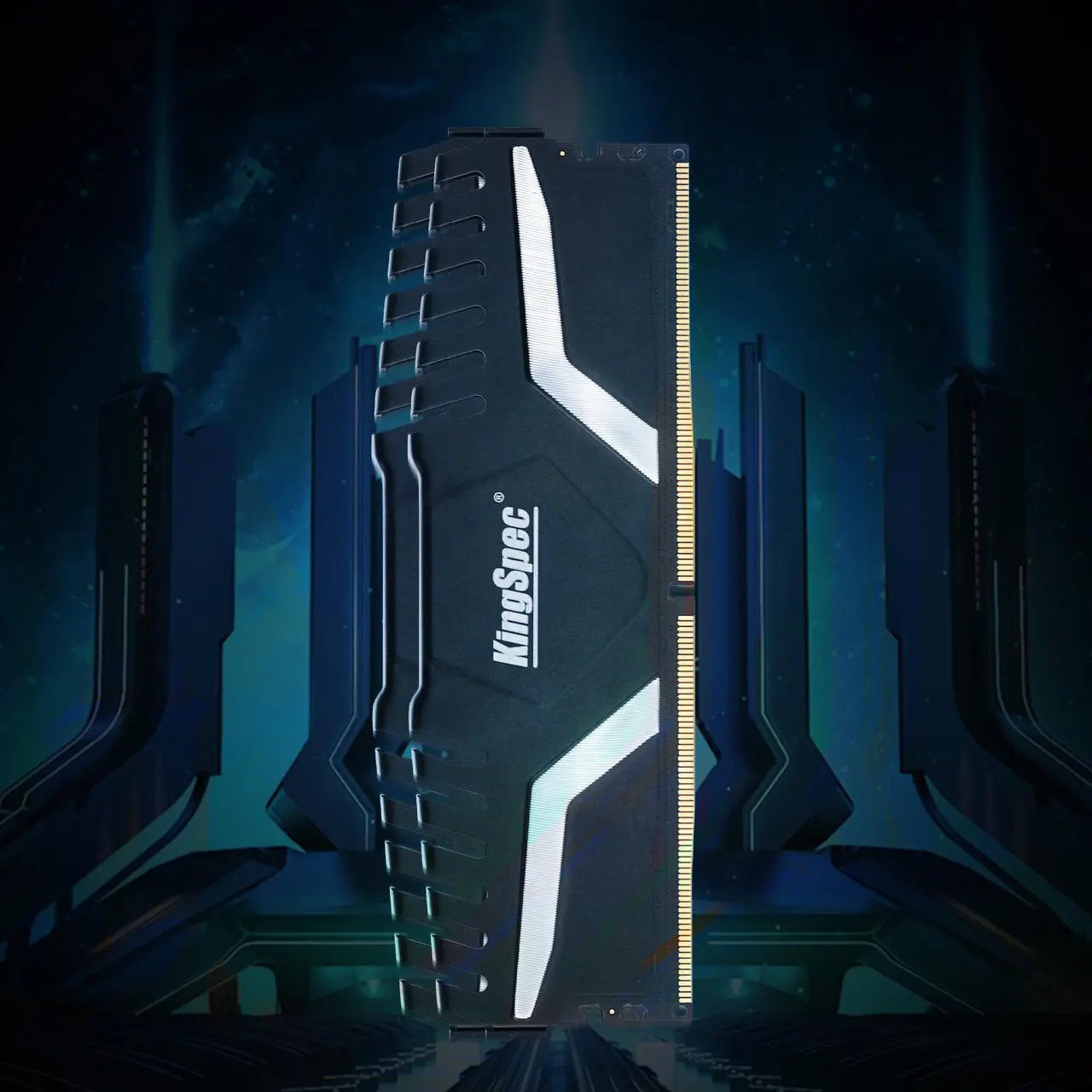
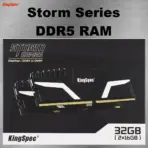



KS6000D5M12516G
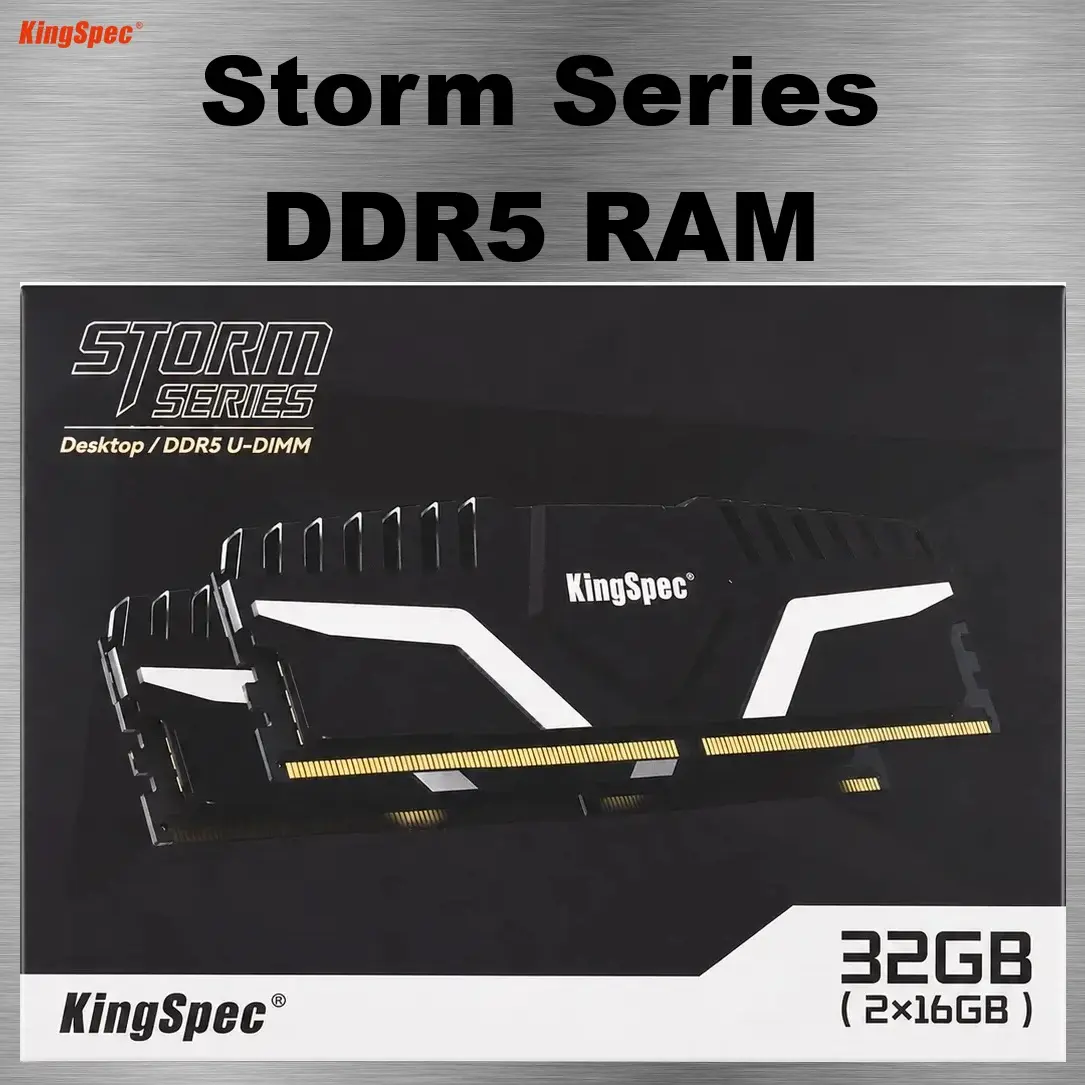
RAM KINGSPEC STORM 32GB (16X2) 6000MHZ BLACK | DDR5 6000 (PC5 48000)|CL38|Black
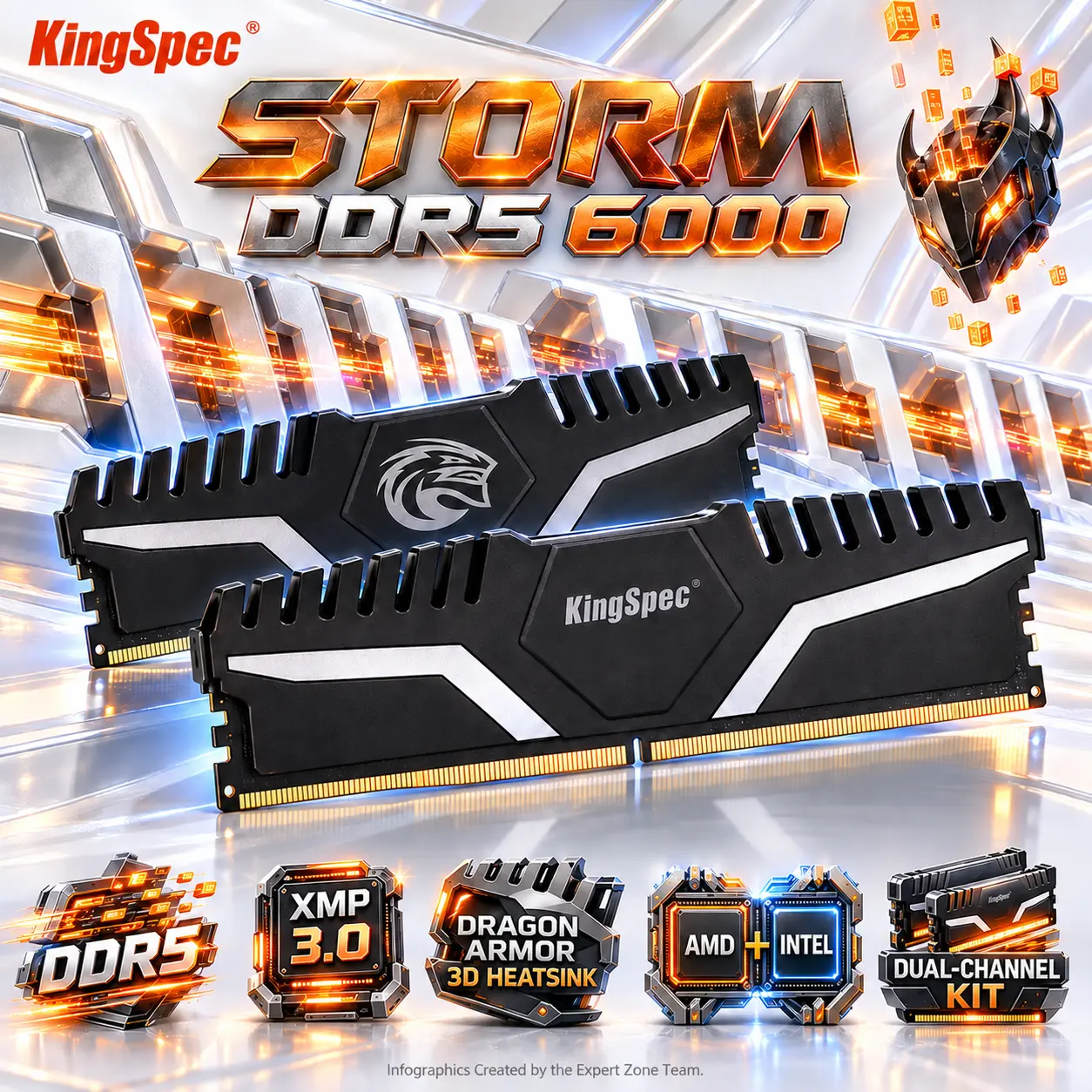
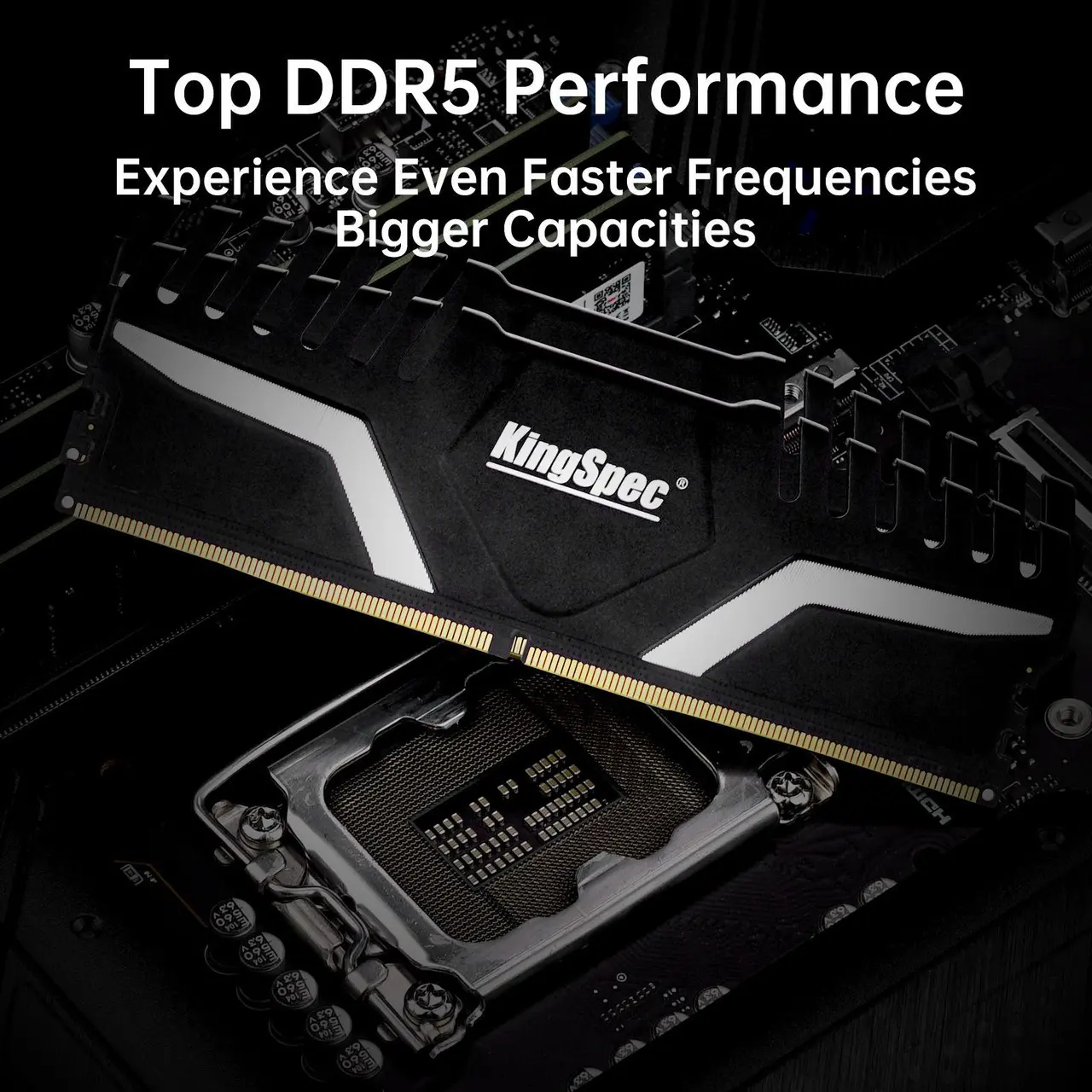
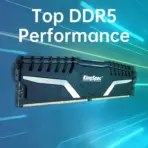
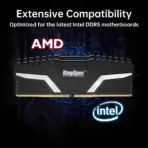
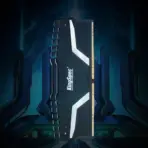
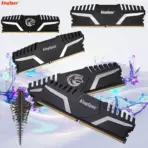
KingSpec STORM DDR5 32GB Kit (2×16GB) 6000MT/s RAM (PC5 48000) CL38 Desktop Memory, AMD & Intel Compatible, Dragon Armor Hollow 3D Aluminum Heatsink | KS6000D5M12516G ● BLACK
Generate an AI Image
Layout
- Create one exactly 2048 × 2048-pixel, perfectly square, ultra-photorealistic Expert Zone premium gaming-memory infographic.
- Feature exactly TWO authentic KingSpec STORM DDR5 Black modules, representing the genuine kit .
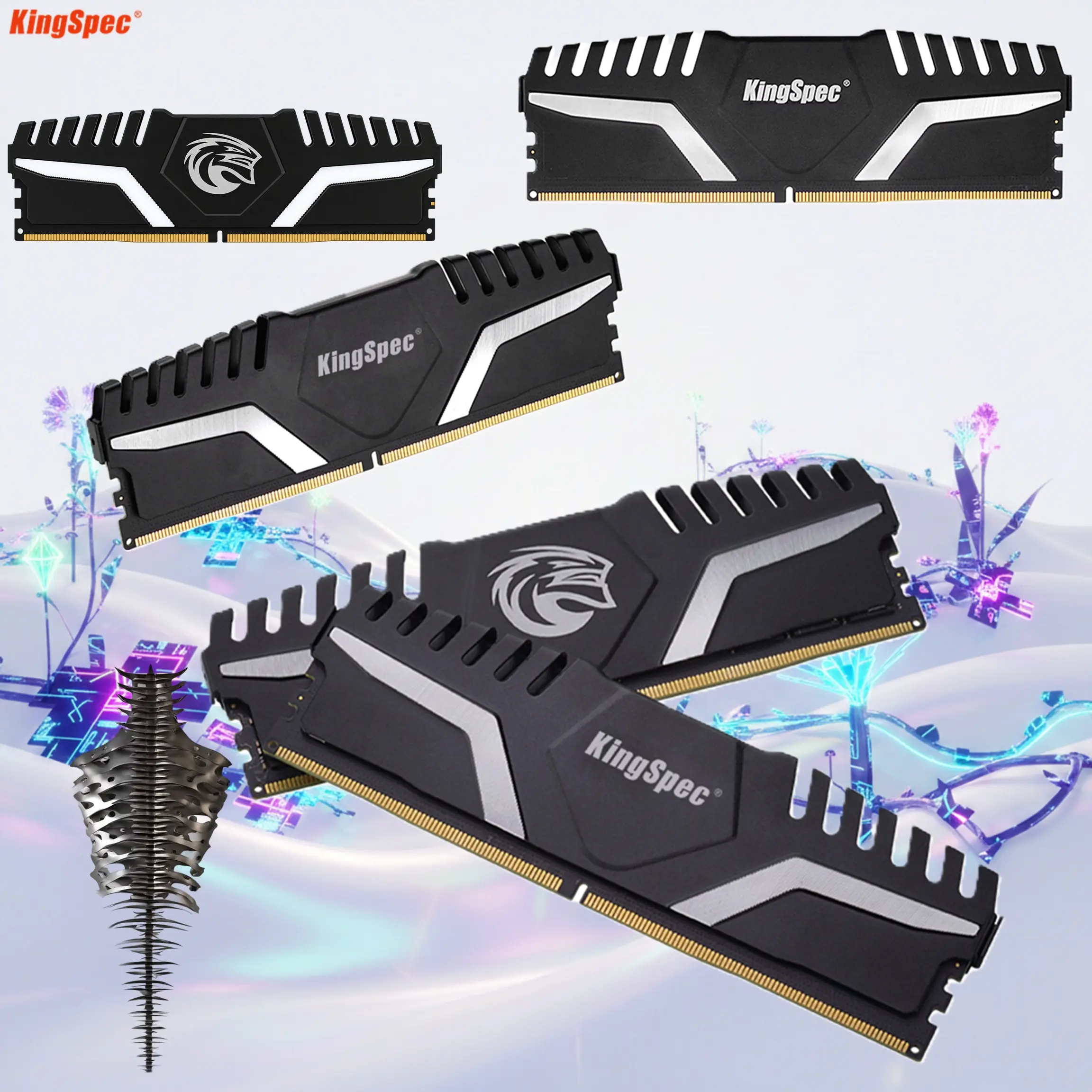
- Preserve the real black Gaming Dragon Armor-style heatspreaders, hollow 3D ventilation geometry, KingSpec branding, gold 288-pin contacts and non-RGB design.
- Position one module slightly forward as the hero and the second slightly behind at a complementary three-quarter angle.
- Both modules must remain large, intentional and unmistakably part of one matched dual-channel kit.
- Product dominance should be approximately 74–80% of the active composition.
- Place the KingSpec logo top-left.
- Place centered title “STORM DDR5 6000” in bold extruded metallic burnished orange-to-polished titanium typography.
- STRICT ORIENTATION RULE: the module dimensions are approximately 137mm X × 43.1mm Y, therefore X > Y. Arrange all feature icons HORIZONTALLY along the bottom/lower area, never vertically on the side.
- Note that the front and the rear of the RAM modules are not the same , make sure to feature one front and one rear view.
Product Presentation
- Exactly TWO memory modules.
- Preserve the real Black non-RGB appearance.
- Do not add RGB lighting to the modules.
- Preserve the aggressive Dragon Armor-inspired cutouts and hollow ventilation details.
- Render the heatspreaders as dark anodized / matte-black metal with crisp machining detail and restrained warm-orange reflections.
- Keep the gold contacts and physical edges razor sharp.
- Do not invent fans, screens, wires, LEDs or additional cooling pieces.
Artistically Distinct and Detailed Background
- Create an original gaming concept titled “Dragon Armor Cache.”
- Use a broad, extremely clean high-luster pearlescent-white / light-silver environment with only 2–3 large structural forms inspired by abstract armor plates and memory channels.
- Behind the RAM kit, create one long row of hollow armored data plates whose shapes subtly echo the module’s real ventilation cutouts.
- These plates should appear to open and close like mechanical memory gates as glowing orange data passes through them.
- Keep the effect architectural and directly related to the STORM heatsink design rather than turning the scene into fantasy scenery.
Unhinged Element
- Add exactly ONE slightly unhinged Expert Zone easter egg in unused negative space:
- a small empty black-metal dragon helmet, with no creature or body inside;
- it floats upside down a few centimeters above the surface;
- glowing orange data blocks escape upward through its eye openings and ventilation slots, ignoring gravity;
- one tiny data block is visibly stuck halfway through a horn opening.
- Keep this object around 10–13% visual importance.
- It should feel bizarre, gaming-oriented and related to the product’s Dragon Armor identity, but remain clearly secondary to the RAM.
Background Color Palette
- Dominant: extreme high-luster pearlescent white.
- Secondary: light silver / mother-of-pearl.
- Main gaming accents: burnished orange, deep cobalt, subtle violet and small amounts of red.
- Add a localized deep cobalt metallic aura behind the black modules for strong silhouette separation.
- Do not make the entire background dark.
Background Texture
- Use predominantly:
- deep glossy mother-of-pearl / conch-shell surfaces
- light iridescent metal
- very limited translucent glass only where needed
- Keep large areas of clean negative space.
- No graphite fog.
- No black smoke.
- No generic neon grid.
- No cable jungle.
- No floating ribbons.
- No random debris, sparks, particles or decorative filler.
Icons — Bullet Listed
Create exactly 6 distinct freeform 3D icons, all arranged HORIZONTALLY along the bottom:
- “DDR5 ” — high-speed segmented data-lane icon.
- “XMP 3.0” — BIOS-profile activation switch.
- “DRAGON ARMOR 3D HEATSINK” — hollow armored-plate icon.
- “AMD + INTEL” — dual-platform processor-frame sculpture.
- CRITICAL DIRECTIVE [STRICT] The Icons MUST Have different shapes conveying the specific content of the icon.
- Use bold EXTRA-LARGE high-contrast text integrated directly into every icon.
- Do not use matching badge-card containers.
- Do not arrange the icons vertically.
Output Requirements
- Exactly 2048 × 2048 pixels.
- Perfect 1:1 square ratio.
- Extreme high-resolution product rendering.
- Both black RAM modules must remain readable at thumbnail size.
- Strong silhouette separation from the bright environment.
- Add only the tiny footer:
“Infographics Created by the Expert Zone Team.”
Constraints
- Exactly TWO RAM modules.
- Exact model family: KingSpec STORM DDR5.
- Preserve Black non-RGB heatspreaders.
- Do not add RGB lighting.
- Do not write 6400, 6800 or 7200MT/s.
- Do not use 1.4V as an icon or headline feature unless the physical module or box confirms it.
- Do not claim AMD EXPO; use AMD & Intel Compatible instead.
- No pedestal.
- No extra slogans.
- No giant dragon.
- No monster or guardian.
- Keep the composition gaming-oriented, elegant, slightly unhinged and recognizably Expert Zone, while the two actual memory modules remain the immediate commercial heroes.