

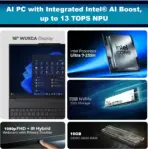
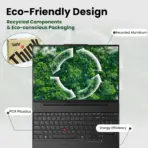
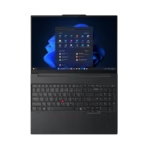
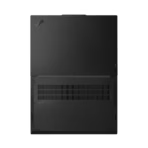
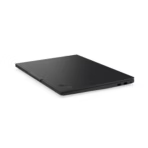
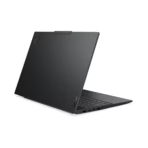

THINKPAD-E16-GEN3 | 21SSS65600 | 21SSS65600 | 21SSS65600
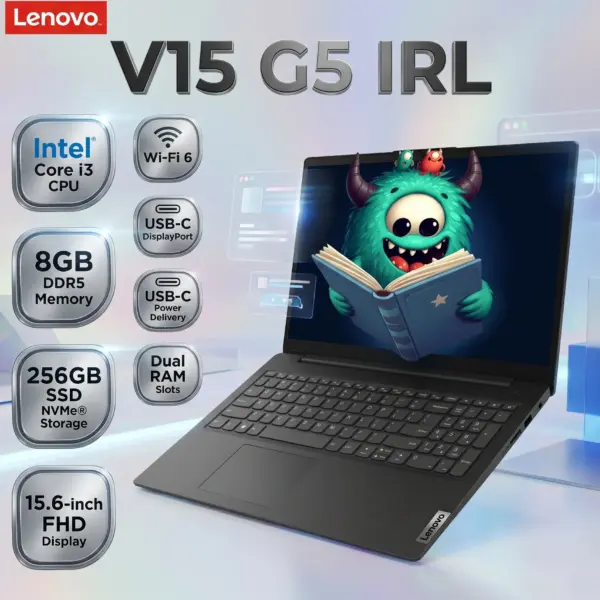
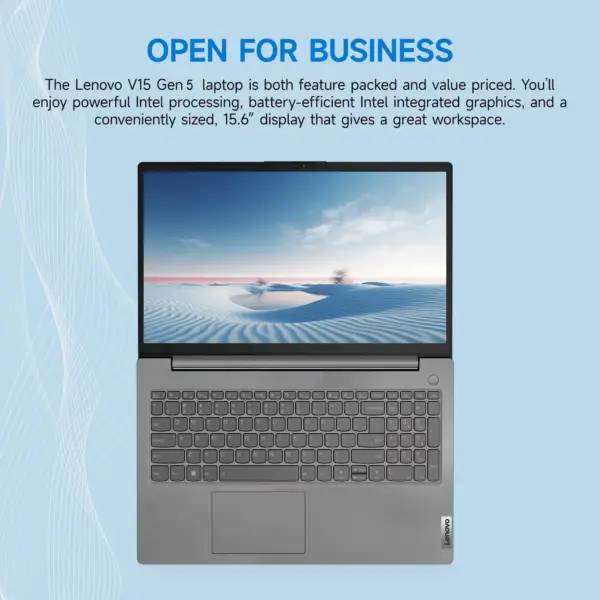
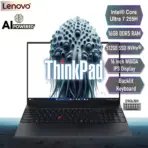
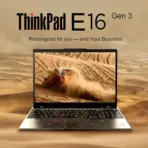
LENOVO THINKPAD E16 GEN 3 U7-255H 32GB DDR5/1TB/16″/DOS (21SSS65600)
LENOVO ThinkPad E16 Gen 3 : Intel® Core Ultra 7 255H with AI Boos | 32GB DDR5 RAM , 1TB NVMe® | 16 Inch WUXGA IPS Display |Intel® Arc 140T GPU | DOS | Carbon Black
Generate an AI Image
Layout
- Create an exact 2048 × 2048-pixel, perfect 1:1 square premium website product-profile composition.
- Clearly separate the foreground ThinkPad E16 Gen 3, midground executive productivity environment, and background surreal AI-data architecture.
- Make the laptop approximately 58–64% of the canvas, large enough that its 16-inch proportions, keyboard, TrackPoint, display, Black chassis, and ThinkPad identity remain obvious at thumbnail scale.
- Keep the product, title, Lenovo logo, icons, and artistic structures fully inside generous safe margins.
- Never create a poster, banner, vertical layout, wide layout, pedestal, podium, stage, or cropped preview.
- Do not use cheap gaming-poster typography.
Product Presentation
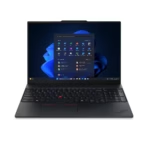
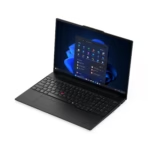
- Use only the exact supplied reference image of the Lenovo ThinkPad E16 Gen 3.
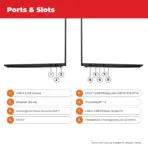
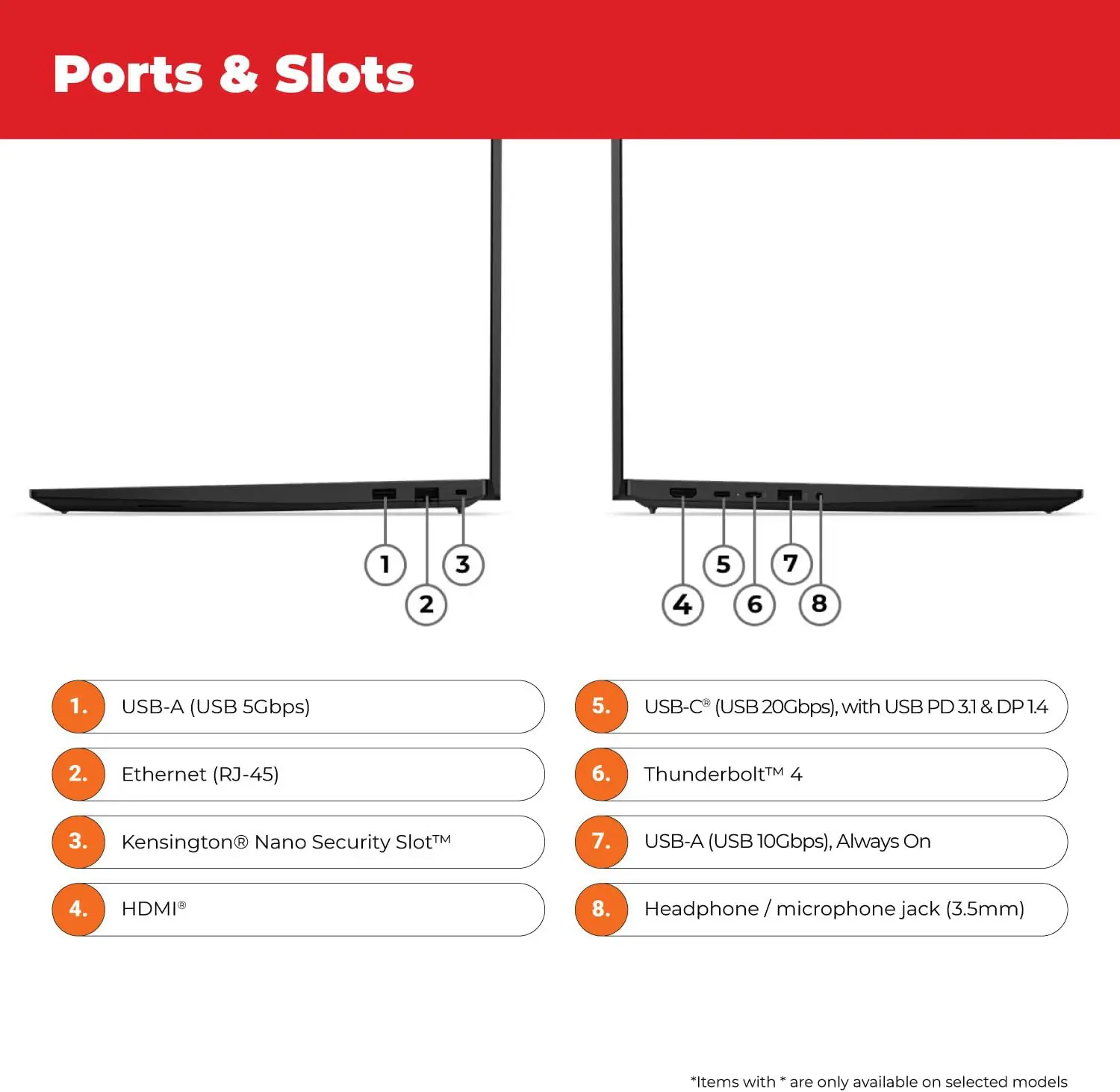
- Preserve its authentic Black chassis, 16-inch proportions, keyboard geometry, TrackPoint, bezels, hinges, ports, and physical design.
- Do not invent fingerprint readers, IR cameras, touchscreen functionality, backlit keyboard lighting, or additional ports.
- Render the laptop with extreme-resolution photorealistic 3D materials, crisp edges, realistic screen glass, precise key shapes, and restrained reflections.
- Place the Lenovo logo at the top-left within safe margins.
- Center “ThinkPad E16 Gen 3” at the top using bold, hollowed, extruded 3D typography with strong background contrast.
- Make sure the laptop is large enough to be the hero of the image
Artistically Distinct and Detailed Background
- Background Story: Transform a sophisticated modern executive desk into a surreal visual metaphor for AI-powered productivity: documents, analytical charts, meeting windows, code fragments, and data streams become sculpted translucent architectural ribbons flowing toward the ThinkPad.
- Create a visual feeling of business intelligence being physically organized by the laptop, with floating pearl-glass data layers converging into precise, ordered workflows.
- Keep the environment chic, minimal, ambitious, and unmistakably business-oriented rather than gamer-themed.
- Color Palette: Use dominant pearlescent opaline-white, conch-pearl, translucent icy cyan, subtle indigo iridescence, and luminous caustic accents.
- Keep black and graphite almost entirely restricted to the laptop itself.
- Texture: Use only deep opalescent transparent glass and conch-pearl micro-swirled materiality.
- Employ global illumination, dielectric refractions, lustrous curves, controlled caustic reflections, and minimal matte surfaces.
3D RENDERED LARGE Icons
- CORE ULTRA 7 255H
- 32GB DDR5 RAM
- 1TB NVMe
- ARC 140T
- 16″ WUXGA IPS
- THUNDERBOLT 4
- WI-FI 6 + Bluetooth® 5.2;
- Create every icon as a different large, three-dimensional freeform badge with bold ultra-readable typography.
- Use transparent crystal, dimensional pearl structures, and restrained chromatic glow.
- CRITICAL DIRECTIVE [STRICT] The Icons MUST Have different shapes depending on the specific content of the icon
- The typography of every icon should stay X-LARGE , BOLD, and ultra-readable , especially as the complete image is reduced to website-thumbnail size.
- Align icons horizontally across the vertically along one side.
Output Requirements
- Output exactly 2048 × 2048 pixels with a perfect 1:1 square ratio.
- Preserve extreme product sharpness and icon readability at website-thumbnail scale.
- Add in super-small discrete typography: “Infographics Made with ❤️ by the Expert Zone Team”.
Constraints
- Do not alter the laptop design or invent unsupported hardware.
- Do not call the product a Copilot+ PC.
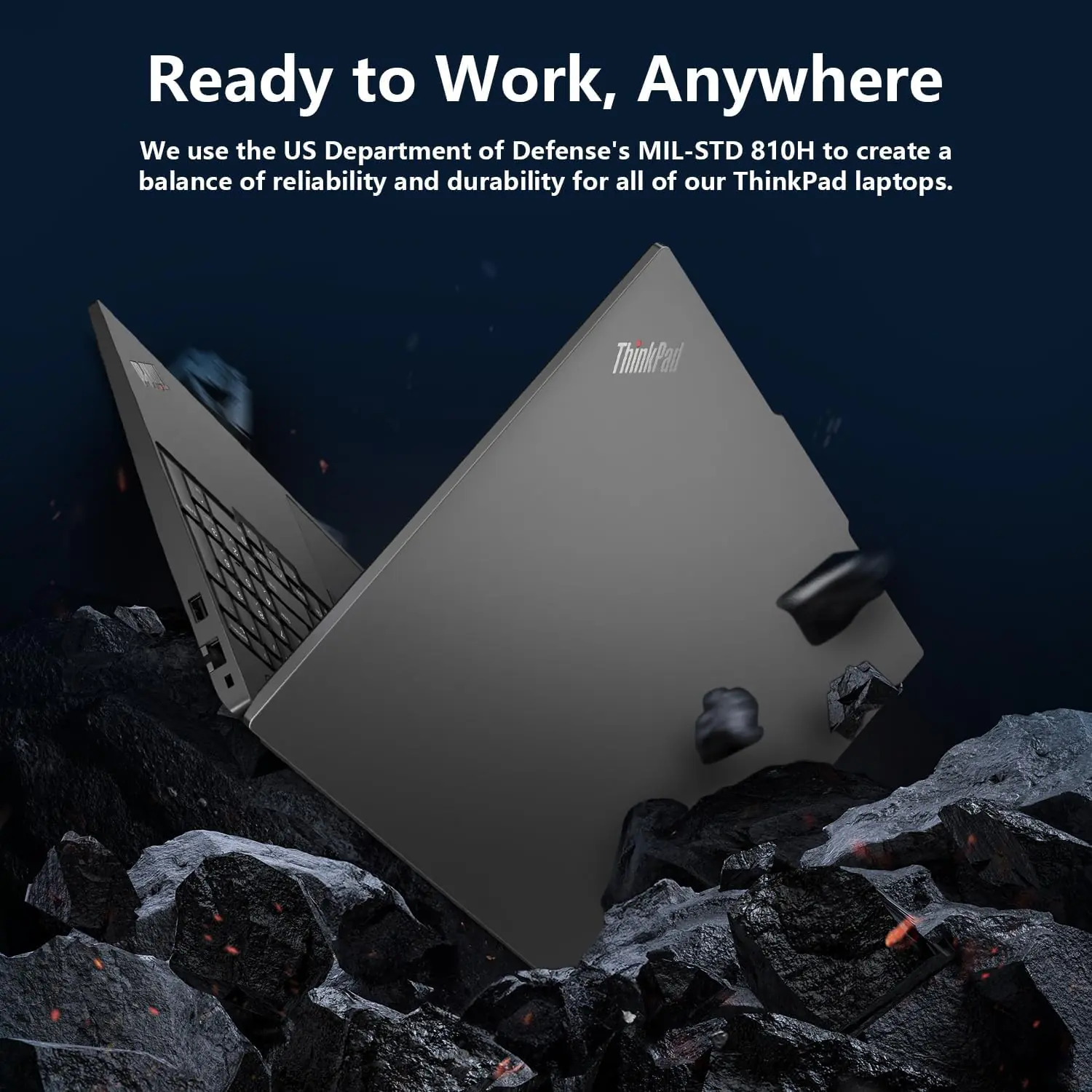
- Do not claim vPro, touchscreen, IR camera, fingerprint reader, MIL-STD-810H, or backlit keyboard for this exact unit.
- Avoid graphite fog, charcoal clouds, gray smog, dark background masses, cheap chrome, generic office stock imagery, flat white emptiness, excessive matte finishing, and decorative clutter.
- Never allow the Black laptop or title to blend into its surroundings.
- Never make the final result resemble a premium advertisement poster.
- Before rendering, ask “How does this image fare as a product-profile image?” and automatically correct weak contrast, small typography, poor hierarchy, clipping, inaccurate ports, incorrect laptop proportions, or excessive background distraction.