
MSI PRO MP243L E14 23.8-Inch FHD 144Hz IPS Business Monitor, 1ms MPRT, HDR Ready, AMD FreeSync, PerfectEdge, EyesErgo, HDMI, VGA, VESA Mount & MSI Power Link

100 $

BRAND-NEW SEALED ~ 6 MONTHS WARRANTY

Expert Features

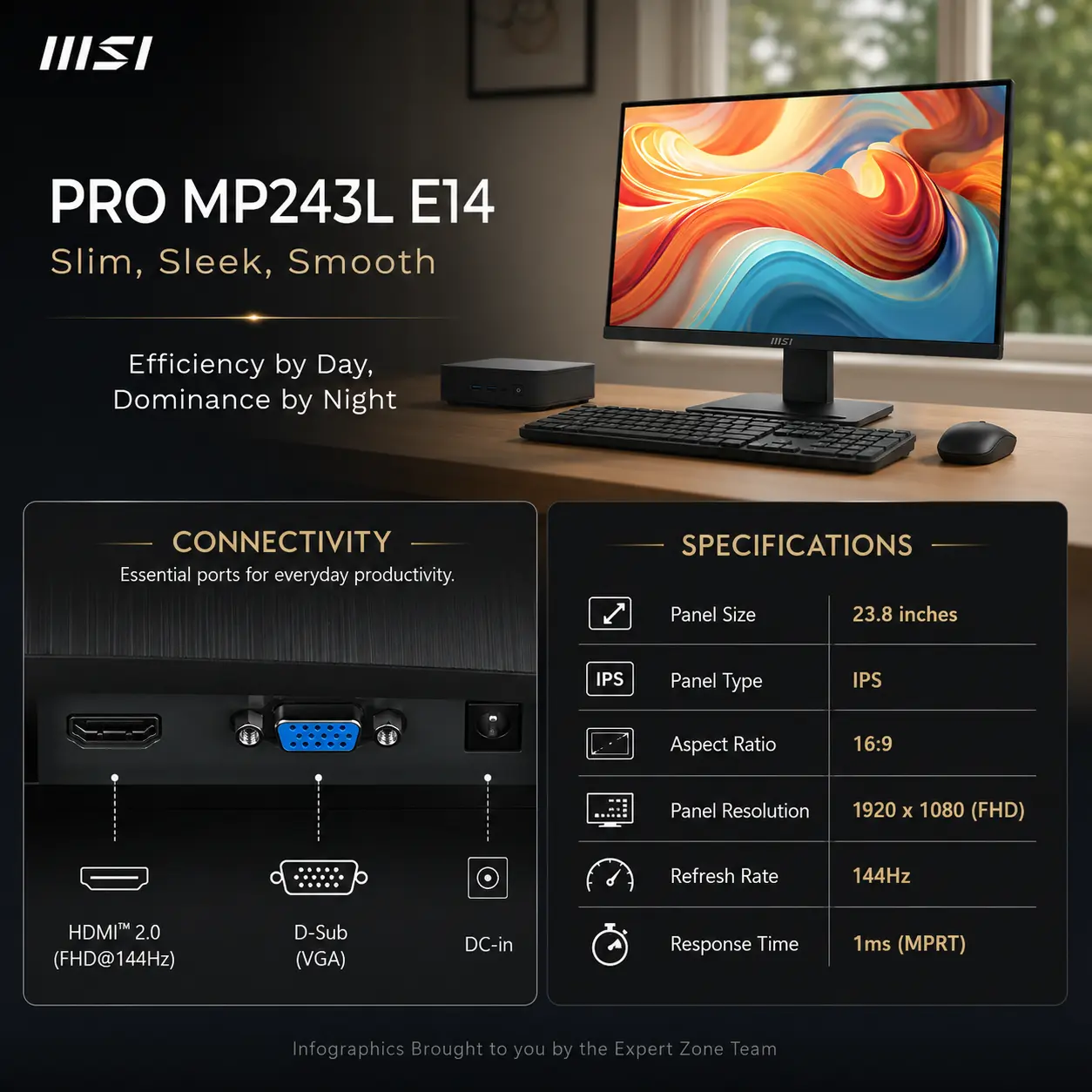
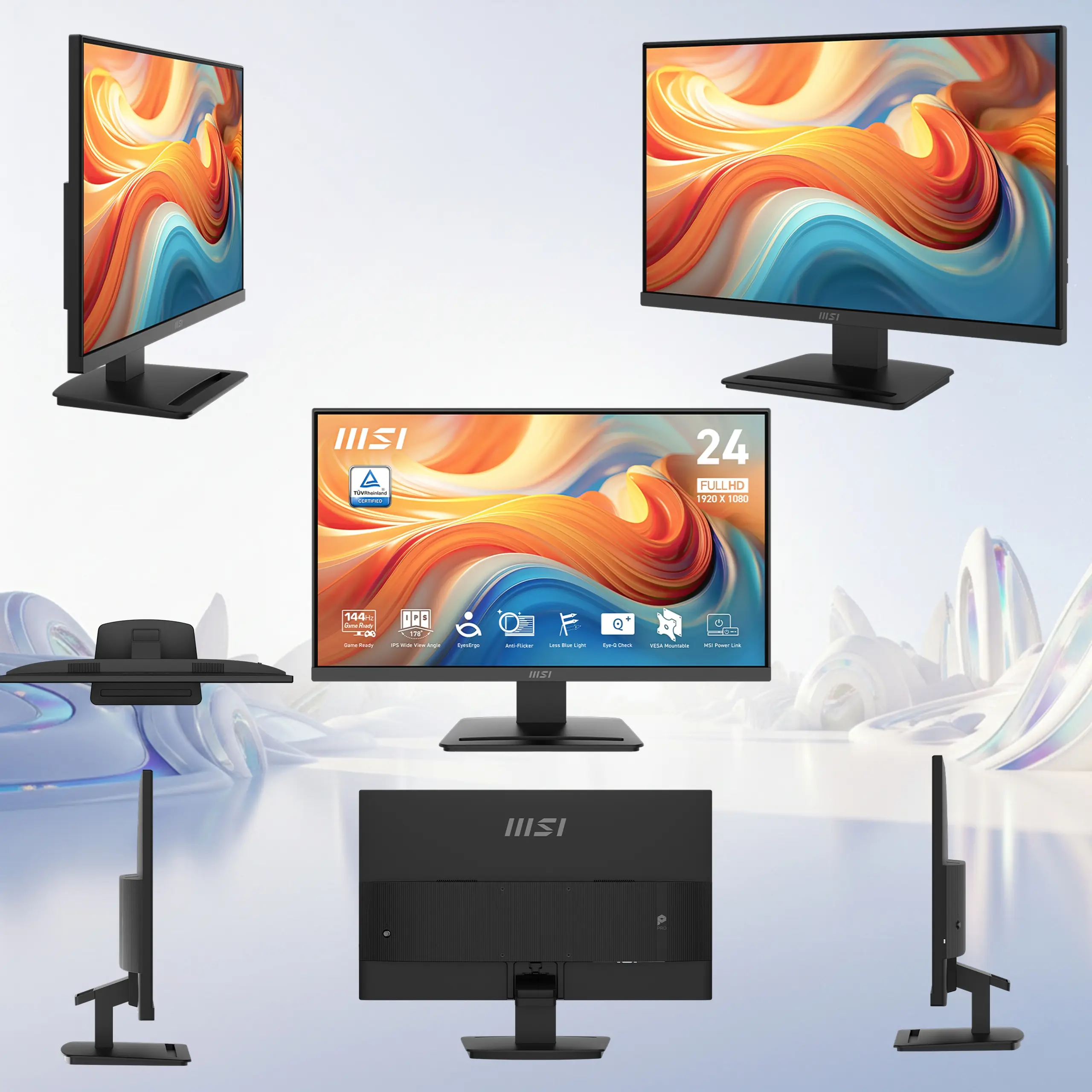
  • 23.8-Inch Full HD Workspace : The 1920 × 1080 IPS panel delivers a practical, sharp canvas for documents, dashboards, online meetings, study, AI tools, and everyday professional multitasking.
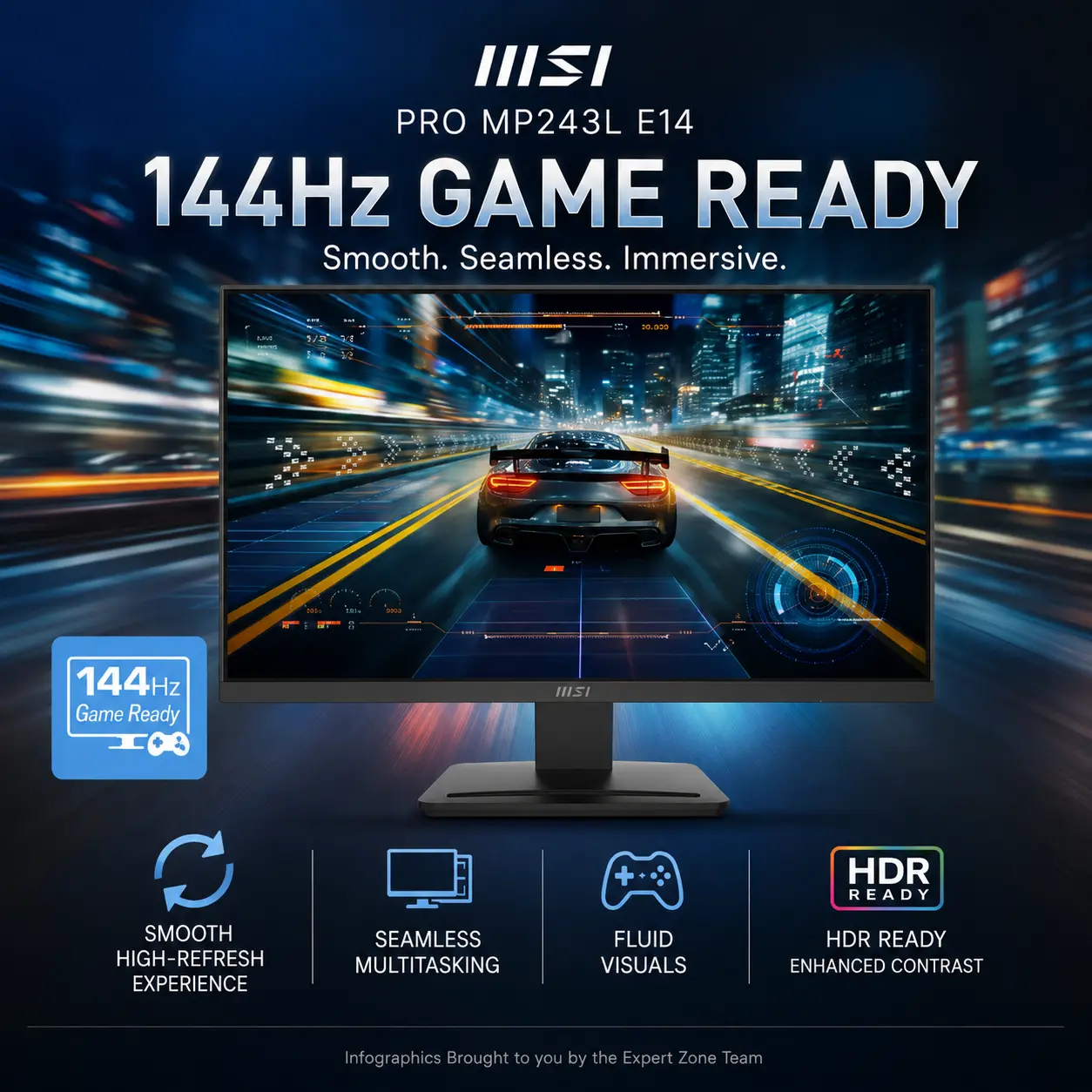
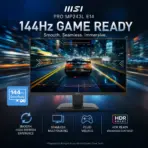
  • 144Hz Business-Class Smoothness : High-refresh scrolling, cursor movement, window transitions, presentations, and interface animations feel substantially smoother than on a conventional 60Hz office monitor.
  • Fast 1ms MPRT Response : The 1ms MPRT and 4ms GTG response specifications help moving content remain clearer during rapid scrolling, video playback, and occasional entertainment.
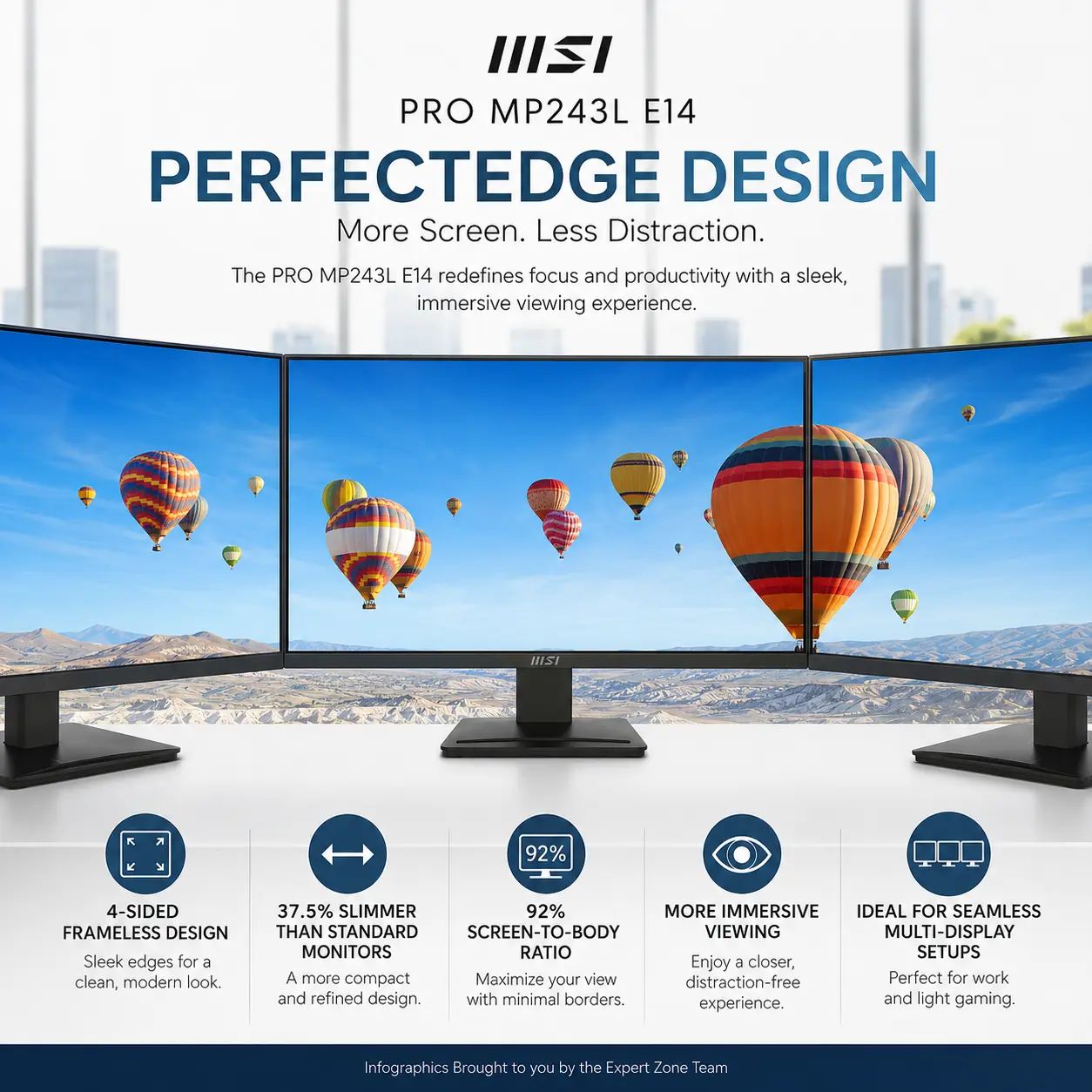
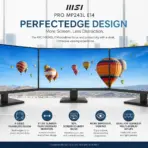
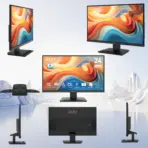
  • PerfectEdge Four-Sided Frameless Design : MSI’s slim four-sided frame reaches a 92% screen-to-body ratio and supports cleaner dual-monitor or multi-monitor alignment.
  • IPS Viewing Consistency : Wide 178° horizontal and vertical viewing angles help preserve readability and color consistency when collaborating or viewing the screen from different positions.
  • AMD FreeSync Fluidity : FreeSync operates across a 48–144Hz range, helping compatible graphics hardware reduce visible tearing and uneven motion.
  • HDR Ready Presentation : HDR Ready support enhances compatible content with richer contrast and more visually distinct highlights.
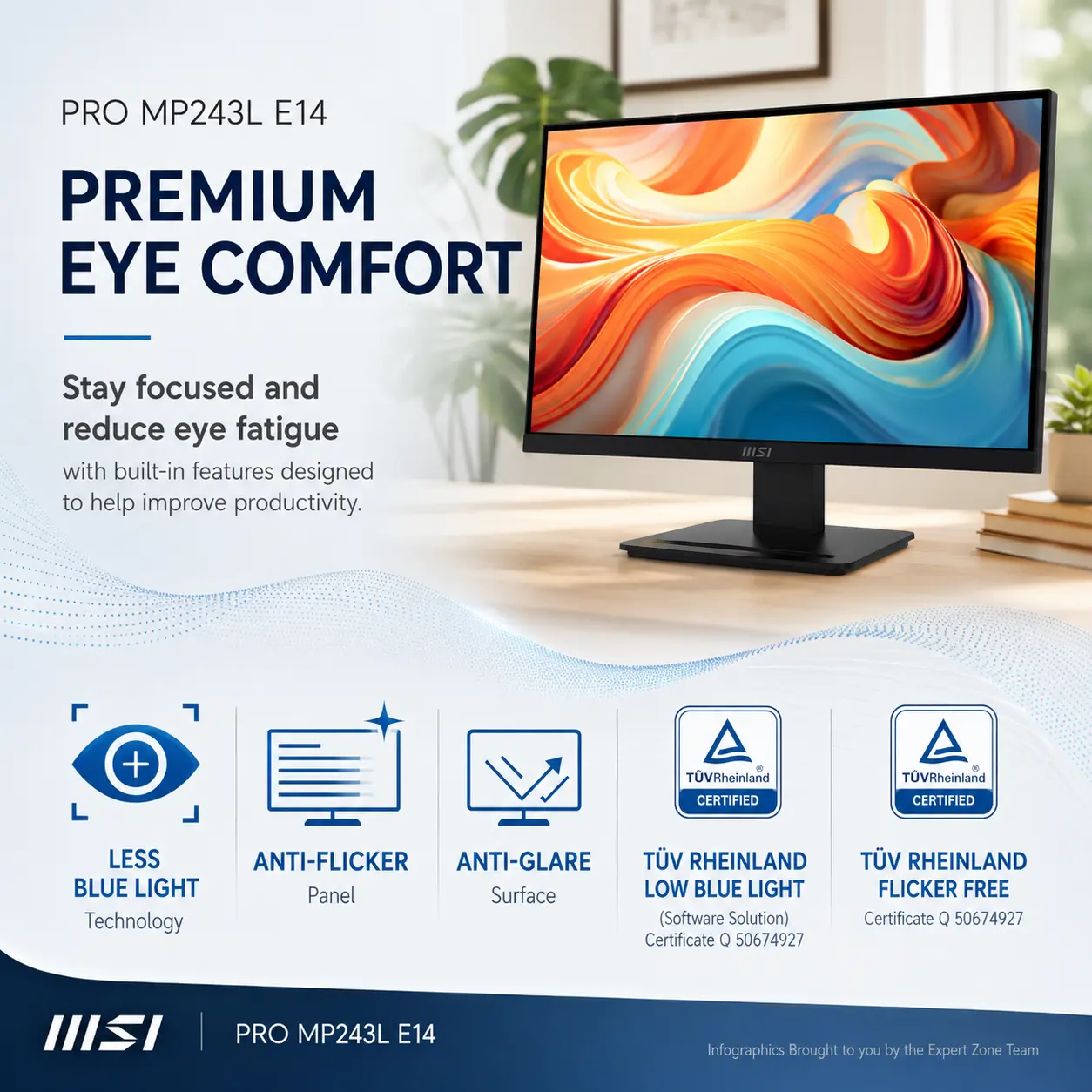
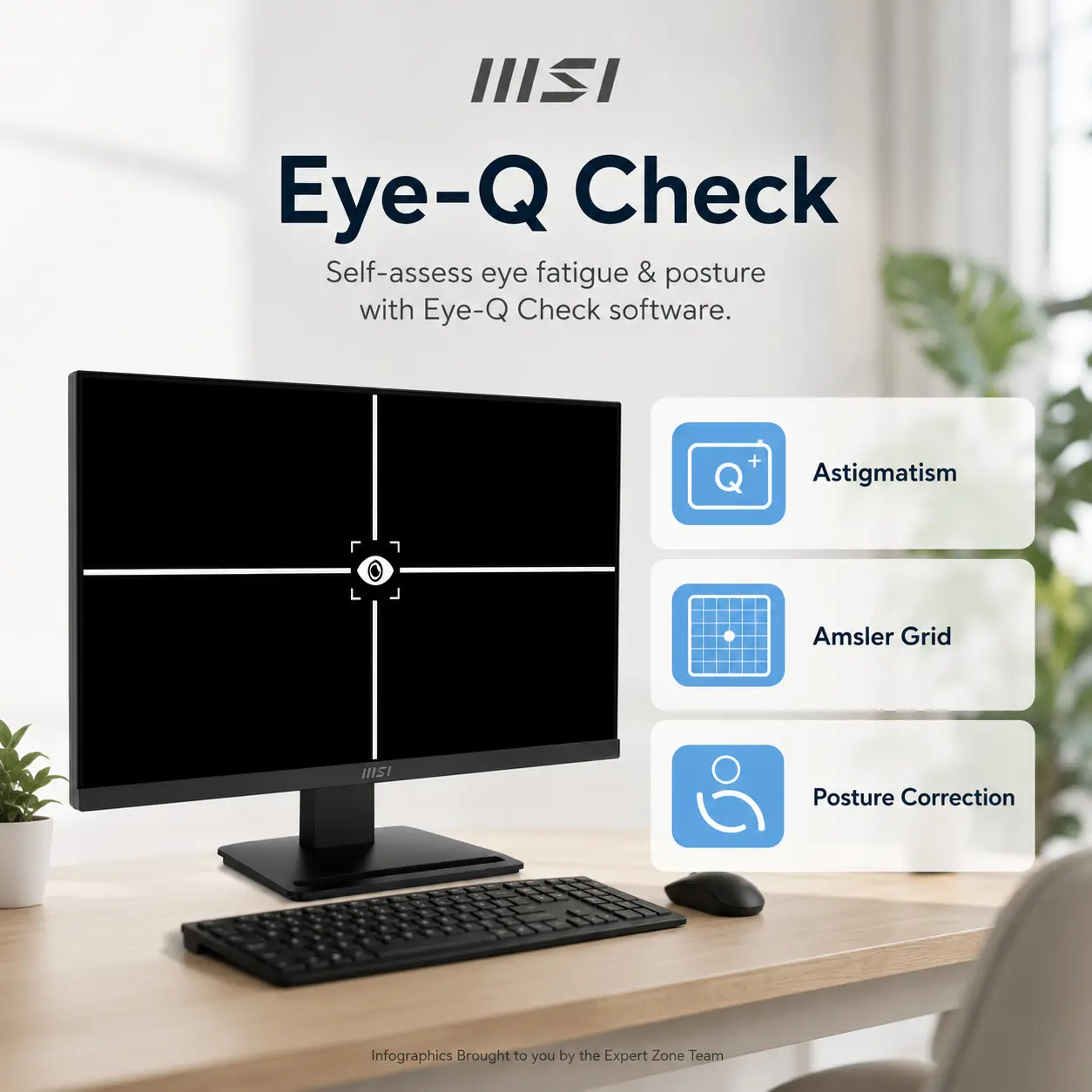
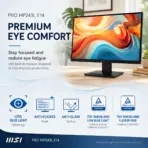
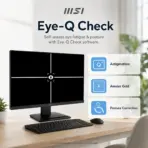
  • EyesErgo Comfort Suite : Anti-Flicker, Less Blue Light, Anti-Glare treatment, and Eye-Q Check help support longer office, study, and creative sessions.
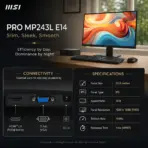
  • Modern and Legacy Connectivity : HDMI 2.0 supports Full HD at up to 144Hz, while D-Sub VGA keeps older office computers and legacy equipment useful.
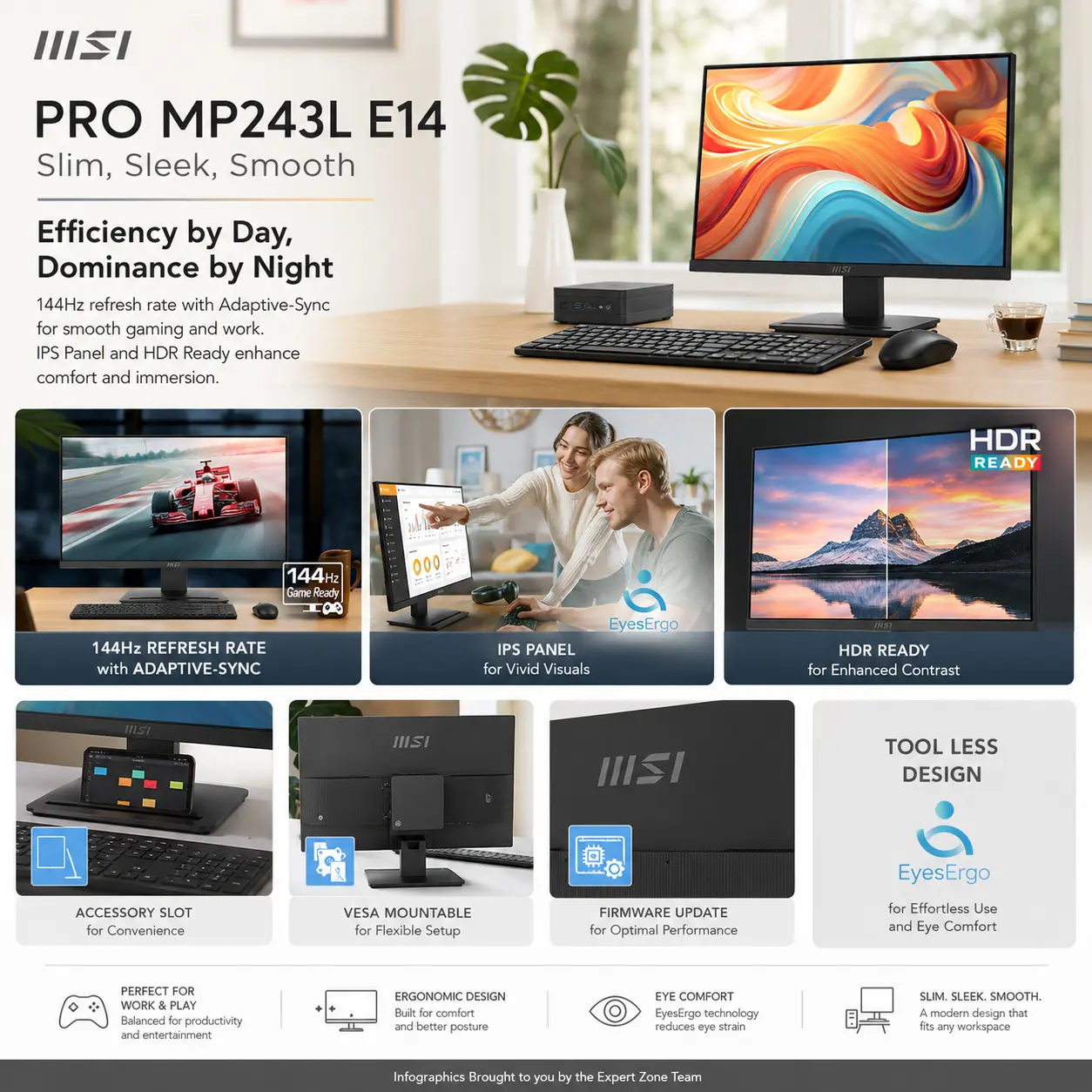
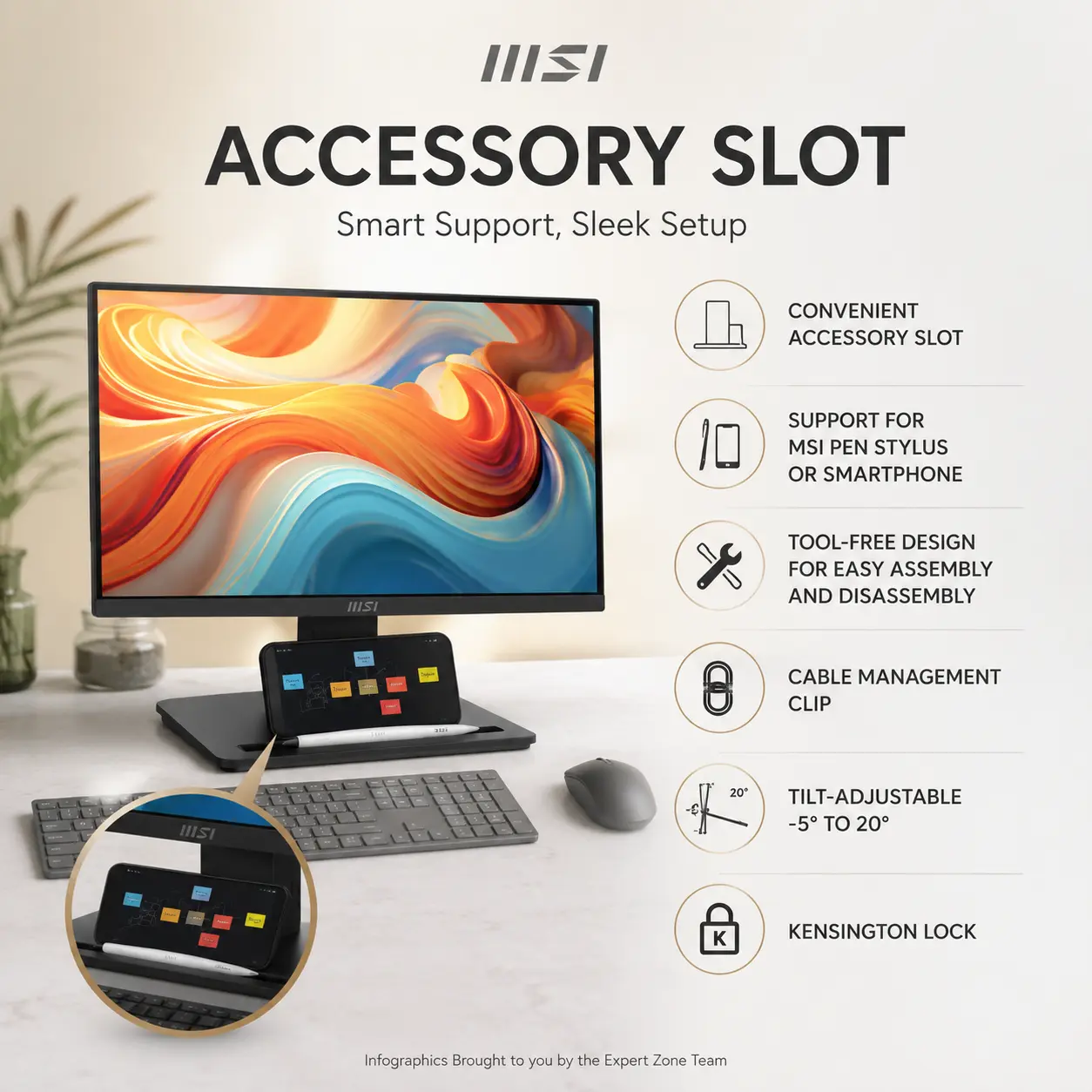
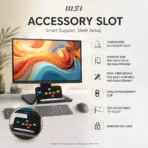
  • Clean Desk Engineering : The accessory slot can hold a smartphone or stylus, while tool-free assembly and a cable-management clip keep the workstation cleaner.
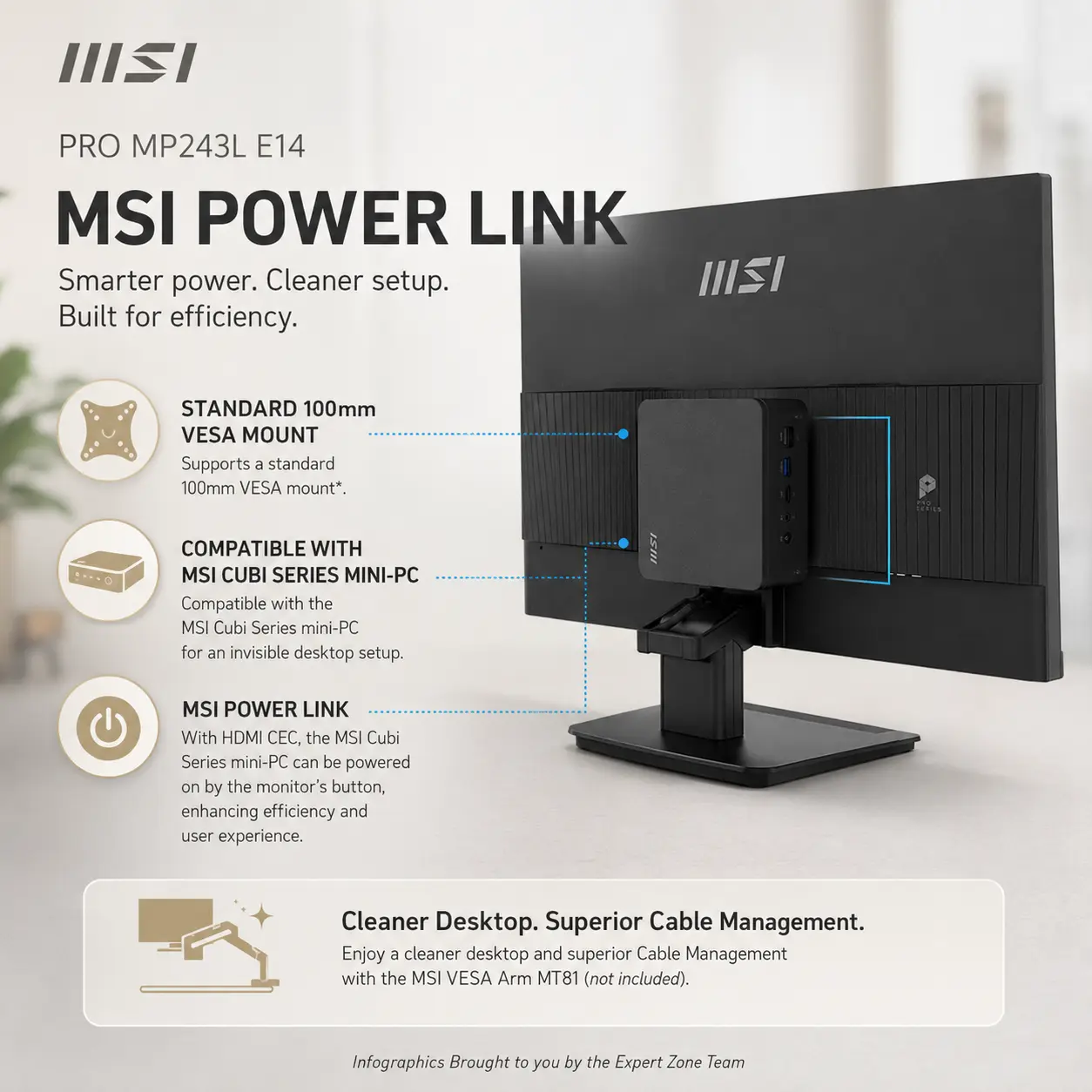
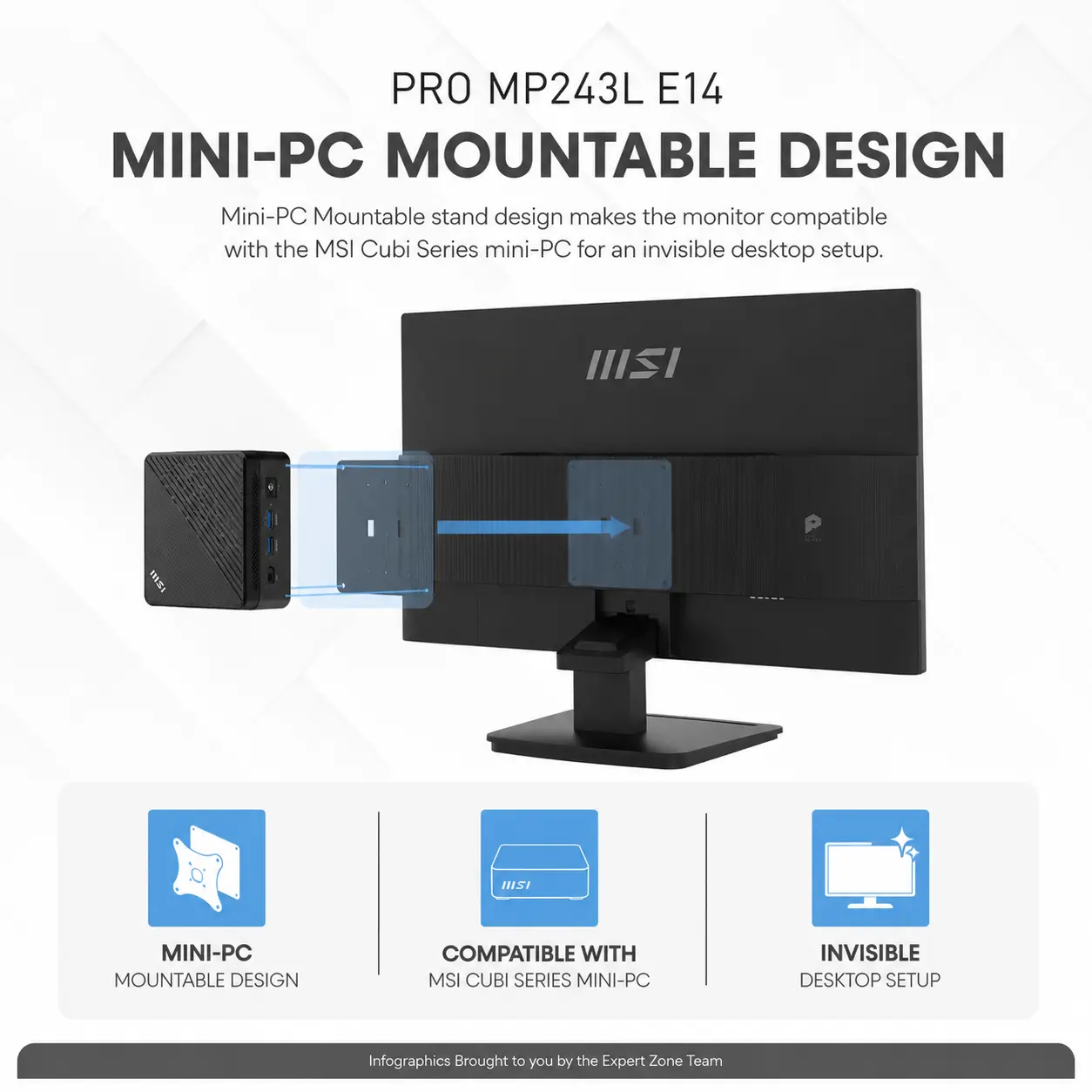
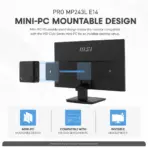
  • Mini-PC Integration : The standard 100 × 100mm VESA mount supports wall installation and compatible MSI Cubi mini-PC mounting behind the display.
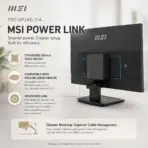
  • MSI Power Link Support : HDMI CEC lets a compatible MSI mini-PC power on through the monitor’s control button, creating a more integrated desk setup.

Expert Specs

Specification Value
Brand MSI
Model PRO MP243L E14
Product Category Business & Productivity Monitor
Commercial Size Class 24-Inch
Exact Panel Size 23.8-Inch
Color Matte Black
Screen Shape Flat
Panel Type IPS
Resolution 1920 × 1080
Resolution Classification Full HD
Aspect Ratio 16:9
Refresh Rate 144Hz
Response Time 1ms MPRT / 4ms GTG
Dynamic Refresh Technology AMD FreeSync
FreeSync Activated Range 48–144Hz
HDR Support HDR Ready
Brightness 250 cd/m²
Contrast Ratio 1500:1
Dynamic Contrast Ratio 100,000,000:1
Signal Frequency 54–169.78kHz(H) / 48–144Hz(V)
Viewing Angles 178°(H) / 178°(V)
Active Display Area 527.04 × 296.46mm
Pixel Pitch 0.2745 × 0.2745mm
sRGB 102% CIE 1976
Surface Treatment Anti-Glare
Display Colors 16.7 Million
Color Depth 8-Bit Through 6-Bit + FRC
PerfectEdge Design Four-Sided Frameless
Screen-to-Body Ratio 92%
Eye-Care Platform MSI EyesErgo
Anti-Flicker Supported
Less Blue Light Supported
Eye-Q Check Supported
HDMI Input 1 × HDMI 2.0
Maximum HDMI Signal 1920 × 1080 at Up to 144Hz
VGA Input 1 × D-Sub
Maximum VGA Signal Up to 60Hz
DisplayPort Not Included
USB-C Not Included
USB Hub Not Included
Audio Interface Not Included
Built-In Speakers Not Included
KVM Not Supported
PIP / PBP Not Supported
Firmware Update Supported Through HDMI
HDMI CEC / MSI Power Link Supported
Navigation Control 5-Way Navigator
Accessory Slot Supported
Cable Management Cable-Management Clip
Assembly Tool-Free
Kensington Lock Supported
Tilt Adjustment -5° to 20°
Height Adjustment Not Supported
Swivel Adjustment Not Supported
Pivot Adjustment Not Supported
VESA Mounting 100 × 100mm
Power Type External 12V / 2.5A Adapter
Power Input 100–240V, 50/60Hz
Power-On Consumption 14W
Power-Saving / Off Consumption Below 0.5W
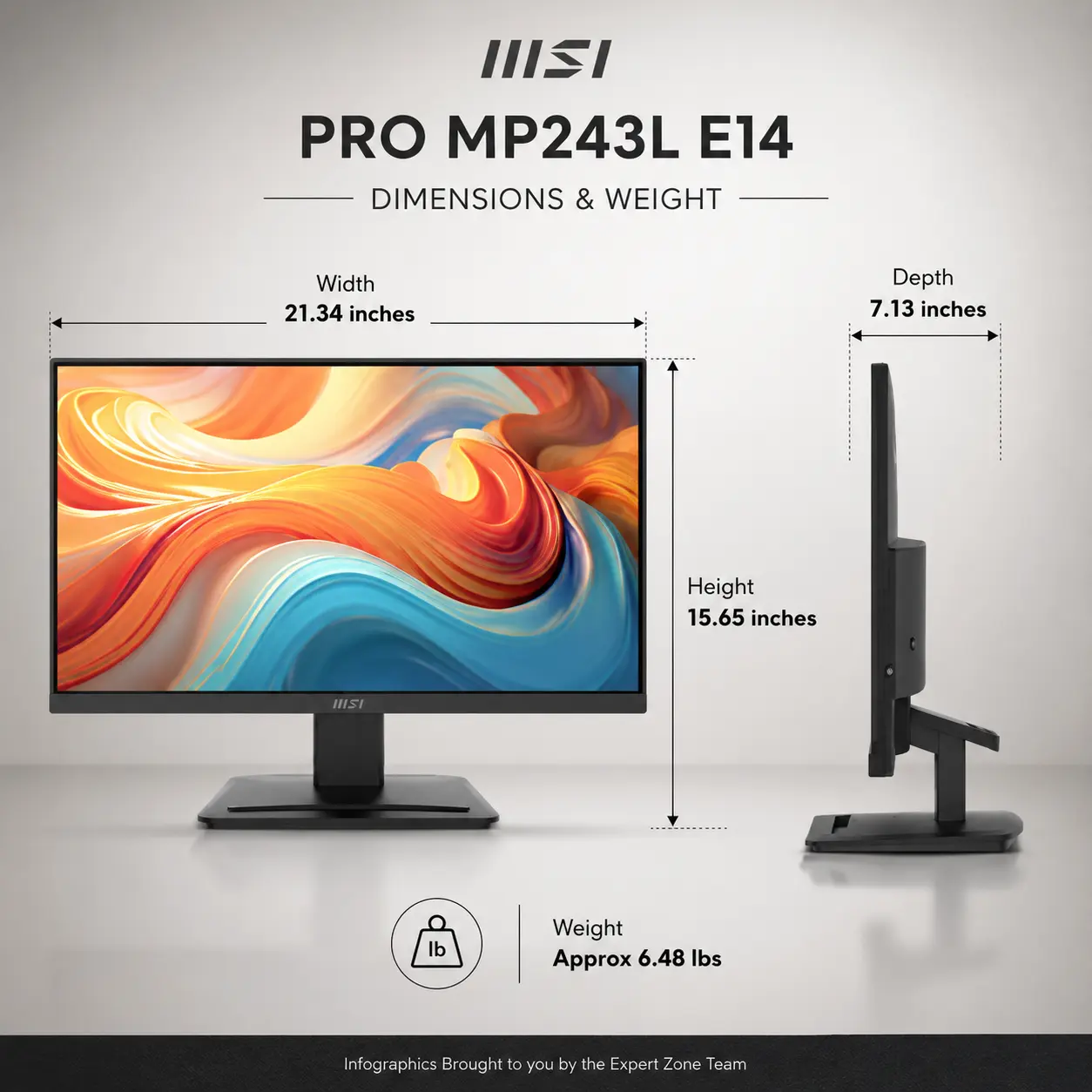
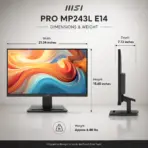
Dimensions With Stand 541.93 × 181.15 × 397.46mm
Dimensions Without Stand 541.93 × 43.71 × 322.25mm
Carton Dimensions 607 × 84 × 475mm
Net Weight 2.94kg
Gross Weight 4.75kg
Compatibility PC, Mac, PS5, PS4, Xbox, Mobile and Notebook
Included Accessories HDMI 2.0b Cable, Power Adapter and Quick Guide
Certifications CB, CE and Energy Star
Manufacturer Warranty 1 Years

**Warranty Disclaimer — Warranty Has Different Personalities**
Expert Zone receives products from different trusted sources, and each source may provide a different warranty timeline. That’s why warranty coverage can vary from item to item. This has nothing to do with authenticity — no fake mustaches here. We are always transparent about originality, condition, warranty, and any product notes before you buy.
Dead Pixel Policy: All our monitors are manufactured under strict quality standards. Due to the nature of modern display technologies —a small number of inactive or bright pixels may occasionally occur. Warranty coverage applies only if three (3) or more dead pixels are present. Fewer than three are considered within normal production tolerances.

Features & Compatibility

MP243L-E14

MSI PRO MP243L E14 MONITOR 27″ FHD 144Hz 1MS IPS-BLK

MSI PRO MP243L E14 23.8-Inch FHD 144Hz IPS Business Monitor, 1ms MPRT, HDR Ready, AMD FreeSync, PerfectEdge, EyesErgo, HDMI, VGA, VESA Mount & MSI Power Link


Generate an AI Image

  • Layout
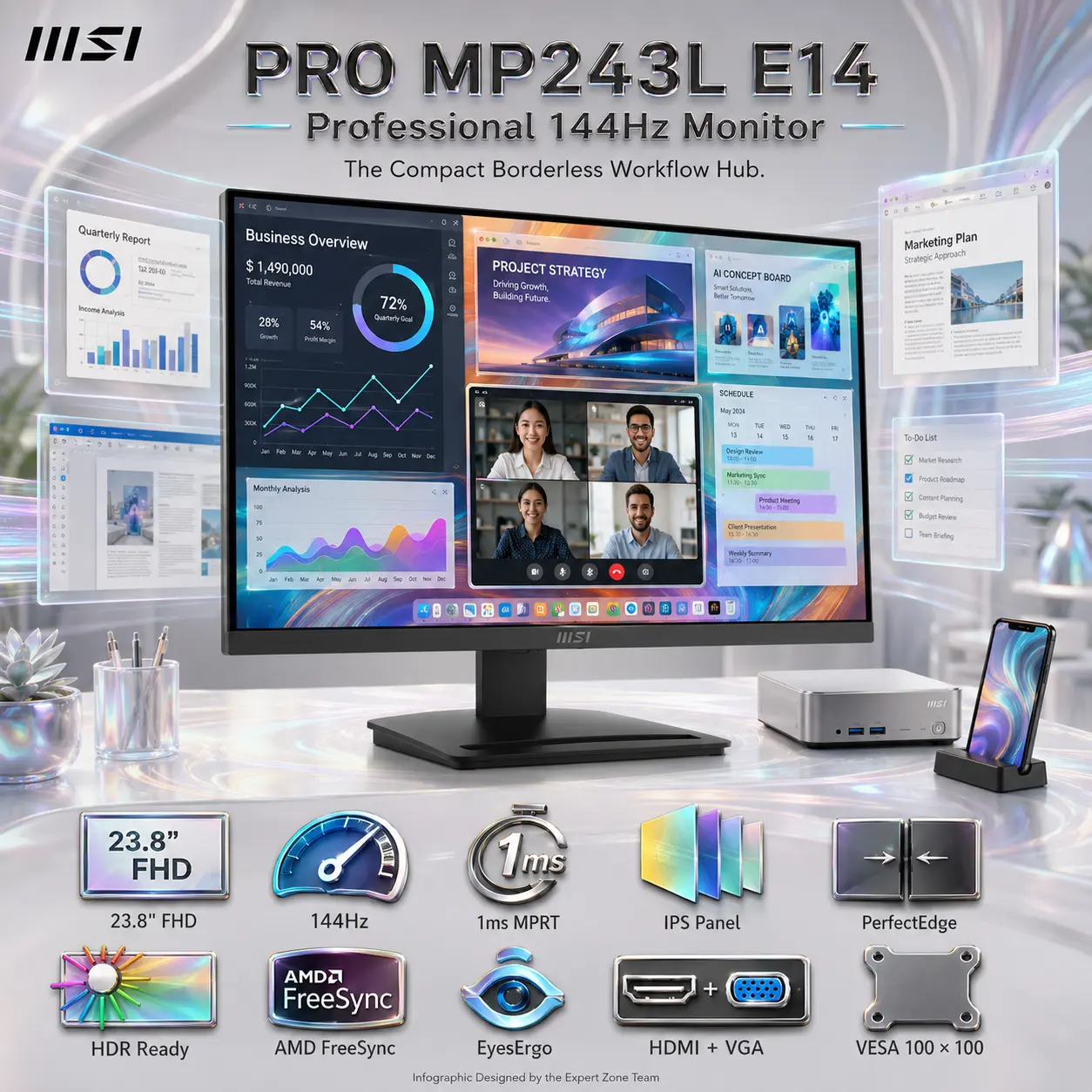
    • Create an exact 2048 × 2048-pixel, perfect 1:1 square website product-profile composition for the MSI PRO MP243L E14.
    • Clearly separate the foreground, midground, and background.
    • Keep the complete monitor, MSI logo, title, icons, visual effects, and disclaimer fully inside generous safe margins.
    • Place the official MSI logo at the top-left.
    • Center “PRO MP243L E14 Professional 144Hz Monitor” at the top using refined, moderately sized, premium three-dimensional extruded typography.
    • Construct the title from dark graphite crystal, polished titanium edges, and restrained icy-cyan illumination.
    • Do not create a banner, poster, stage, pedestal, wide layout, or cropped preview.
    • DONT use cheap gaming poster typography.
  • Product Presentation
    • Use the official product images from the supplied MSI page as the strict visual reference.
    • Preserve the exact black 23.8-inch flat monitor, PerfectEdge four-sided frameless design, slim side profile, engraved rear housing, compact base, accessory slot, and original stand geometry.
    • Show one complete landscape monitor only, facing forward at a subtle three-quarter angle.
    • This model is tilt-only; do not depict portrait rotation, height adjustment, or swivel movement.
    • Display a extremely bright multicolored metallic iridescent (avoid white color in the display area ) , organized modern-office workflow containing business dashboards, documents, AI concept boards, schedules, video-conference windows, and structured productivity applications.
    • Create a restrained forced-perspective effect where elegant translucent application layers flow slightly beyond the four slim screen edges, expressing PerfectEdge and 144Hz fluidity without suggesting a real holographic feature.
  • Artistically Distinct and Detailed Background
    • Build the story “The Compact Borderless Workflow Hub”, where information moves naturally from the monitor into a refined professional workspace.
    • Use a dominant pearlescent opaline-white environment with subtle oily transparent iridescence, icy cyan, silver, and controlled graphite accents.
    • Use only two texture families: deep transparent opalescent glass with extreme high luster and conch-pearl micro-swirled iridescent surfaces.
    • Add flowing productivity ribbons, precise data grids, compact mini-PC geometry, smartphone-slot imagery, and elegant cable-management contours.
    • Use matting strictly and minimally.
  • Icons — Bullet Listed
    • CRITICAL DIRECTIVE [STRICT] The Icons MUST Have different shapes depending on the specific content of the icon
    • Align these large, bold, uniquely shaped 3D icons horizontally at the bottom within two rows :
      • 23.8″ FHD
      • 144Hz
      • 1ms MPRT
      • IPS Panel
      • PerfectEdge
      • HDR Ready
      • AMD FreeSync
      • EyesErgo
      • HDMI + VGA
      • VESA 100 × 100
  • Output Requirements
    • Render exactly 2048 × 2048 pixels.
    • Add “Infographic Designed by the Expert Zone Team” in a super-small discreet font.
  • Constraints
    • Do not invent DisplayPort, USB-C, speakers, audio output, KVM, PIP/PBP, pivot, swivel, or height adjustment.
    • Do not turn the product into a dedicated gaming monitor or add gaming villains, weapons, battle scenes, esports graphics, or RGB chaos.
    • Maintain a clean, premium business-productivity identity.
    • Before finalizing, ask: “How does this image fare as a product-profile image?” Correct every accuracy, hierarchy, contrast, clipping, and thumbnail-readability flaw automatically.