



MSI-Z690-P-DDR4-OB
MSI PRO Z690-P DDR4 MOTHERBOARD-OPENBOX
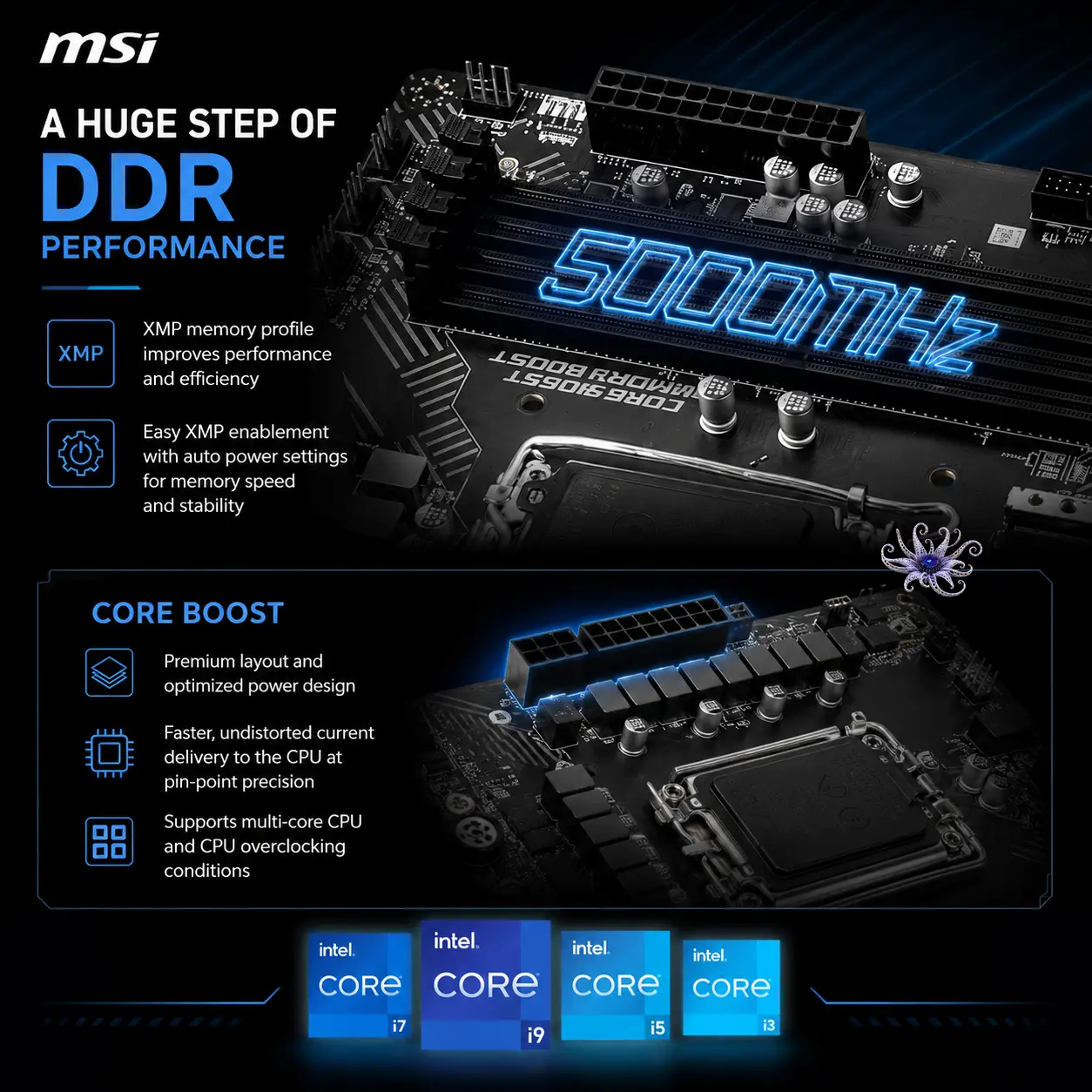
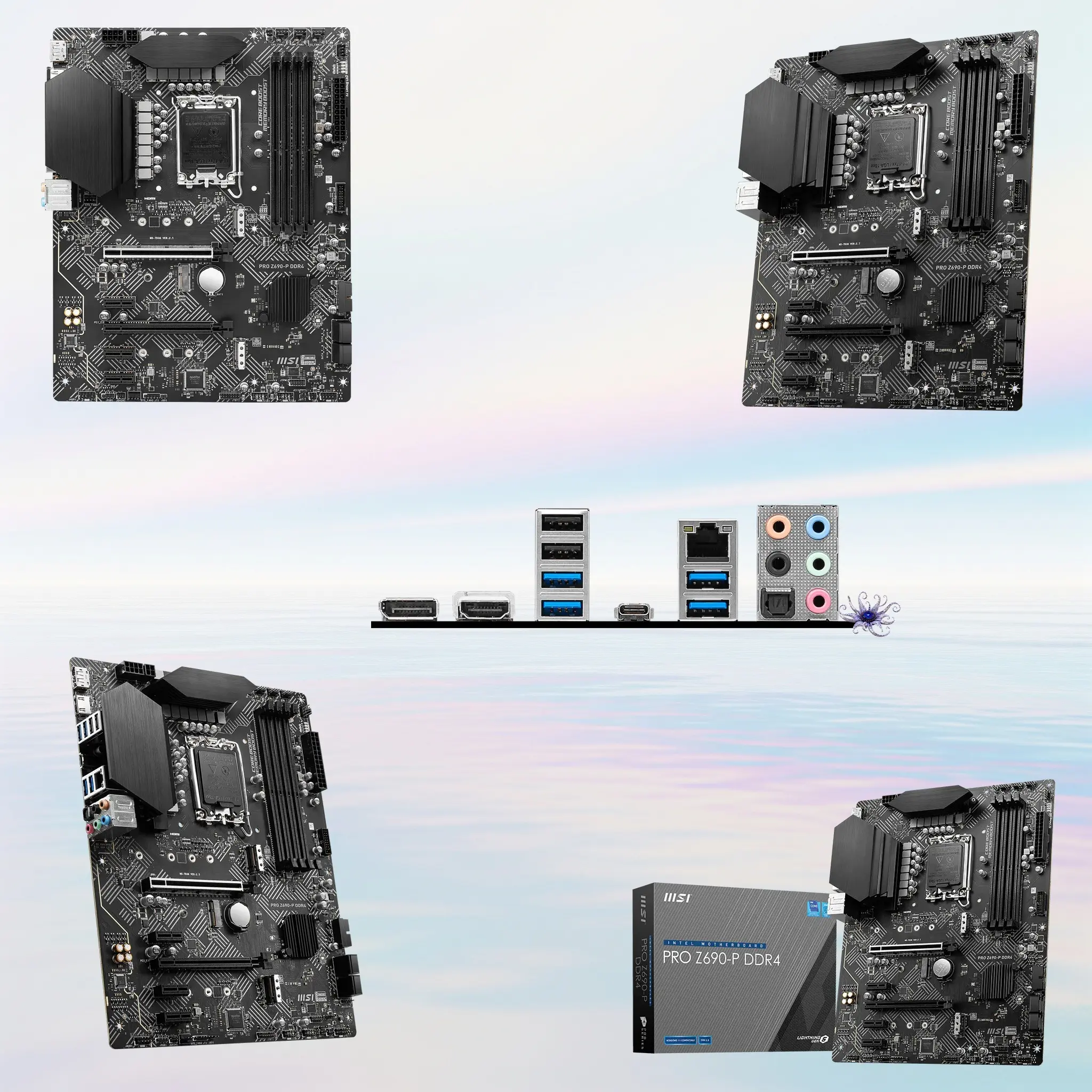
MSI PRO Z690-P DDR4 ATX Motherboard With LGA1700, 4x DIMMs DDR4-5333+ OC, PCIe 5.0 x16, Dual Gen4 M.2, 2.5GbE LAN And USB-C 20Gbps, Intel Z690, 14th/13th/12th Gen CPU Support | OPEN BOX
GENERATE AN AI IMAGE
Layout
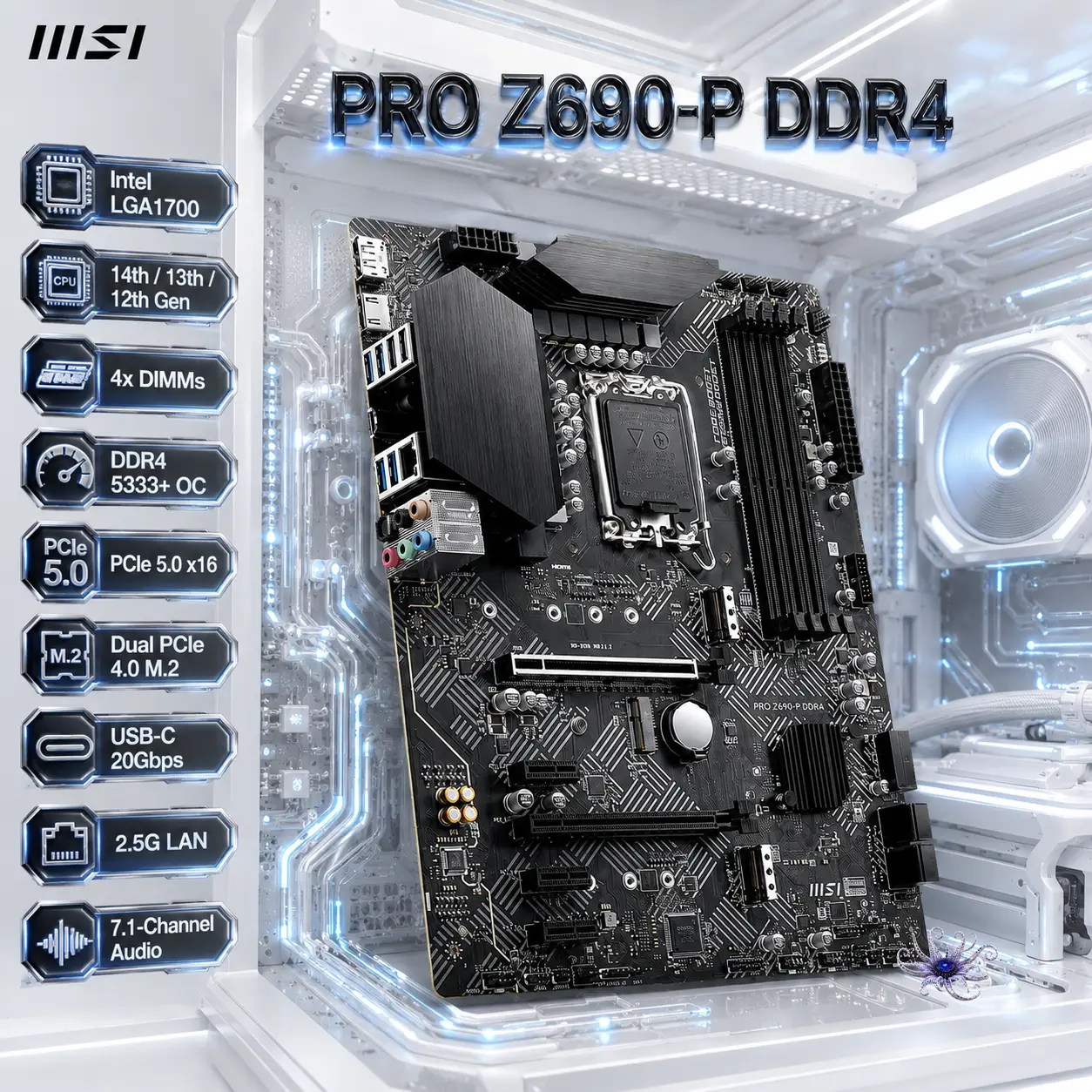
- Create an exact 2048 × 2048-pixel, perfect 1:1 square website product-profile composition for the MSI PRO Z690-P DDR4 ATX motherboard.
- Place the official MSI logo at the top-left, accurately proportioned and completely contained within generous safe margins.
- Center “PRO Z690-P DDR4” at the top using refined, moderately sized, three-dimensional extruded typography.
- Construct the title from dark graphite crystal, brushed black titanium, and restrained icy-blue illumination, ensuring powerful contrast against the pale environment.
- Clearly separate the foreground, midground, and background, keeping the motherboard, logo, title, icons, traces, connectors, and environment fully inside the canvas.
Product Presentation
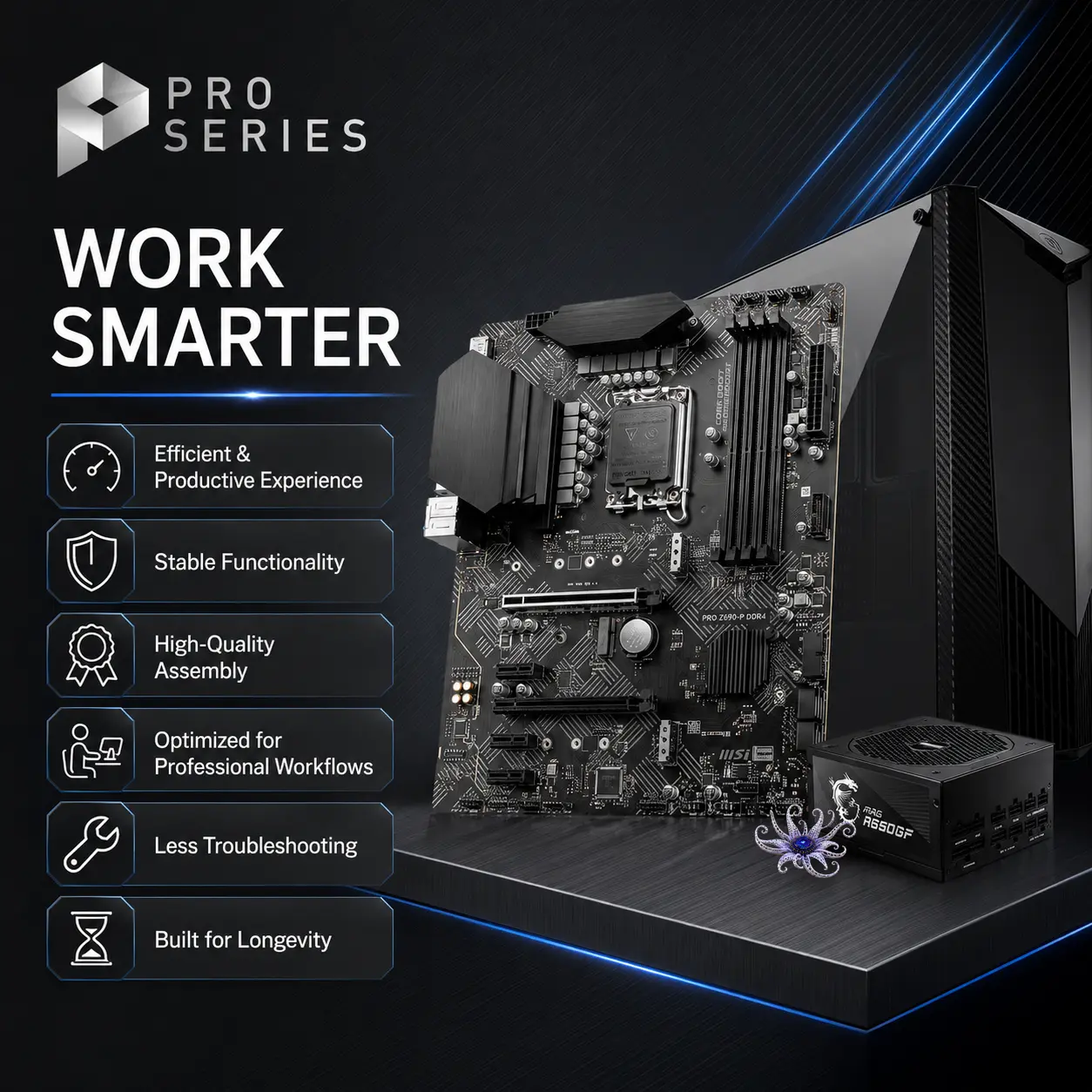
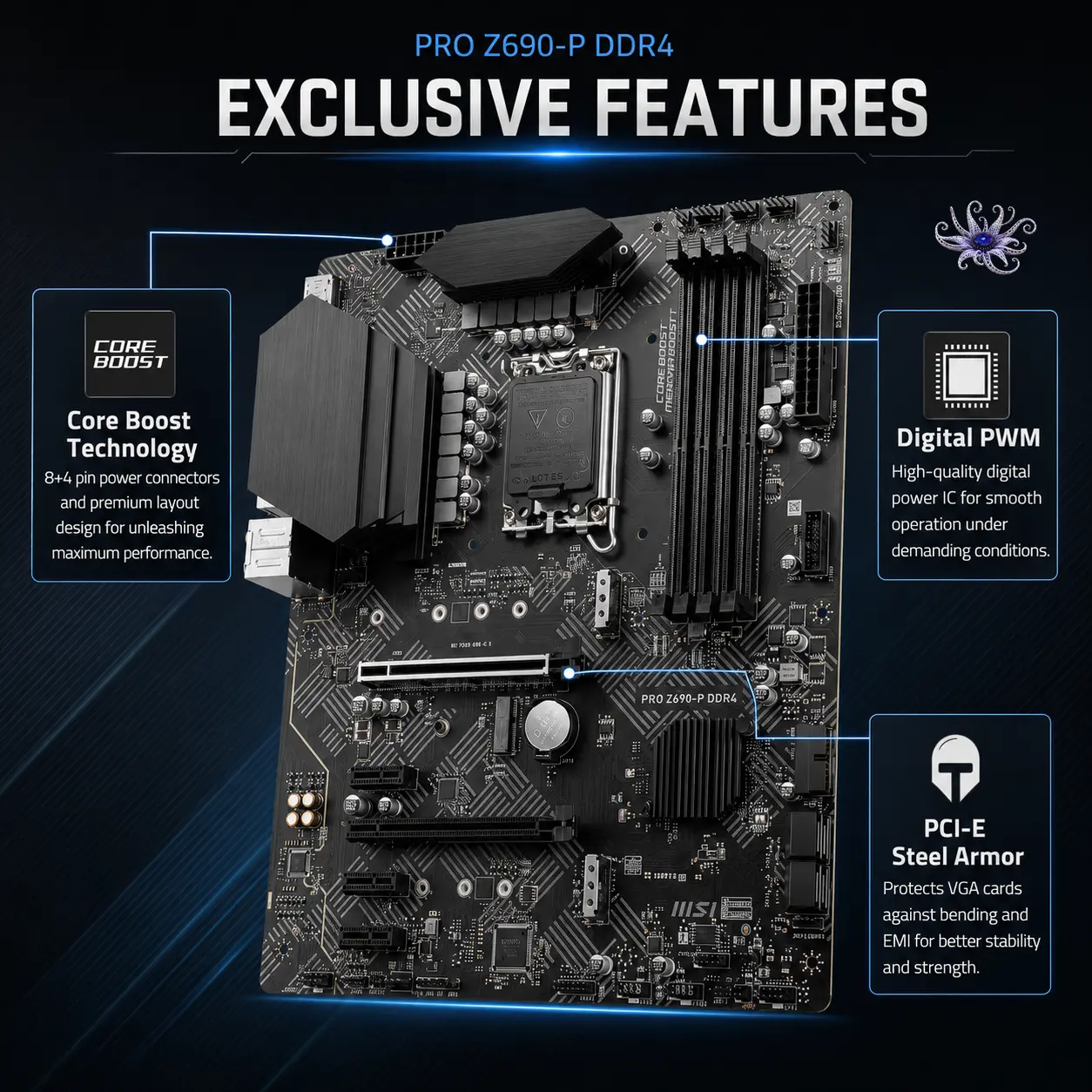
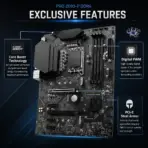
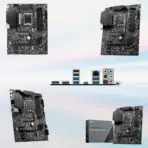
- Use the supplied raw motherboard image as the strict visual reference.
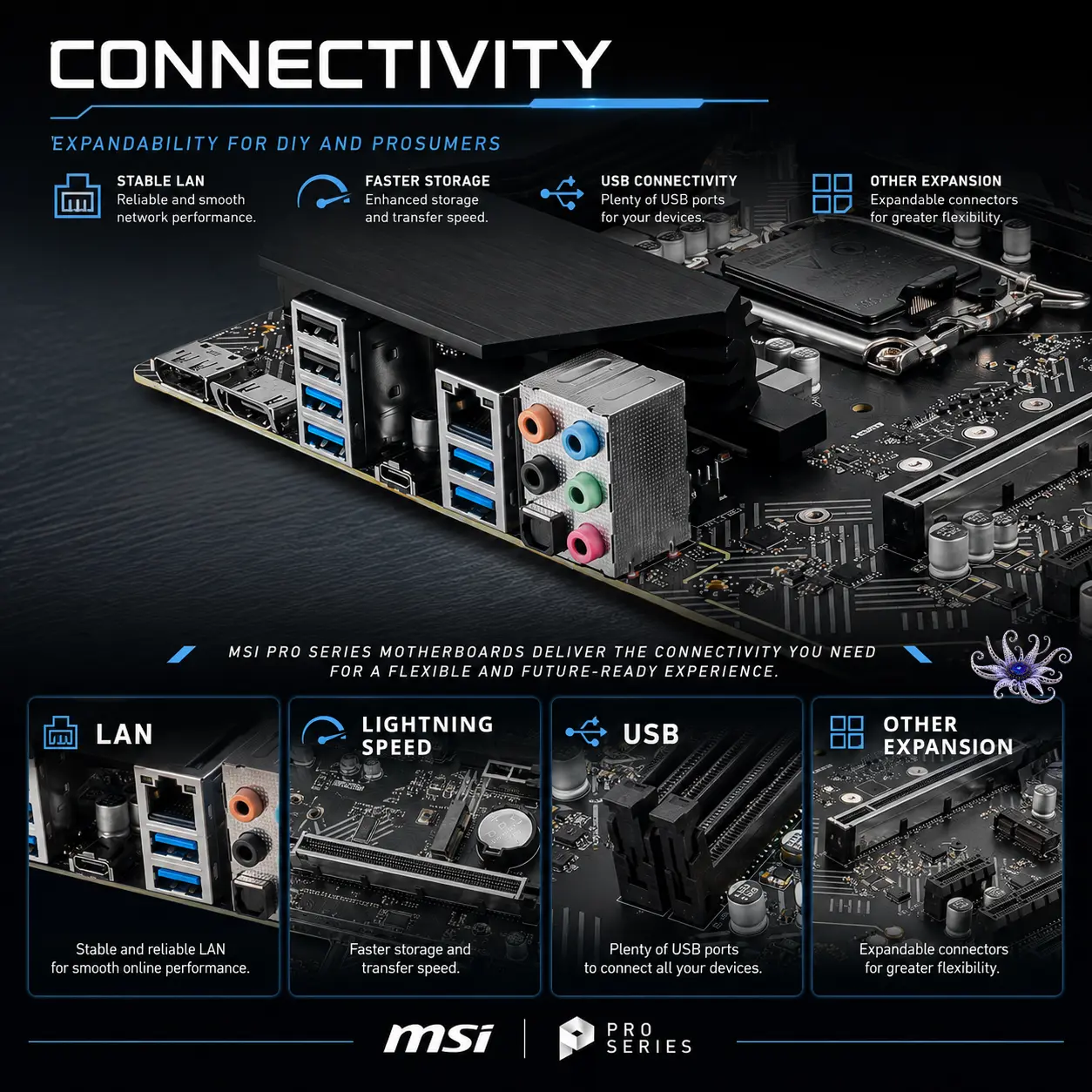
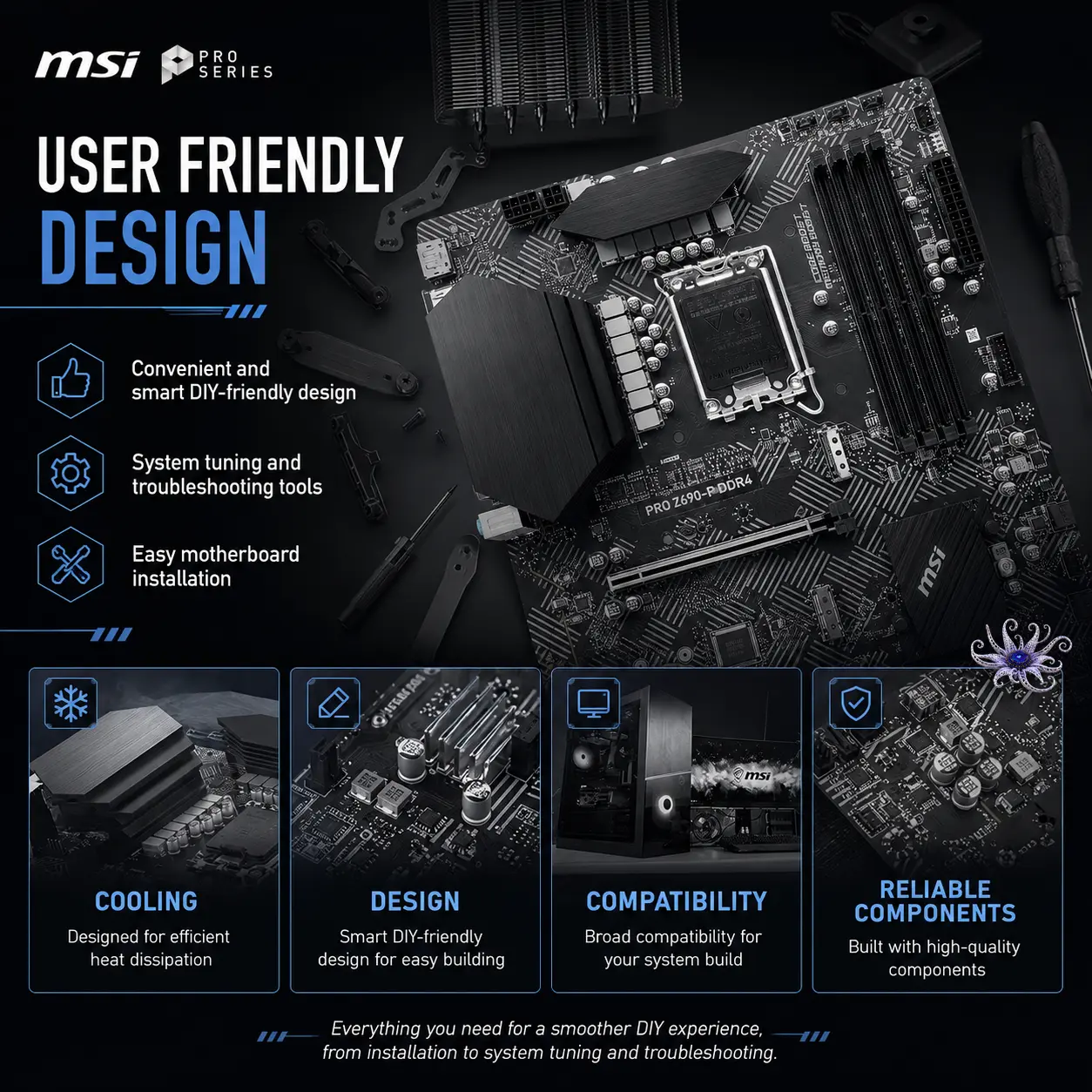
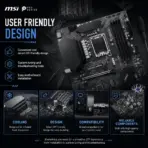
- Preserve the exact ATX PCB shape, black-and-silver color scheme, LGA1700 socket, four DDR4 slots, heatsinks, PCIe slots, M.2 areas, SATA connectors, rear I/O arrangement, headers, printed markings, and component placement.
- Position the complete motherboard prominently in the midground at a subtle three-quarter angle, revealing its layered circuitry and expansion layout.
- Render ultra-sharp PCB fibers, solder points, capacitors, chokes, reinforced PCIe slot, heatsinks, sockets, and metallic contacts.
- Do not place the motherboard on a stage, pedestal, podium, or floating commercial platform.
Artistically Distinct and Detailed Background
- Create a surreal post-sale scene showing the motherboard naturally mounted inside an open professional workstation chassis.
- Transform its circuit traces into an elegant miniature digital city grid, with controlled data streams flowing between the CPU socket, DDR4 slots, PCIe 5.0 slot, M.2 storage, USB controller, and 2.5GbE network interface.
- Keep the story technical, productive, and slightly futuristic rather than aggressive or poster-like.
- Use a mandatory dominant pearlescent opaline-white palette with subtle opaline-silver, icy cyan, and restrained graphite accents.
- Combine only conch-pearl micro-swirled textures and thick, molded dichroic-glass structures.
- Add curled reliefs, softly nested dimensional panels, delicate caustic reflections, dielectric refractions, and refined global illumination.
- Reserve matte surfaces strictly for minor definition and component separation.
Icons — Numbered and Listed
- Intel LGA1700
- 14th / 13th / 12th Gen
- 4x DIIMs
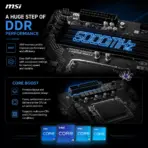
- DDR4 5333+ OC
- PCIe 5.0 x16
- Dual PCIe 4.0 M.2
- USB-C 20Gbps
- 2.5G LAN
- 7.1-Channel Audio
- Create every icon as a different freeform hollow-crystal or extruded industrial structure.
- Use bold condensed typography, thick contrasting geometry, strong bevels, and clear thumbnail-scale readability.
- Align the icons vertically along the side without covering the motherboard.
- CRITICAL DIRECTIVE [STRICT] The Icons MUST Have different shapes depending on the specific content of the icon
Output Requirements
- Render exactly 2048 × 2048 pixels with a perfect 1:1 square ratio.
- Keep all elements razor-sharp, readable, uncropped, and completely inside the safe margins.
- Maintain realistic materials, clean product separation, and controlled high-resolution lighting.
Constraints
- Do not alter the motherboard layout, socket, slots, heatsinks, ports, headers, dimensions, colors, or branding.
- Do not invent integrated Wi-Fi, Bluetooth, onboard Thunderbolt ports, additional M.2 slots, RGB lighting, or unsupported connectors.
- Avoid flat white emptiness, generic chrome, cheap plastic, excessive matte finishes, clutter, and cheap gaming-poster typography.
- Never make the output look like a premium advertisement poster; preserve a clean, informative product-profile image.
- Before finalizing, ask: “How does this image fare as a product-profile image?” Identify every imperfection and automatically correct all flaws.