

9S7-1587C1-605
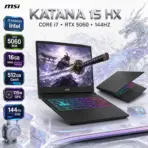
MSI KATANA 15HX B14WFK-605XPL I7-14650HX/16GB/512GB/15.6″FHD/RTX5060 8GB/DOS
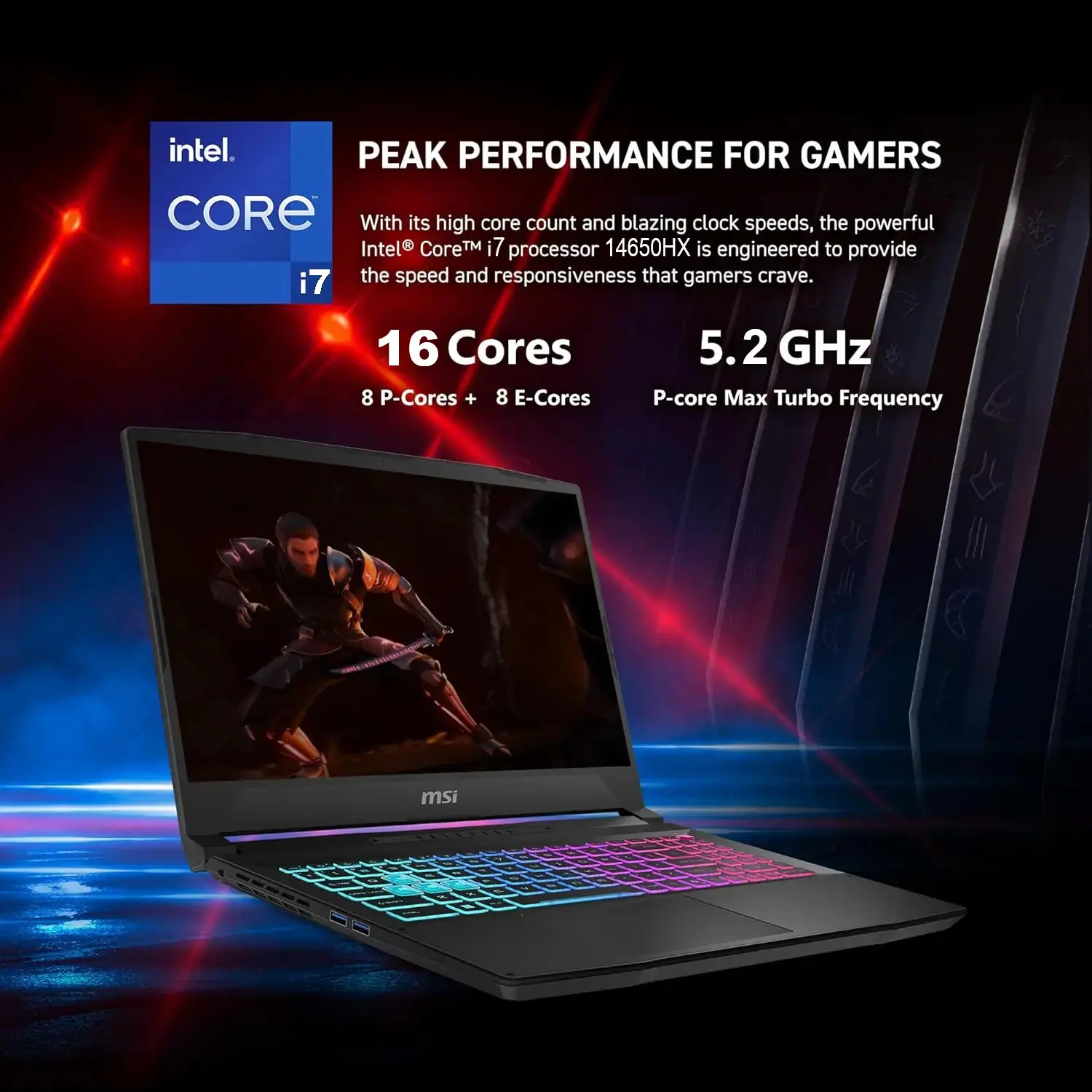
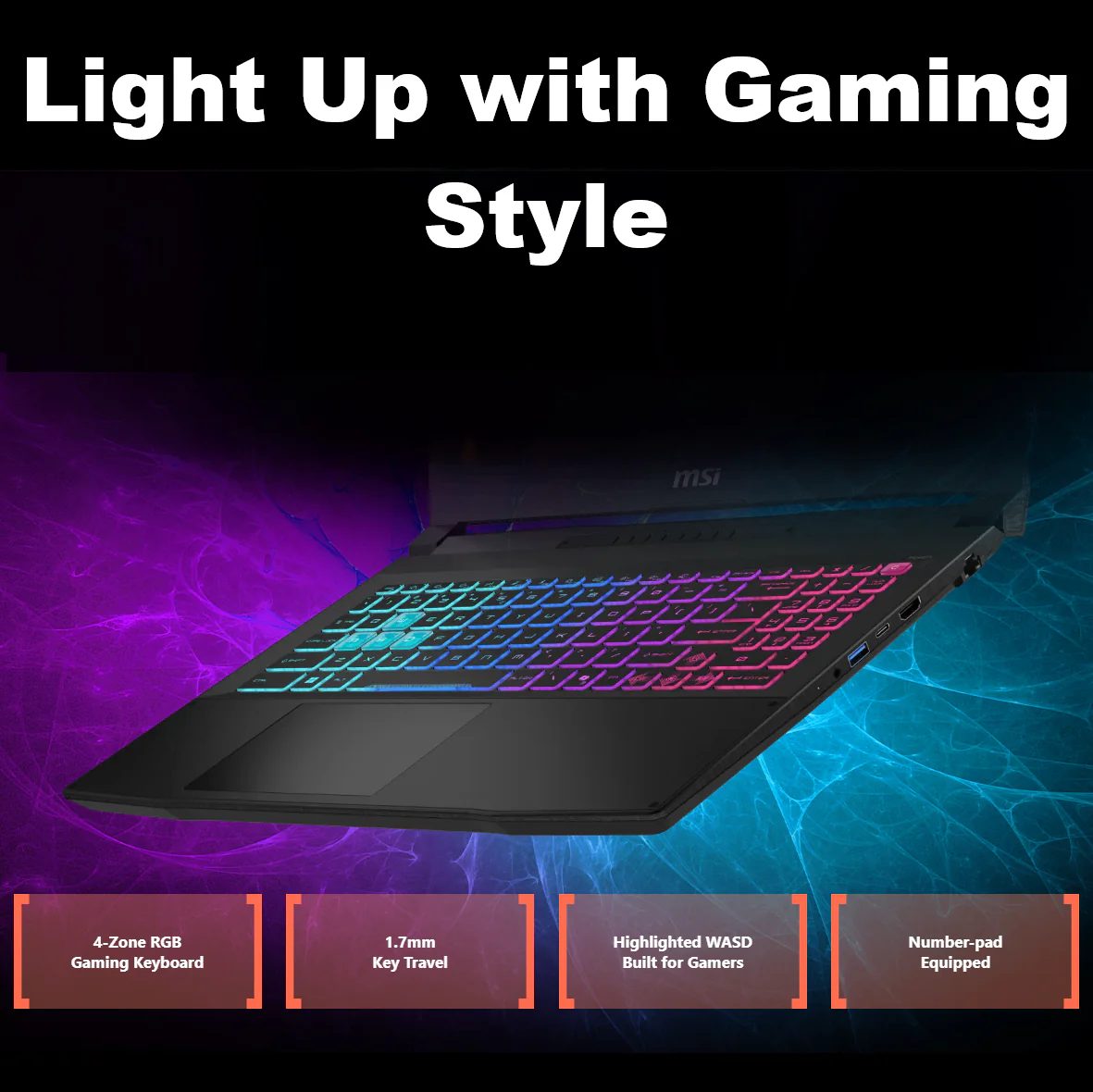
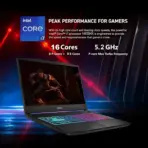
MSI Katana 15 HX B14WFK Intel® Core i7-14650HX | 16GB DDR5 RAM ; 512GB NVMe | RTX 5060 , 8GB | 15.6-inch 144Hz IPS Display | 4-Zone RGB Backlit Keyboard | DOS | BLACK
Generate an AI Image
- Layout
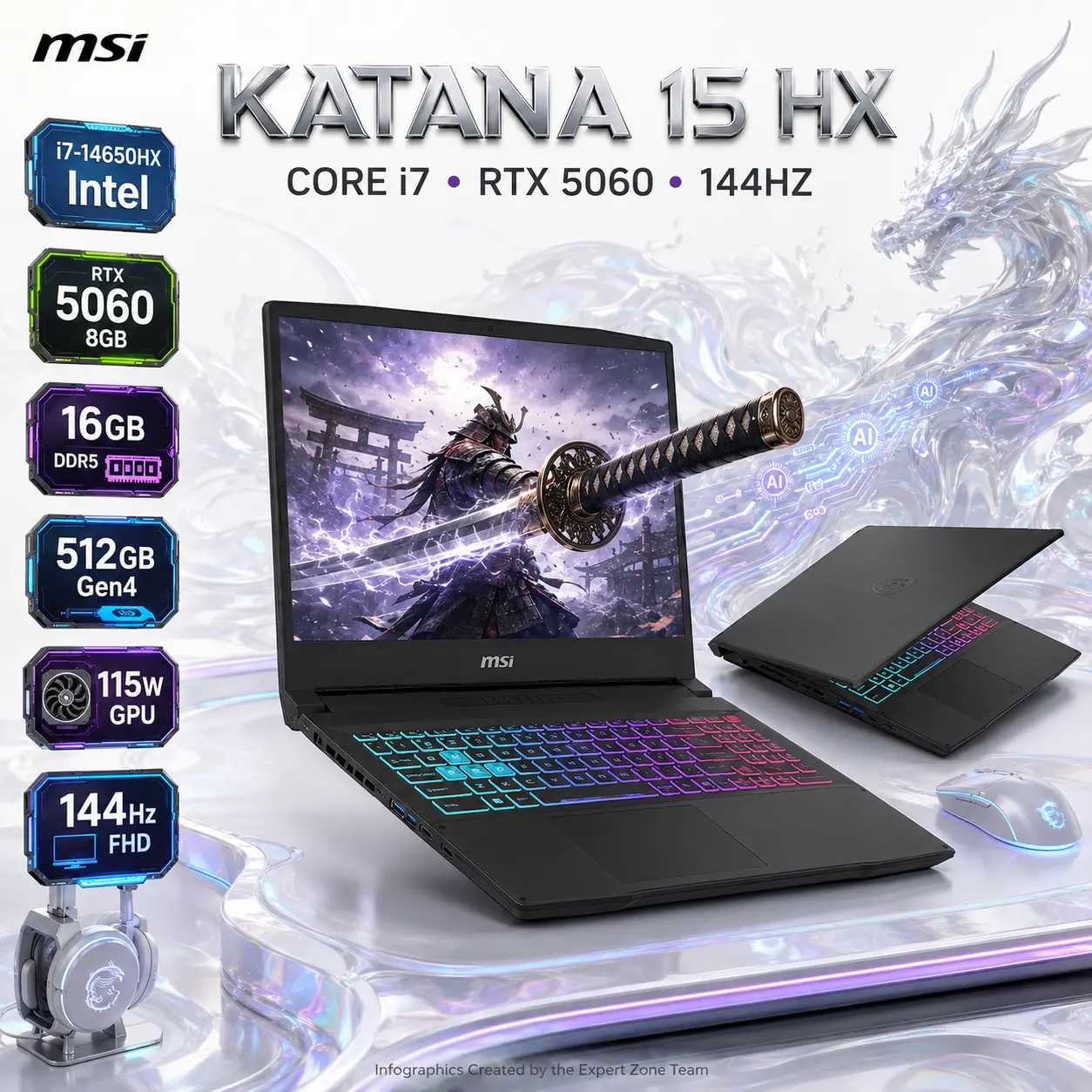
- Create an exact 2048 × 2048-pixel, perfect 1:1 square website product-profile composition.
- Separate the foreground gaming laptop, midground gaming desk, and background surreal AI-powered battle environment.
- Make the laptop occupy approximately 56–64% of the canvas width.
- Place the MSI logo at the top-left within generous safe margins.
- Center “KATANA 15 HX” at the top using sharp, sophisticated 3D extruded typography.
- Add the subtitle “CORE i7 • RTX 5060 • 144HZ”.
- Keep the complete laptop, display, keyboard, ports, logo, title, icons, and footer fully inside the canvas.
- Never create a banner, vertical layout, wide composition, stage, pedestal, or cropped preview.
- Product Presentation
- Use only the official MSI Katana 15 HX B14W product reference (of the two attached laptop) while configuring all displayed information exclusively for B14WFK-605XPL.
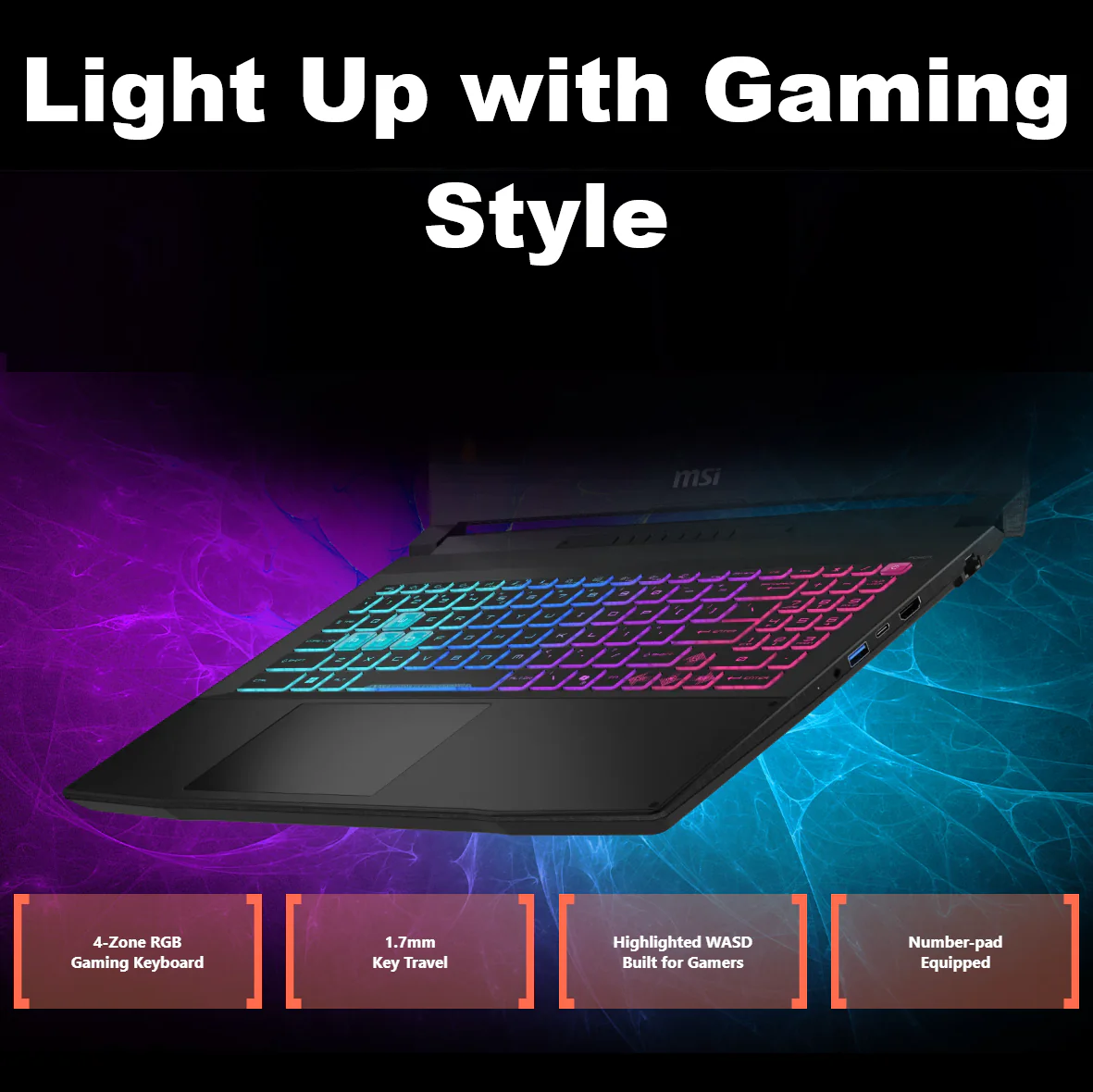
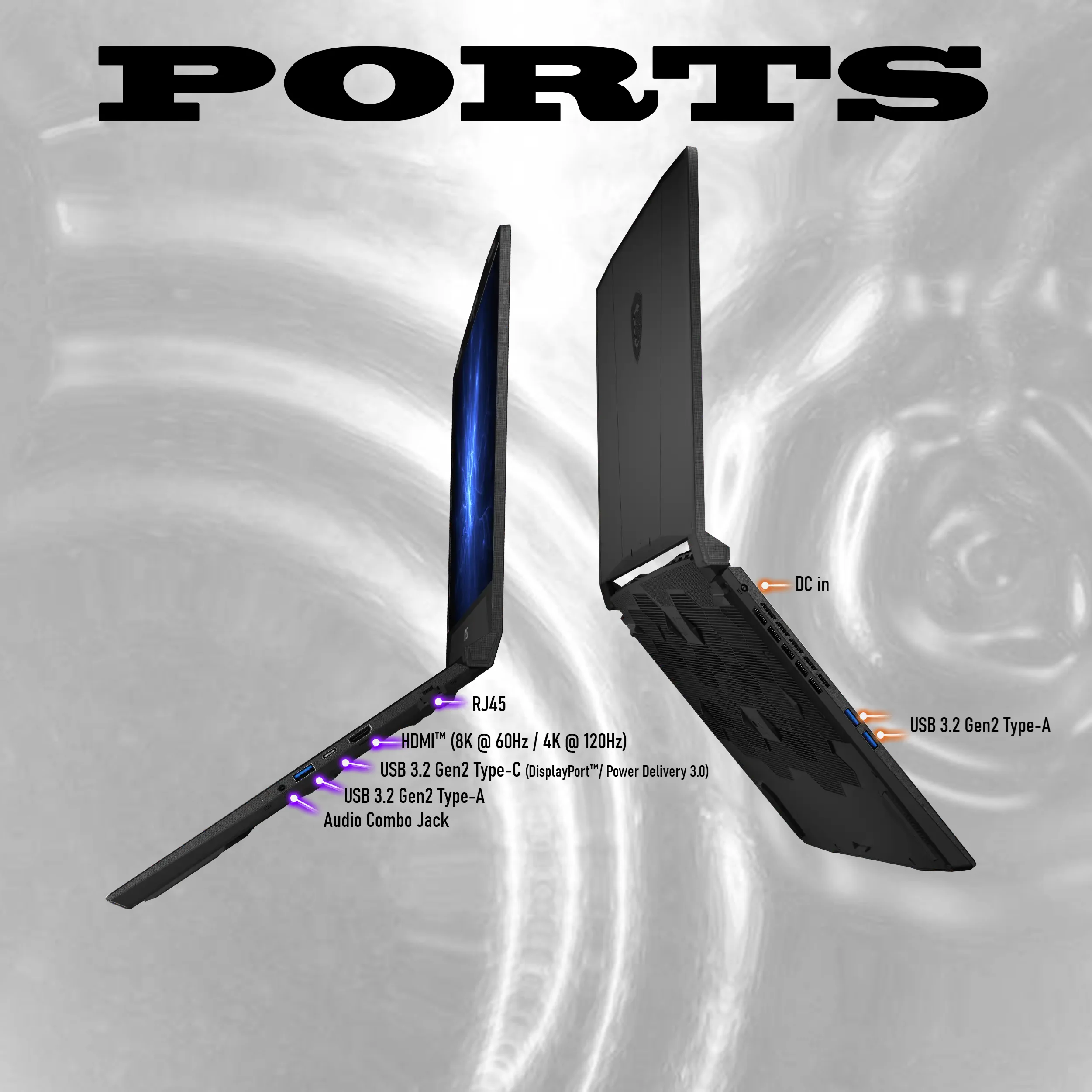
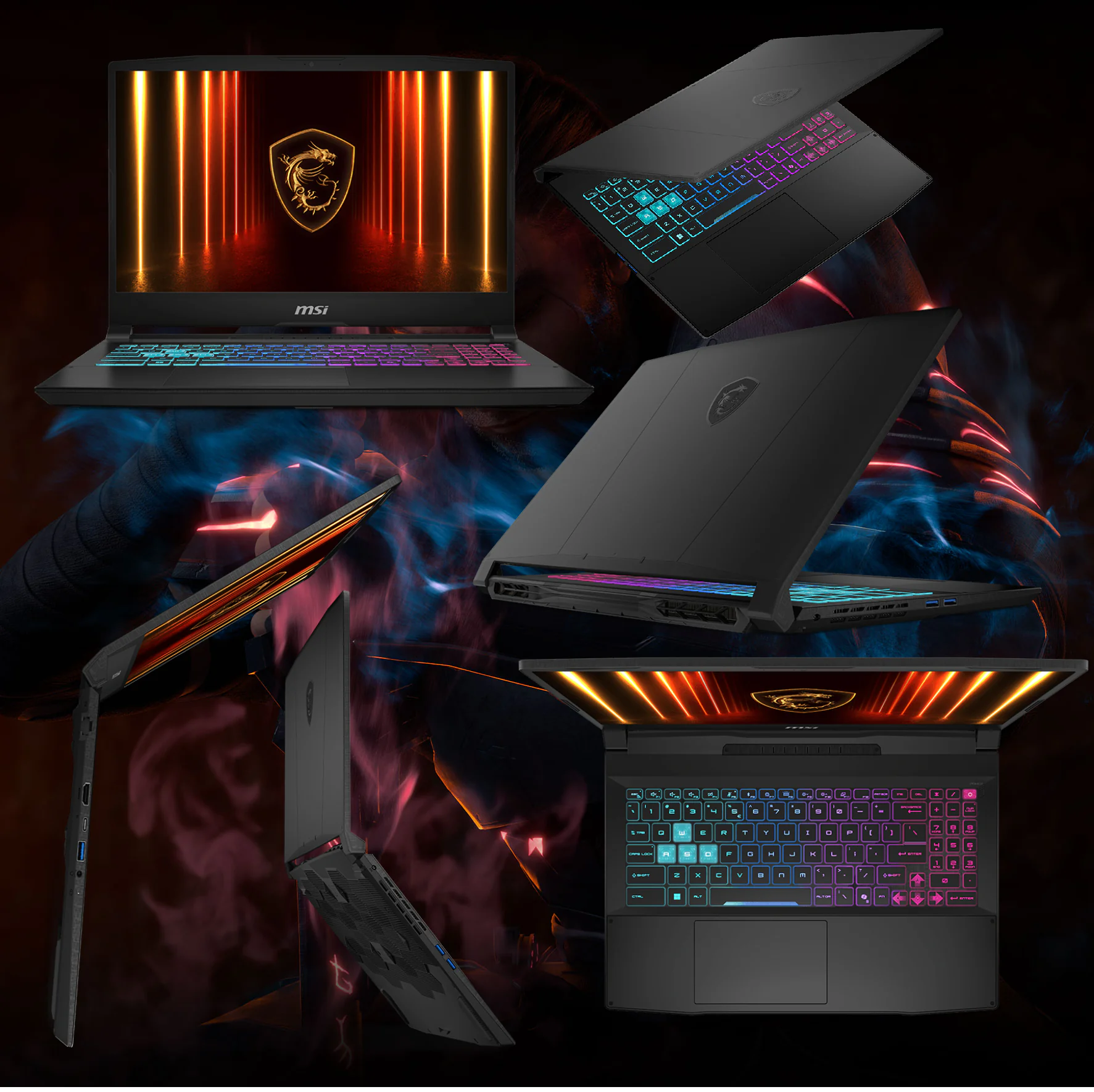
- Preserve the authentic black chassis, 15.6-inch proportions, angular lid, full keyboard with numeric keypad, highlighted gaming keys, and four-zone RGB illumination.
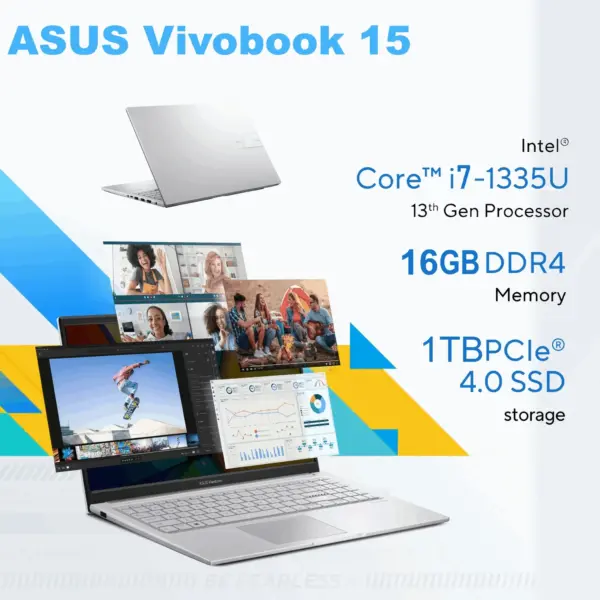
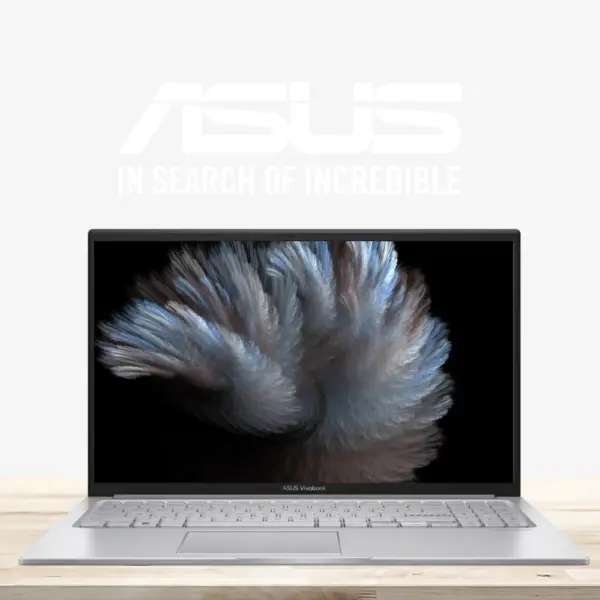
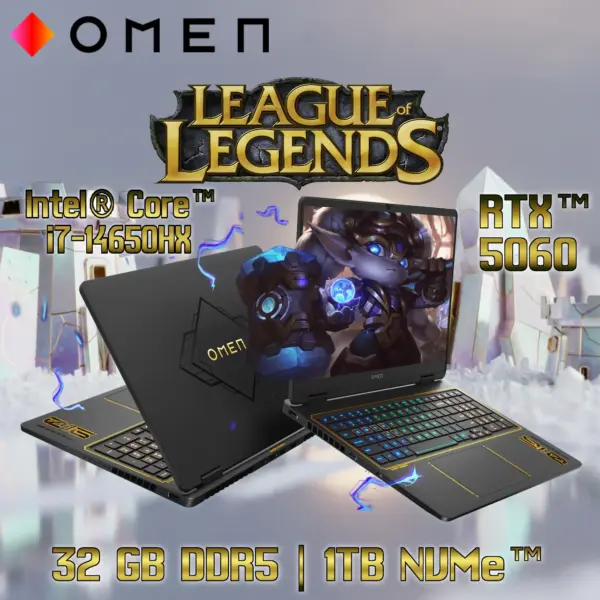
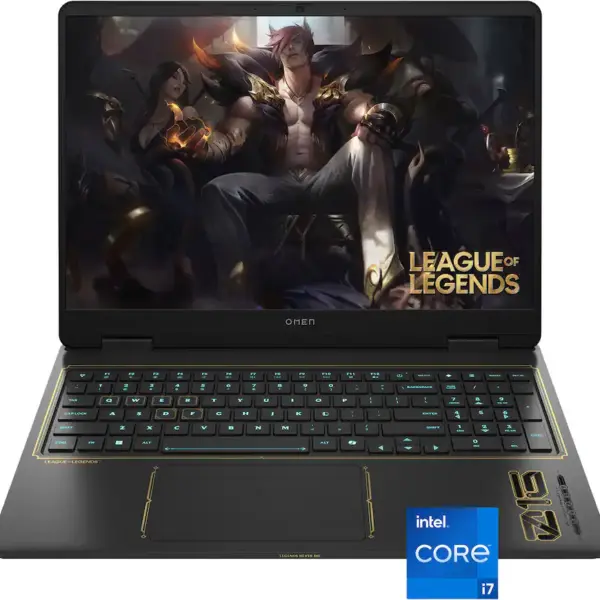
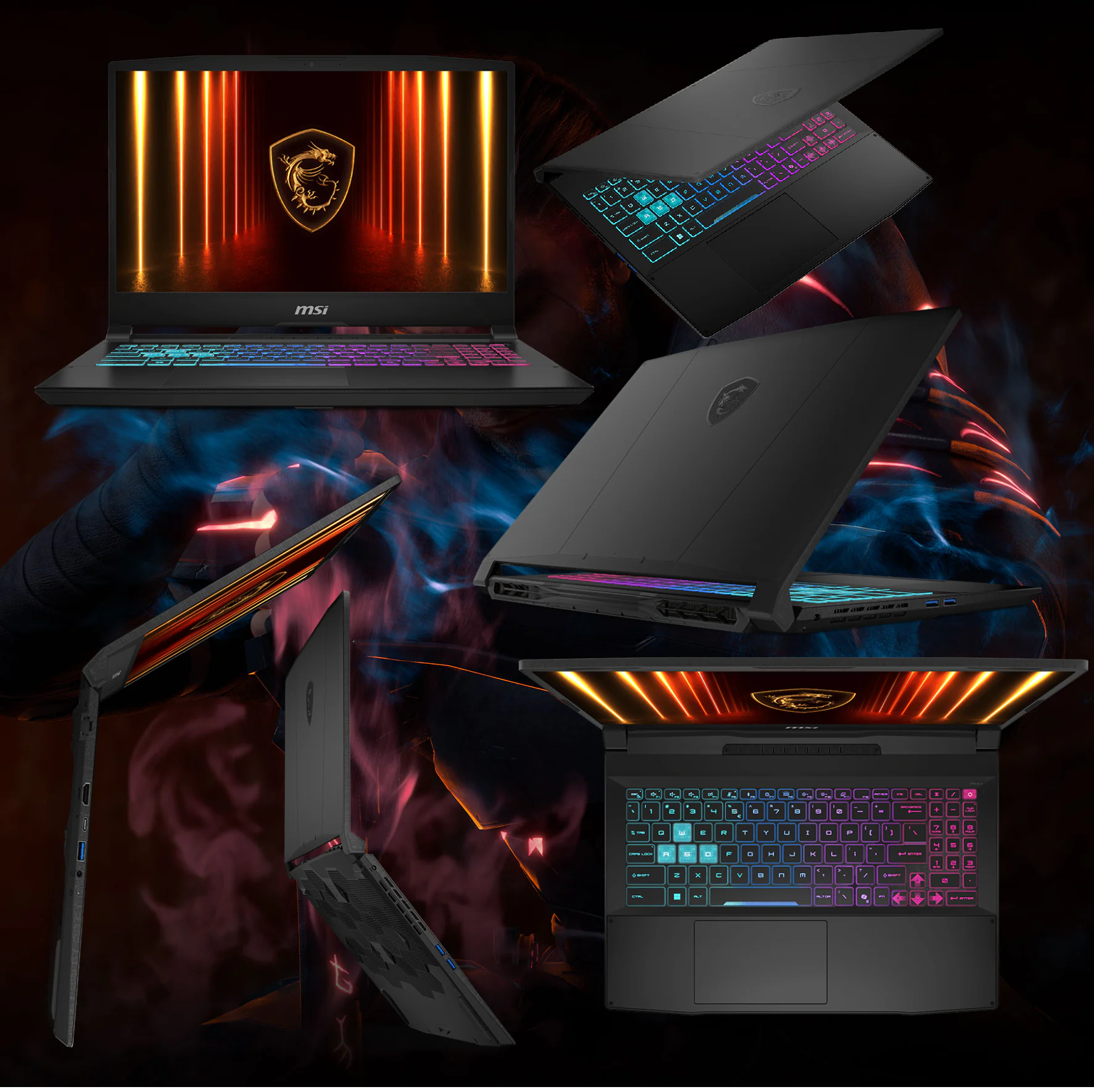
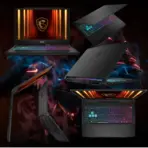
- Show one extremely sharp three-quarter open-laptop view resting naturally on a refined gaming desk and the one of the partially open laptop as shown in the attached image “photo-nb01 (1).png”
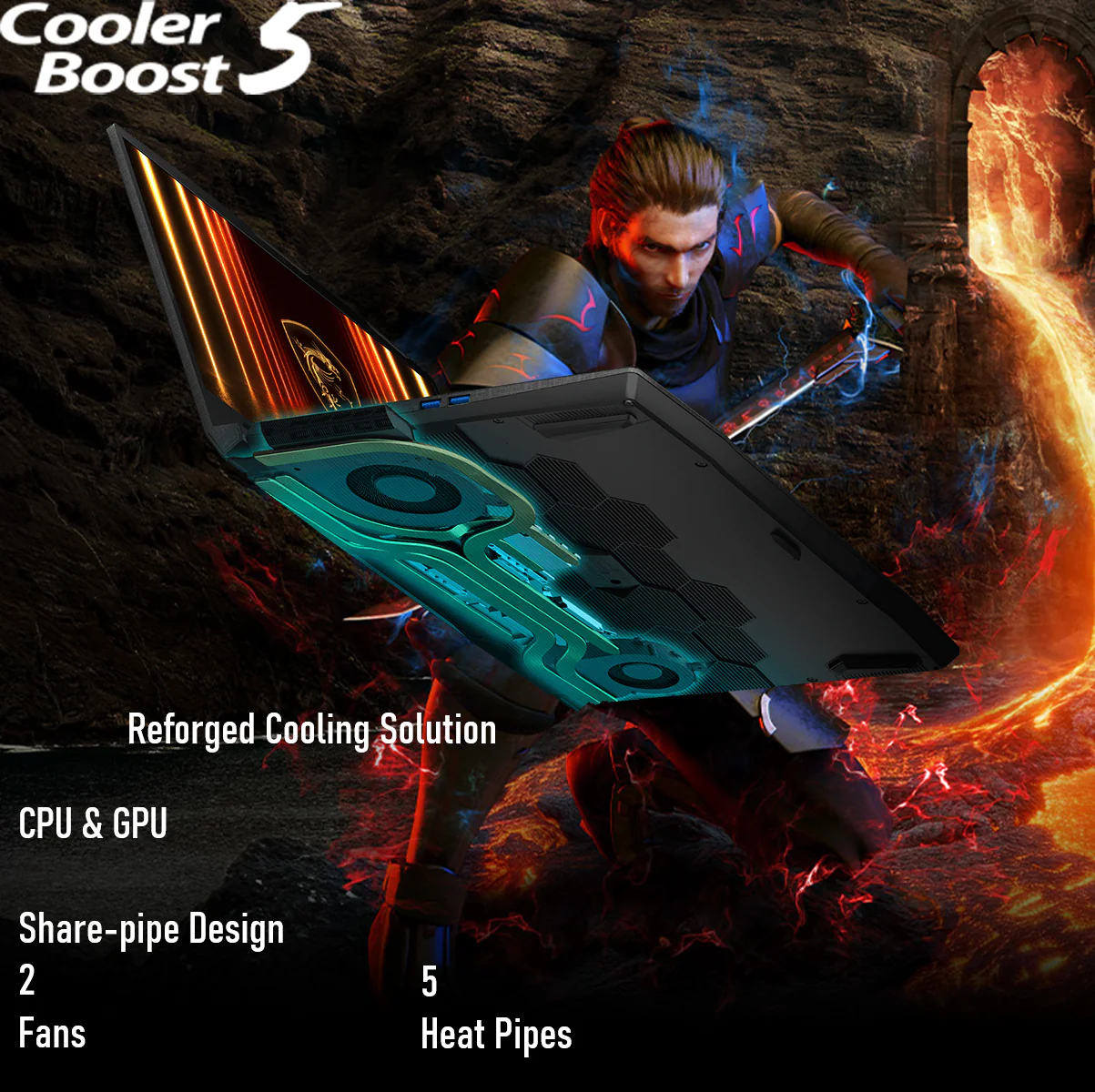
- on the monitor of ” photo-nb04.png ” Display an active samurai combat environment on the screen featuring a katana sword .
- The key artistic effect is a powerful, physical anamorphic illusion where the whole display area acts as a window portal. A three-dimensional model of [katana sword ] must appear to be physically extruding and emerging from the surface of the laptop screen, breaching and flowing into the surrounding space as a volumetric, detailed structure. the [katana sword] should look like it’s caught in the middle of the action of ” half the way exiting the screen” and piercing through the screen in FORCED anamorphic illusion
- Artistically Distinct and Detailed Background
- Background Story : Create a surreal dragon-blade data environment where AI signals and gaming energy travel through luminous channels toward the RTX 5060 laptop.
- Background Color Palette : Use mandatory dominant extreme high-luster pearlescent white, supported by an oily fluid iridescent silver-metallic, restrained purple, icy blue, and cobalt reflections.
- Background Texture : Use only deep rich extreme high-luster opalescent conch-pearl textures and light-colored liquid iridescent chrome.
- Apply global illumination, dielectric reflections, precision caustics, and crisp separation around the black chassis.
- Avoid graphite smog, dirty gray fog, excessive darkness, and flat empty white space.
- exports badge 3d rendered Icons
- CRITICAL DIRECTIVE [STRICT] The Icons MUST Have different shapes depending on the specific content of the icon
- i7-14650HX intel
- RTX 5060 8GB
- 16GB DDR5
- 512GB Gen4
- 115W GPU
- 144Hz FHD
- Align the unique futuristic 3D icons vertically along one side.
- The typography of every icon should stay EXTRA-LARGE , BOLD, and ultra-readable , especially as the complete image is reduced to website-thumbnail size.
- Add “Infographics Created by the Expert Zone Team” in discreet footer text.
- Output Requirements
- Exact 2048 × 2048 output with extreme resolution and generous safe margins.
- Constraints
- Do not invent unsupported specifications or alter the laptop design.
- NEVER make it look like a premium ad poster.
- Before finalizing, evaluate: “How does this image fare as a product-profile image?” Correct every discovered flaw automatically.