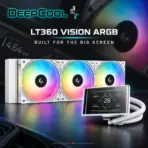
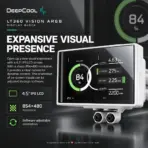
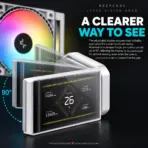

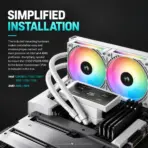
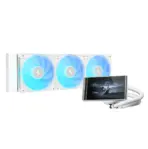
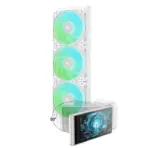
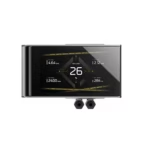
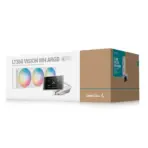



LT360 VISION WH ARGB
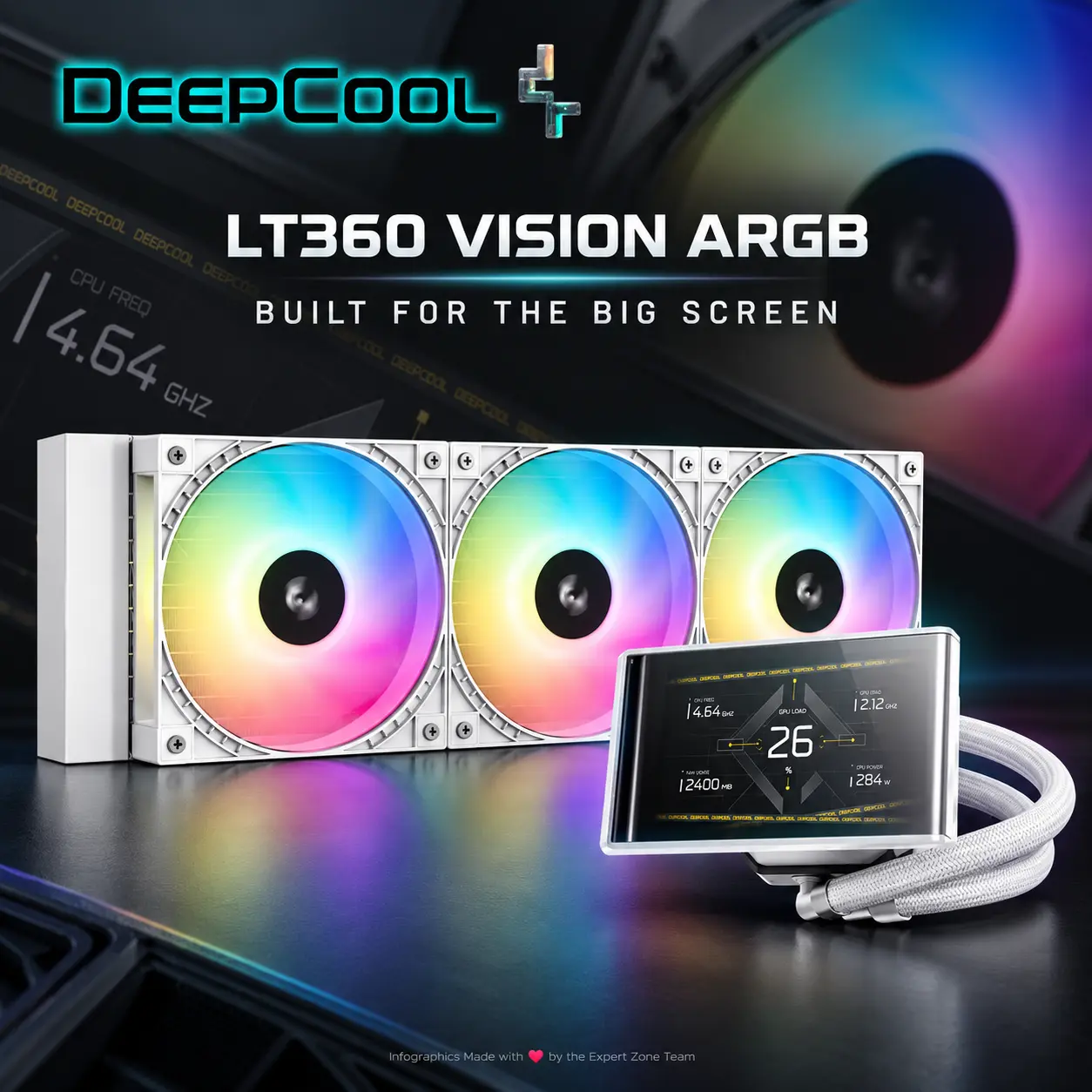
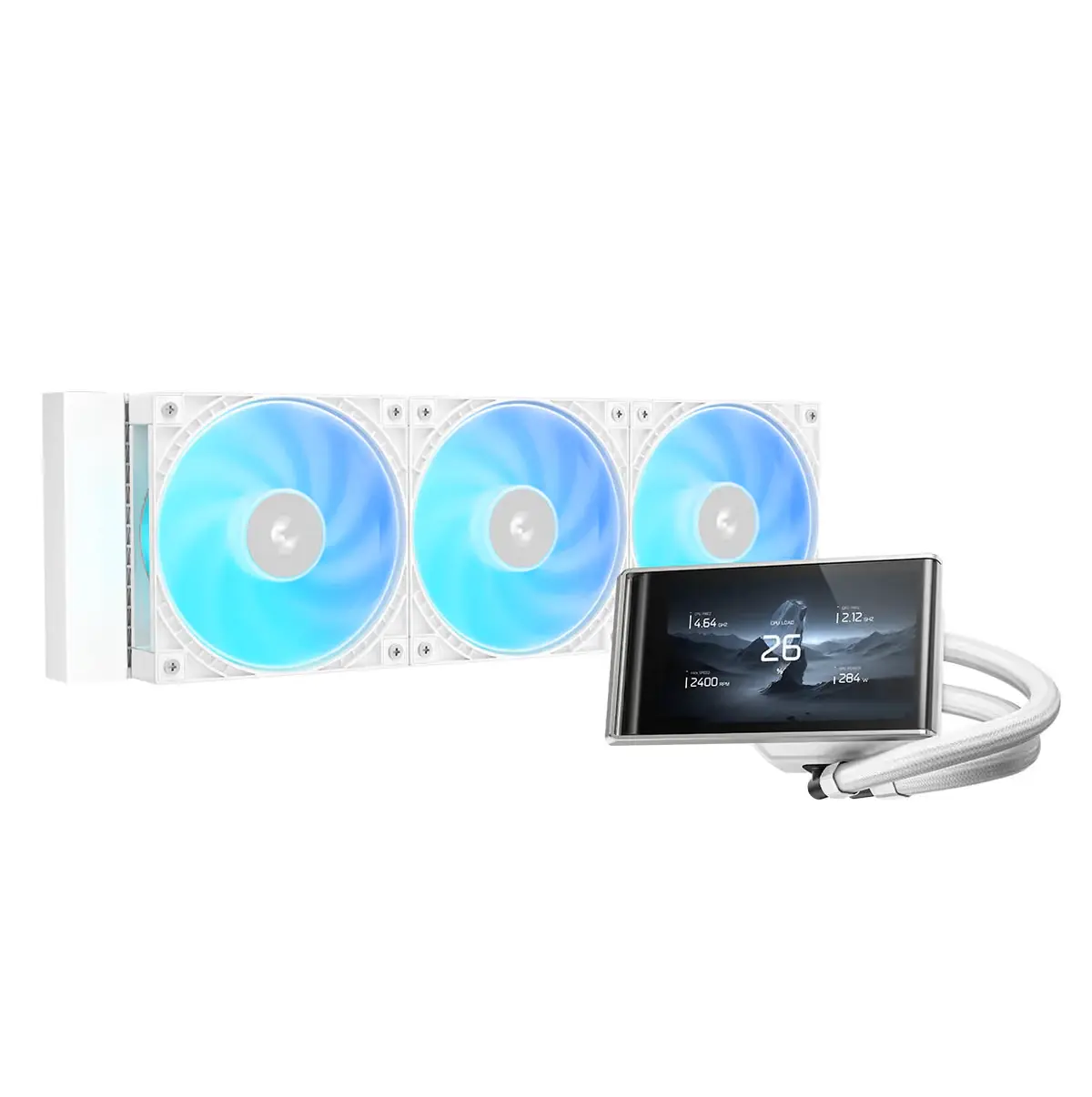
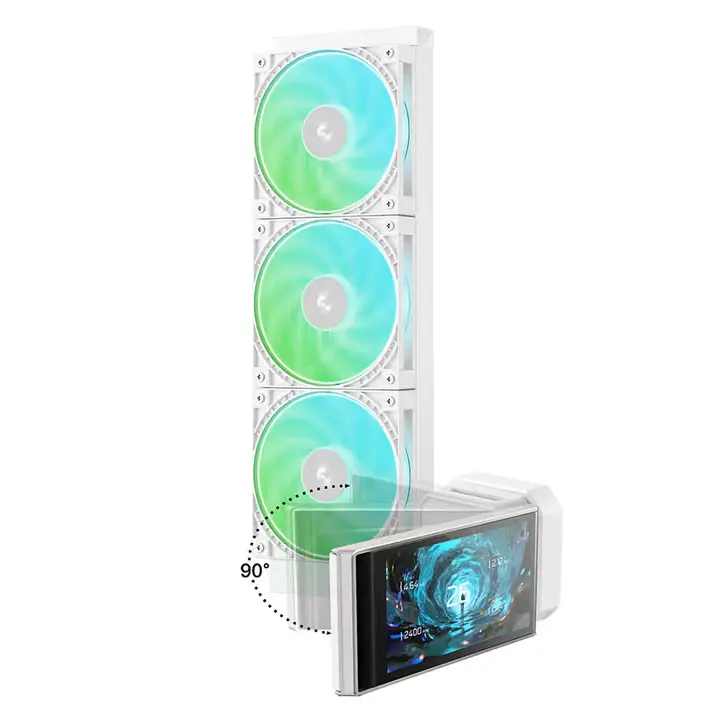
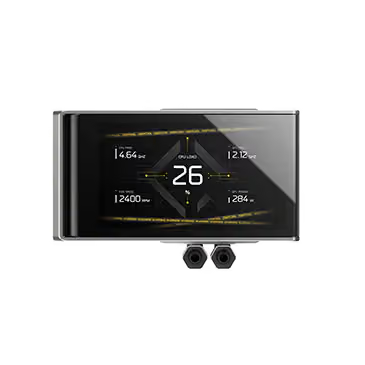
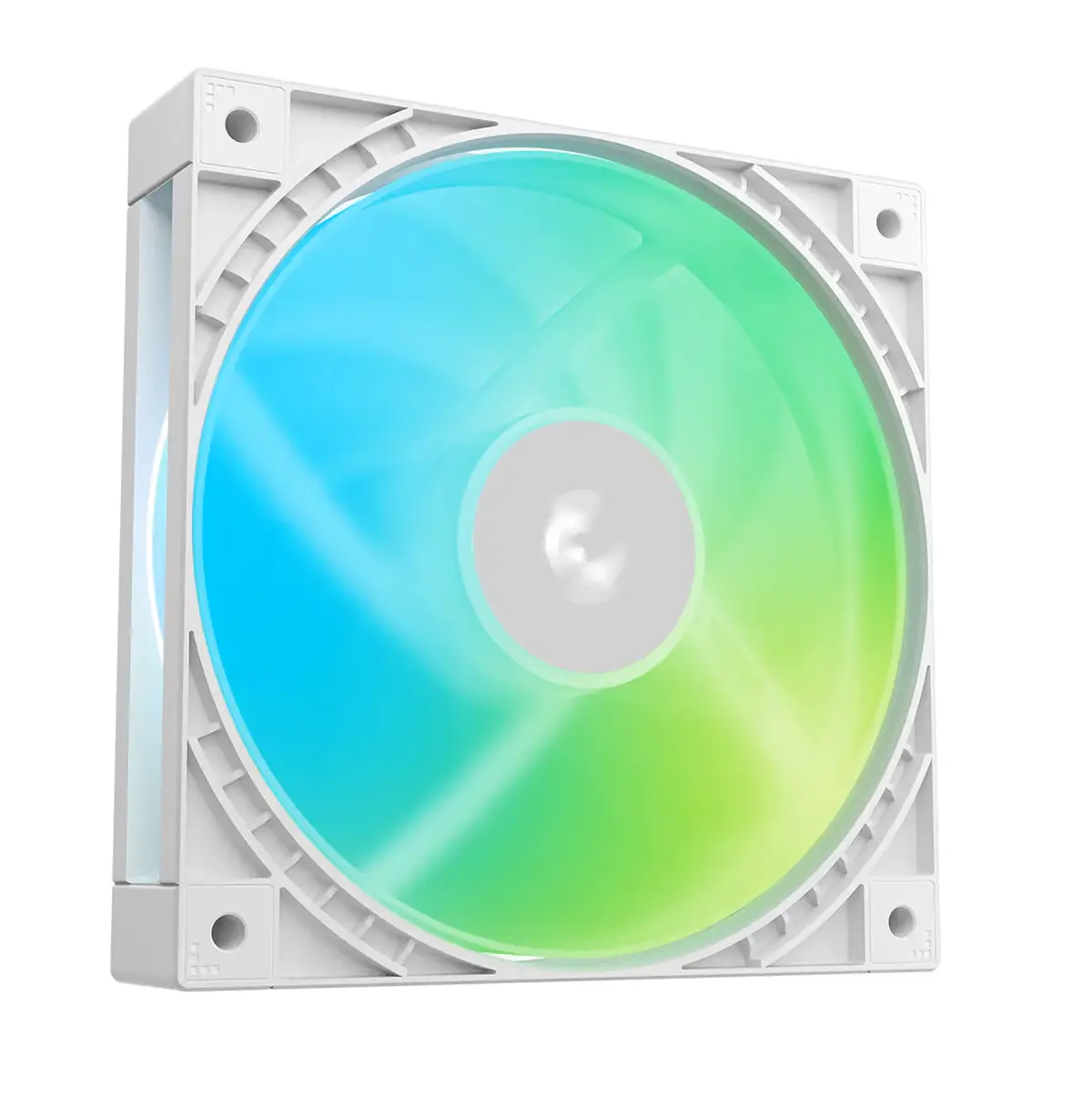
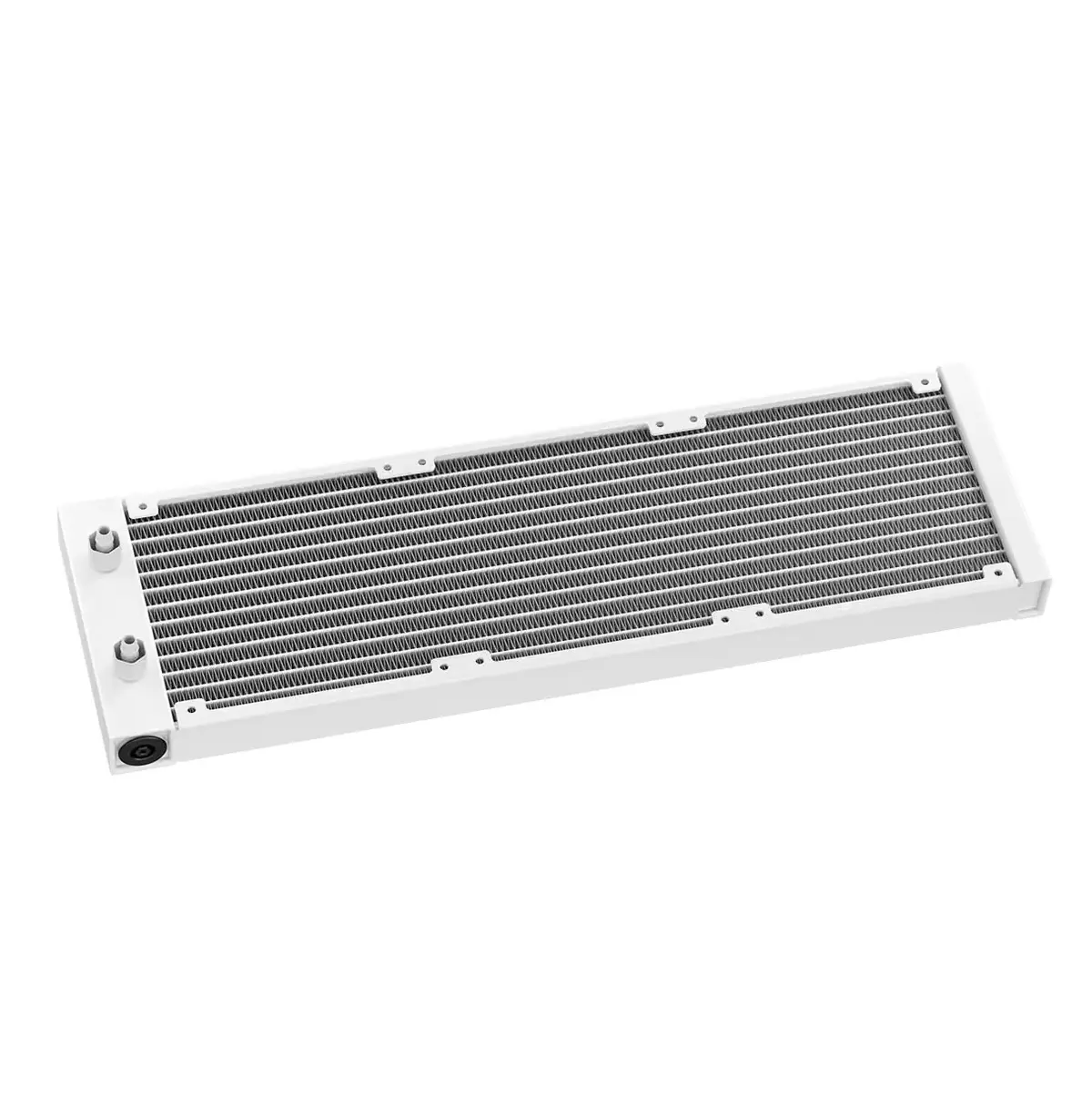
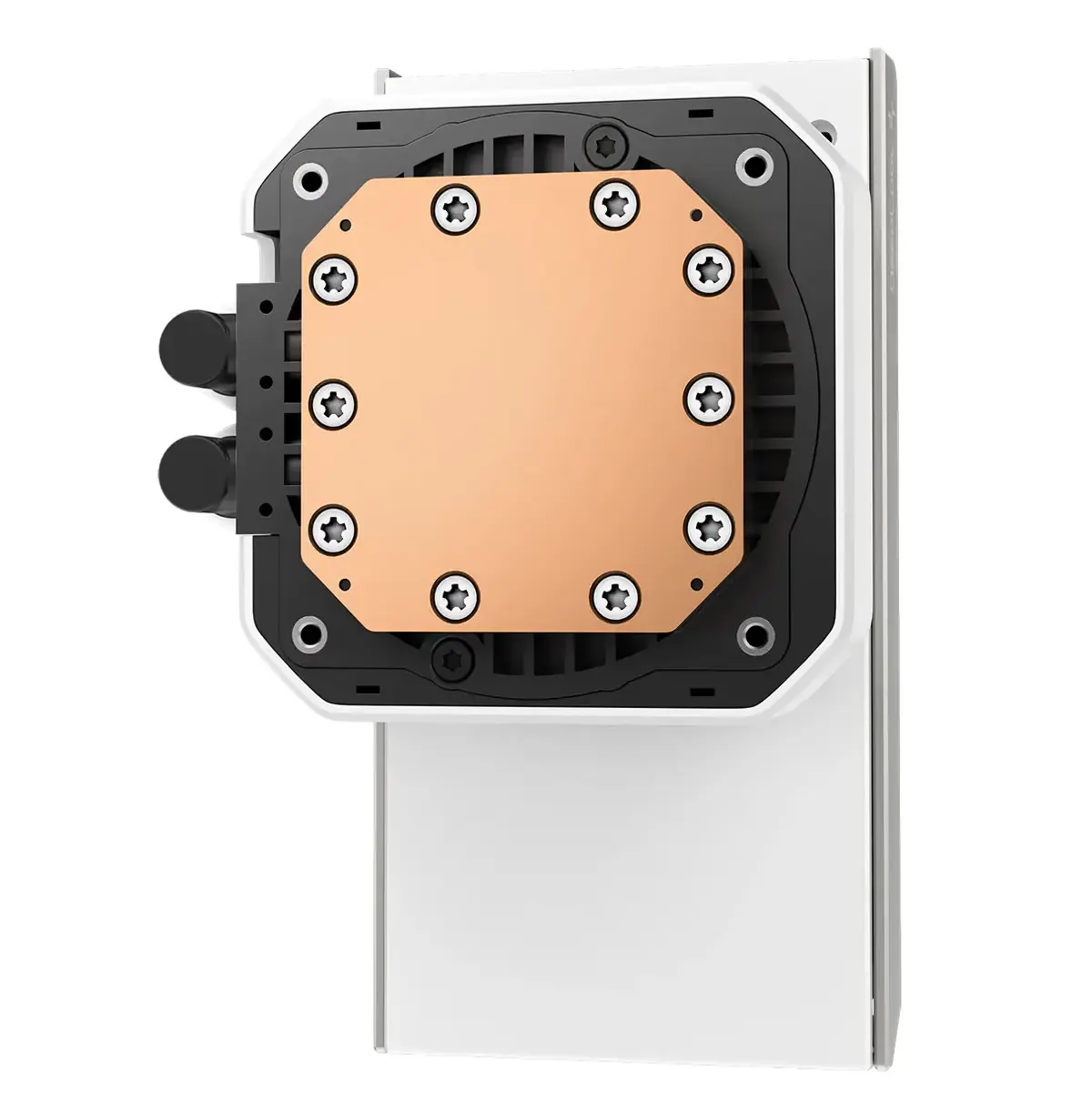
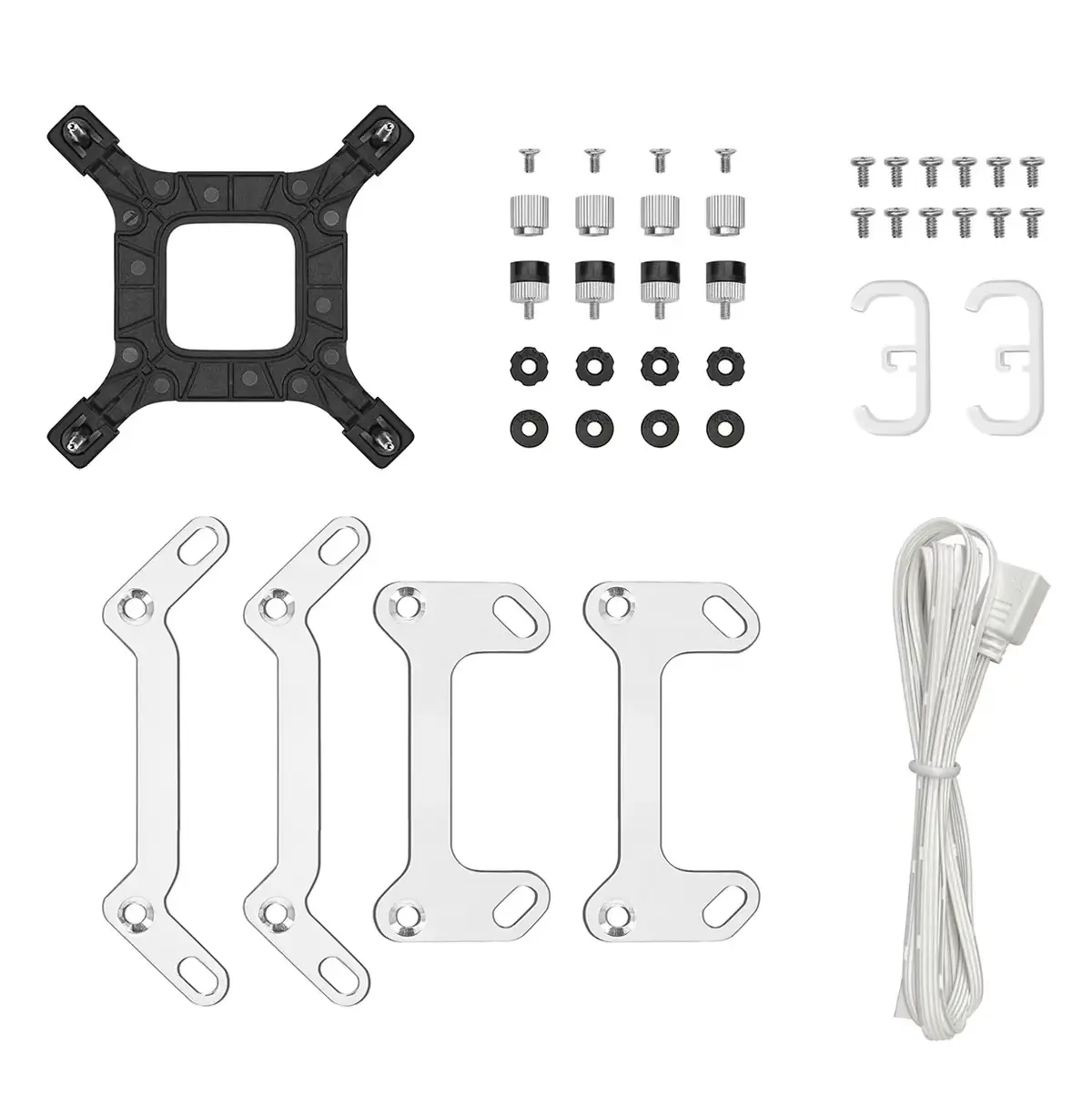
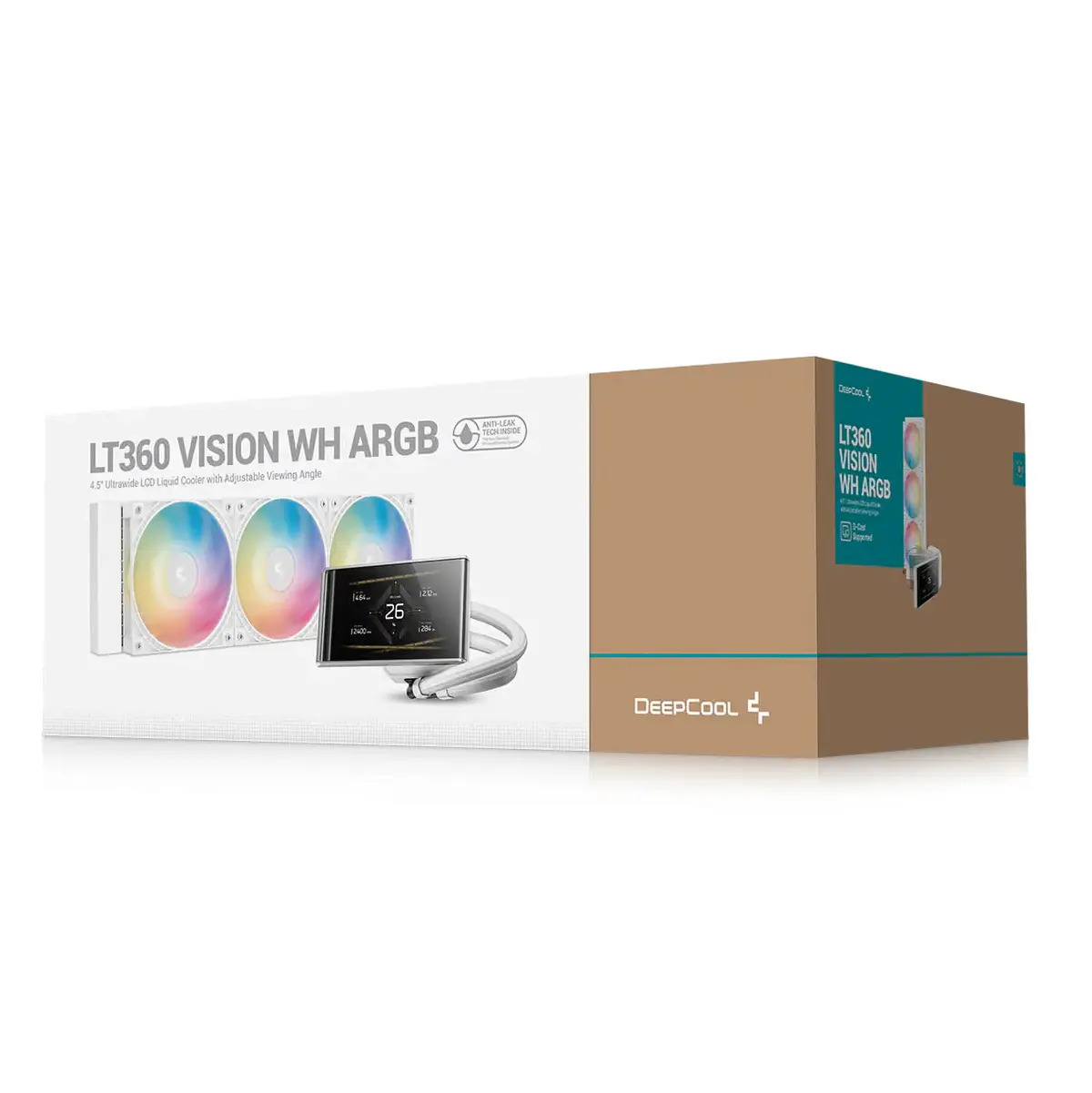
DeepCool LT360 VISION WH ARGB 360mm AIO Liquid Cooler, 4.5″ IPS LCD, 90° Adjustable Display, 3400 RPM Gen 6 Pump, 3×120mm ARGB Fans, Intel/AMD | WHITE
Generate an AI Image
- Layout
- Create an exact 2048 × 2048, perfect 1:1 square website product-profile composition for the DeepCool LT360 VISION ARGB.
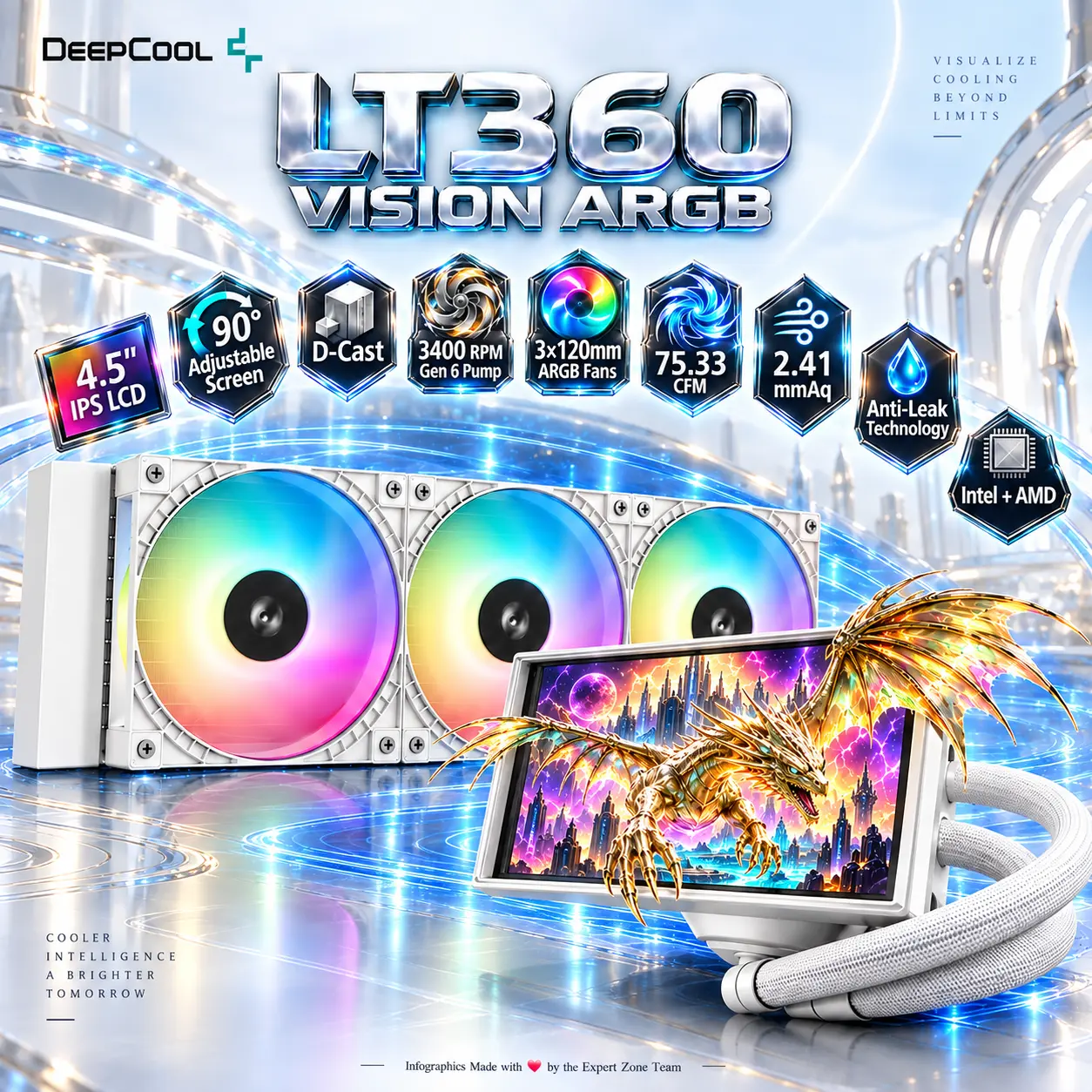
- Make the full cooler the dominant hero at approximately 68–72% of the useful canvas, clearly showing the 360mm radiator, three 120mm ARGB fans, tubing, pump block, and 4.5-inch display.
- Present the radiator diagonally in the rear-left while the pump/display sits prominently in the front-right.
- Foreground: pump head and ultrawide LCD.
- Midground: curved tubing and complete 360mm radiator.
- Background: a minimal surreal thermal-command laboratory crossed with a dark-fantasy data chamber.
- Arrange icons in a broken orbital arc around the outer upper-right perimeter, never as a straight line.
- Product Presentation
- Use official DeepCool LT360 VISION ARGB imagery as the strict physical reference.
- Preserve the exact black radiator, three-fan configuration, tubing geometry, pump shape, screen proportions, hinge structure, ARGB ring styling, and connector appearance.
- Place the DeepCool logo at top-left.
- Center “LT360 VISION ARGB” at the top using razor-sharp, deeply extruded liquid-opal silver typography.
- Keep the cooler extraordinarily crisp against the bright background with a localized pearl-white / pale cyan luminous aura.
- Artistically Distinct and Detailed Background
- Build a brand-new story around thermal intelligence: the cooler is installed visually above a surreal motherboard-like operating surface while an original pale techno-necromancer engineer studies floating temperature streams flowing through the tubes.
- The environment must stay overwhelmingly extreme high-luster pearlescent white, with faint icy cyan, champagne, and spectral violet accents.
- Use only two texture families: thick translucent dichroic glass and deep iridescent oily-fluid pearl surfaces.
- Form coolant flow as elegant luminous ribbons traveling through the tubes, never as cartoon liquid.
- Keep the dark character distant and secondary, with most armor rendered in ivory glass and polished light silver instead of black.
- LCD Anamorphic Portal Effect — Mandatory
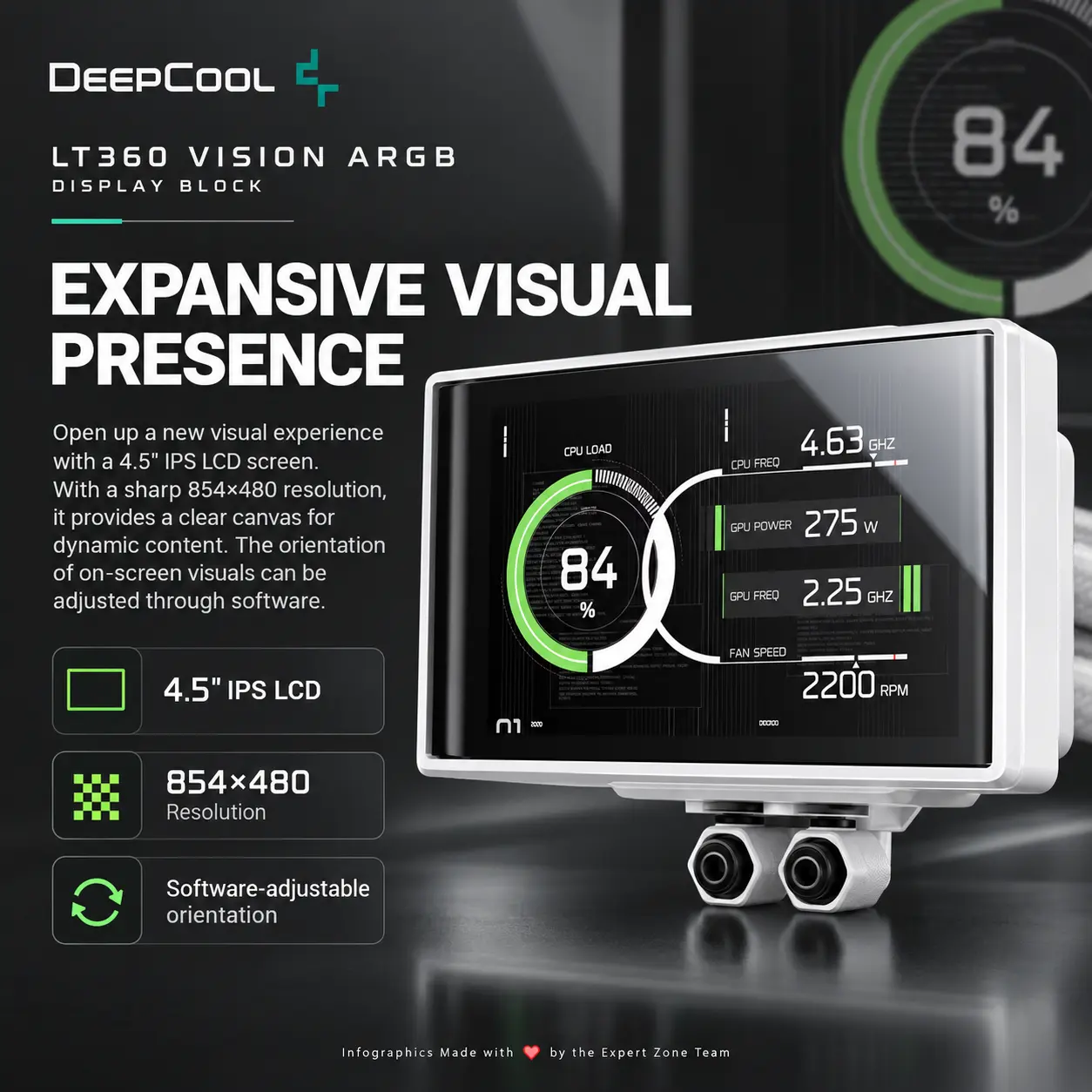
- The cooler’s entire 4.5-inch LCD area acts as a physical portal.
- Display a detailed concept wallpaper: a pale cyber-fantasy citadel suspended above an icy data abyss, with flowing cyan energy rivers, silver towers, floating crystalline fragments, and a spectral mechanical dragon flying toward the viewer.
- The spectral mechanical dragon already present in the wallpaper must appear halfway through the LCD, physically breaching the screen surface in forced anamorphic perspective.
- Its head, front claws, and part of its translucent wings extend into real space while its rear body remains visibly inside the display.
- Keep this extrusion compact enough that the cooler remains the main product, not the creature.
- Icons — Bullet Listed
- CRITICAL DIRECTIVE [STRICT] The Icons MUST Have different shapes depending on the specific content of the icon
- 4.5″ IPS LCD
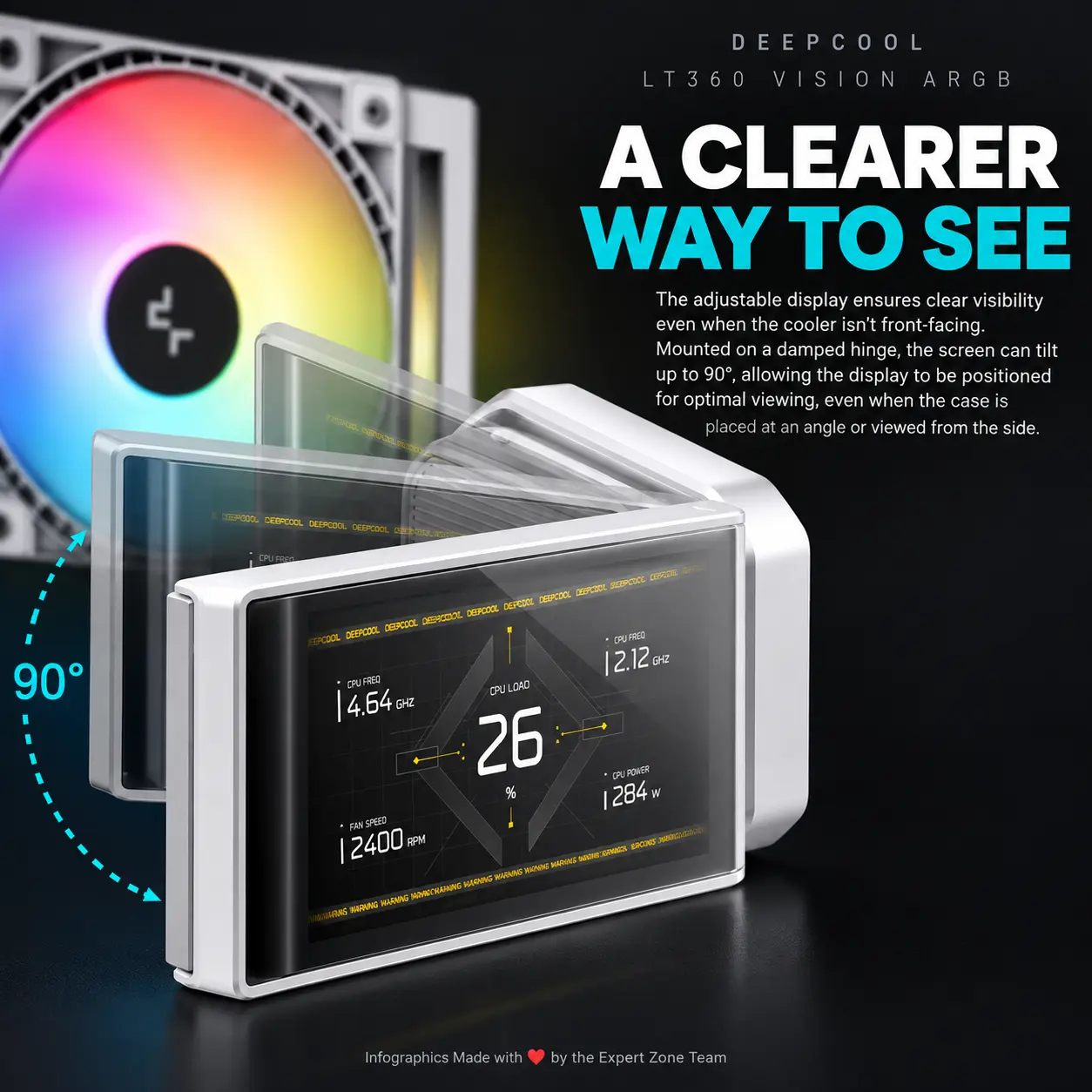
- 90° Adjustable Screen
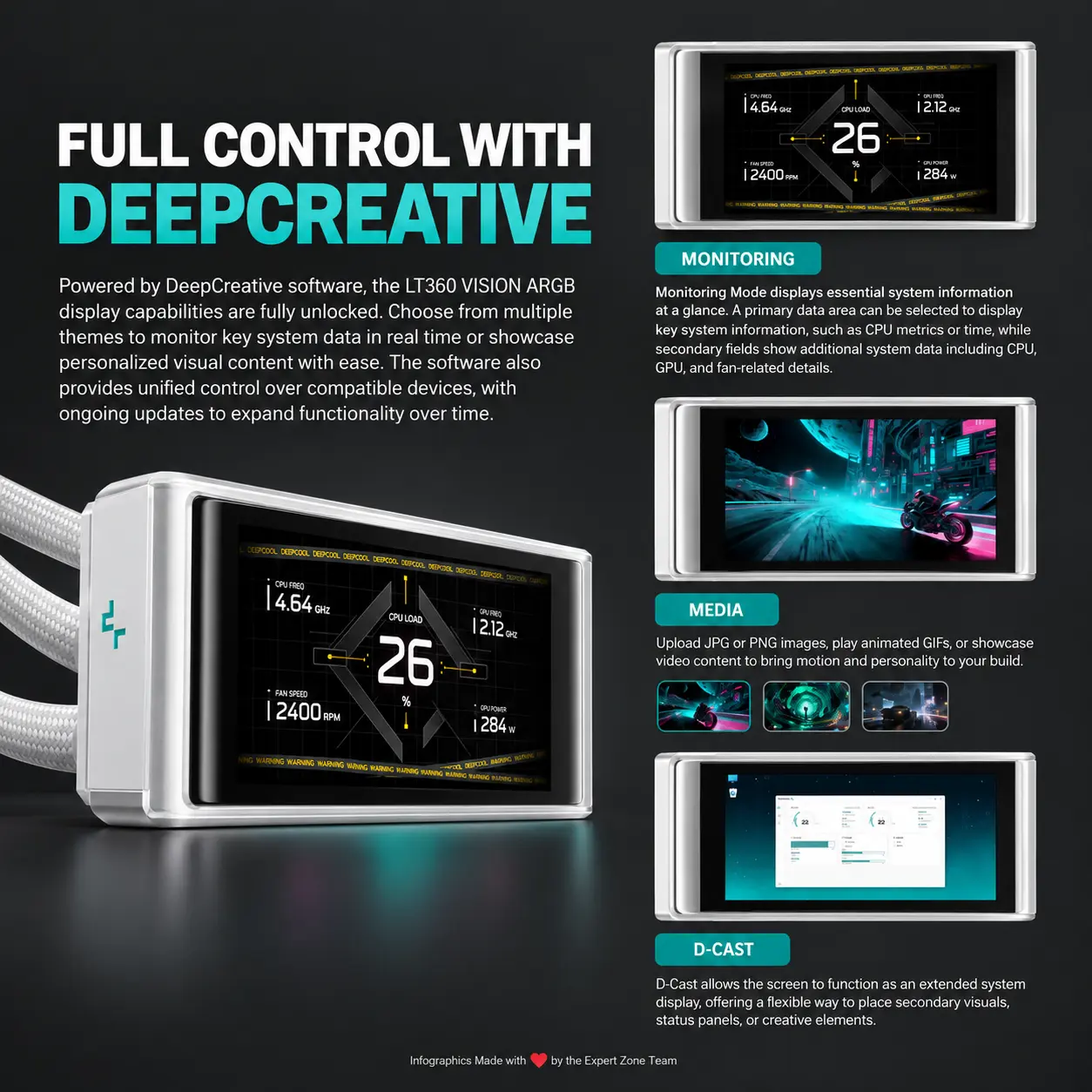
- D-Cast
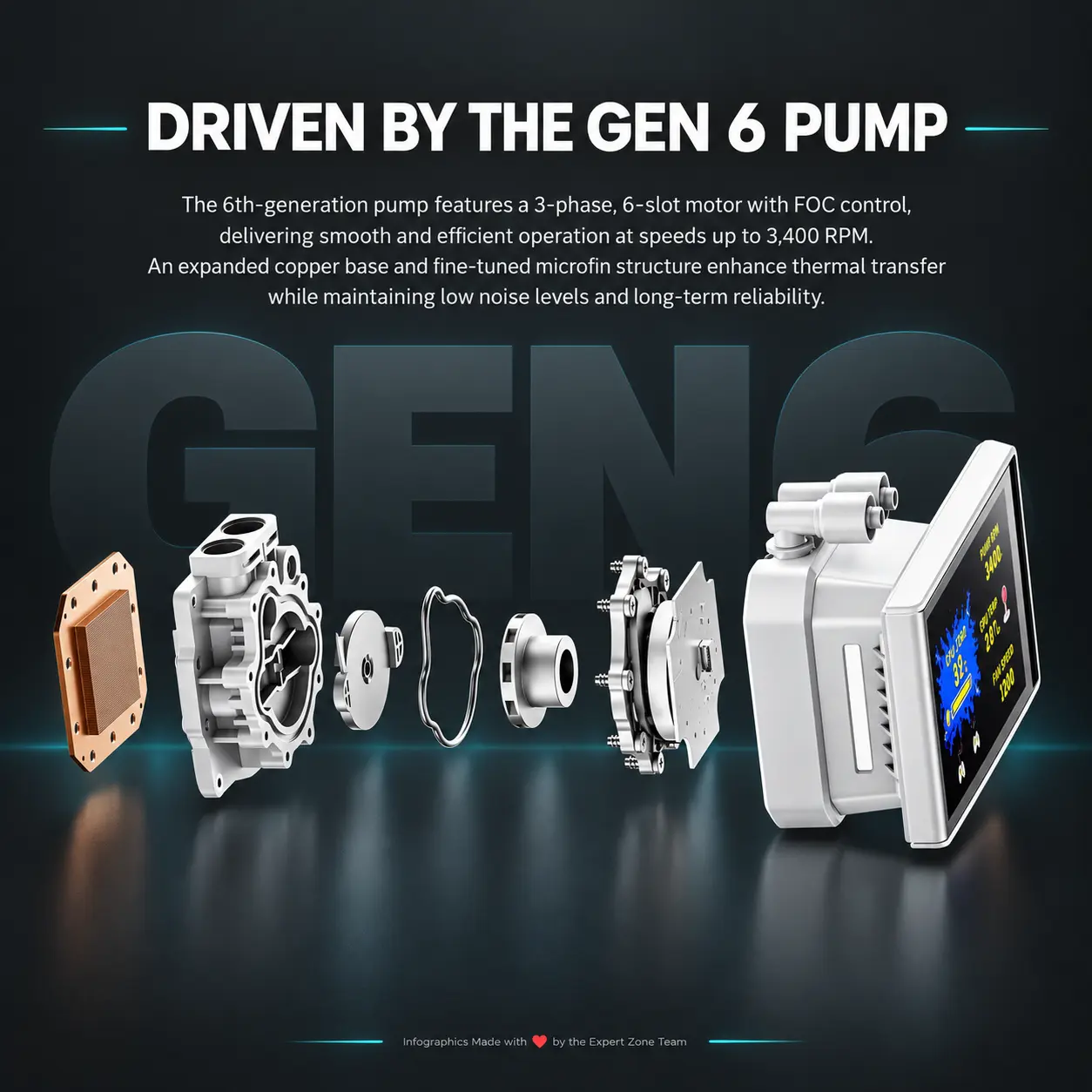
- 3400 RPM Gen 6 Pump
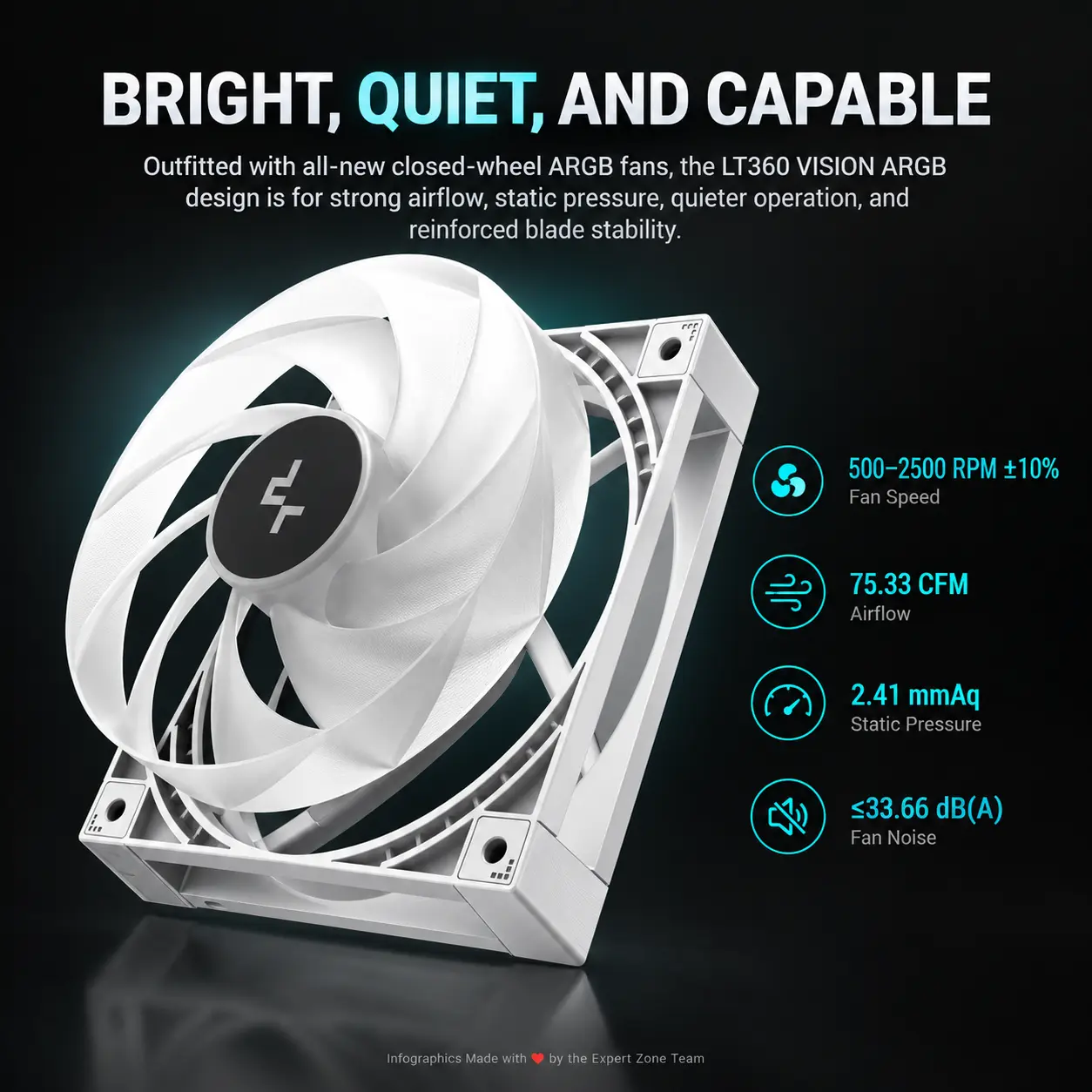
- 3×120mm ARGB Fans
- 75.33 CFM
- 2.41 mmAq
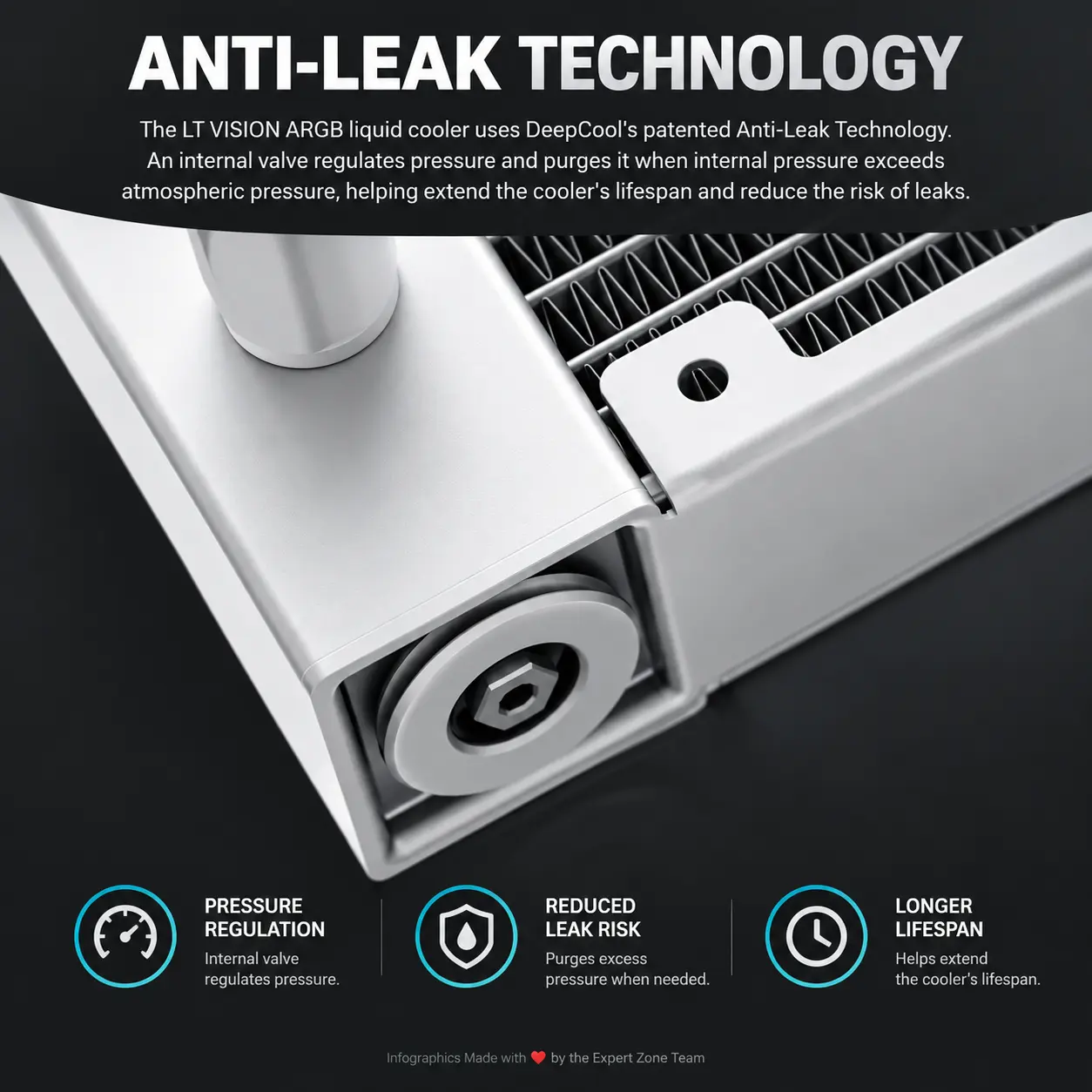
- Anti-Leak Technology
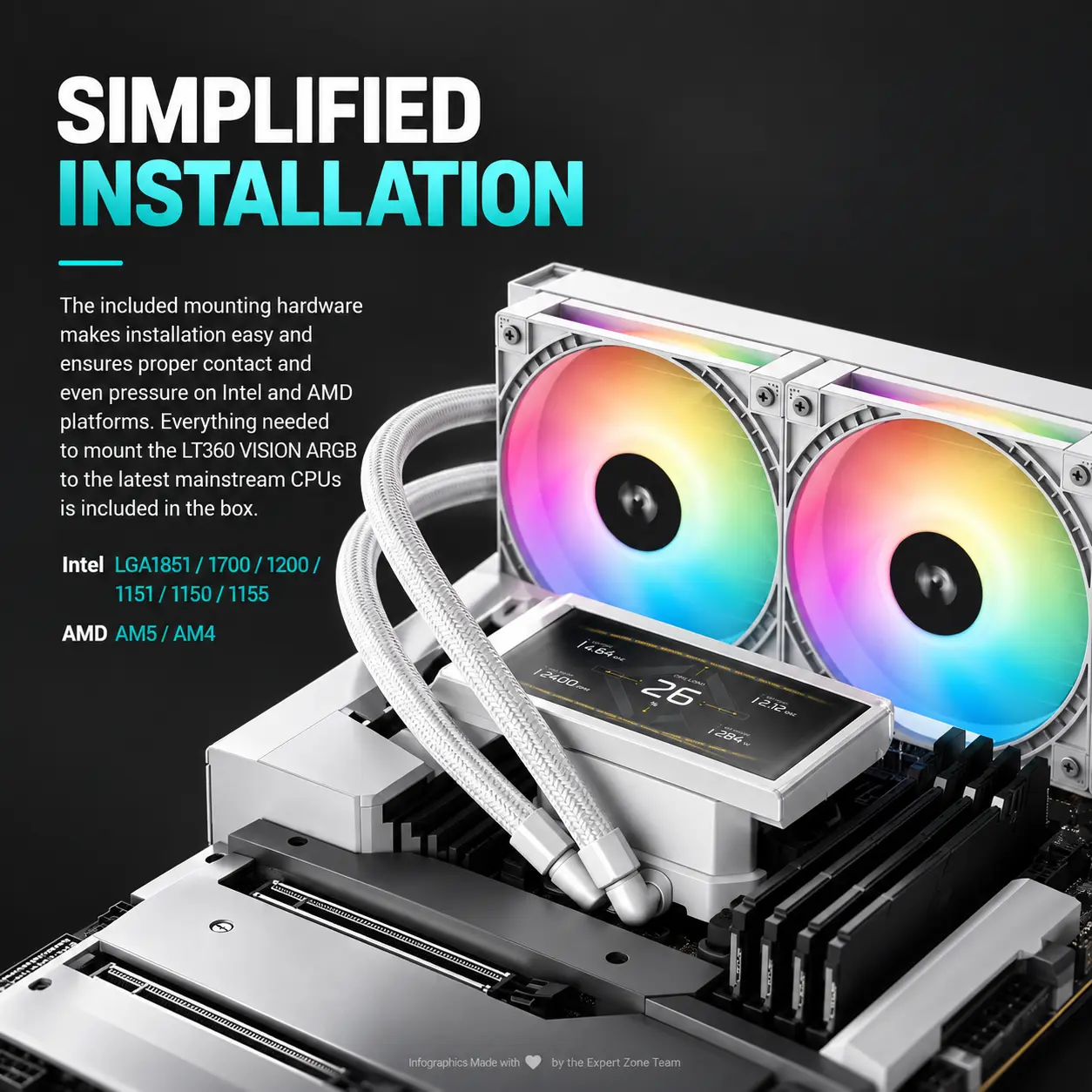
- Intel + AMD
- Build every icon as a different hollow freeform esports sculpture with enormous integrated typography readable at thumbnail size.
- Output Requirements
- Exact 2048 × 2048 pixels.
- Perfect 1:1 square ratio.
- Extreme high-resolution rendering throughout.
- Keep all elements safely inside the canvas.
- Add discreetly at the bottom: “Infographics Made with ❤️ by the Expert Zone Team”.
- Constraints
- Do not alter the cooler, fan count, radiator dimensions, LCD proportions, or tubing.
- Do not invent unsupported sockets, lighting, sensors, or cooling specifications.
- Do not use a pedestal, stage, plinth, conventional PC-ad layout, graphite fog, black walls, or smoky cyberpunk background.
- Keep black and graphite almost entirely restricted to the actual cooler and minute character details.
- Avoid flat white emptiness, cheap chrome, excessive matte material, visual clutter, and generic gaming-poster styling.
- NEVER make it look like a premium ad poster.
- Before rendering, ask “How does this image fare as a product-profile image?” and automatically correct product scale, screen accuracy, radiator geometry, fan count, edge sharpness, portal realism, typography, icon readability, and background separation.